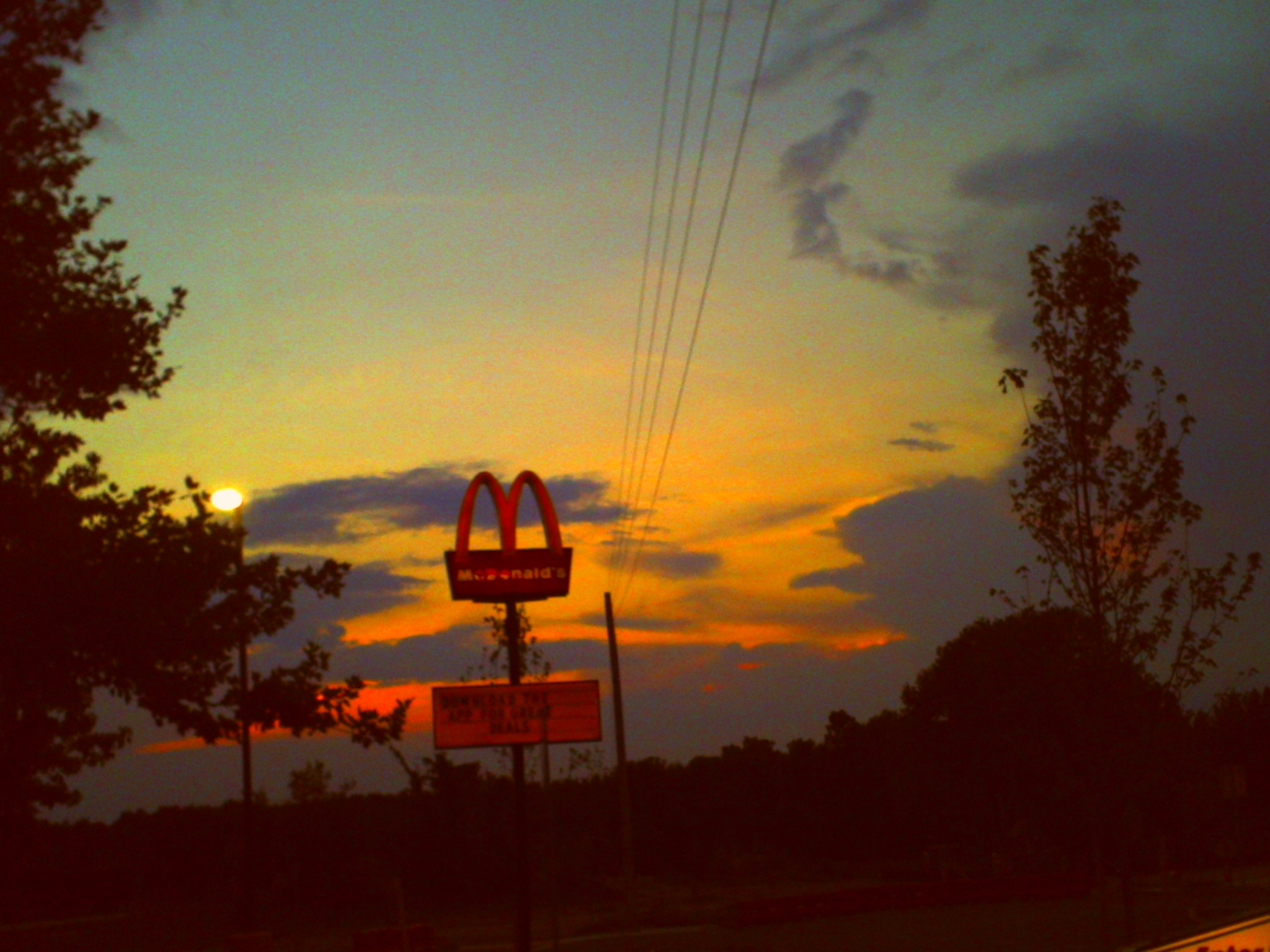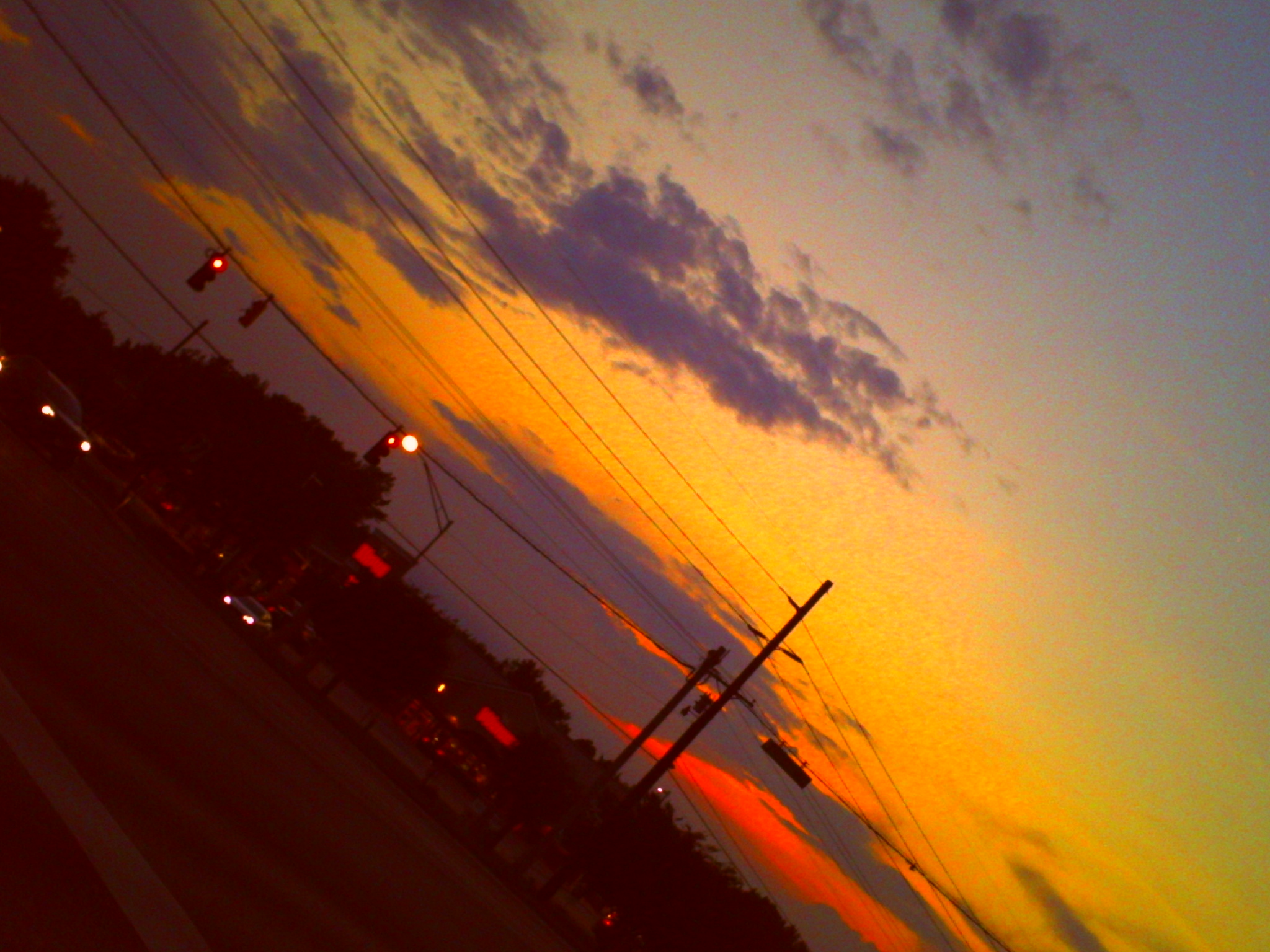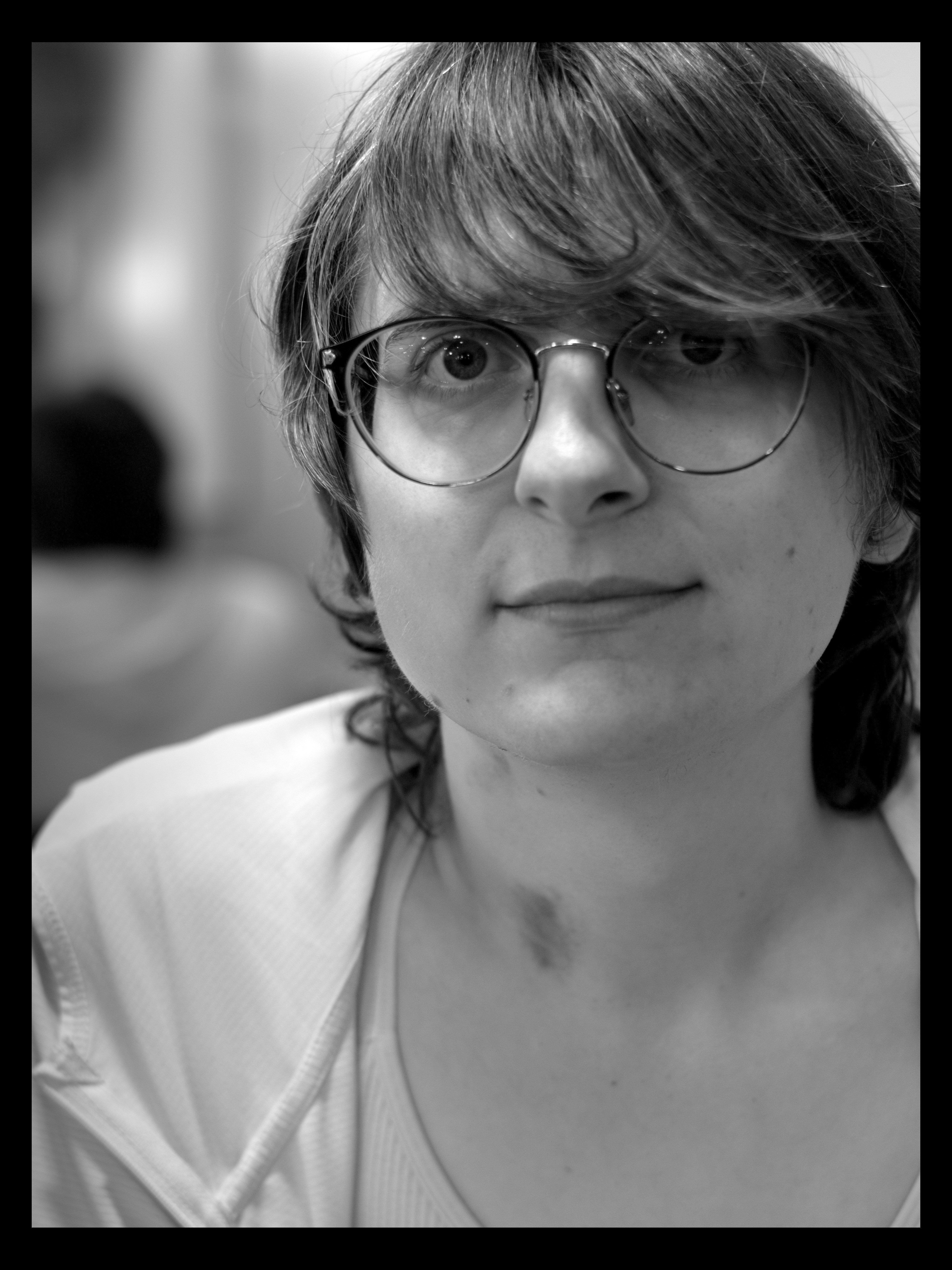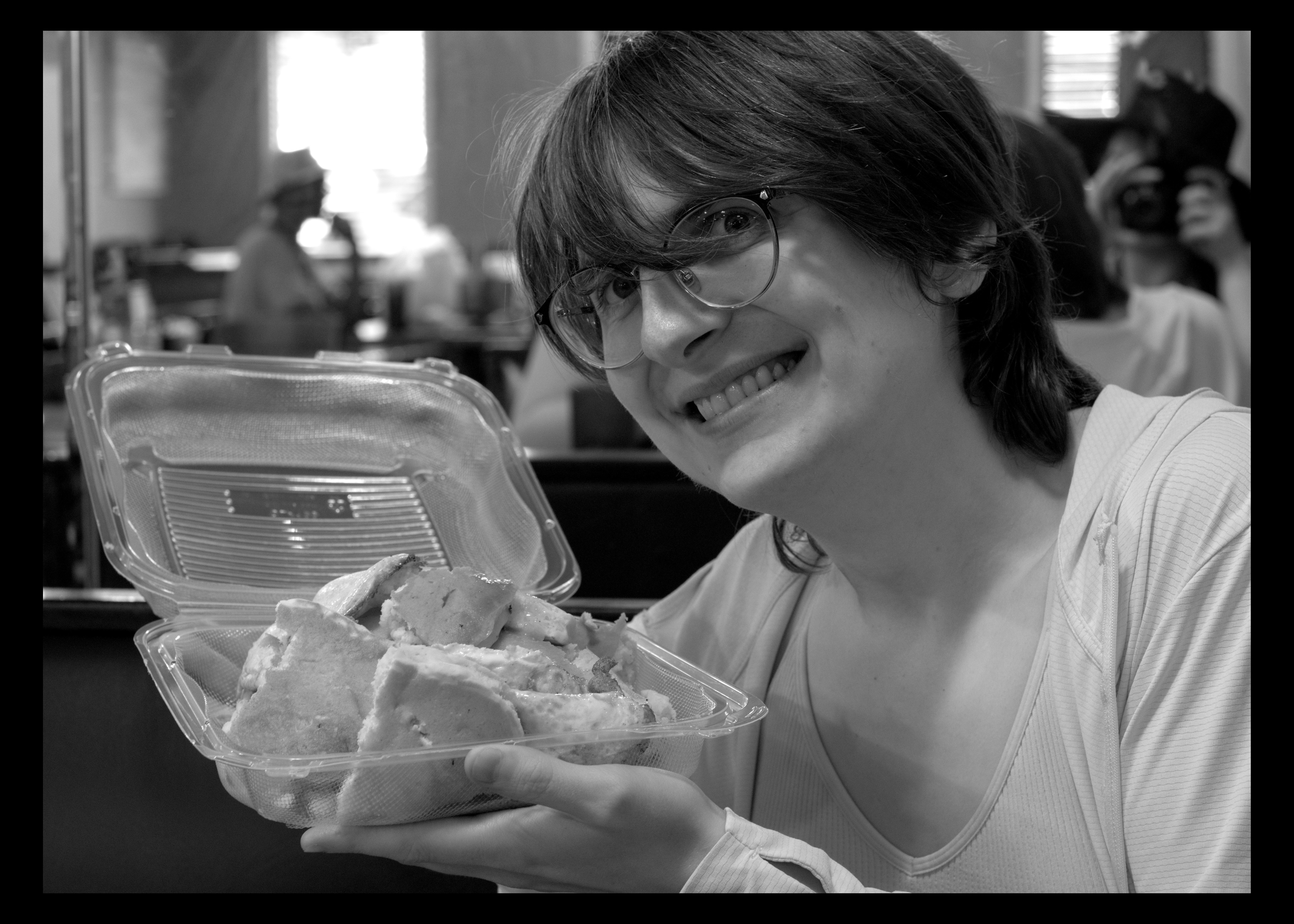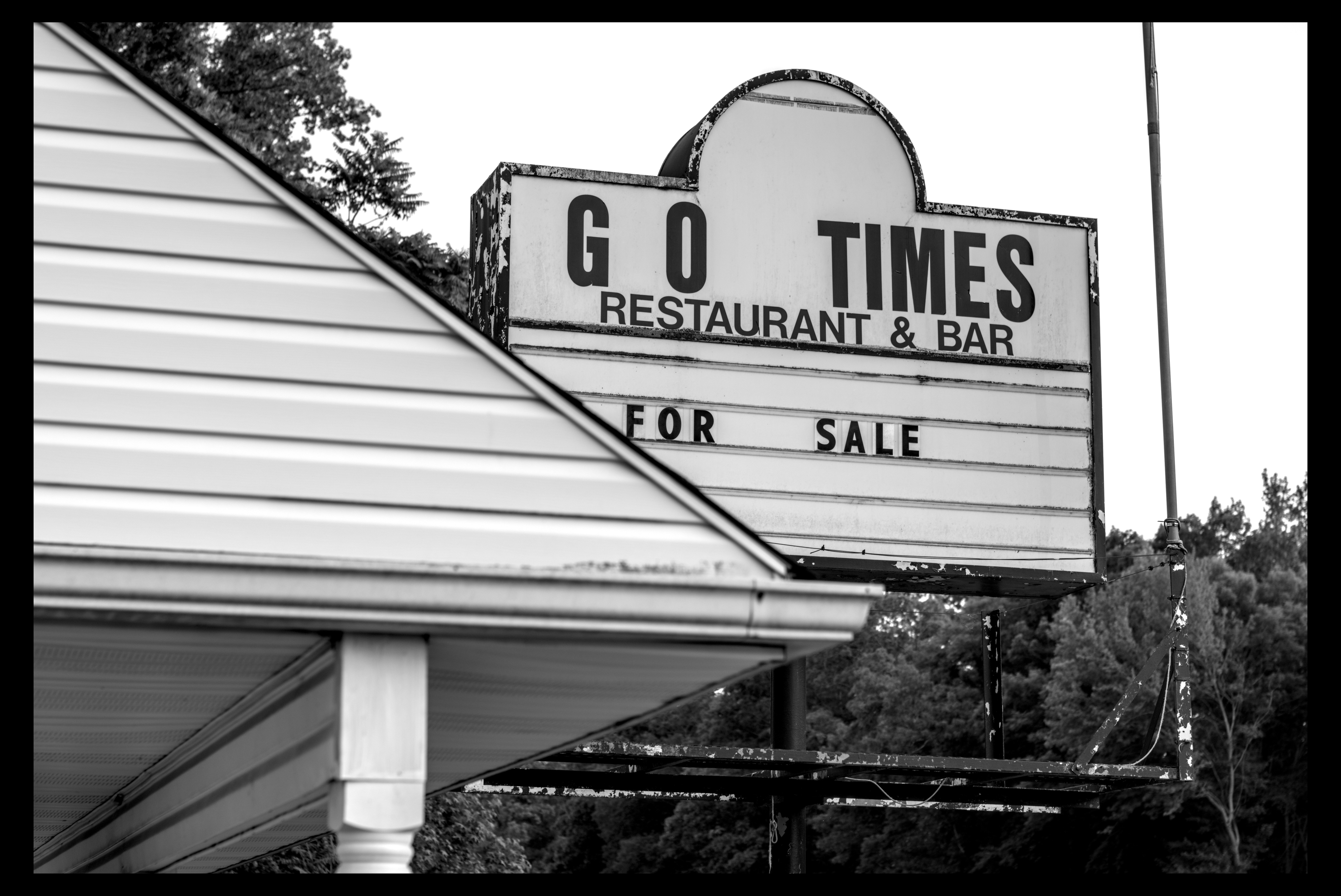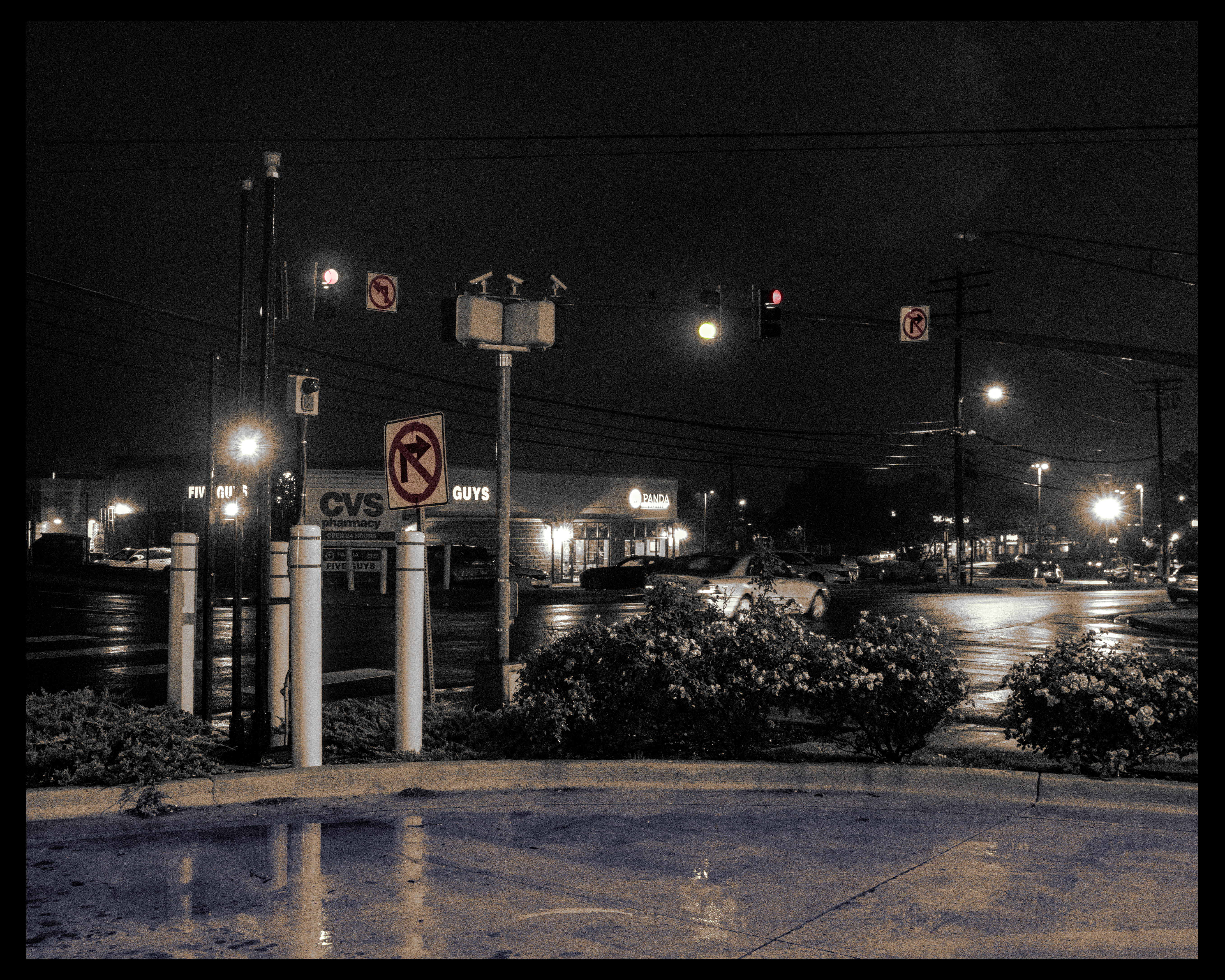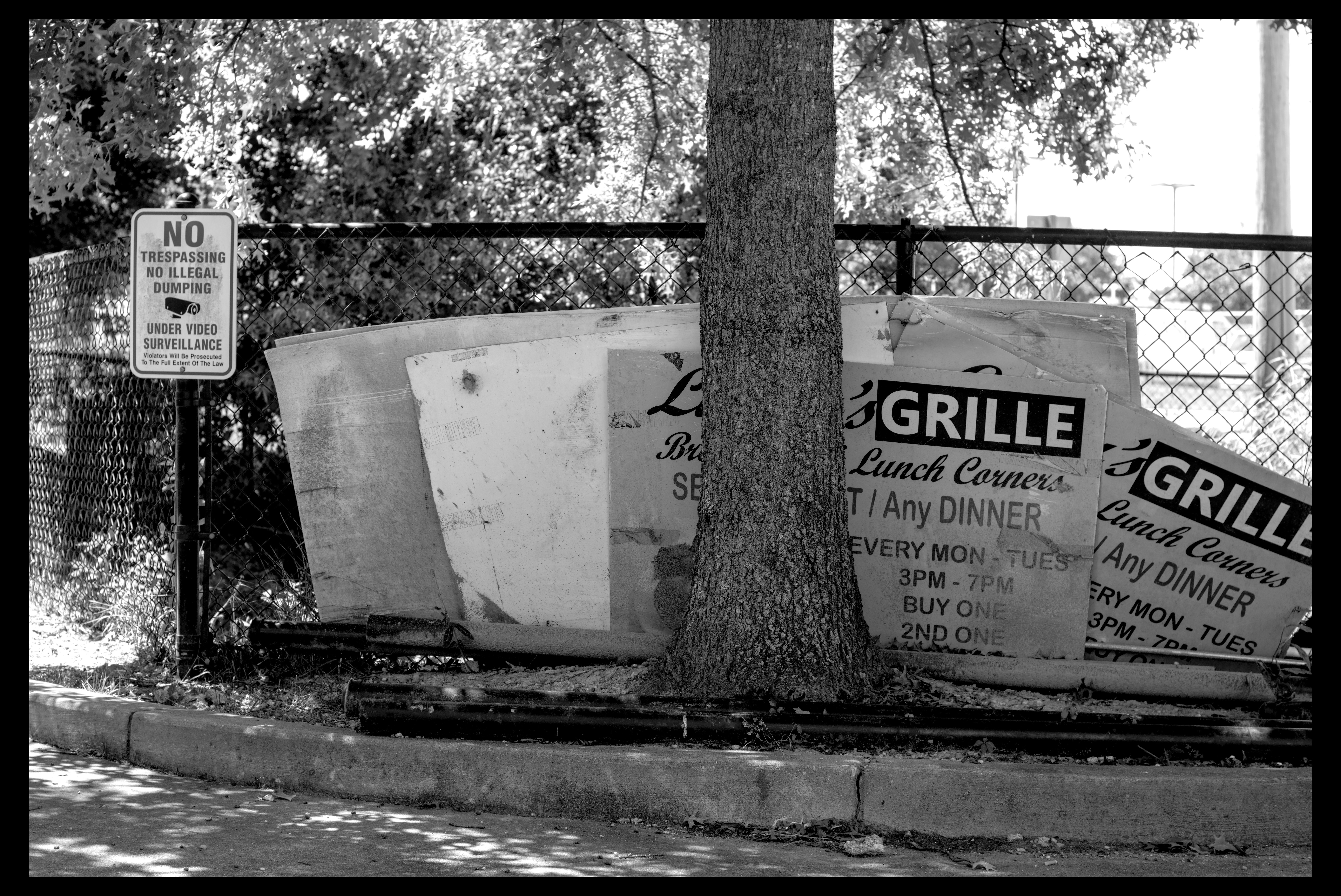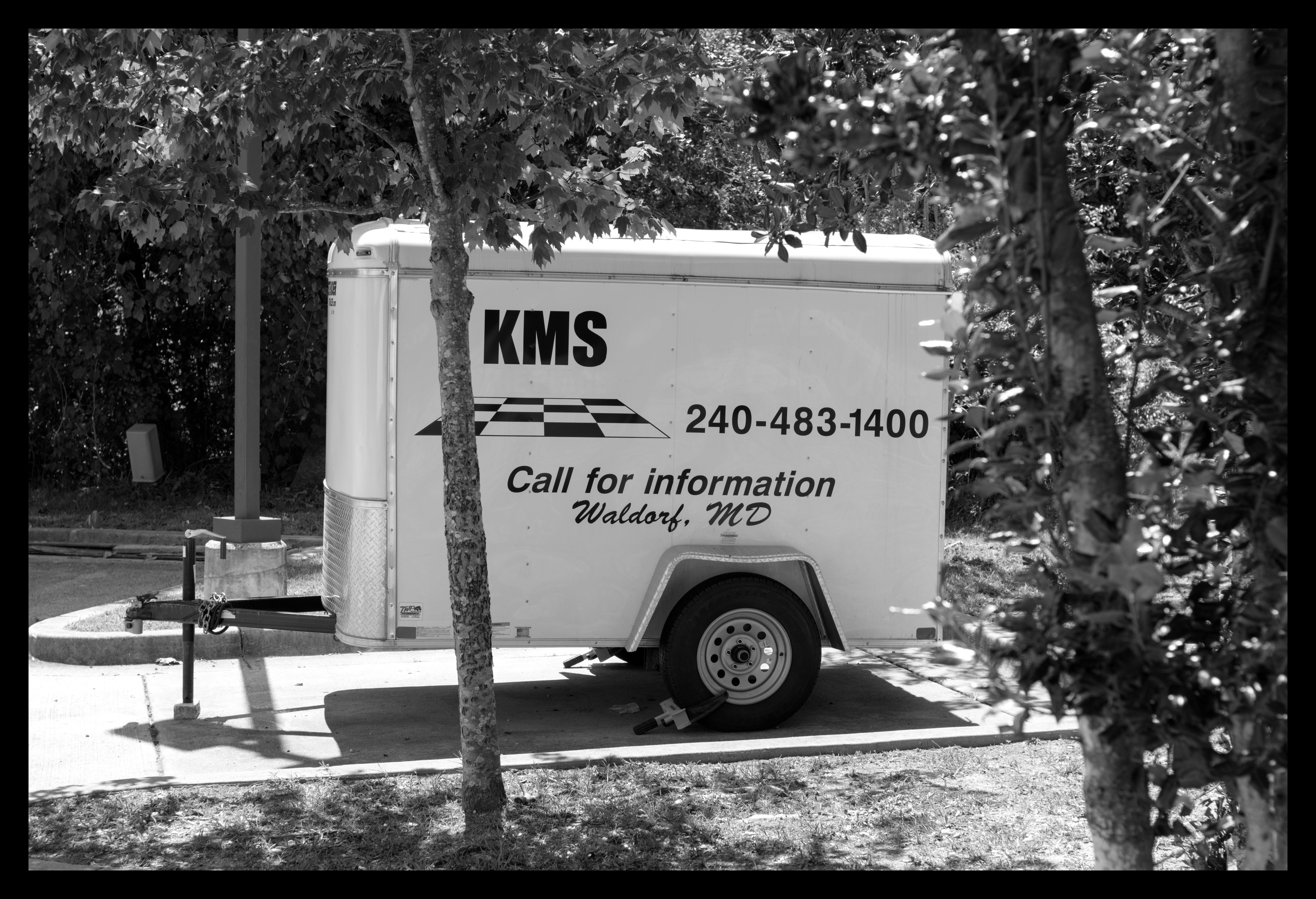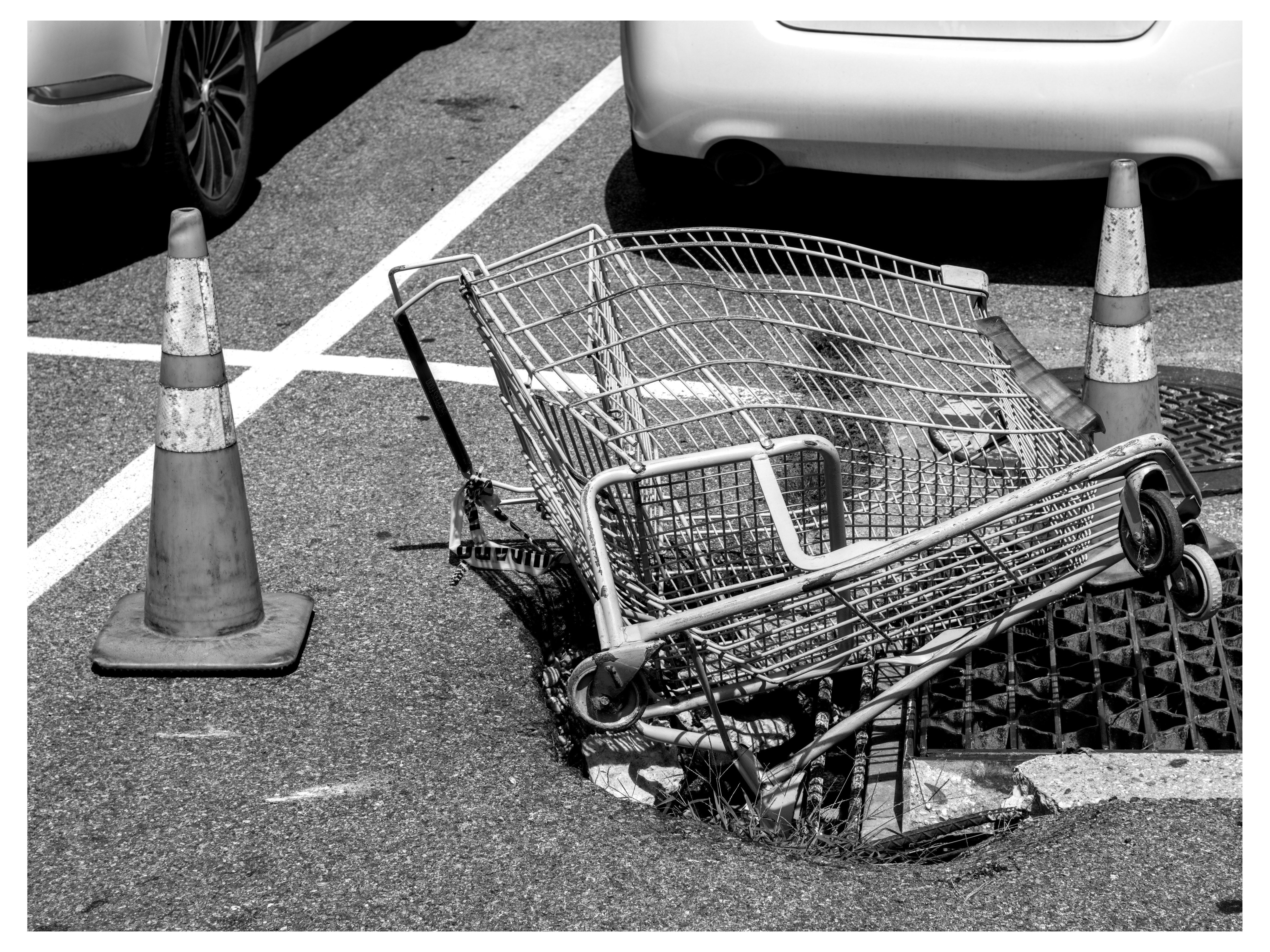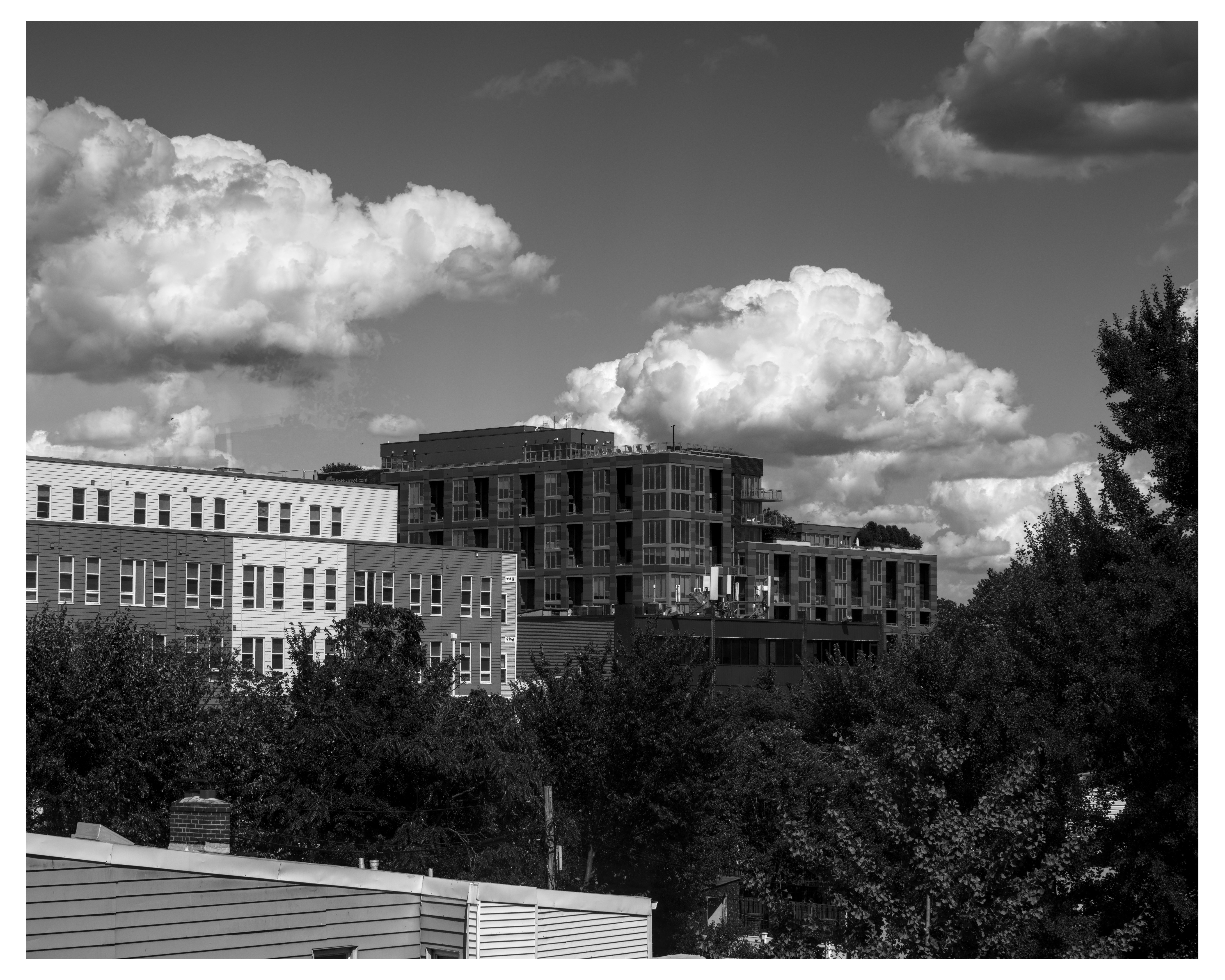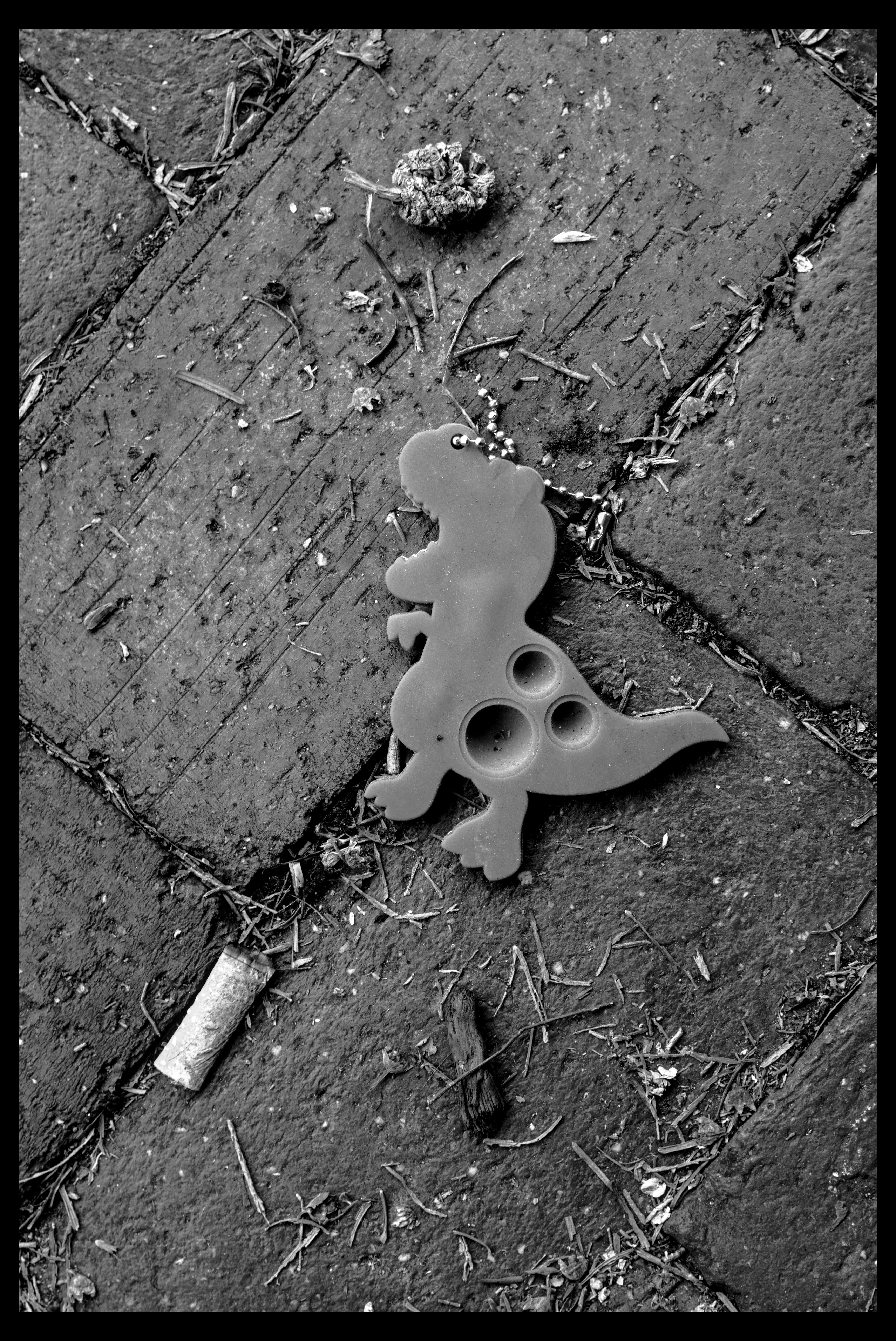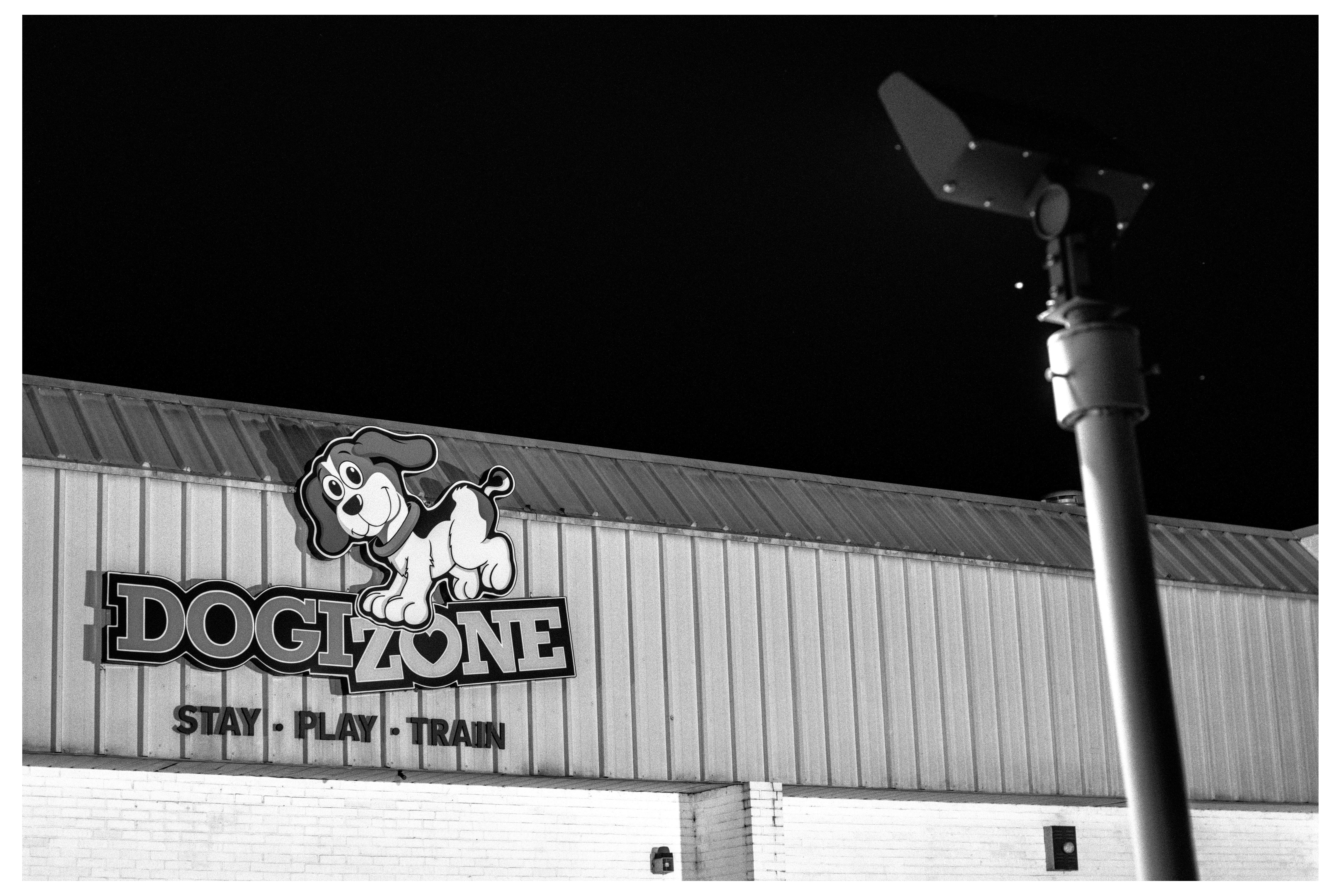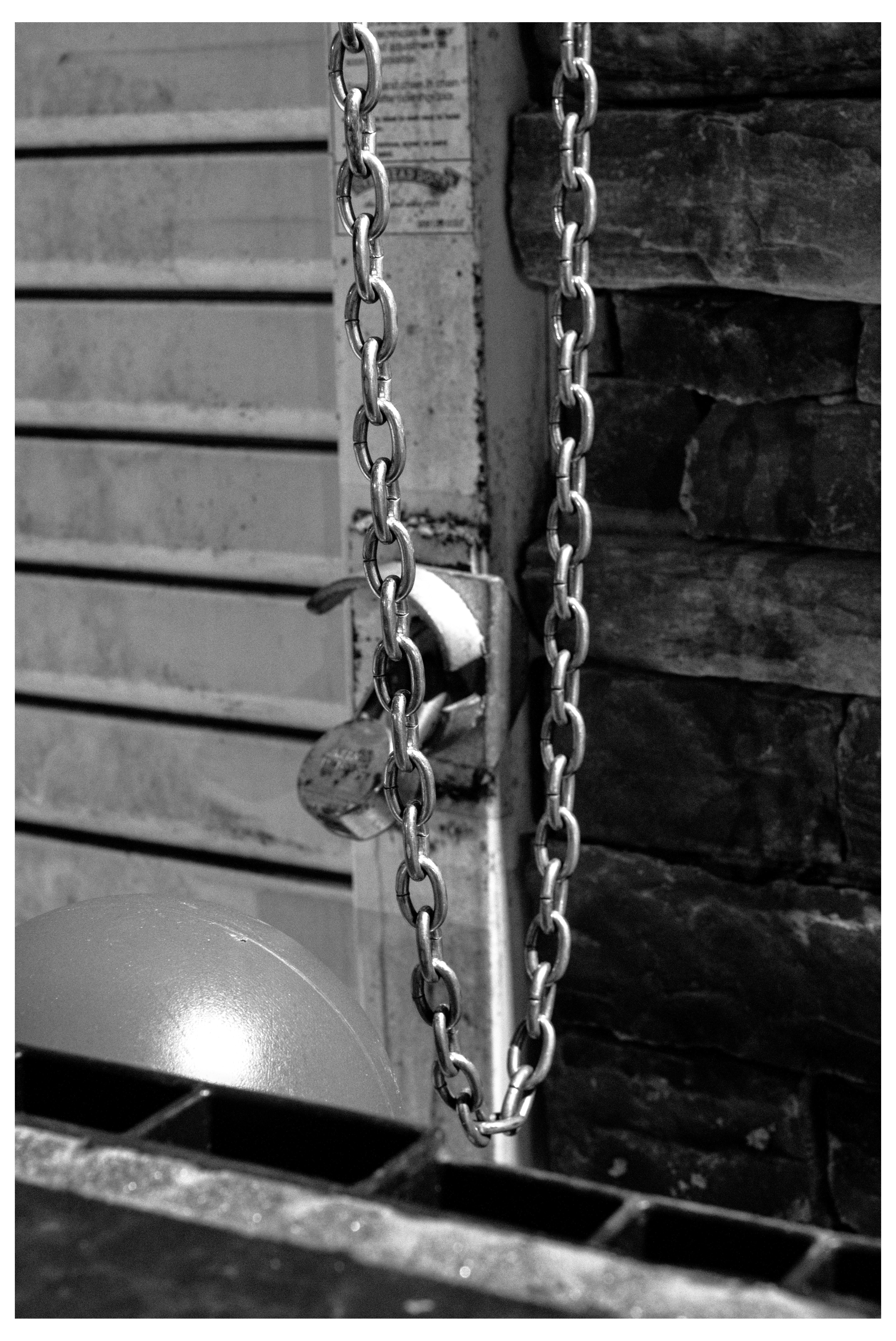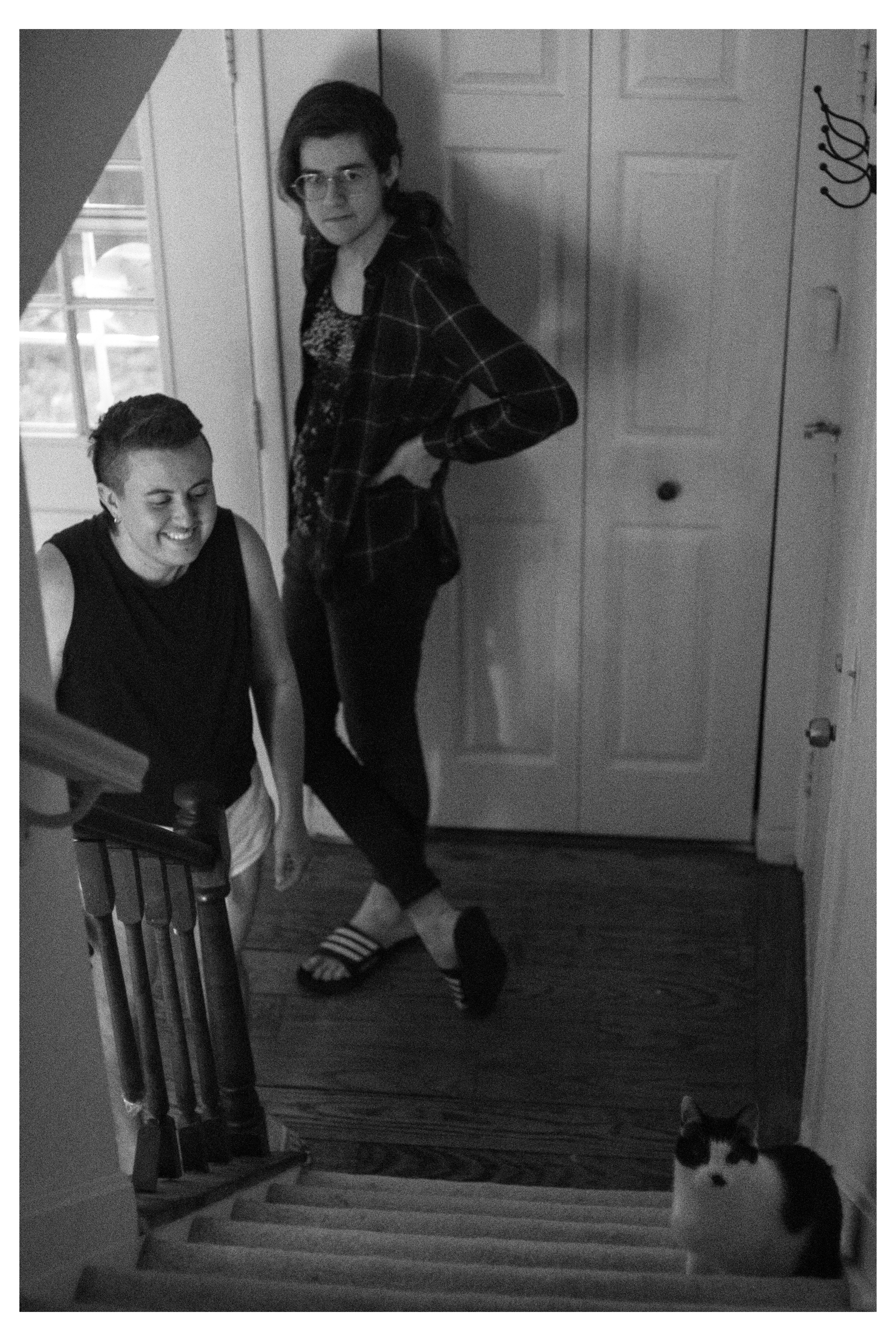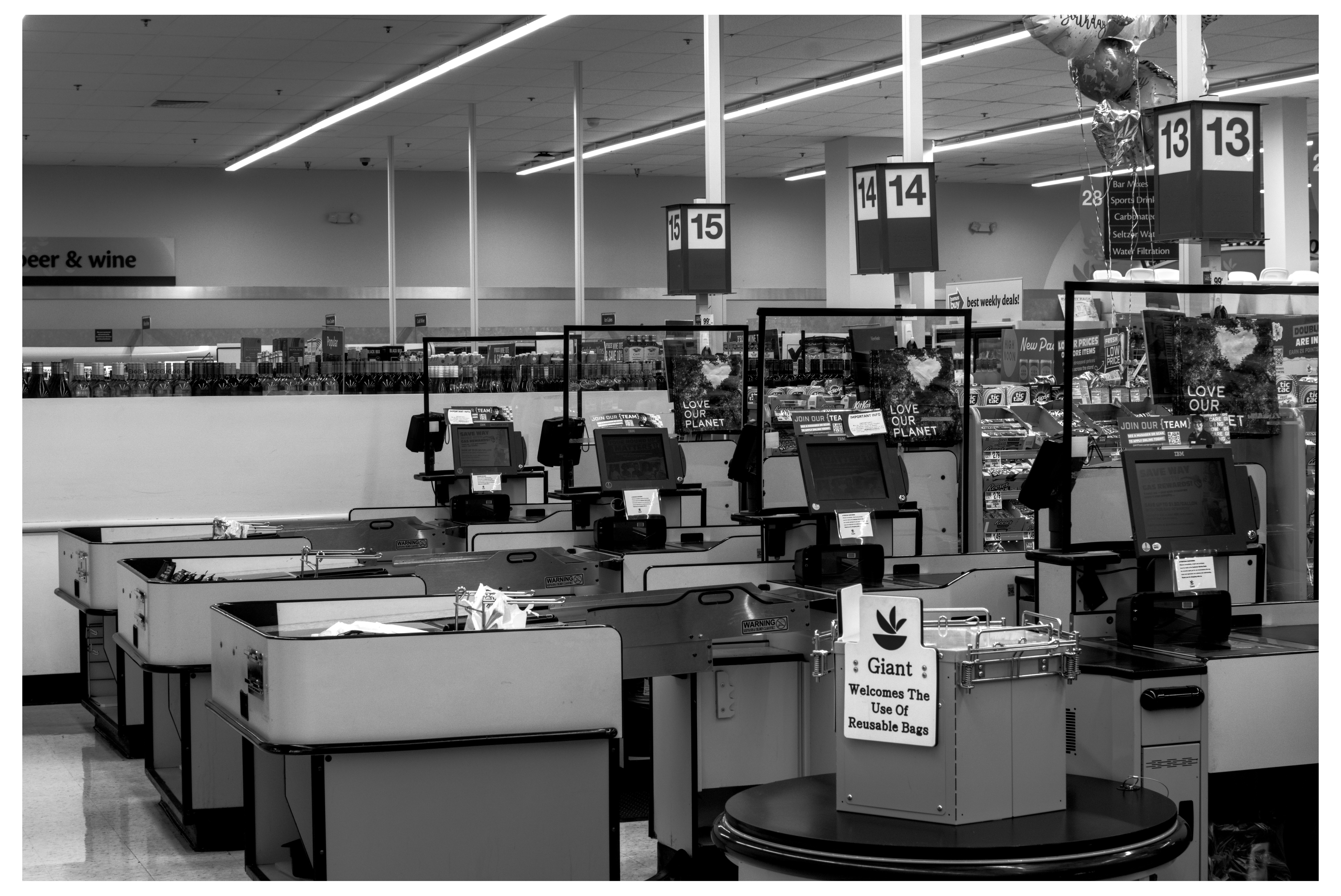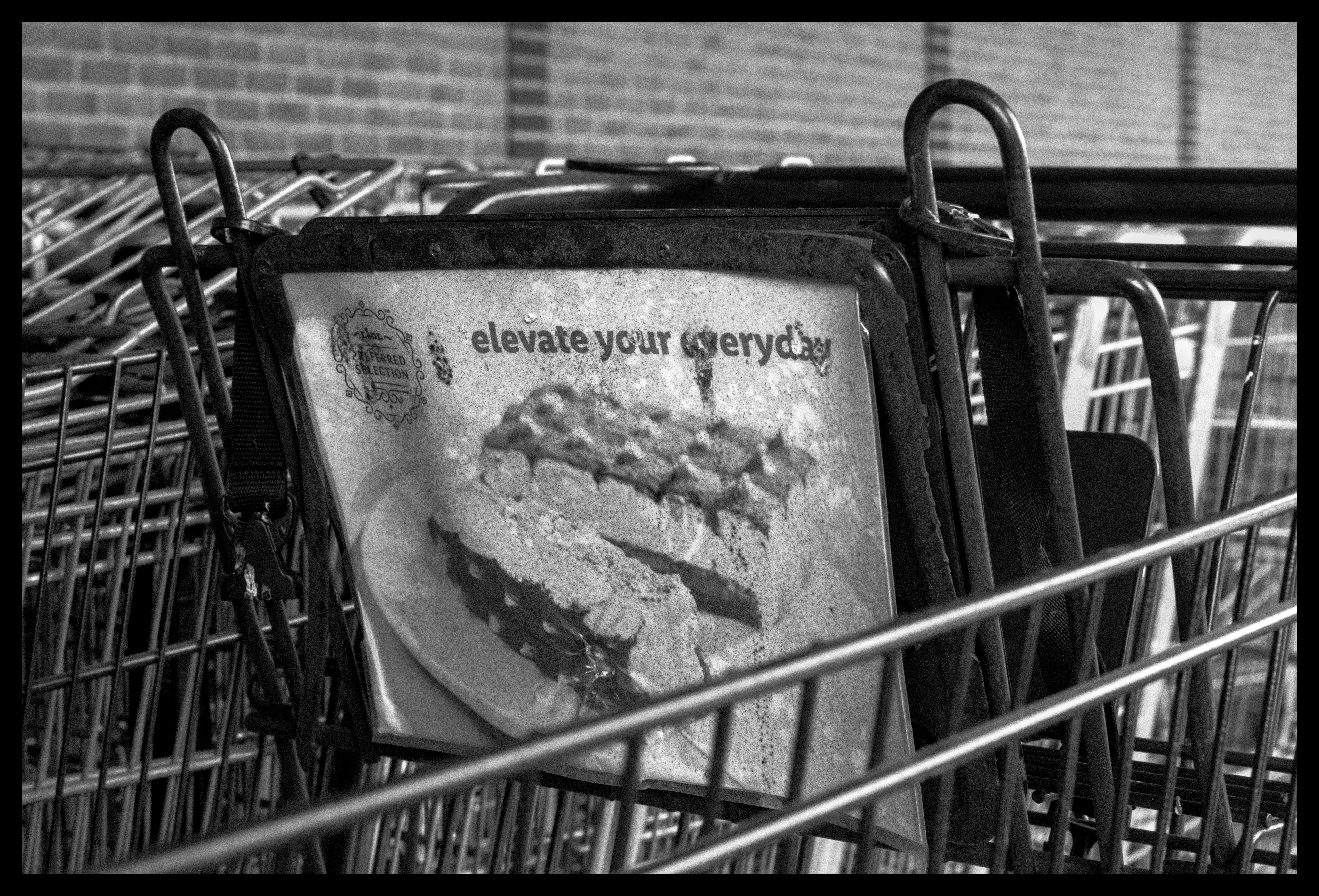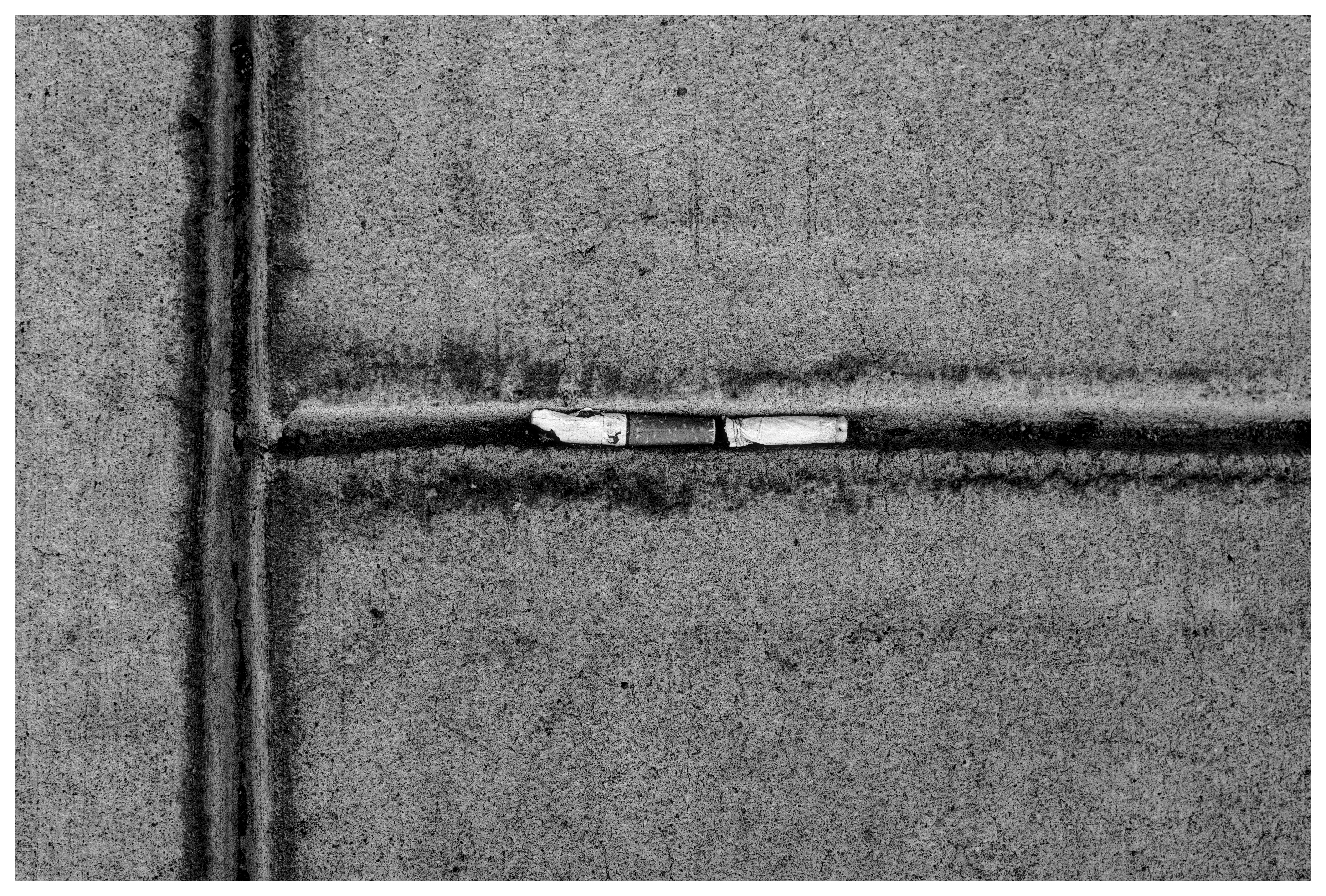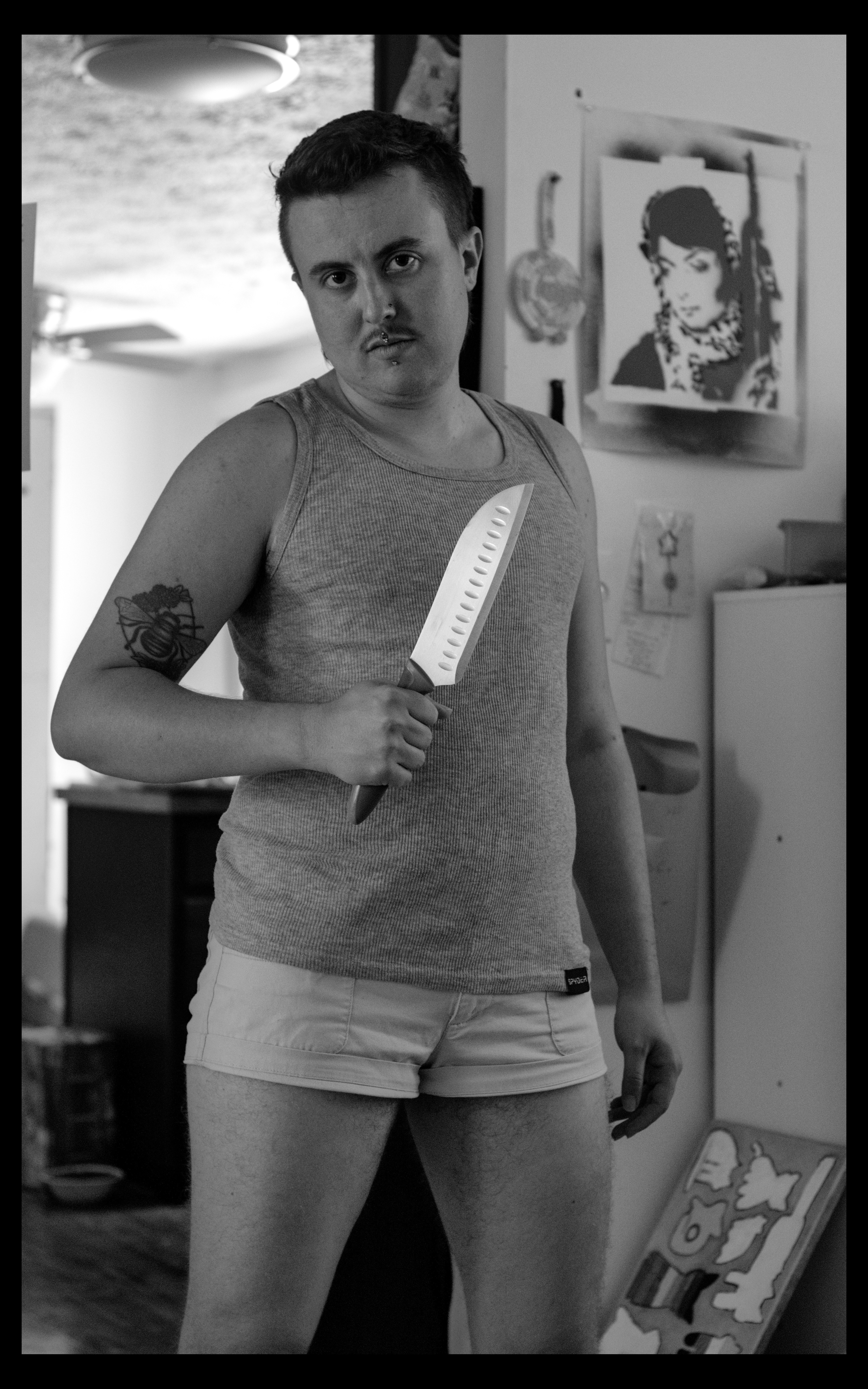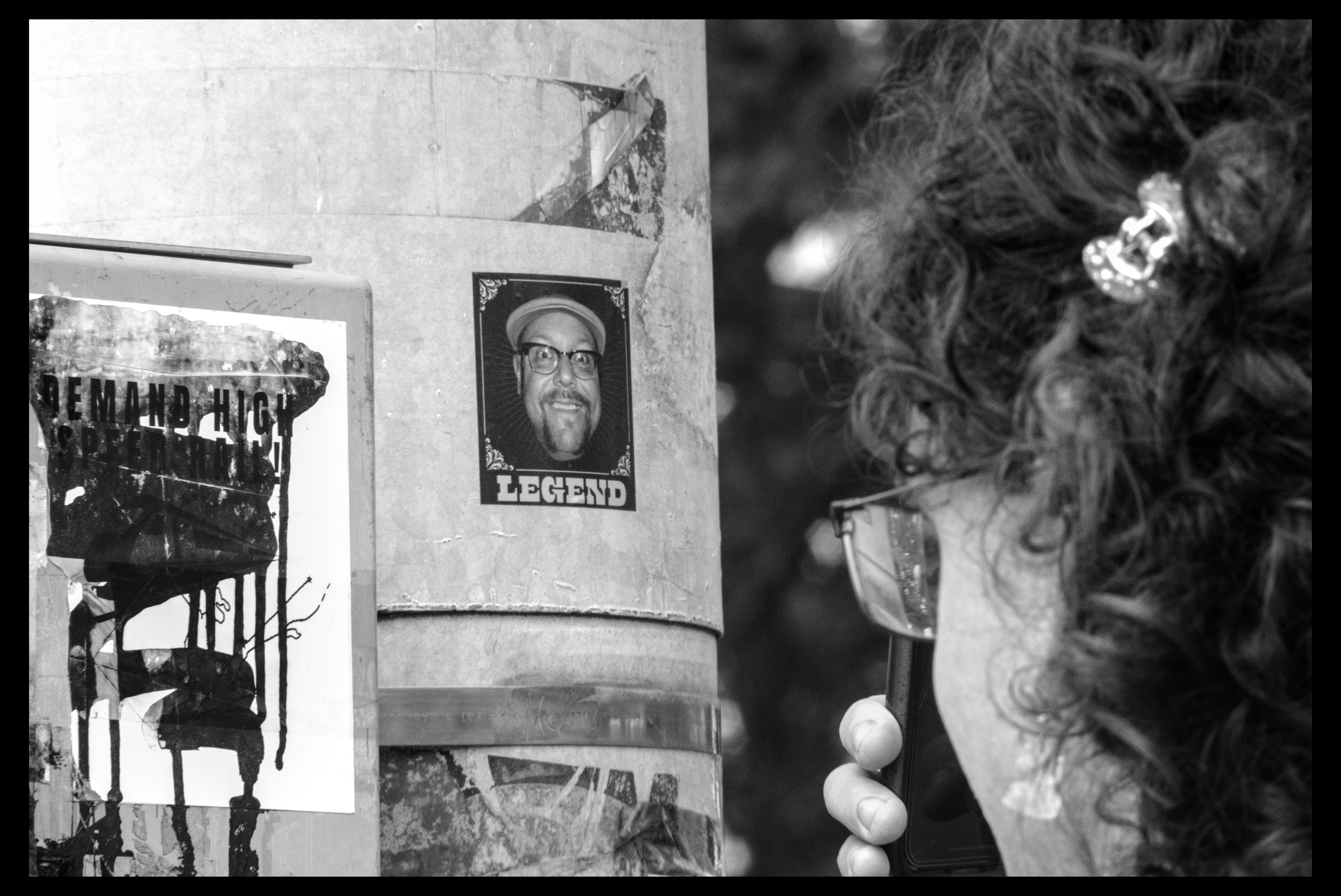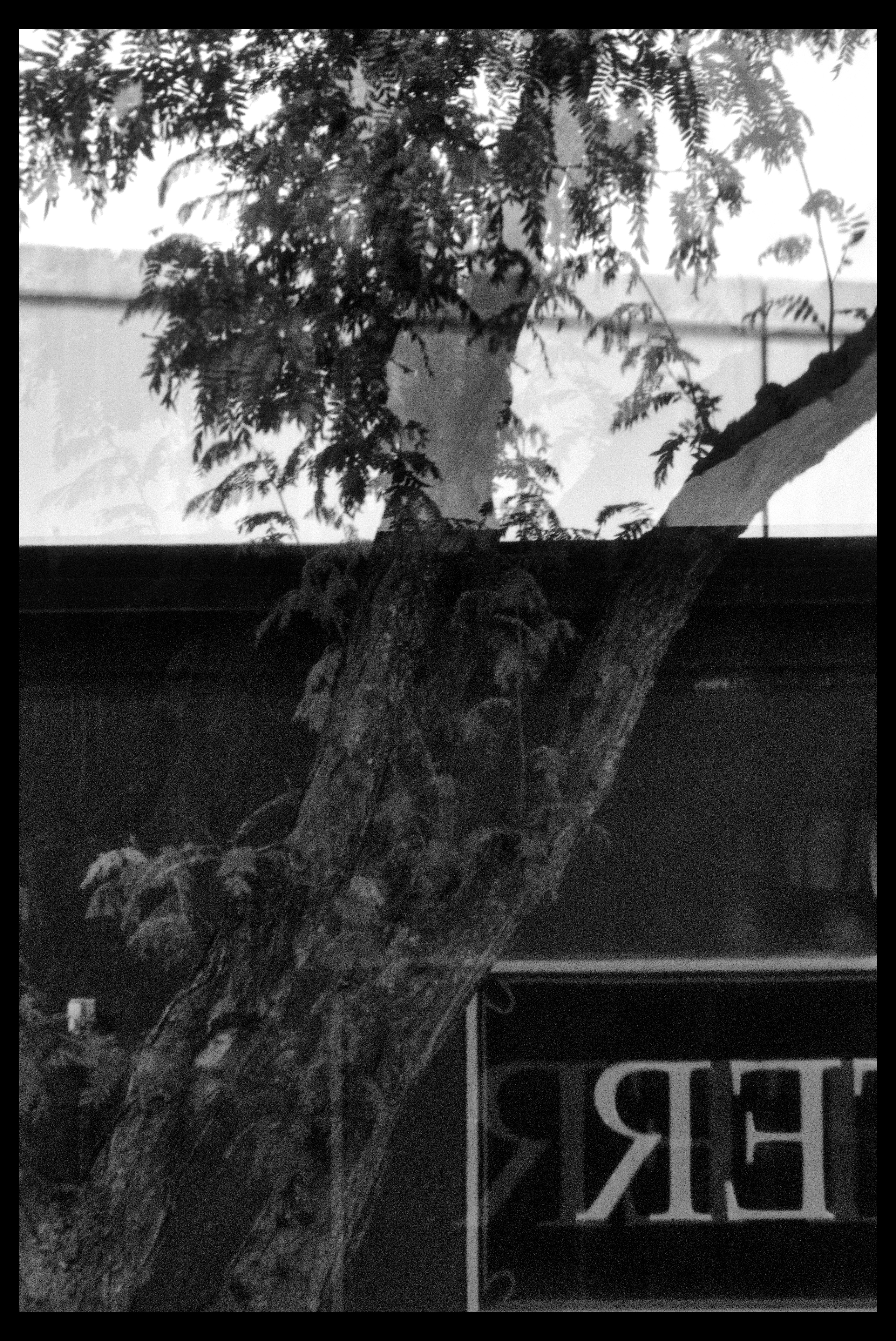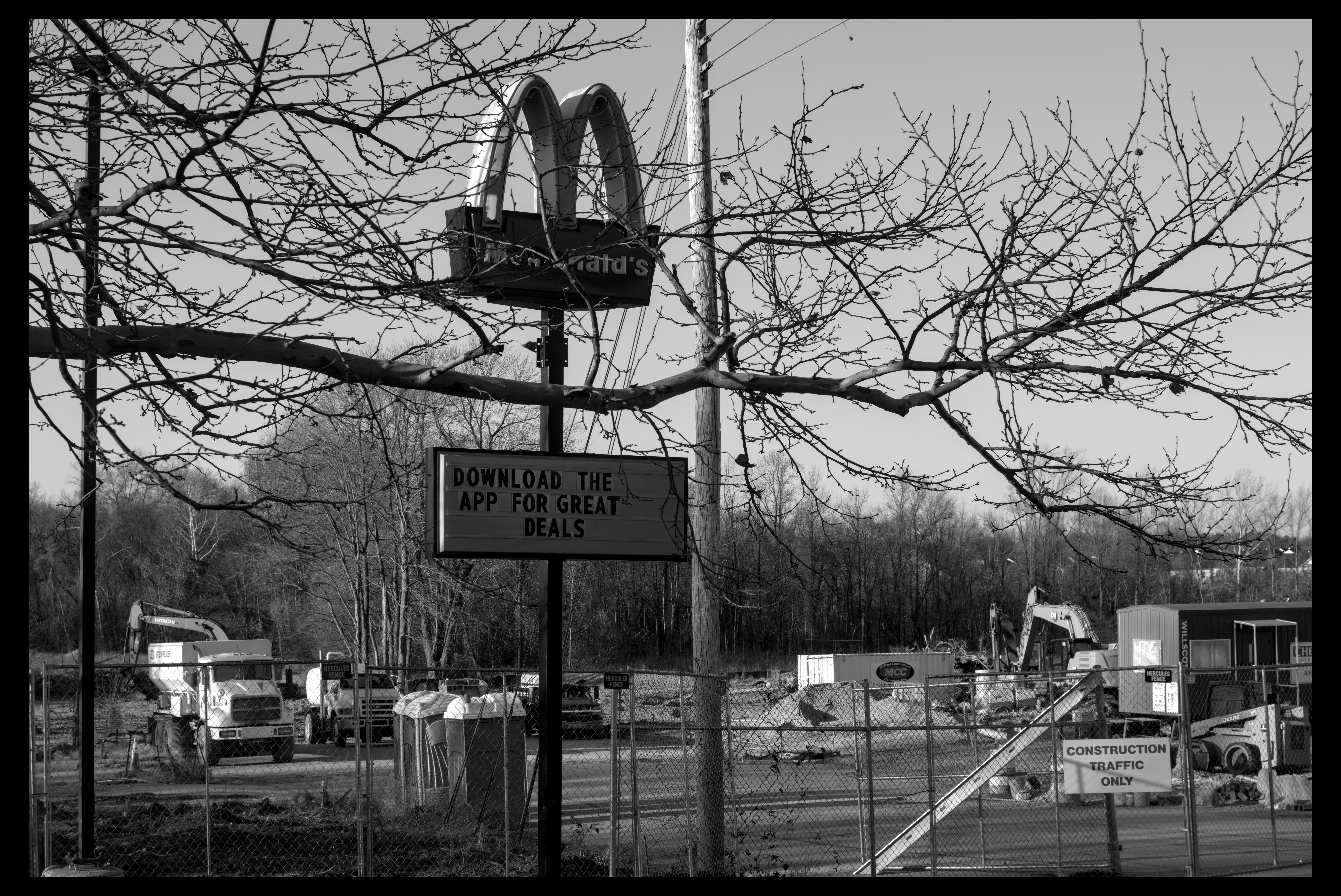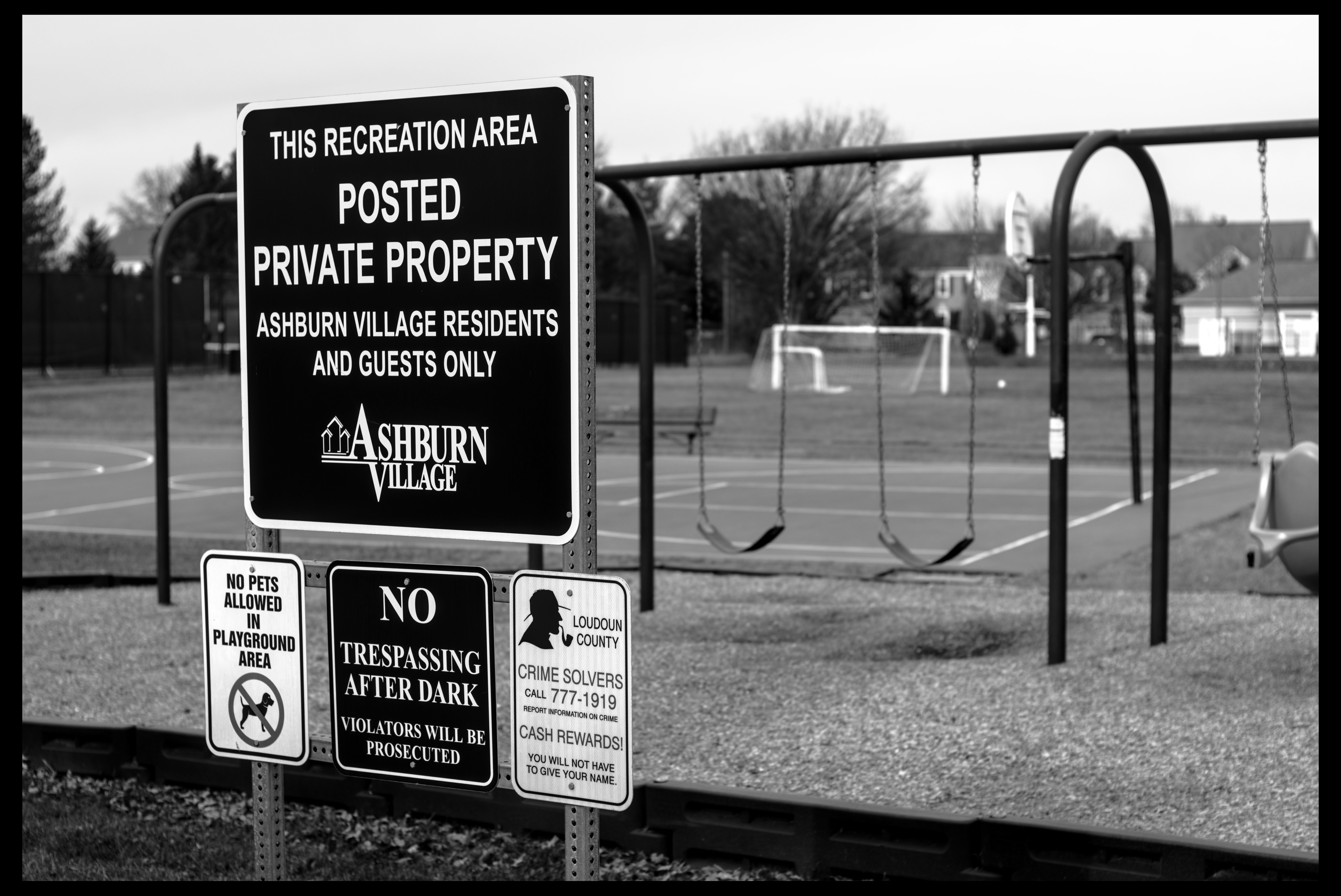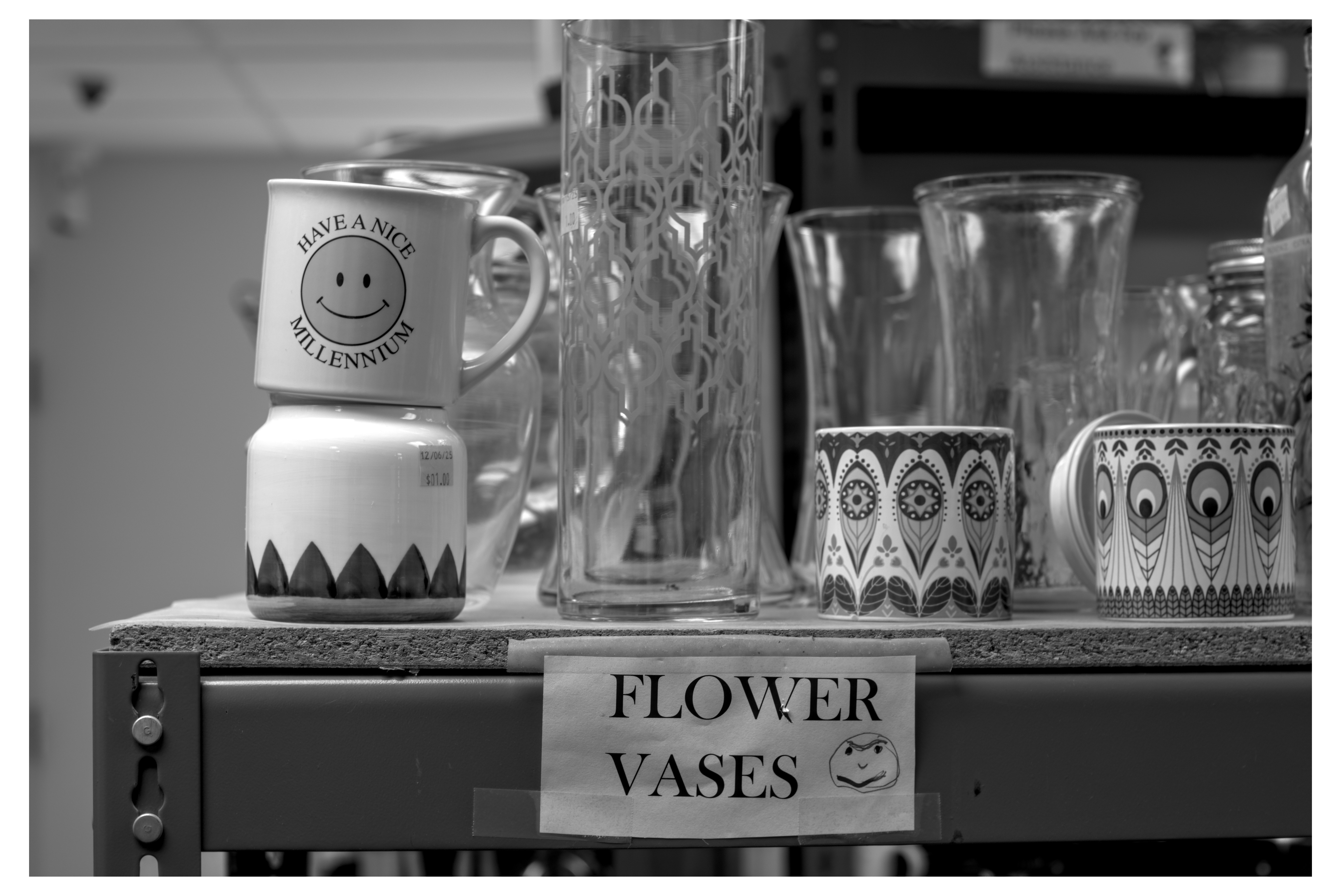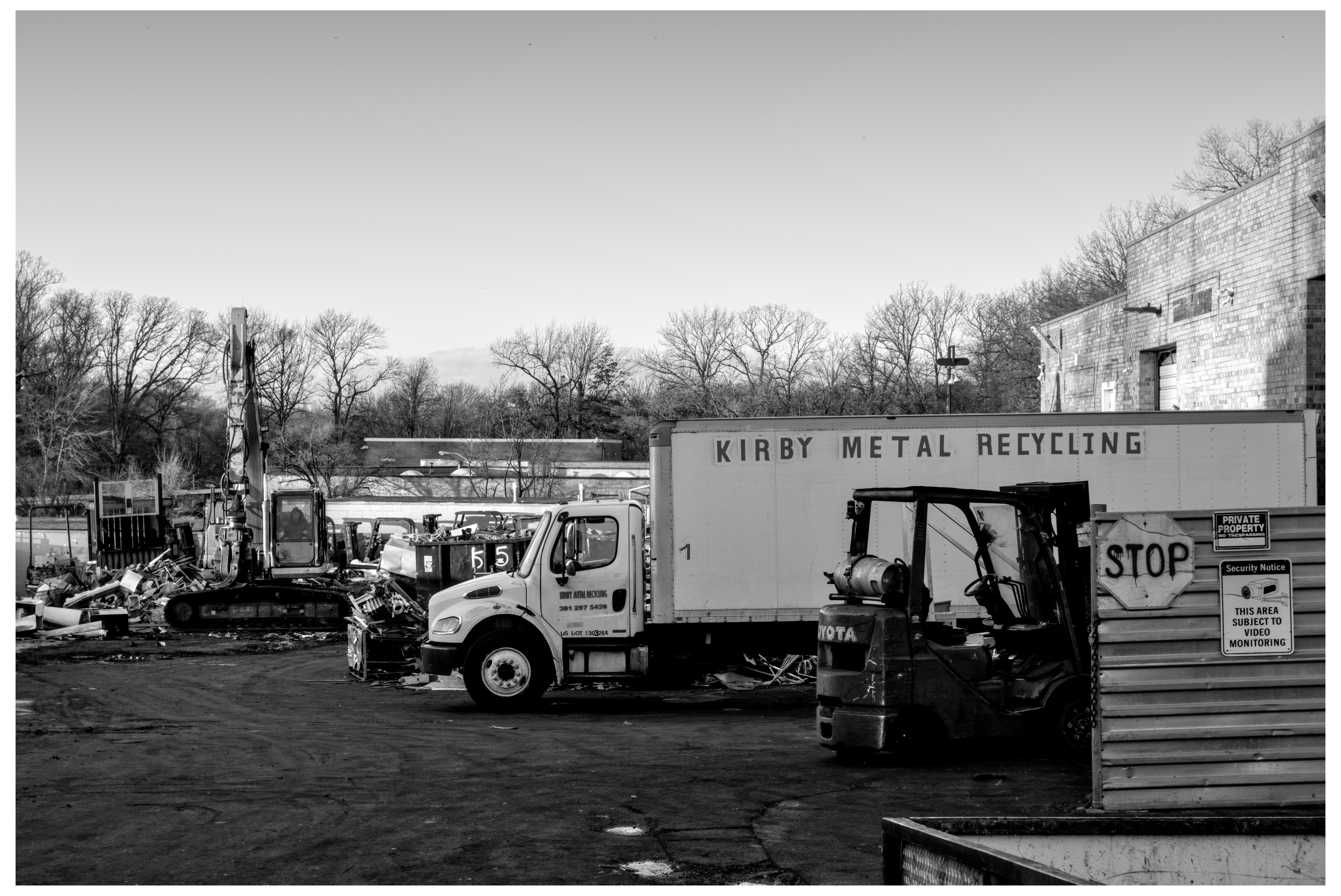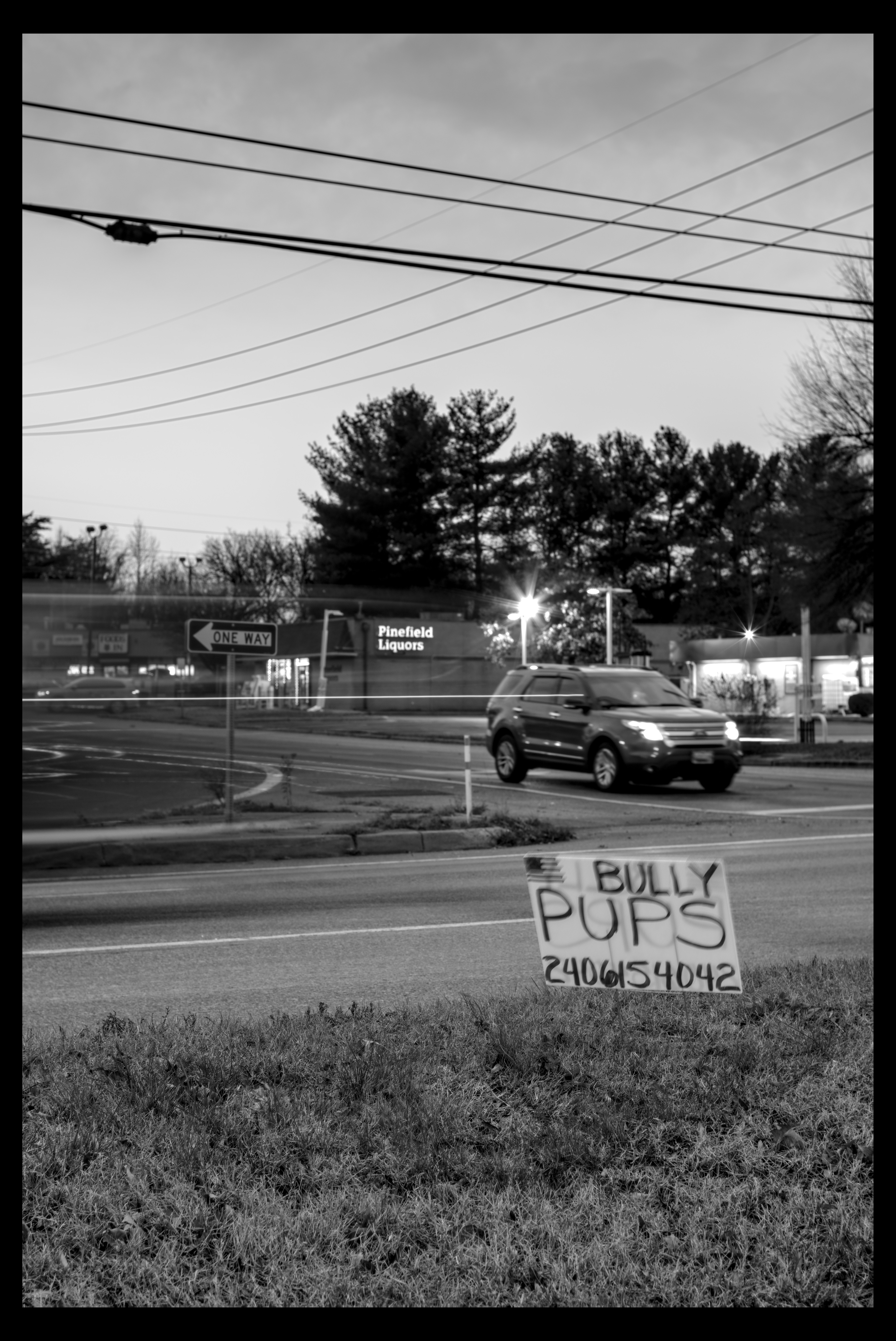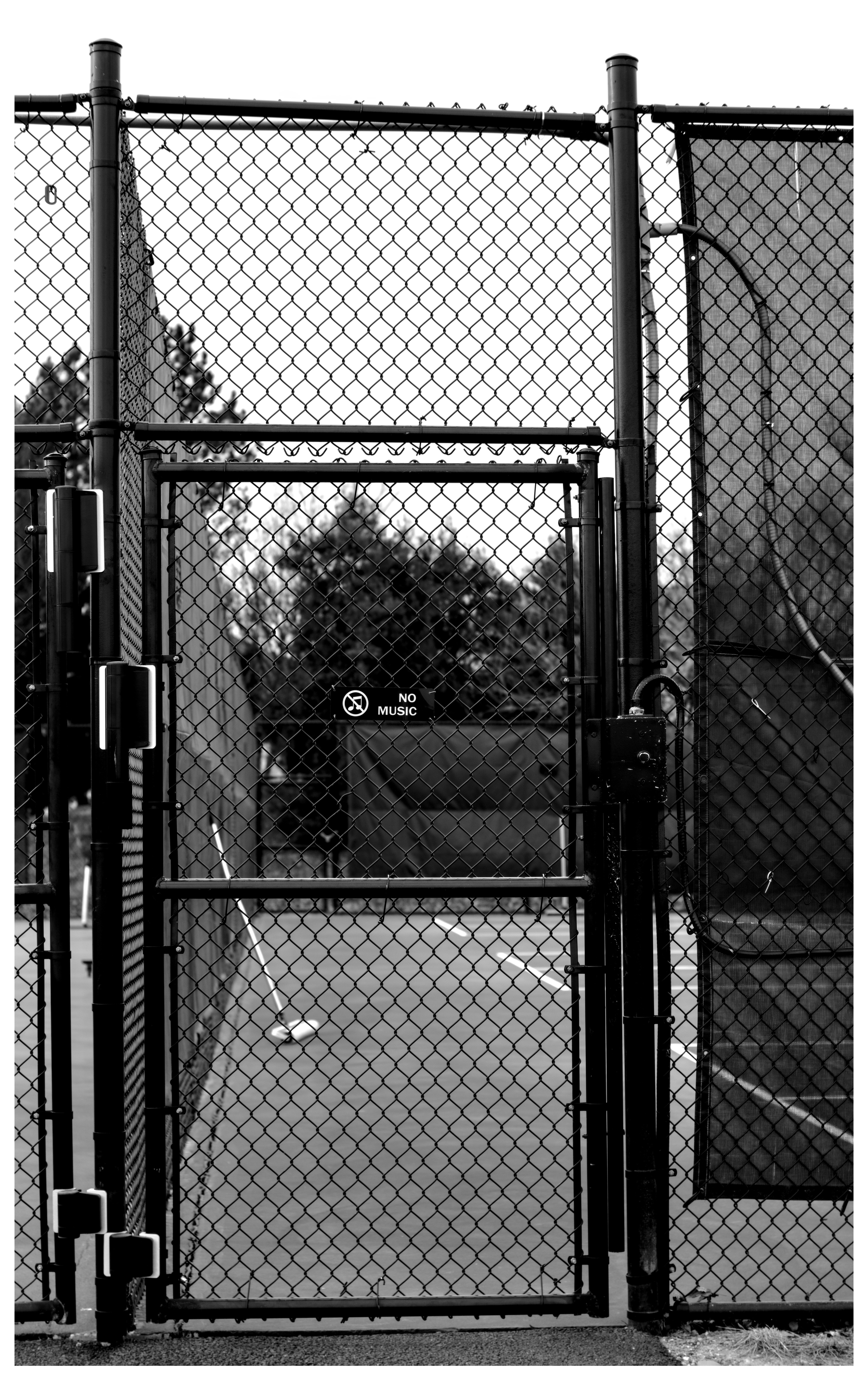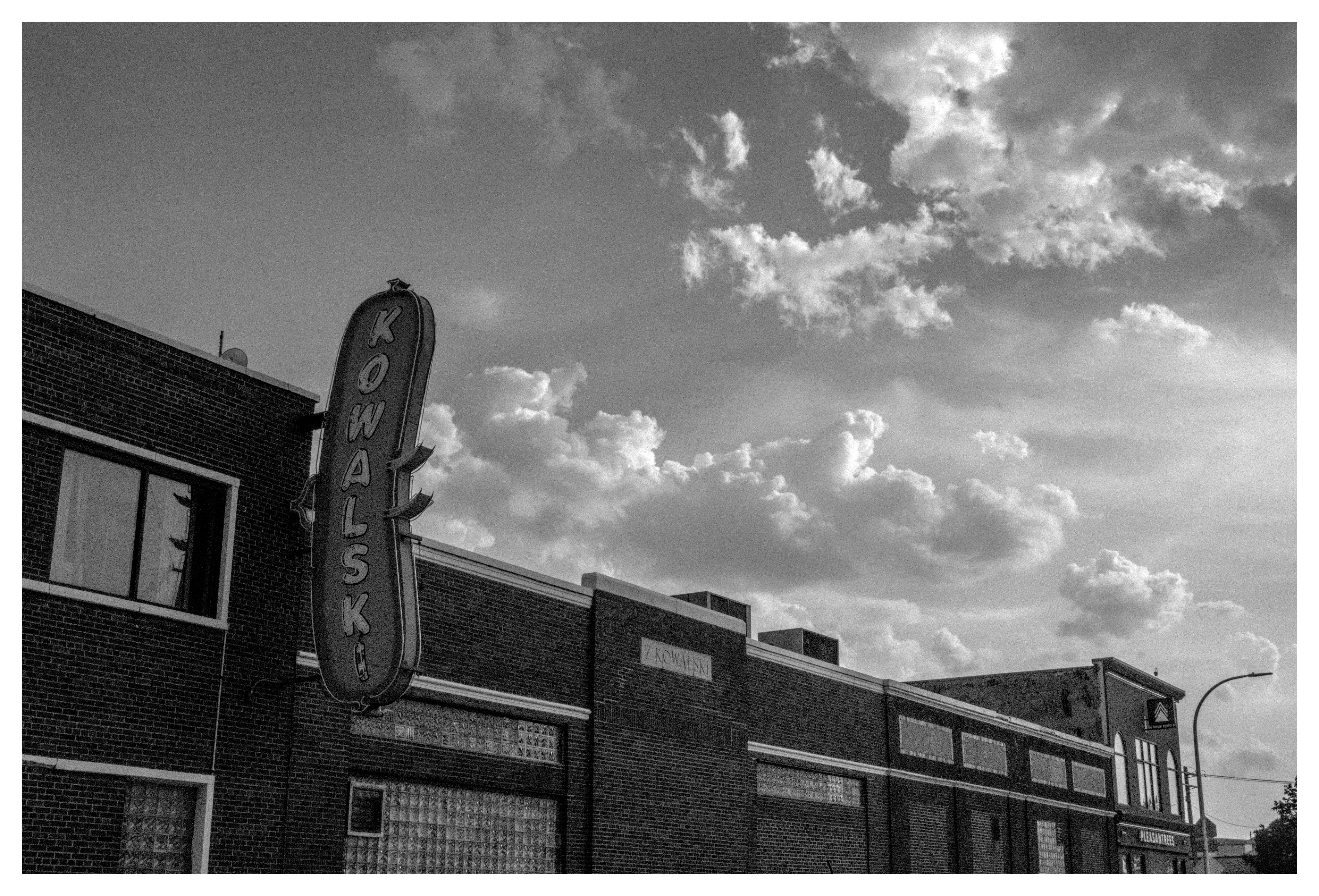
i think i still prefer doing tonecurves in rawtherapee then local contrast in darktable over agx :p #mymethod (theyre pretty similar in end result but my way just feels more predictable and consistent. using rawtherapee to create the shape of the curve then exposure tool works like the pivot and the local contrast stretching finetunes the curve and lets me choose whether i want a grayer more detailed image or a more smooth and high contrasty image which is like the black point white point settings i think but just. wayy more intuitive imo)
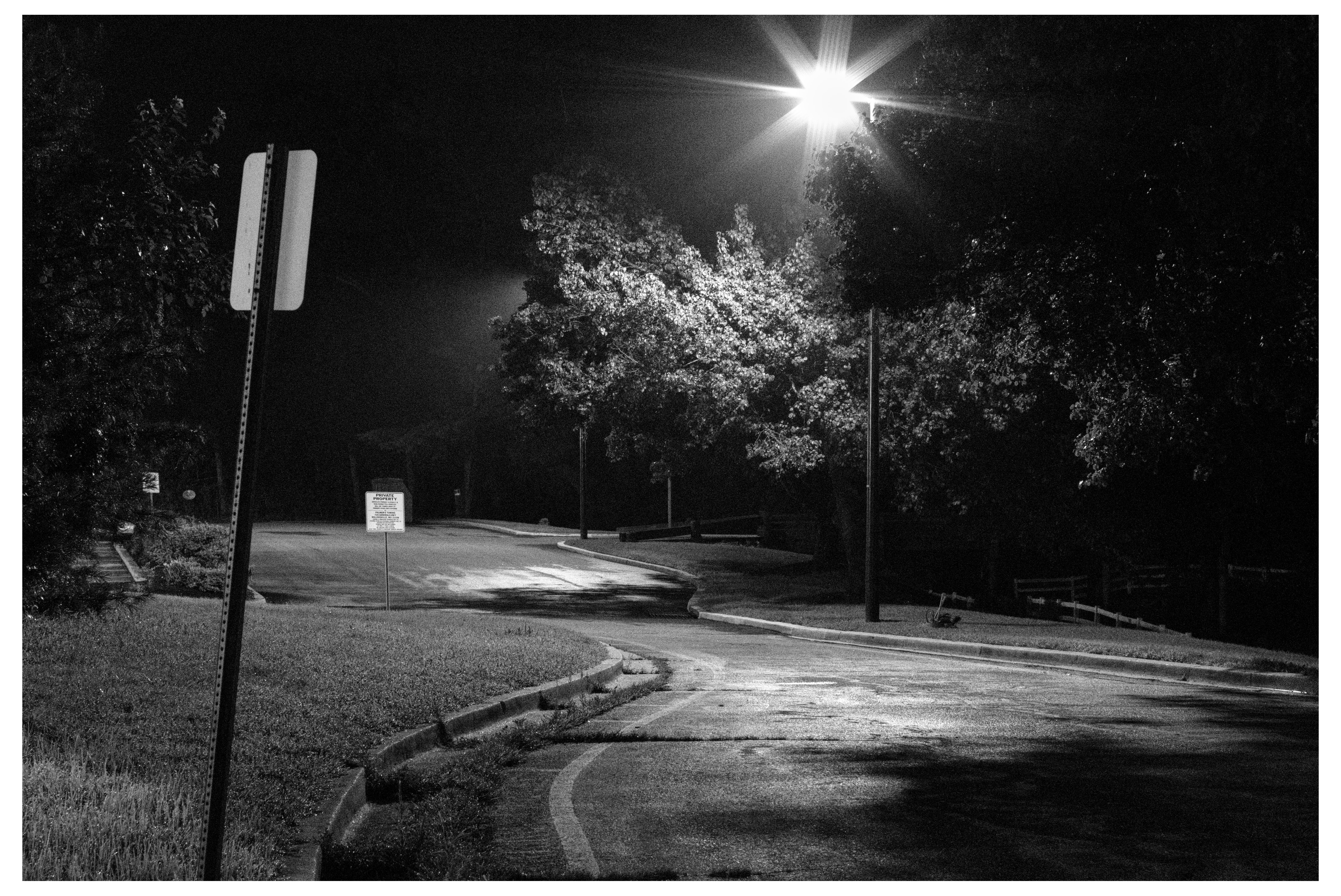
that's much better. shooting at iso 12800 in the daylight
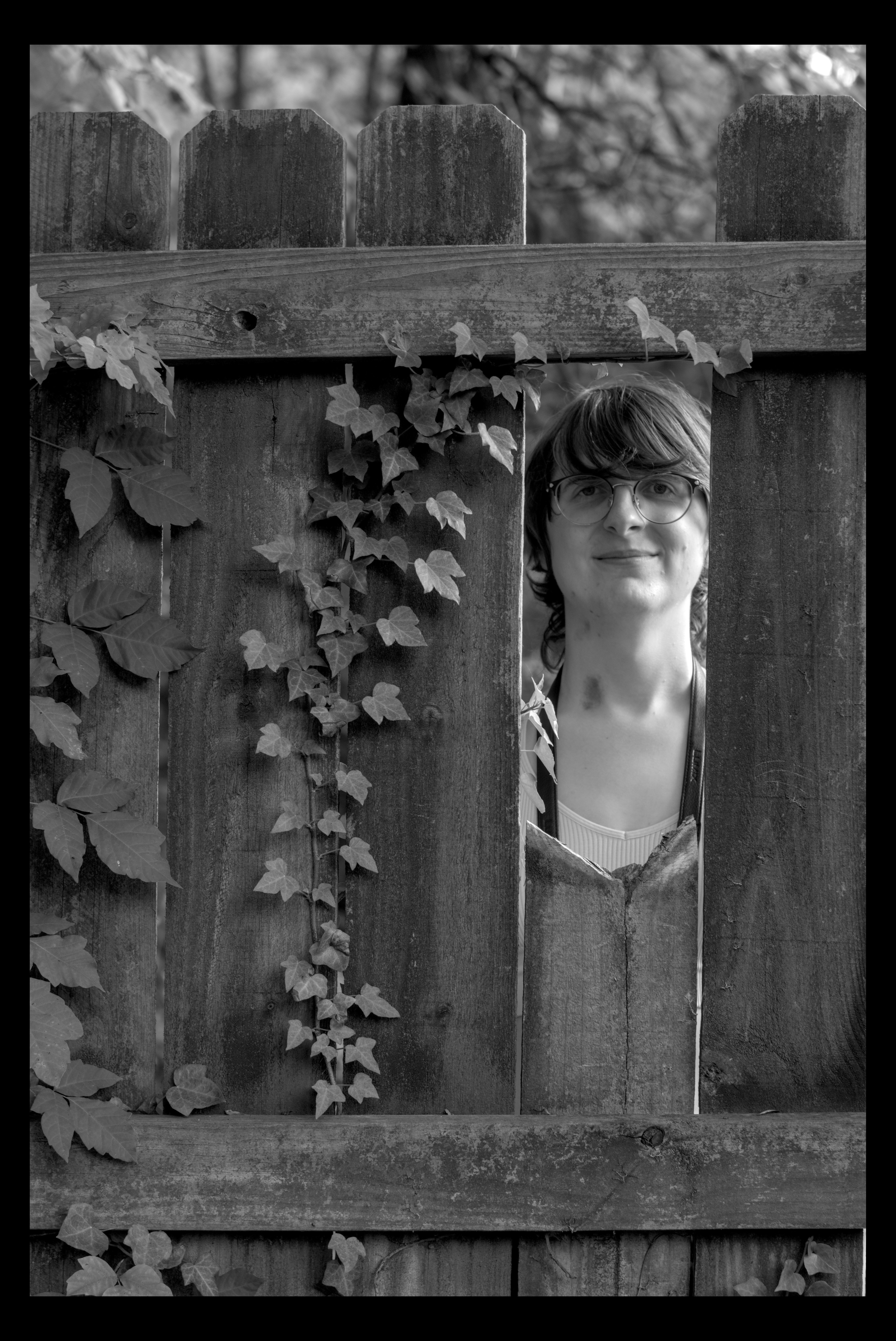
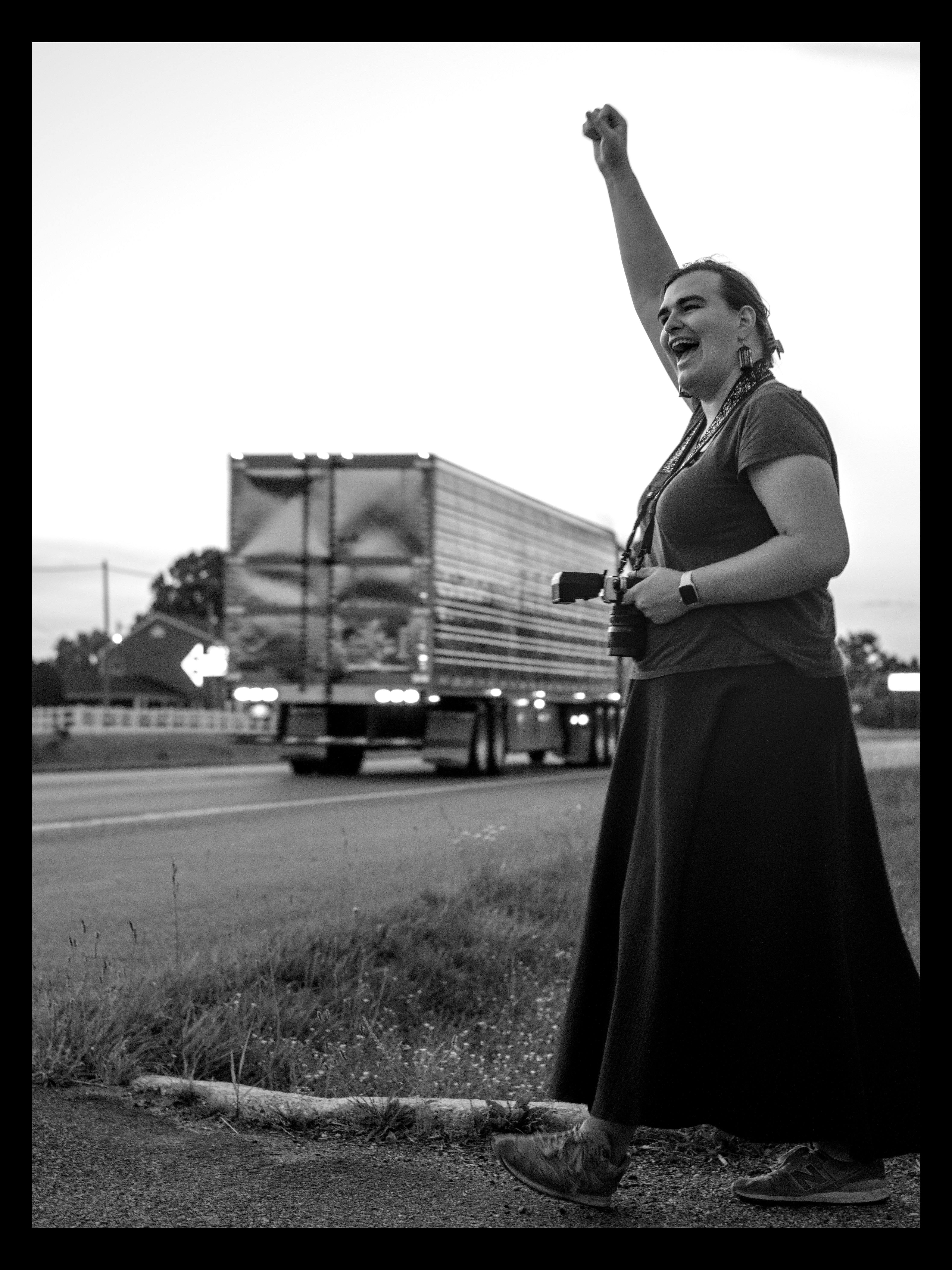
ehhh. the ones of nifty thru the fence and liz popping off at getting a honk from a truck turned out nice though (the thin depth of field makes me feel ill) (even though it looks Good) (remember when i used to like it? lol)
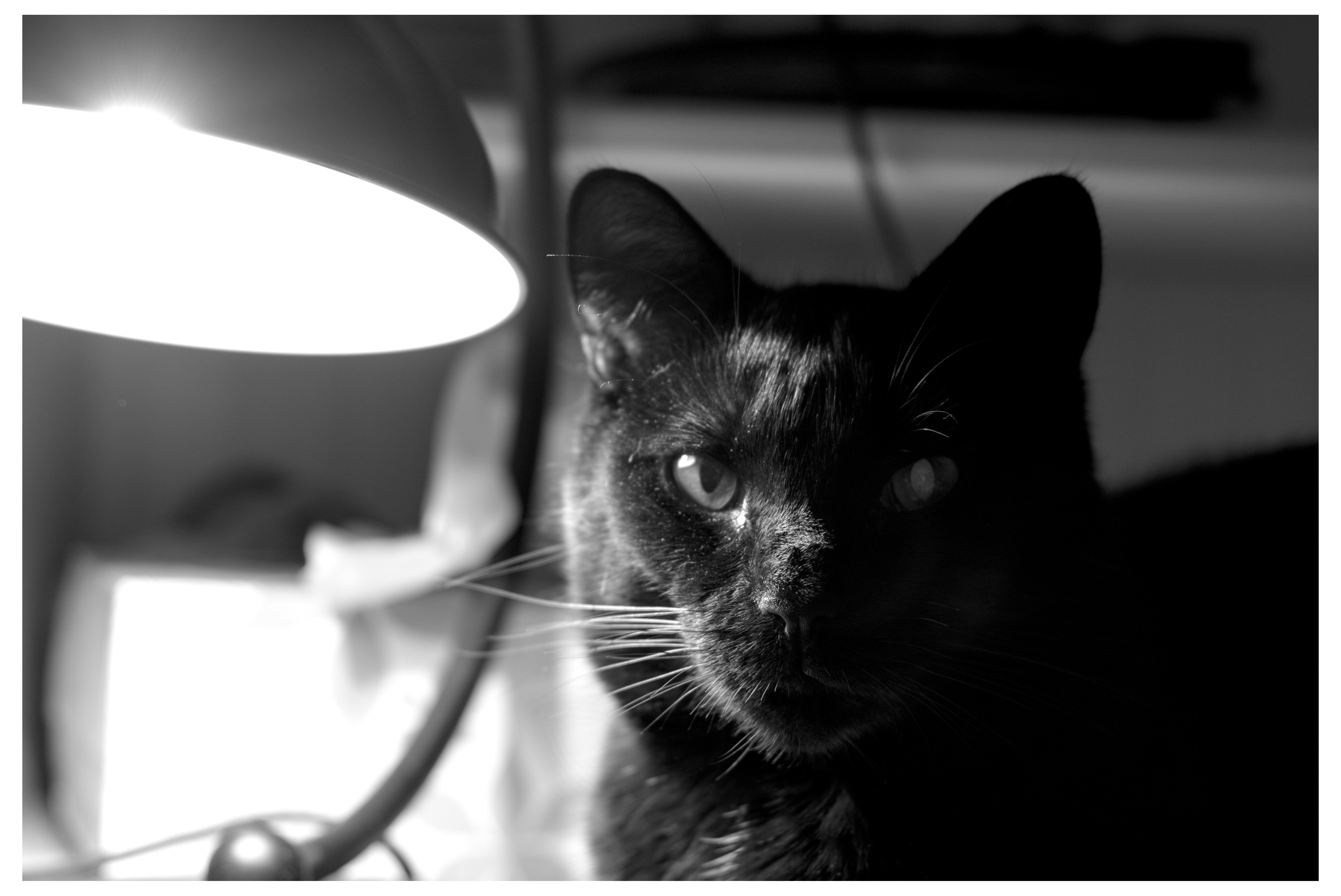
image #3 with bouba has some masking stuff going on to bring out midgrey detail in the environment but still keep her fur contrasty black and white im proud of the result
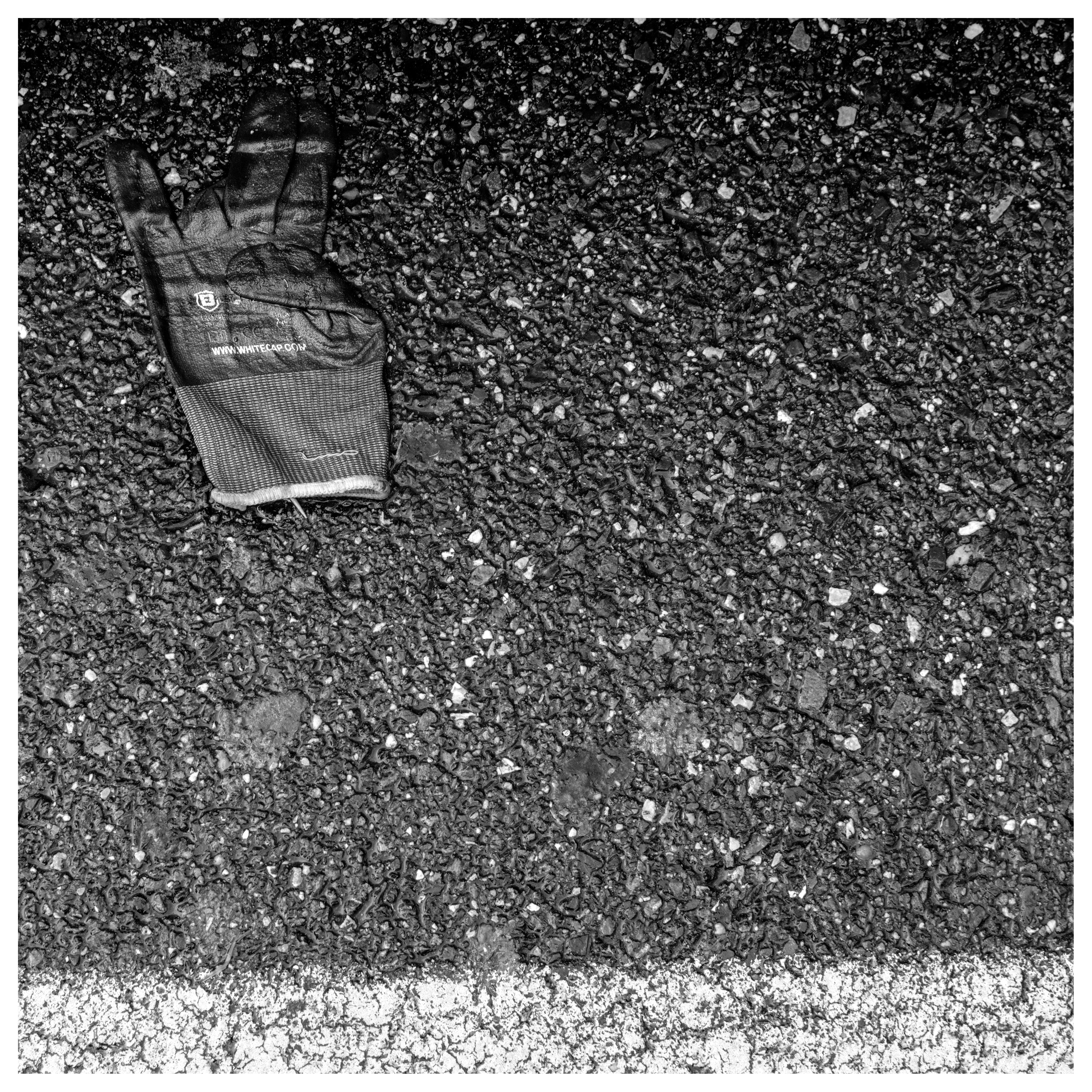
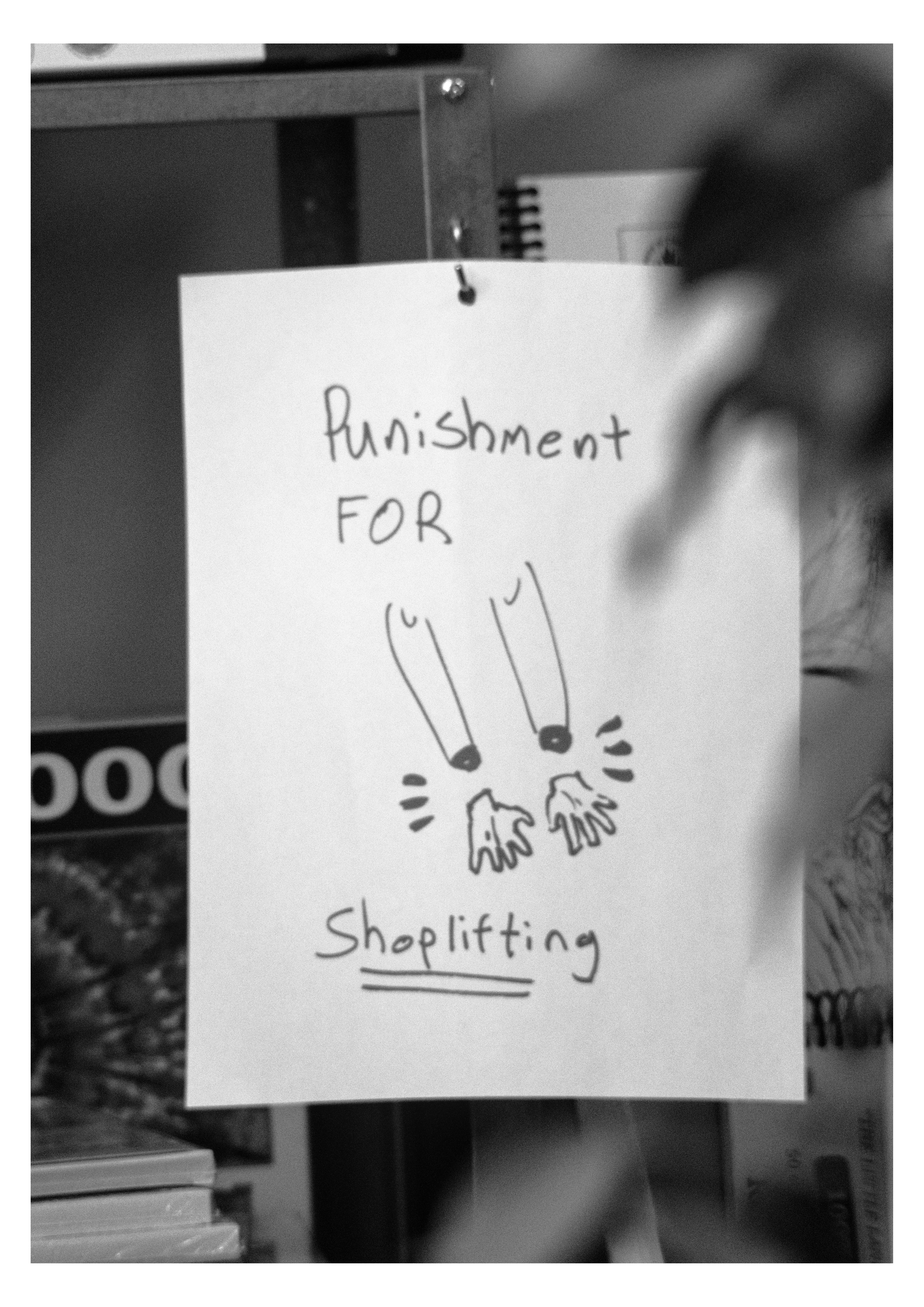
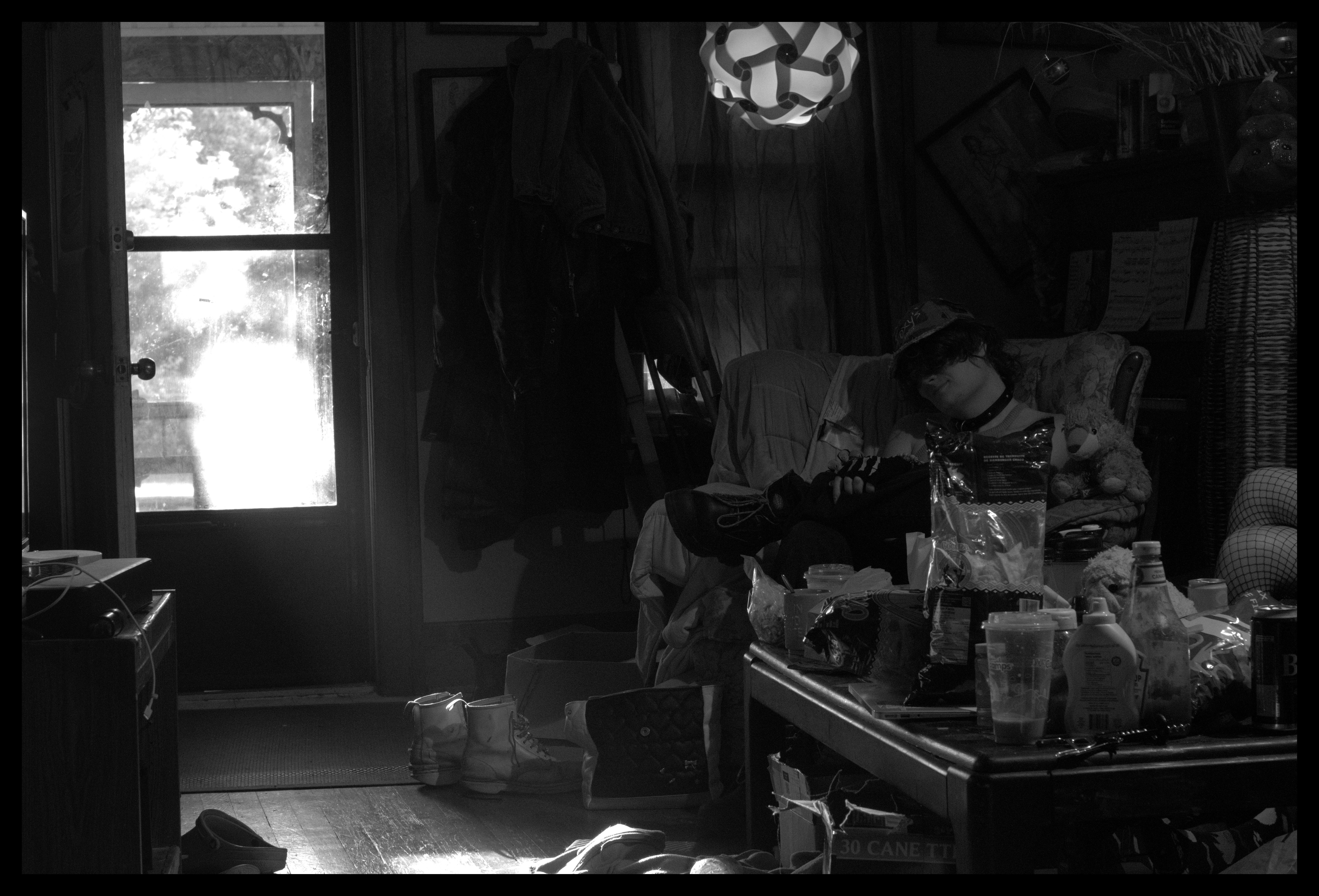
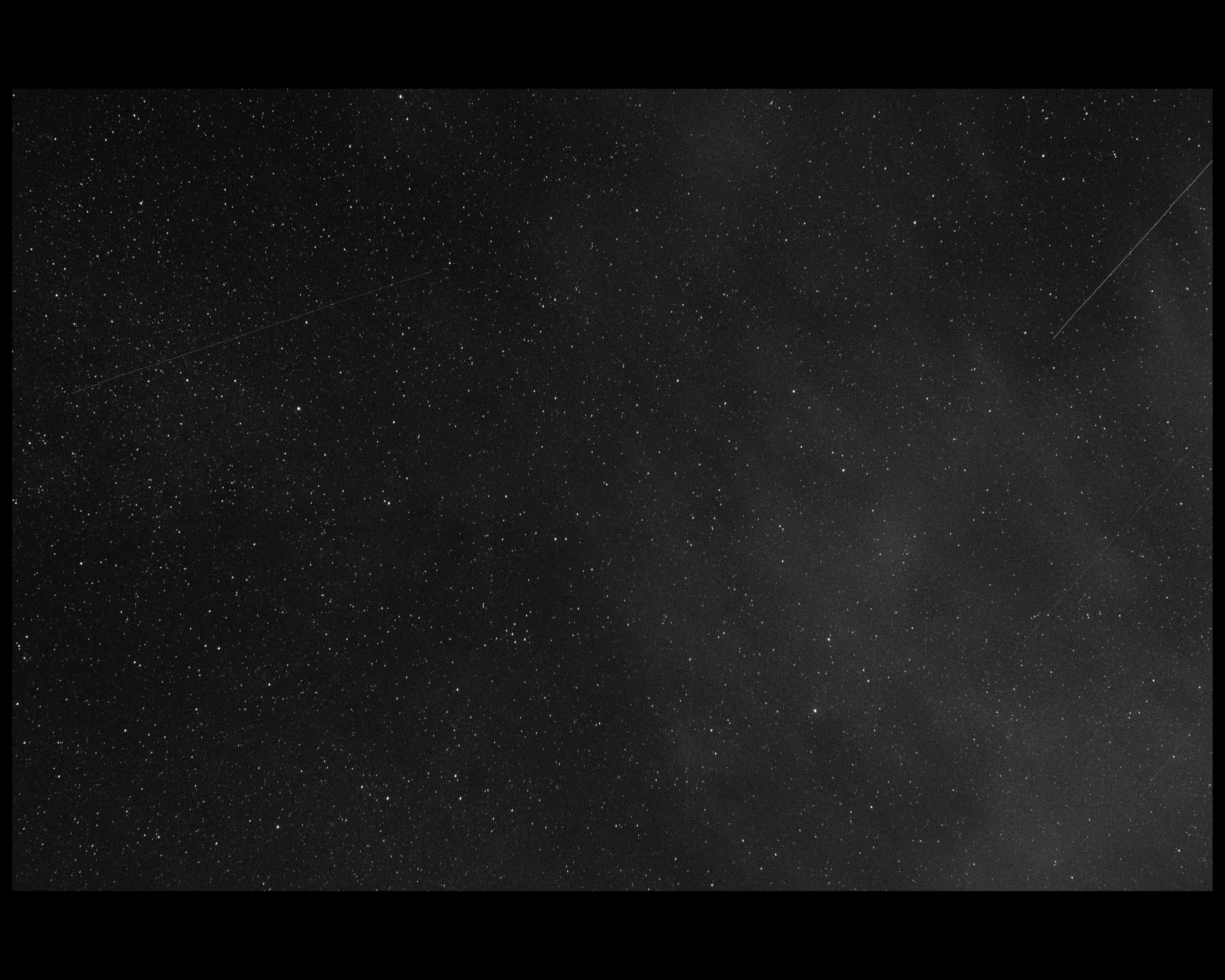
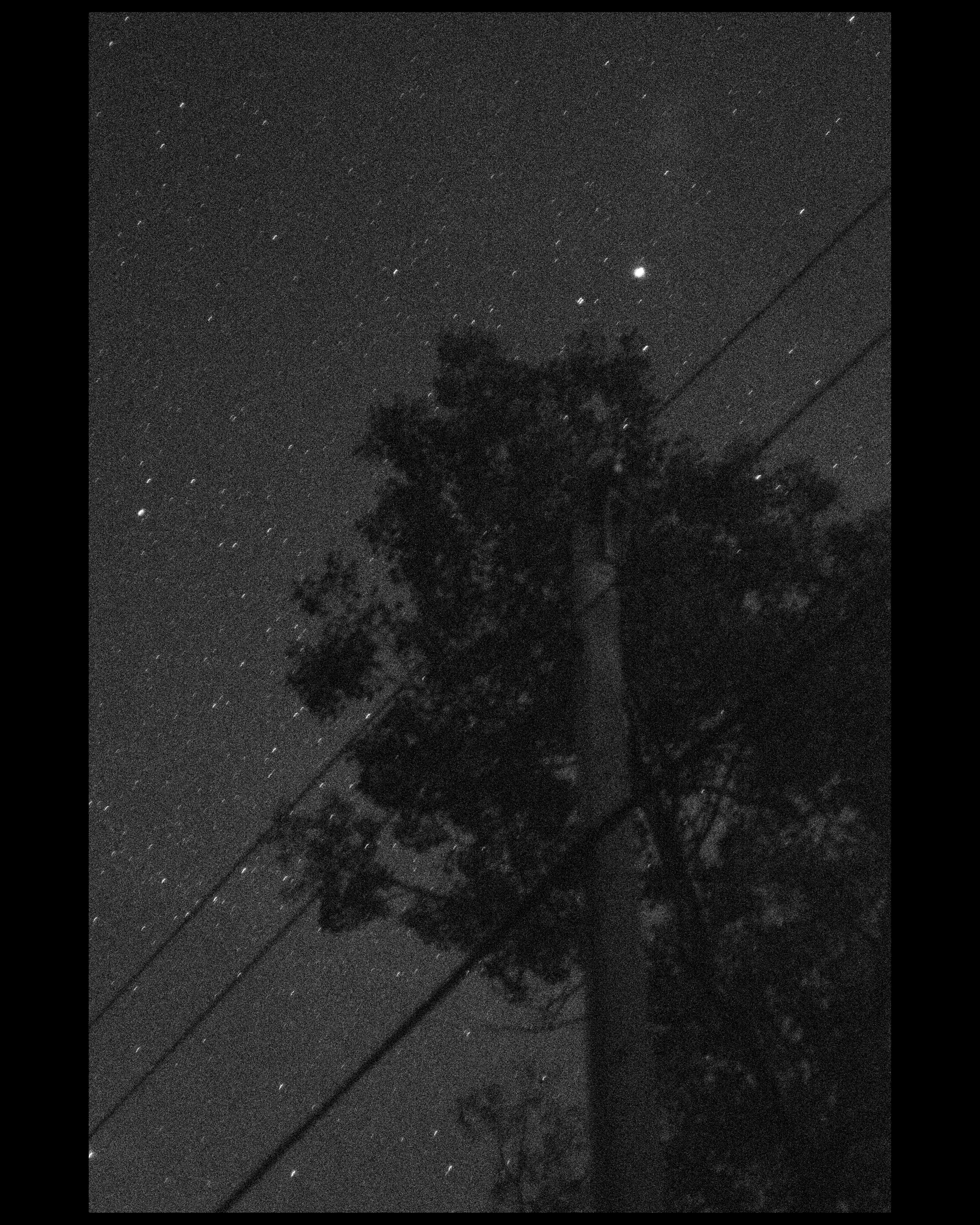
my experiment over last few uh. weeks? or is it days? time is slippery right now with the uh. the uh. Home Problem. anyway the experiment is really simple i've just been mostly shooting at iso 12,800 and squishing and stretching the dynamic range in post to bring out grain. i think it's something.
about 65% of the way thru my backlog