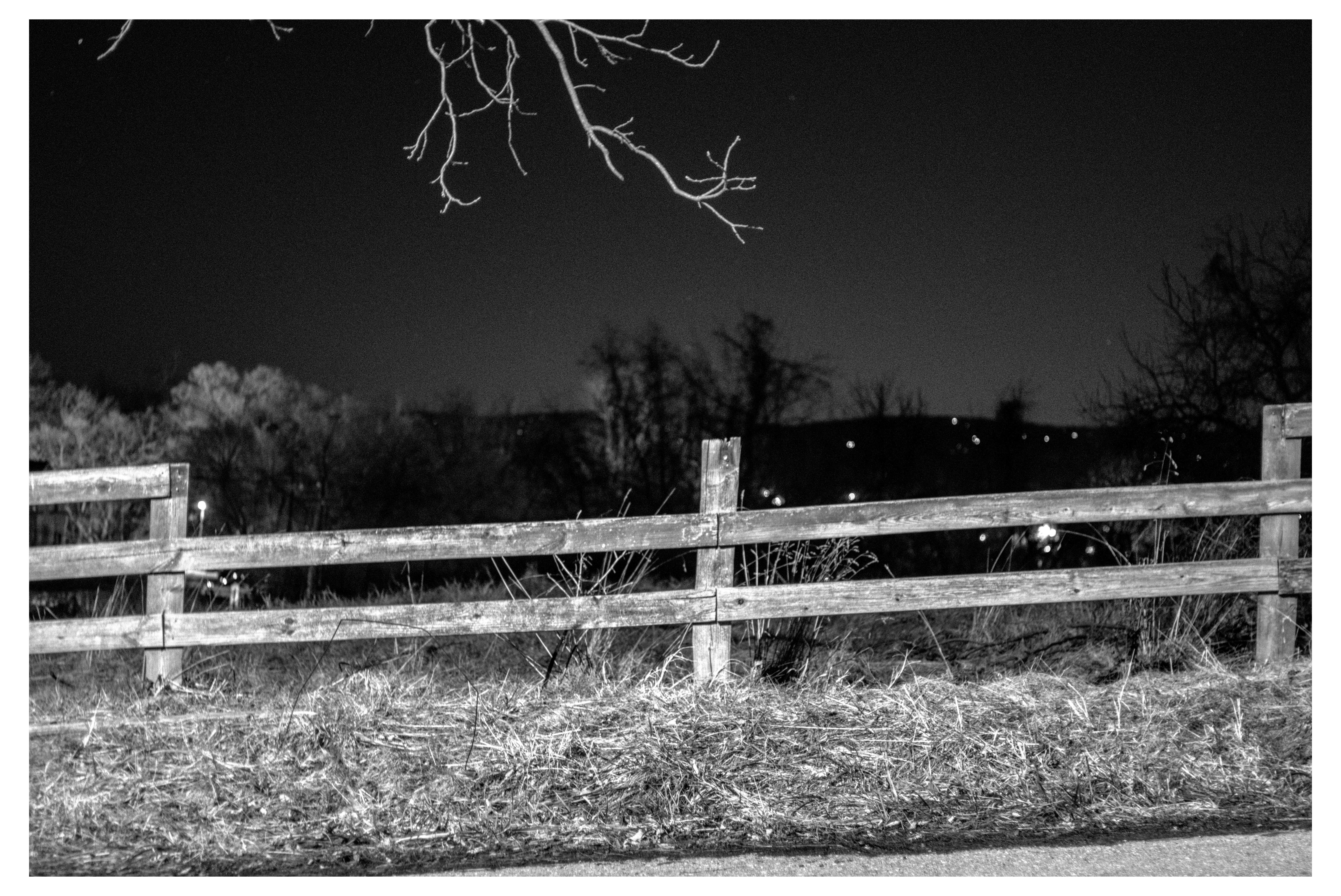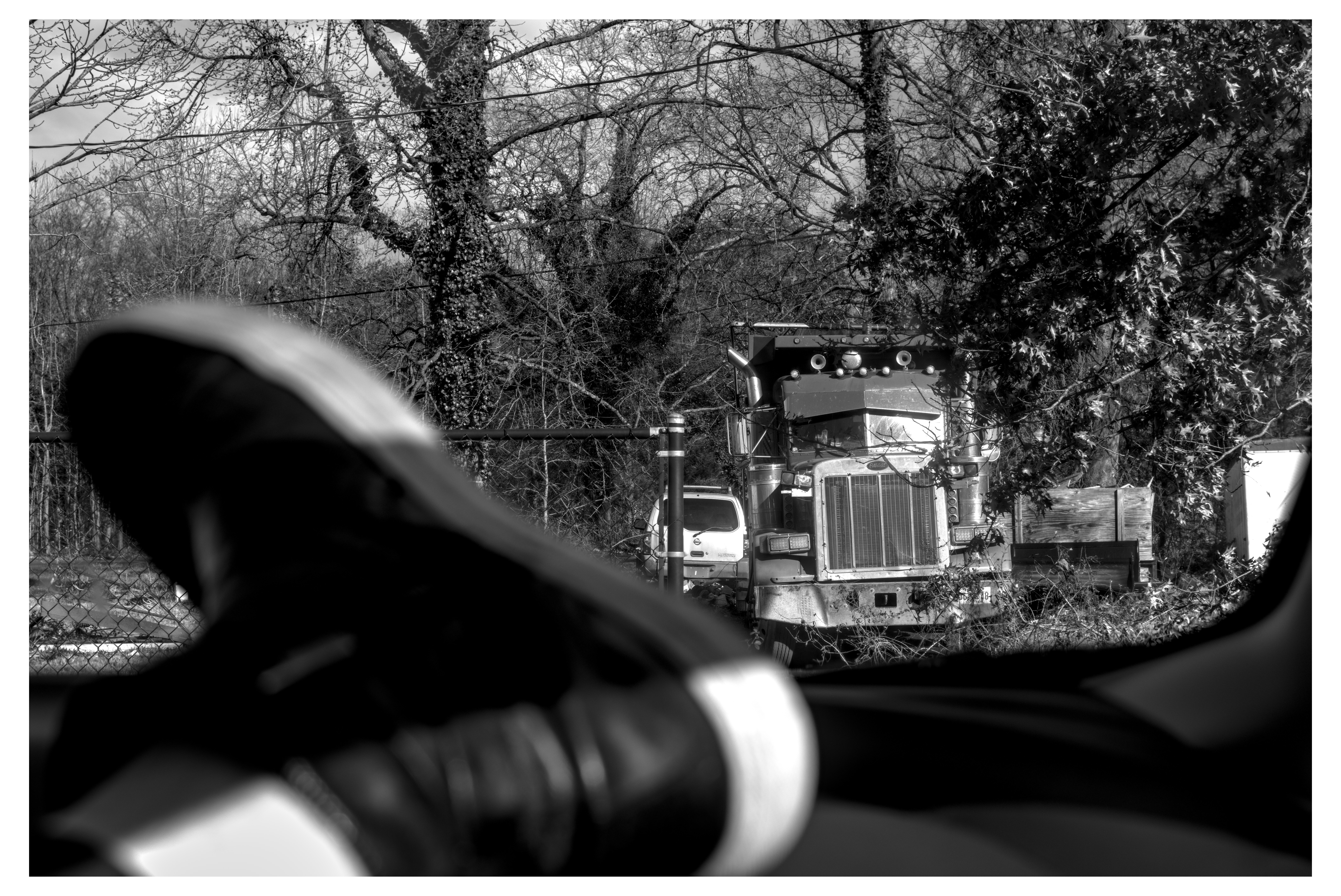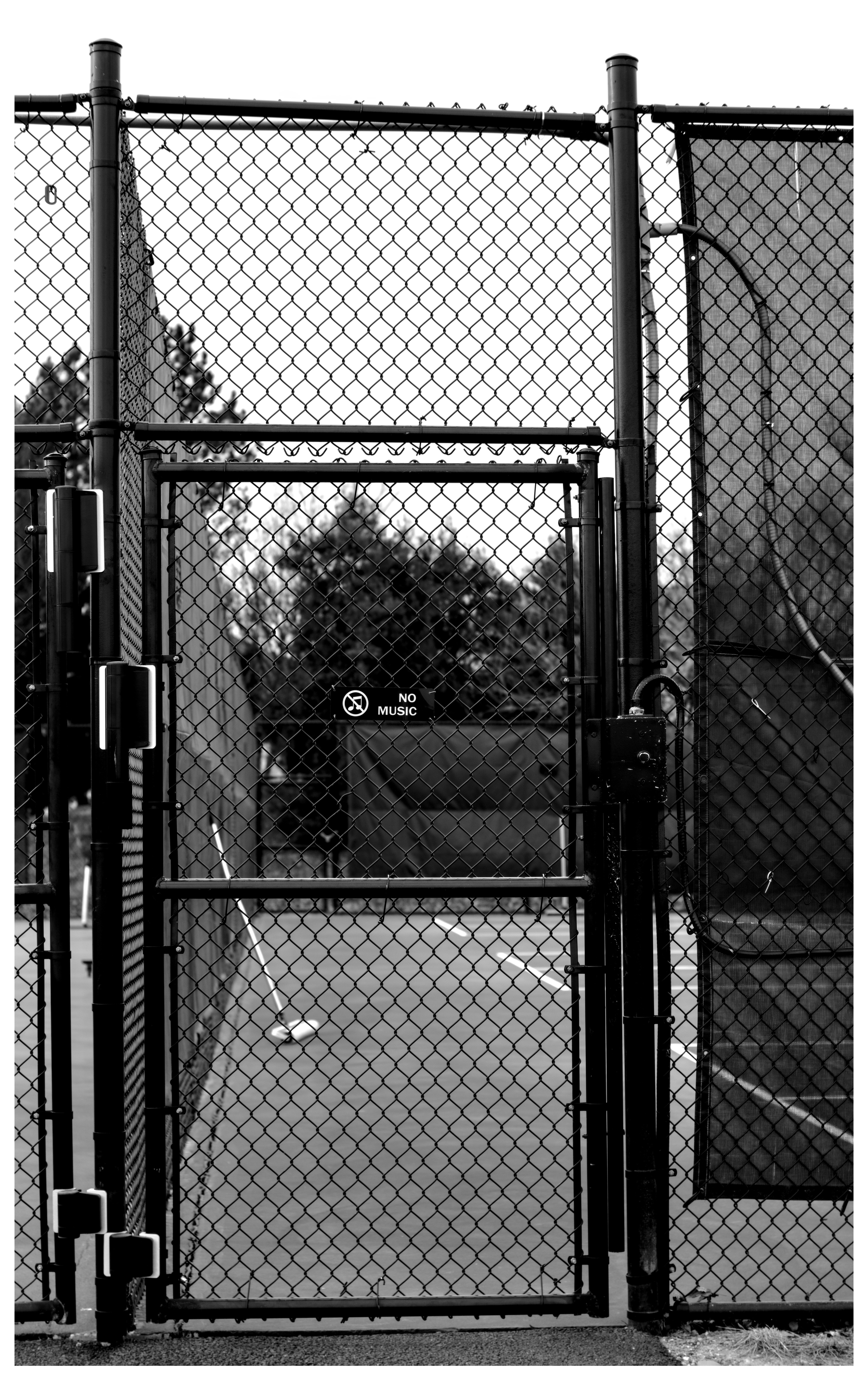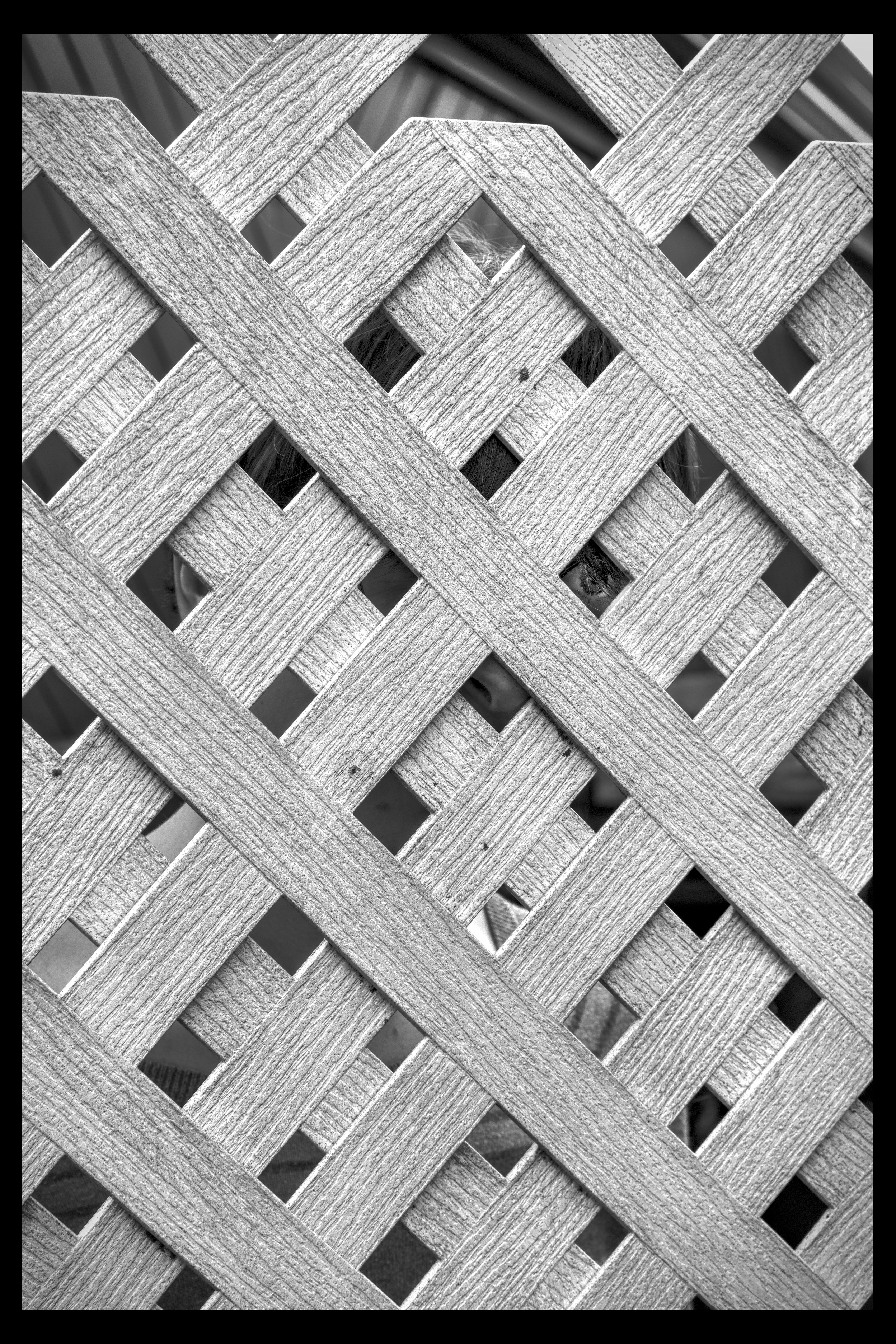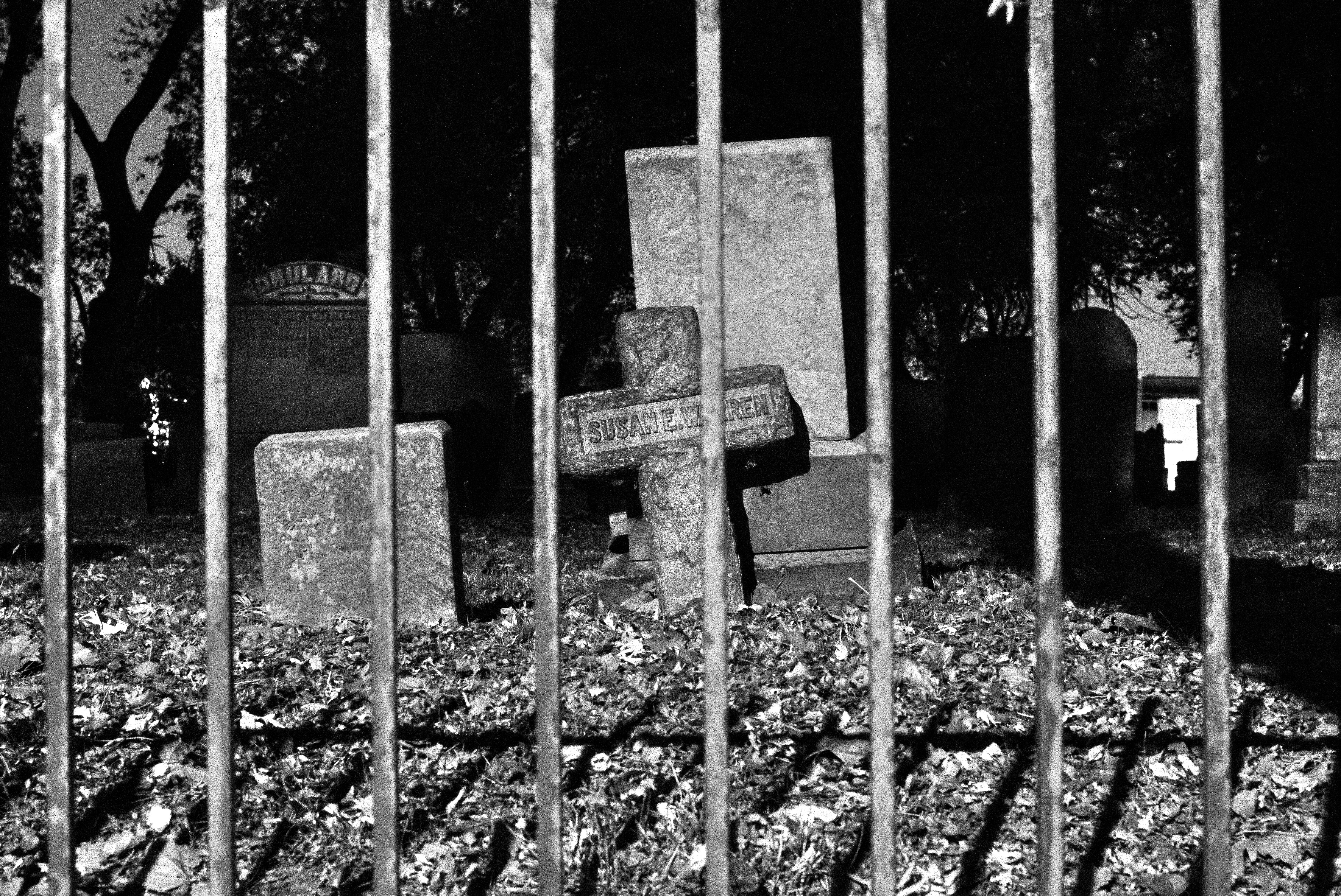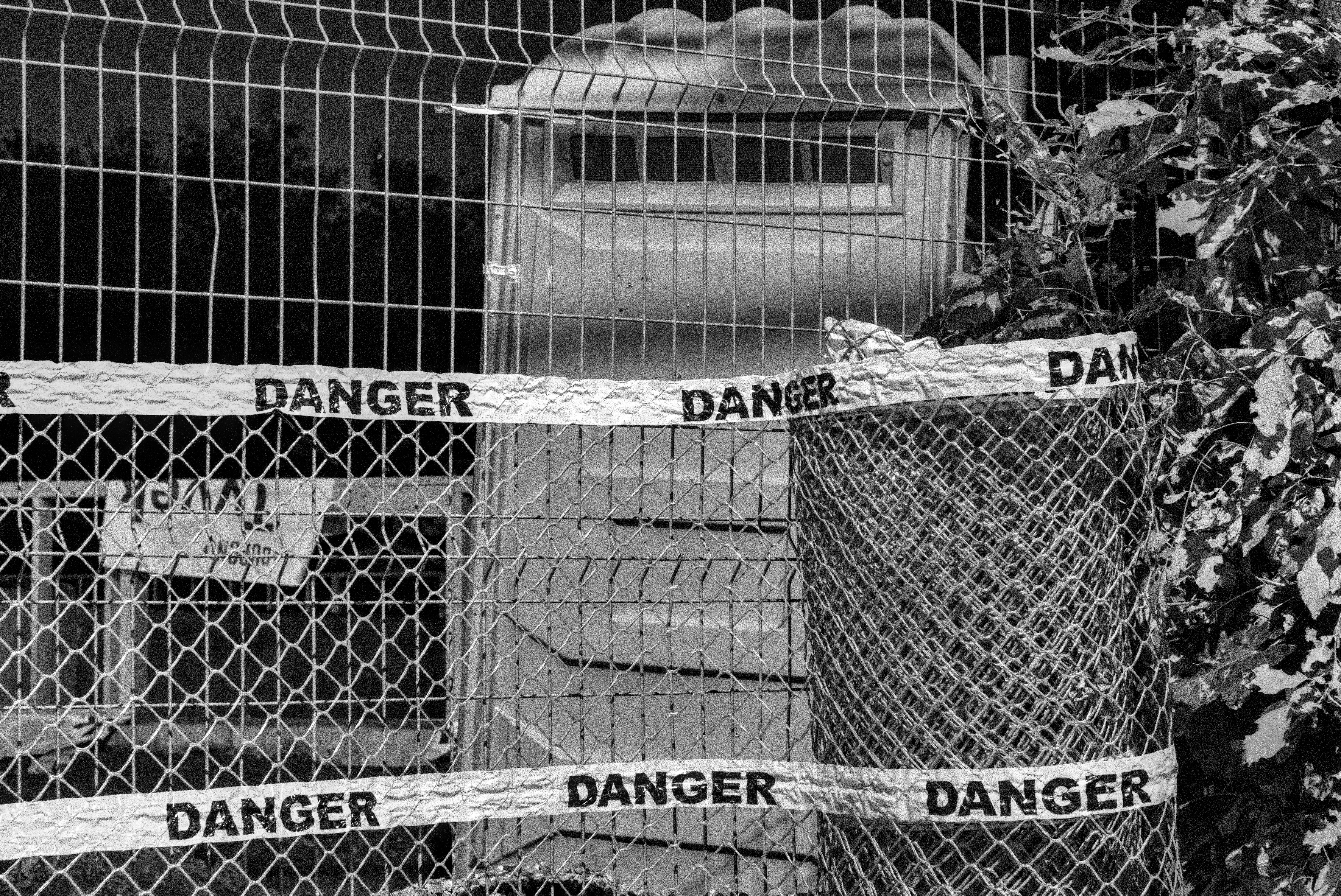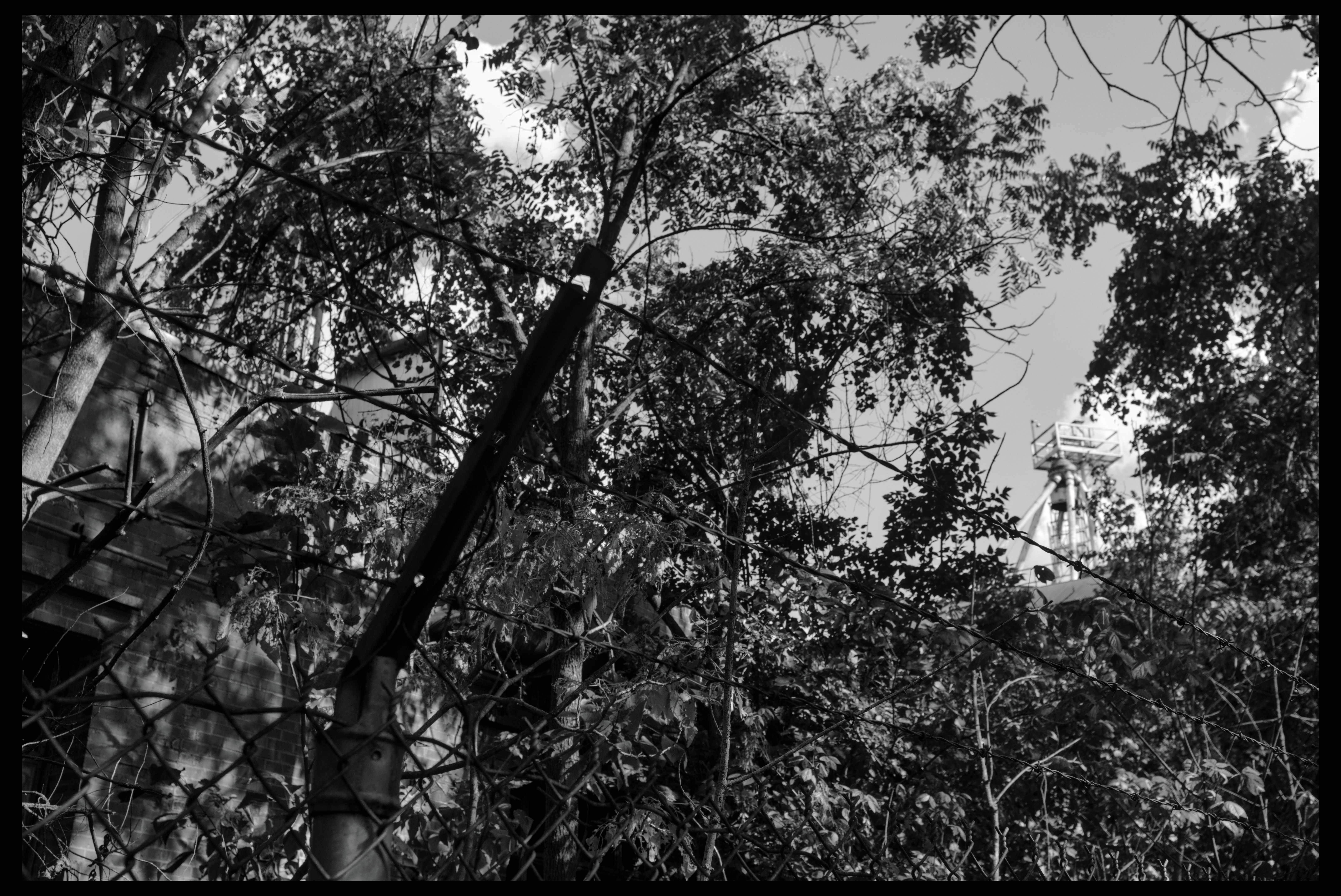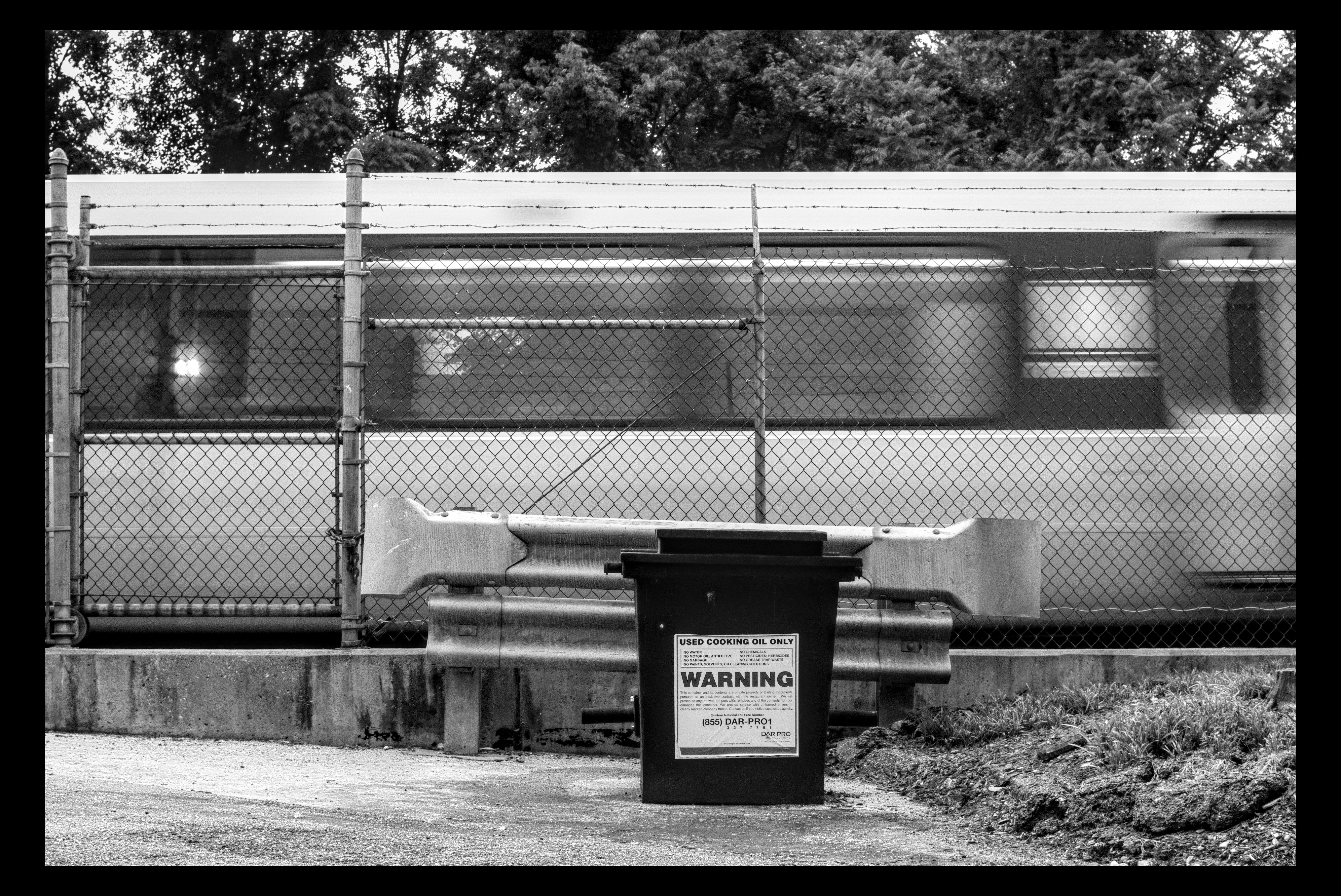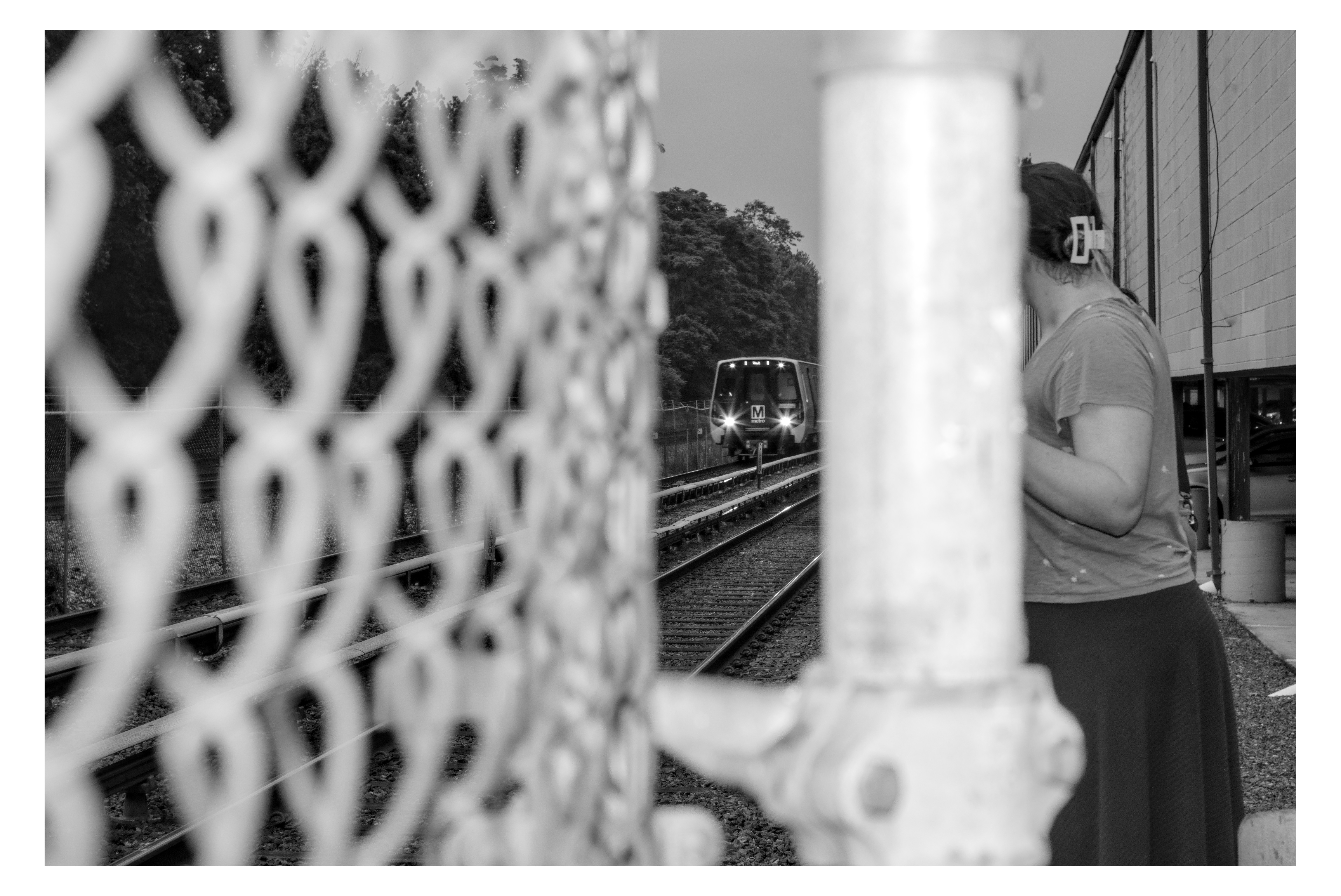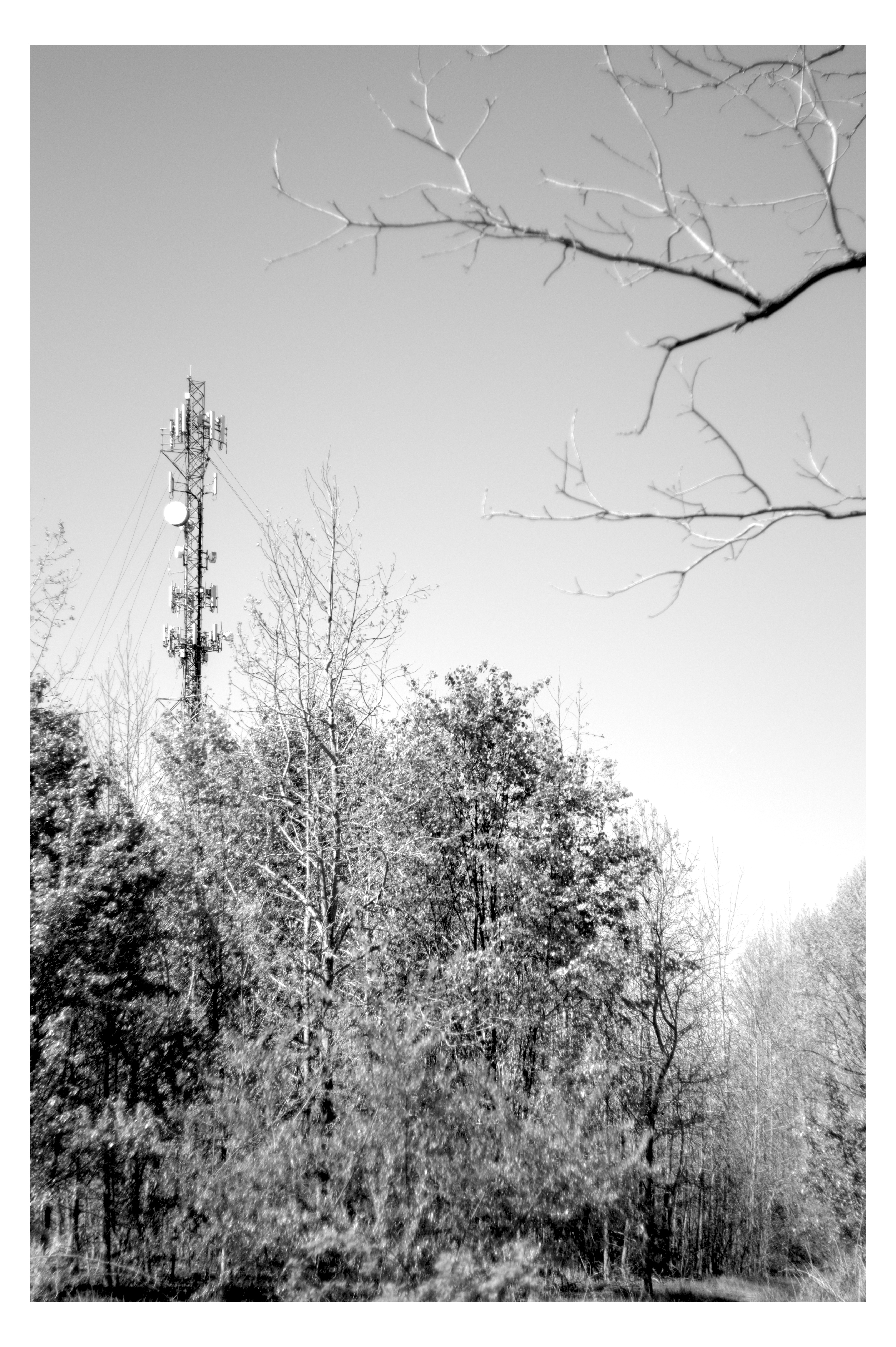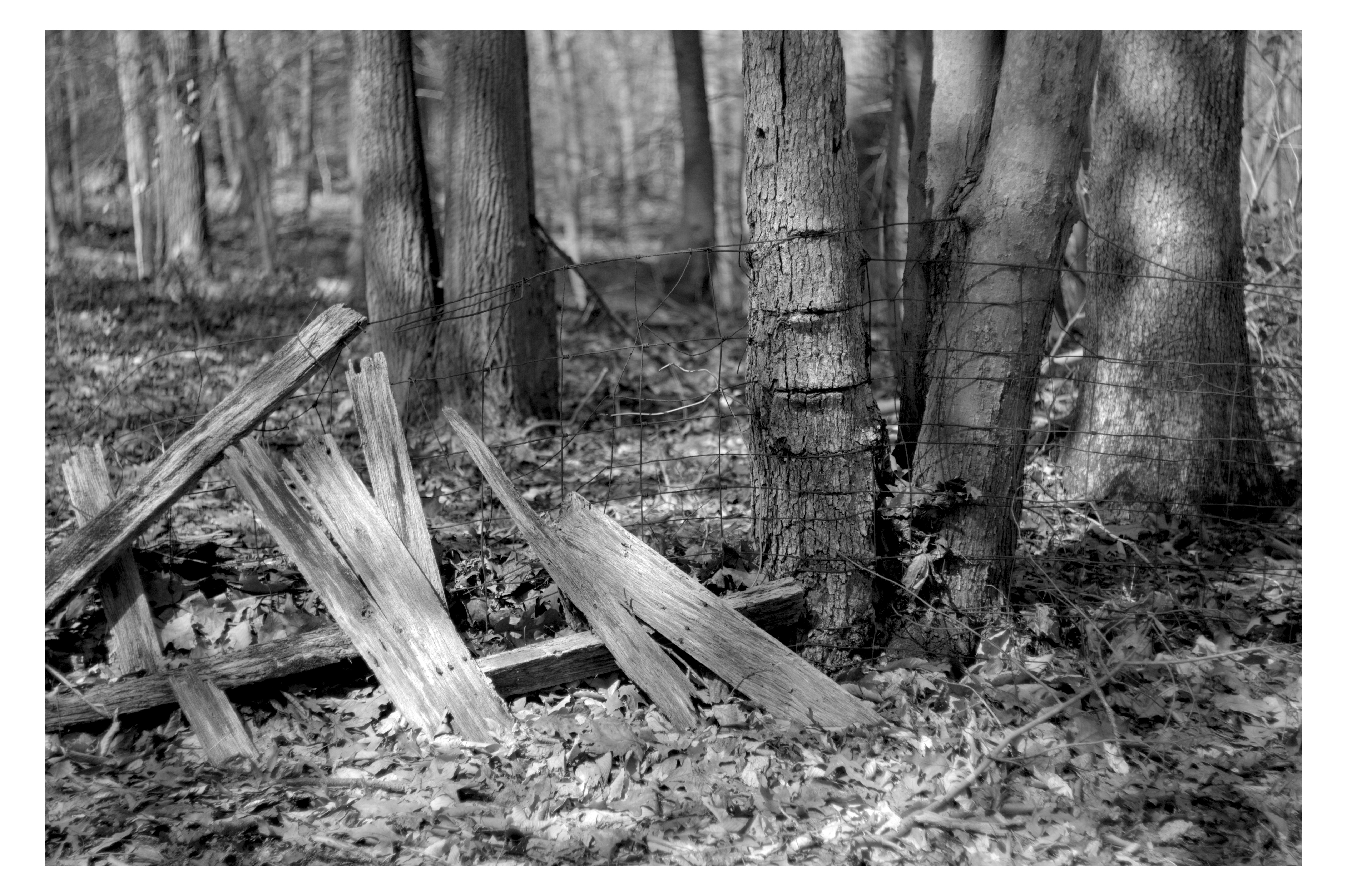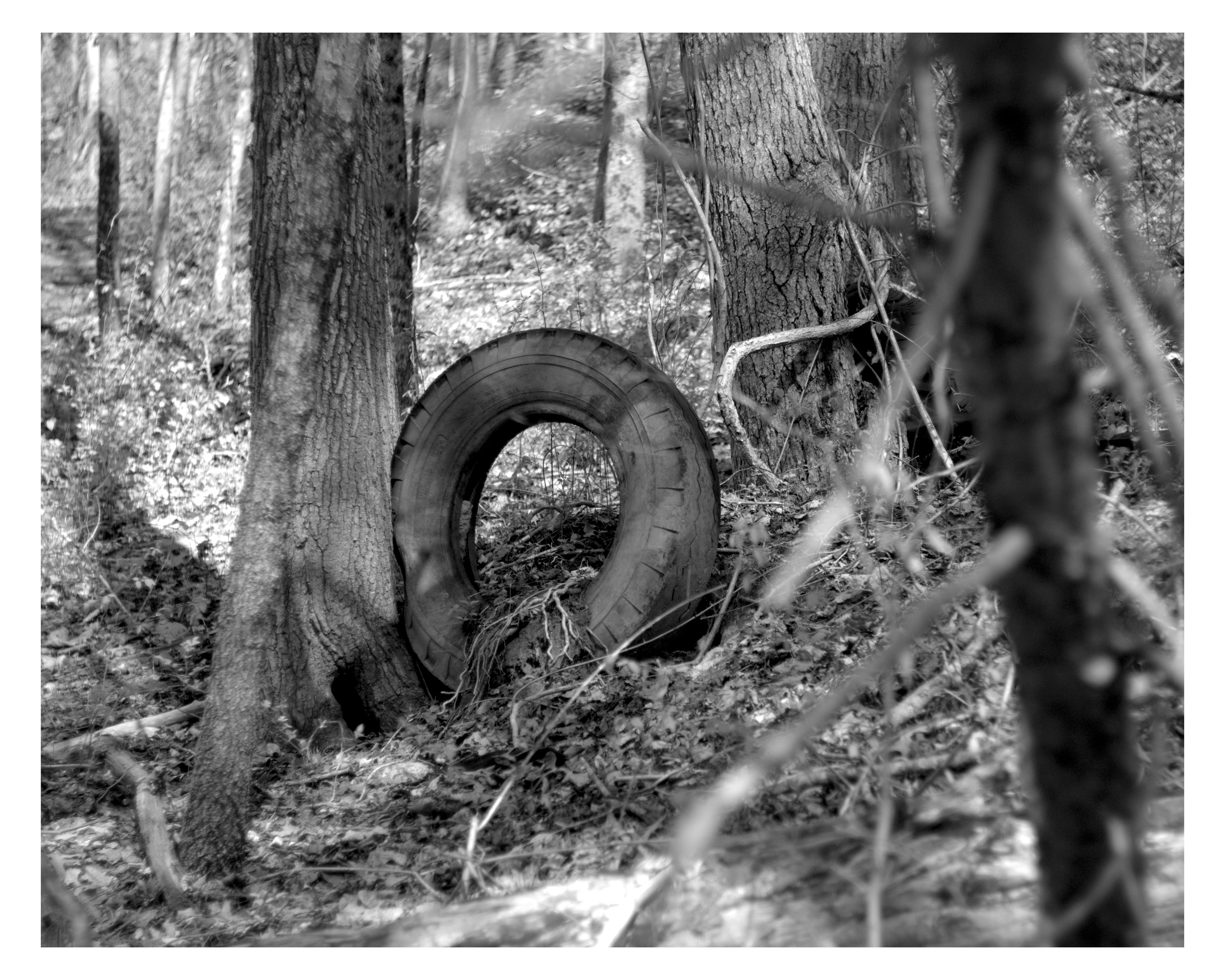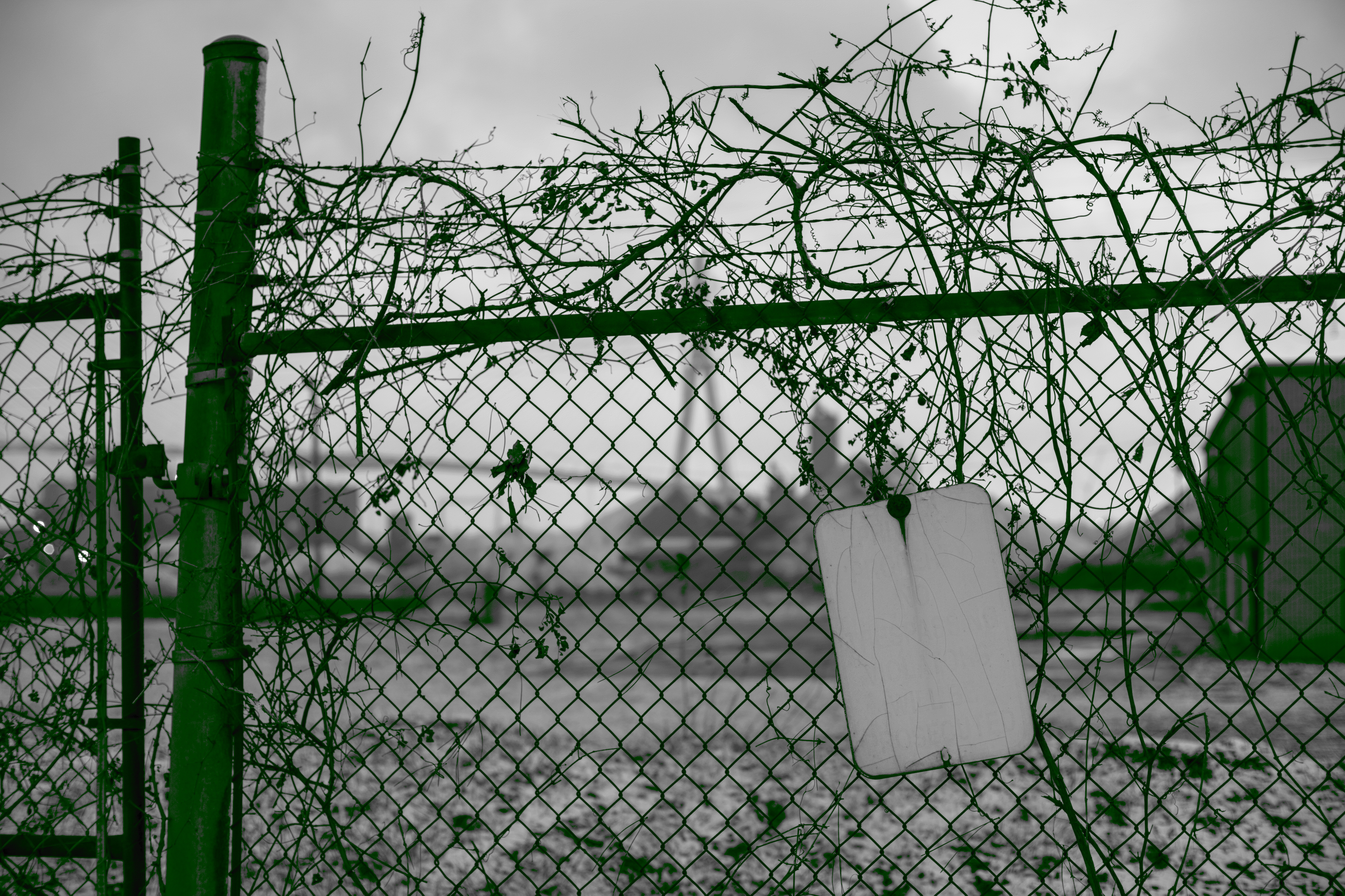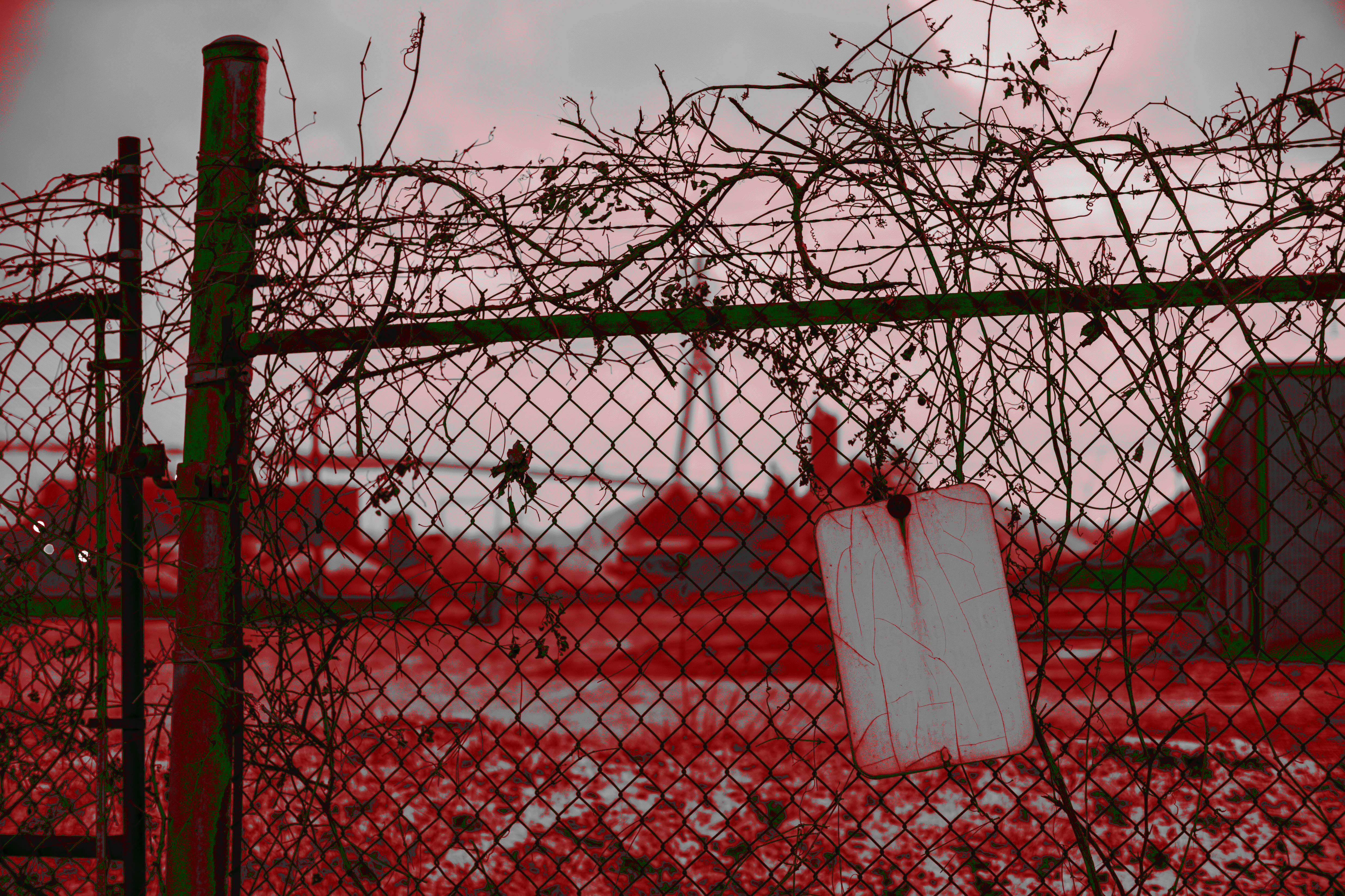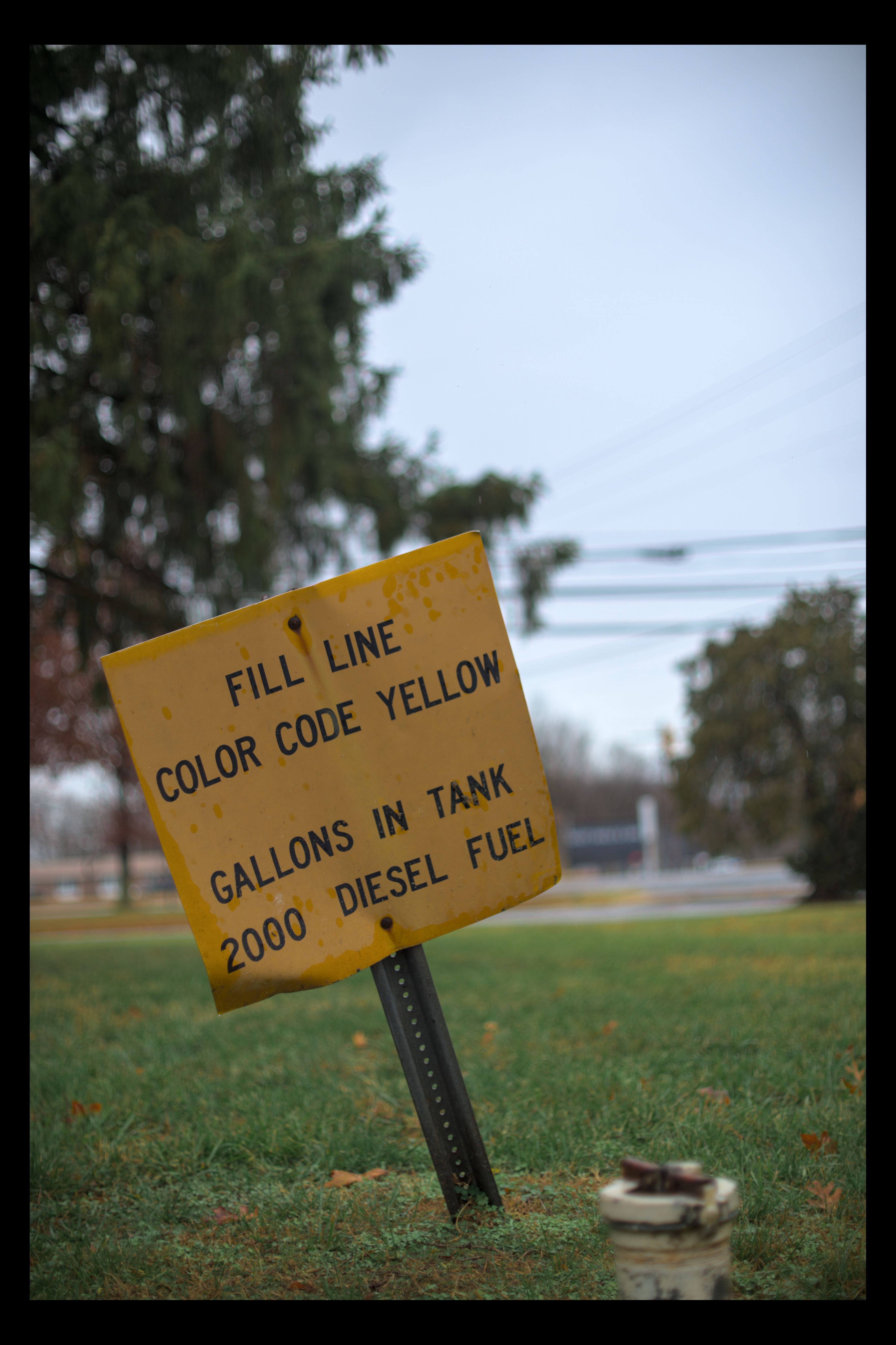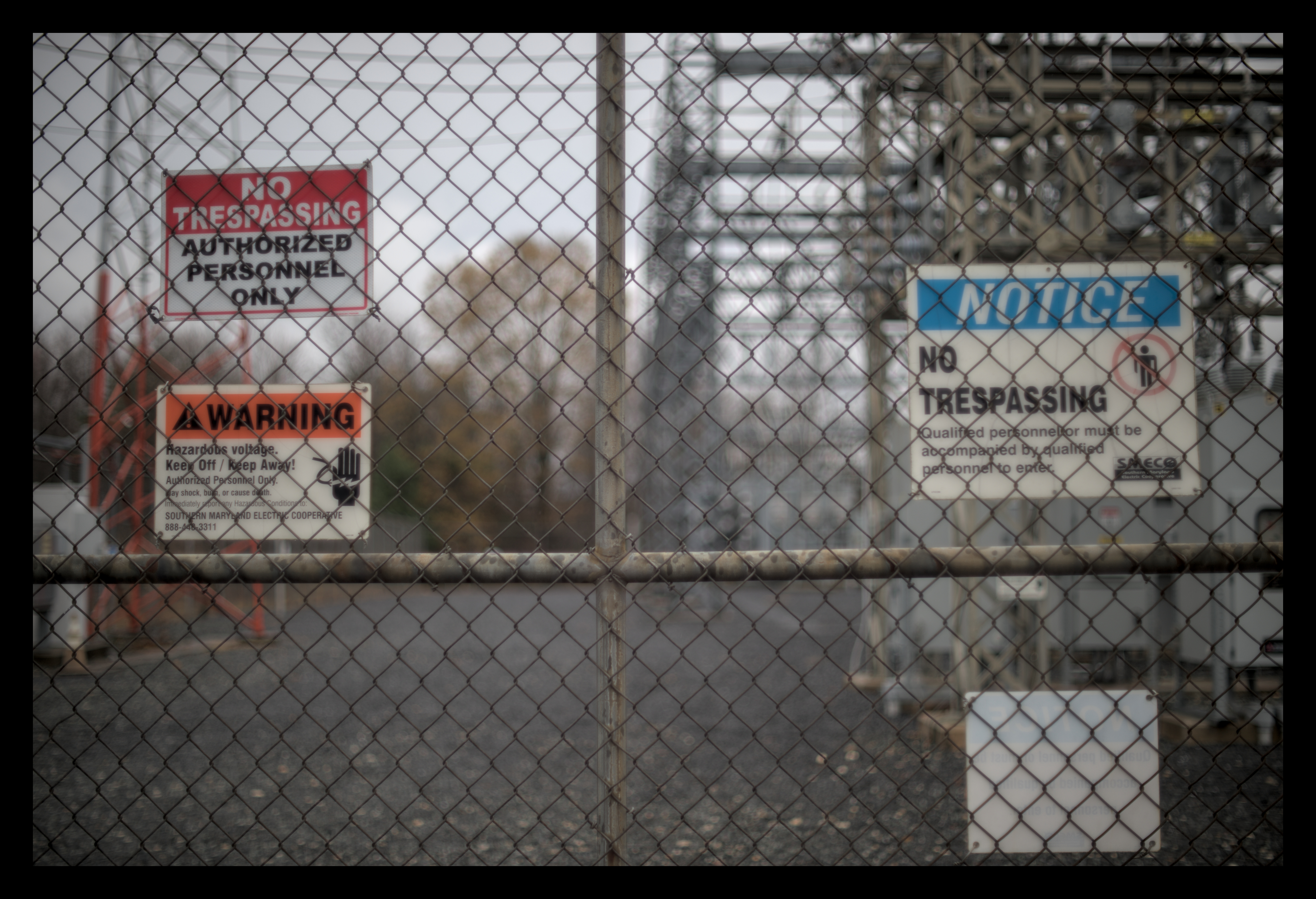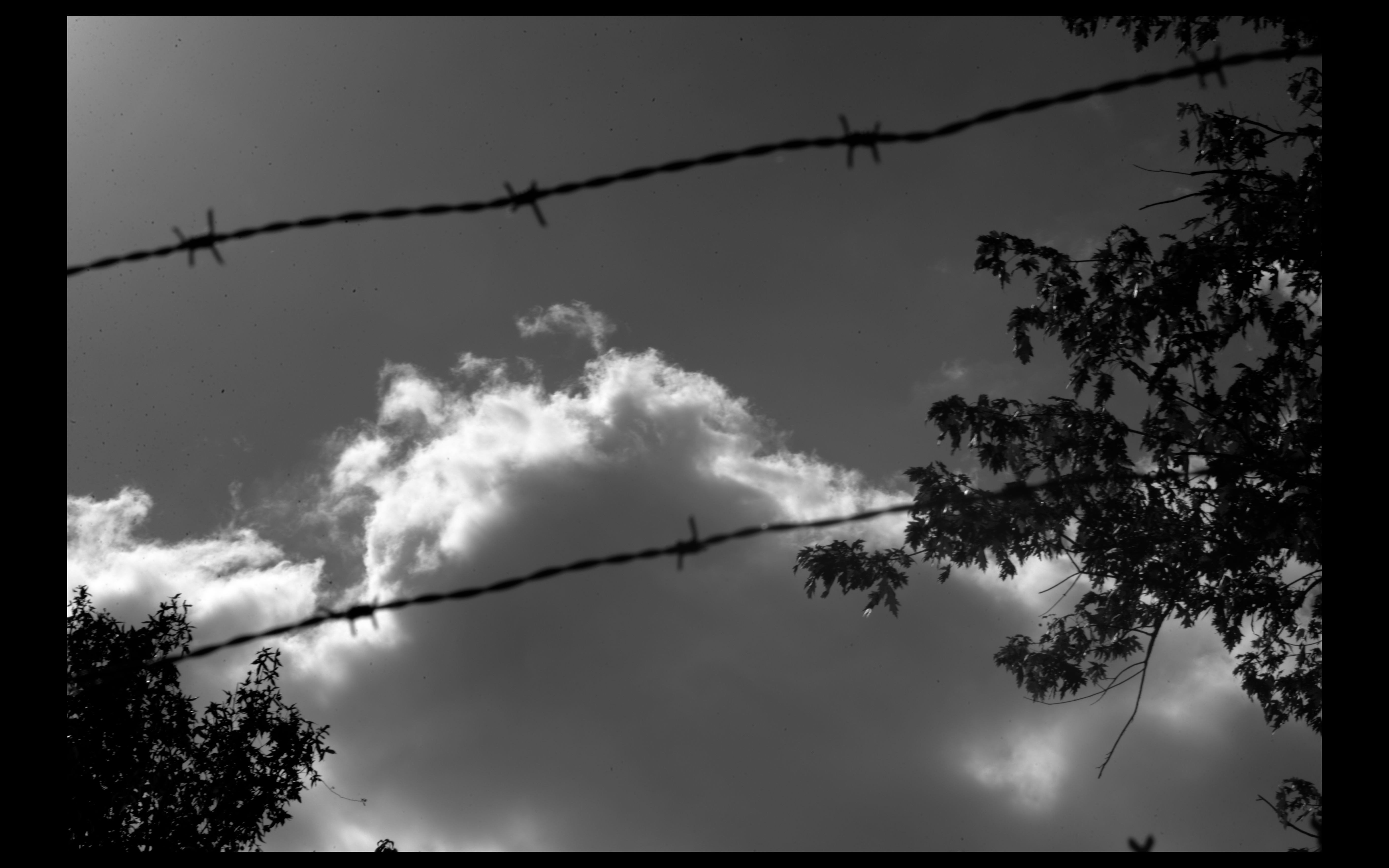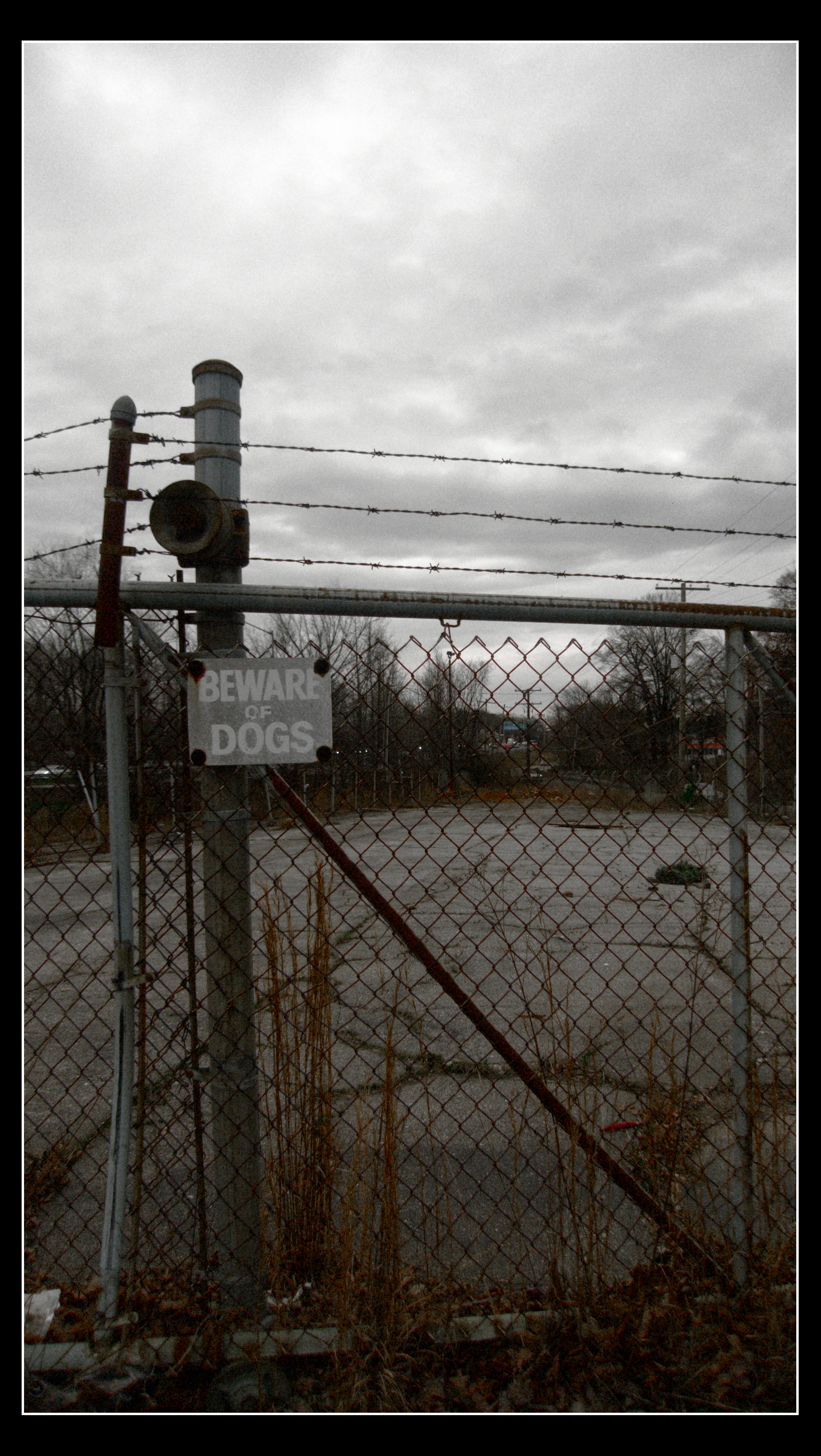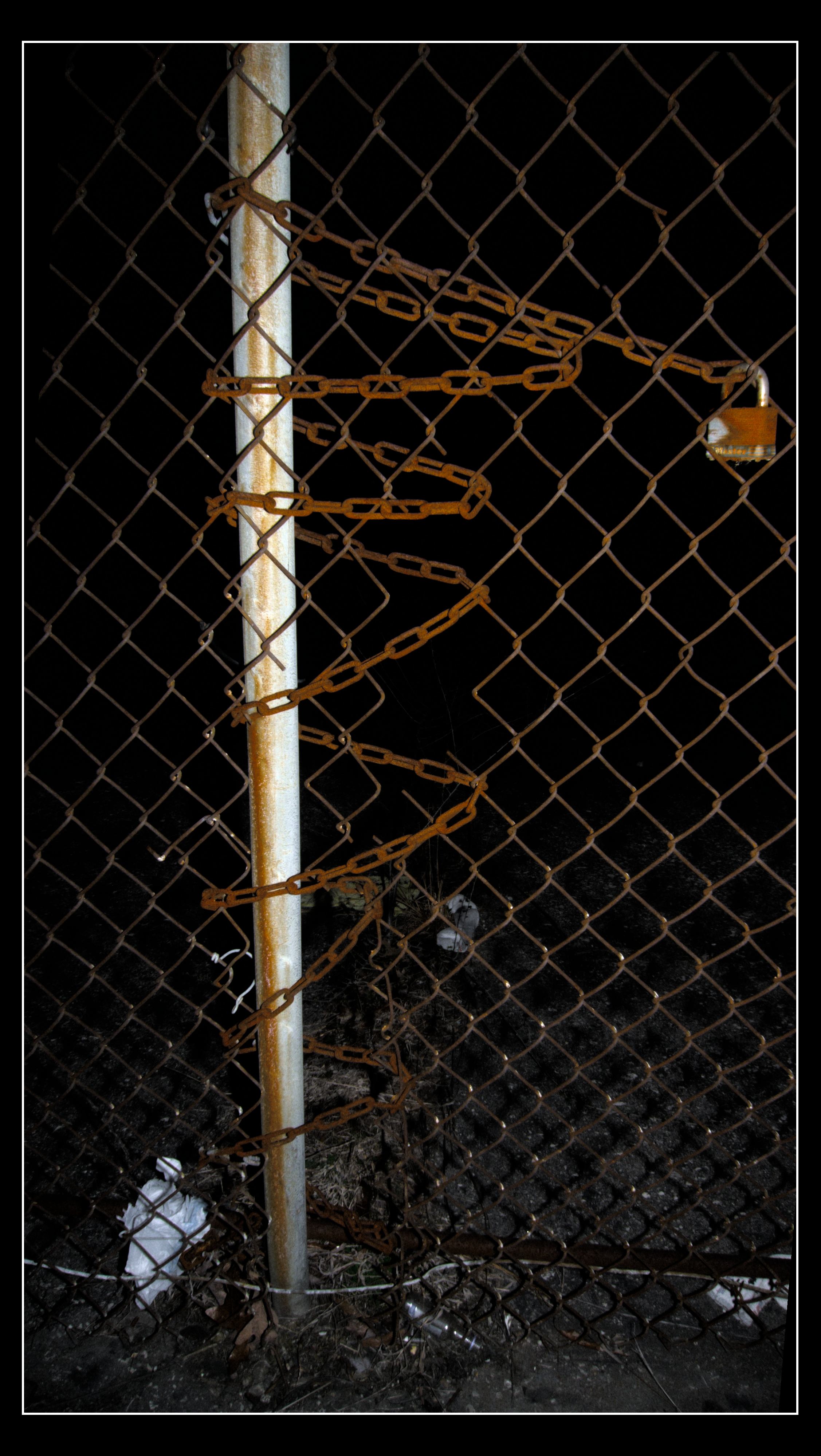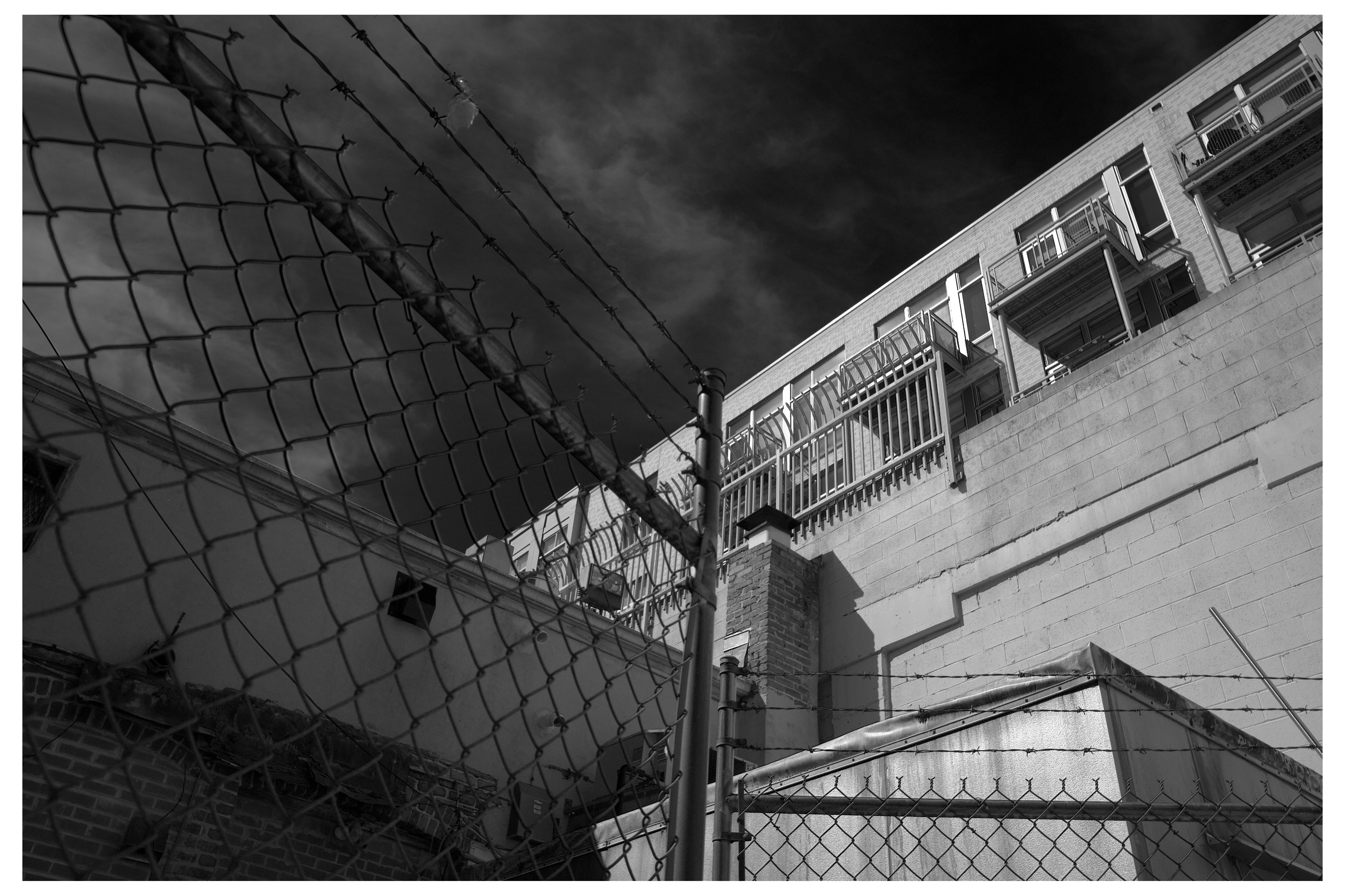
maybe too busy of a shot
borrowing my brothers old nikon d3200. using it with my Arsat H 50mm f/2. the camera can't meter through it, the focus assist dot has a hard time being accurate in anything but bright light, and the lens itself has sticky aperture blades so it's always firing wide open. went on a walk with this setup, it's very nicely compact. took pictures with exposure determined by vibe and these are the best results. it's a novel set of limitations to work with, different from how the digicams limit me.
oh yeah also, it has 24mpx resolution? which is way higher than anything i've used before o . O, 50% more than the Df had. It almost feels like too many pixels but my computer handles it just fine, only slightly slower than the 16mpx i'm used to, and it gives me more room to work with for cropping so it's more useful than not.
q + 06
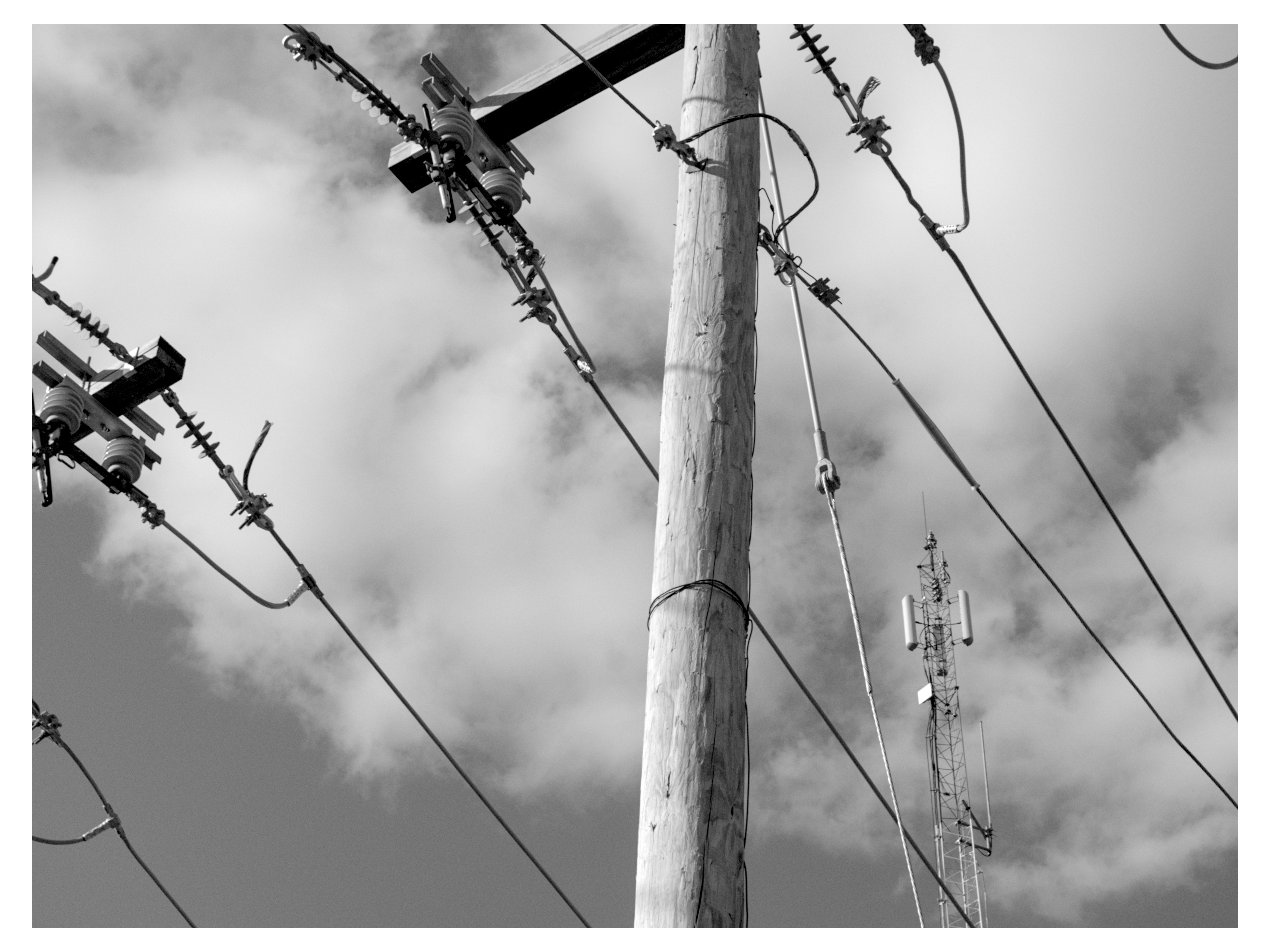
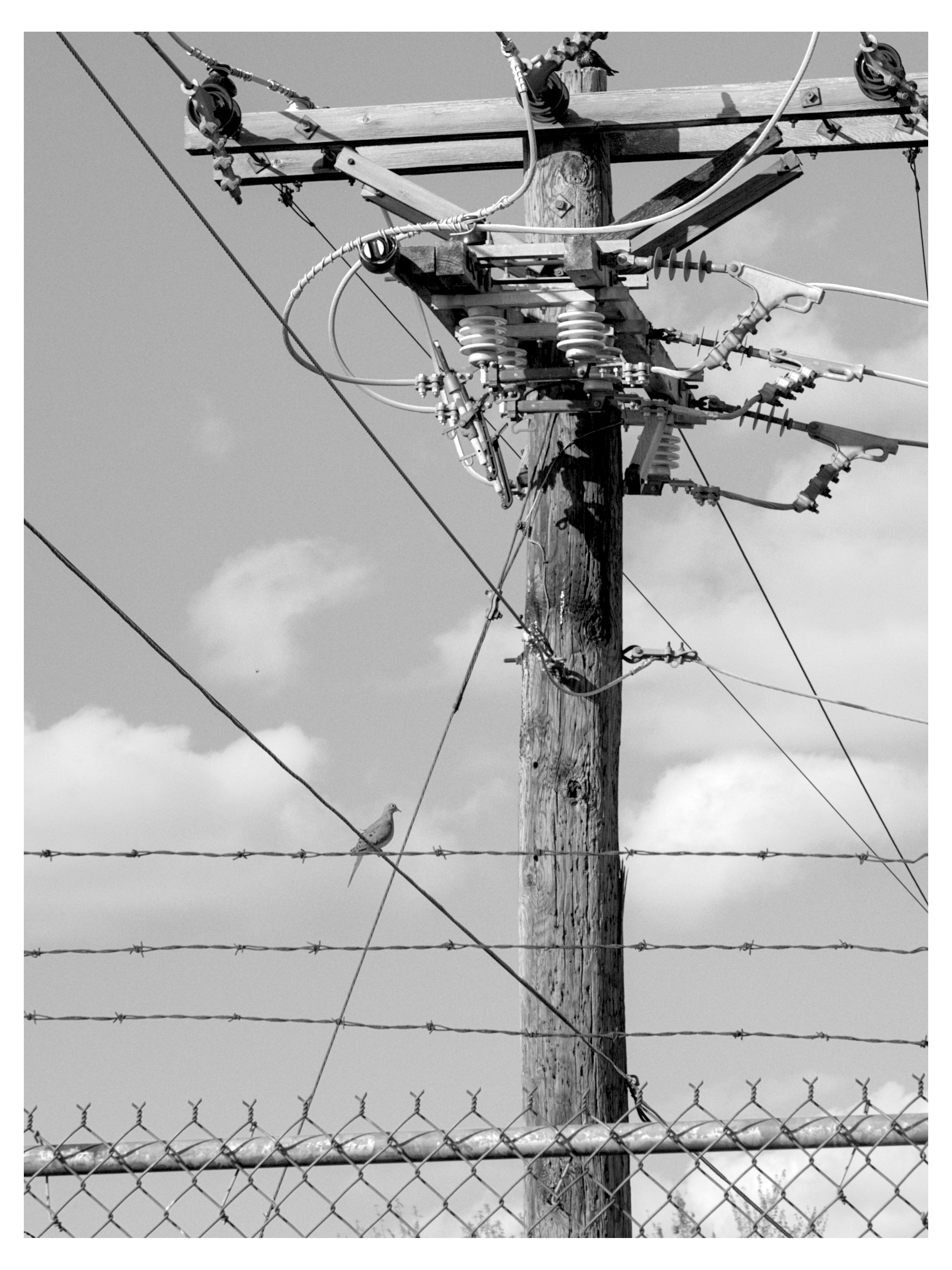
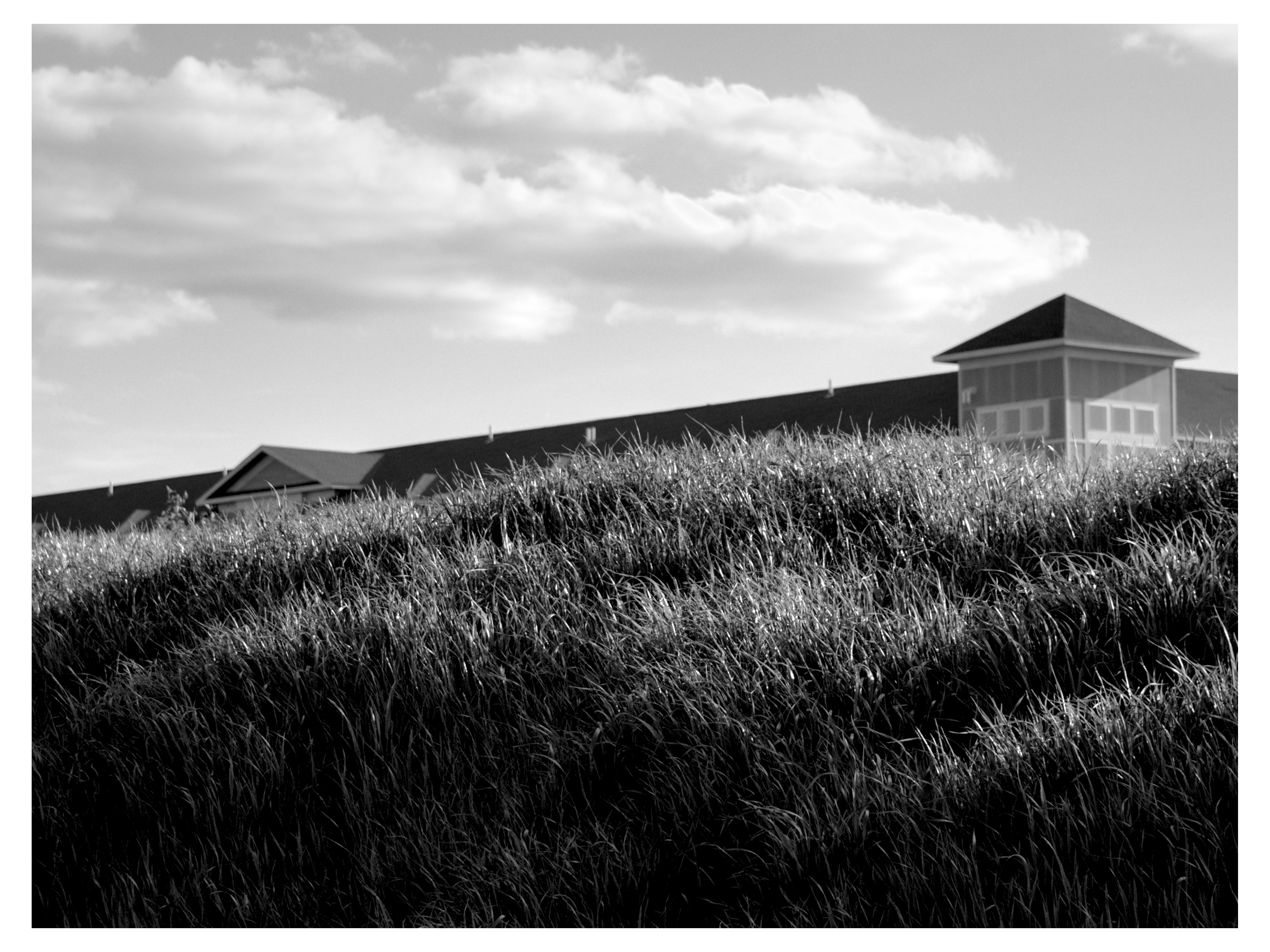
i'm actually really proud of these. none of these are cropped, and have very basic tone edits and light sharpening. f/5.6 on 1&2, f/2.8 on 3.
in #1, the lines lead your eye toward the radio tower but what I think really hits here is the partial framing of the power lines. something about not showing the whole form on the objects that are in focus, up front, and largest does something.
#2 has missed focus? something is off about its sharpness but thats really my only complaint. the lines on all sorts of different levels of depth and angles and textures throw your eye all around the place, and settle on the intense form of the power transformer thing. the bird is at the center of it all but is secondary, it contrasts the transformer more than it exists as its own form.
#3 shows the softness of the 06 lens wide open: zoomed in the grass is not as defined as i'd like it to be but again, this is a minor complaint. the 3 distinct layers. grass, a simulacra of nature, swallowing pricey town homes which have swallowed the true nature (if you can call any nature here "true" at this point) around them, pooling up and rising into the void above.
edit image in darktable (1)
export as 16 bit greyscale tif, import to gimp, image > mode > rgb
create new image, fill it with gradients including greyscale black to white, go to the palette menu, import palette from that, sort palette
go back to imported image, select newly created palette, colors > map > palette map
your greyscale image now has colors inserted into it based on an algorithm i dont fully undesrtand (2, 3).
came across this tool in my quest for introducing false color to a greyscale image to cover grey tones lost in the export to 8bit jpg from higher bit depth raws. this doesn't end up doing that, but it looks pretty cool
photos from 1 year ago, i dunno
rainy walk
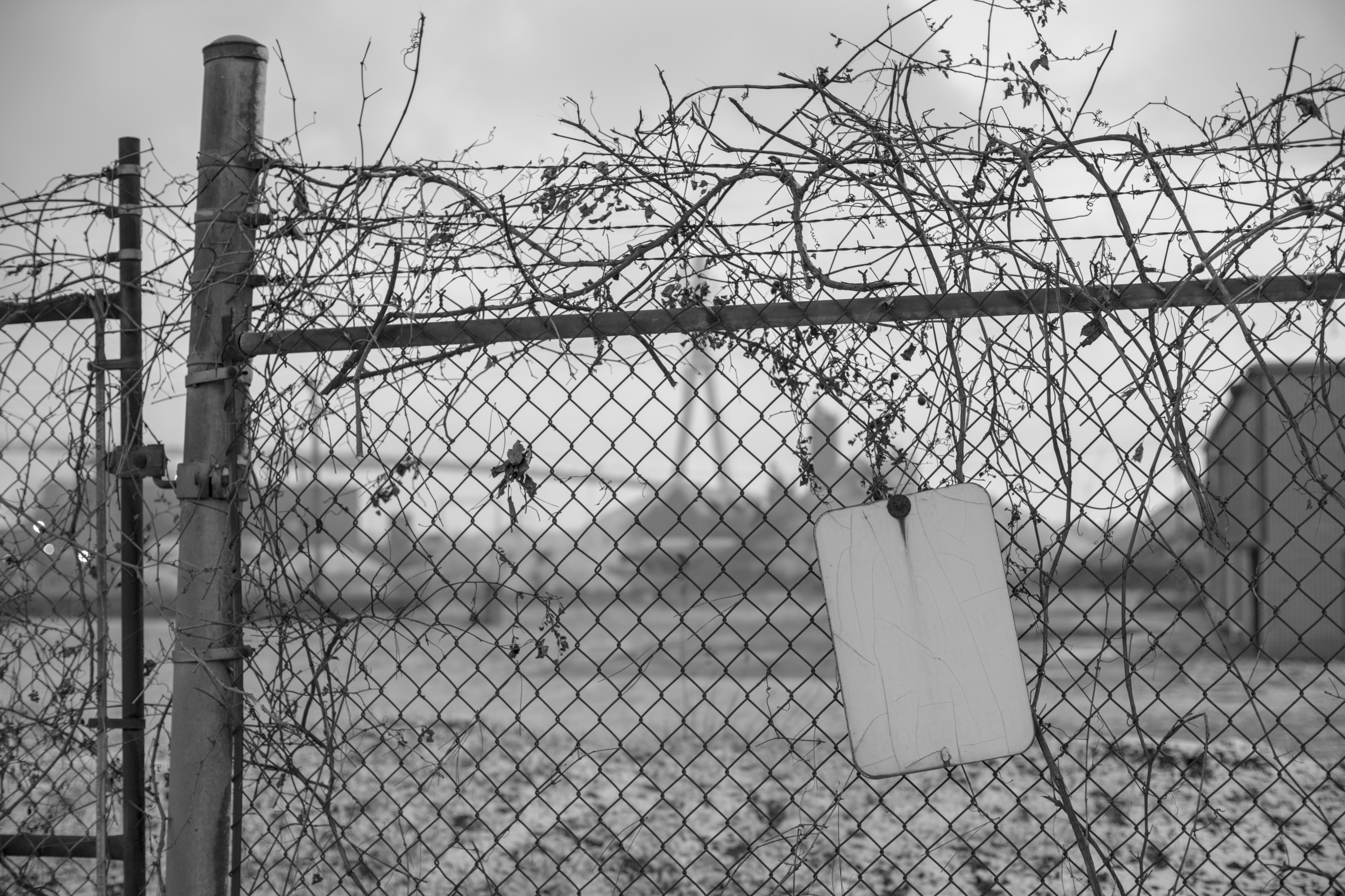
abandoned lots are peak america, to me
i just liked the lines