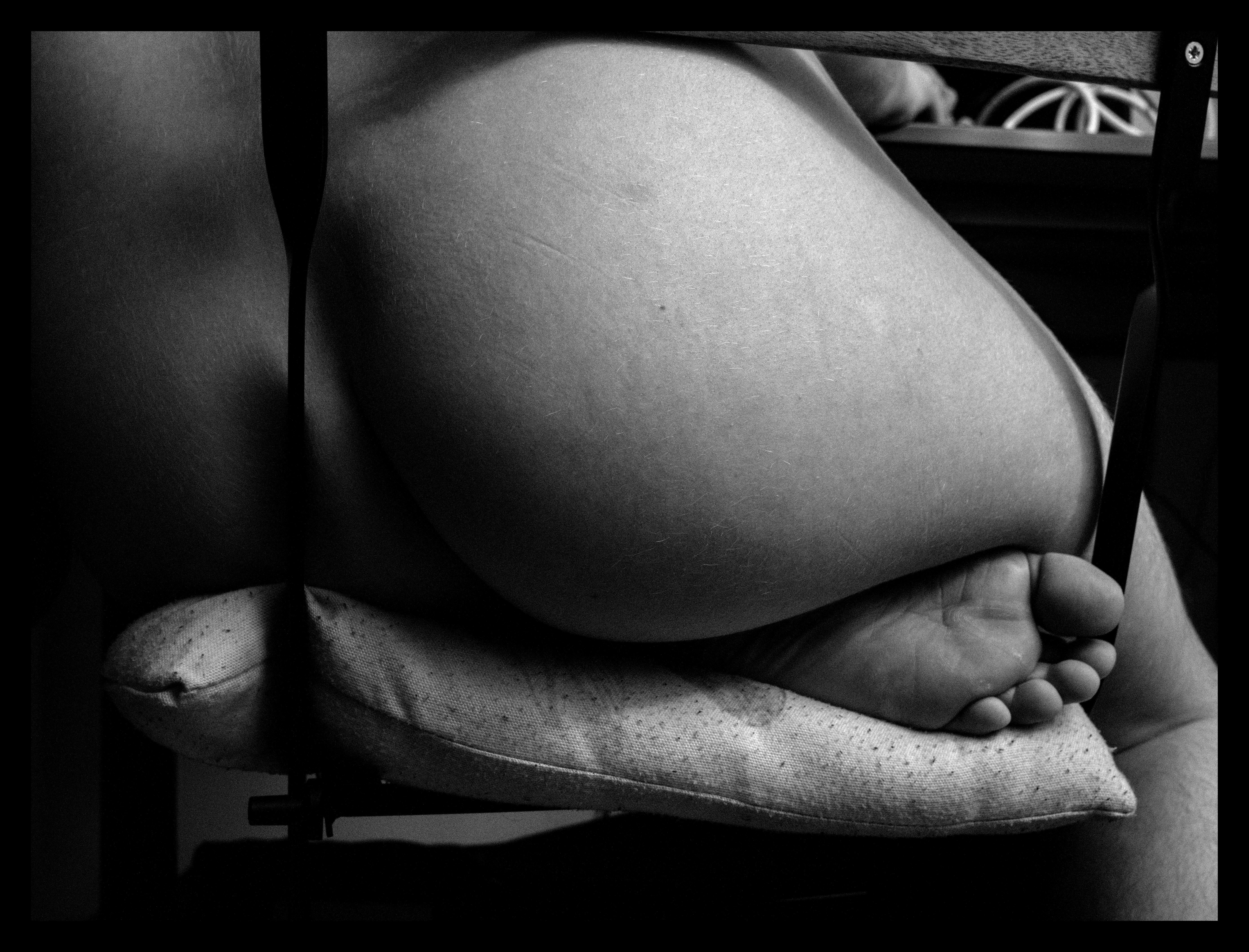
edit image in darktable (1)
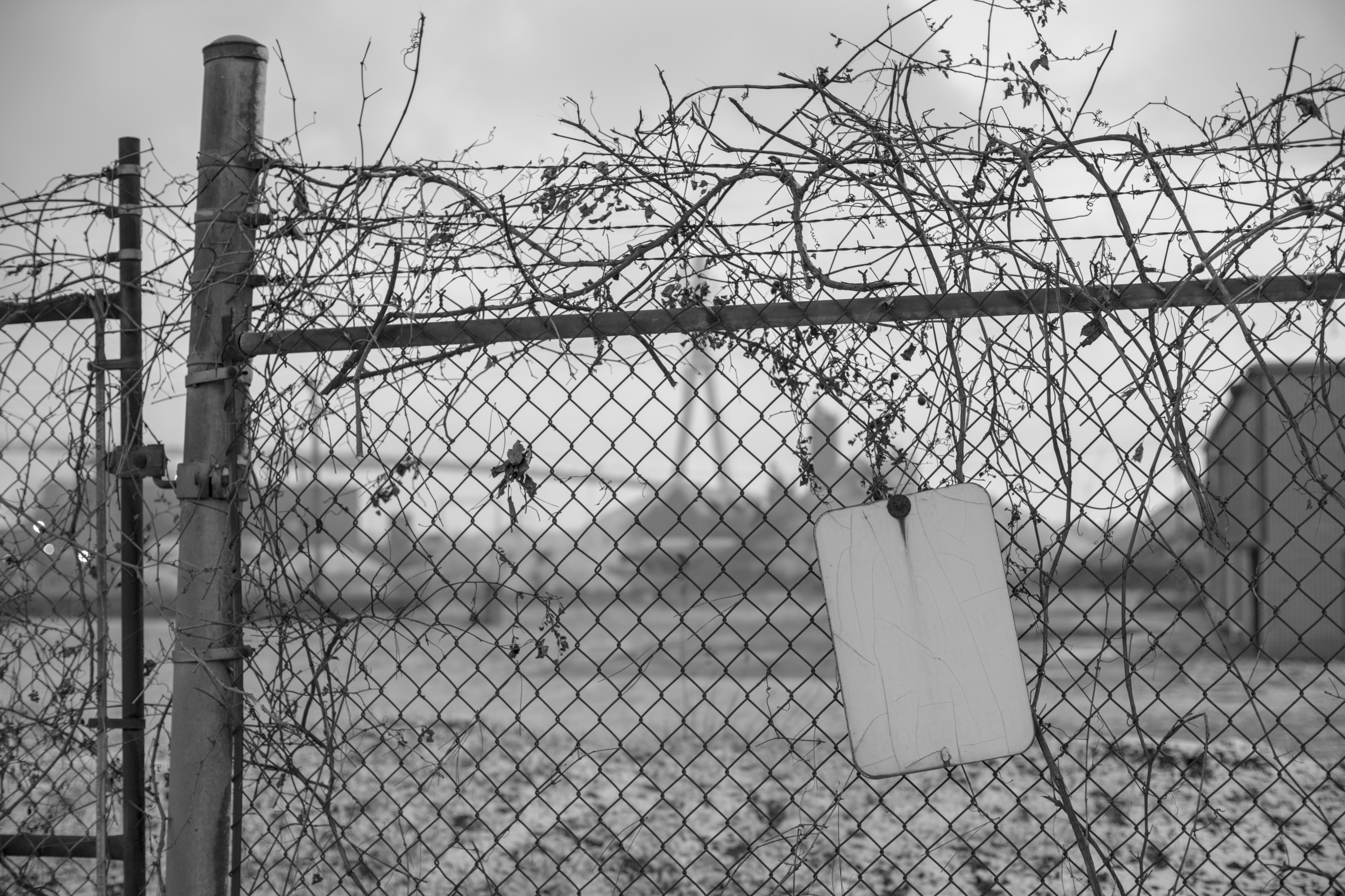
export as 16 bit greyscale tif, import to gimp, image > mode > rgb
create new image, fill it with gradients including greyscale black to white, go to the palette menu, import palette from that, sort palette
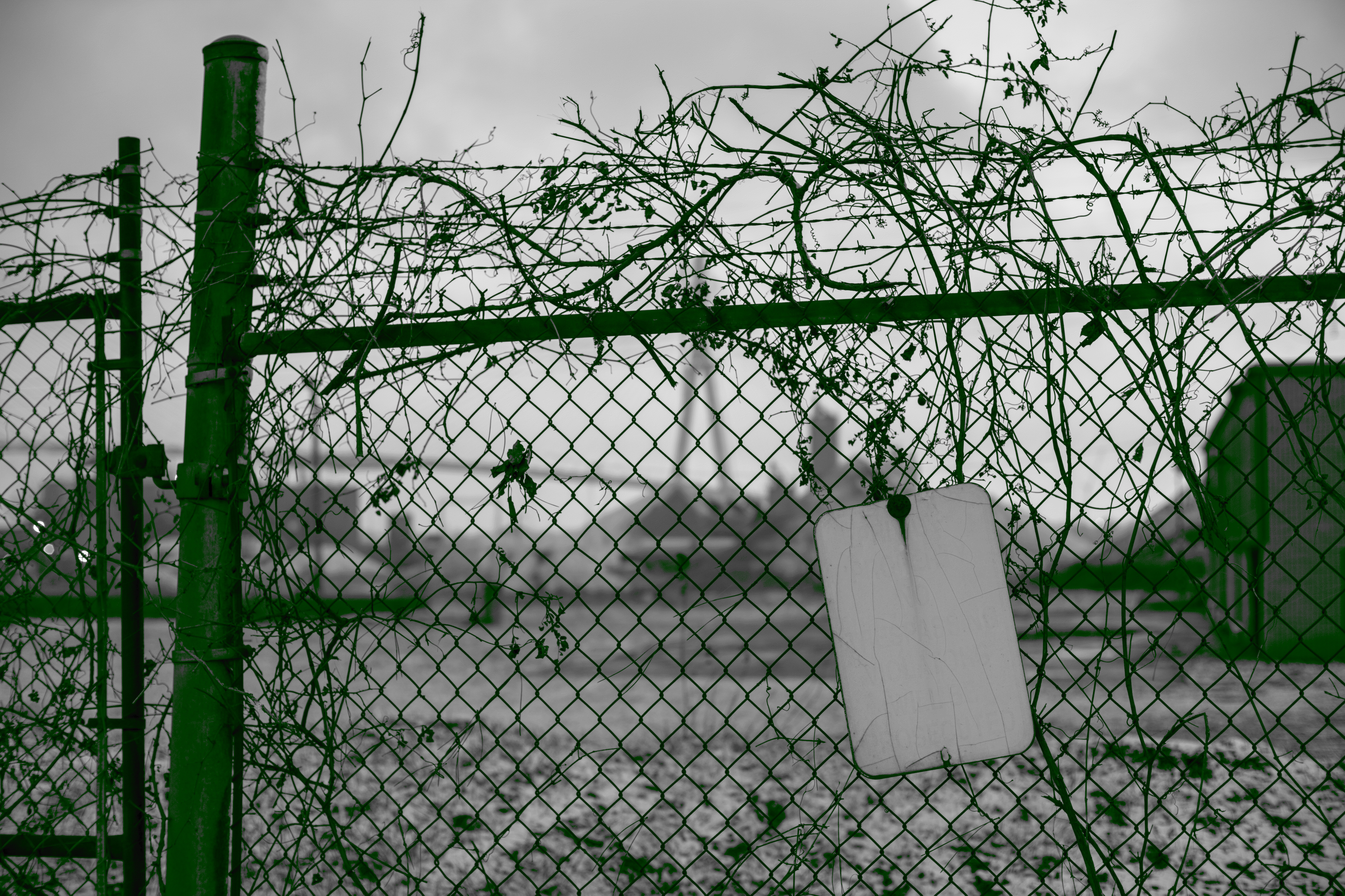
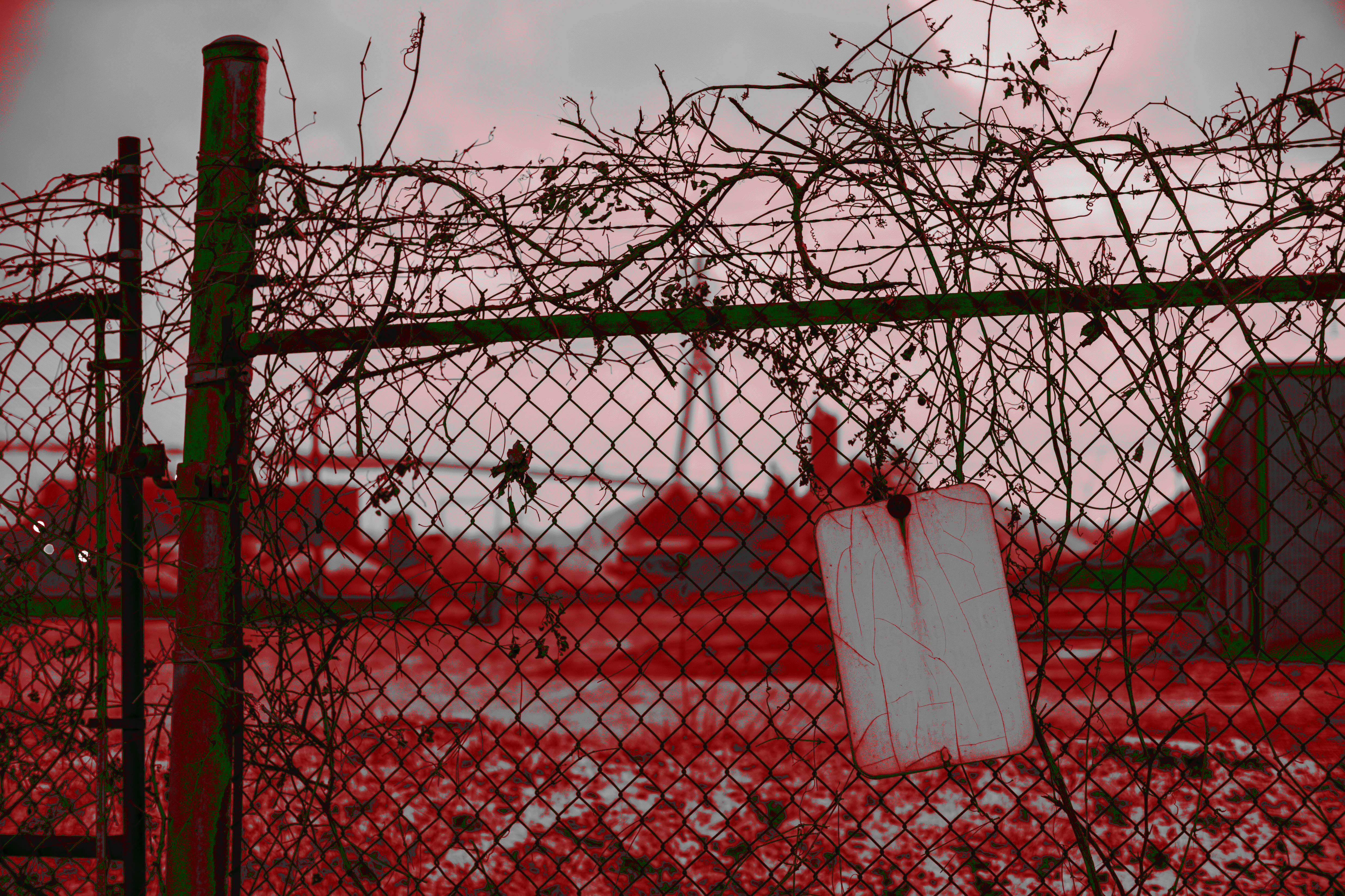
go back to imported image, select newly created palette, colors > map > palette map
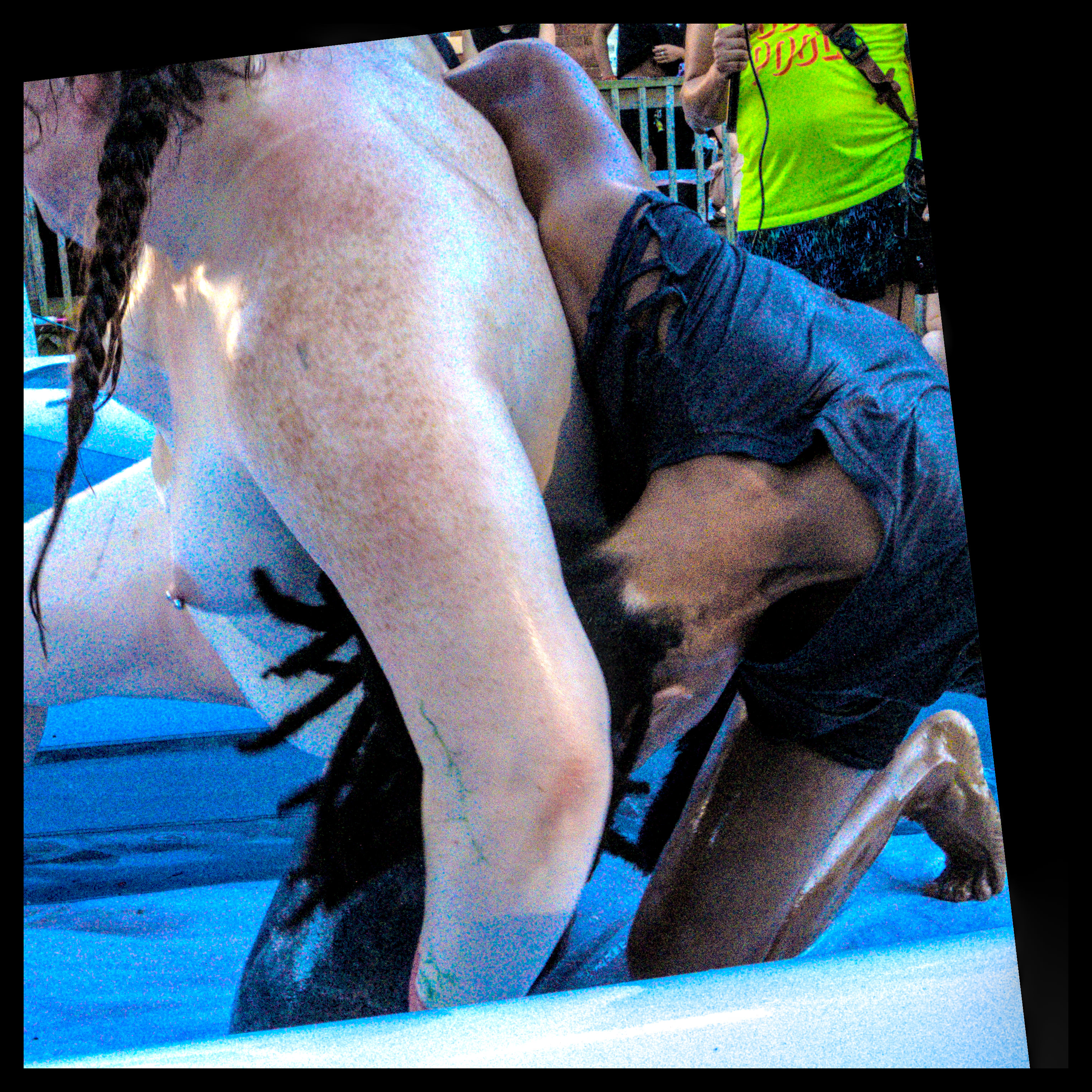
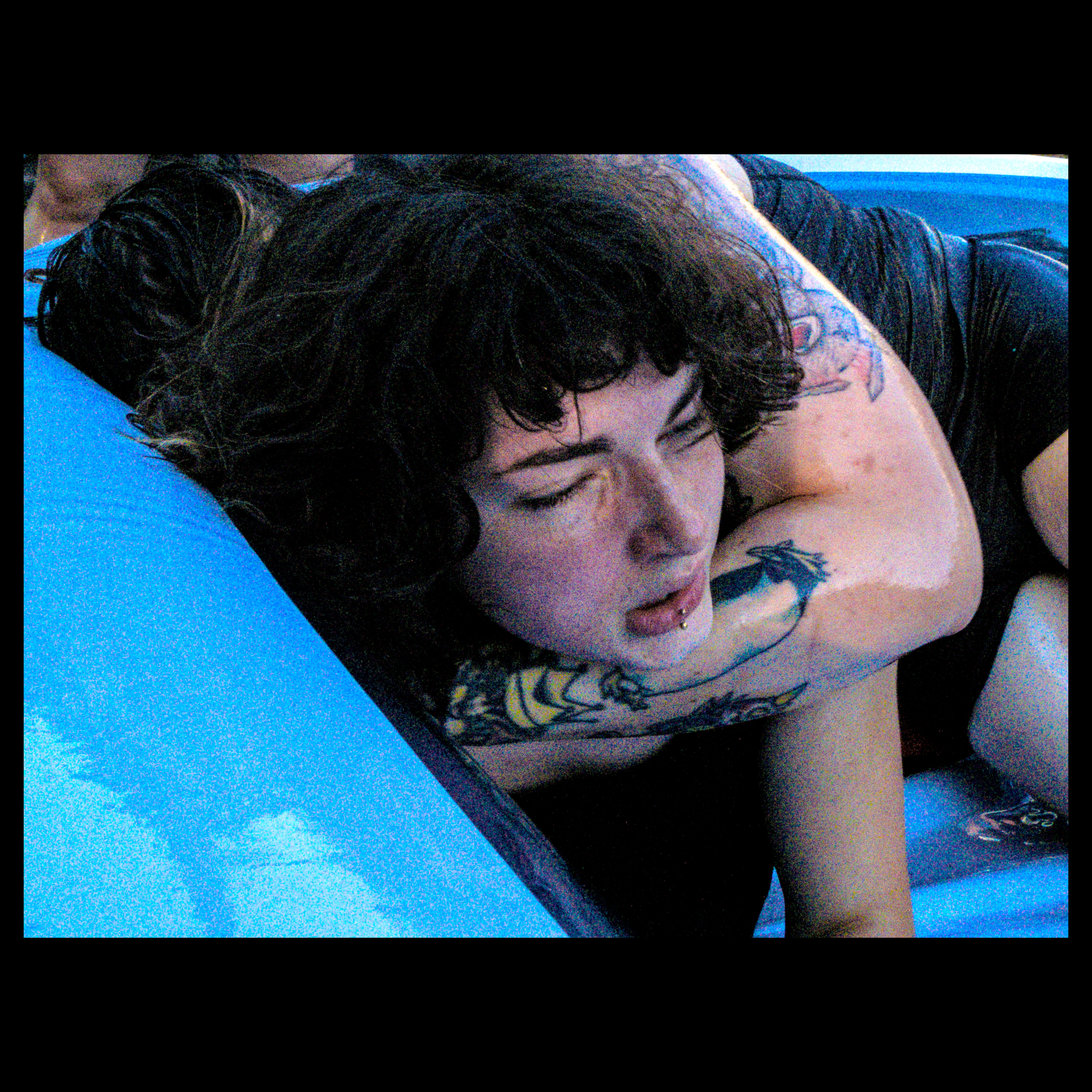
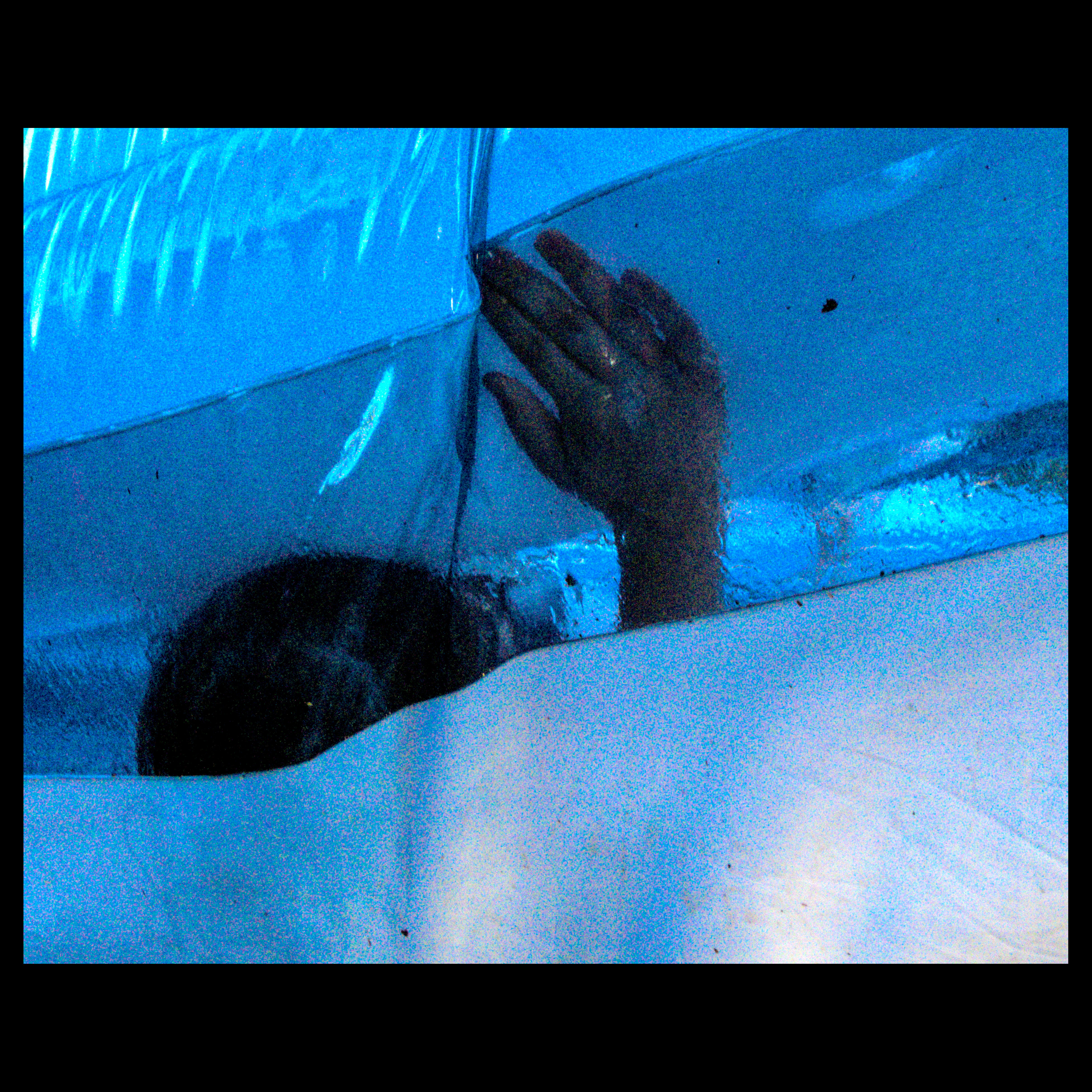
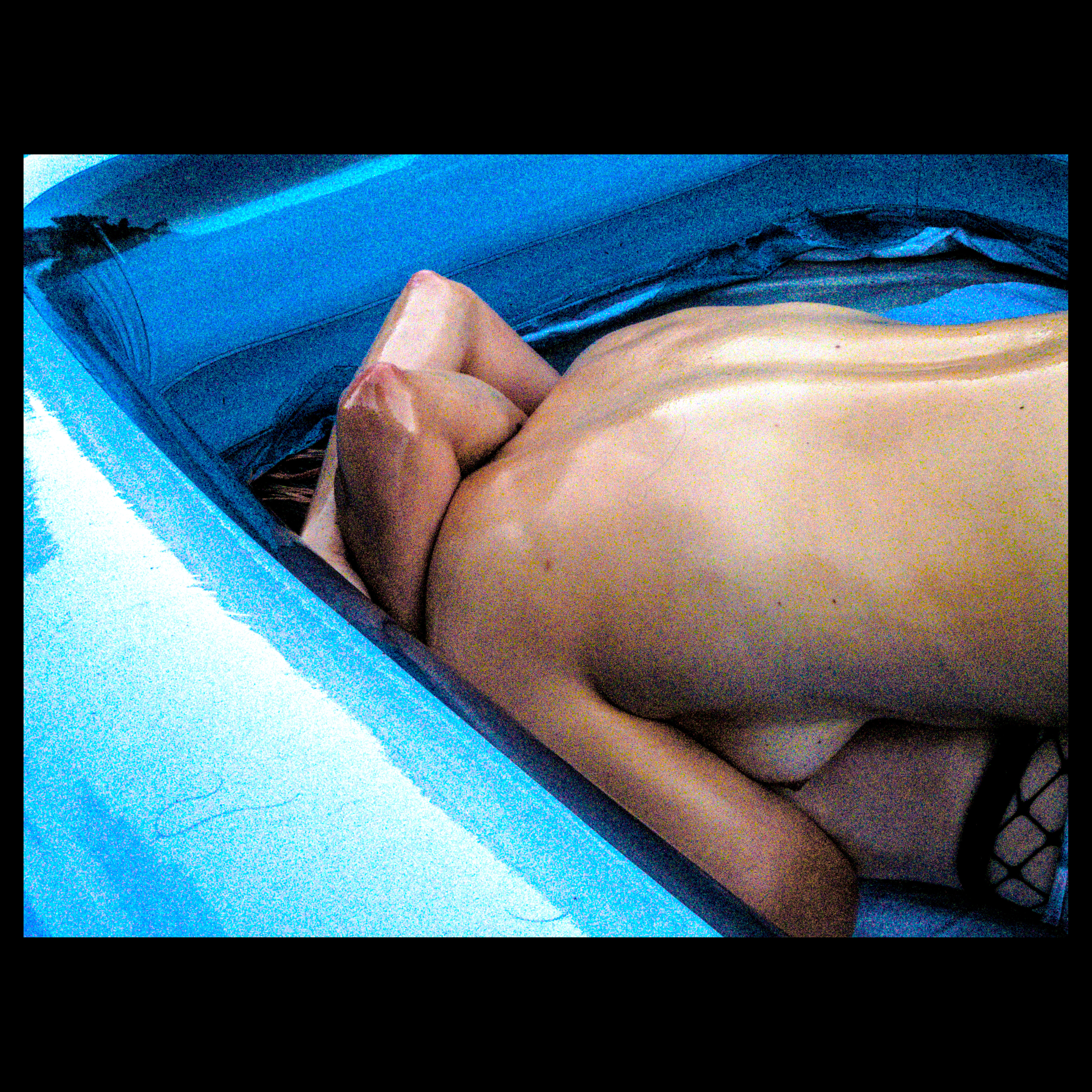
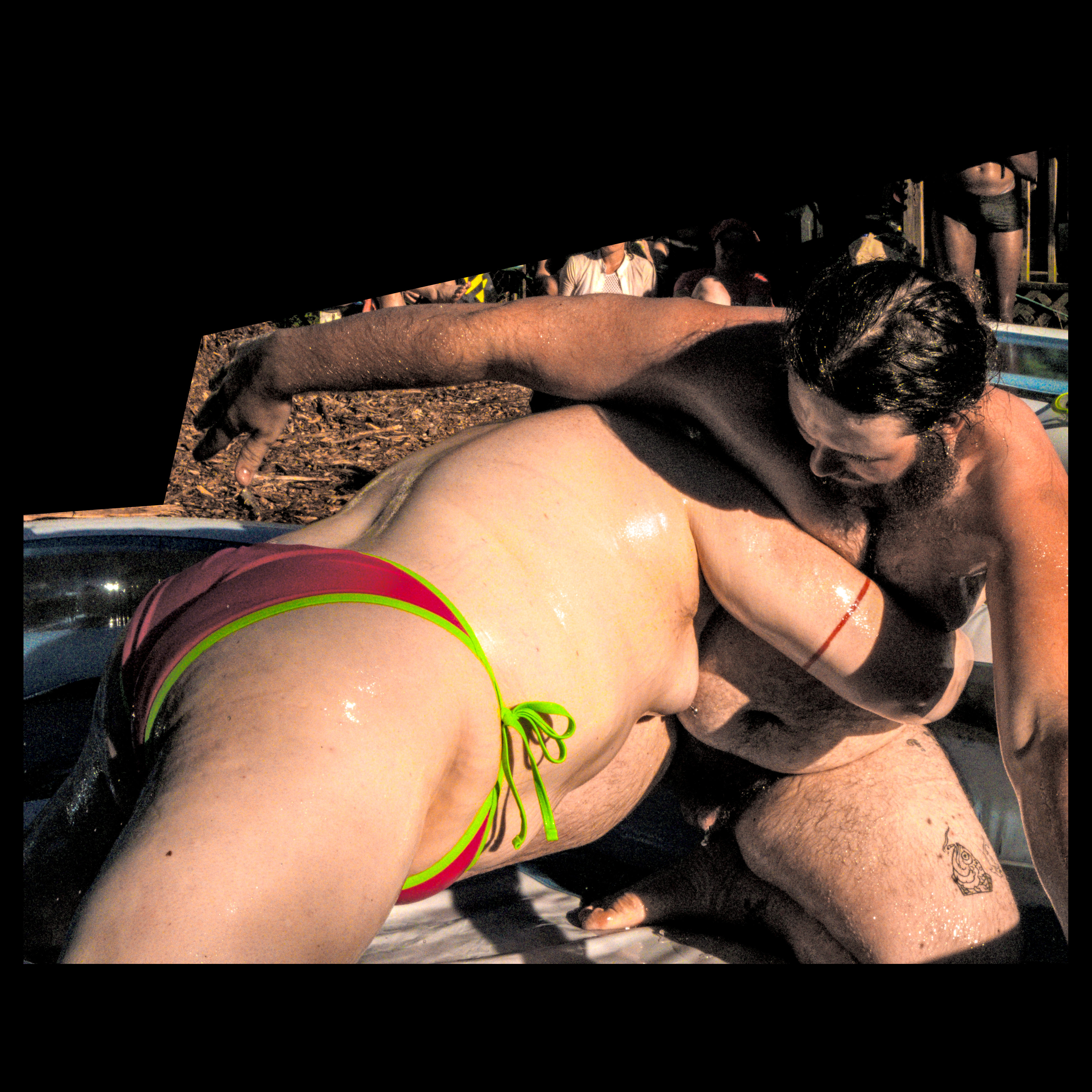
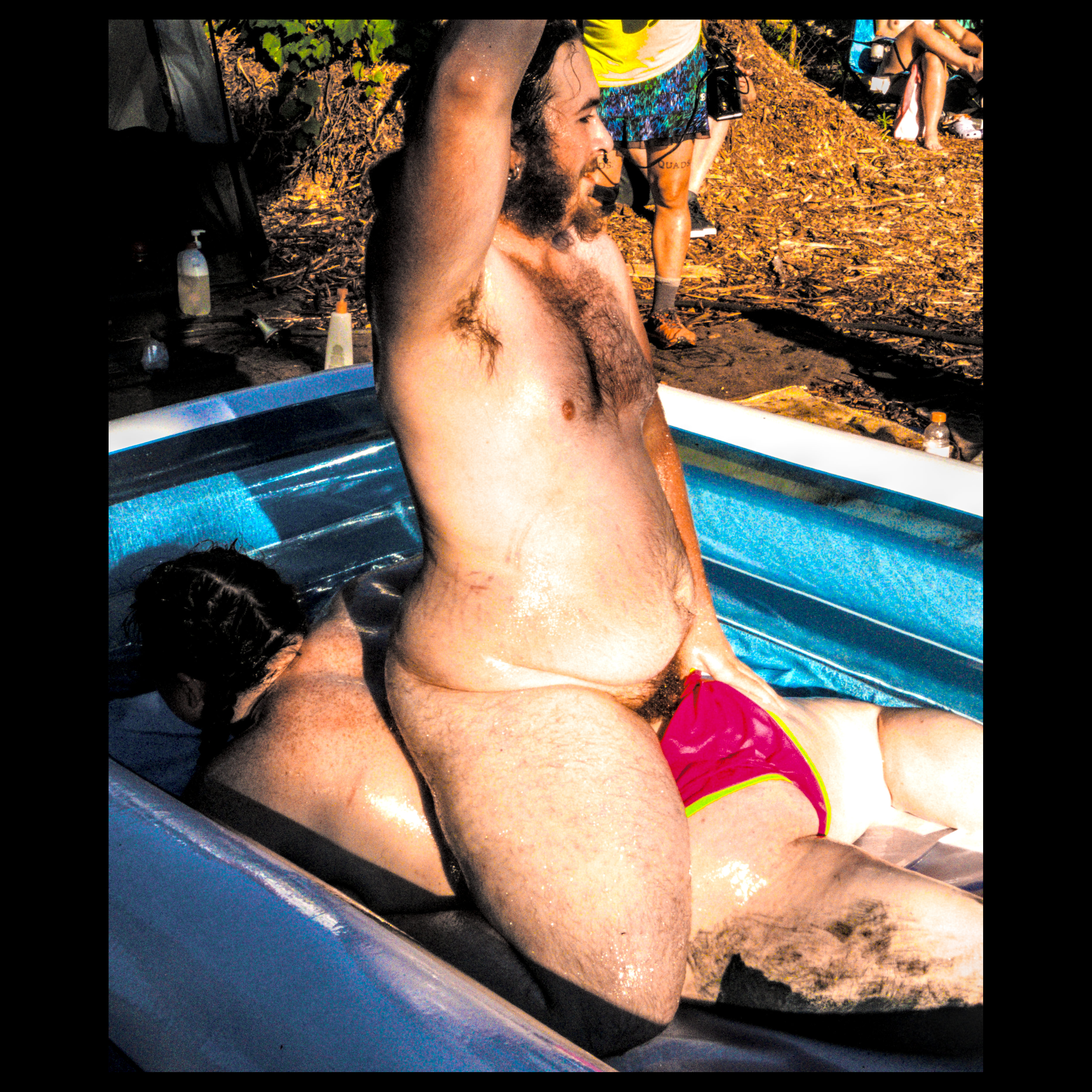
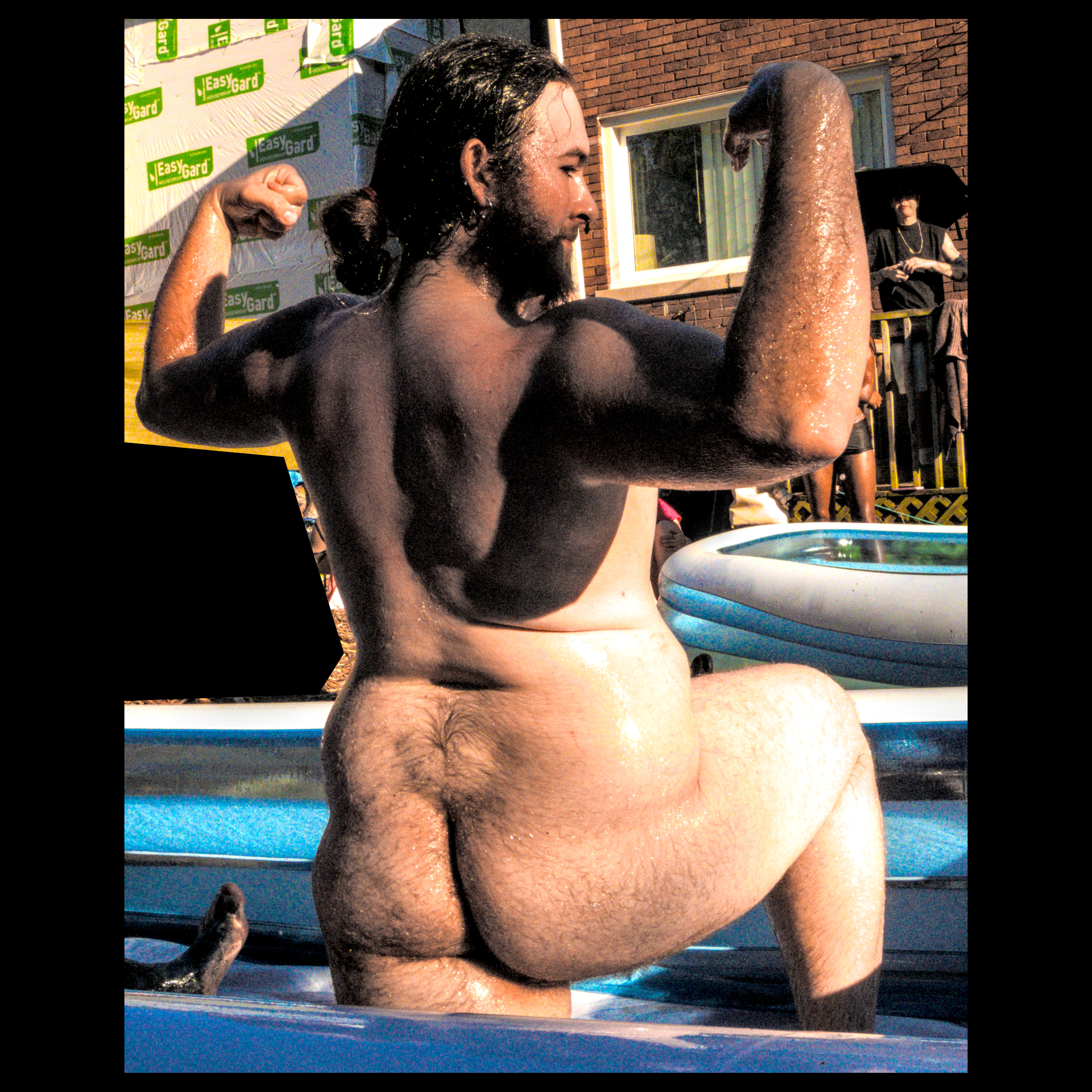
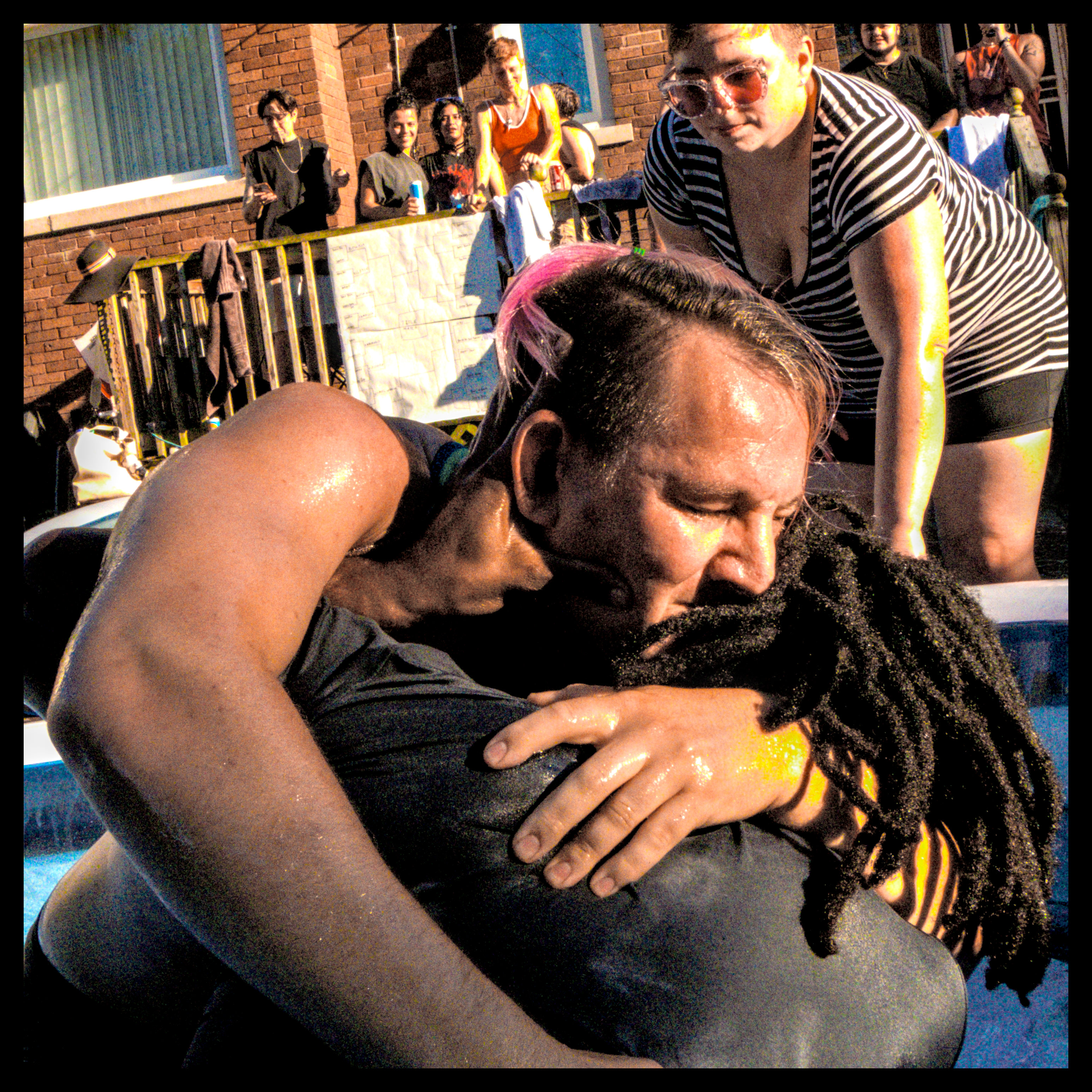
your greyscale image now has colors inserted into it based on an algorithm i dont fully undesrtand (2, 3).
came across this tool in my quest for introducing false color to a greyscale image to cover grey tones lost in the export to 8bit jpg from higher bit depth raws. this doesn't end up doing that, but it looks pretty cool
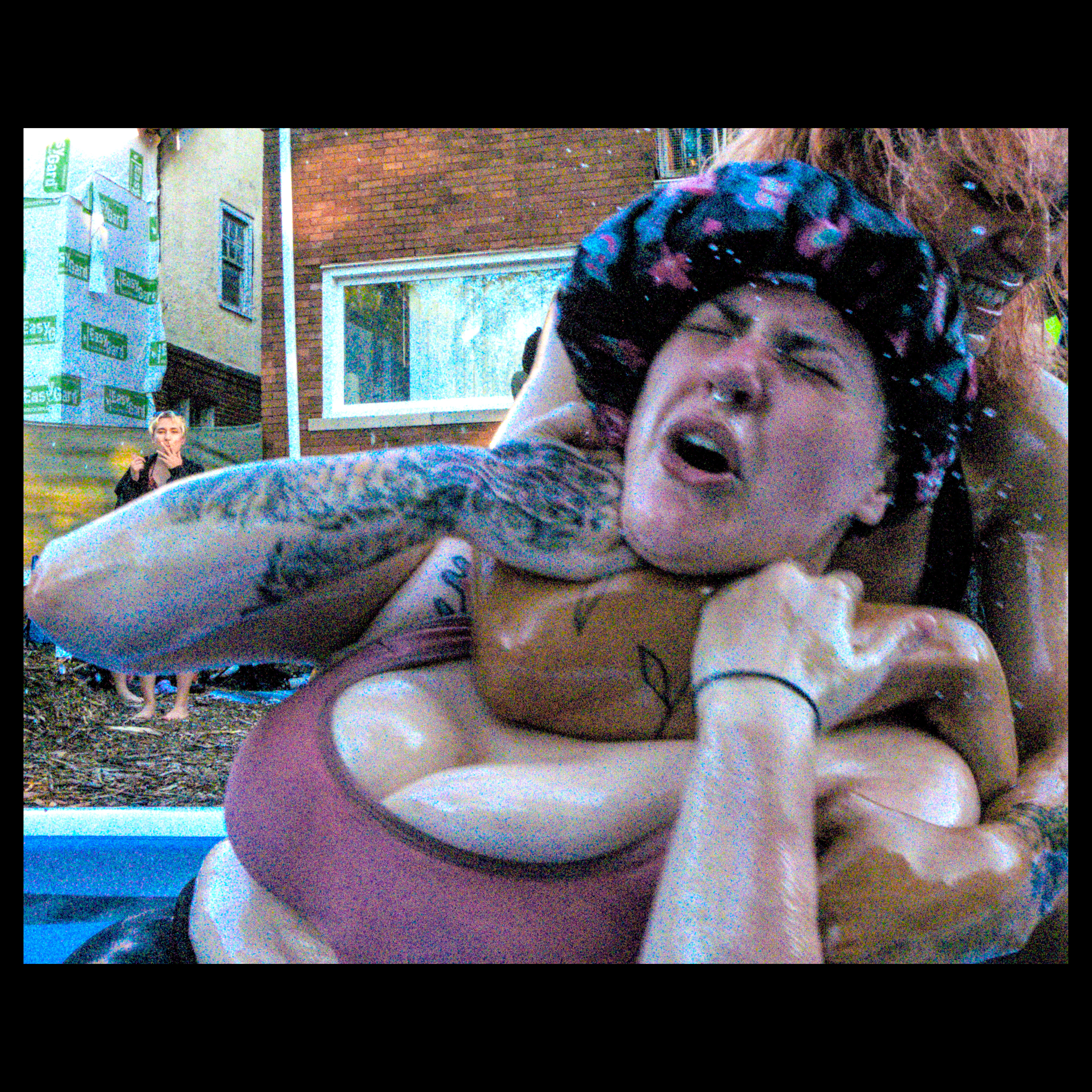
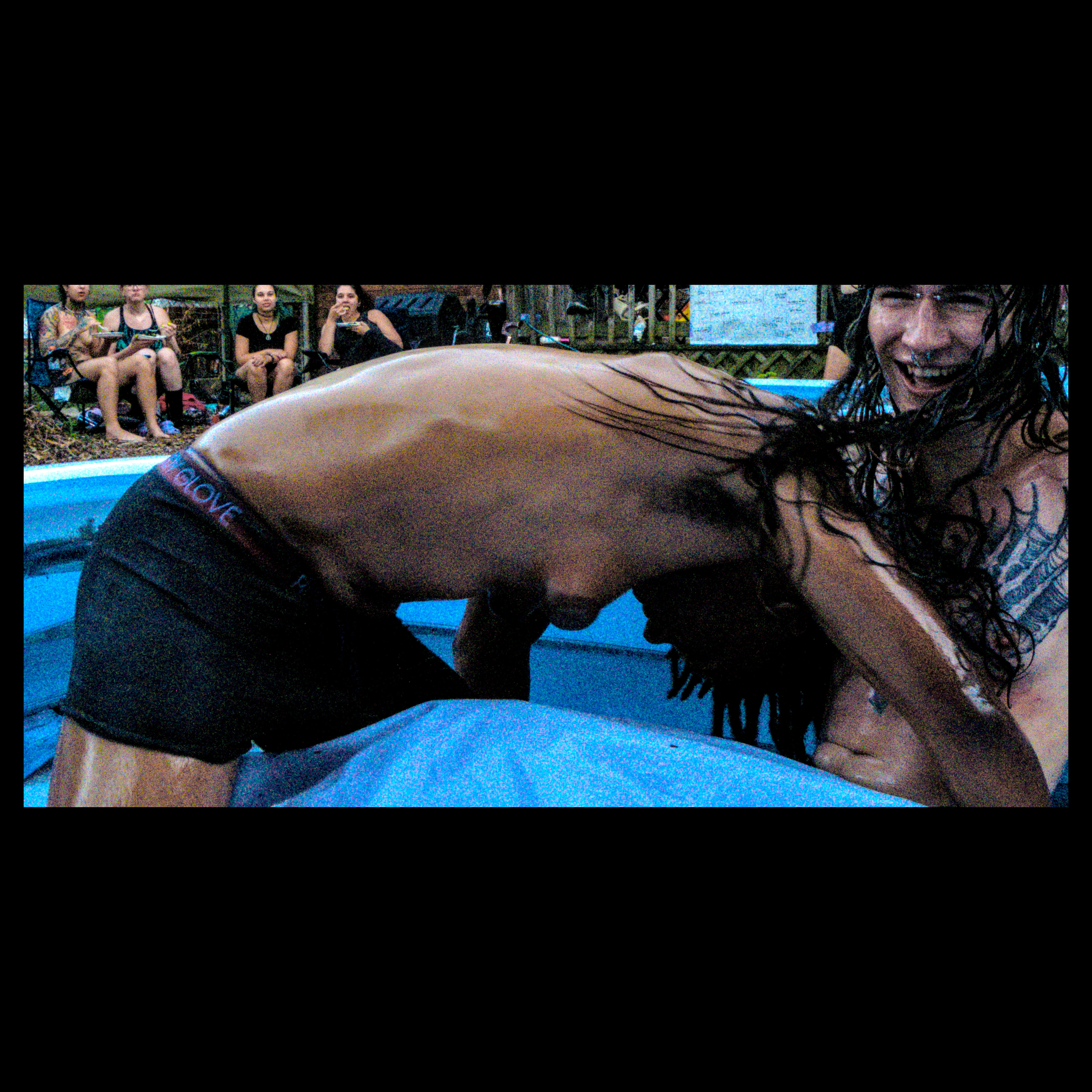
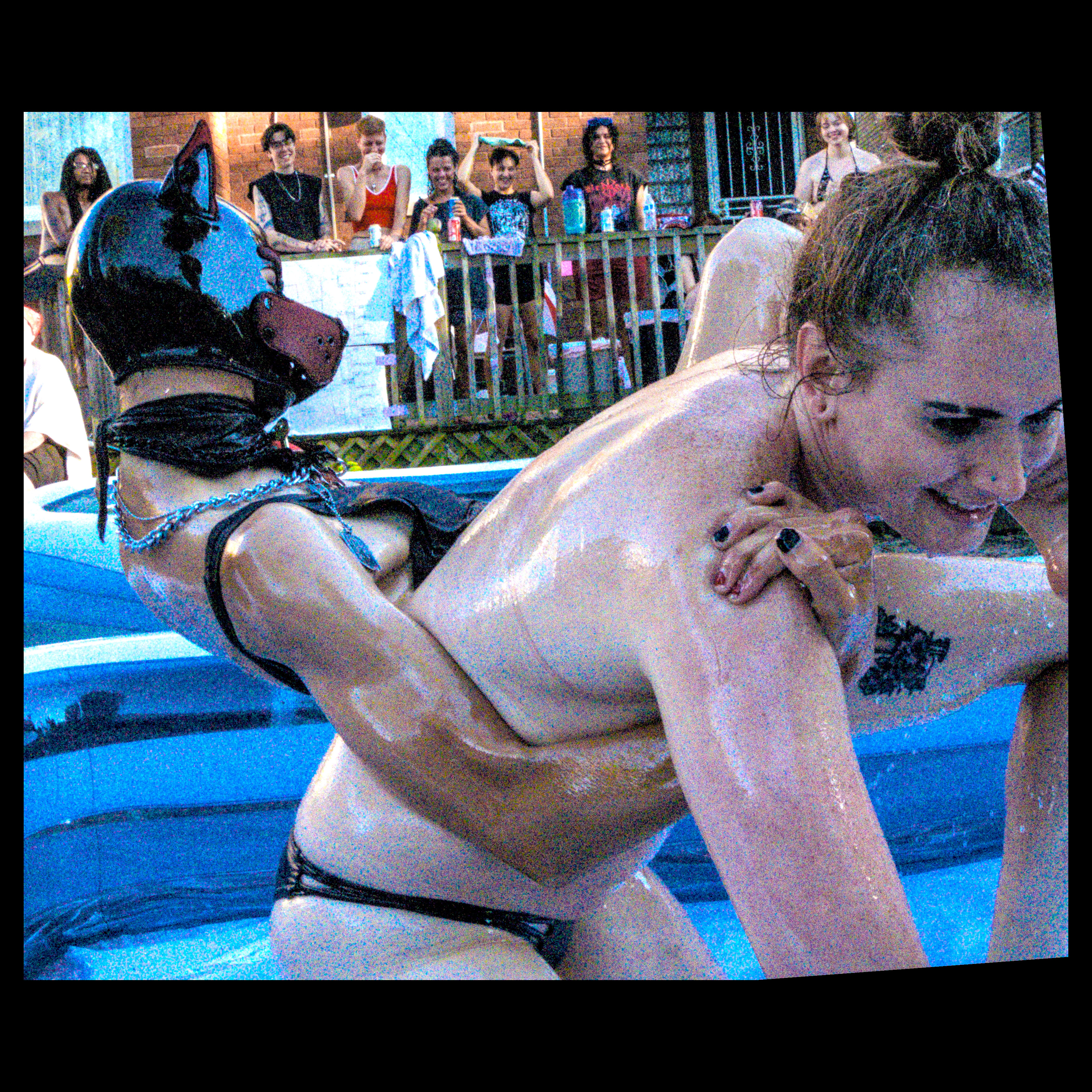
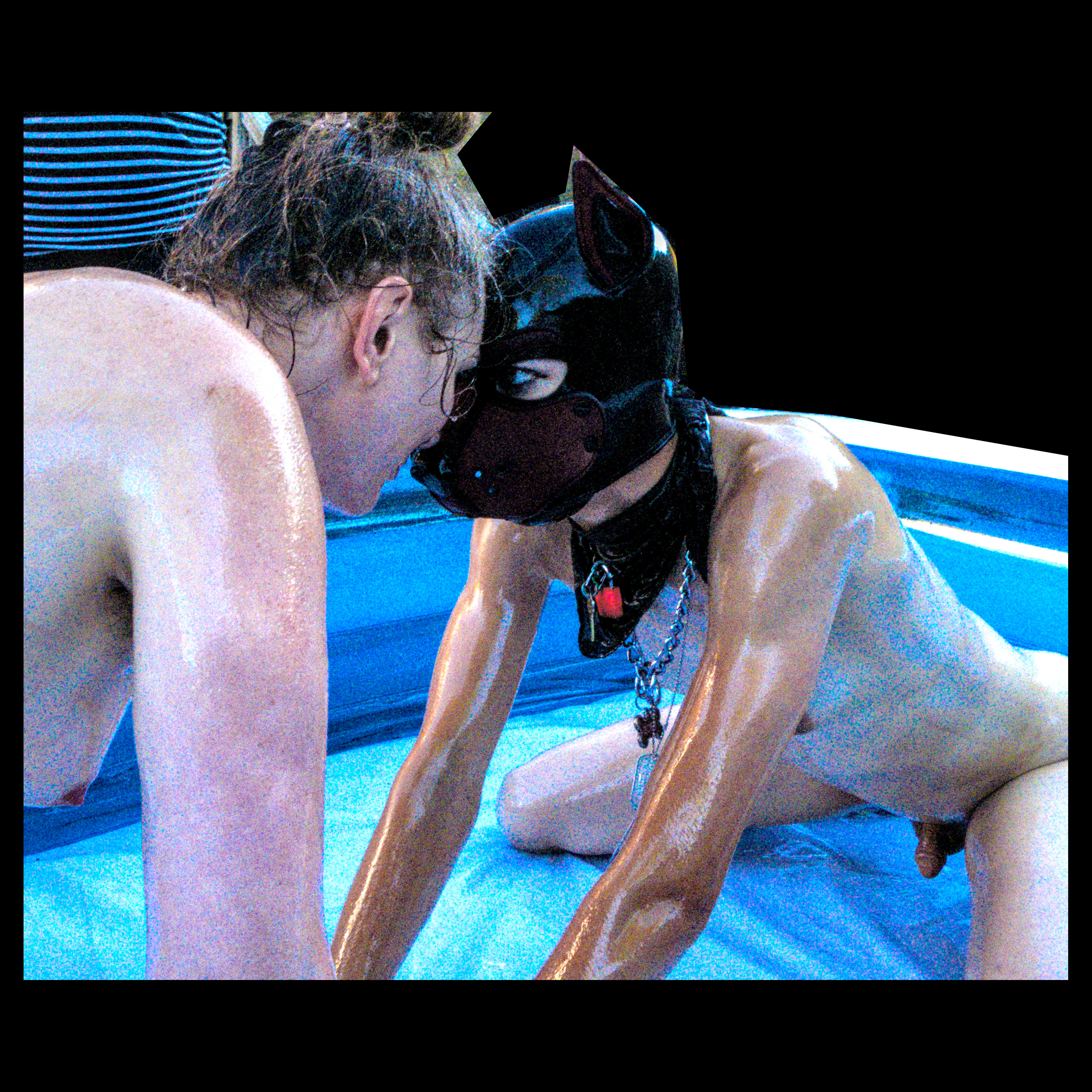
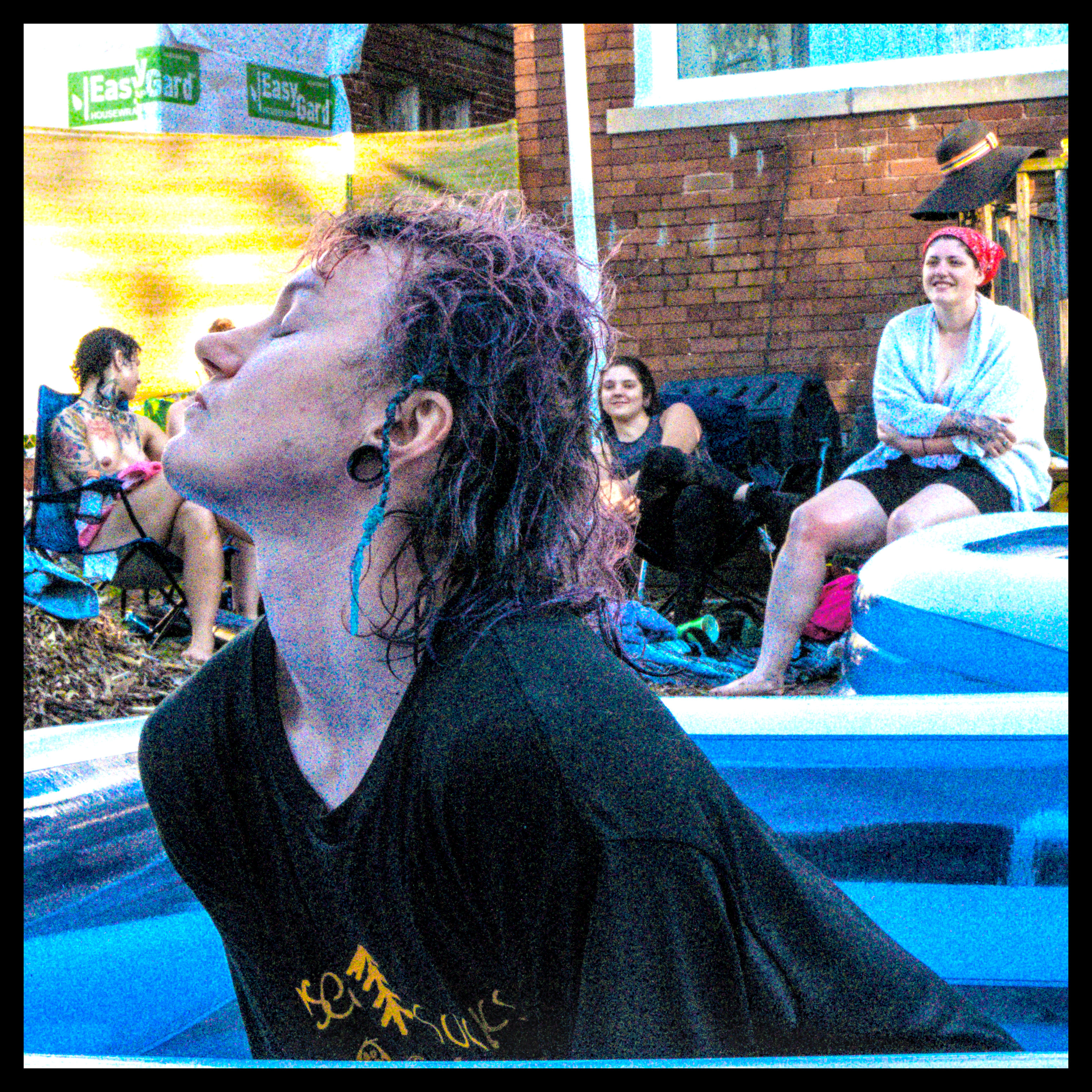
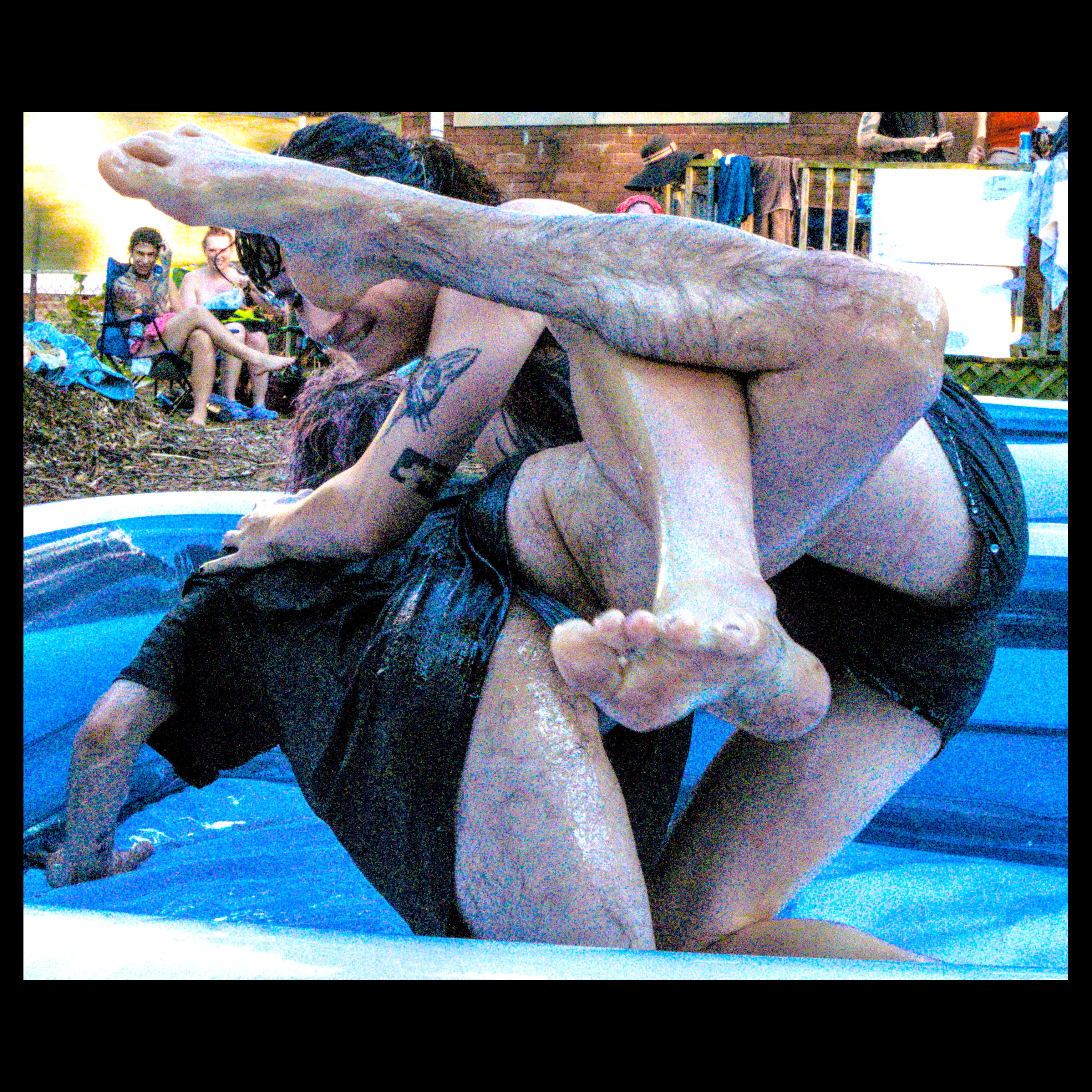
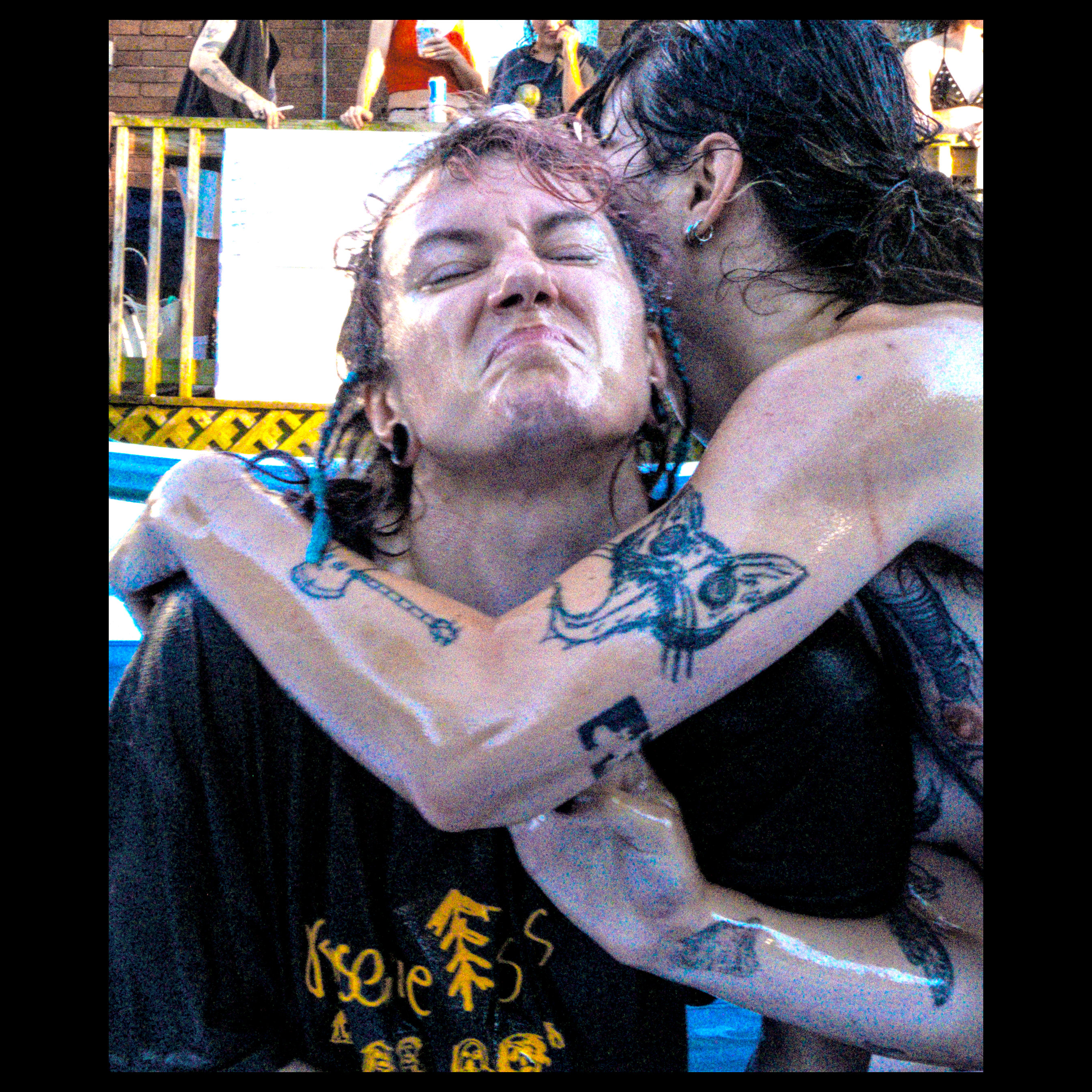
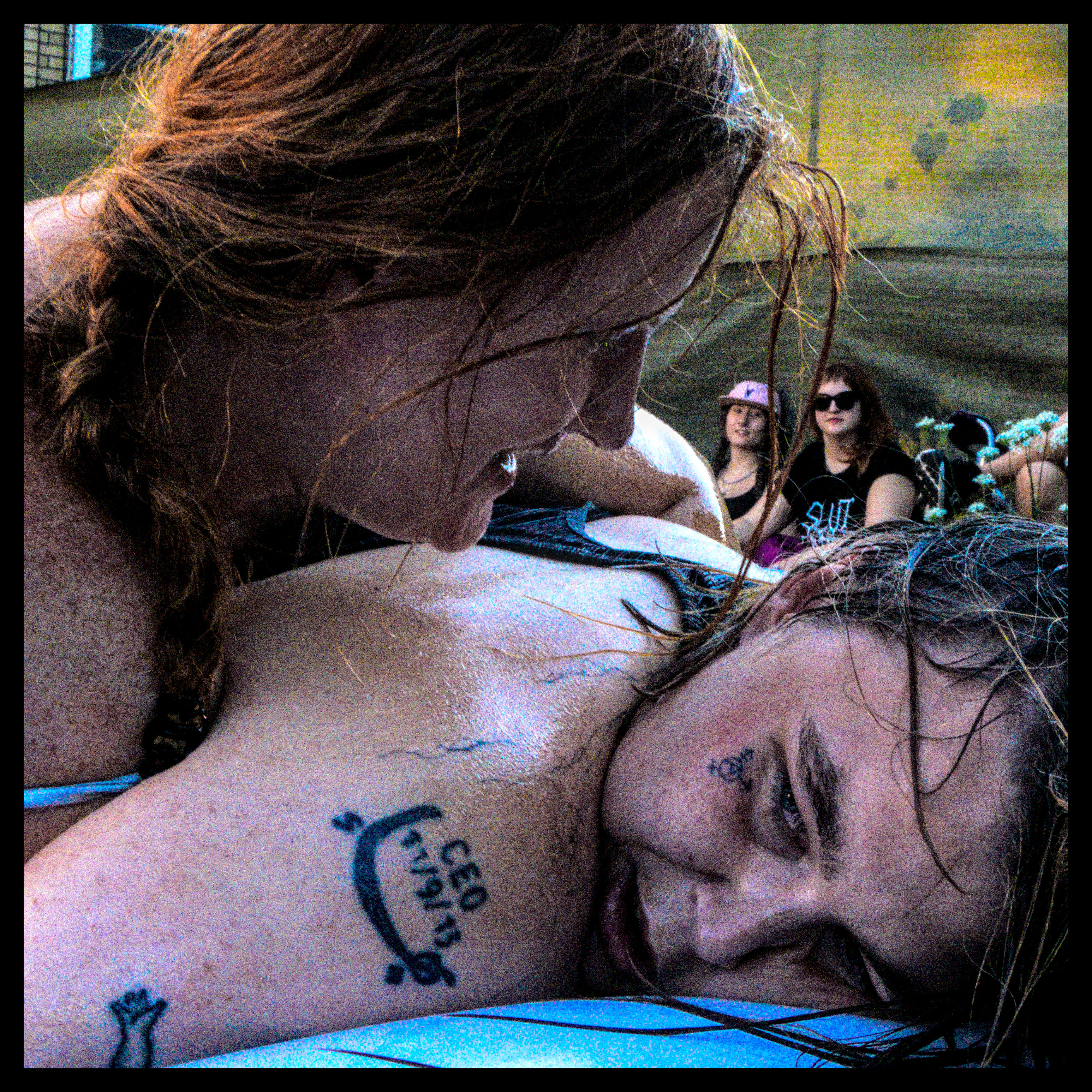
or, where i learn that i'm apparently quite adept at securing a fairly niche submission when grappling
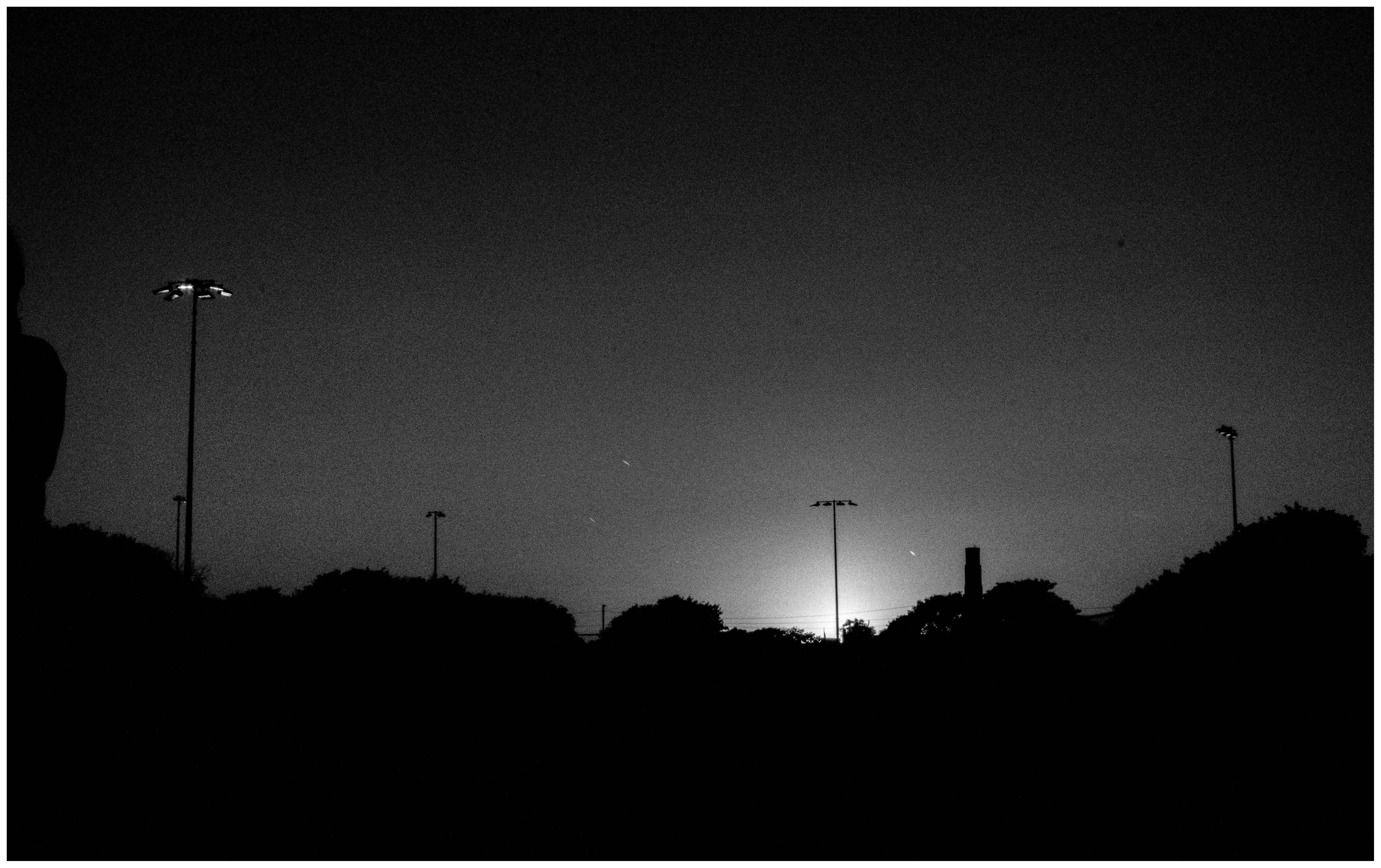
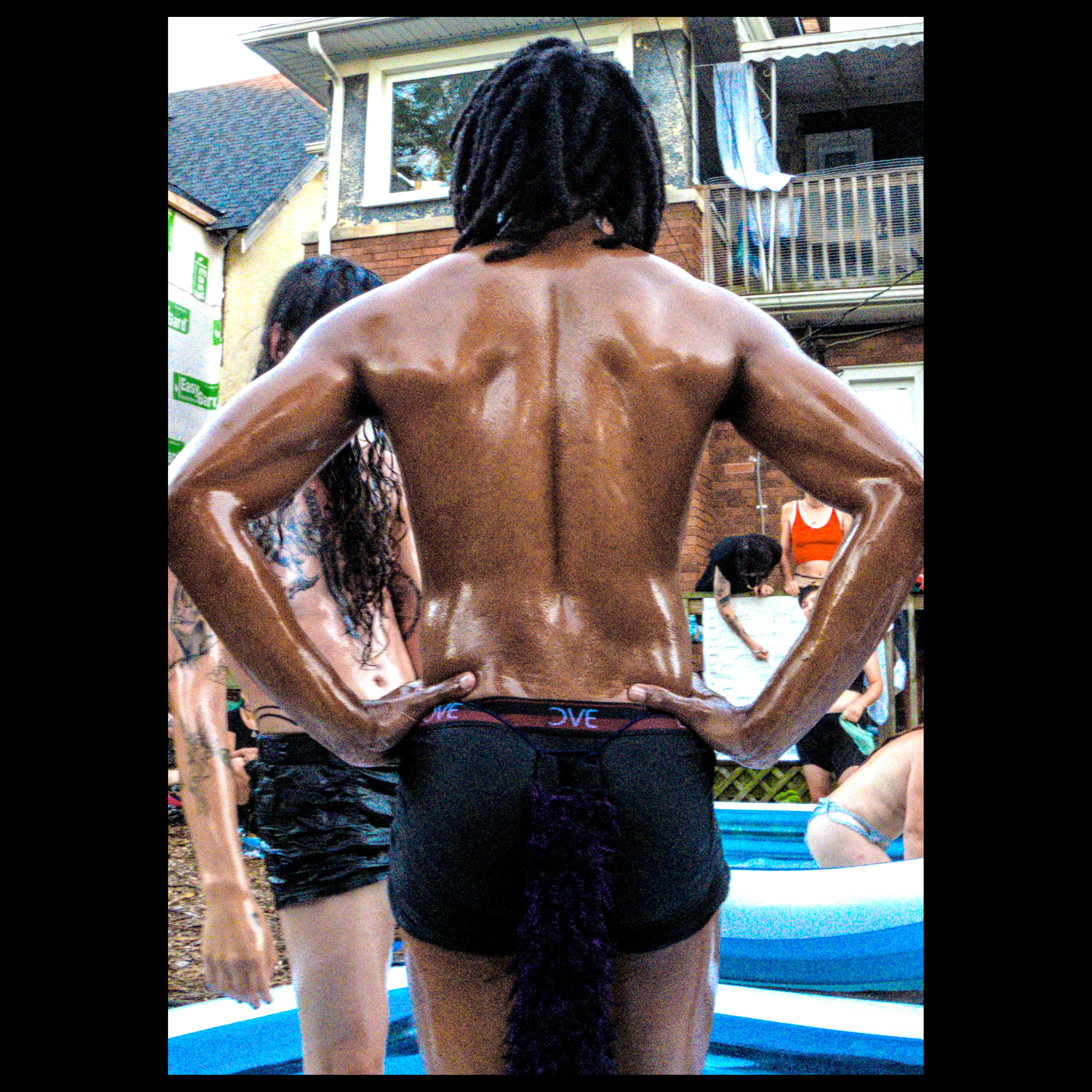
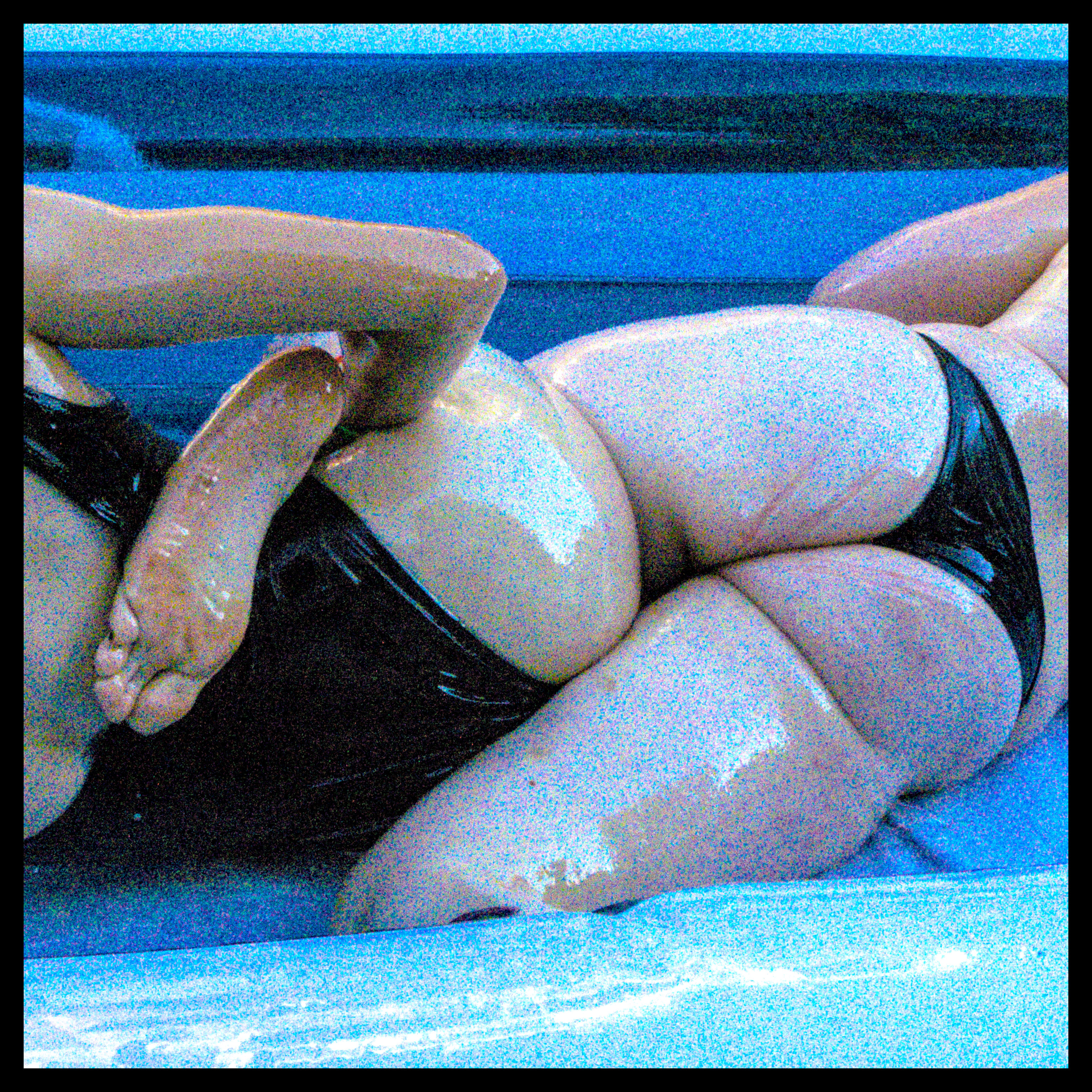
butt
finished that one! (took way too many shots :p [my curse] )
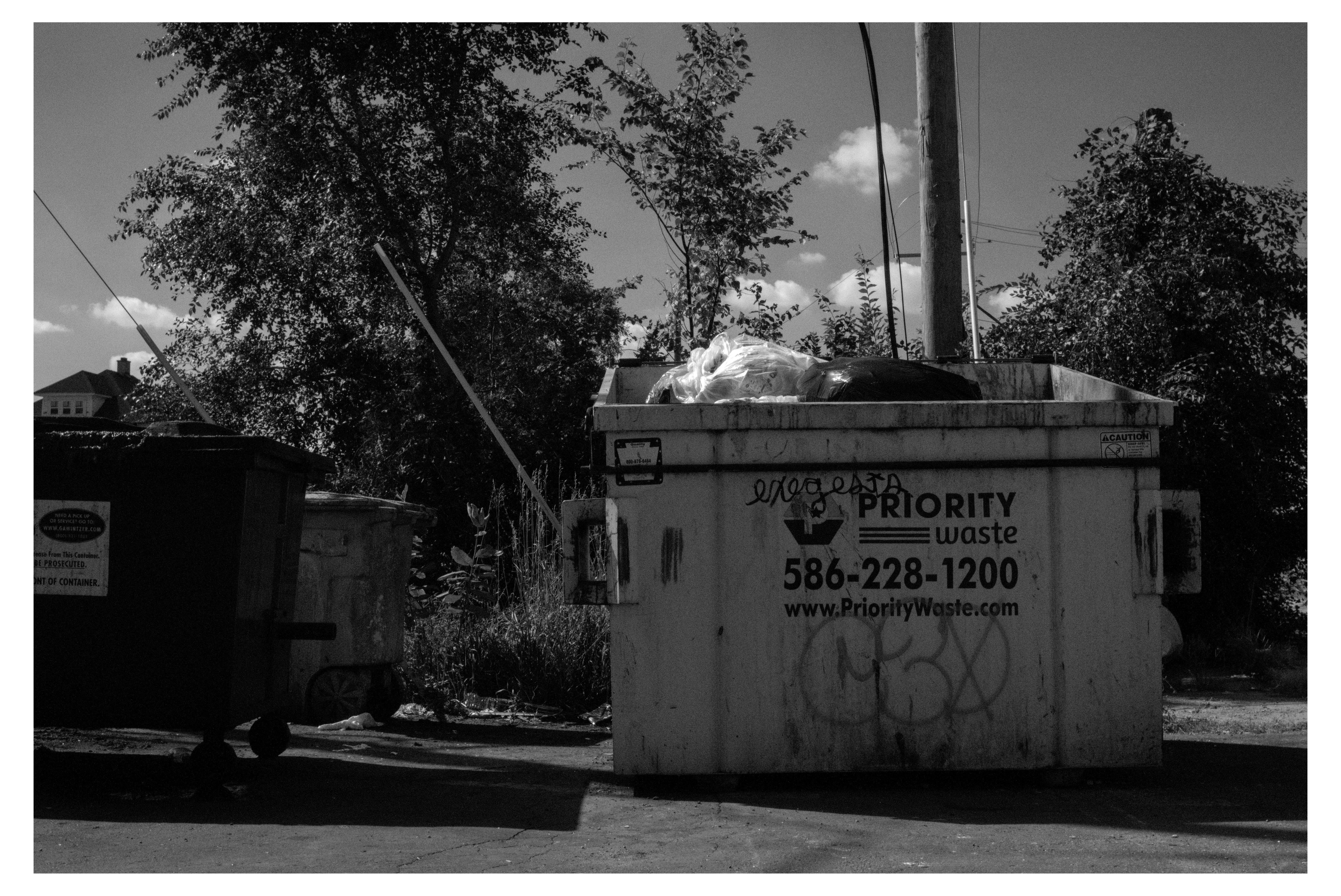
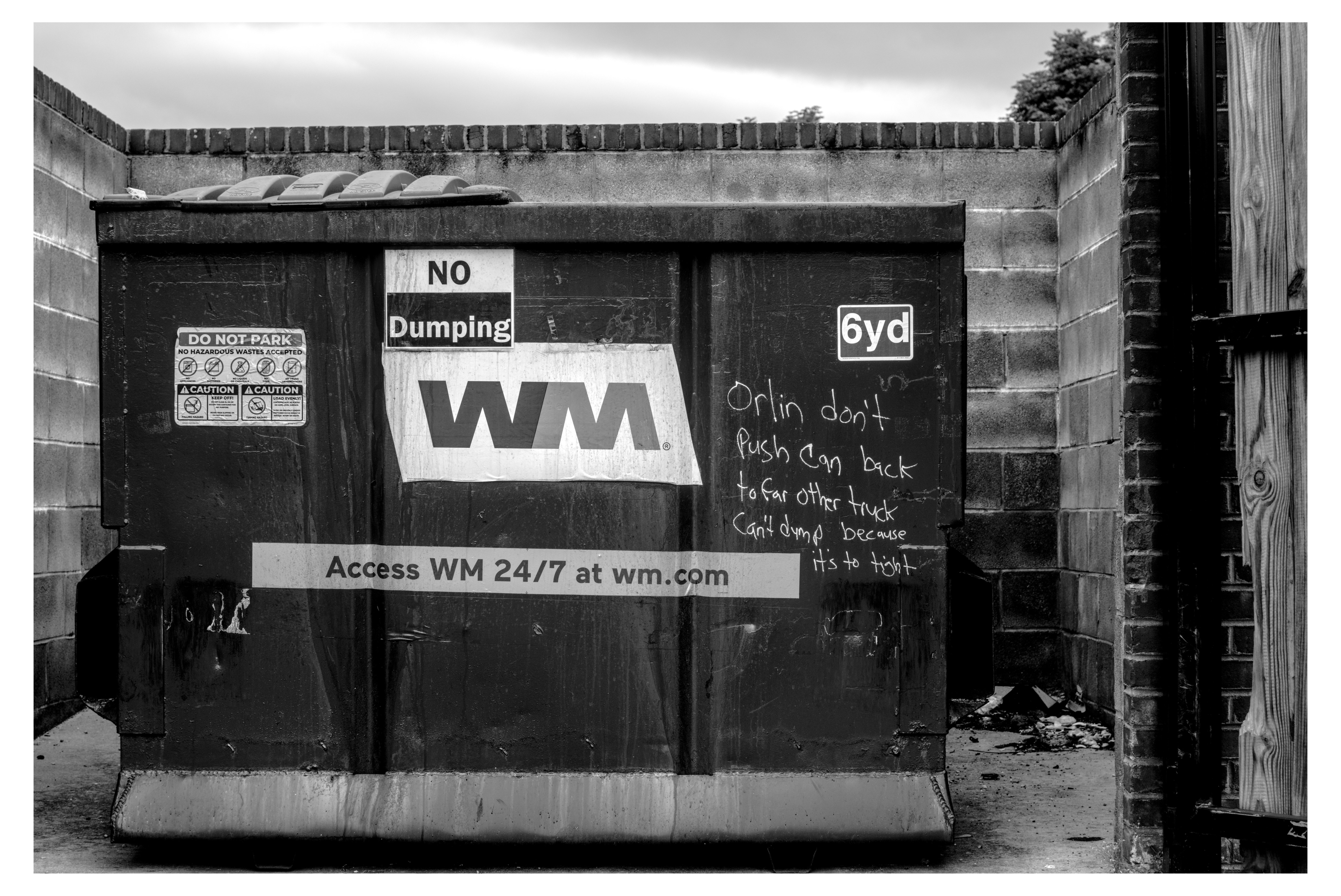
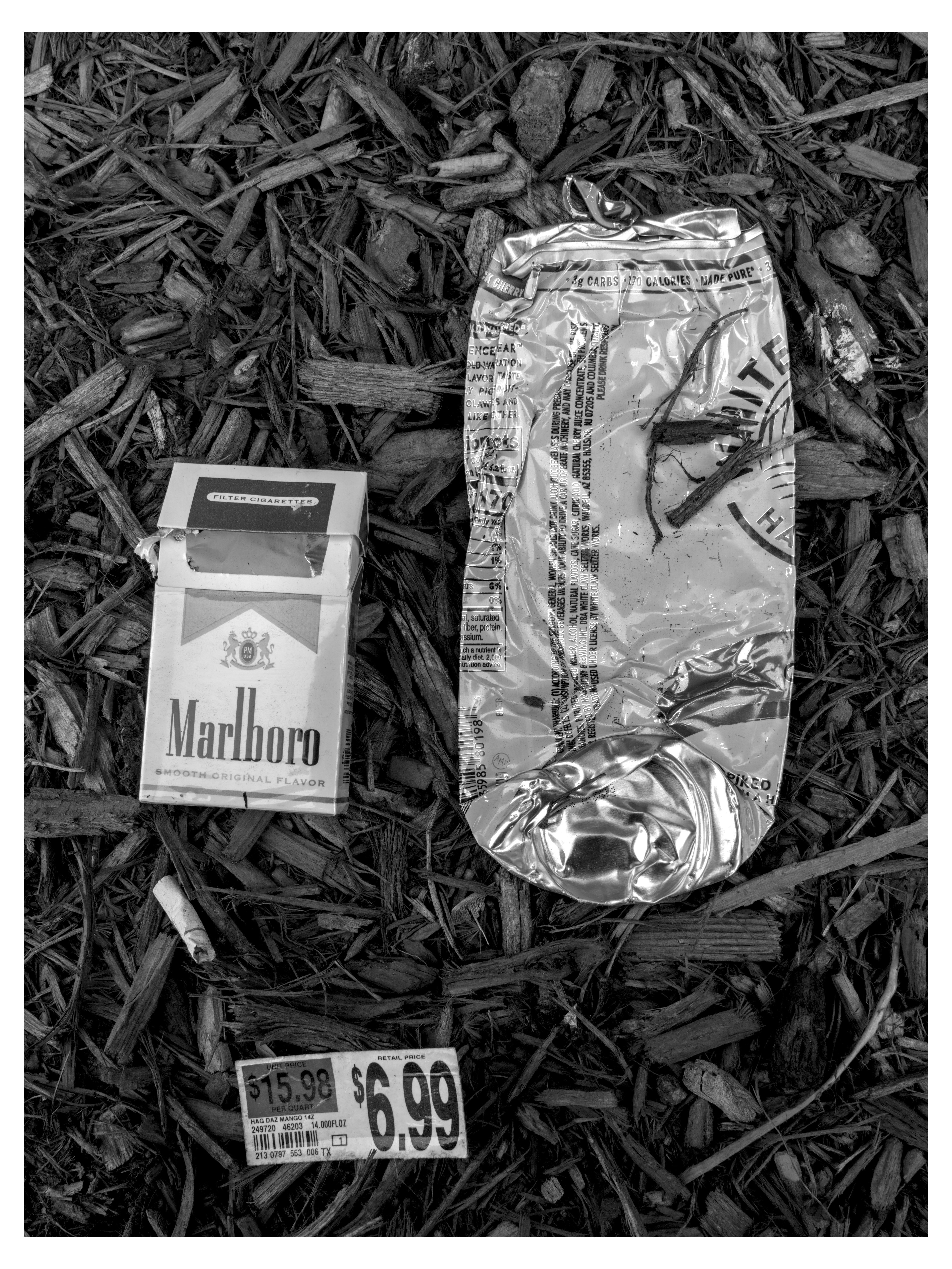
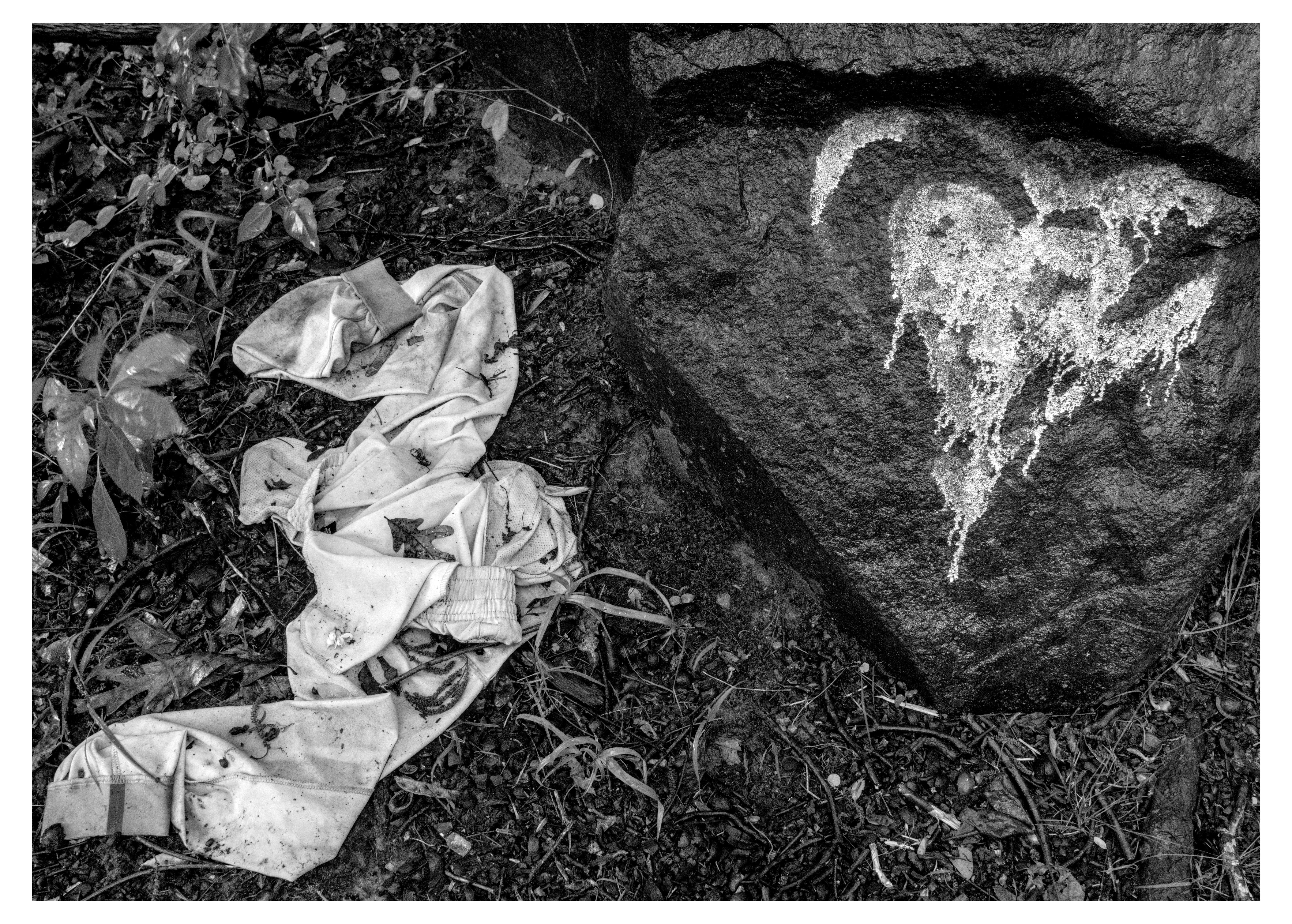
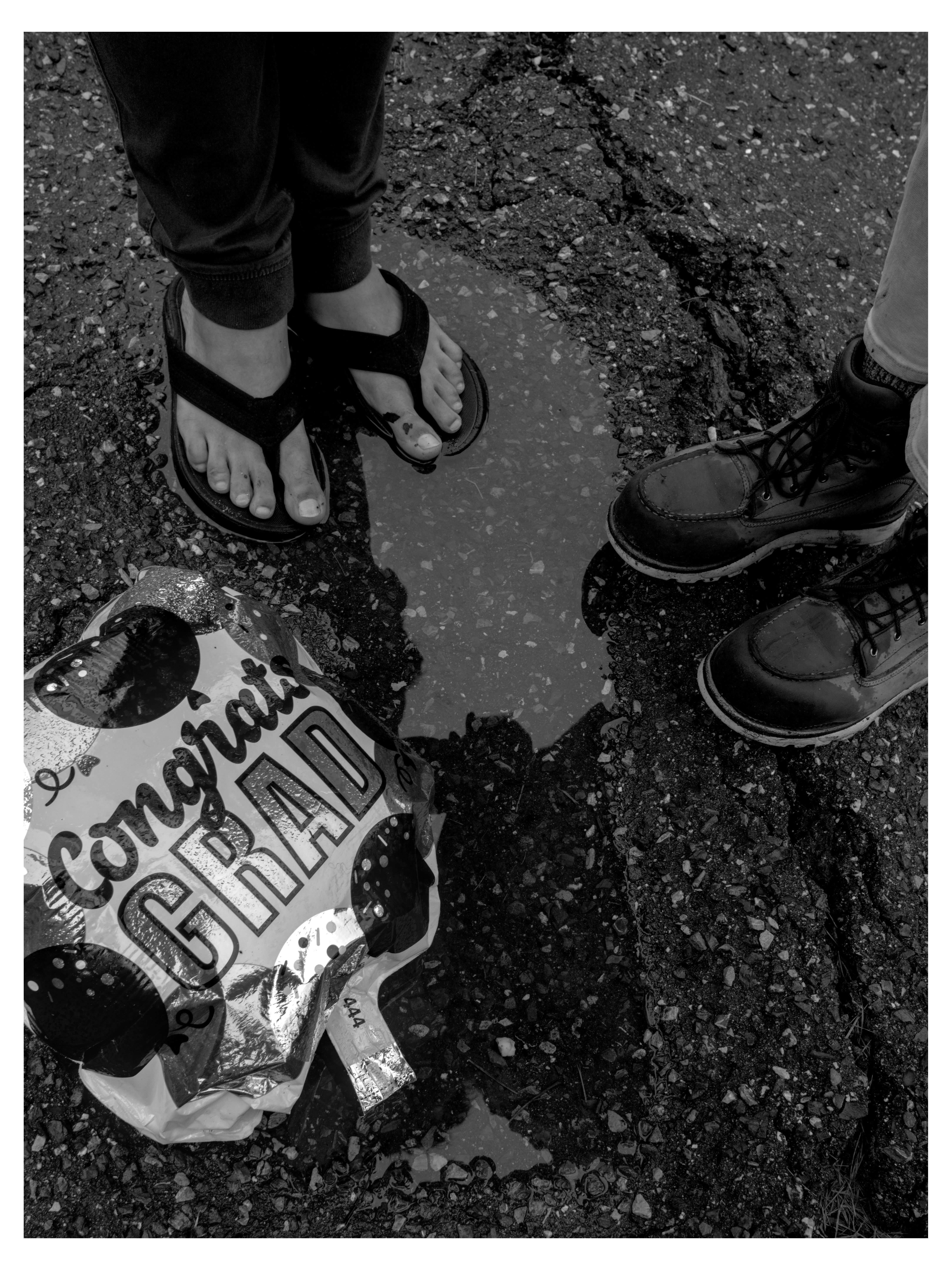
here, have an entire dumpsterful : )
(lol 45 photo edits in the last 24 hours [a pace which if i keep up my backlog will be gone in a mere month :3 )
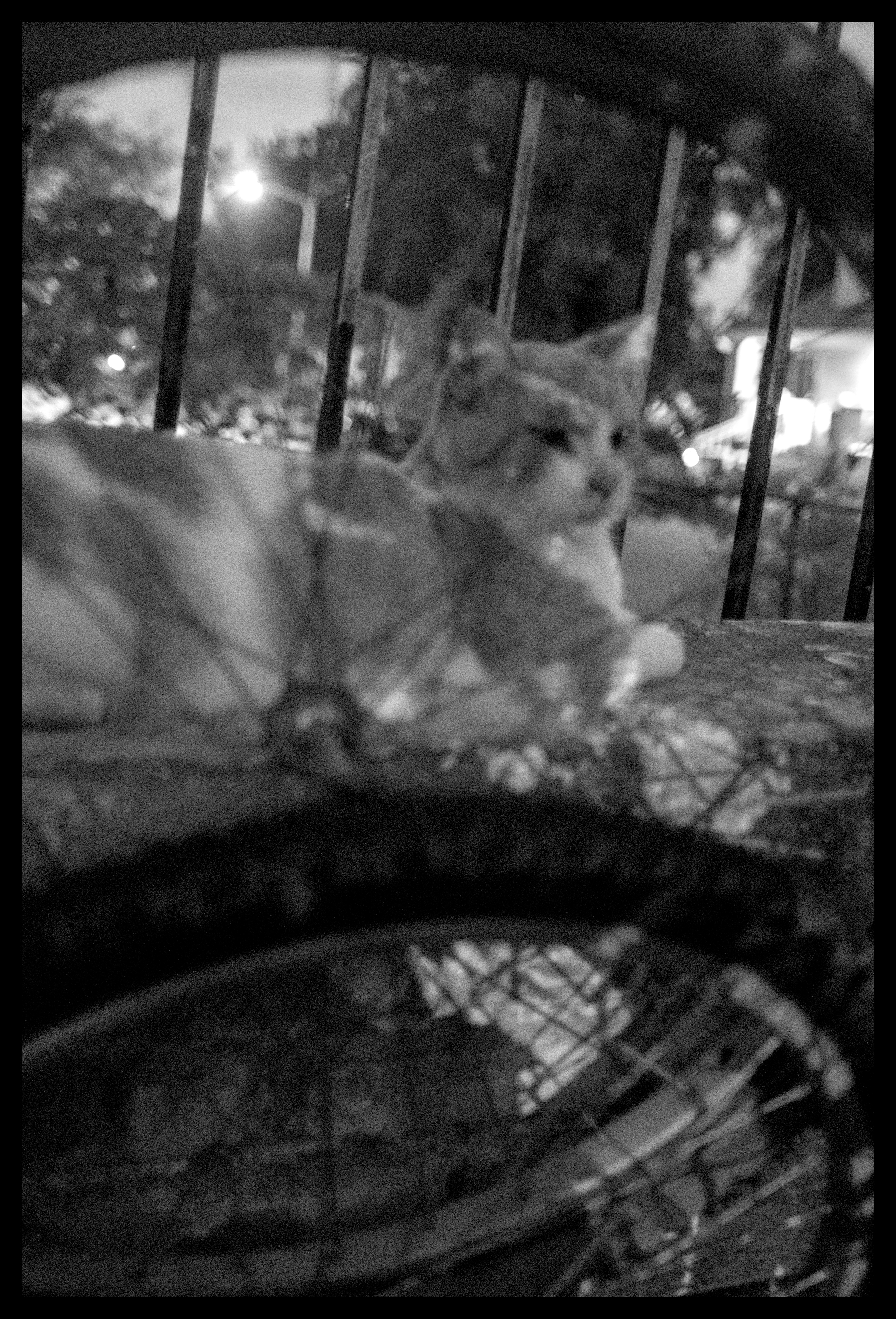
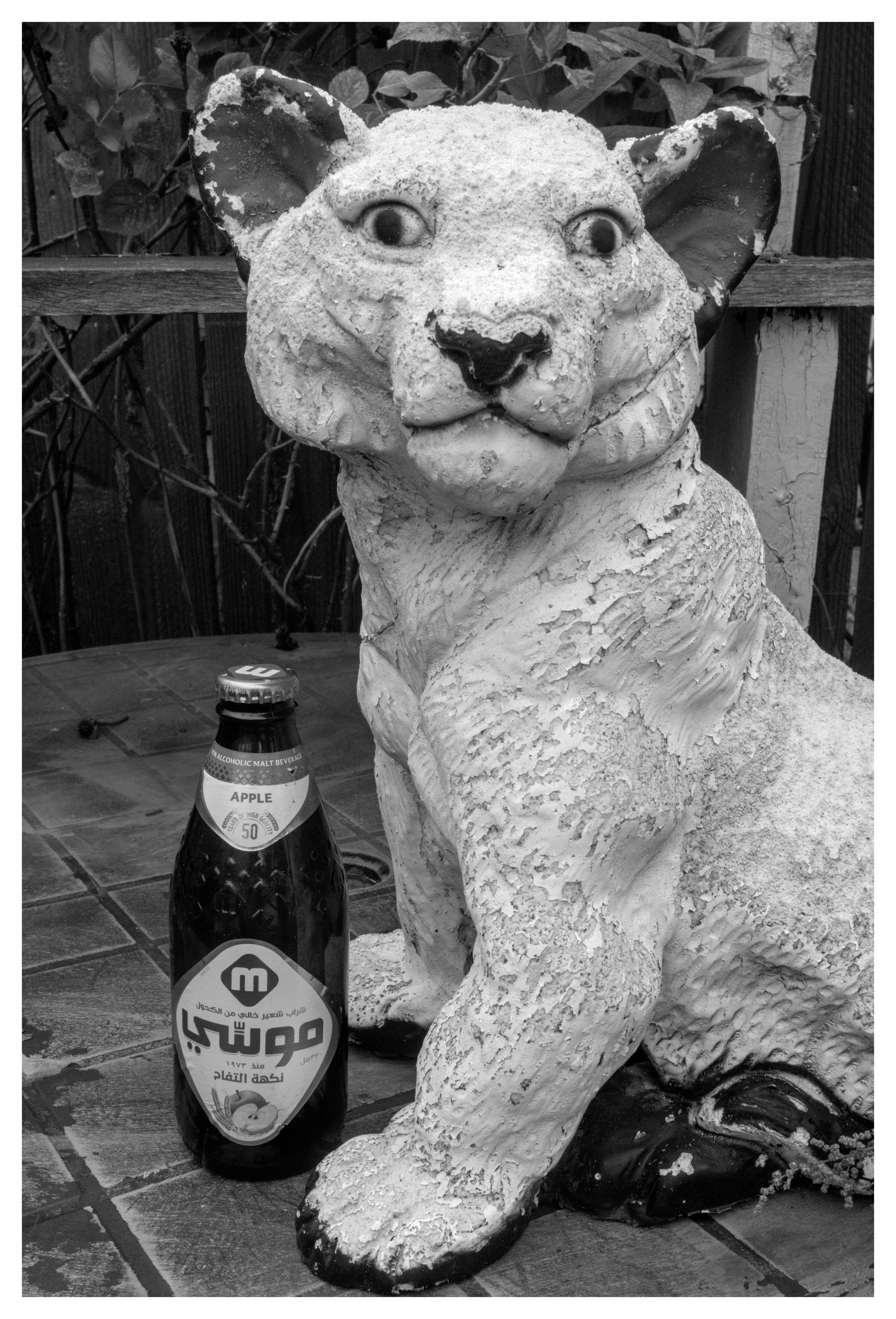
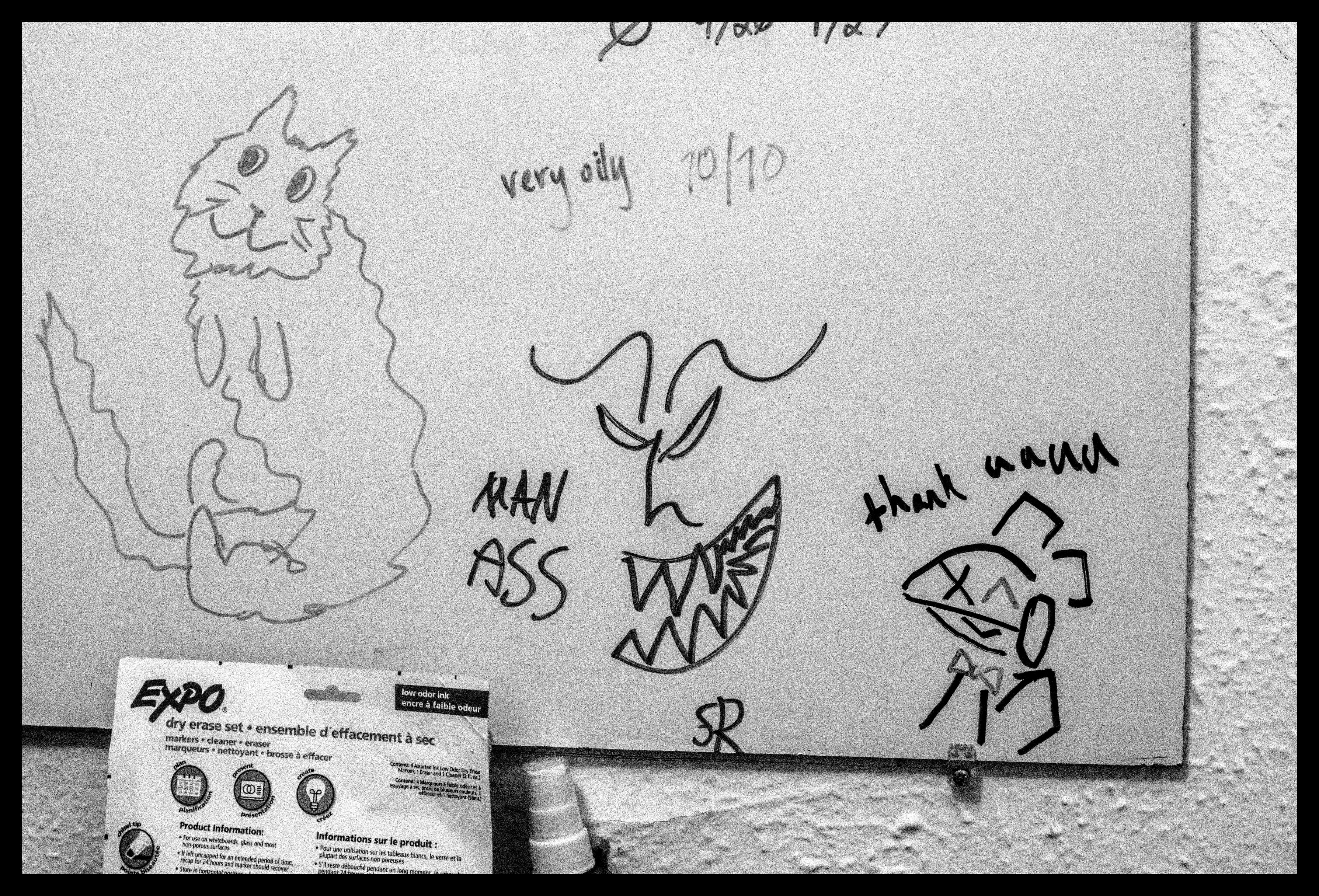
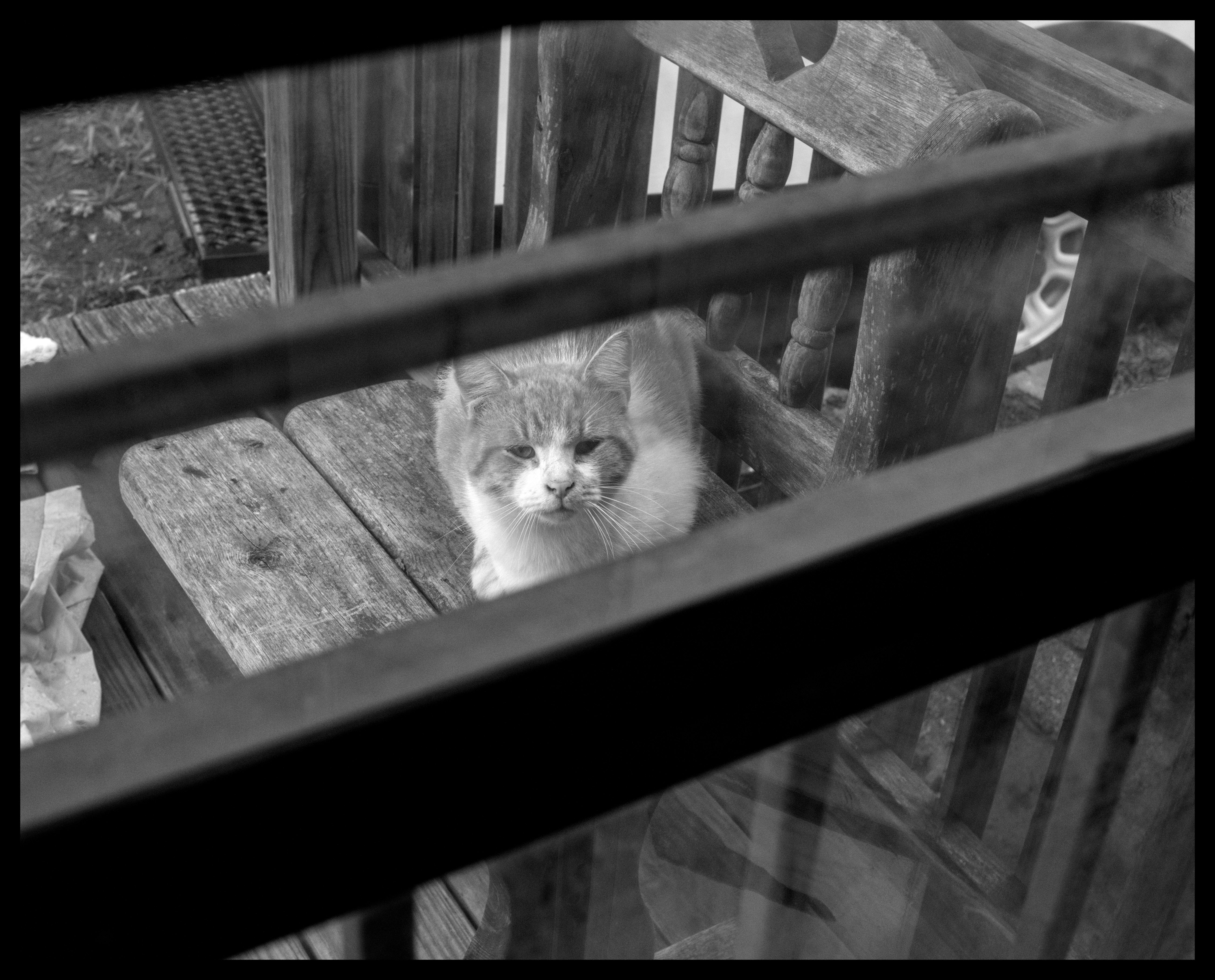
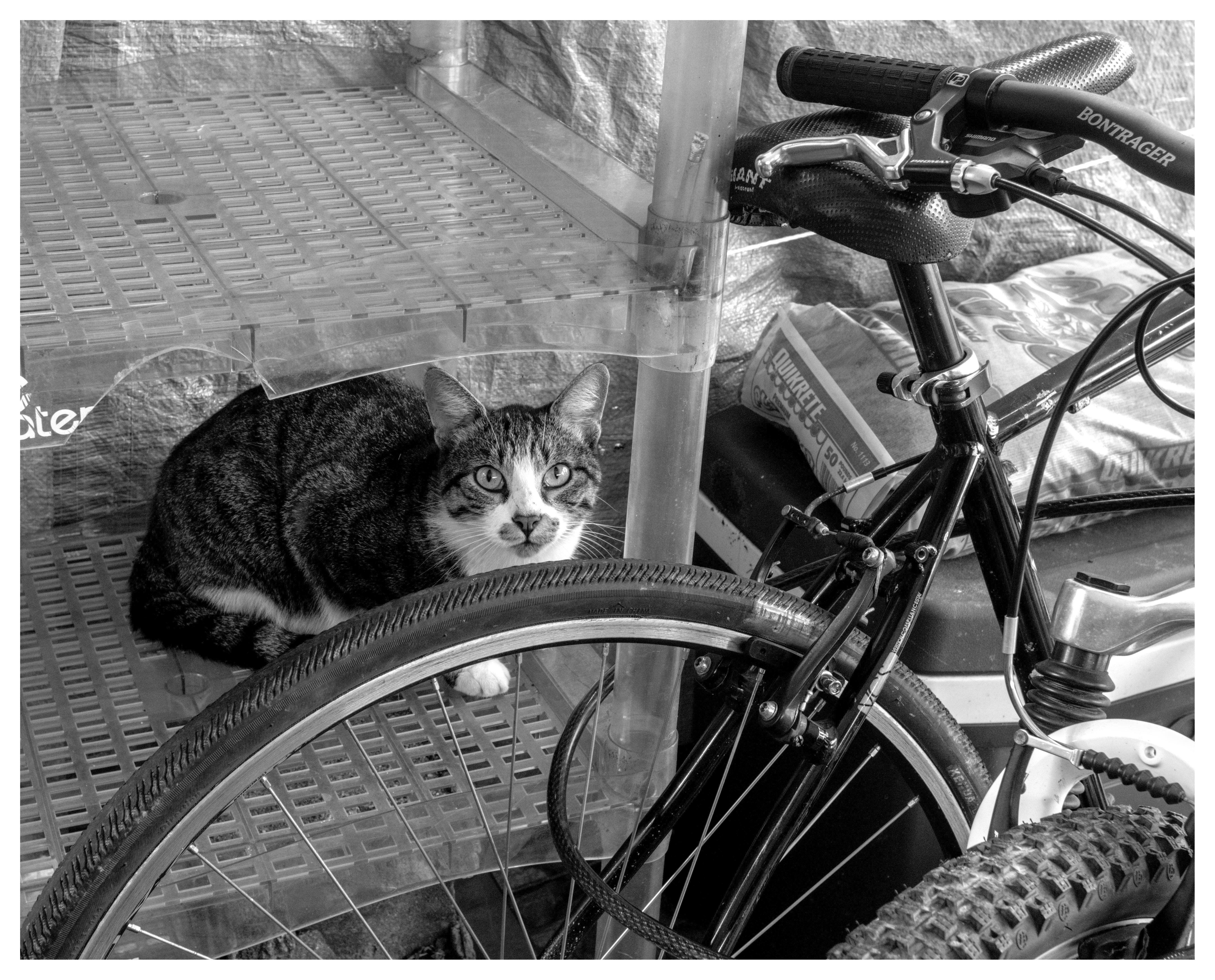
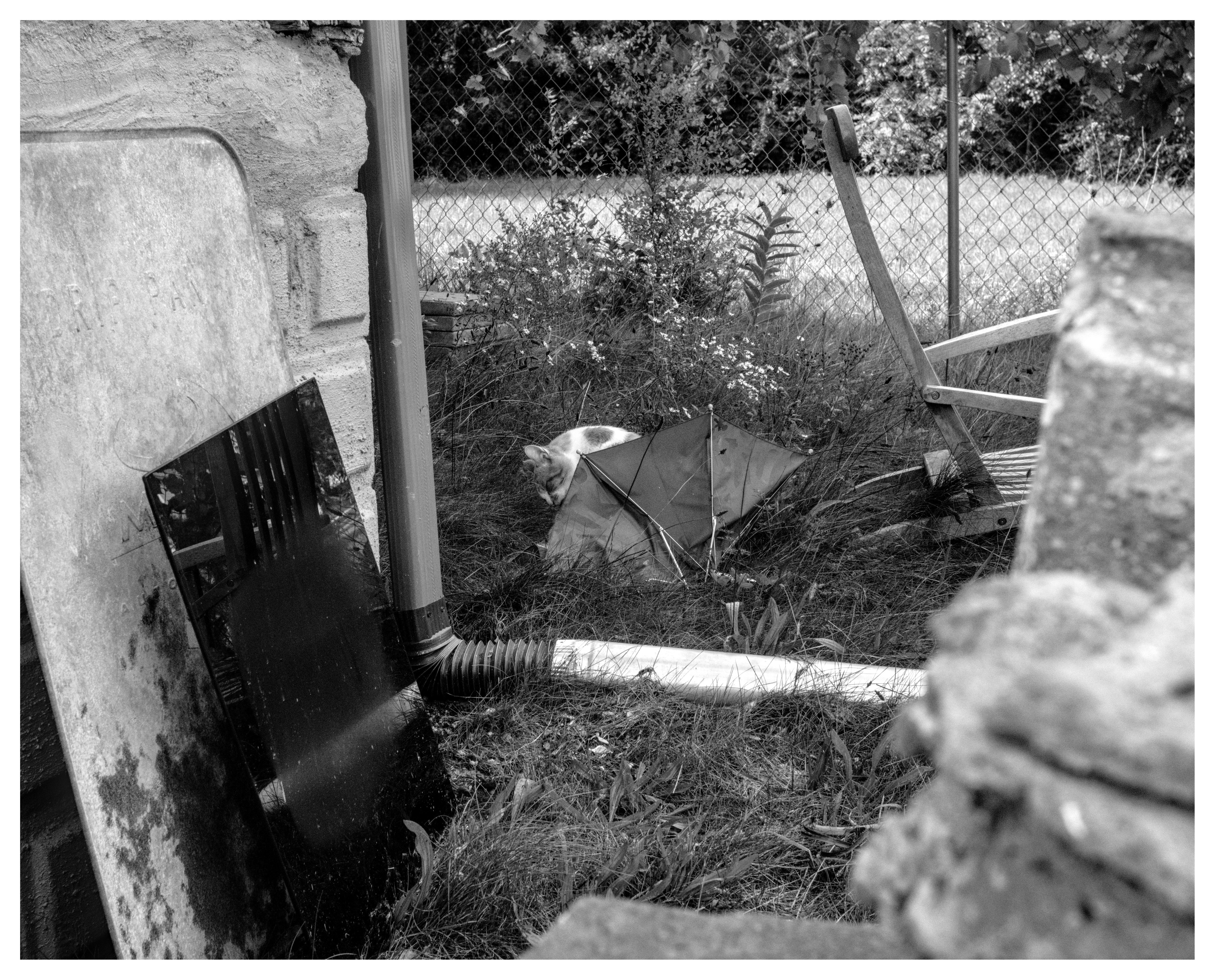
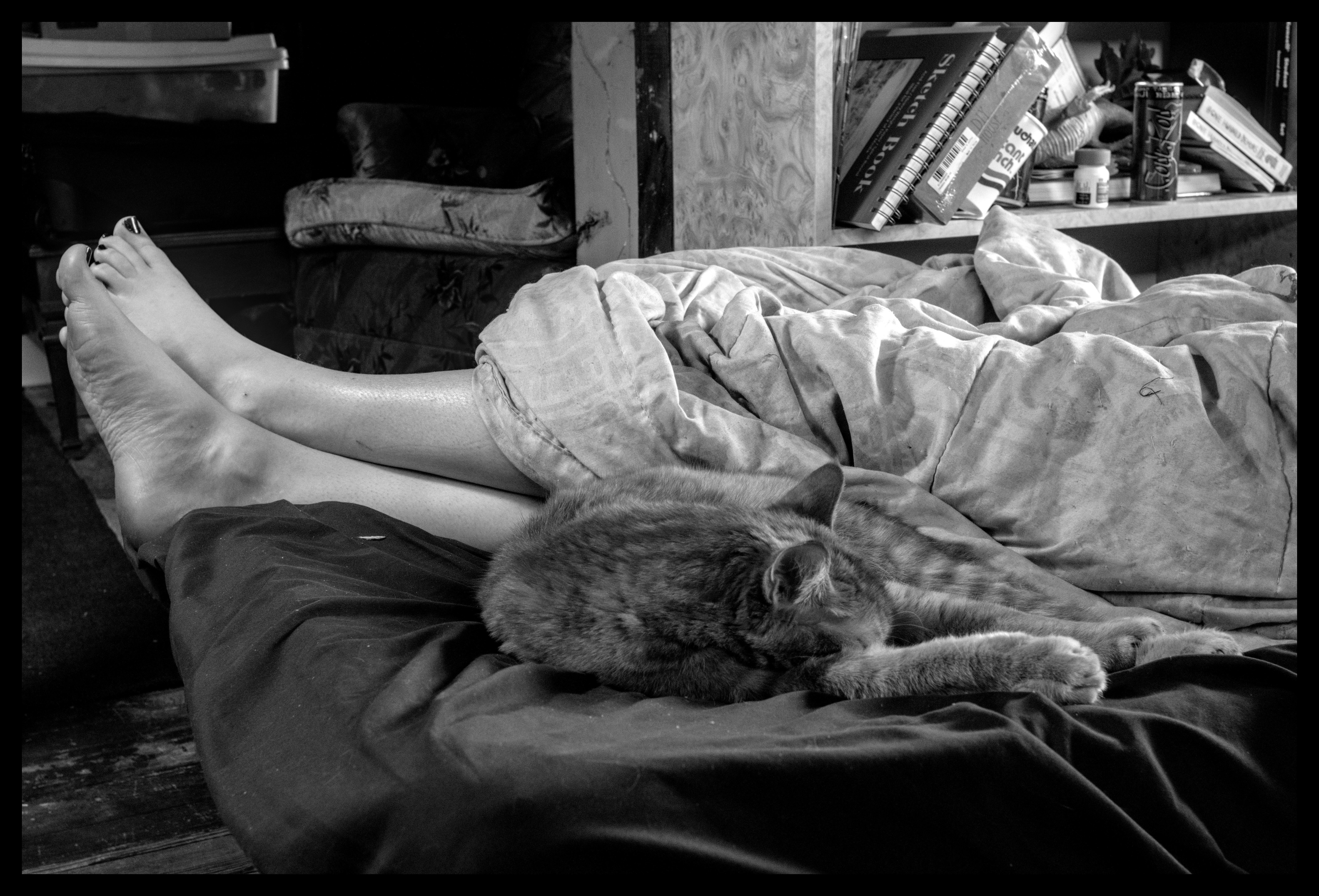
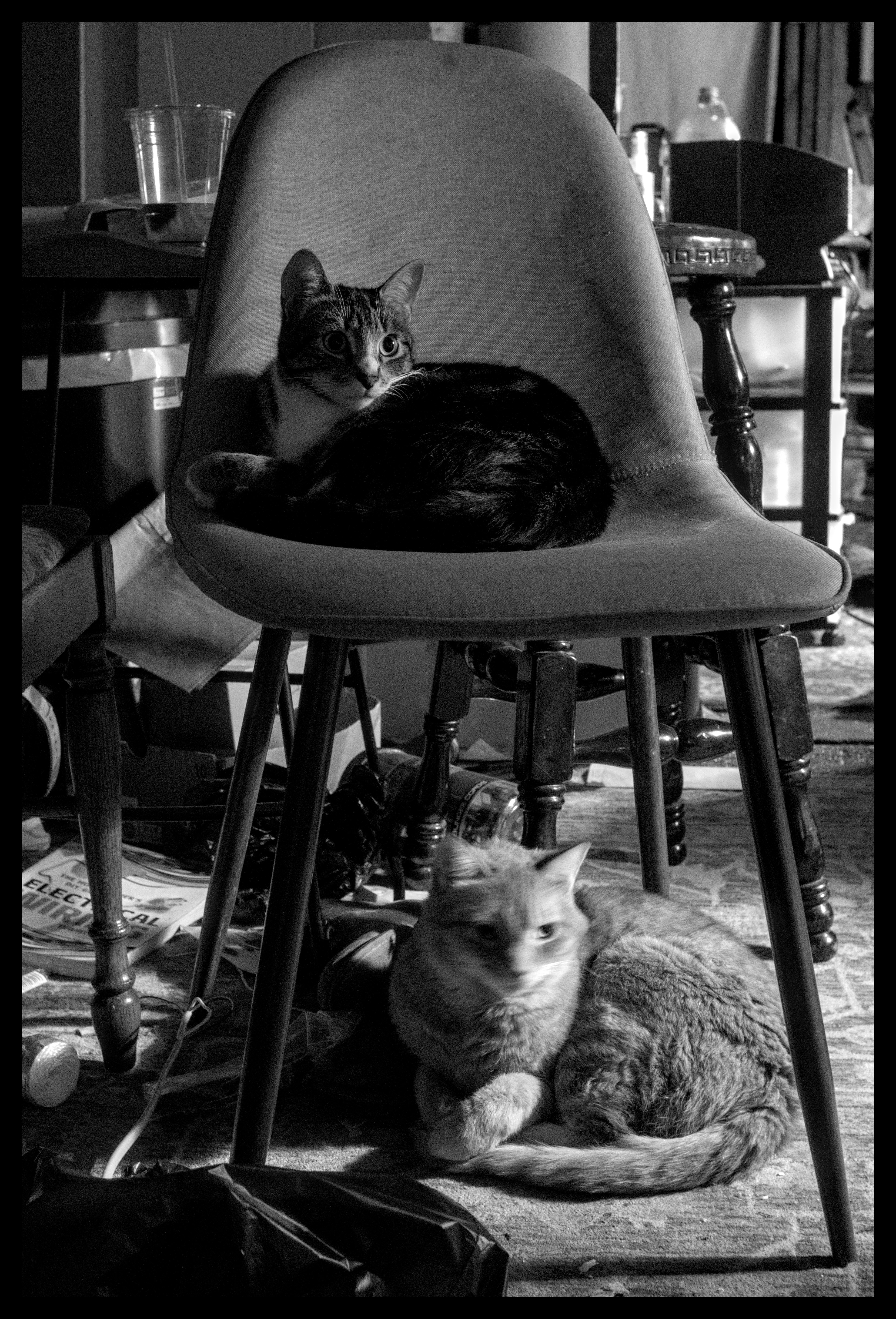
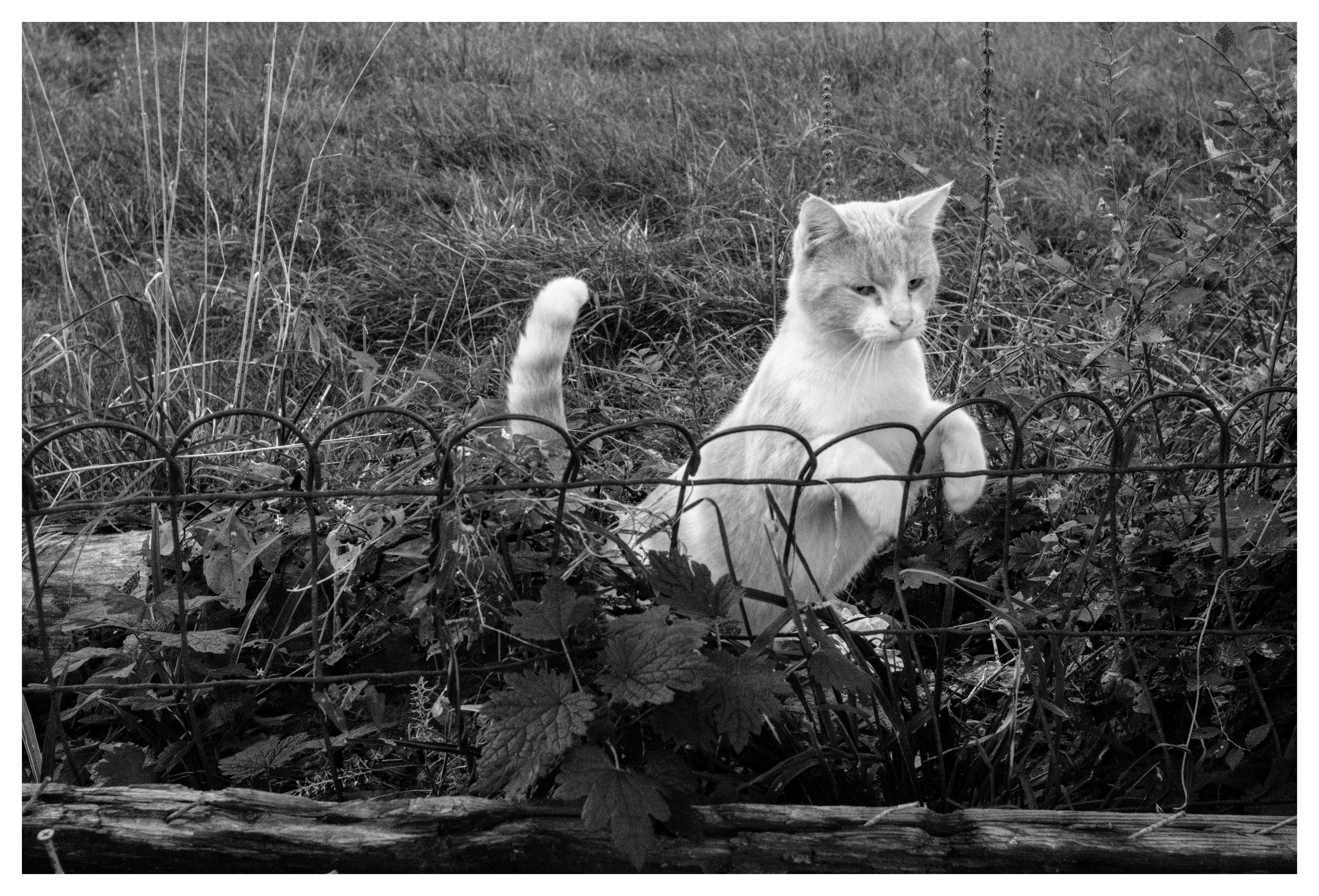
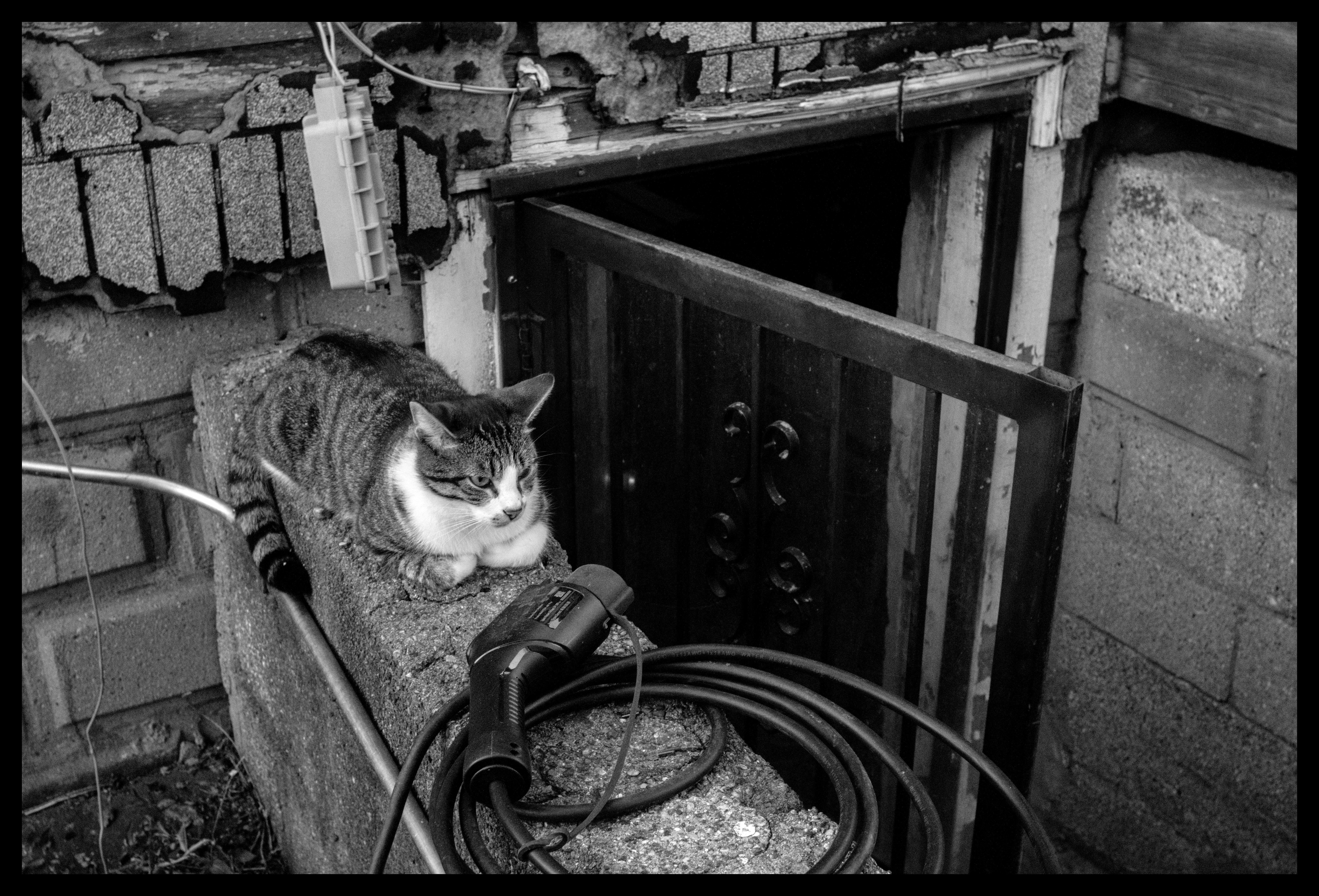
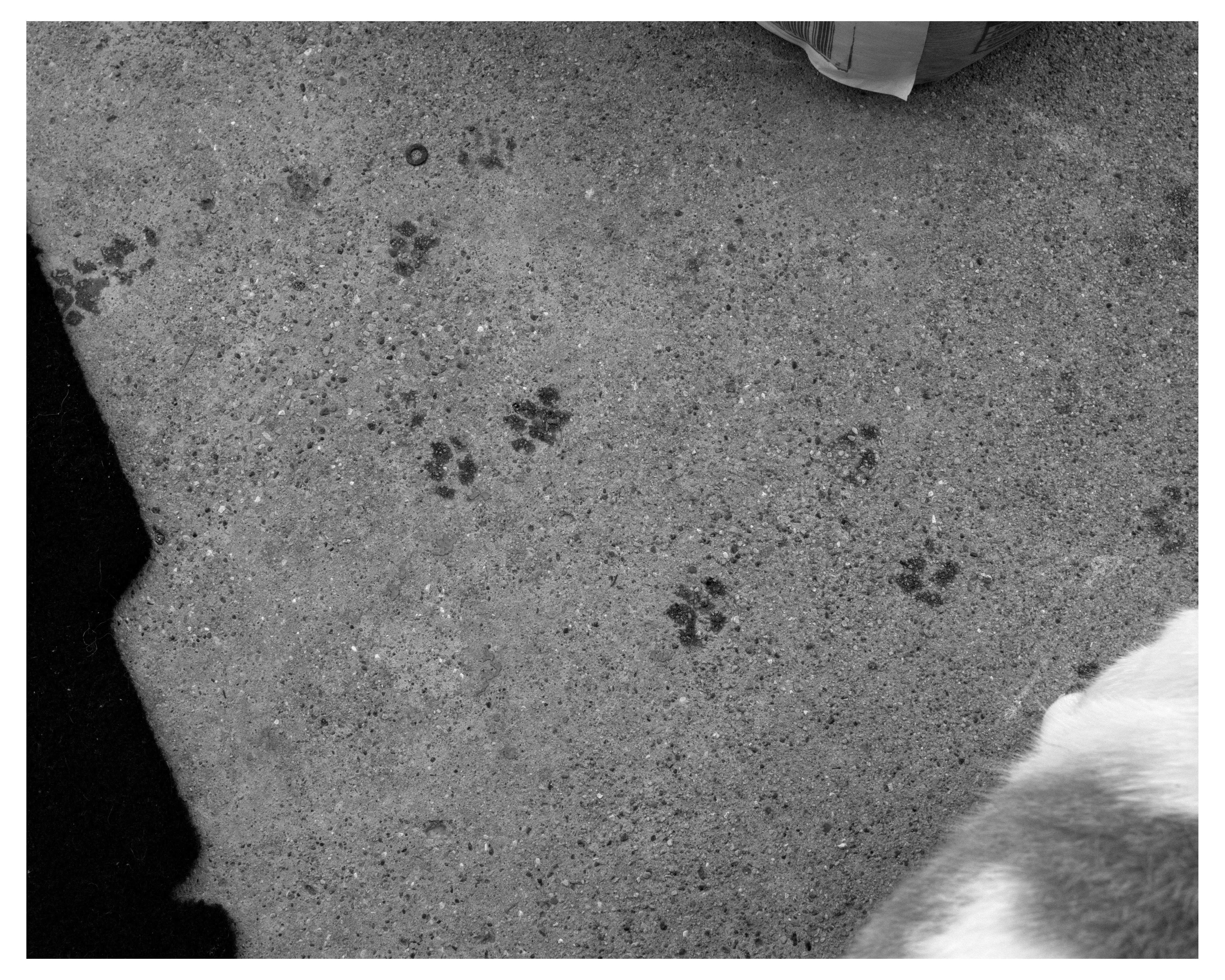
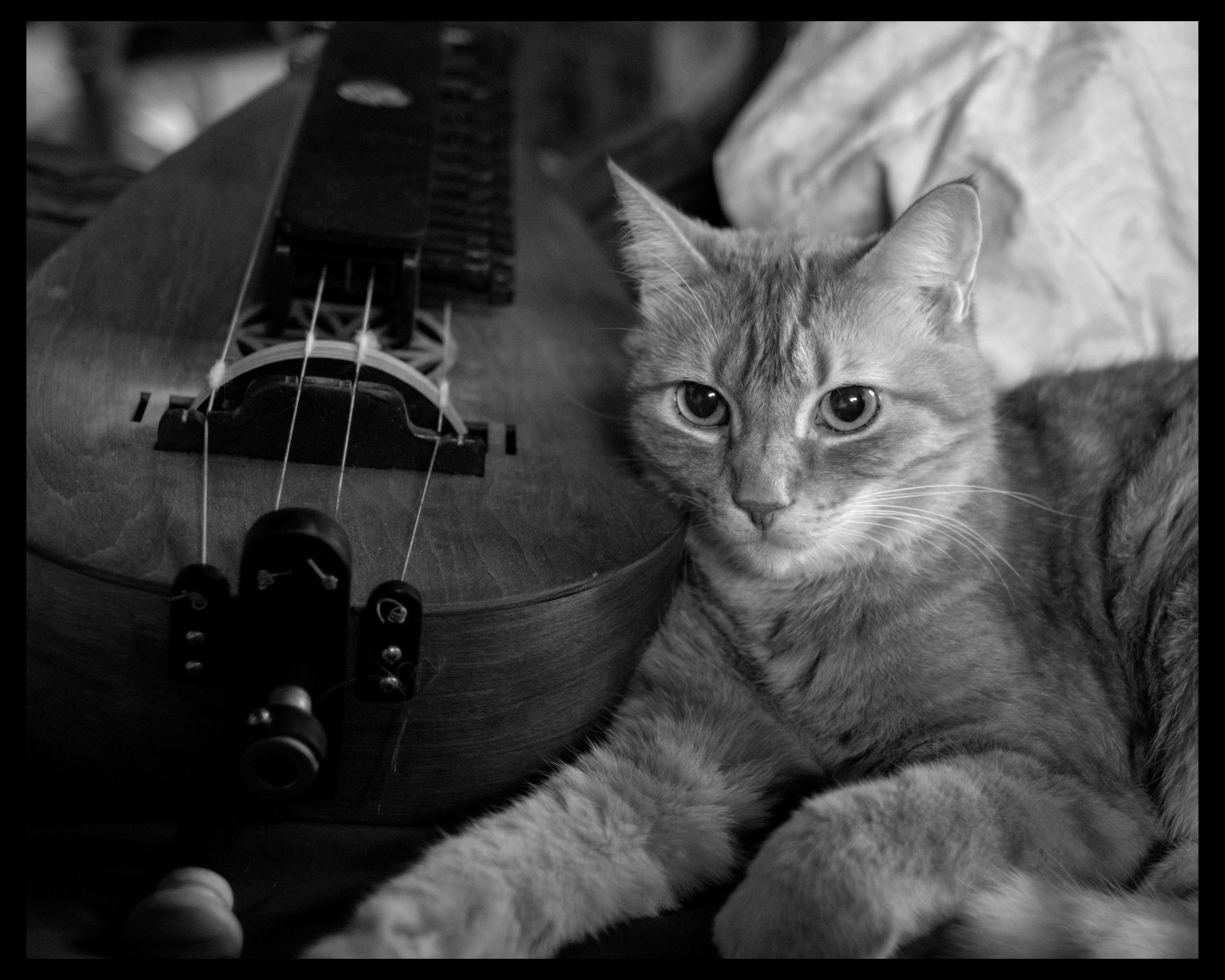
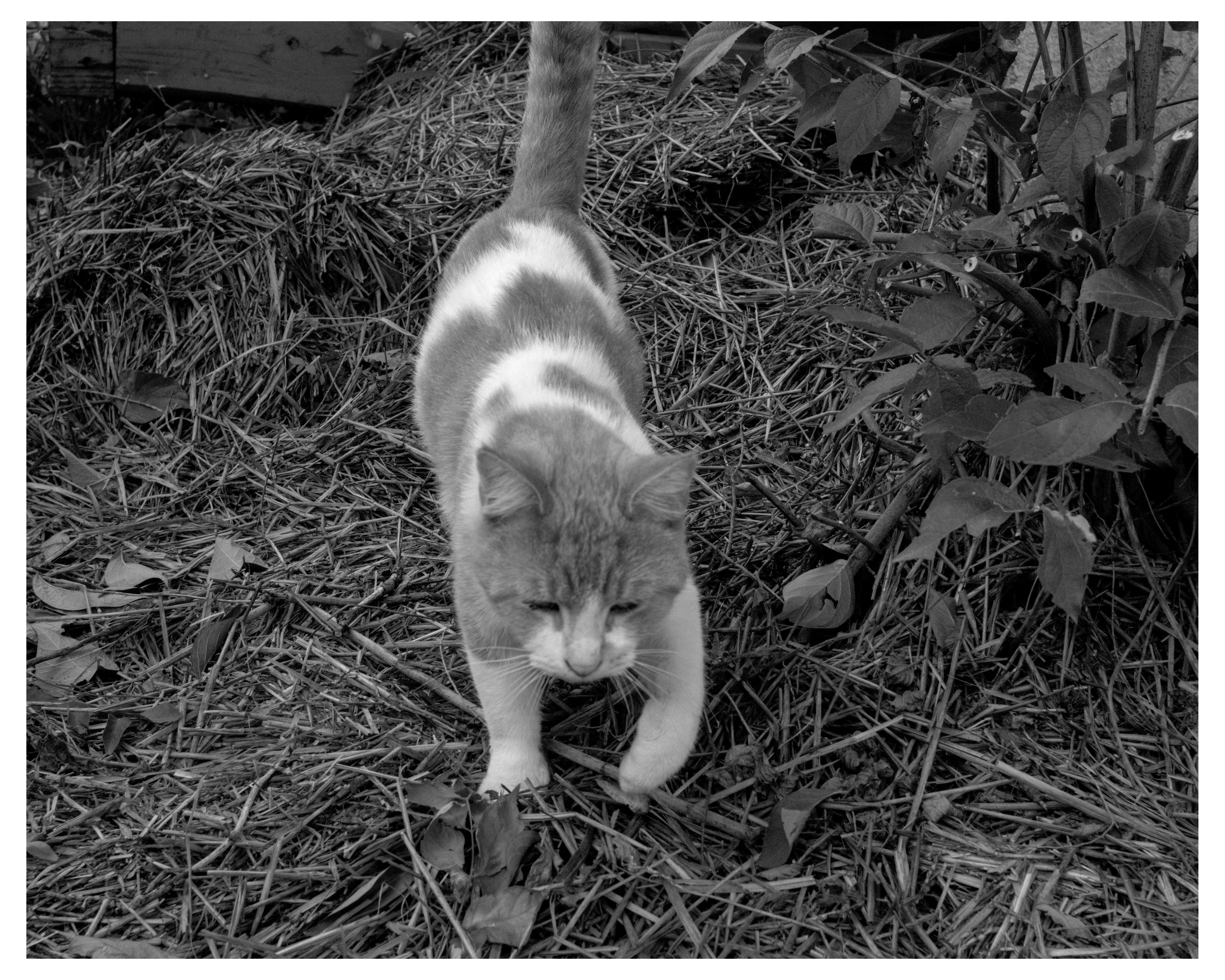
ella the catgirl, alley cat with unknown outdoor cat, spinach, orange creamsicle, a statue, a drawing, squimbleshanks, and topaz
so young
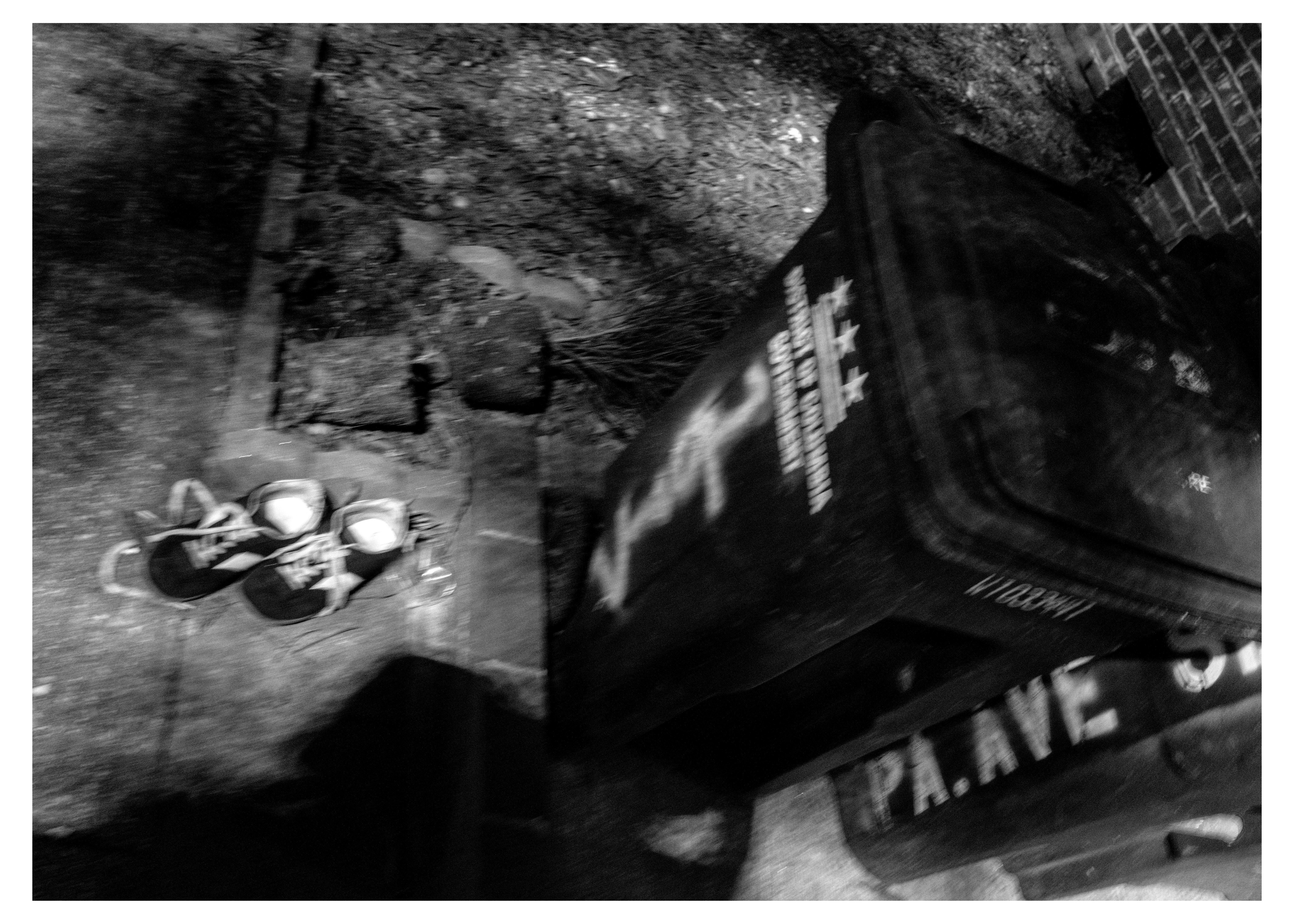
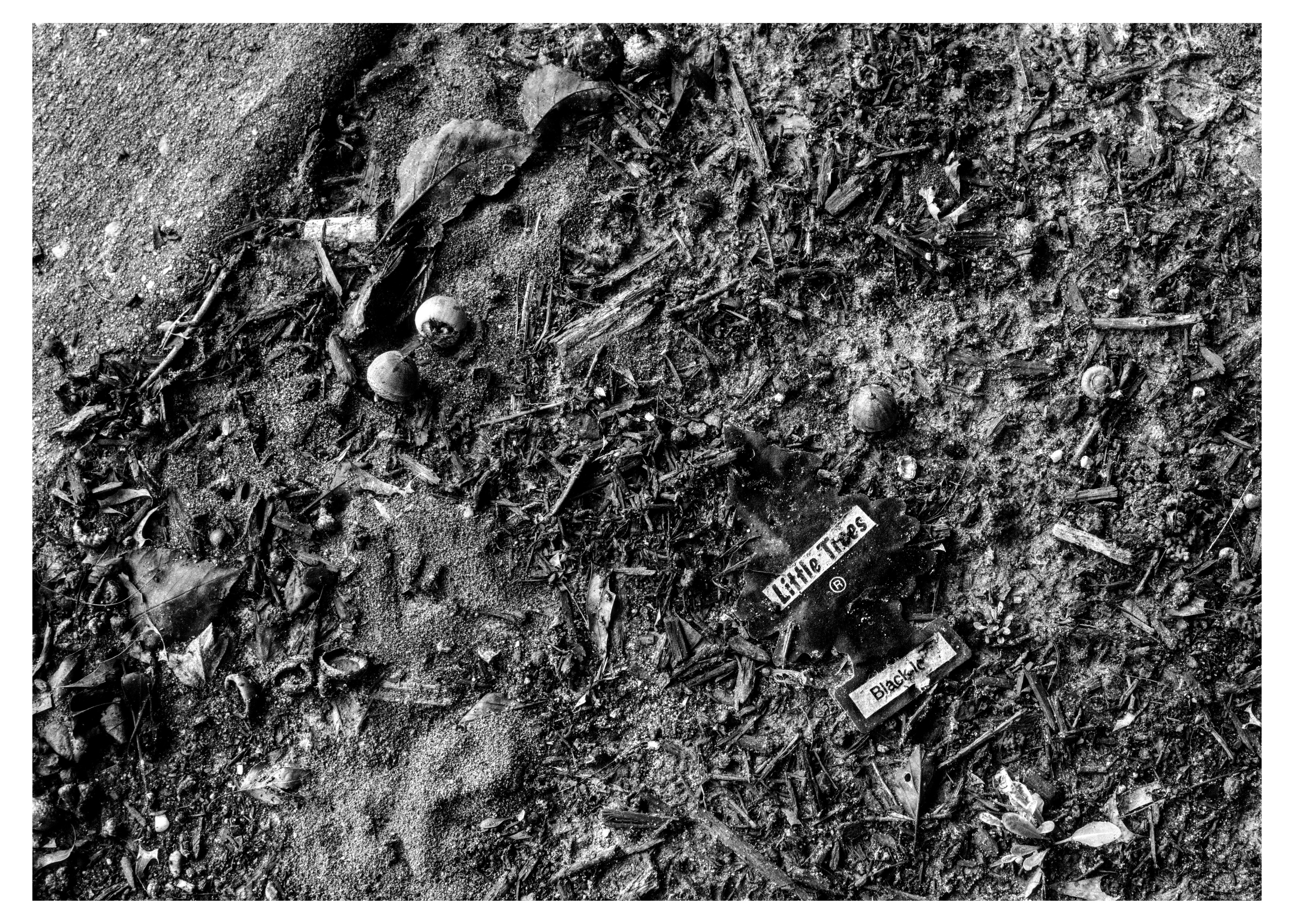
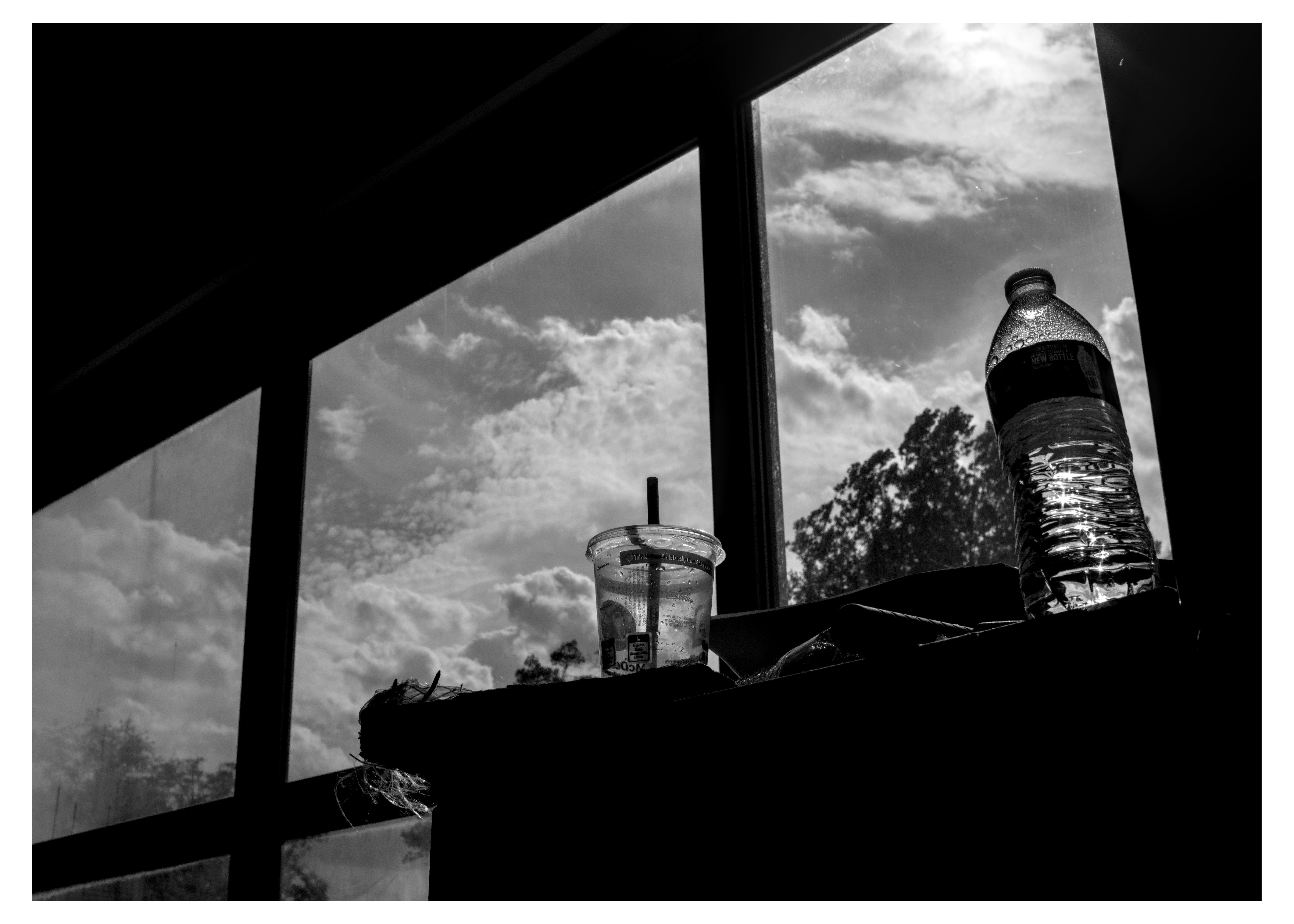
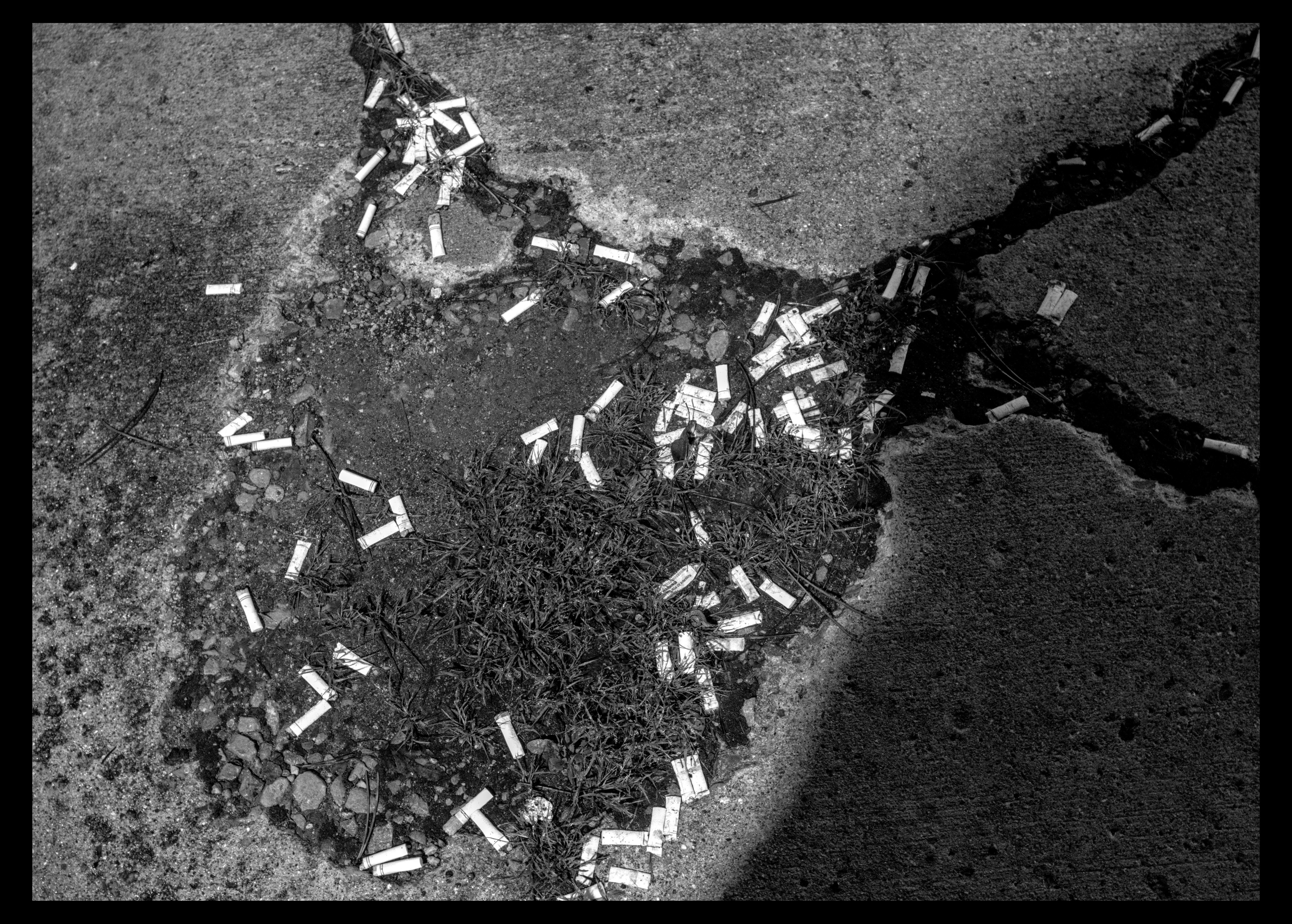
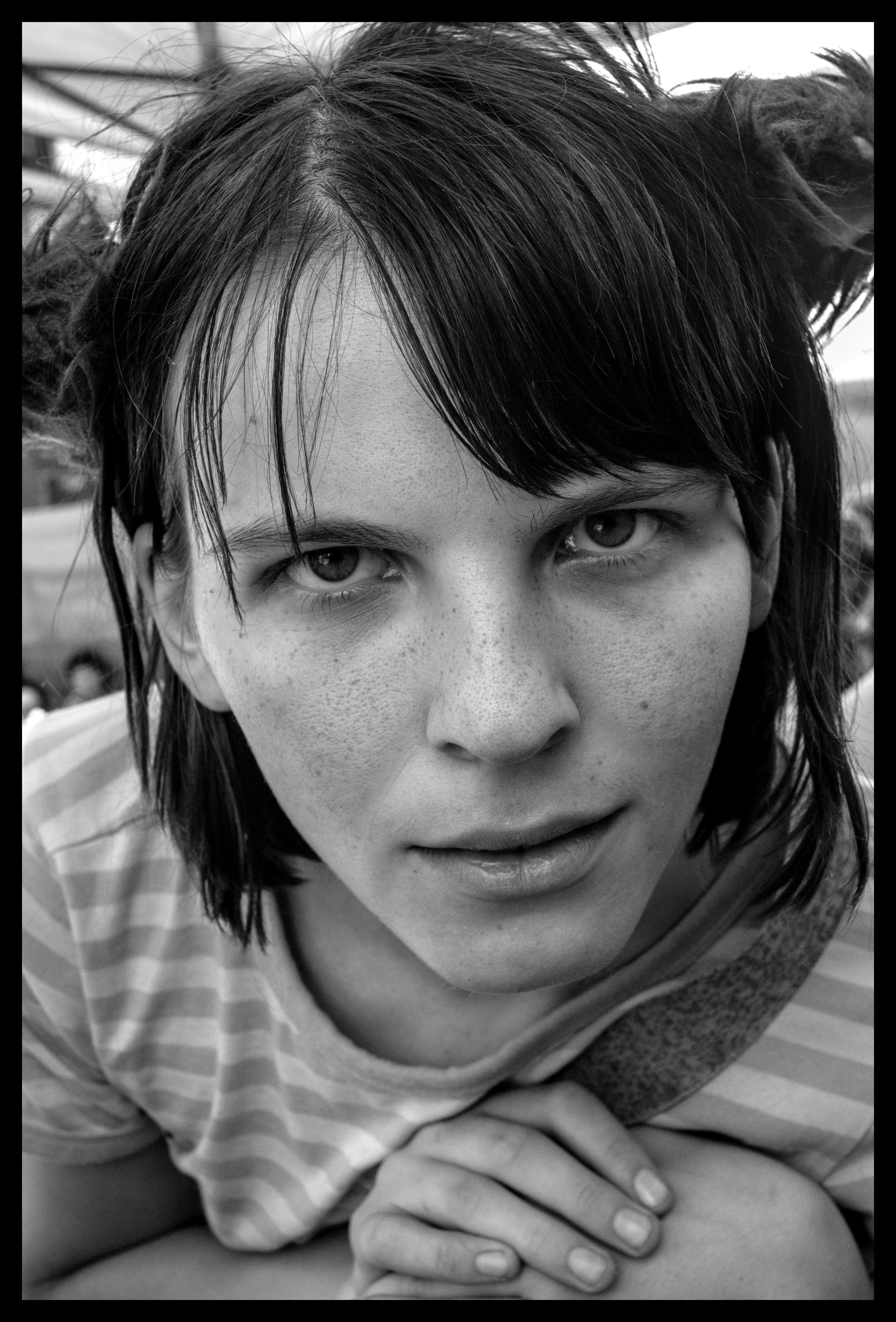
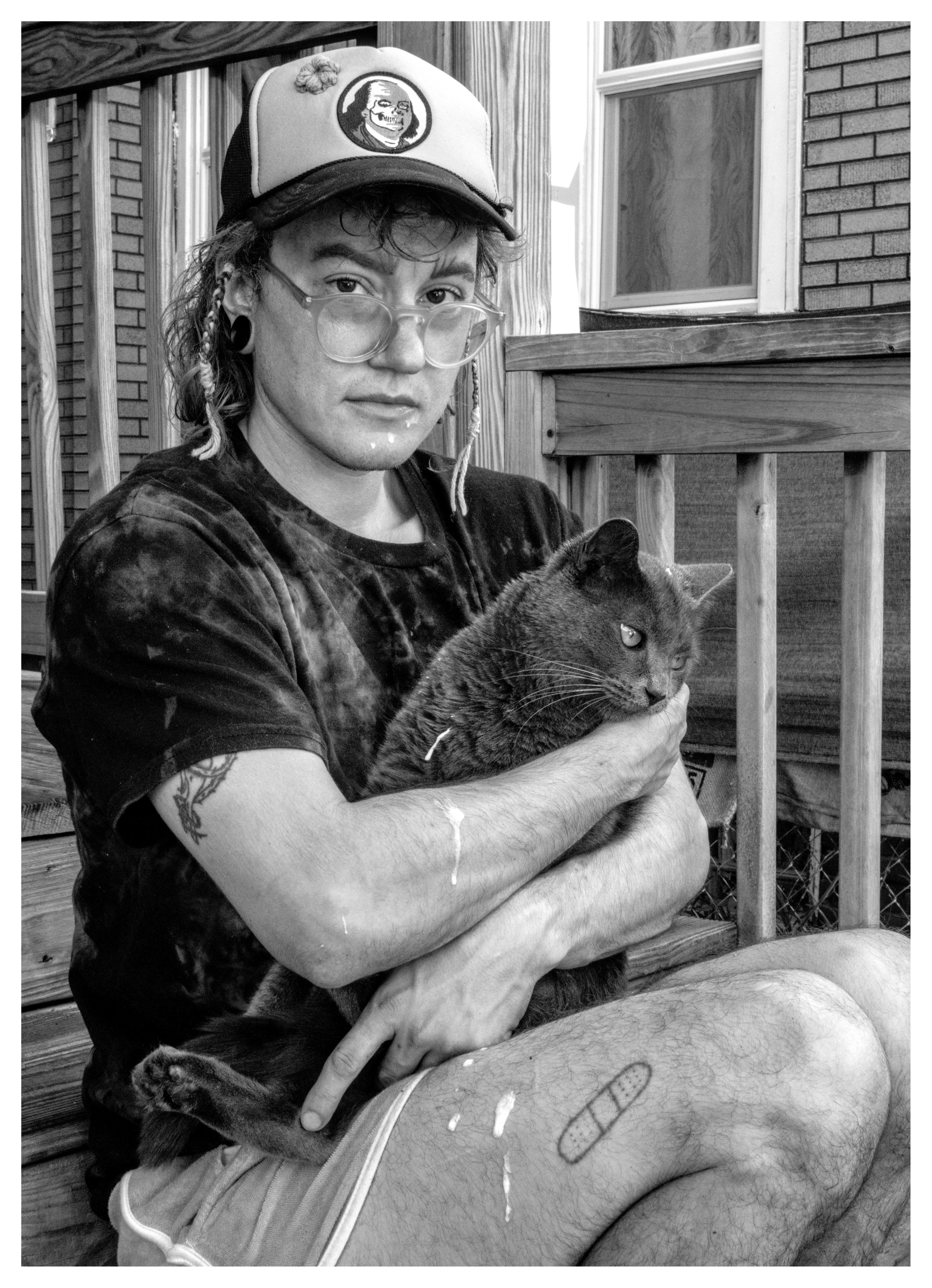
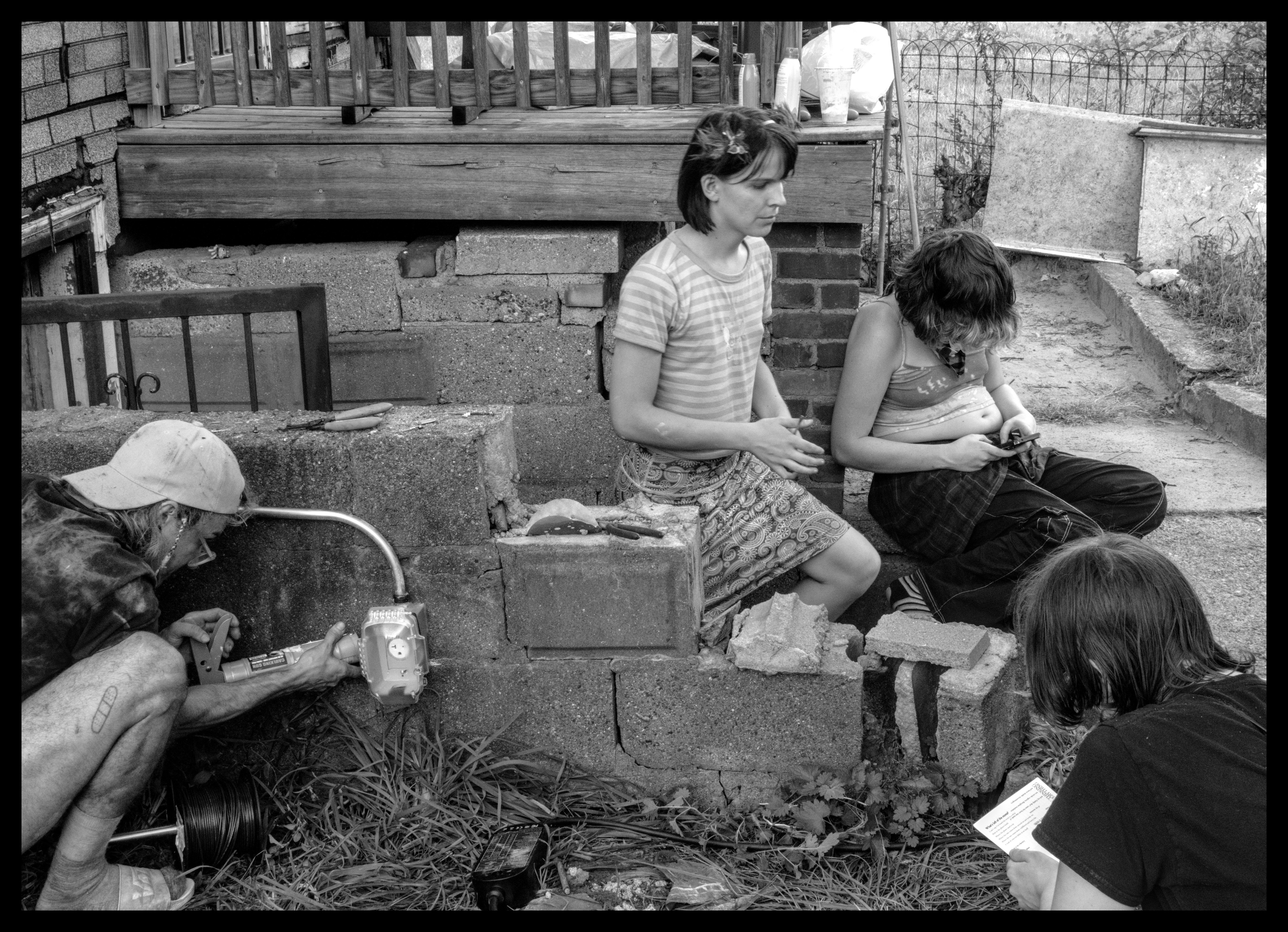
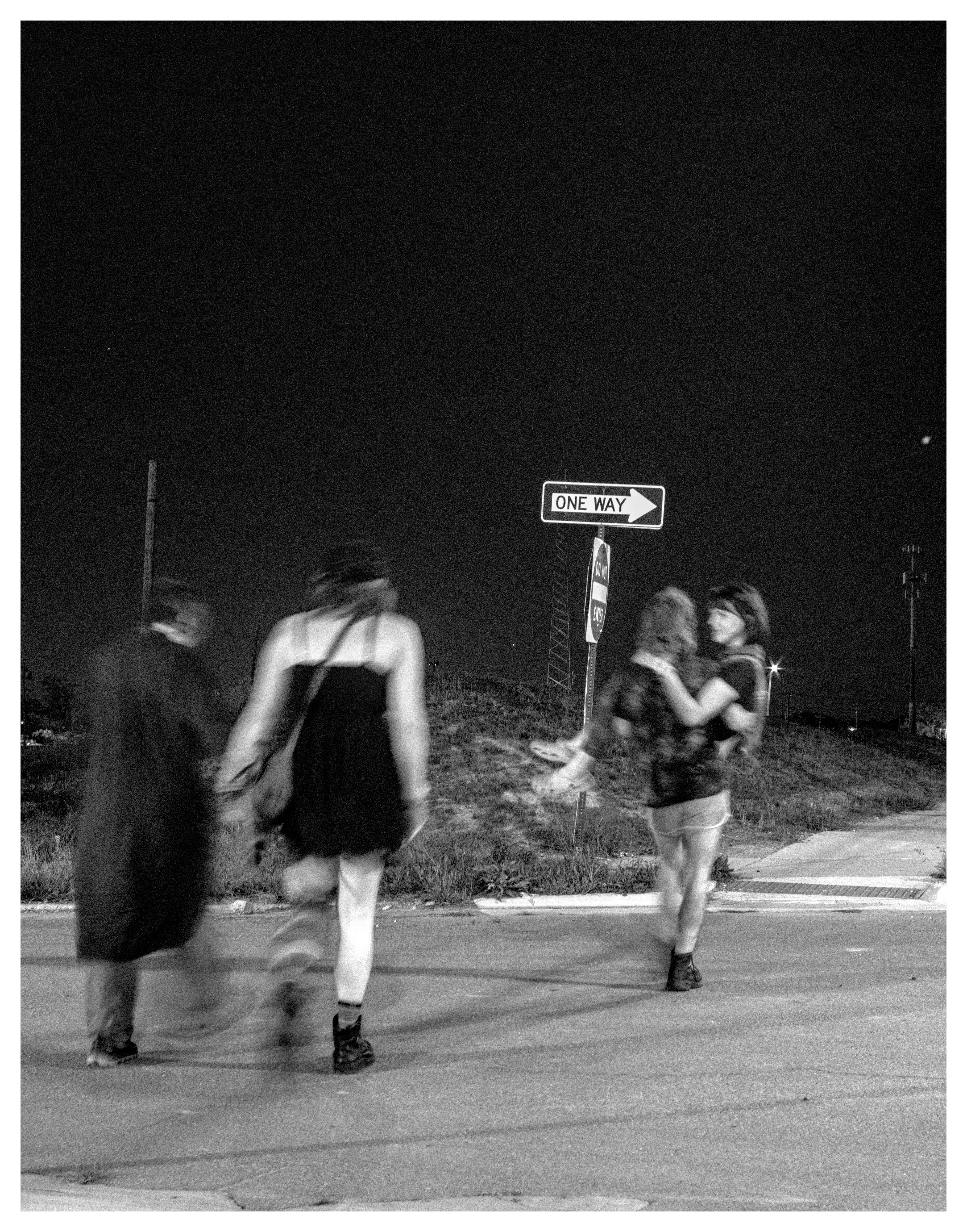
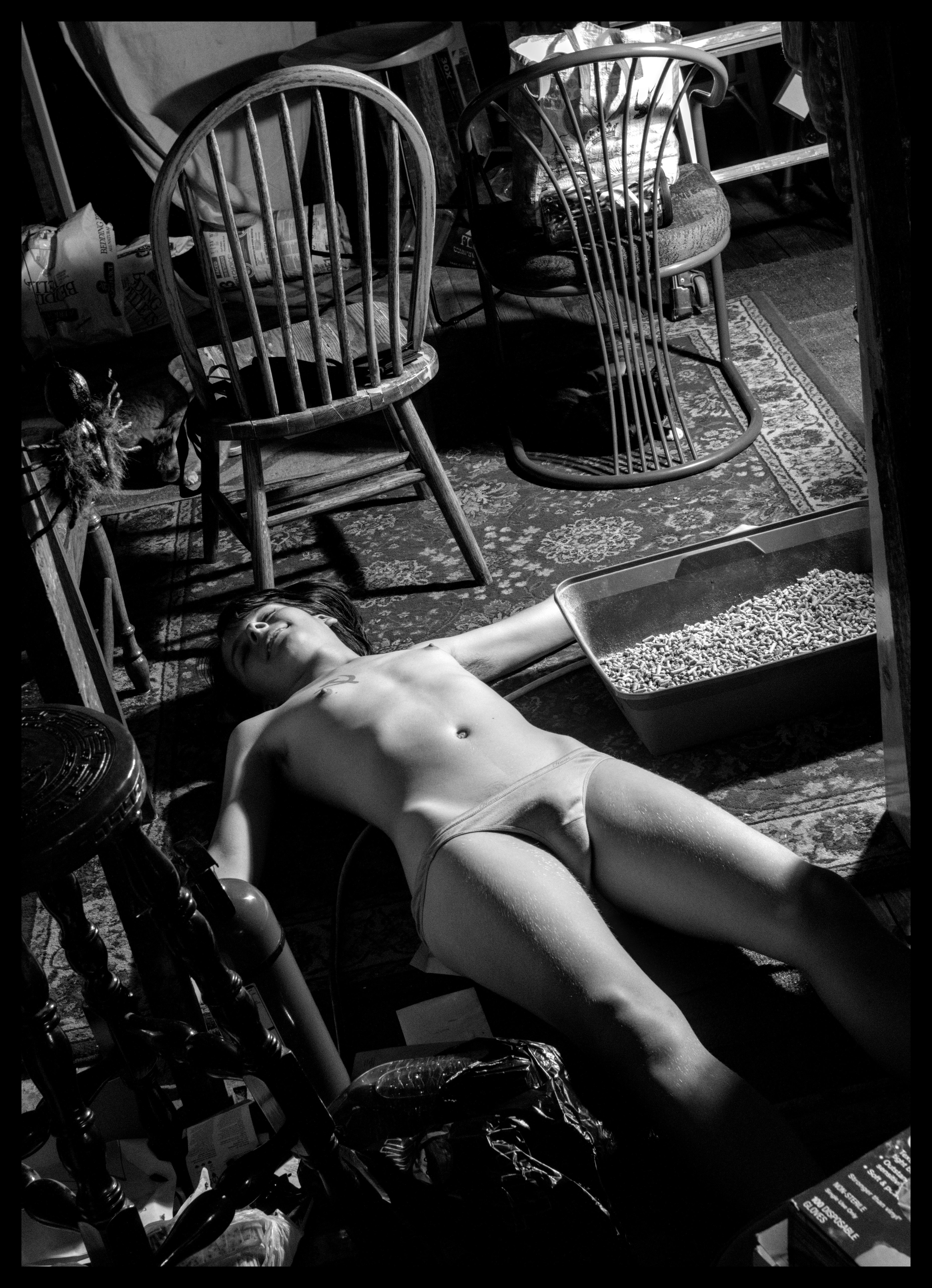
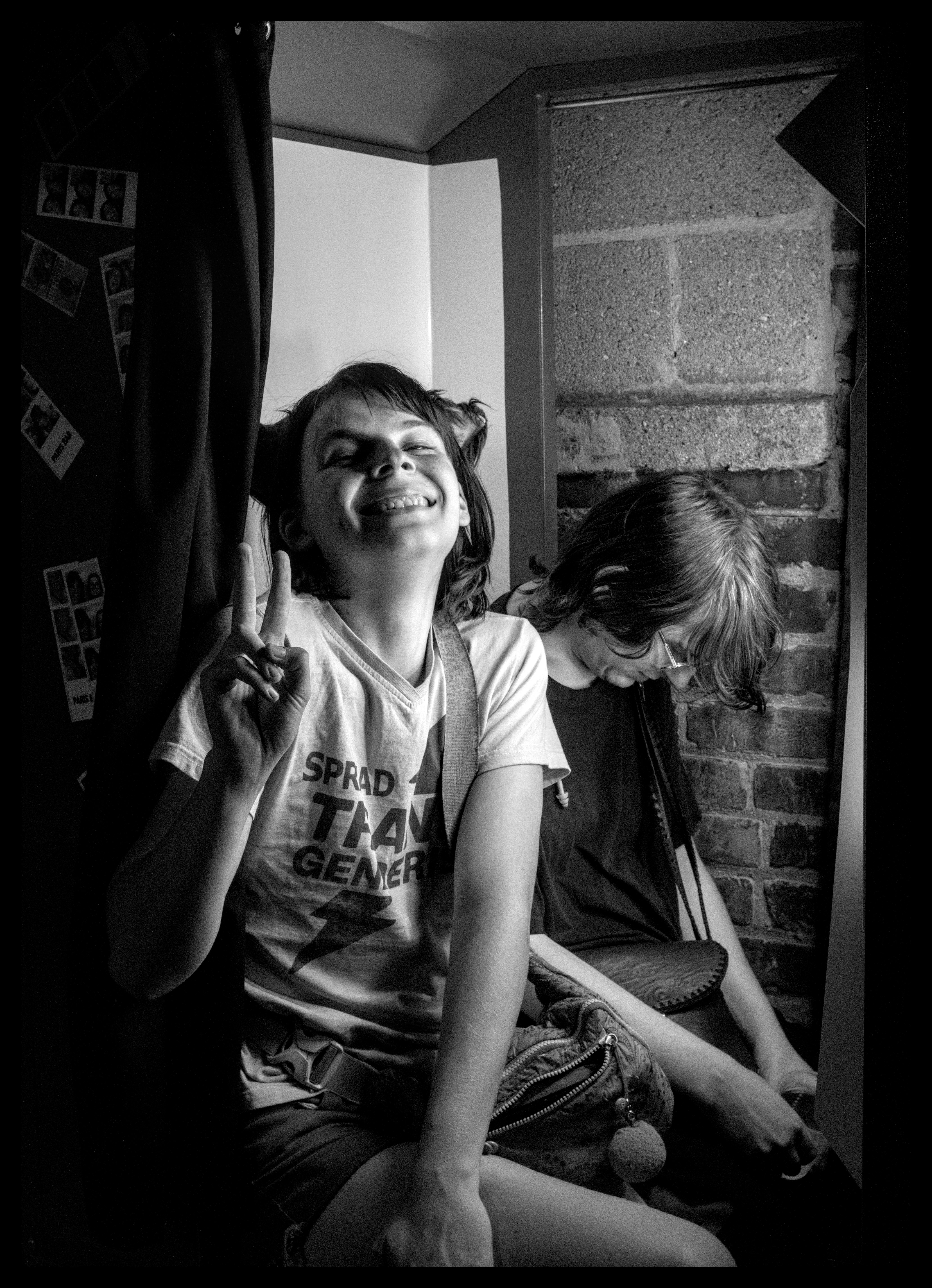
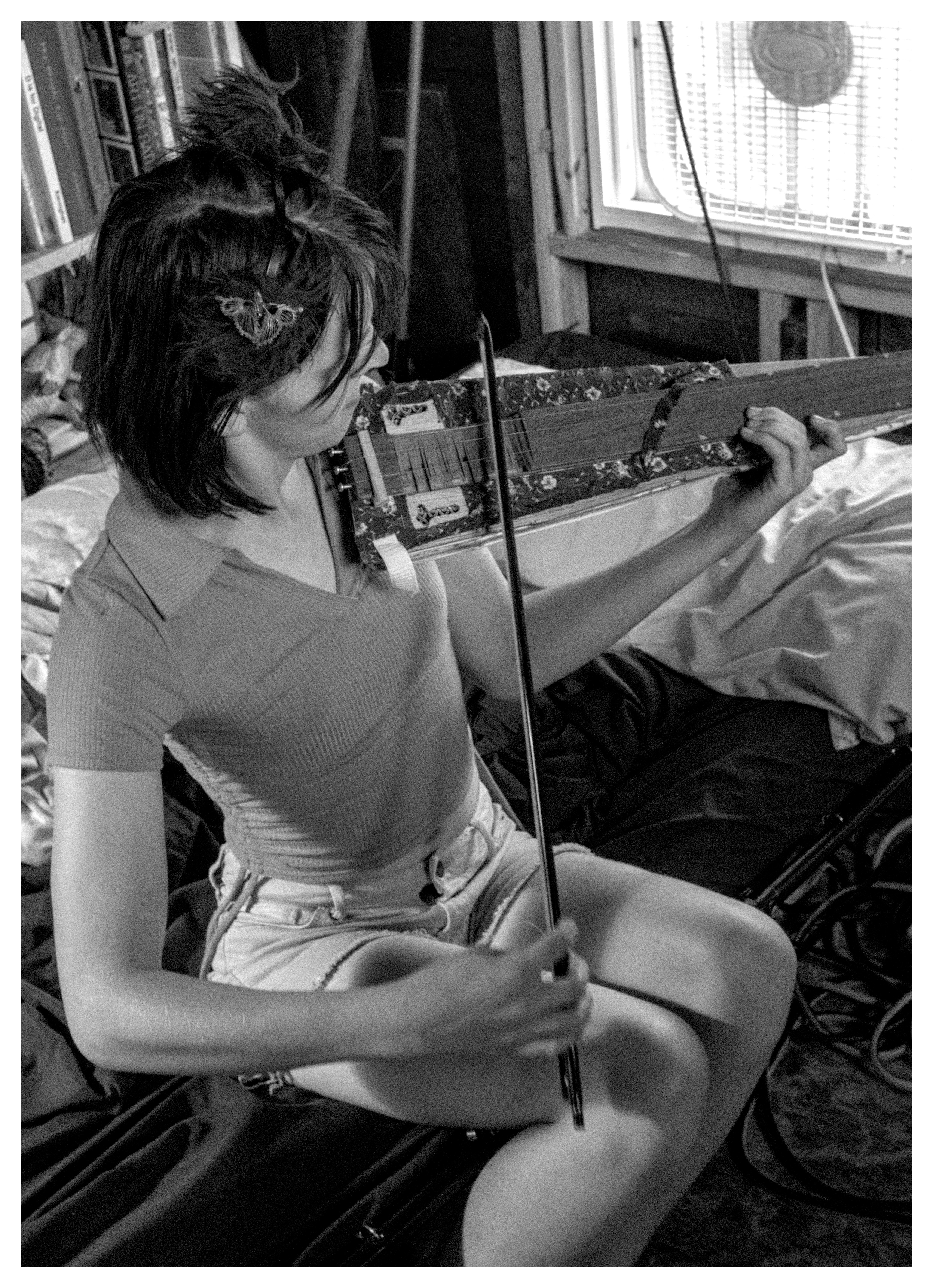
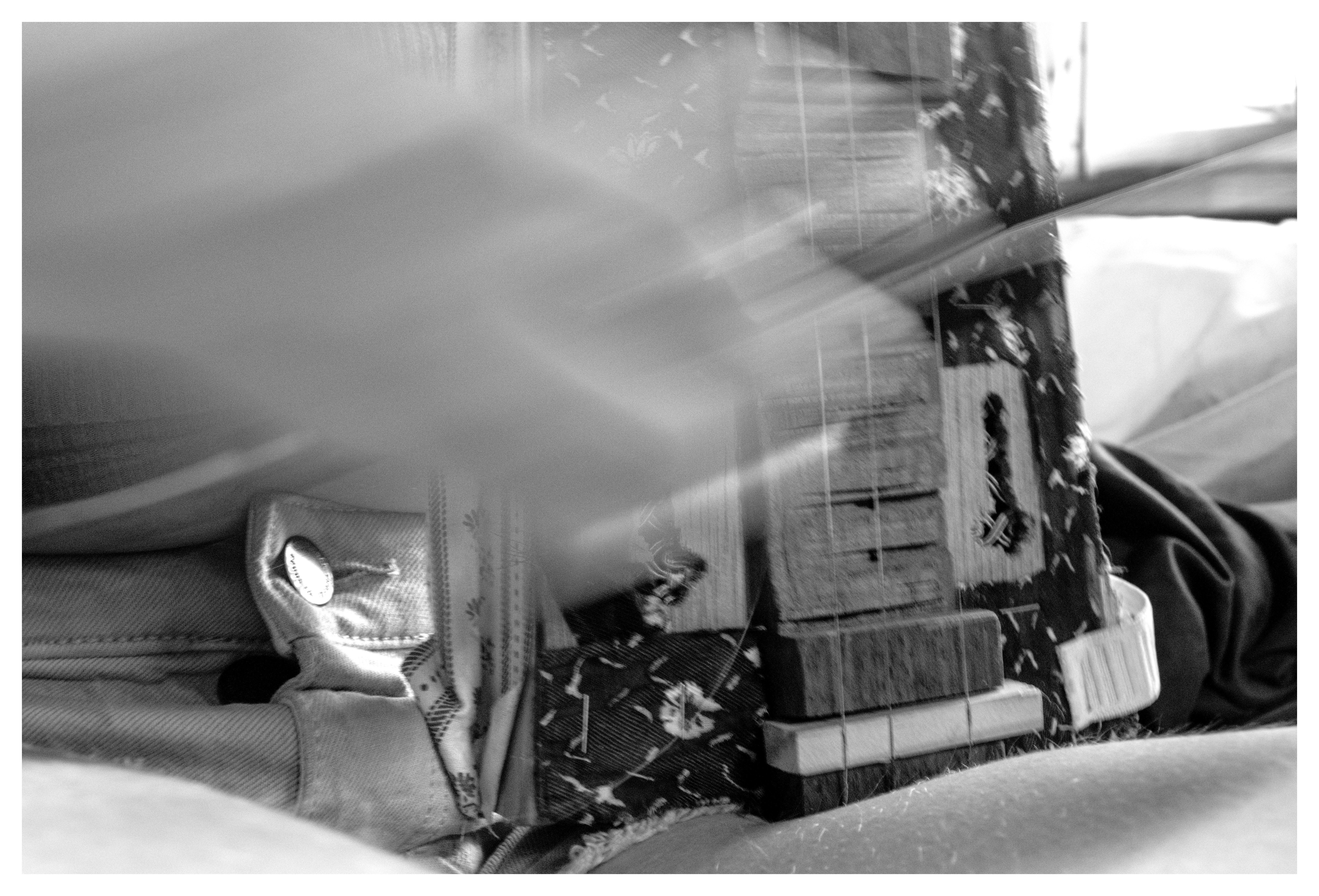
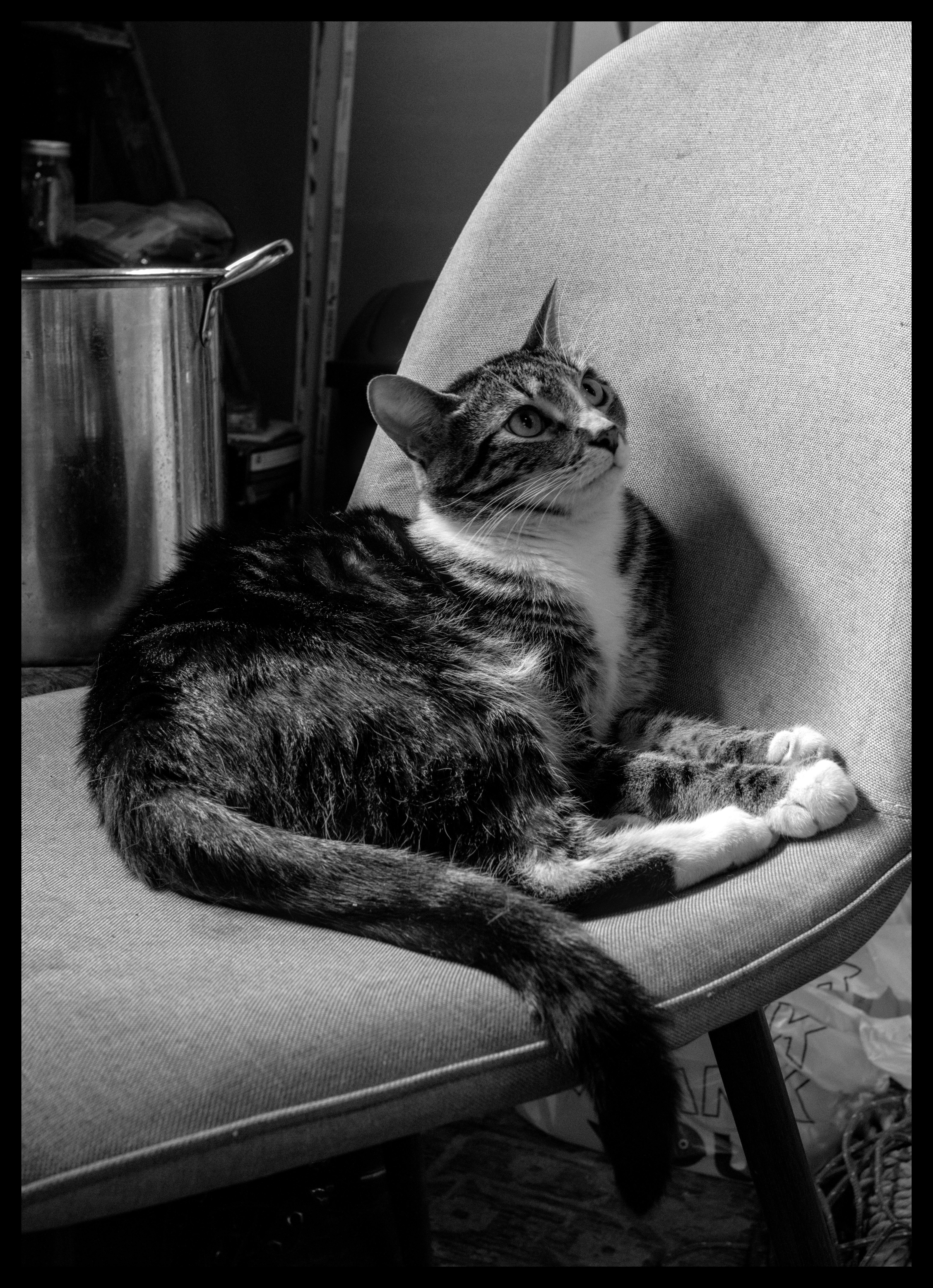
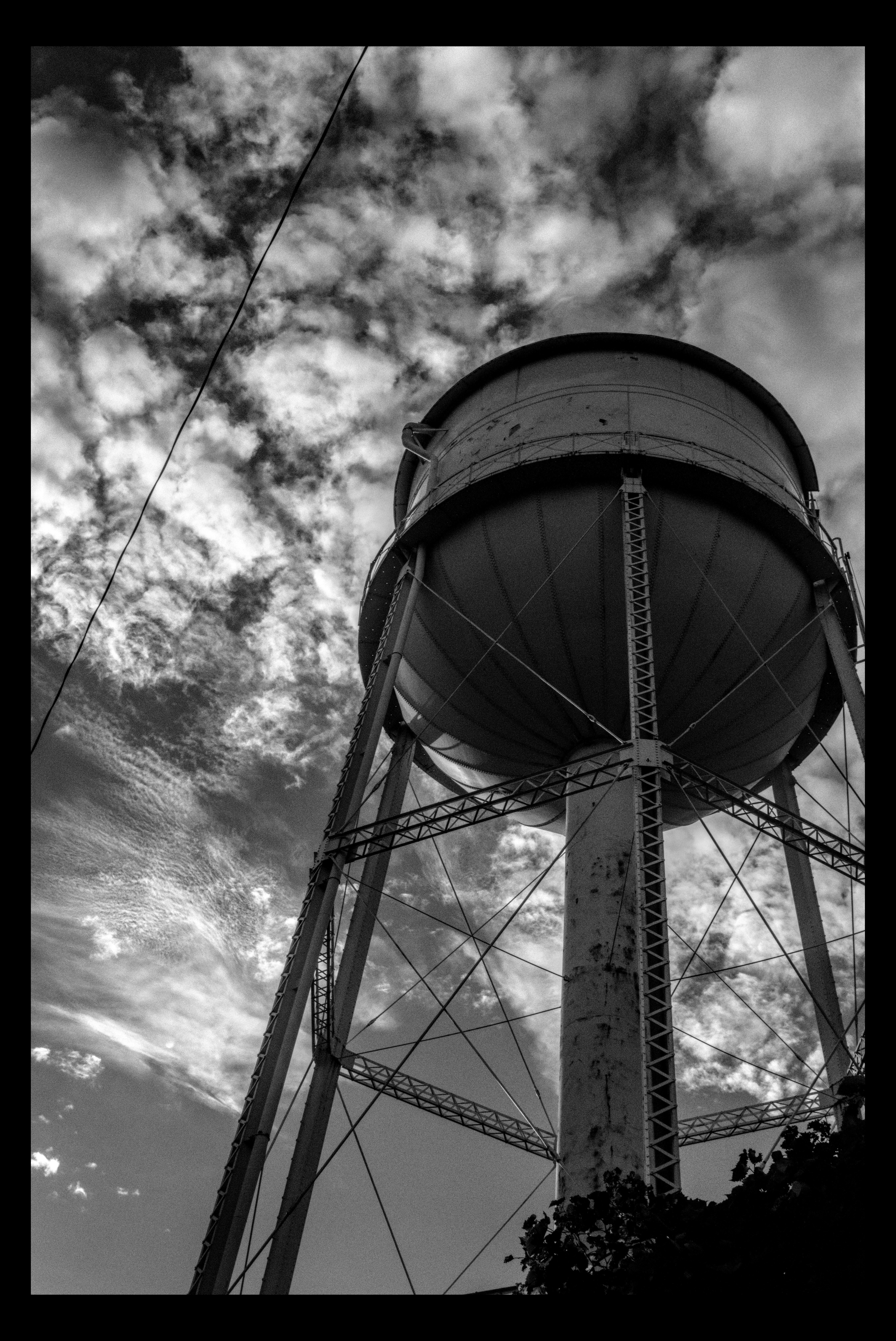
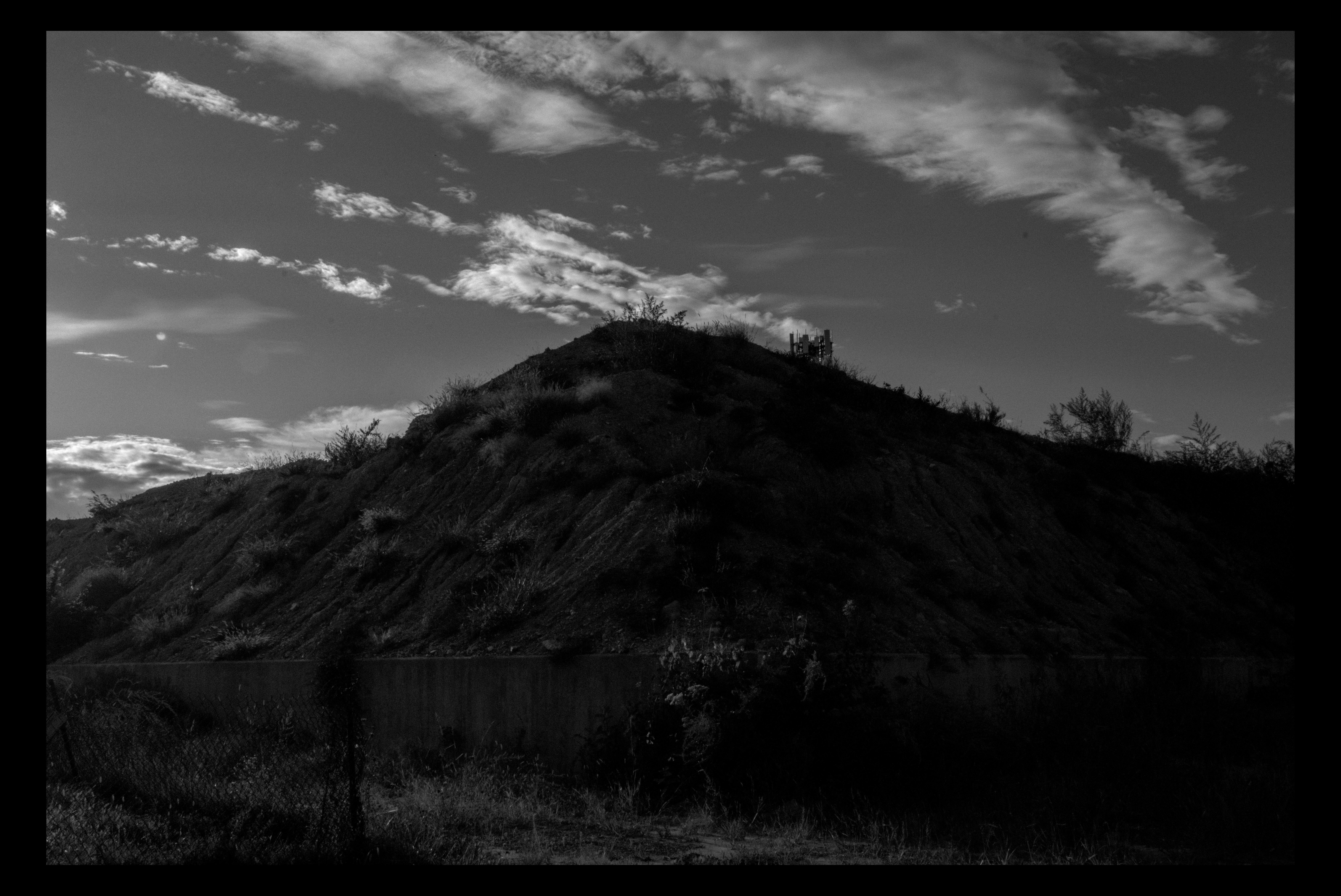
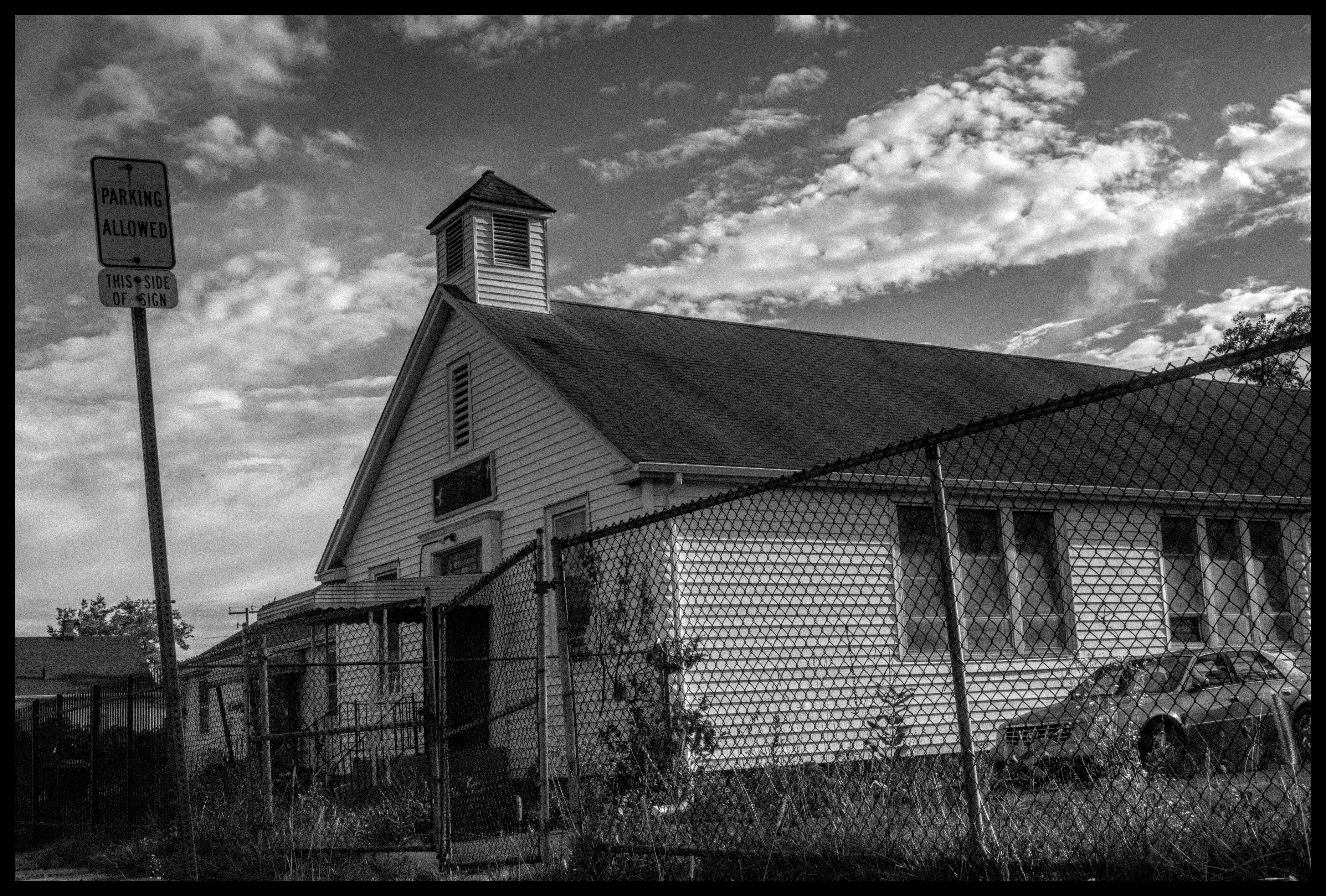
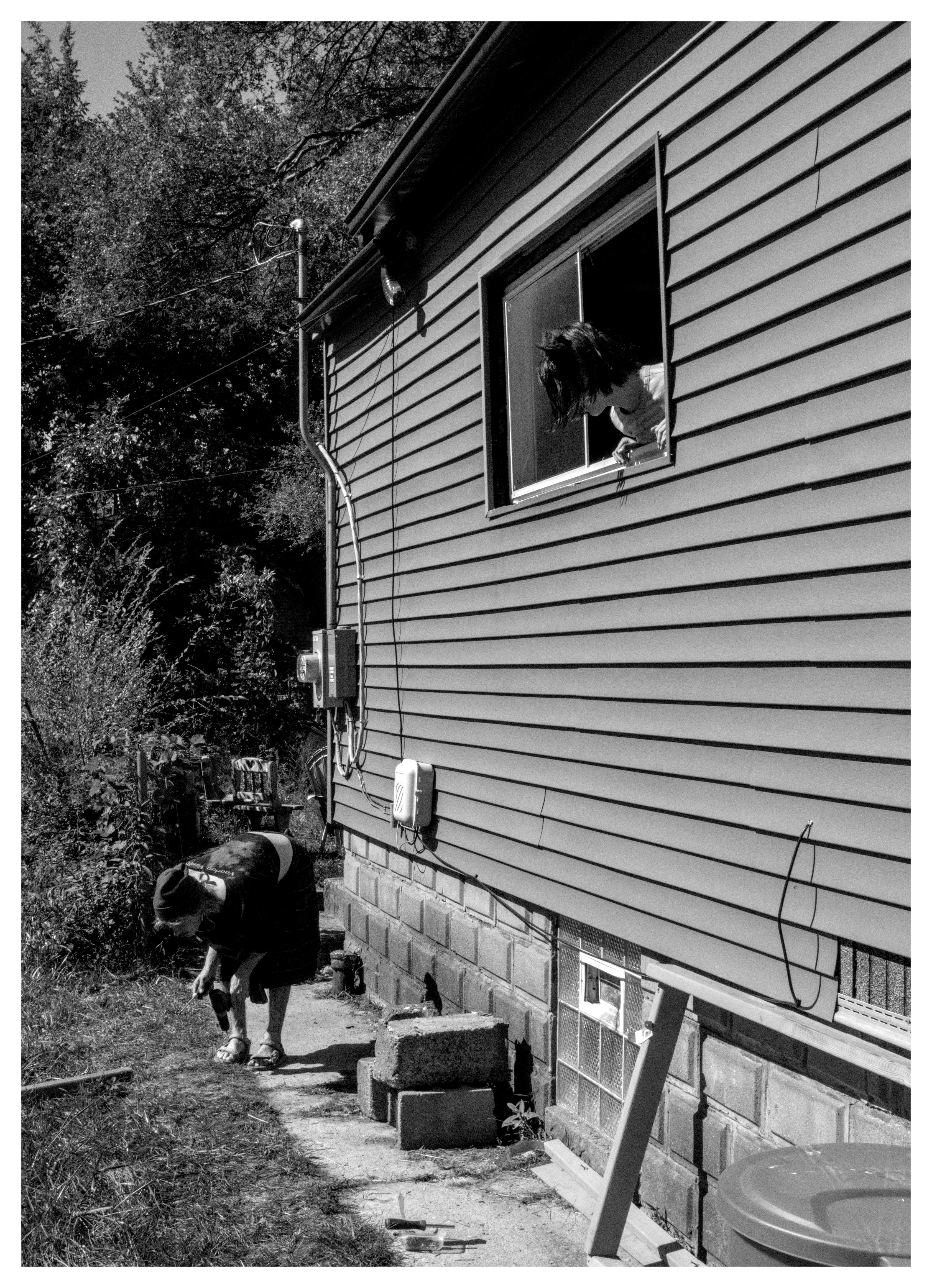
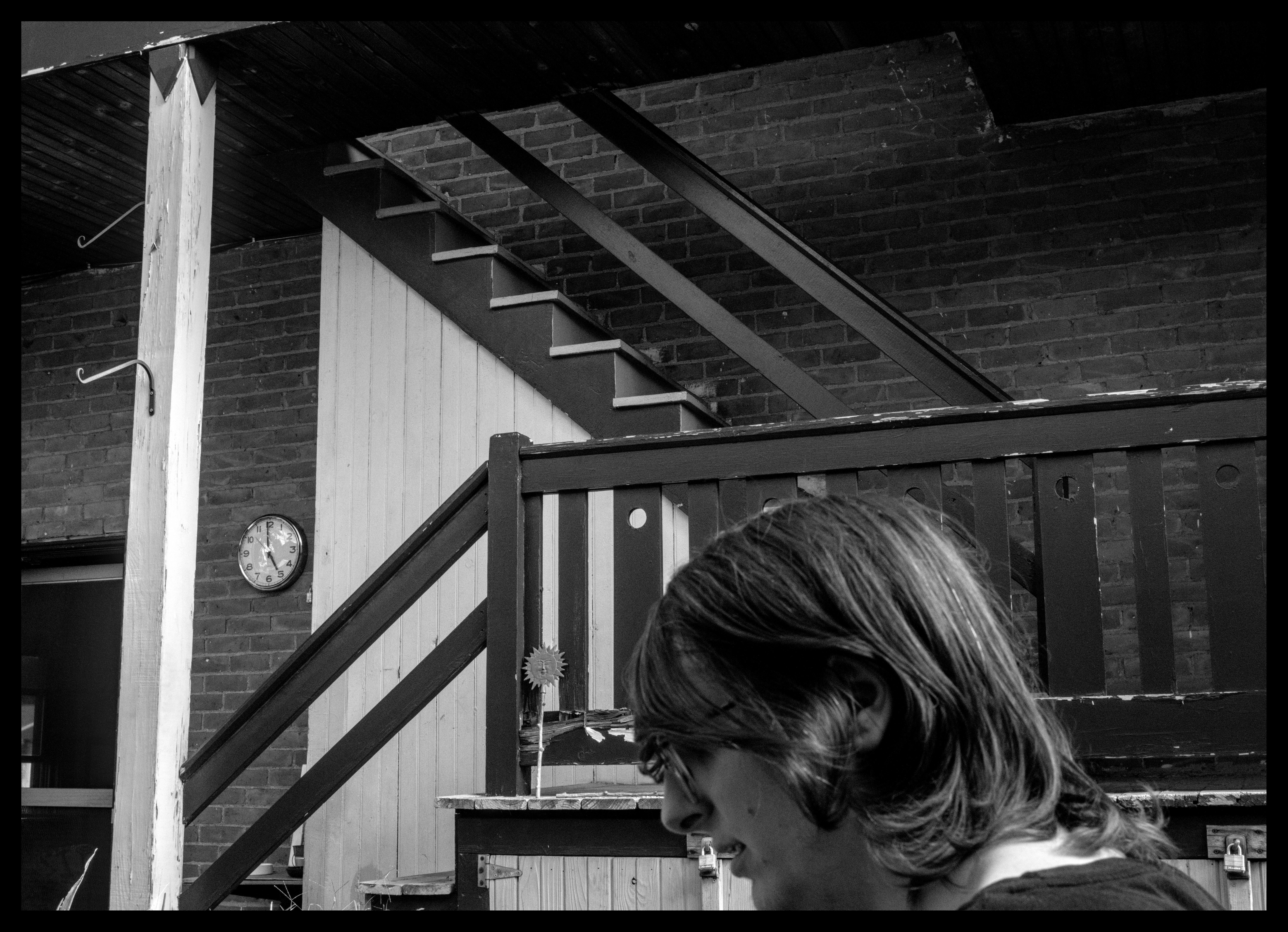
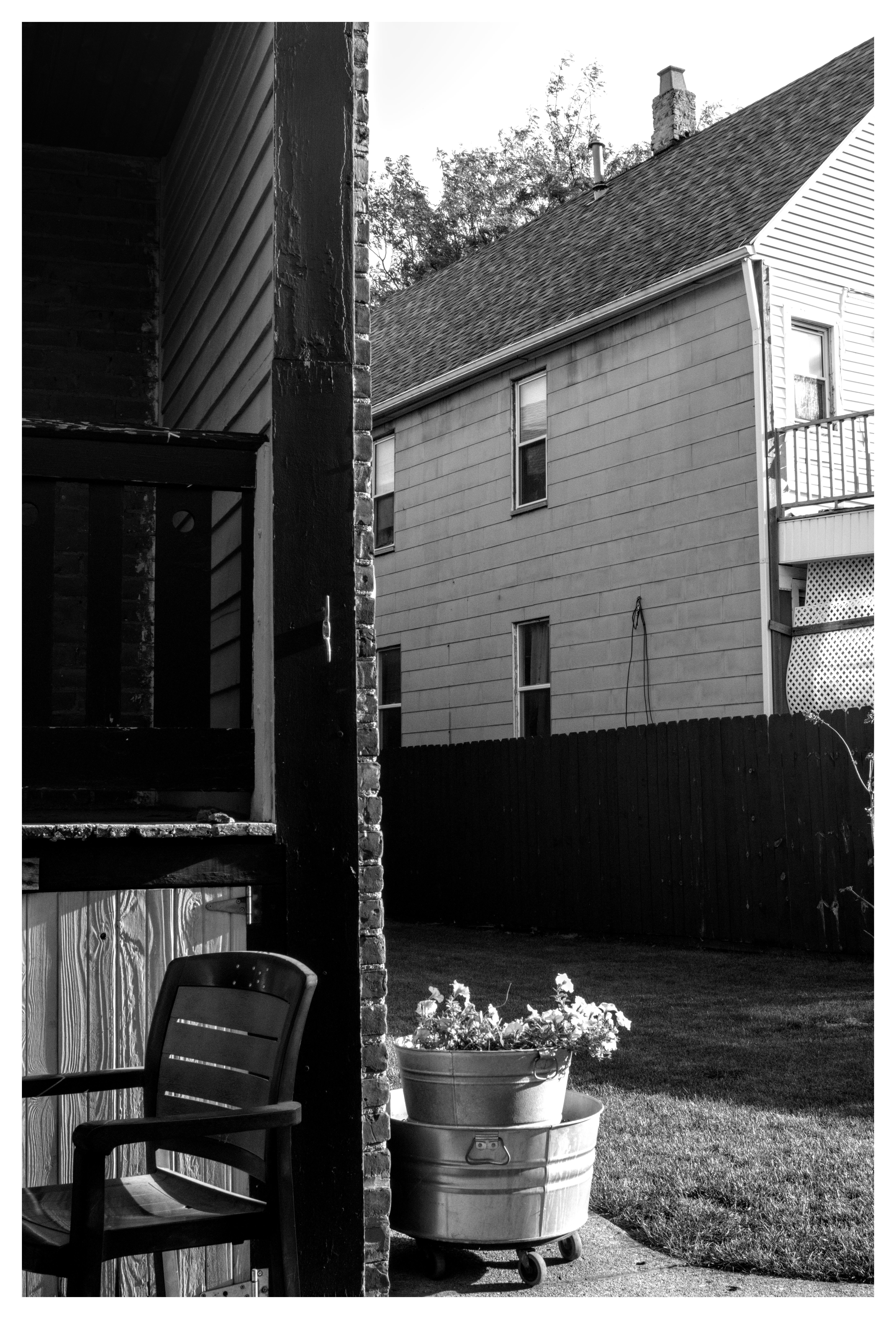
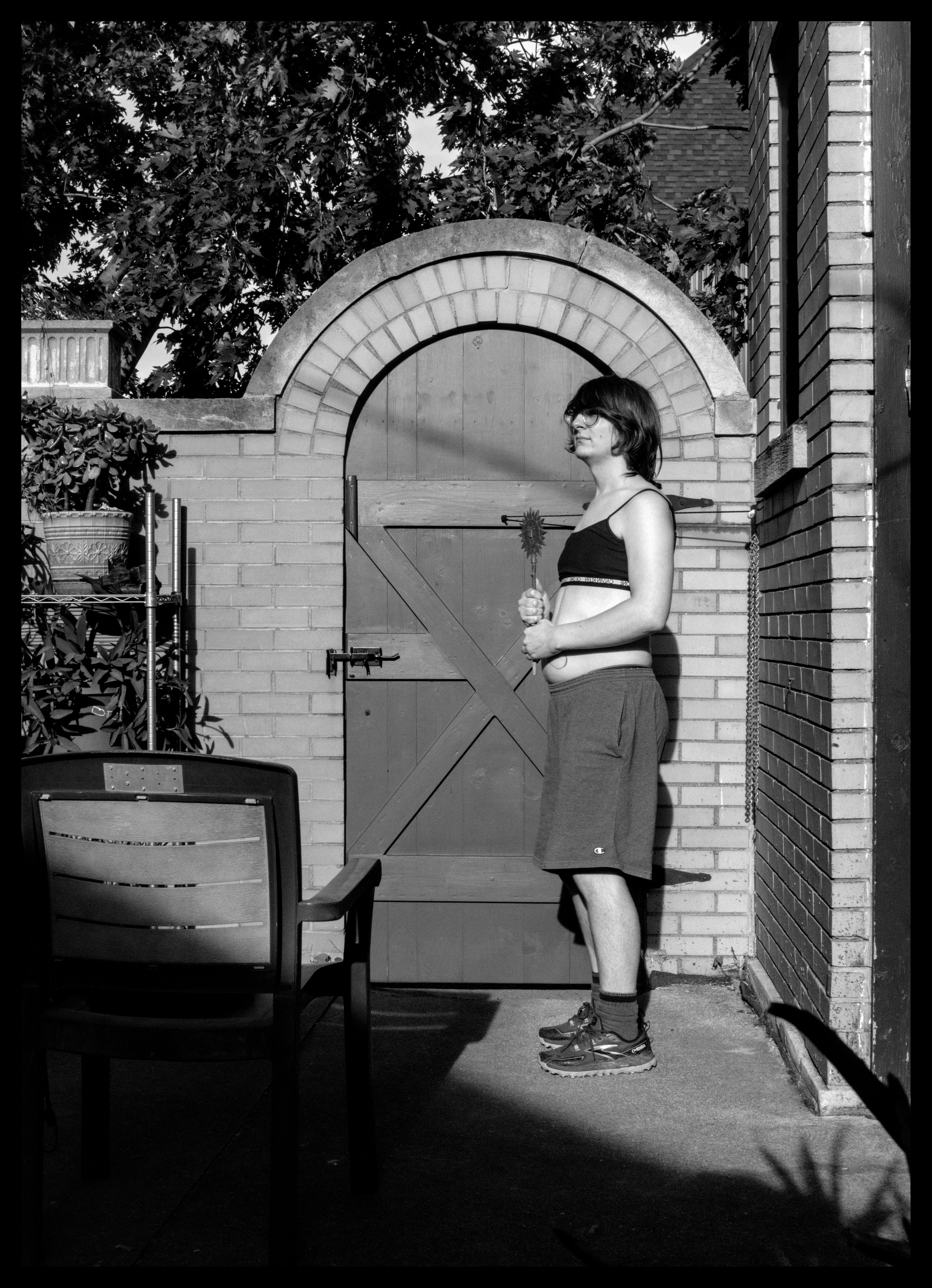
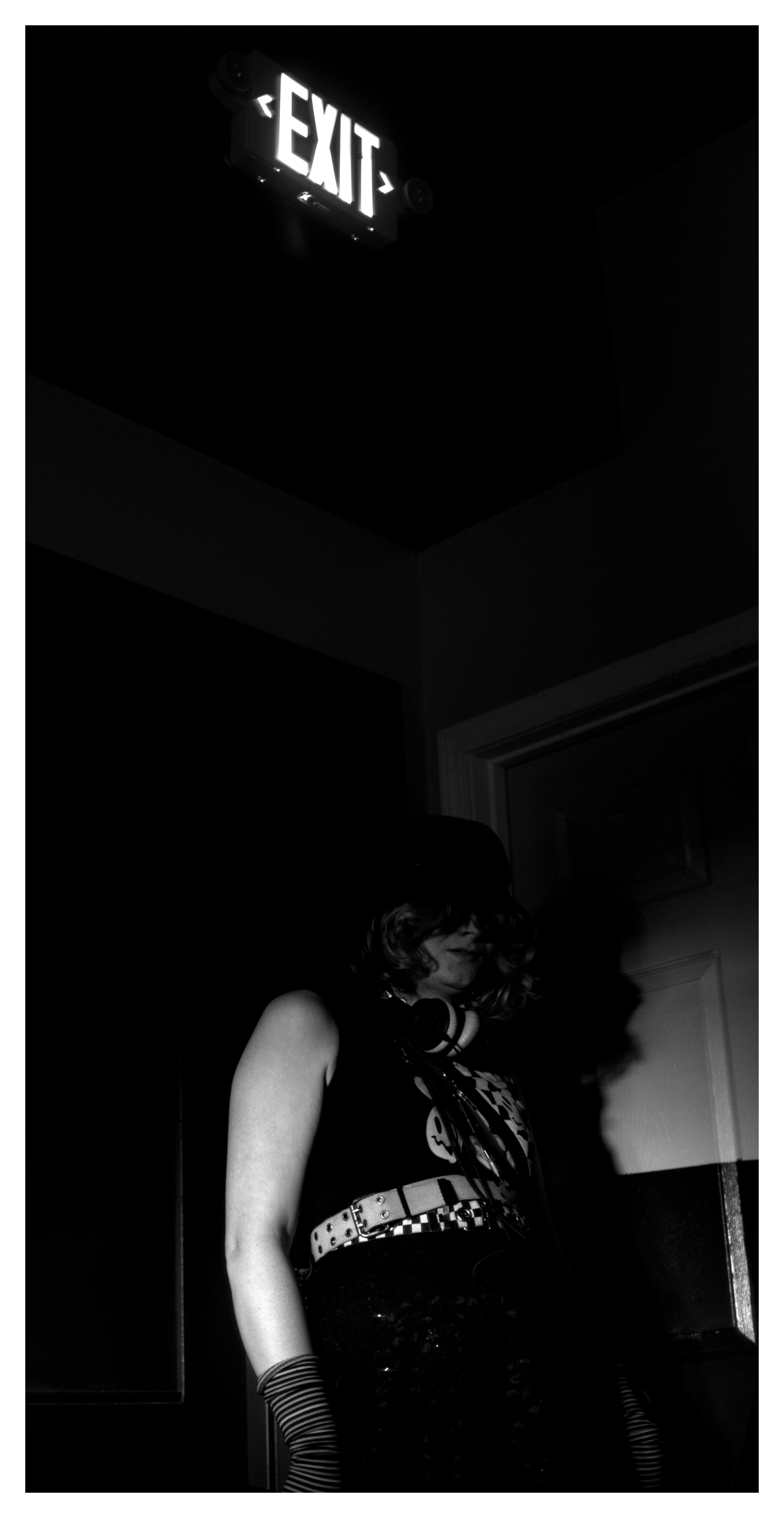
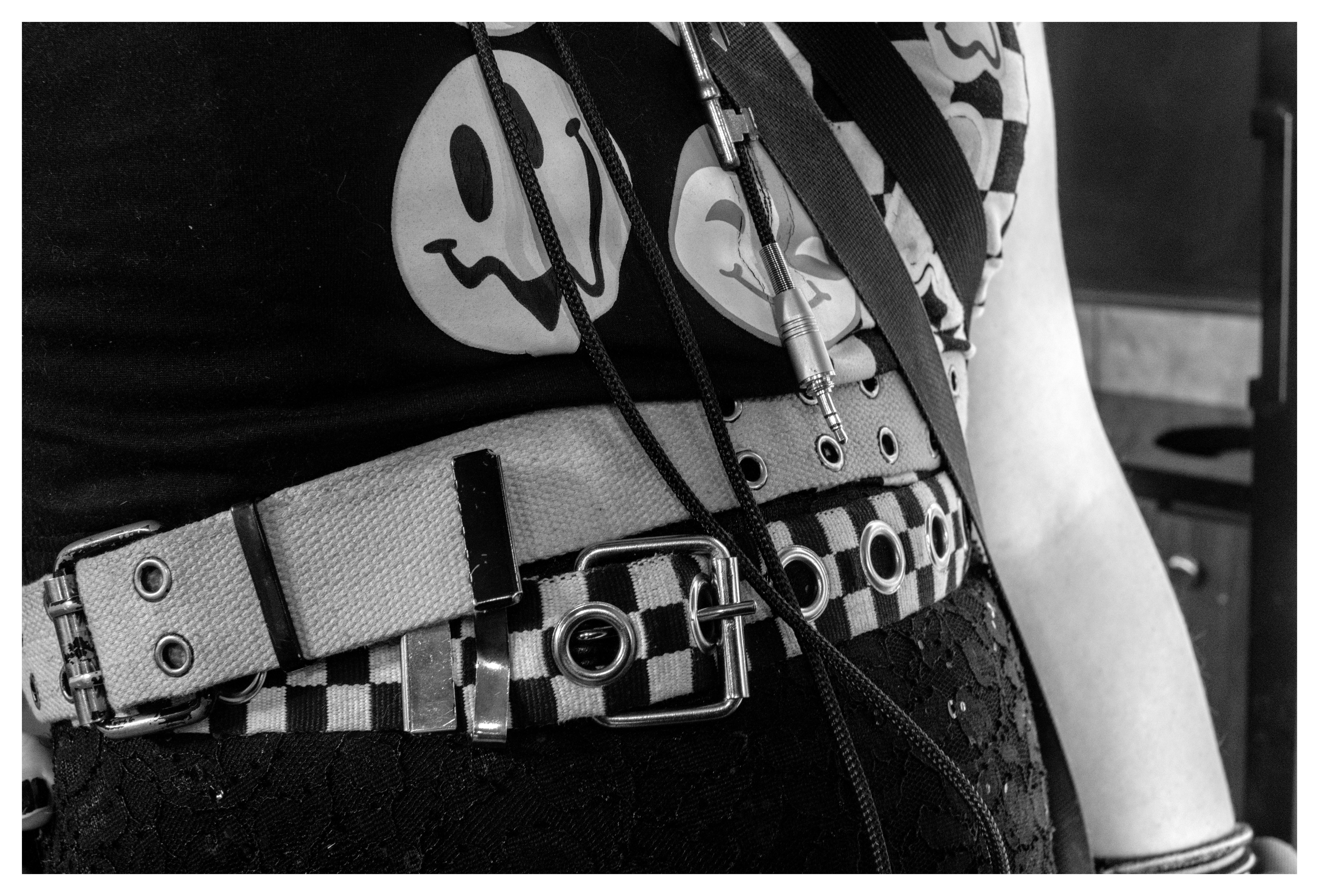
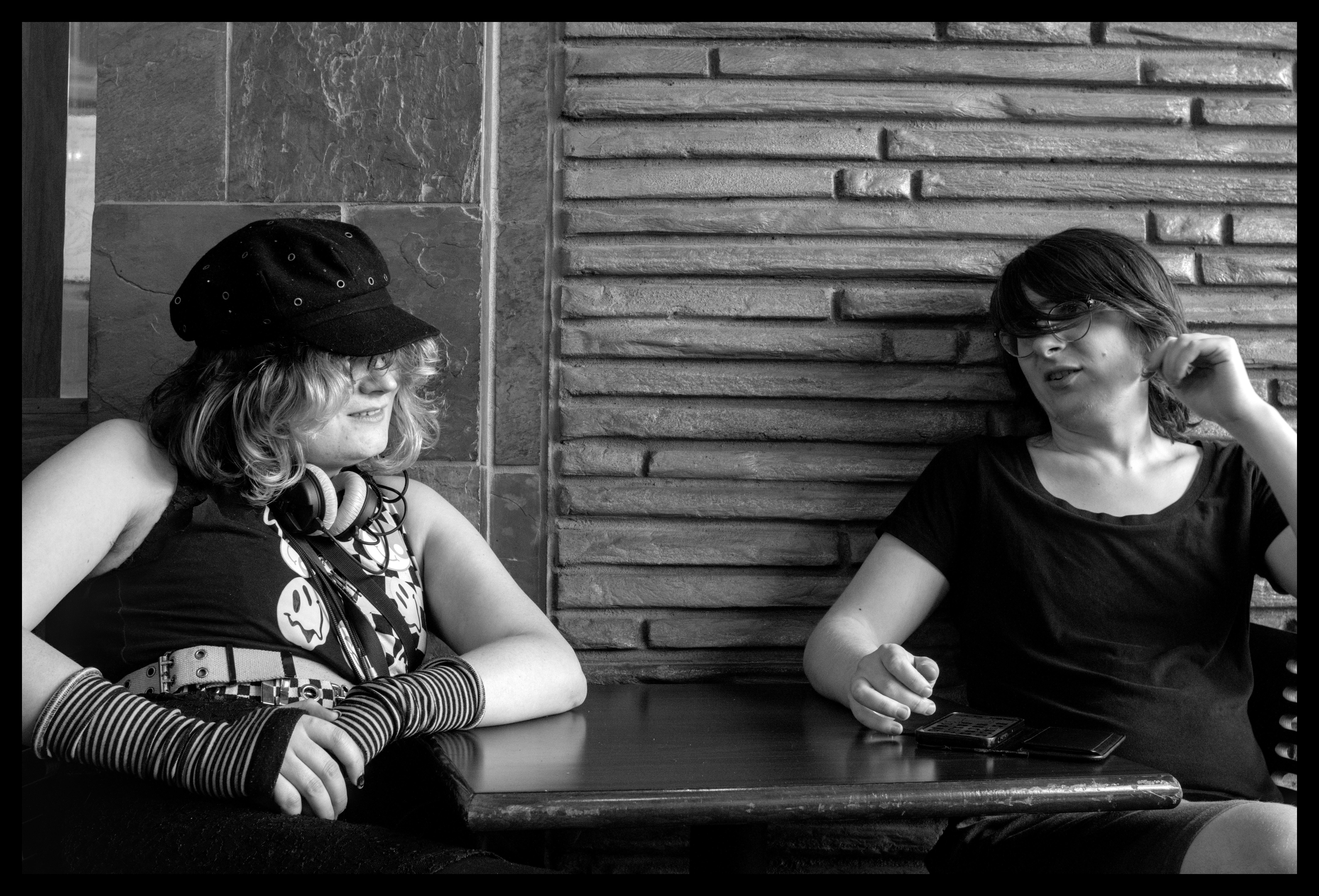
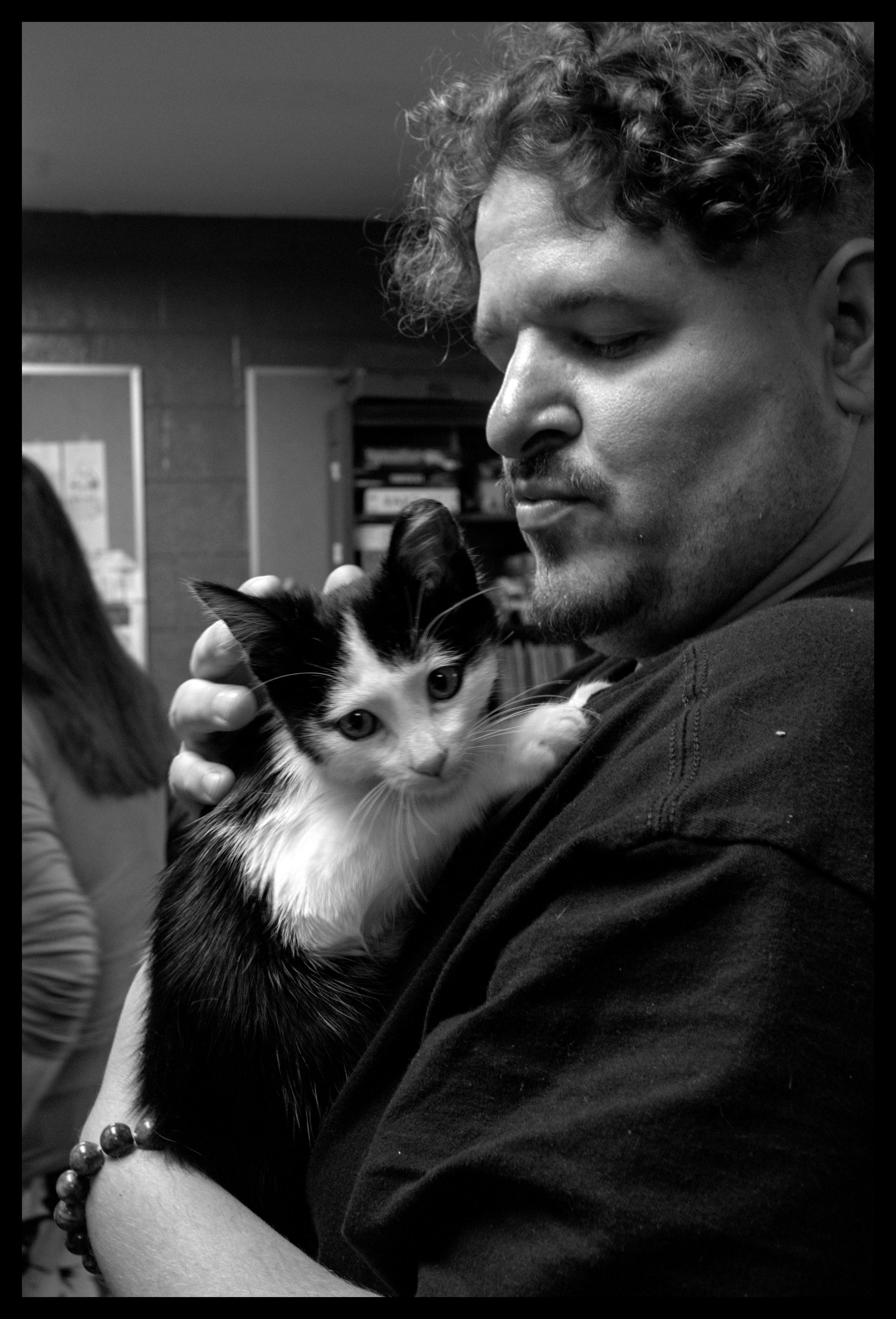
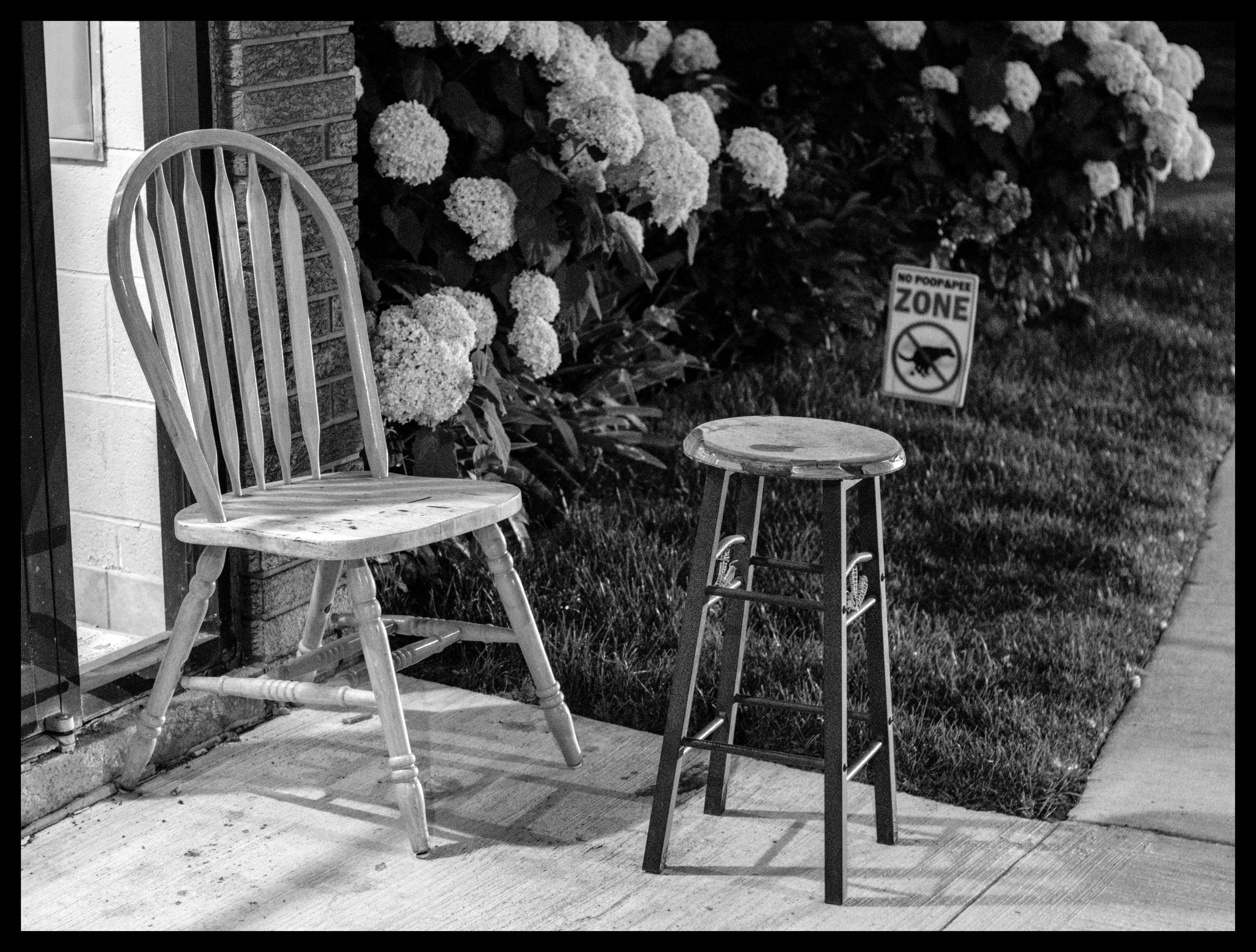
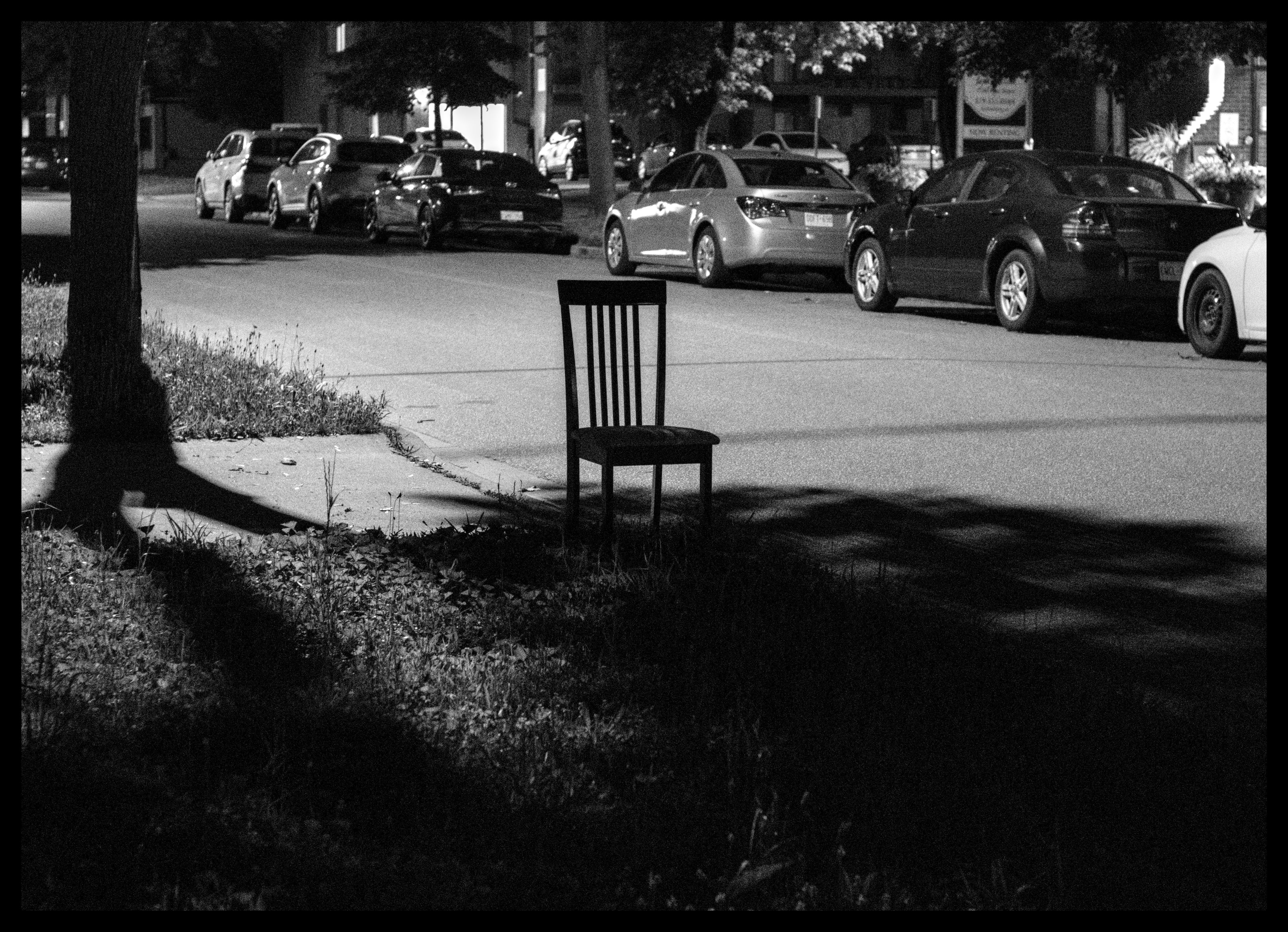
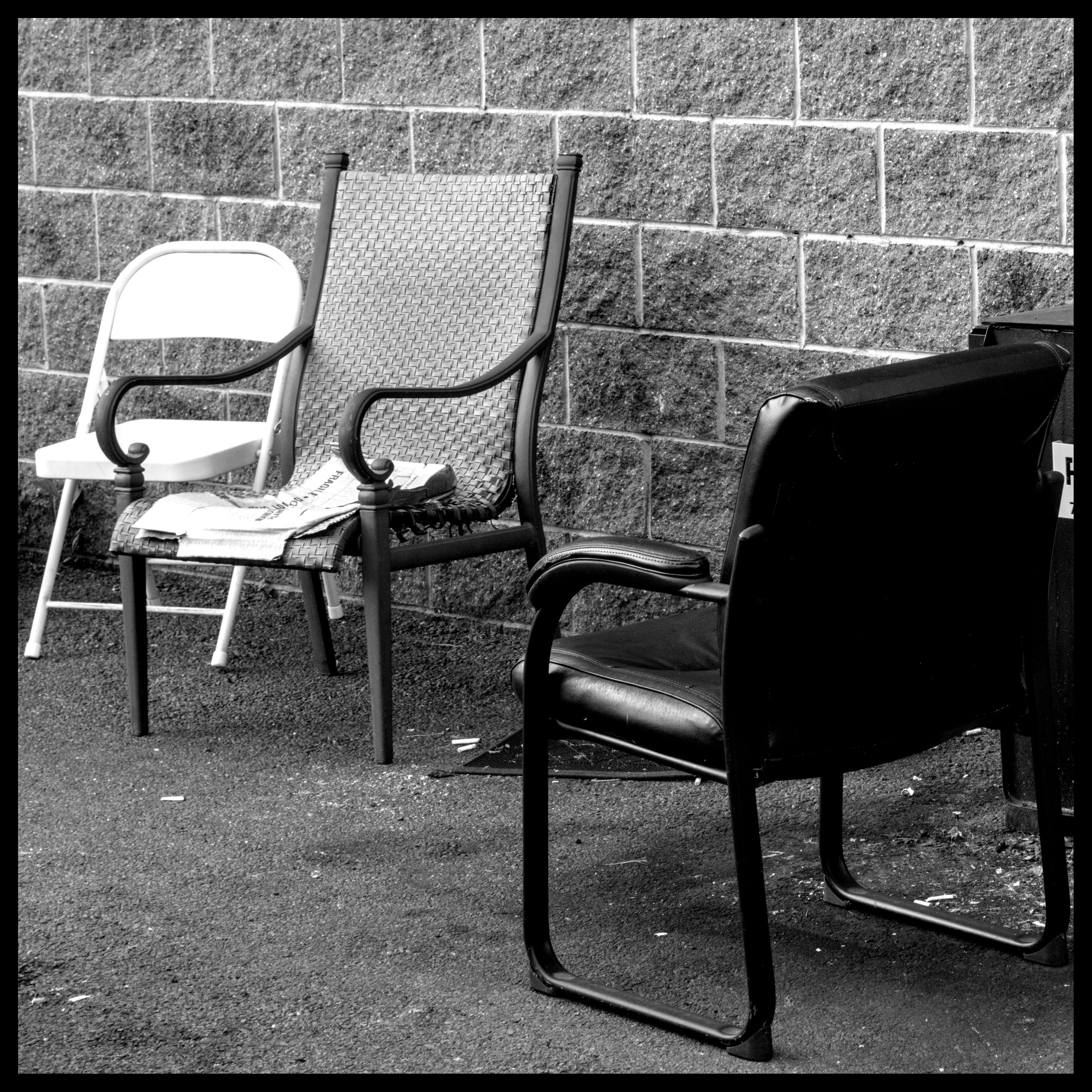
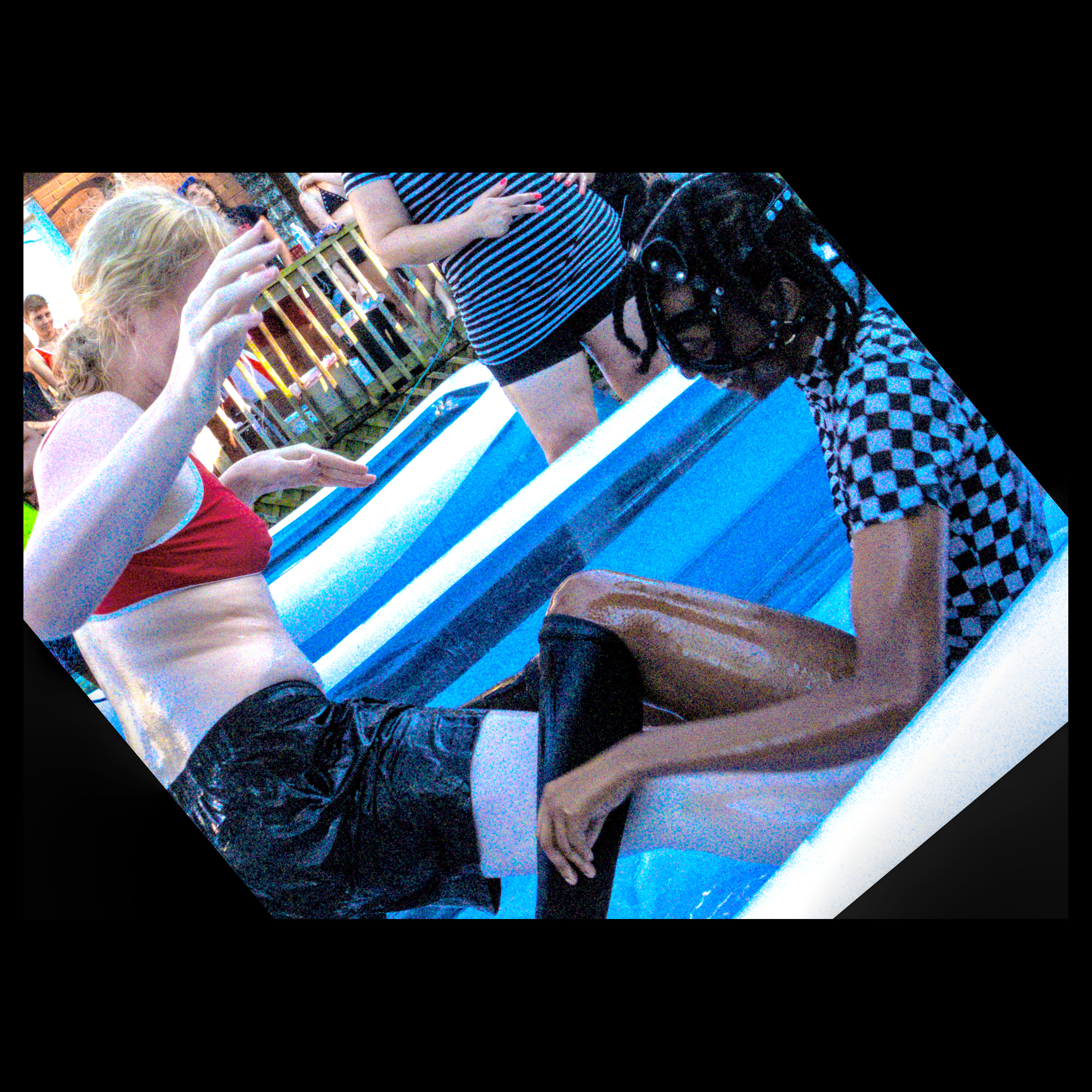
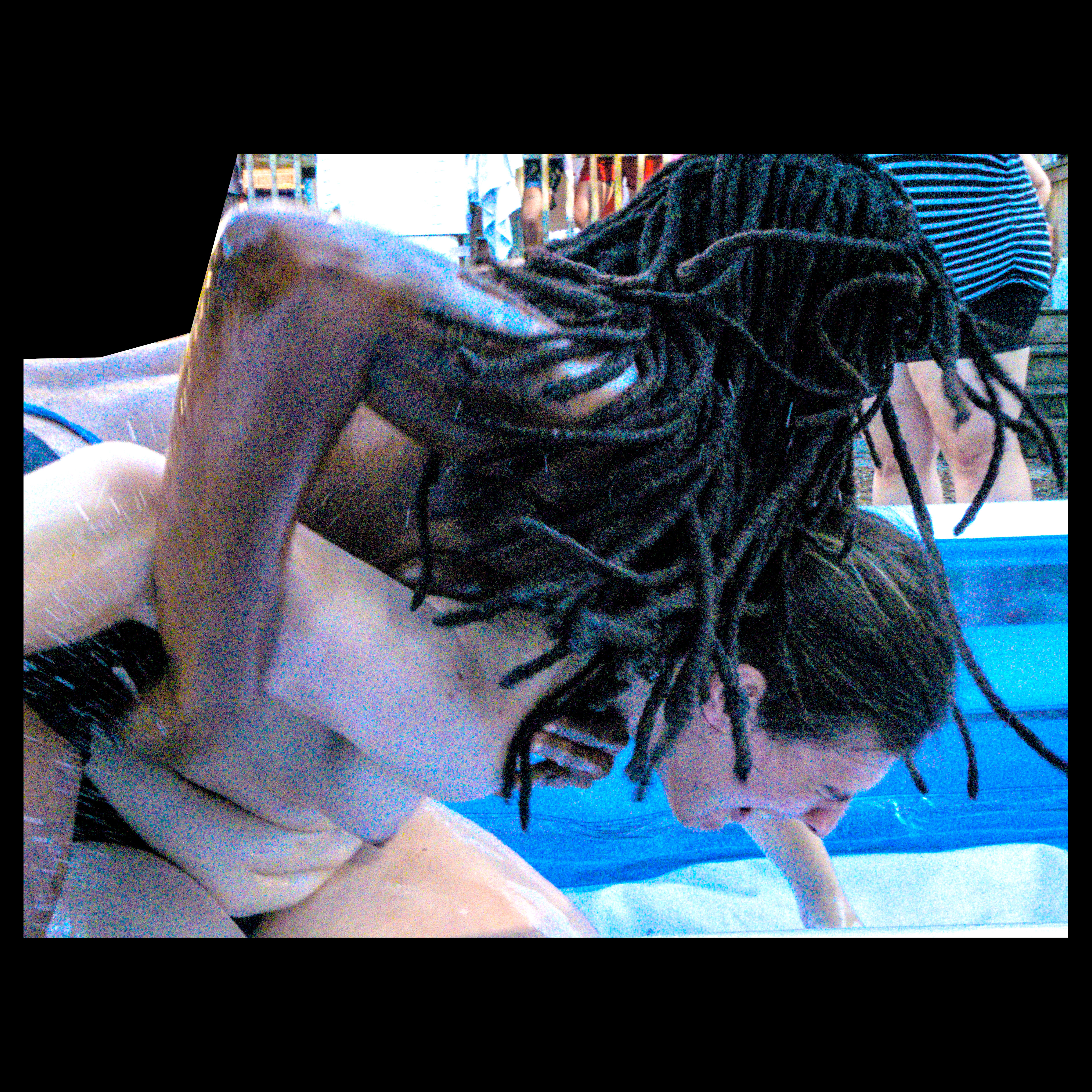
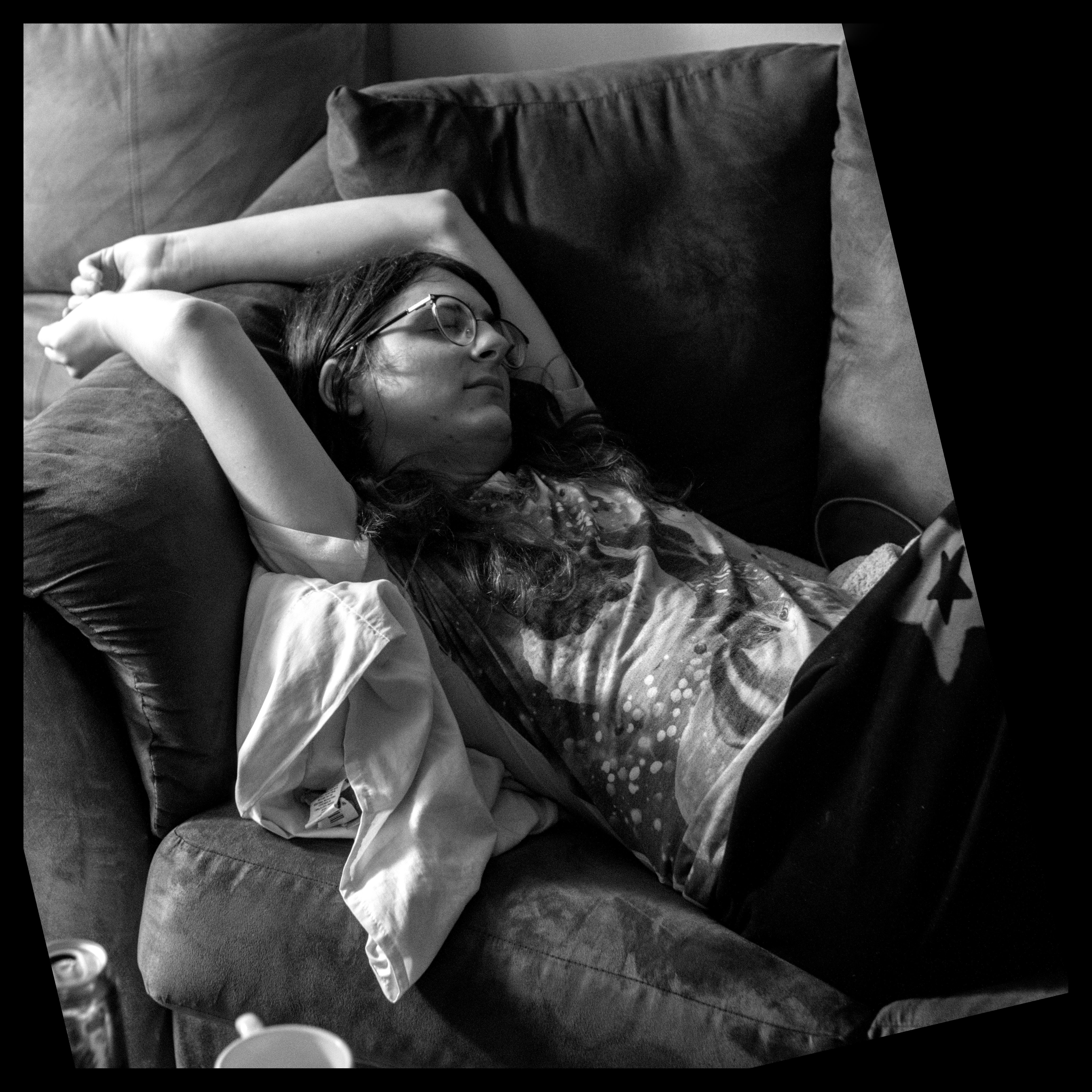
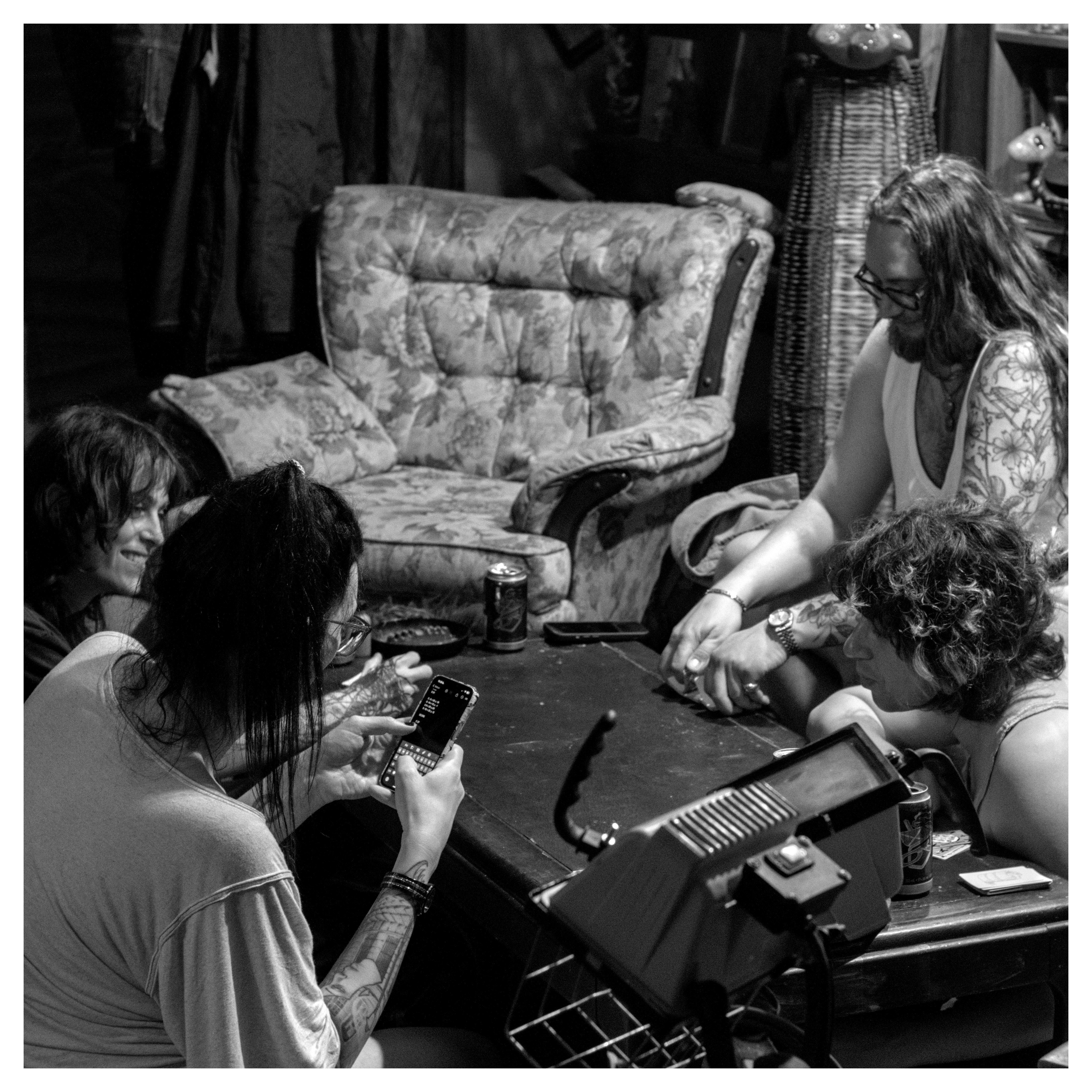
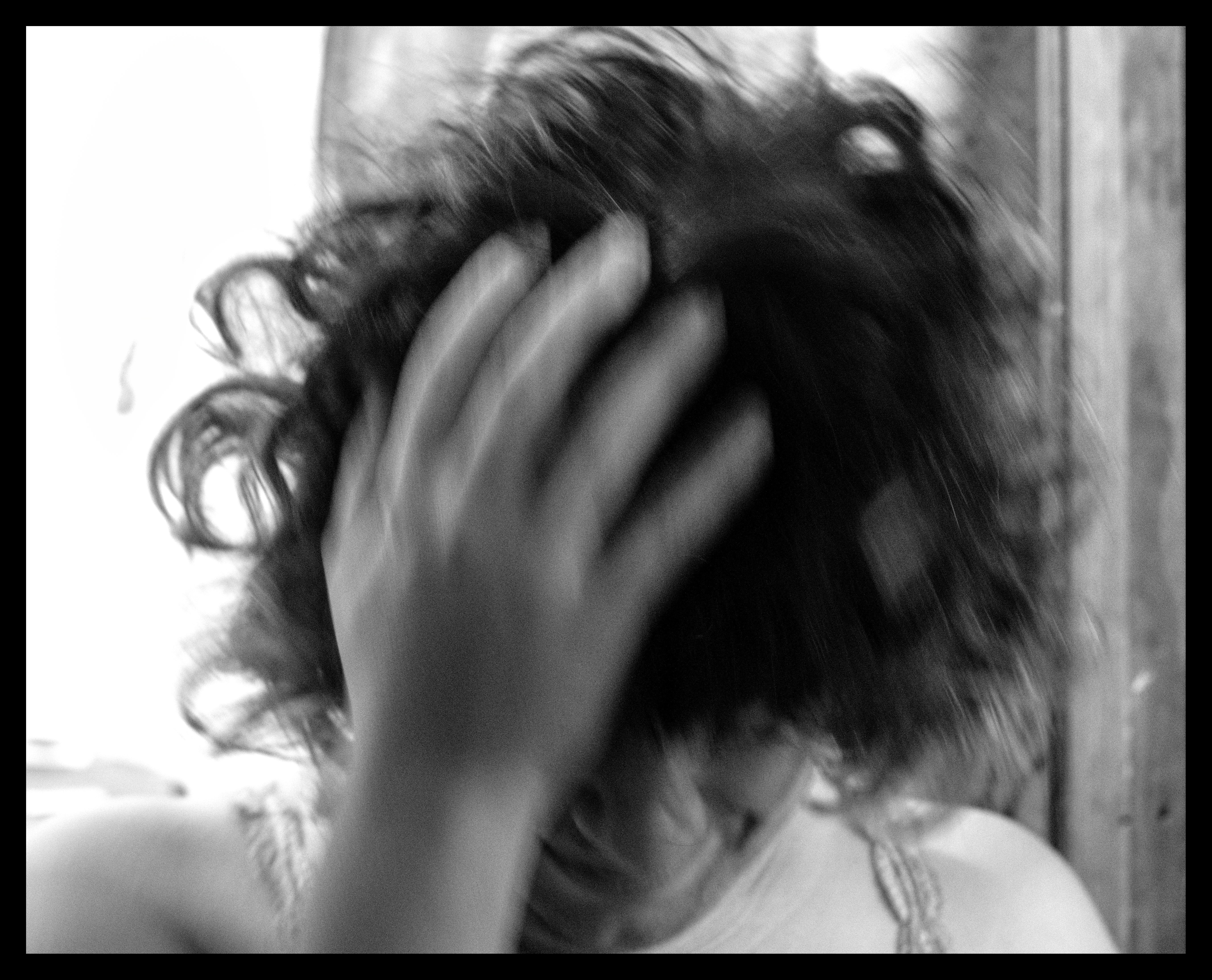
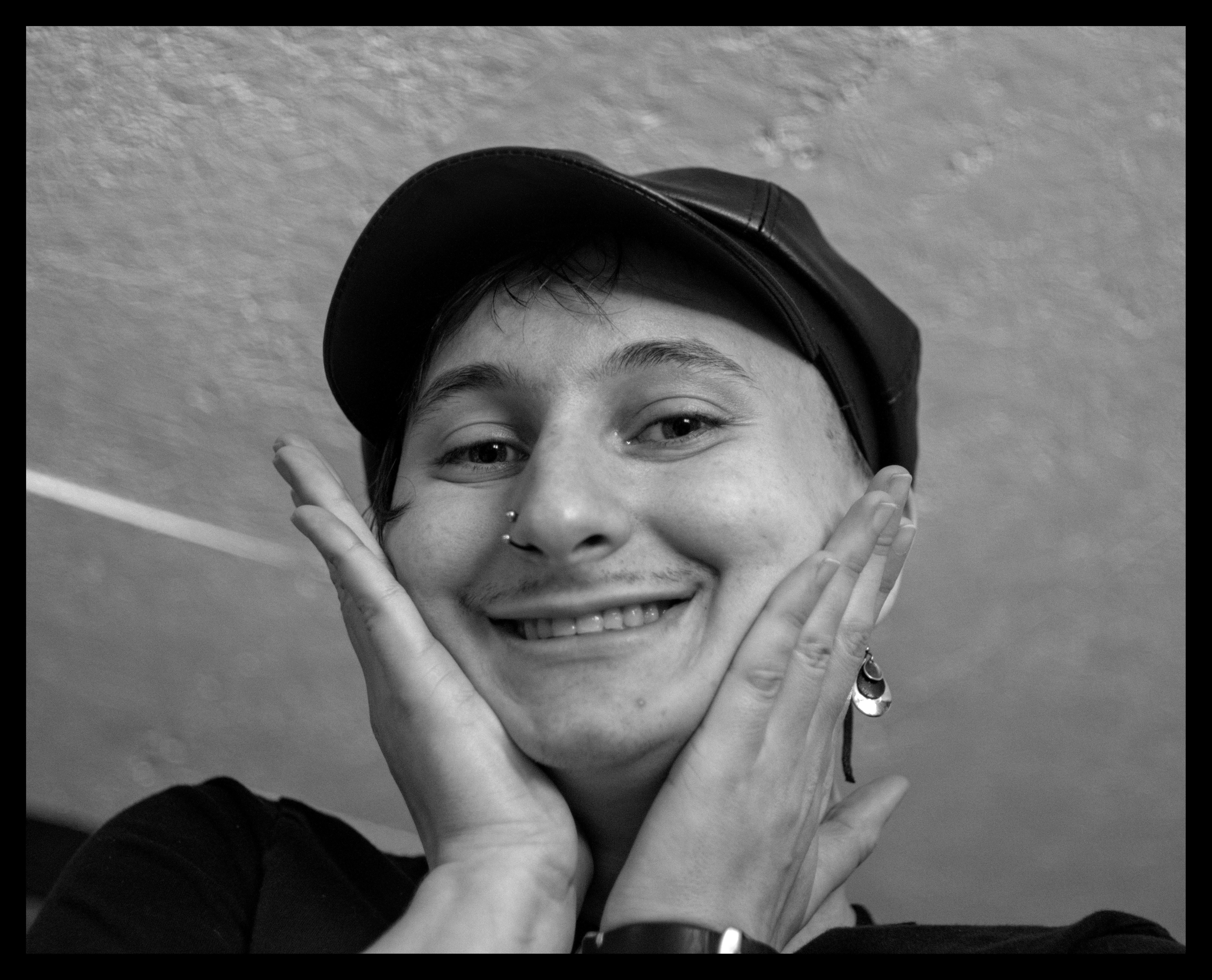
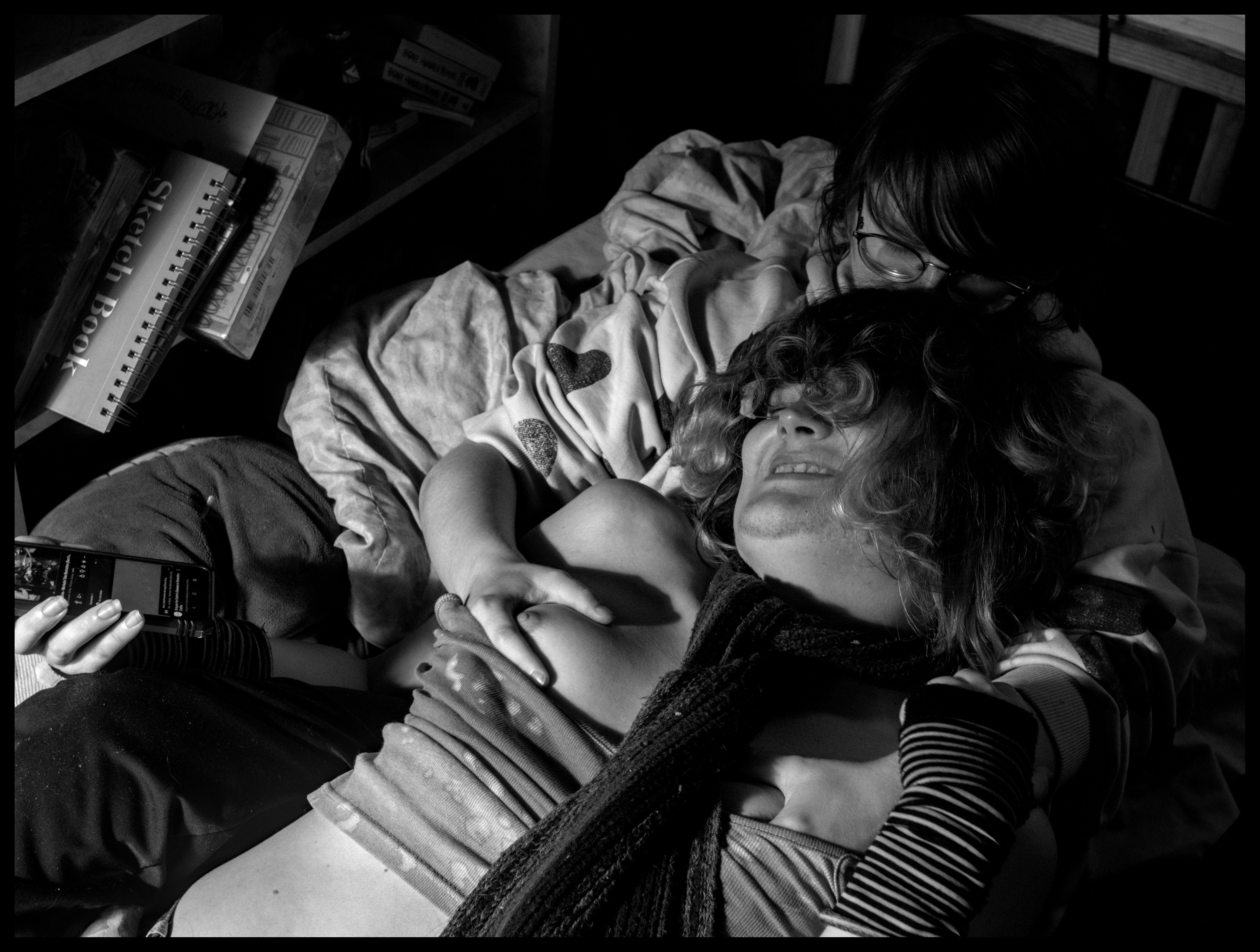
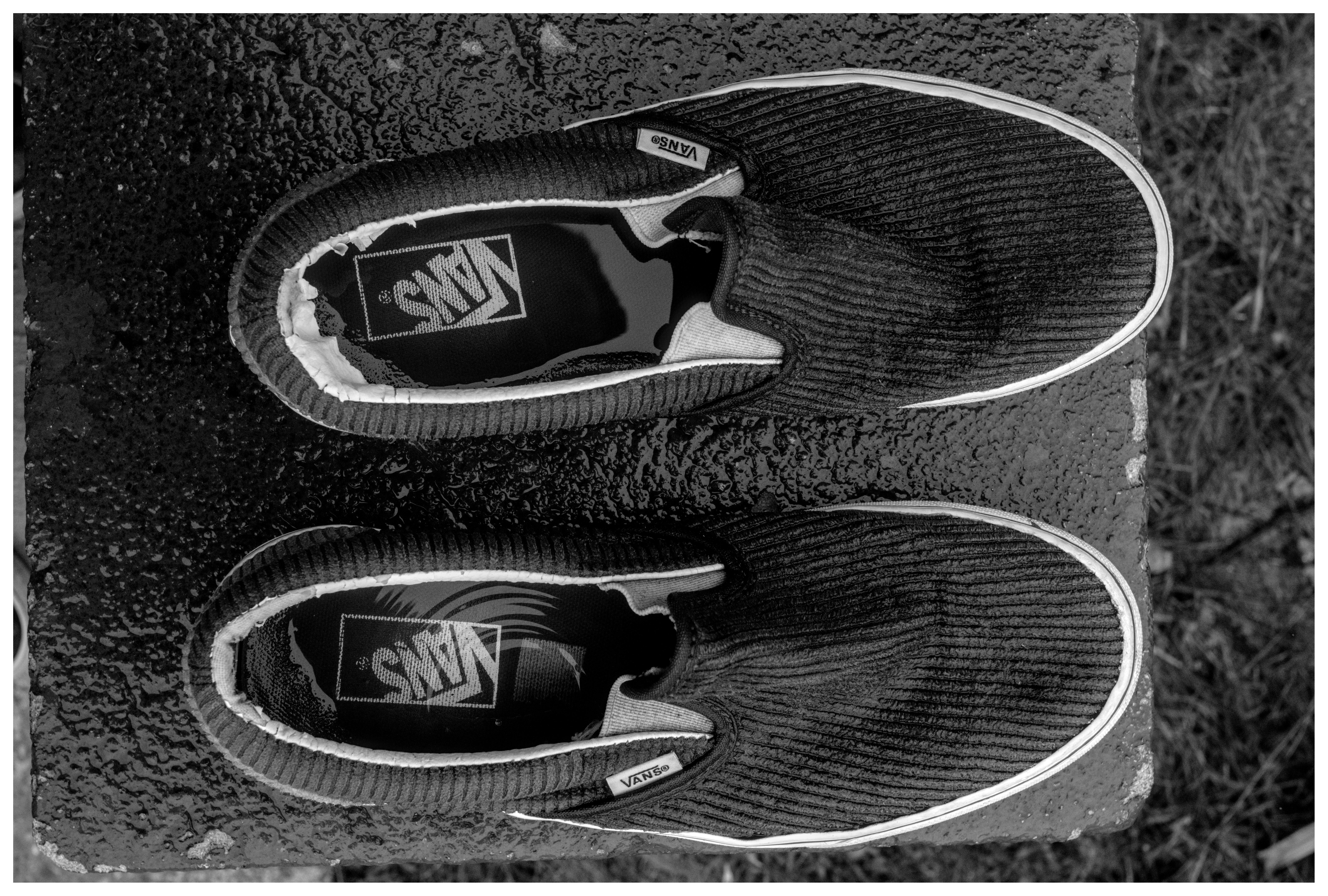
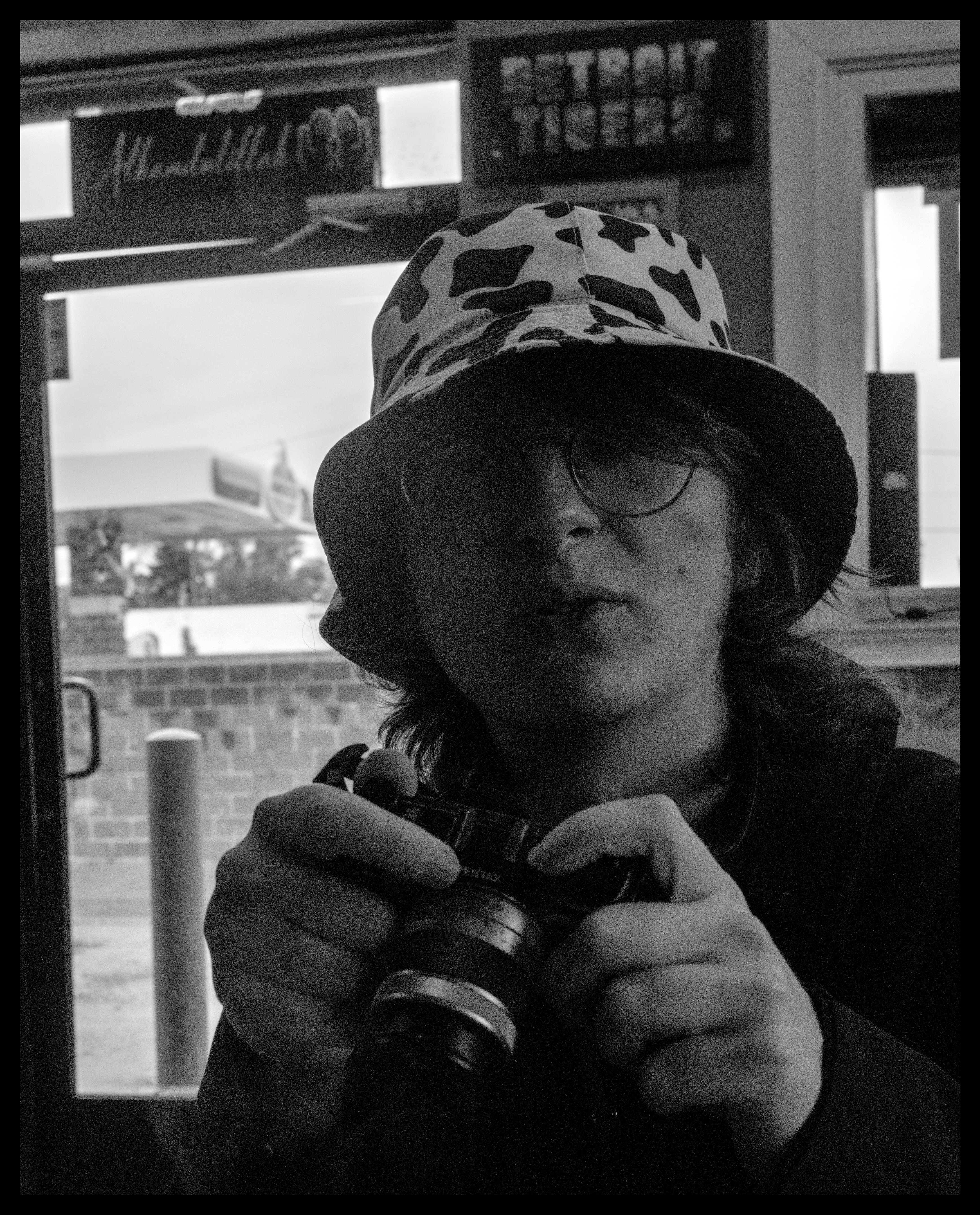
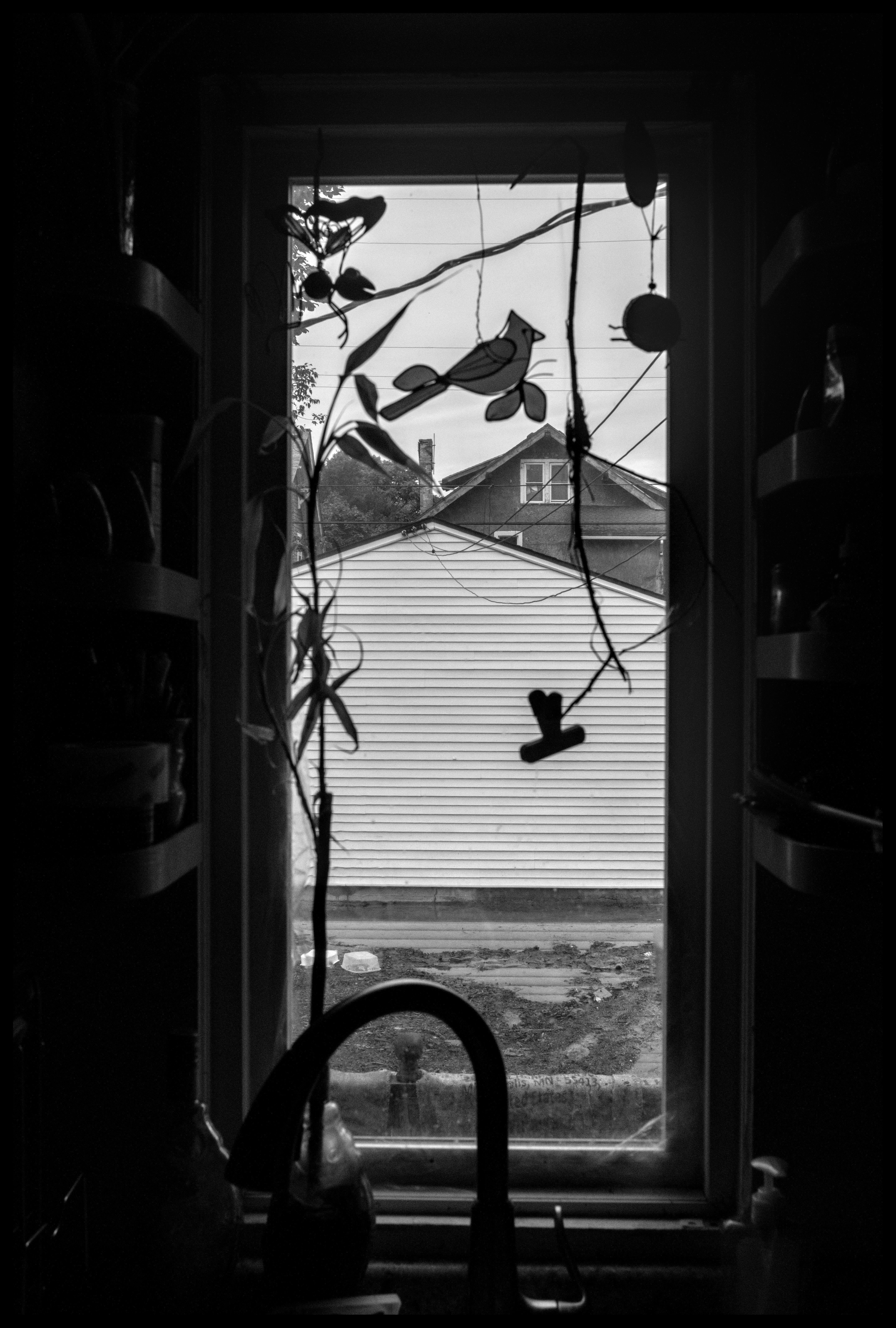
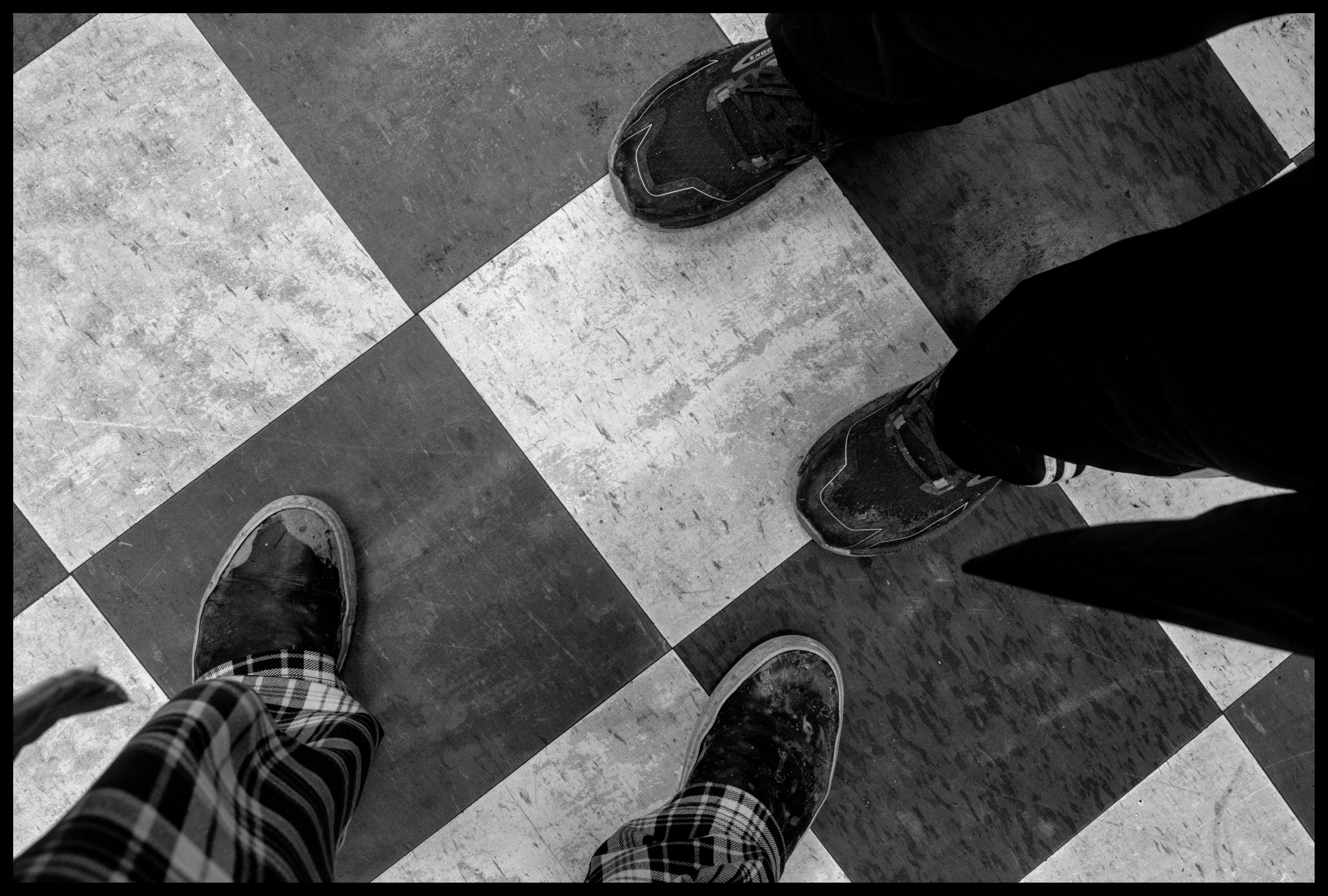
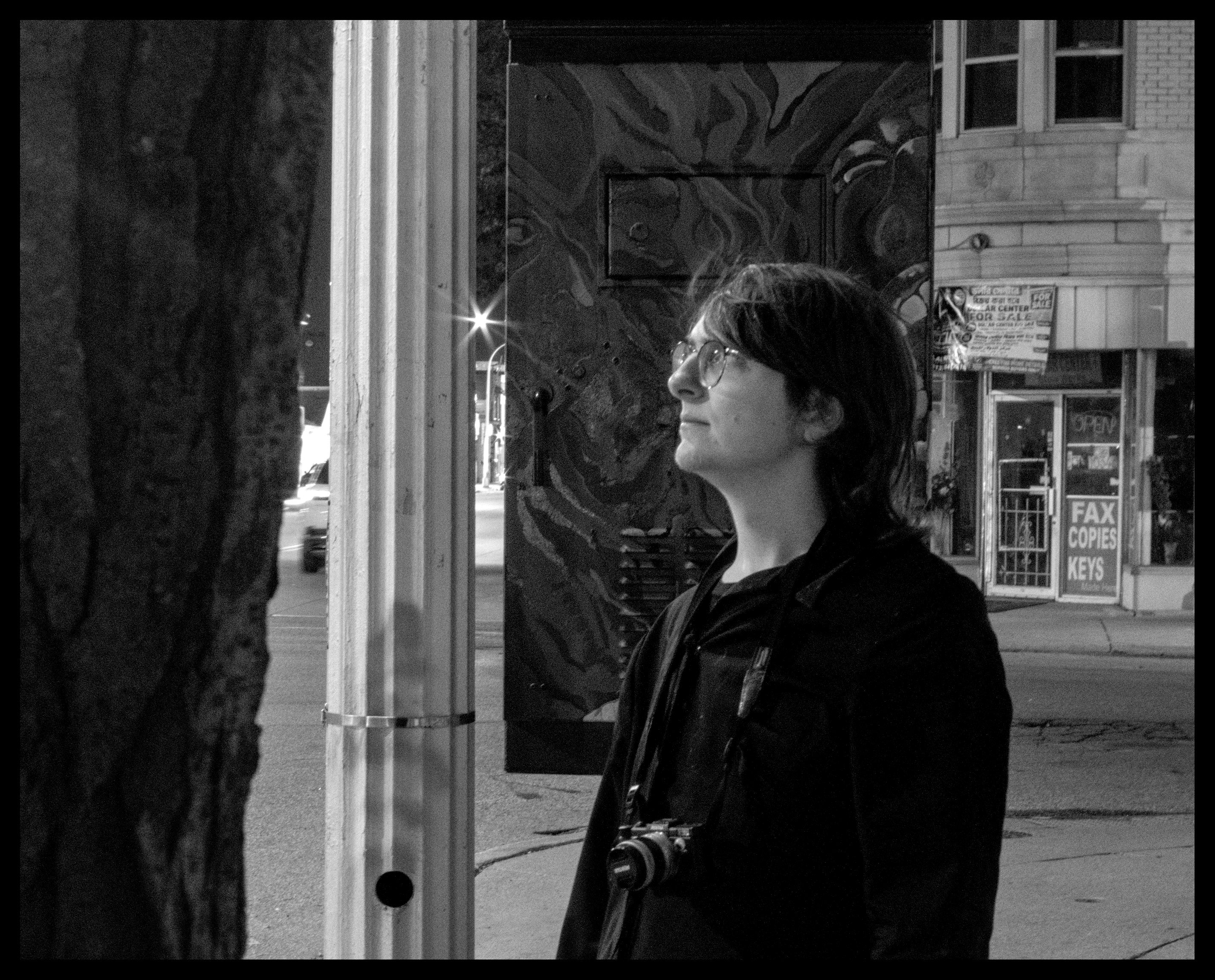
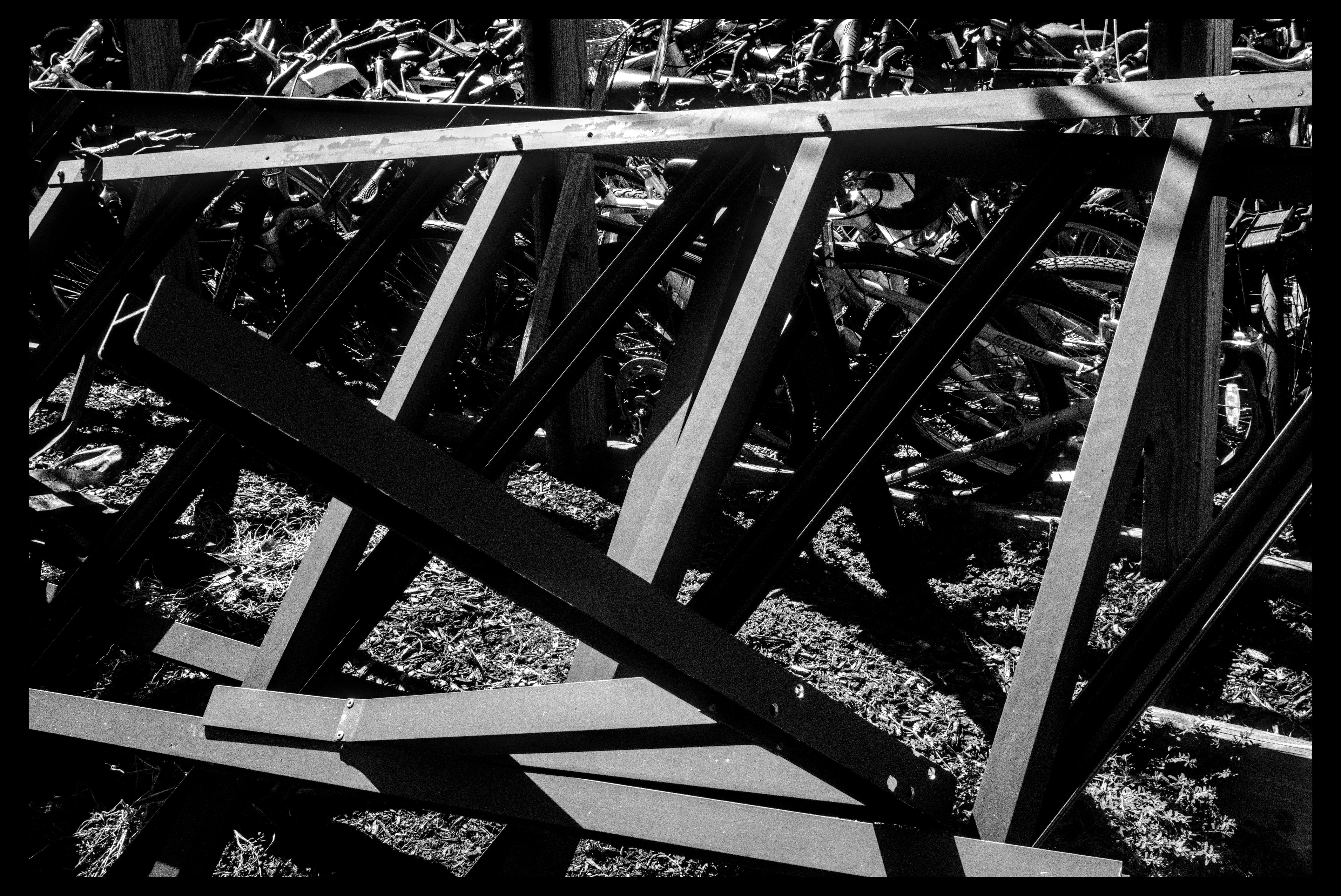
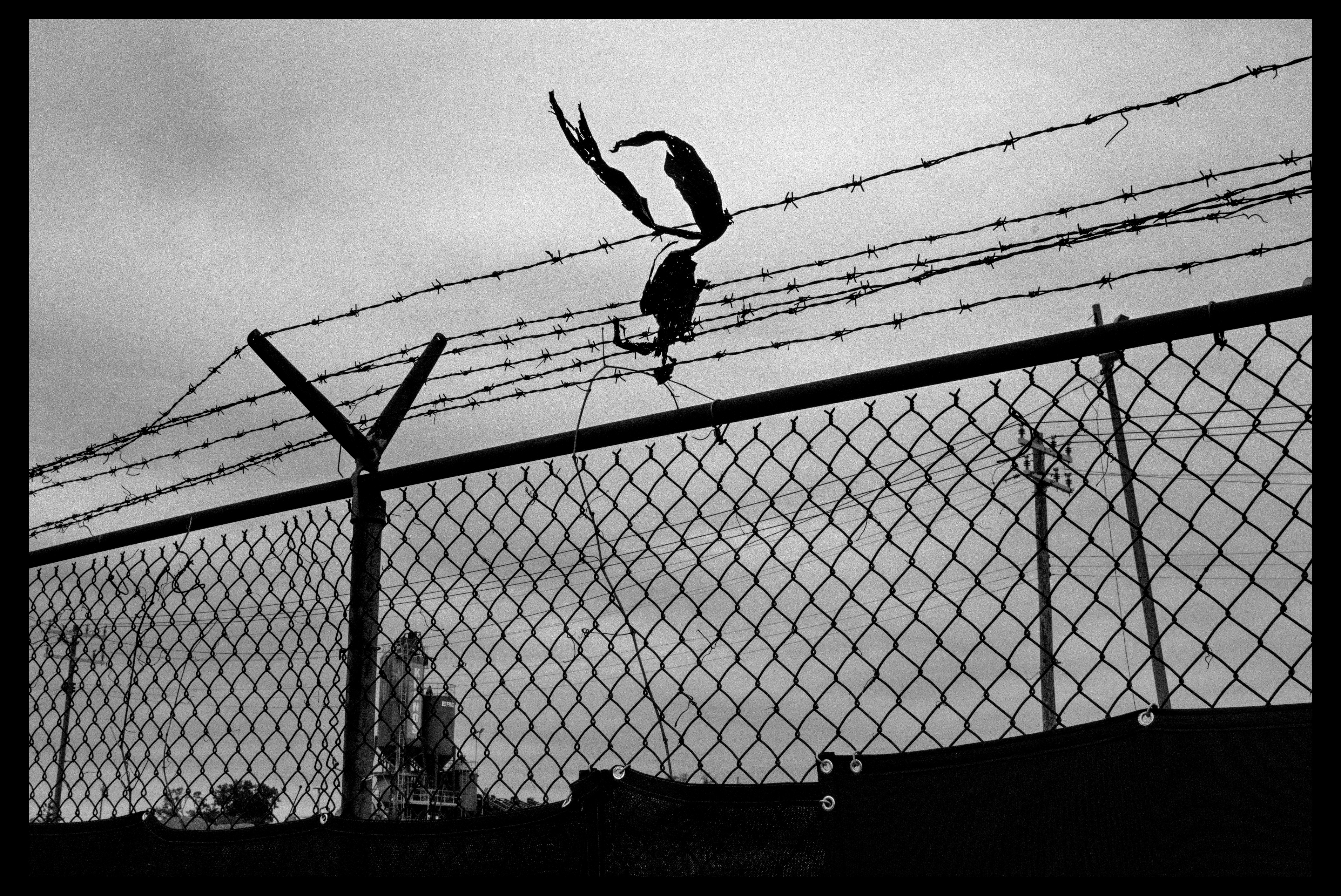
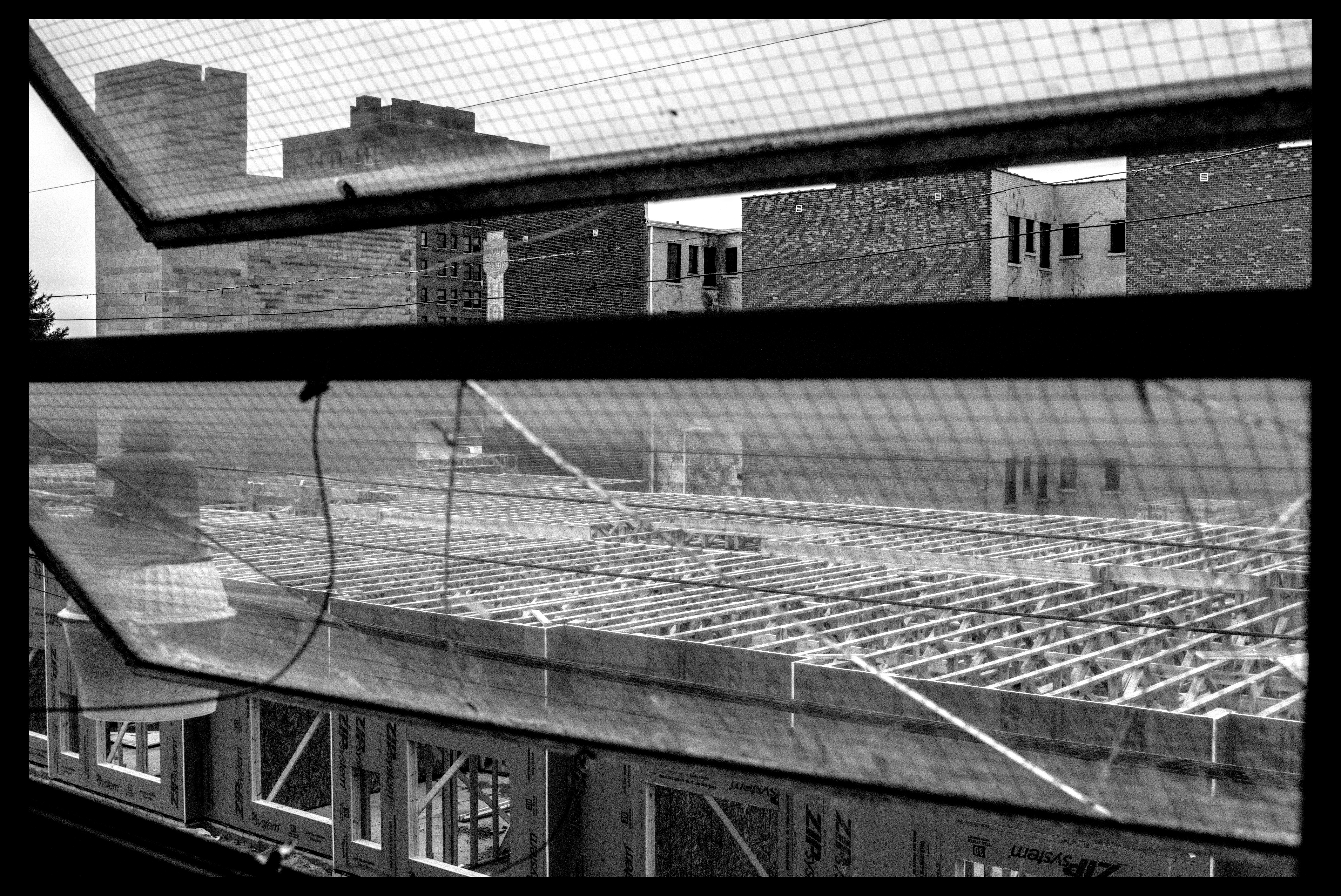
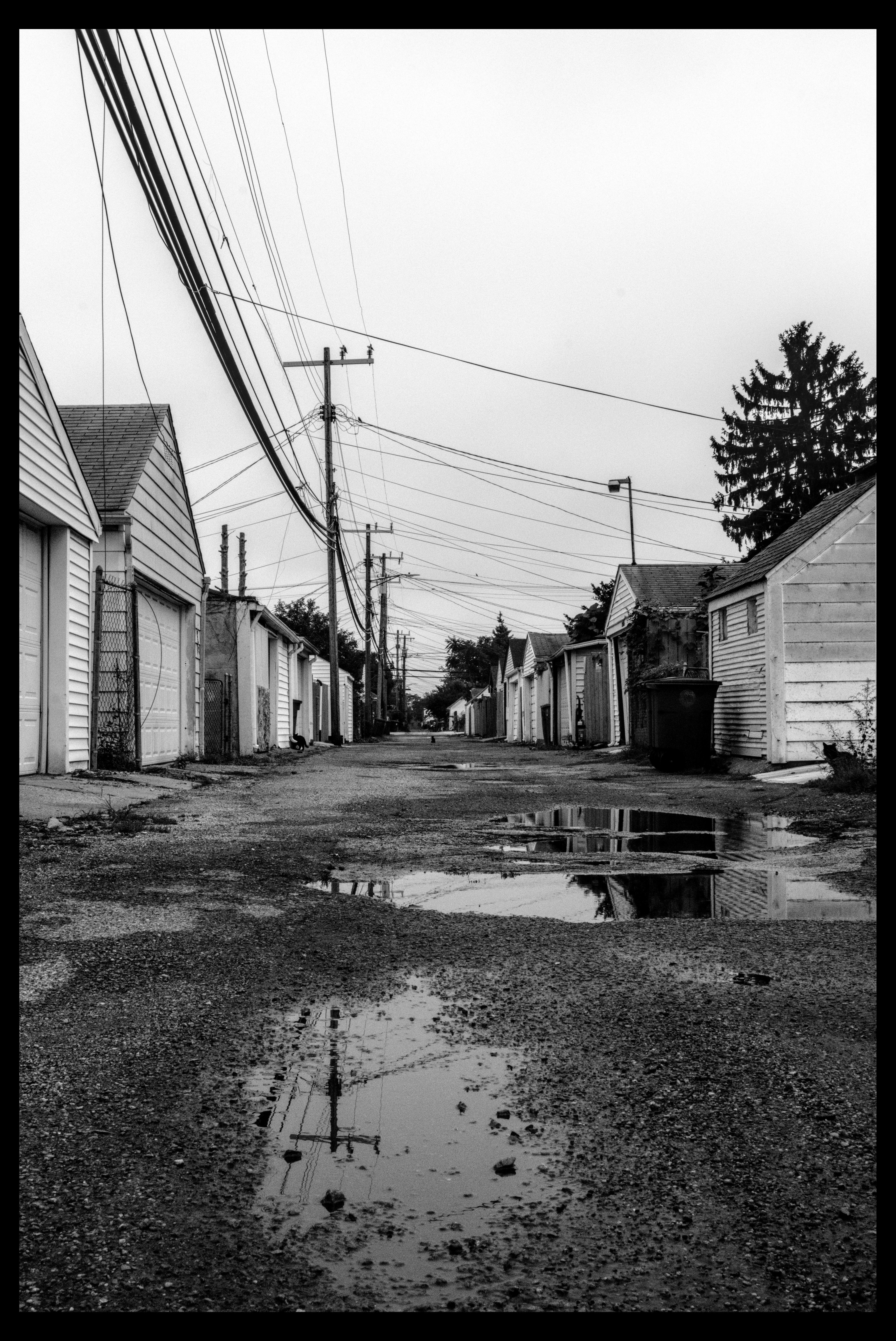
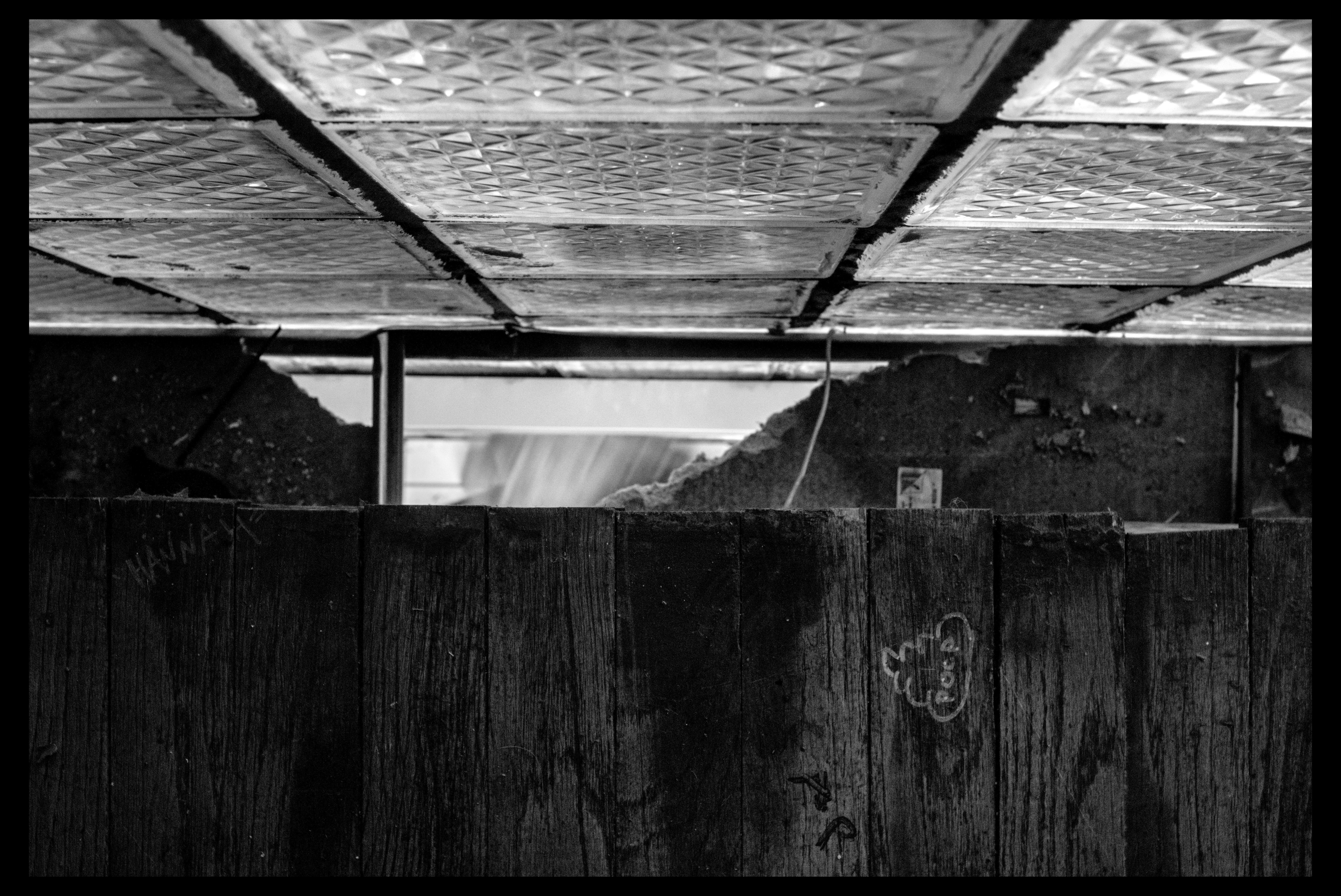
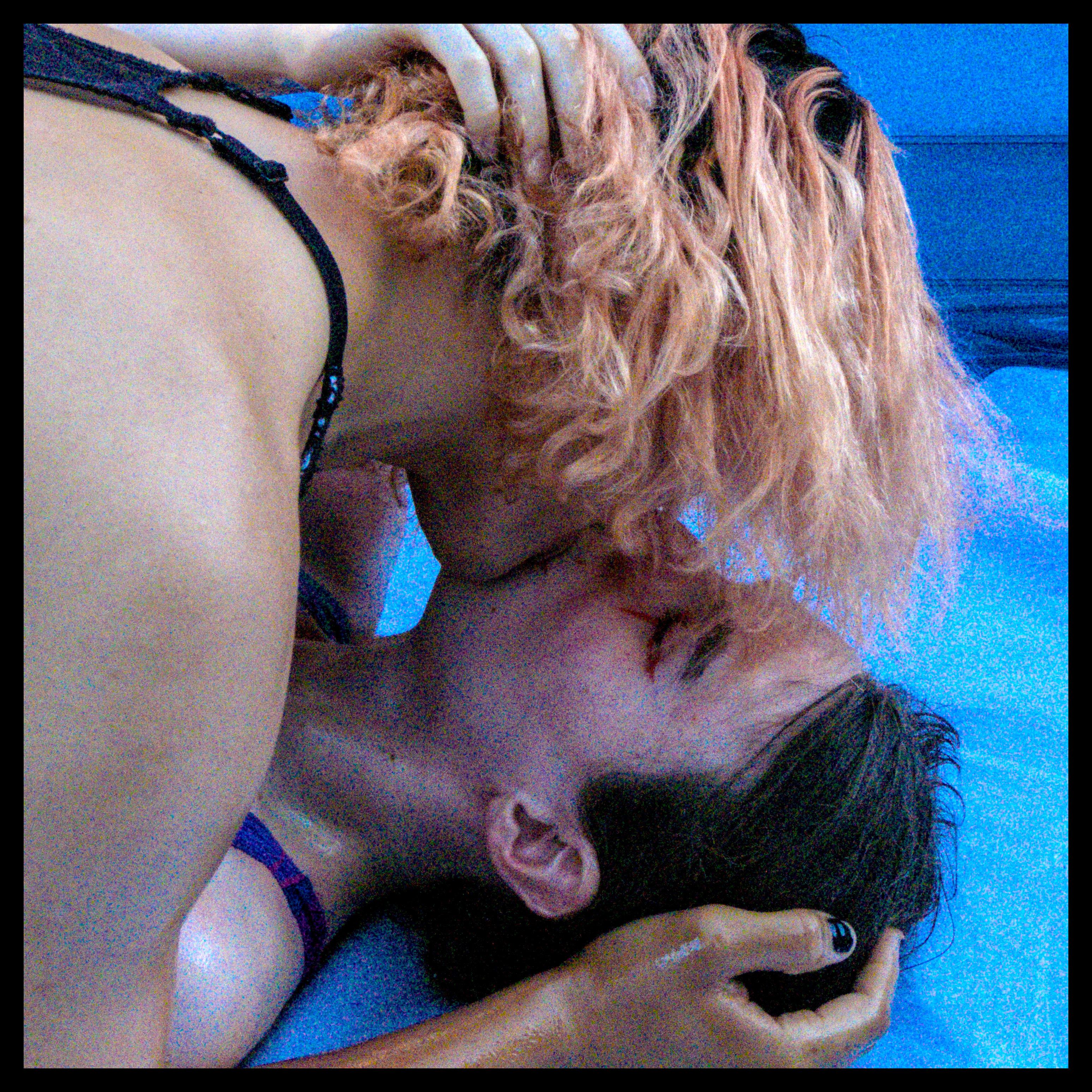
some fun shots between all these event things




Post a comment