it's uh. it's uh. it's.... something
SOMETHING!
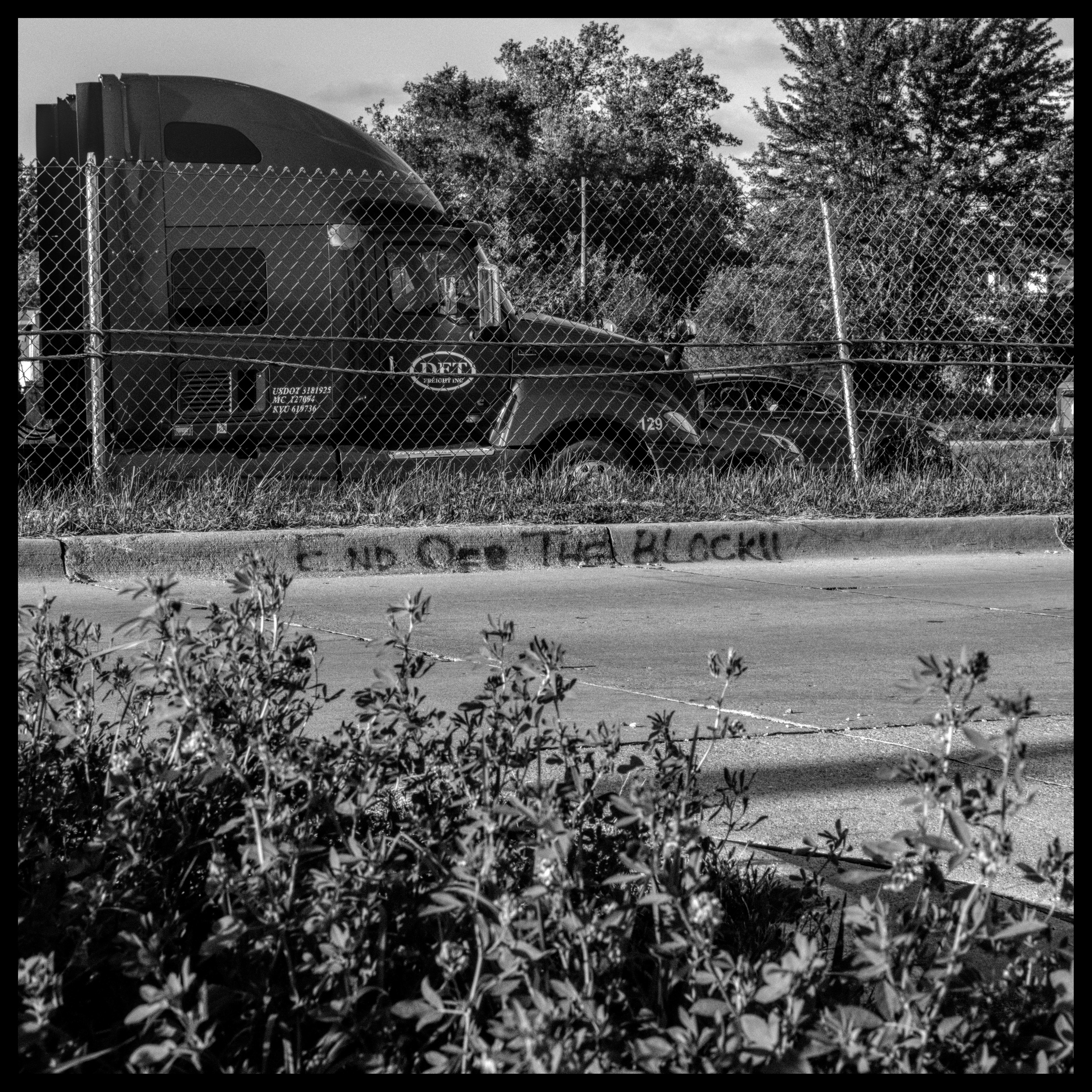
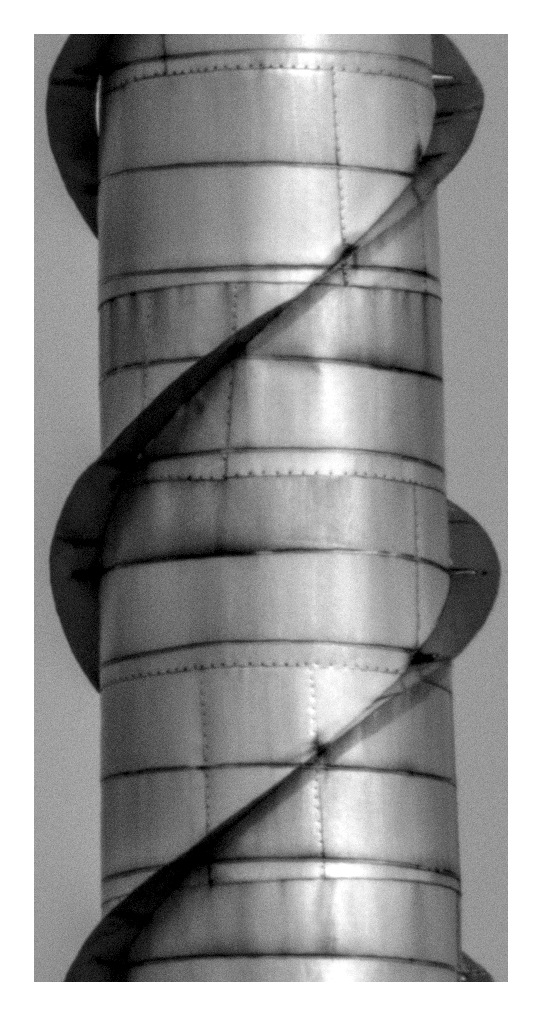
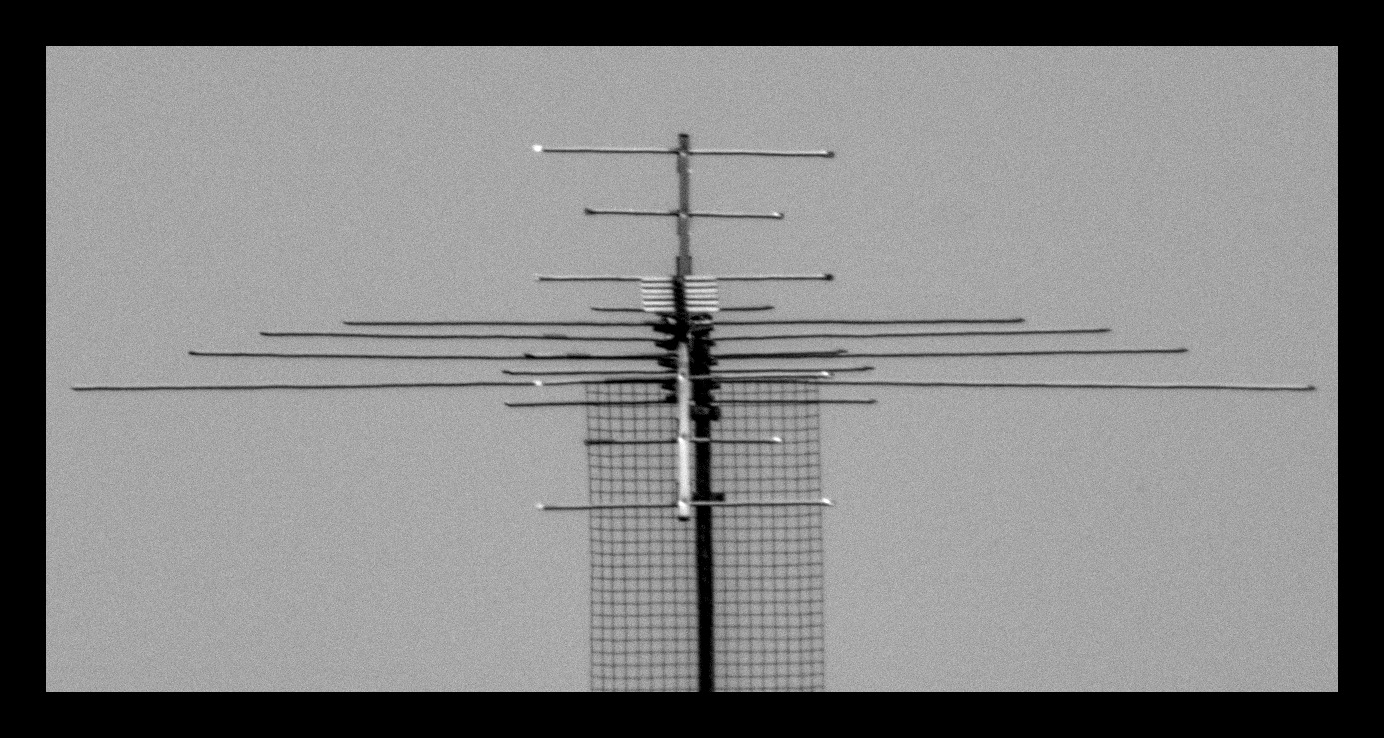
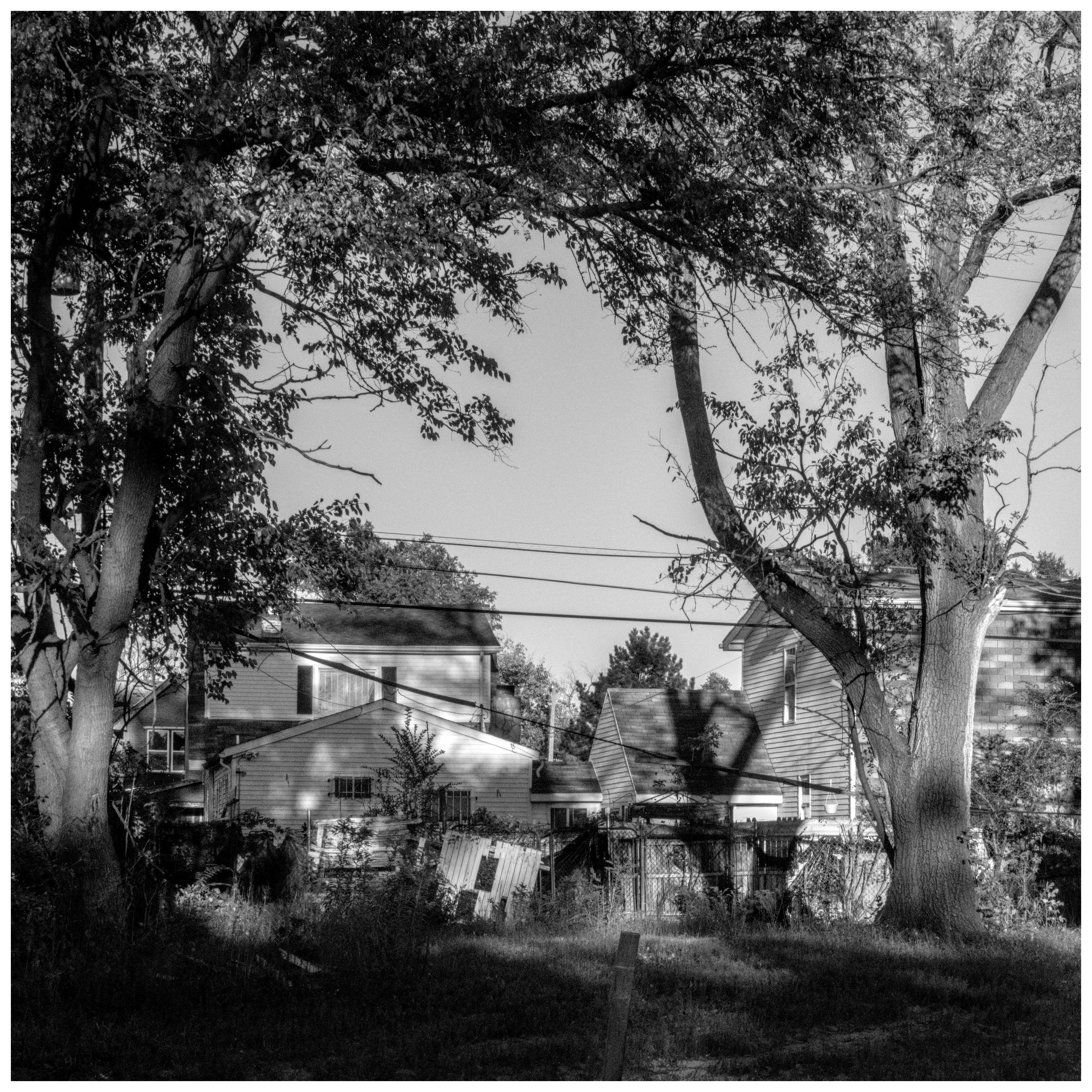
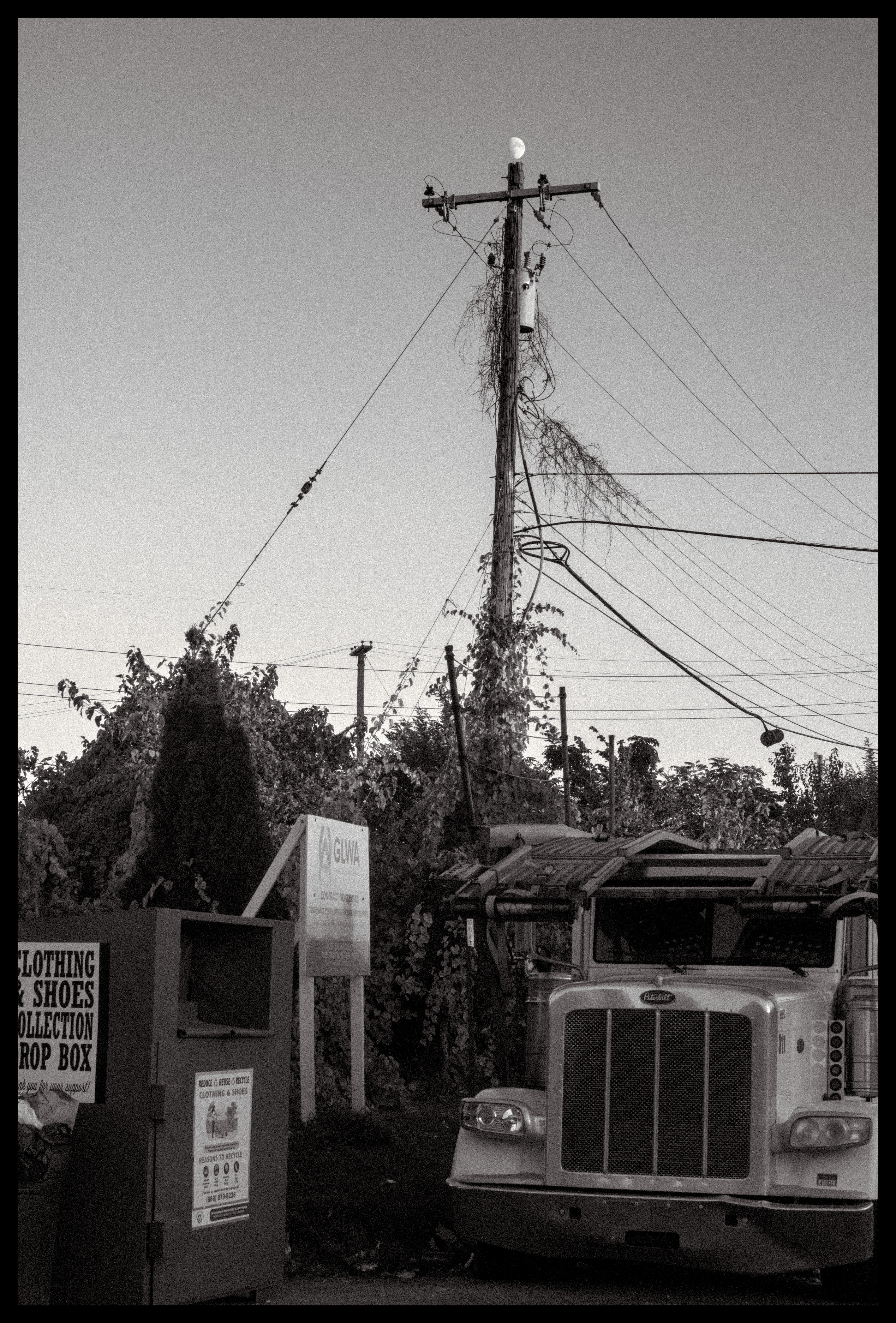
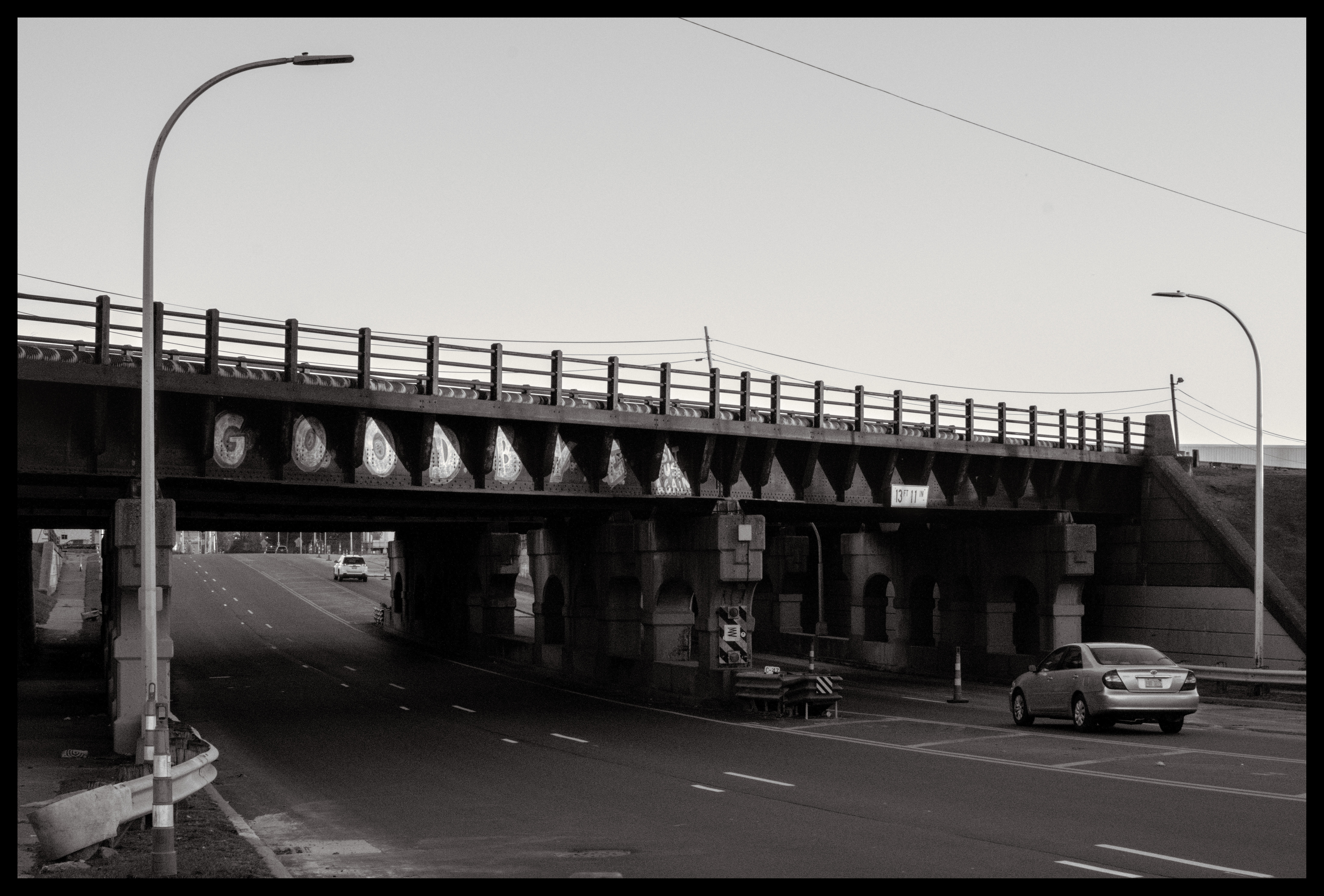
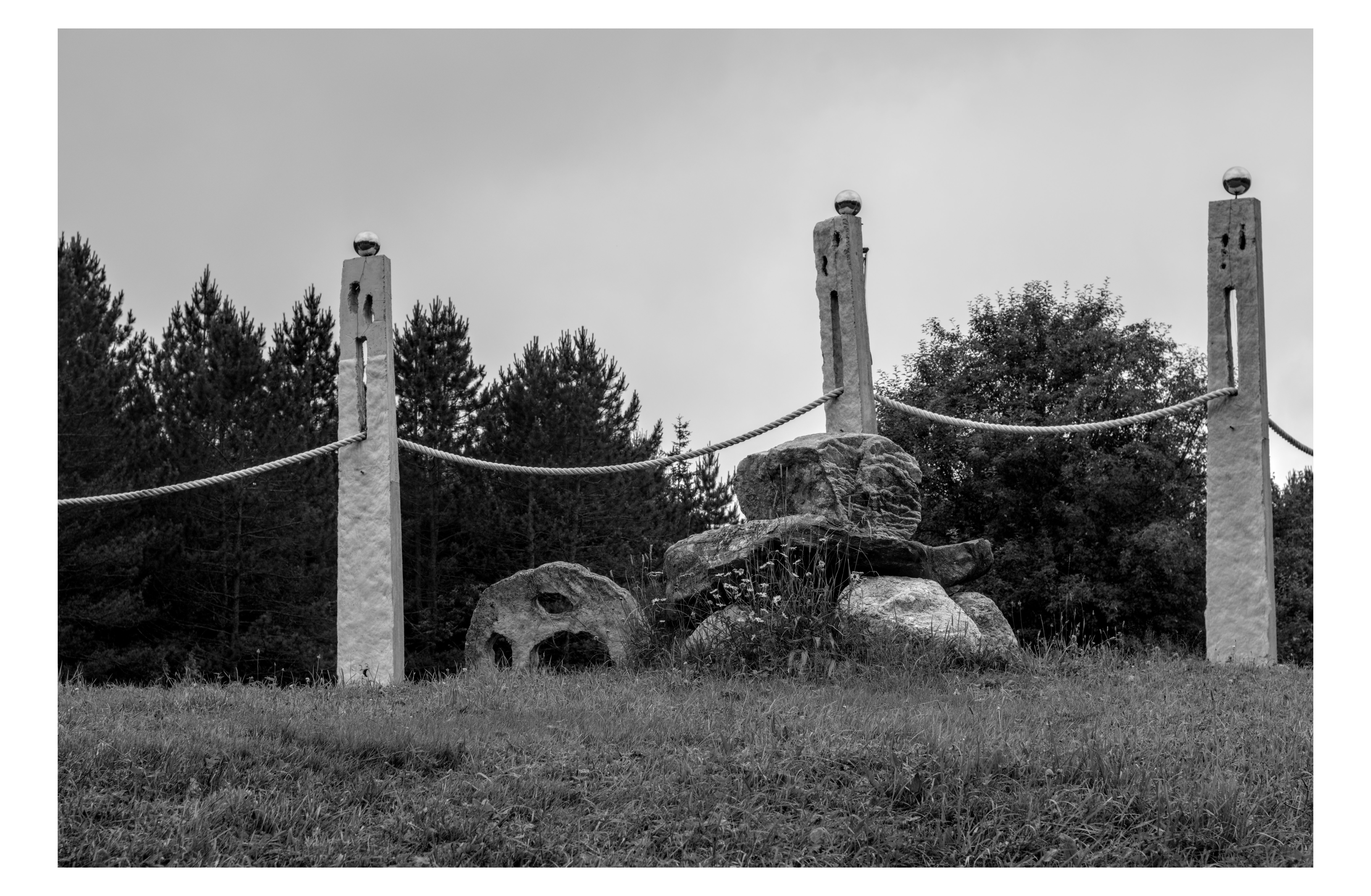
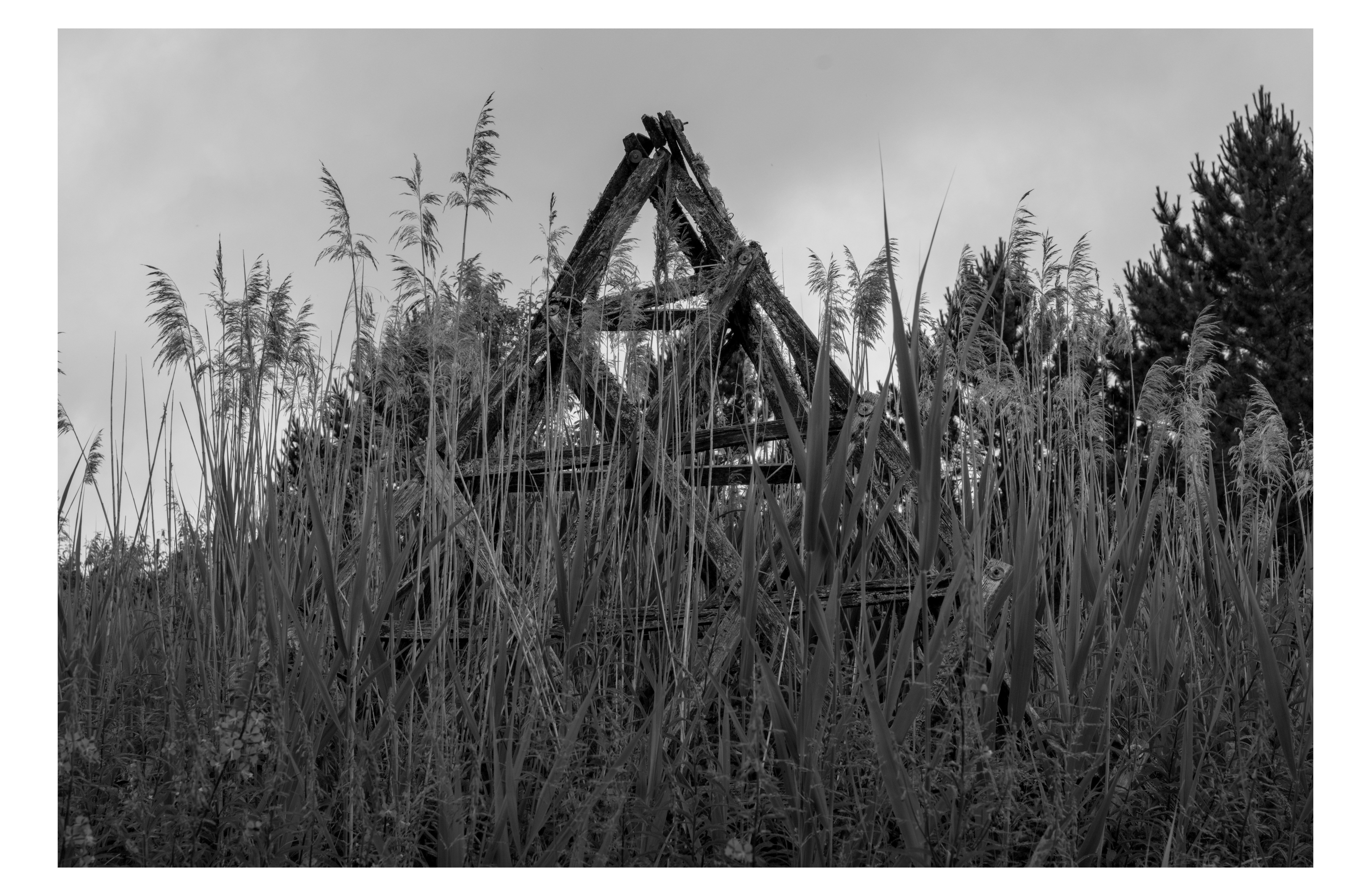
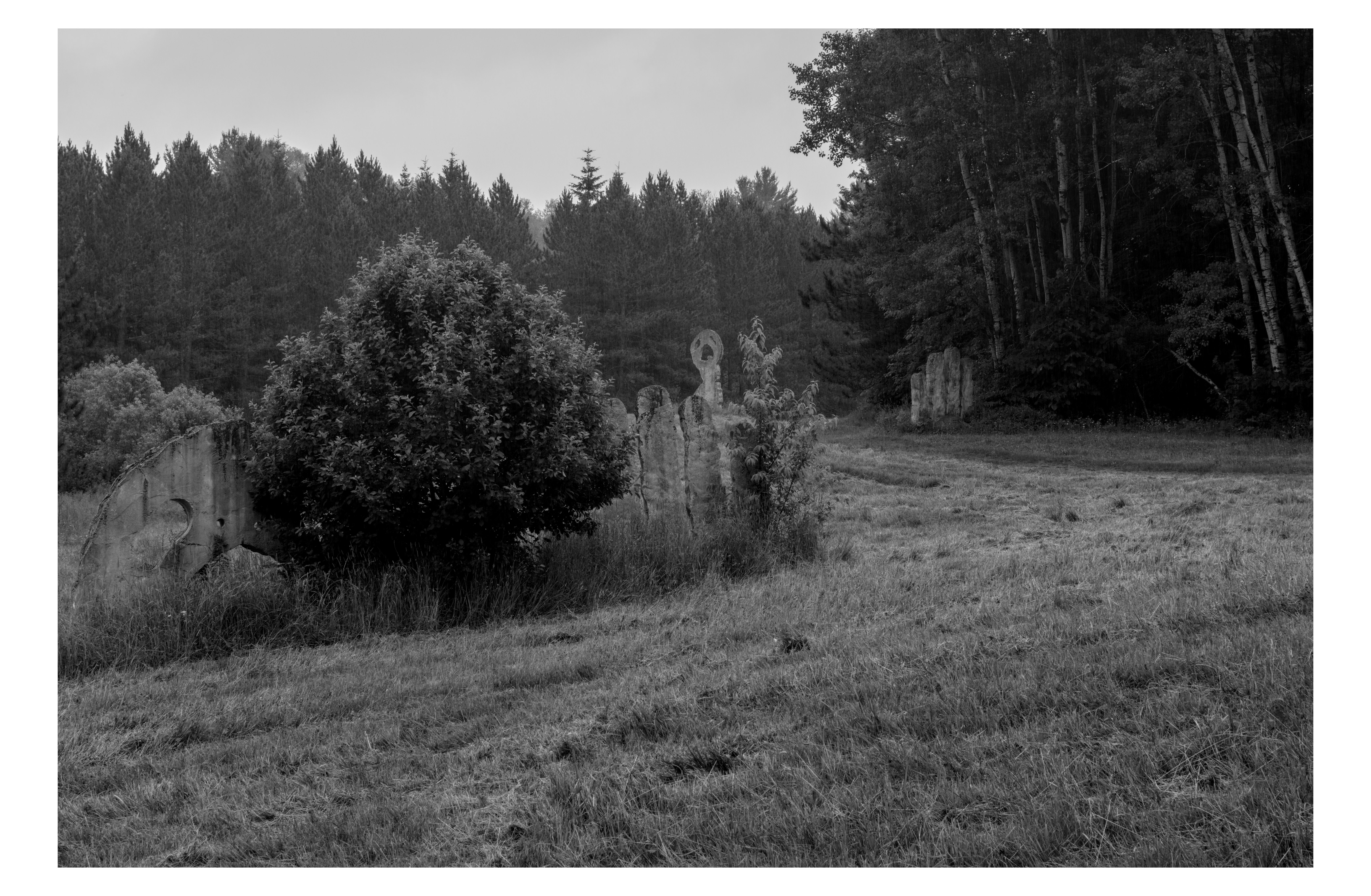
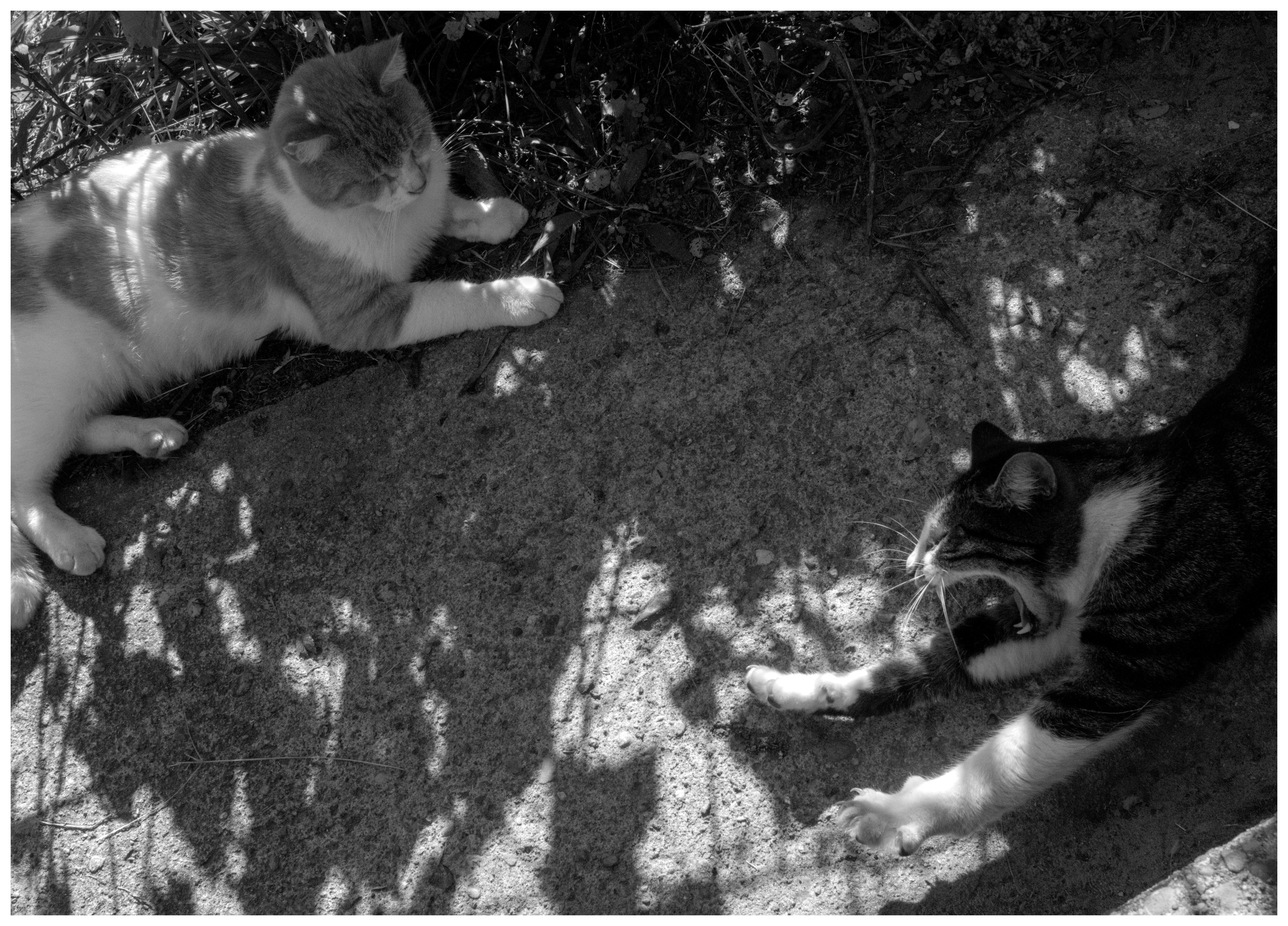
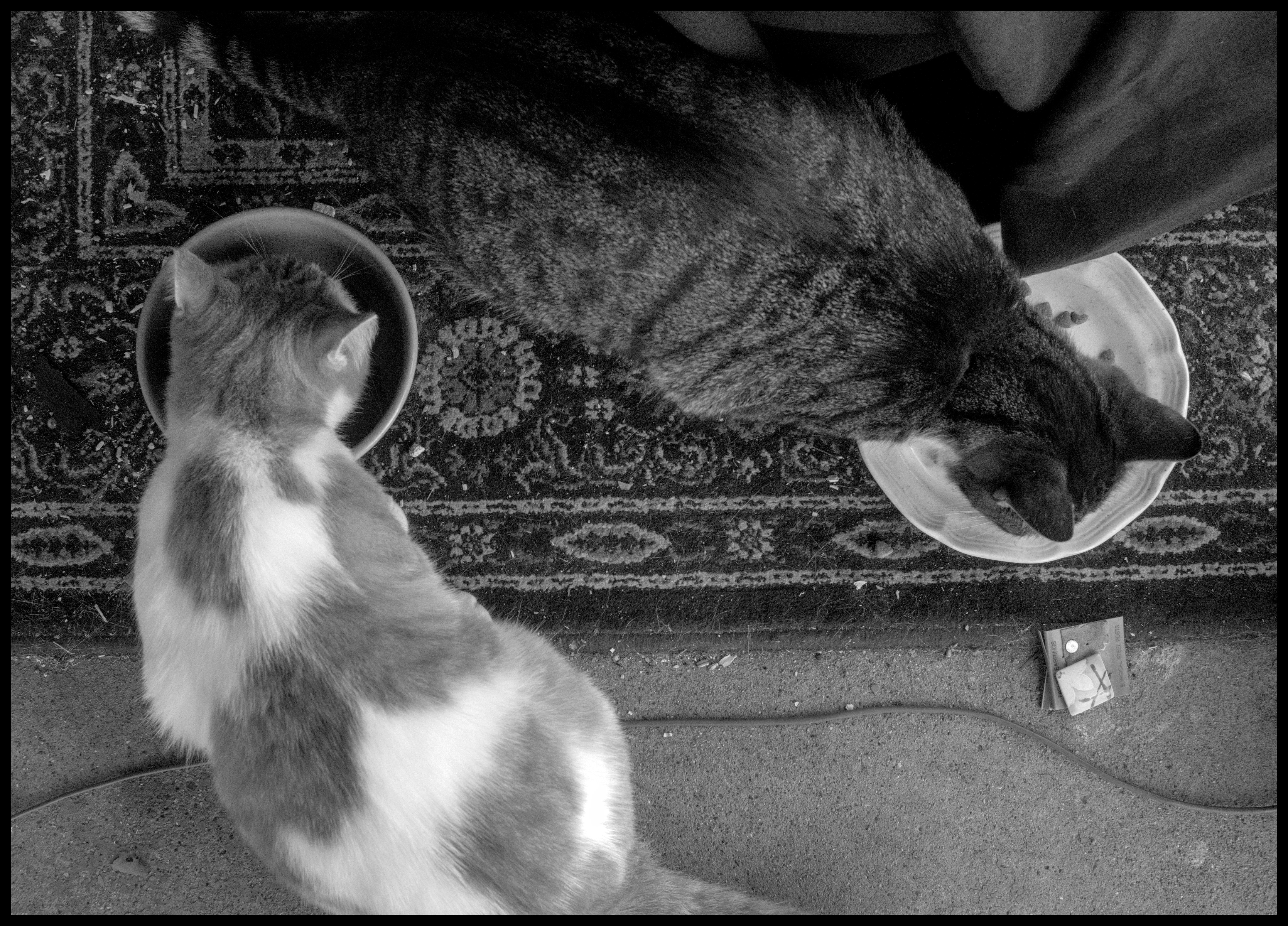
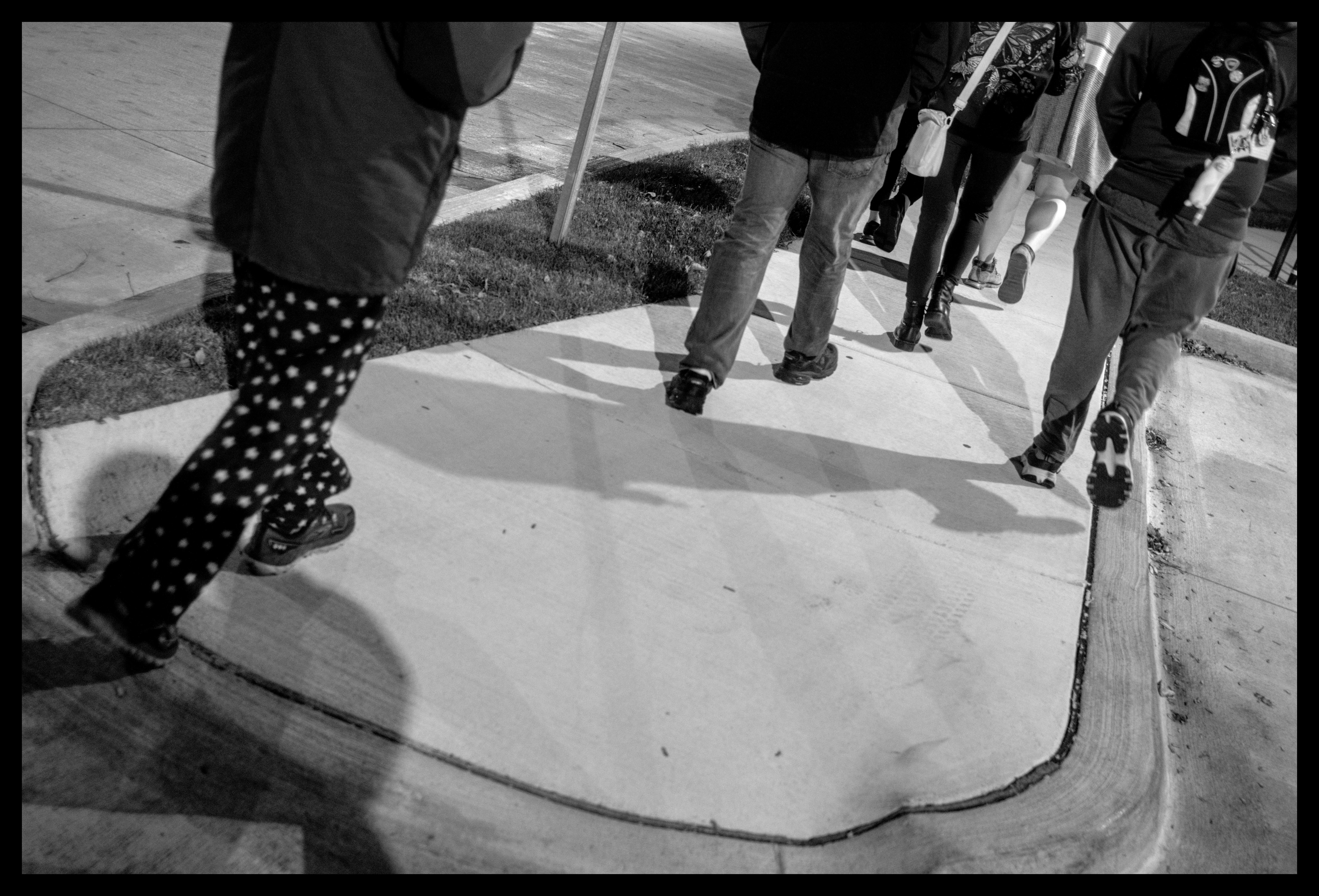
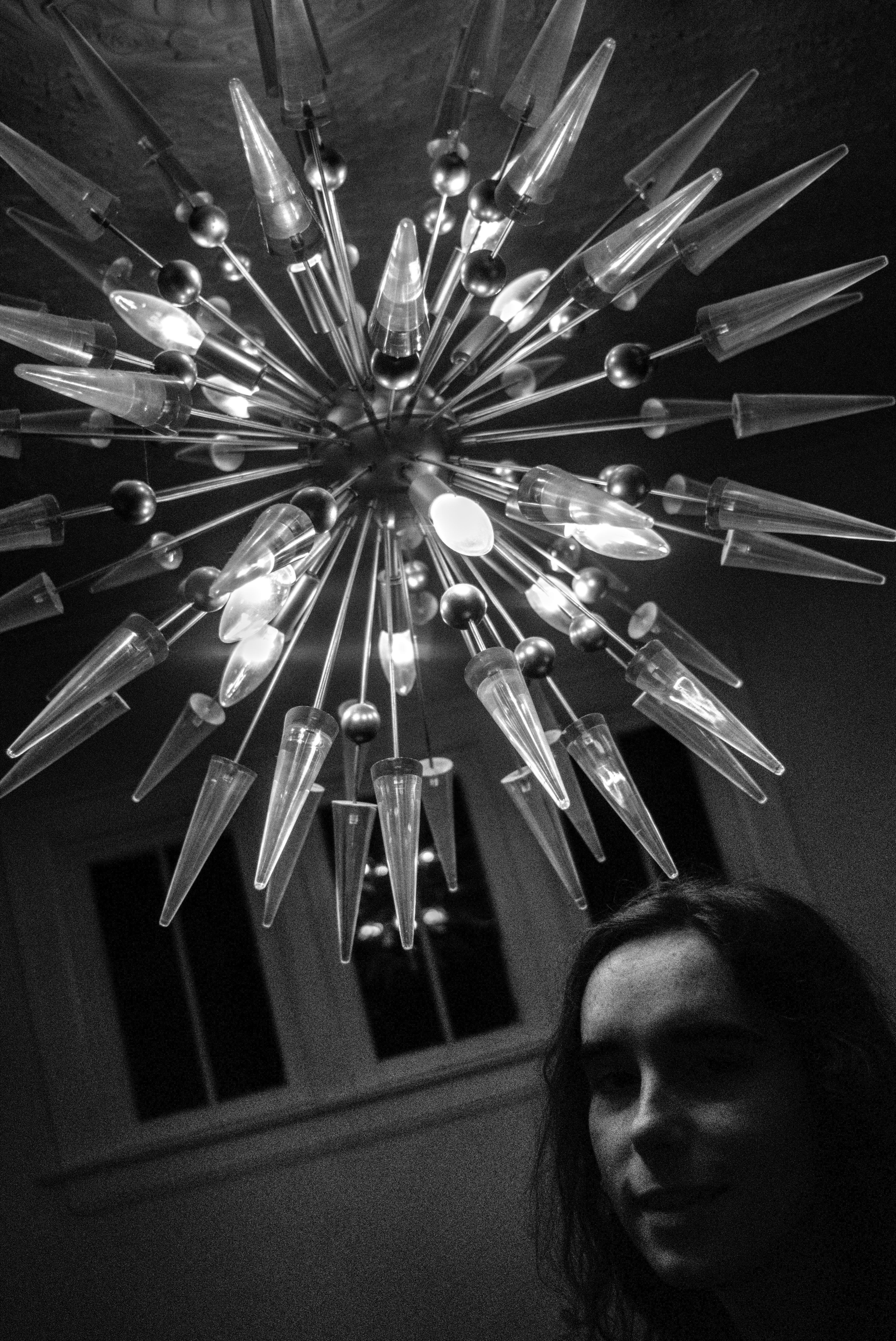
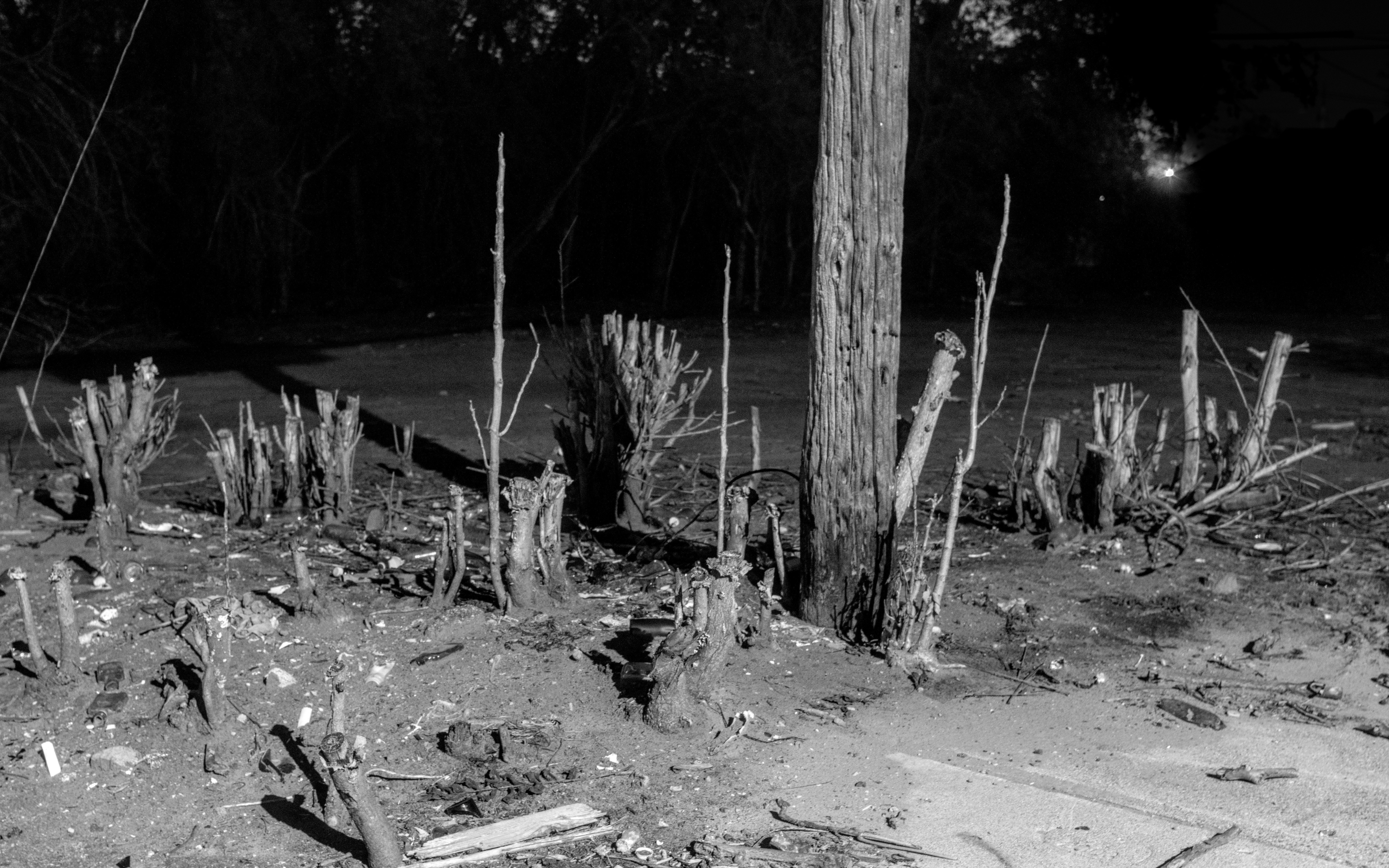
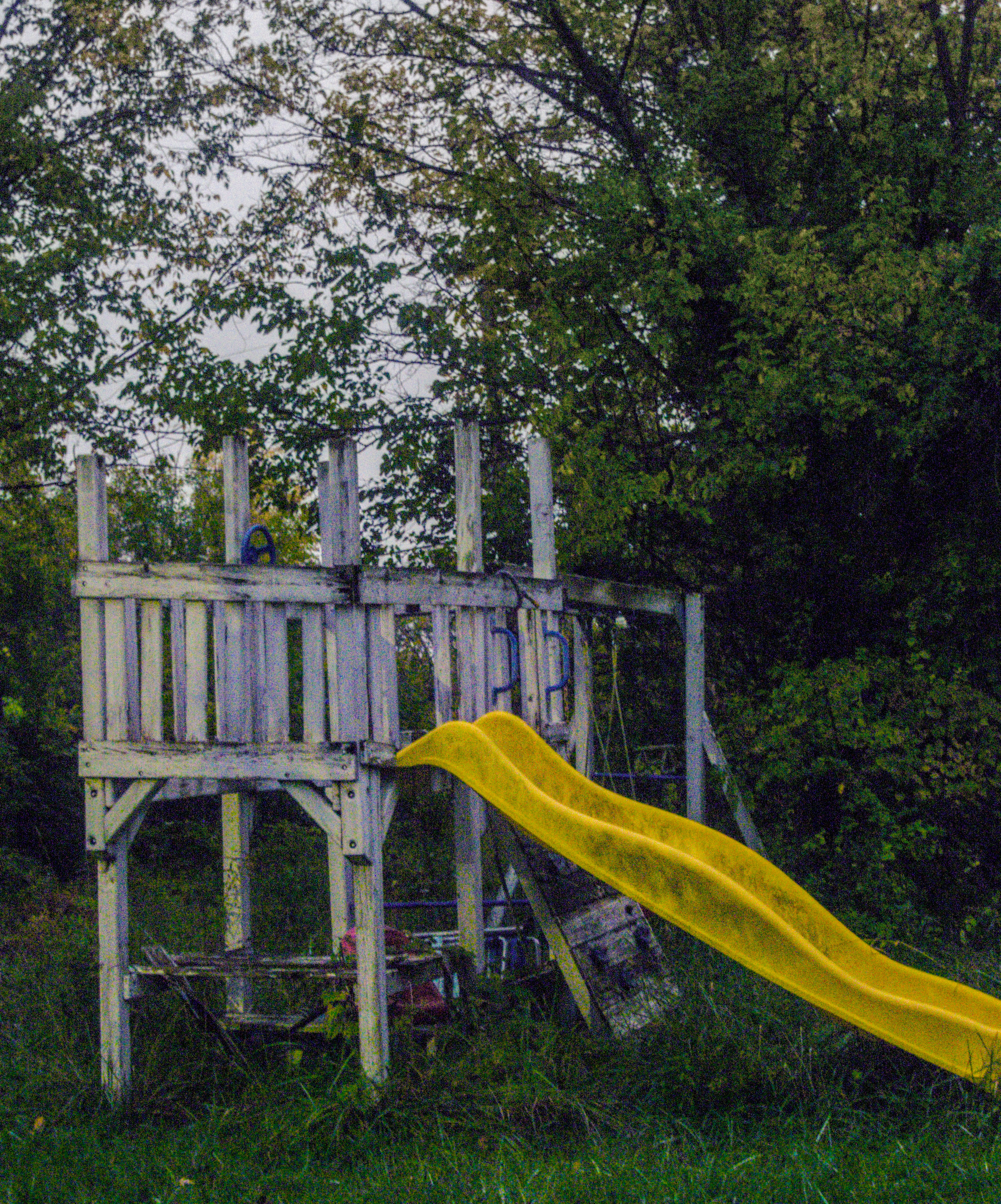
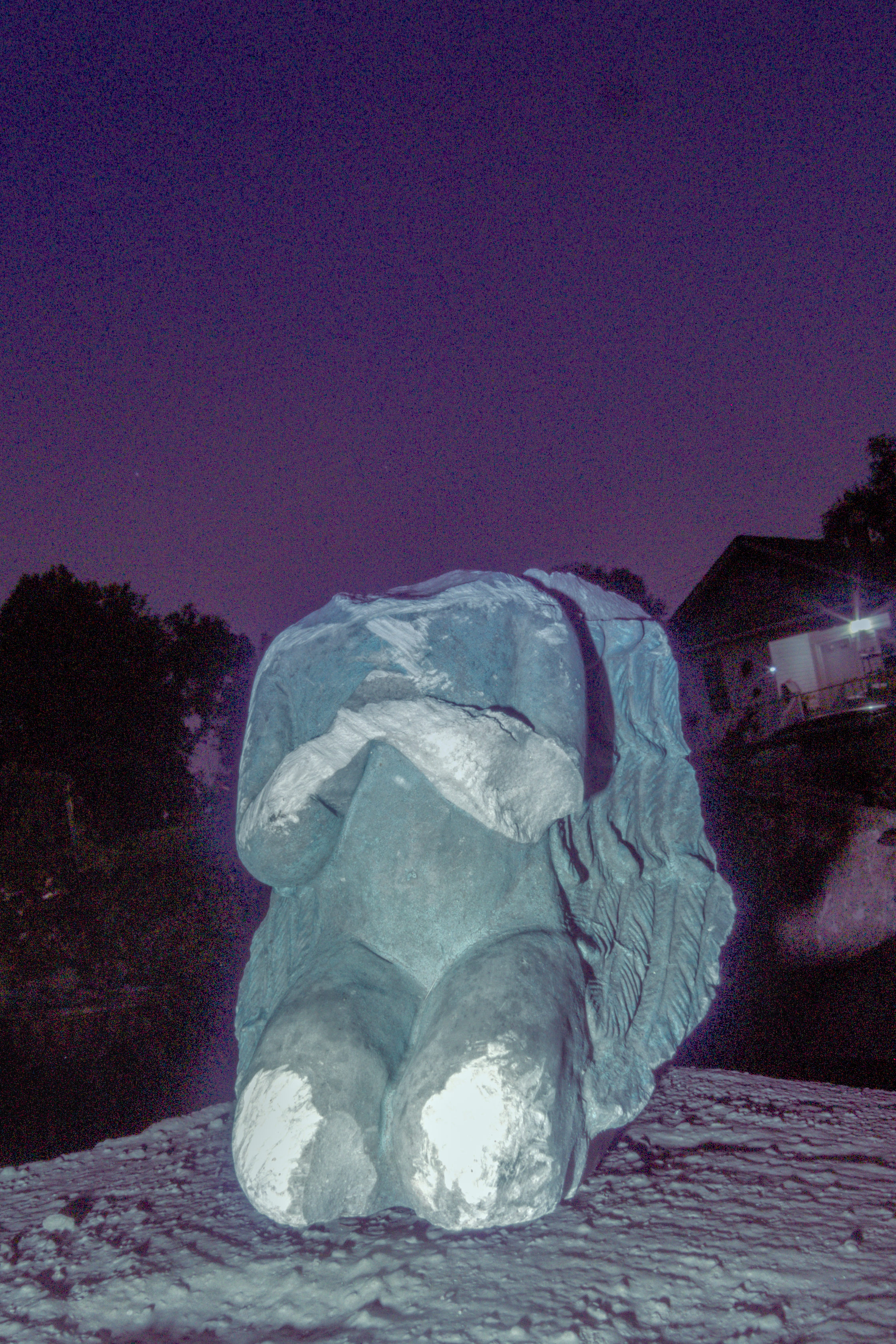
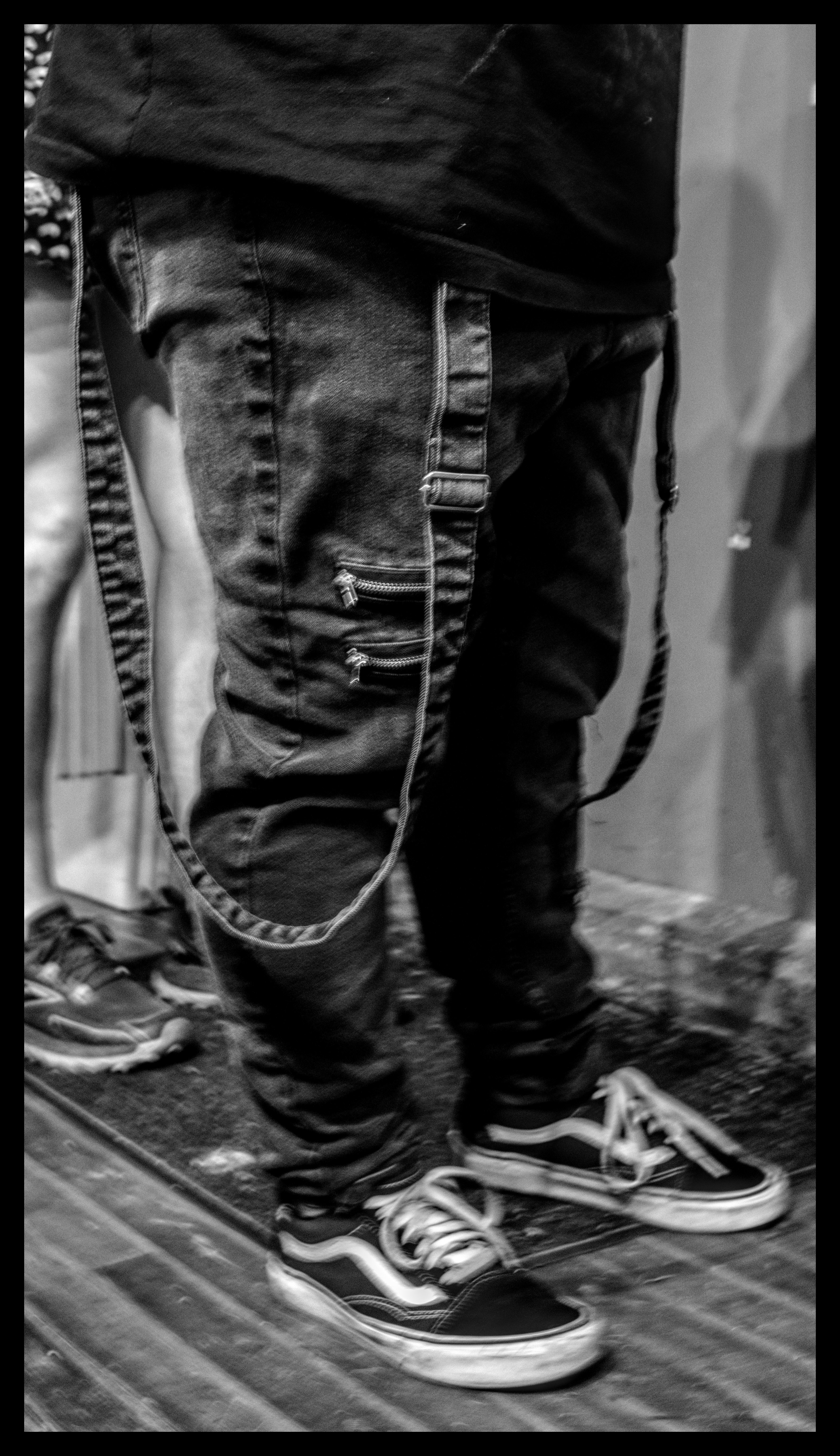
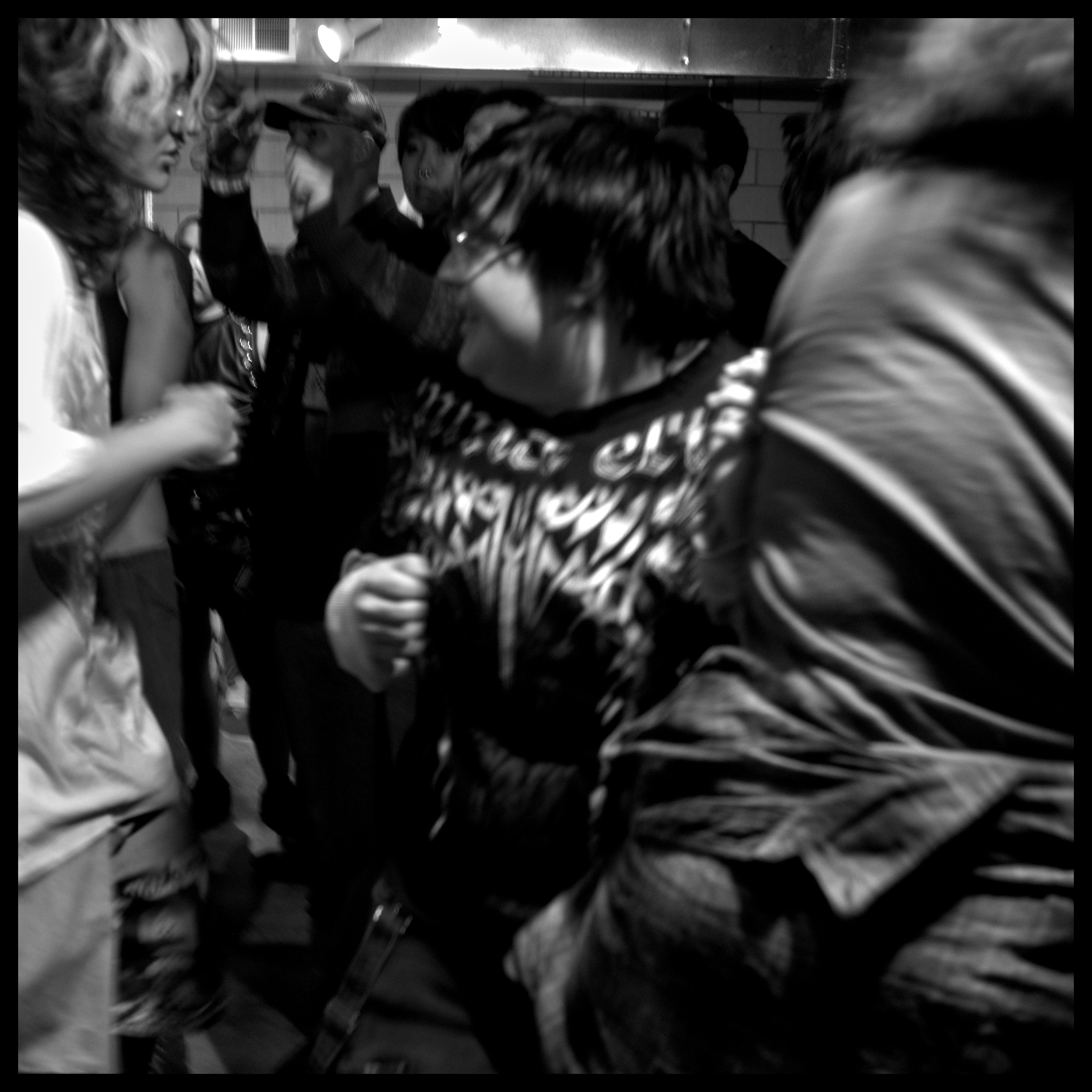
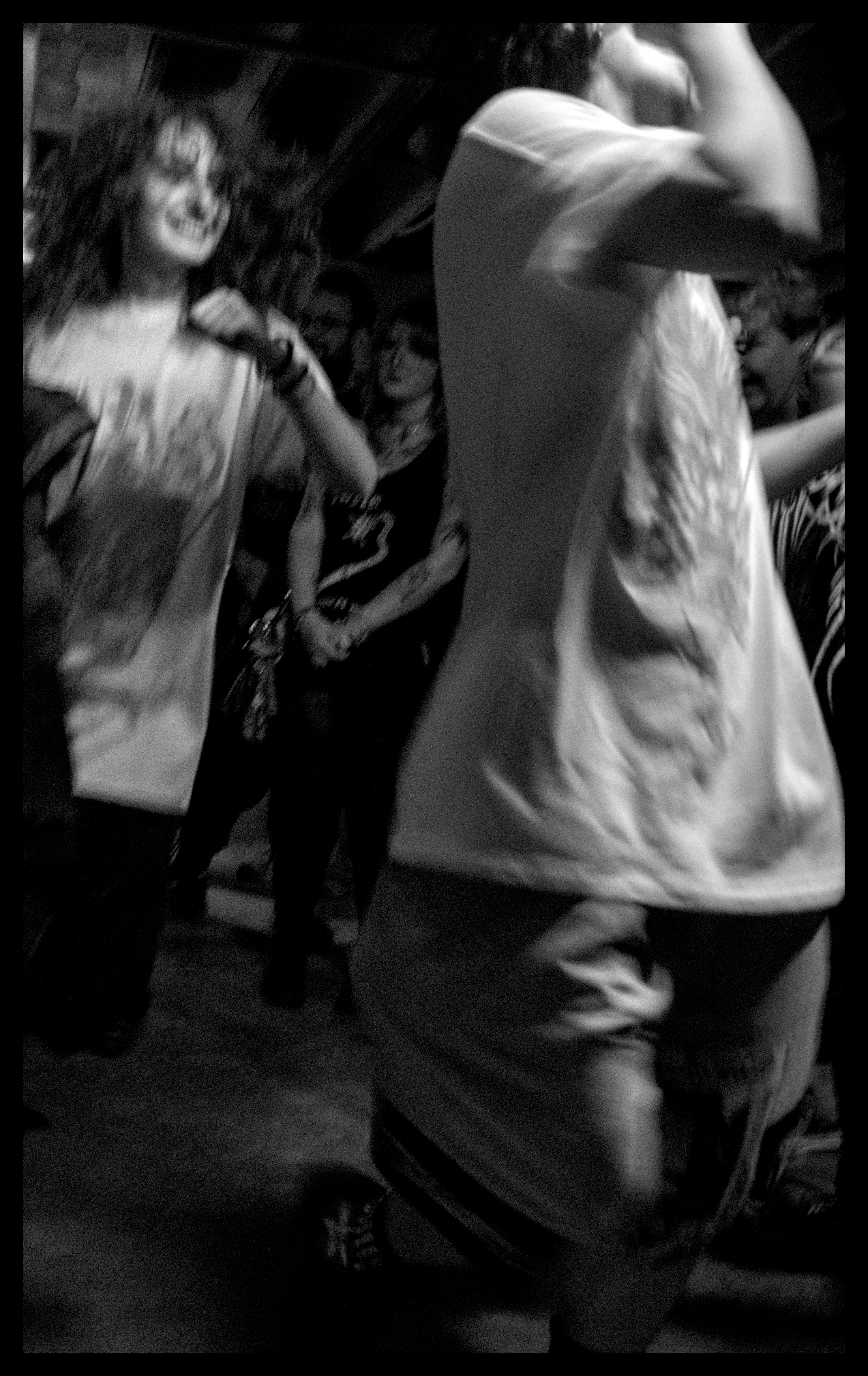
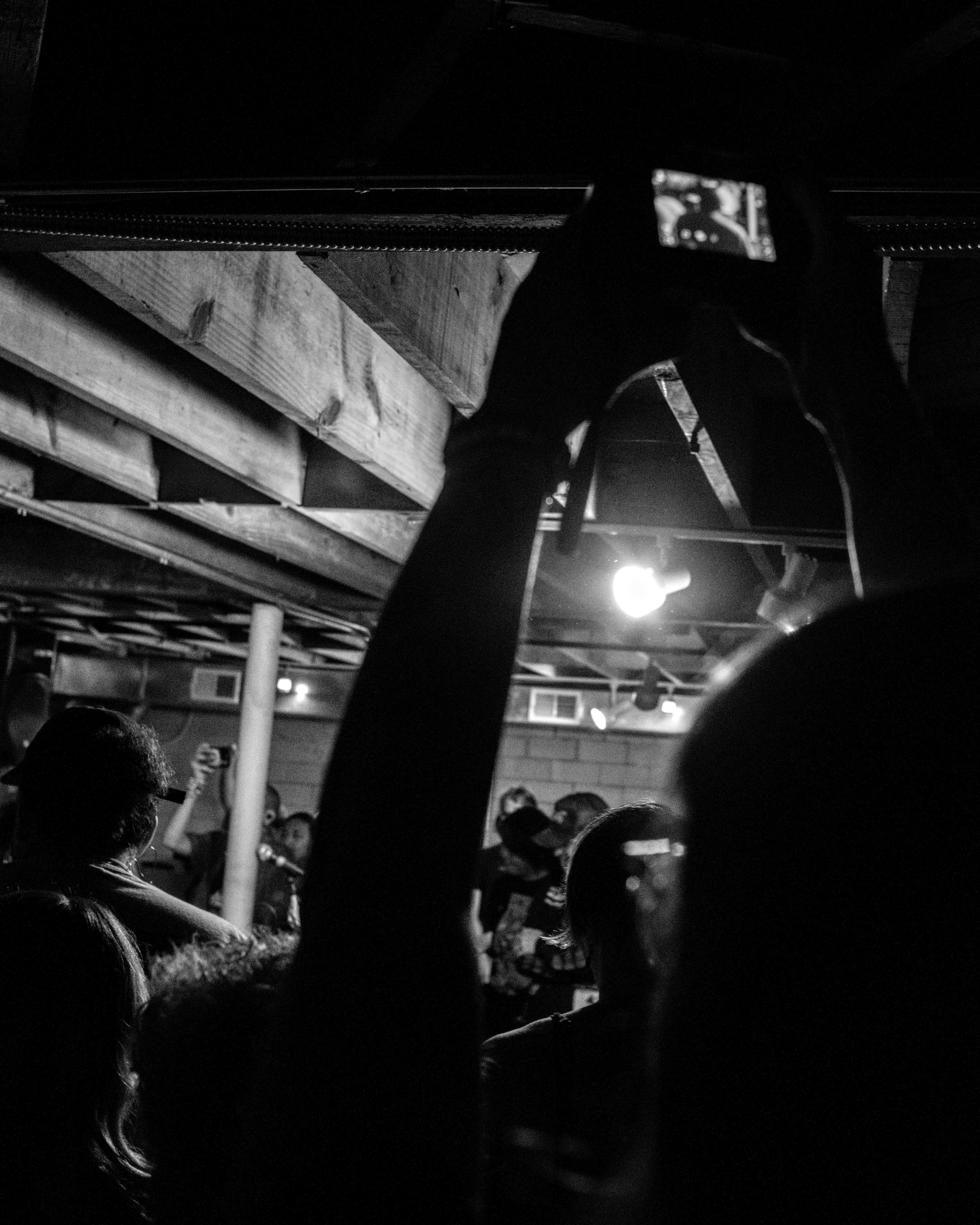
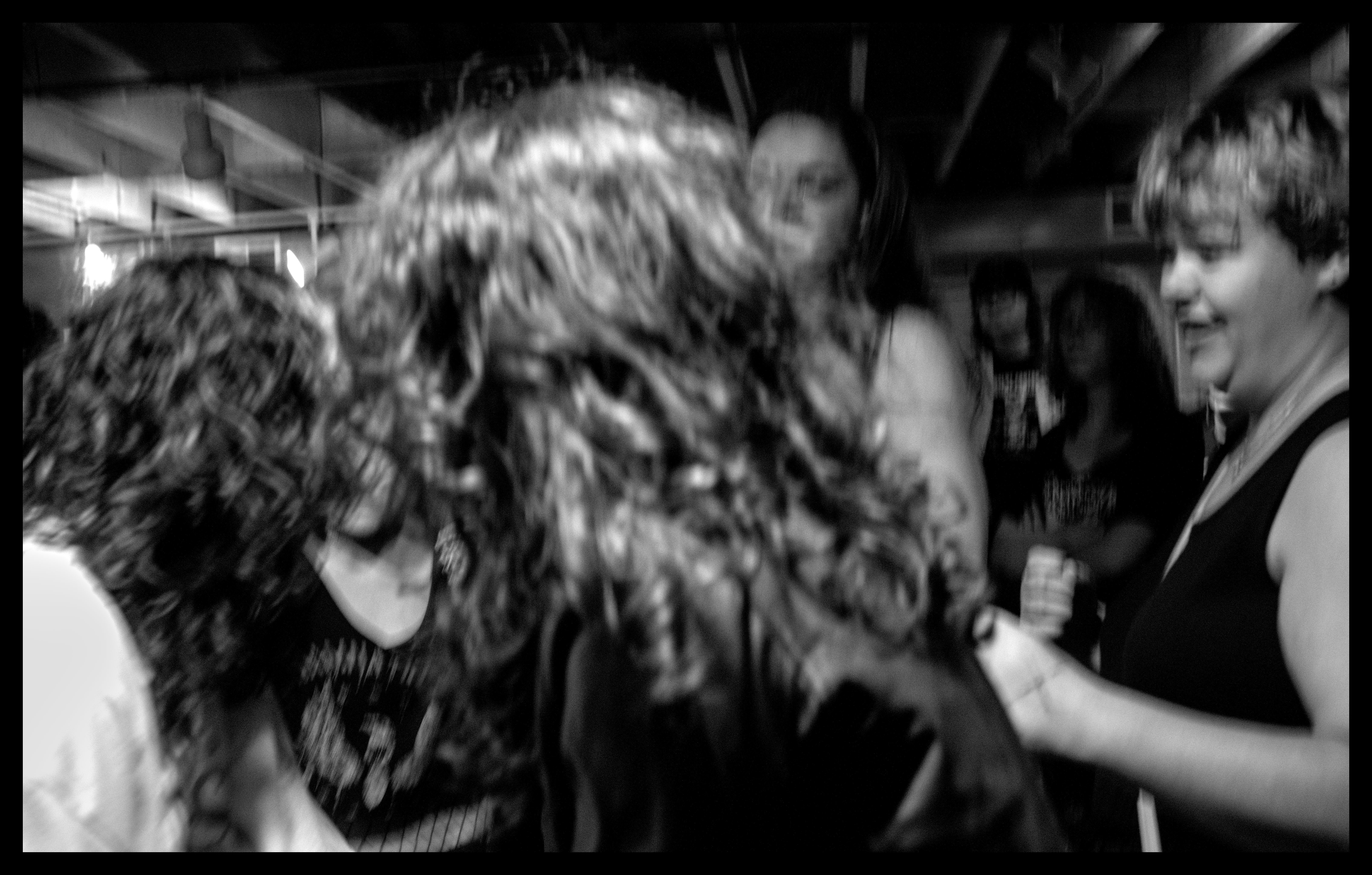
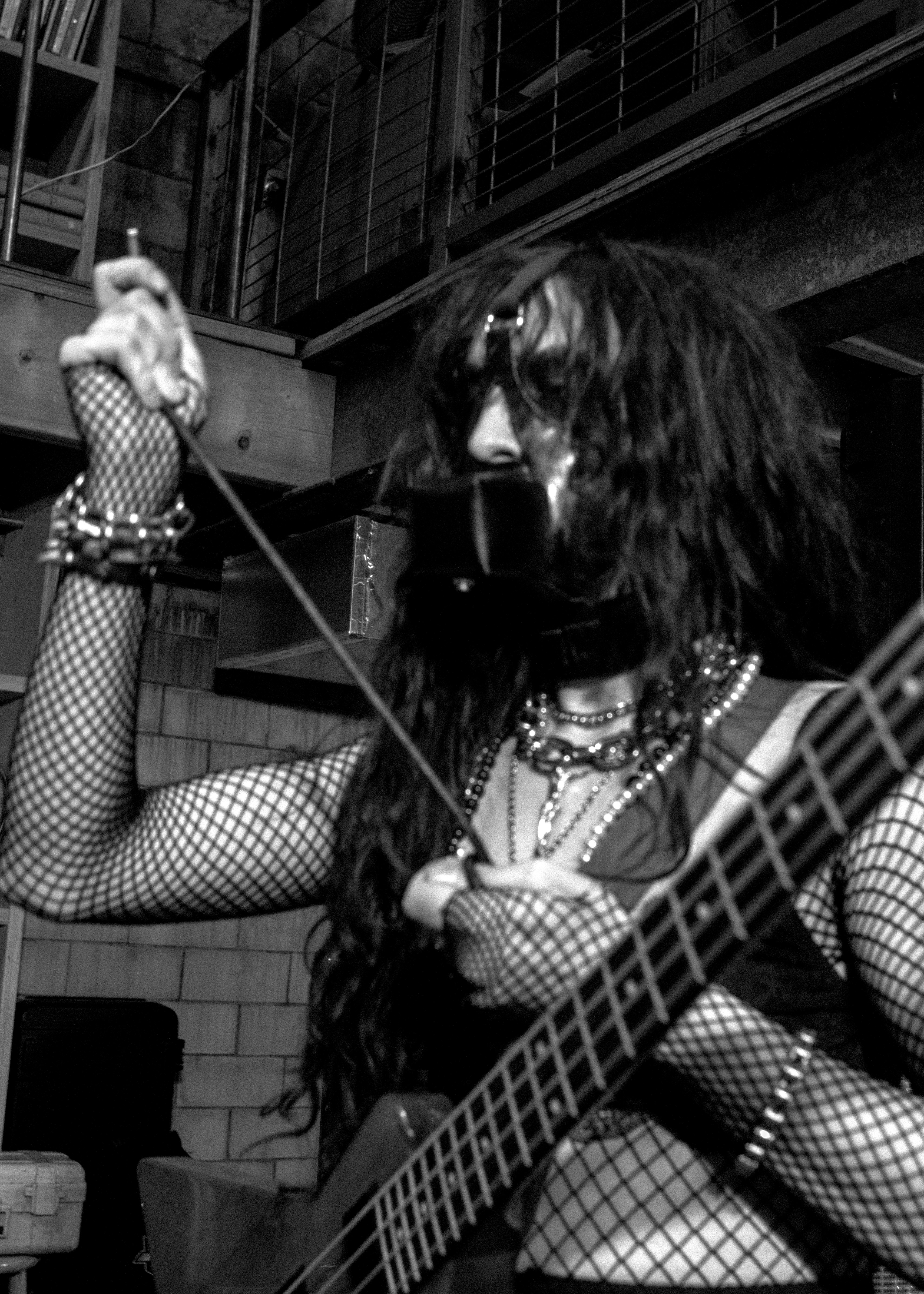
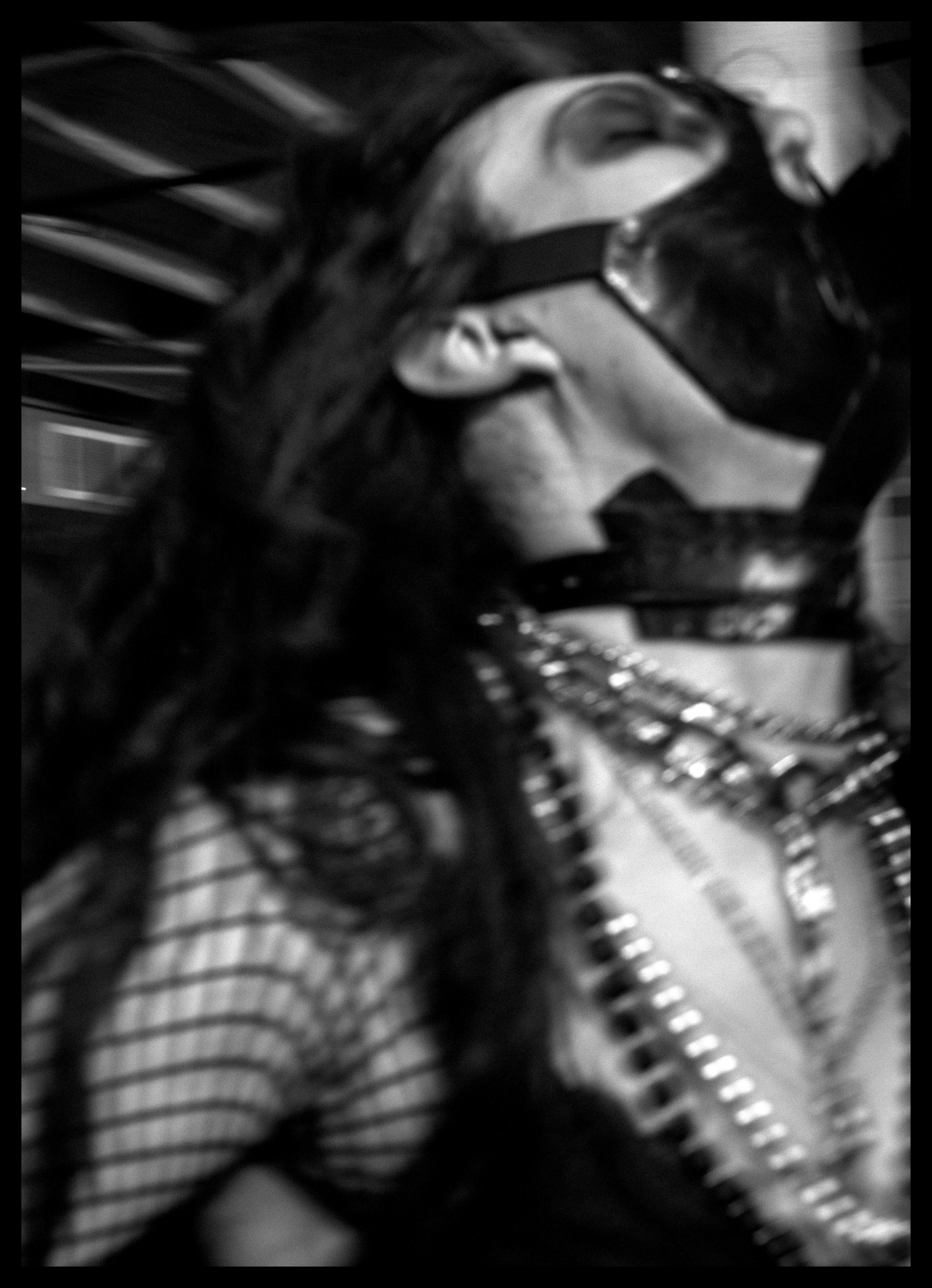
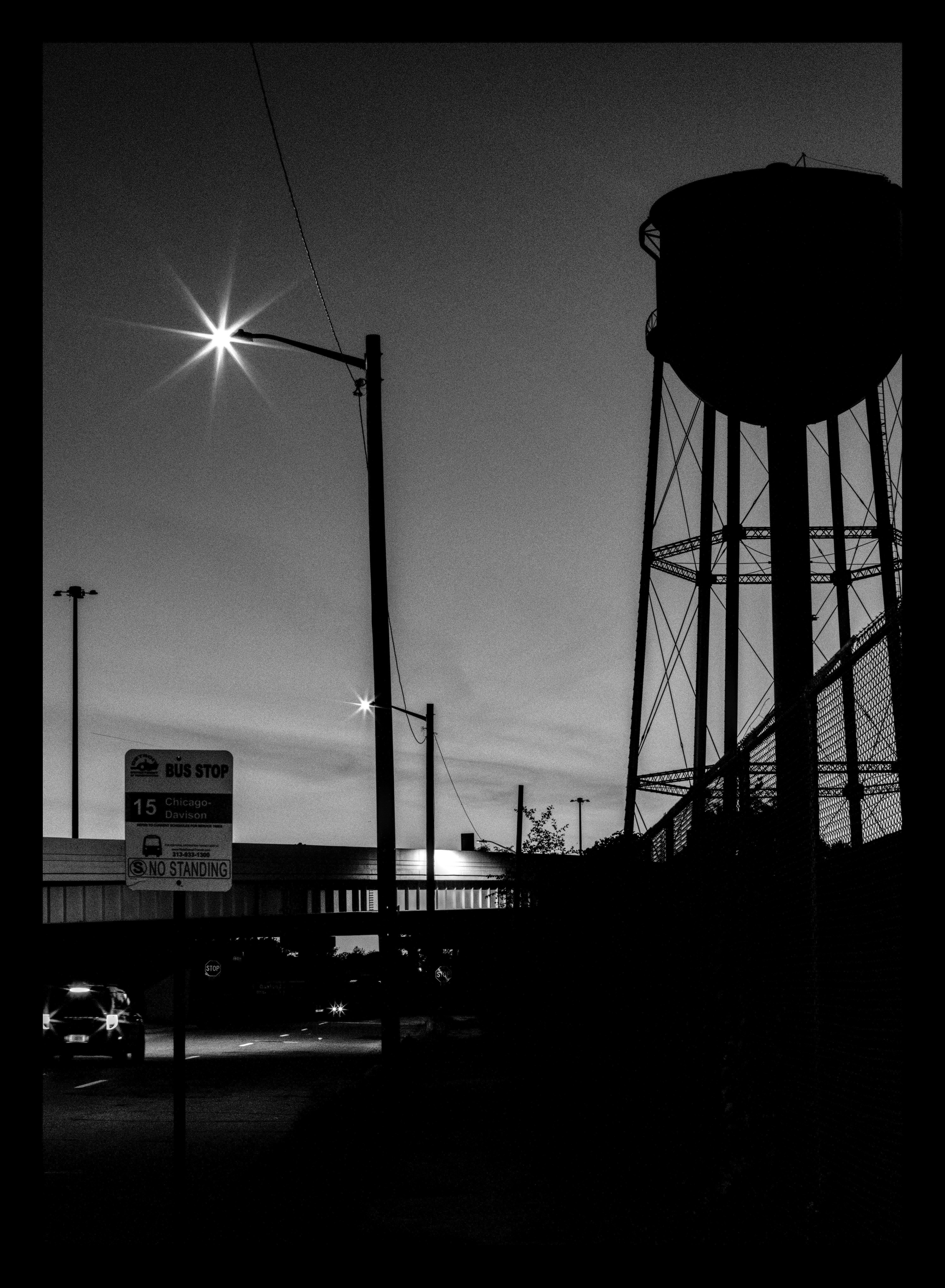
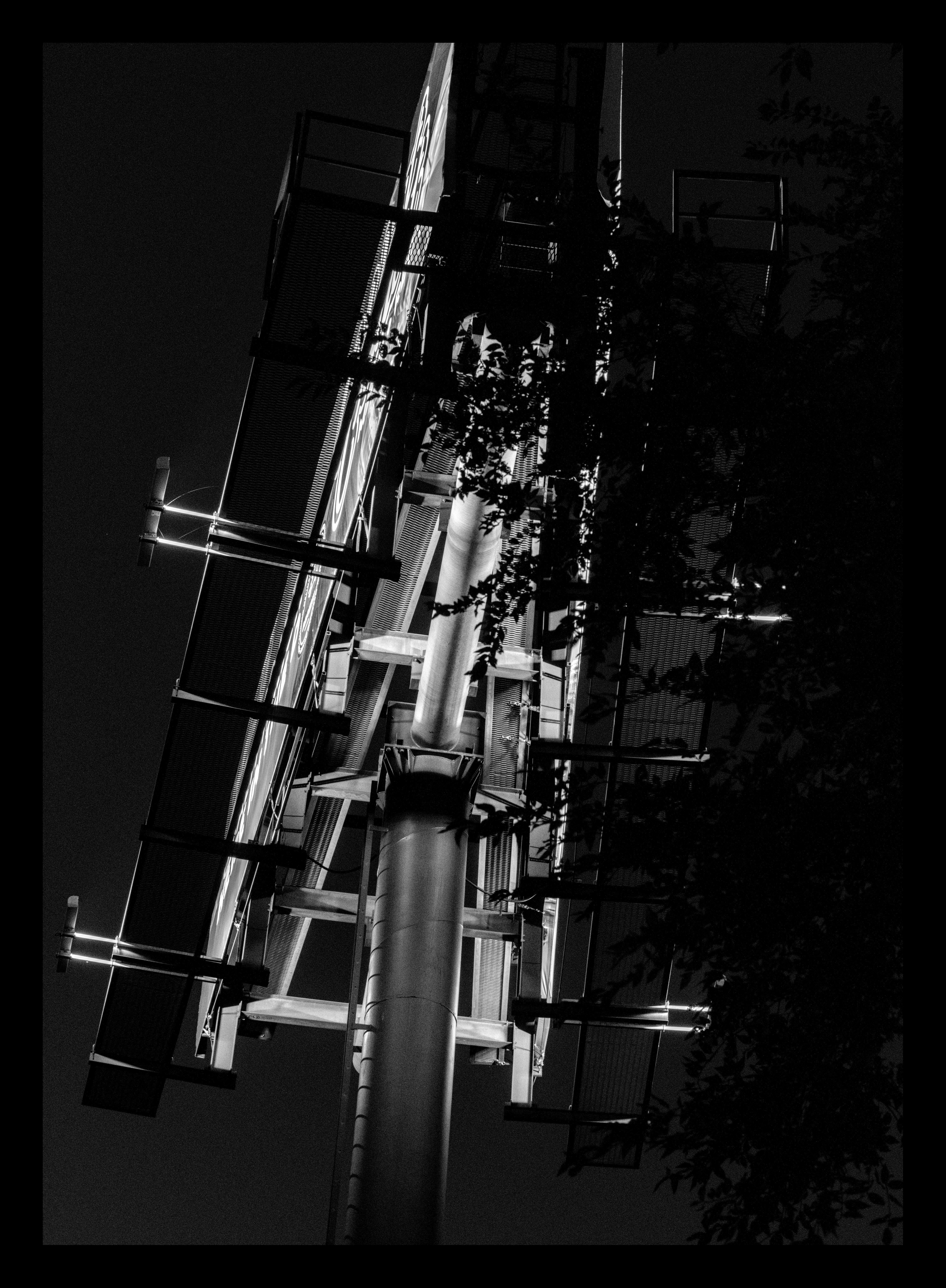
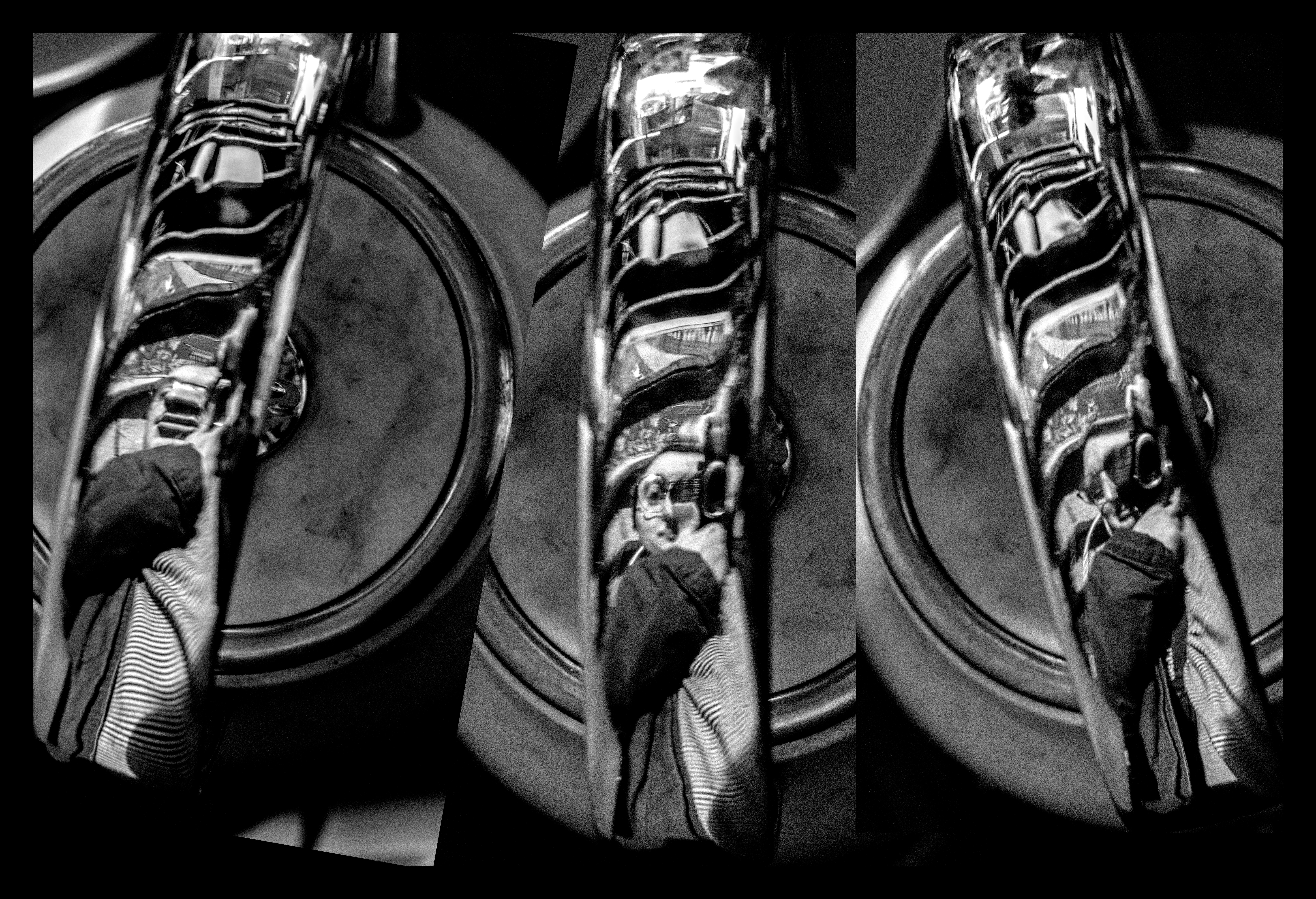
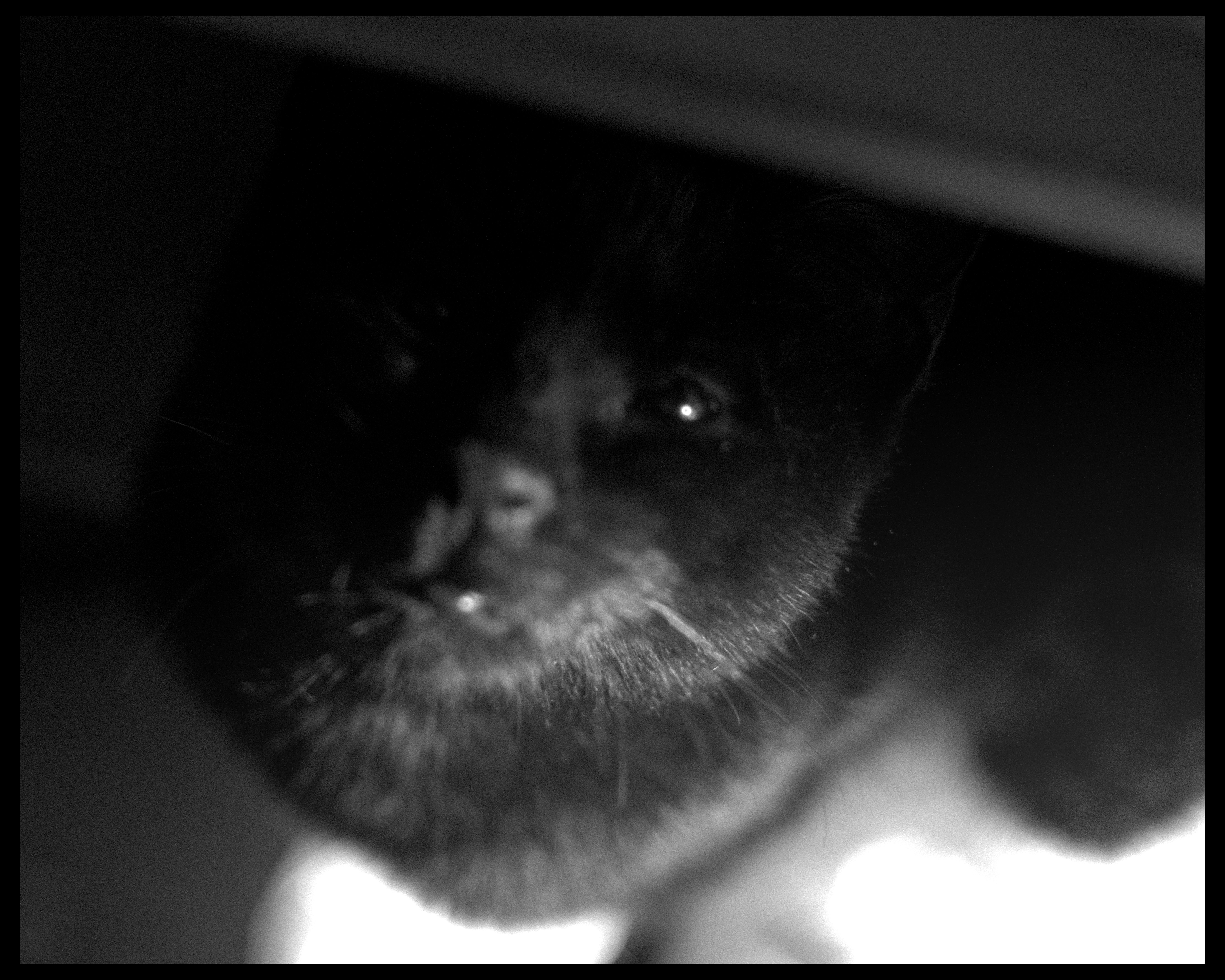
that first shot is at f8! others are f1.9. all the 1.9 shots metered at faster than 1/1000 despite being nearly completely dark lol.
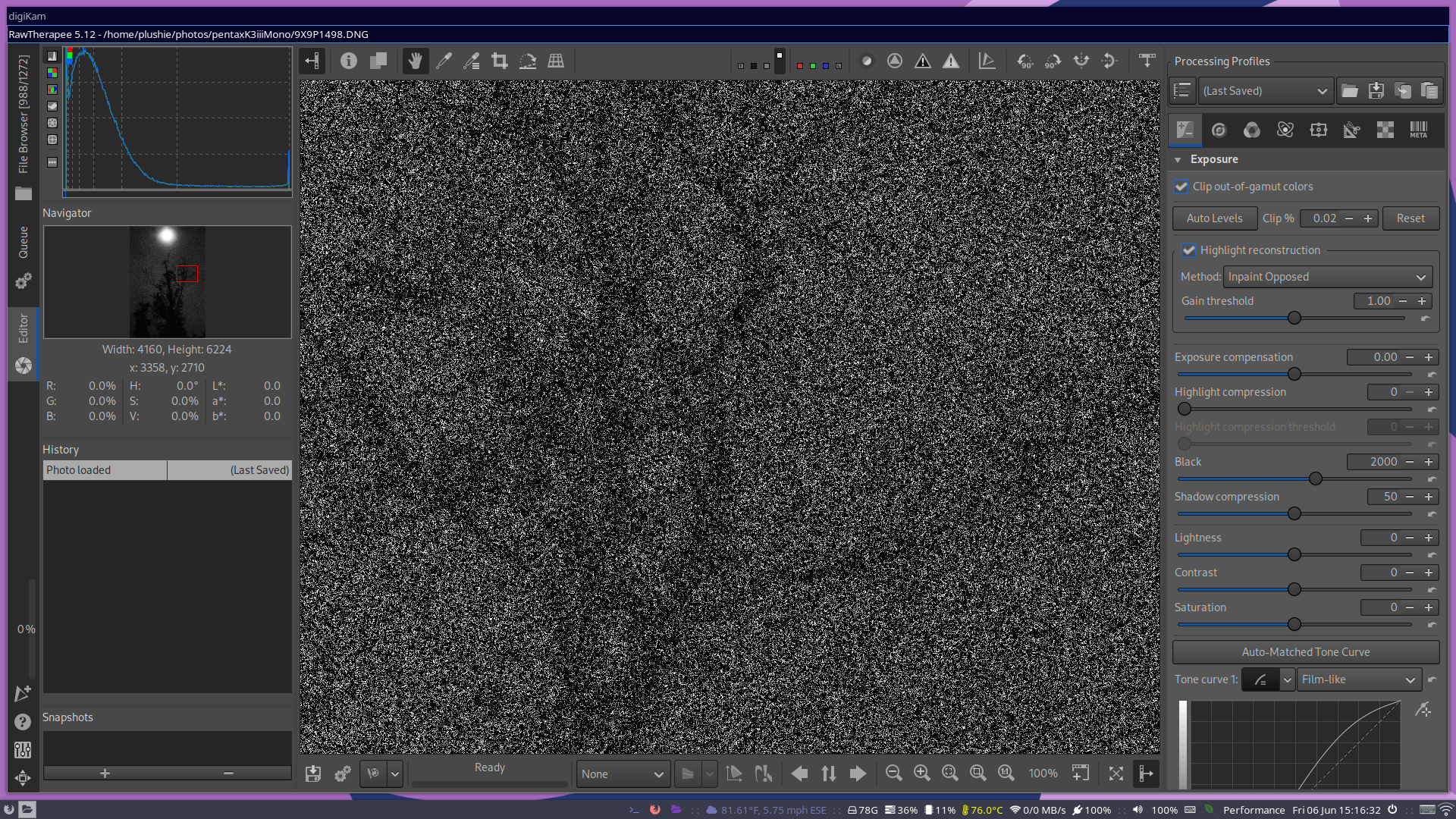
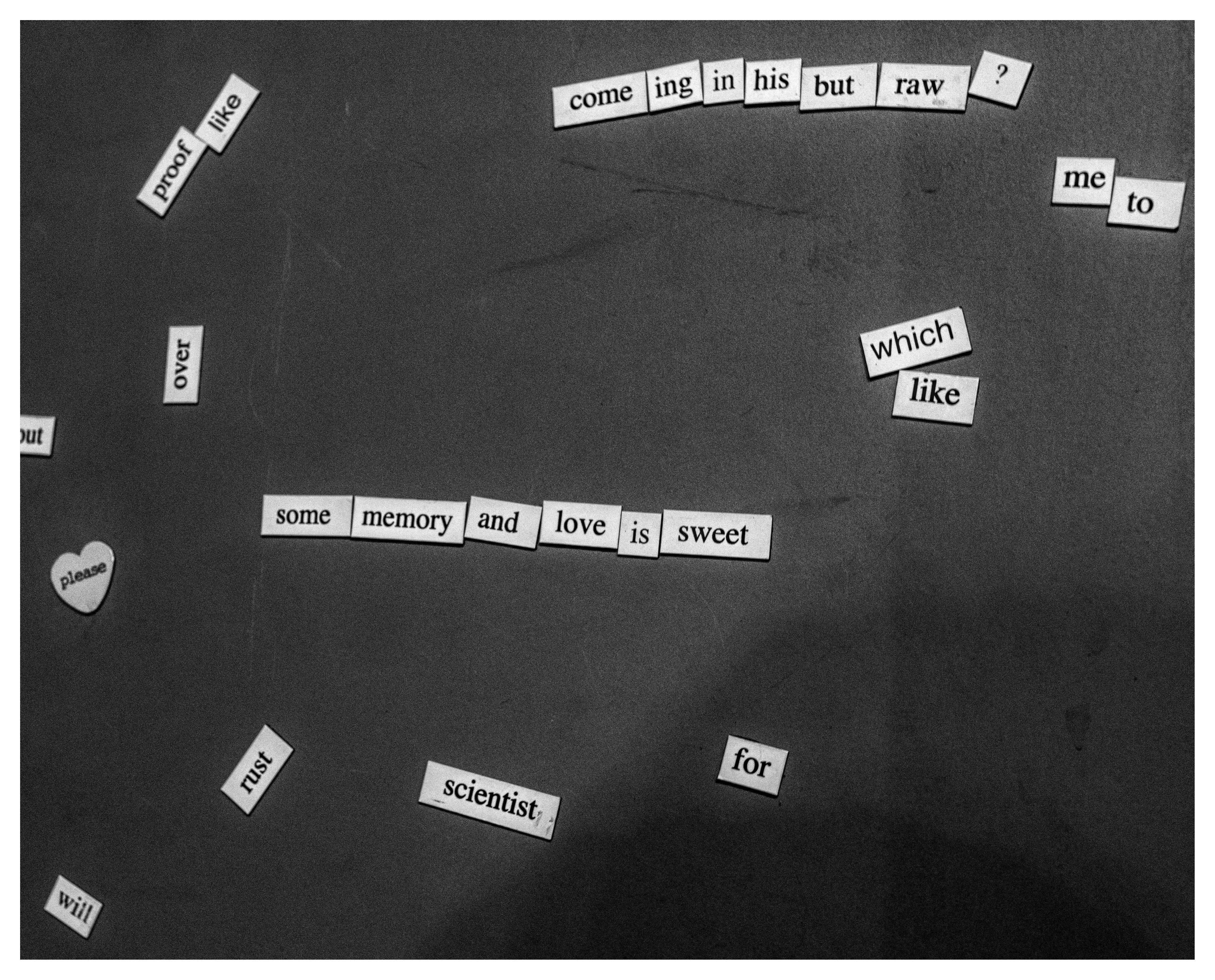
the images are more usable than idve thought. sort of. i say sort of because all my software struggles to handle these absurd images.
rawtherapee and darktable both fail to display the image accurately while editing so theres a LOT of guesswork involved. and also the filesizes are absurd cuz all the noise. but if i try scaling down the image. well, it looks very different due to the noise being so prevalent that when the pixels get merged they have a big effect.
digikam doesnt even display an ISO value past 65k when browsing my collection lol.
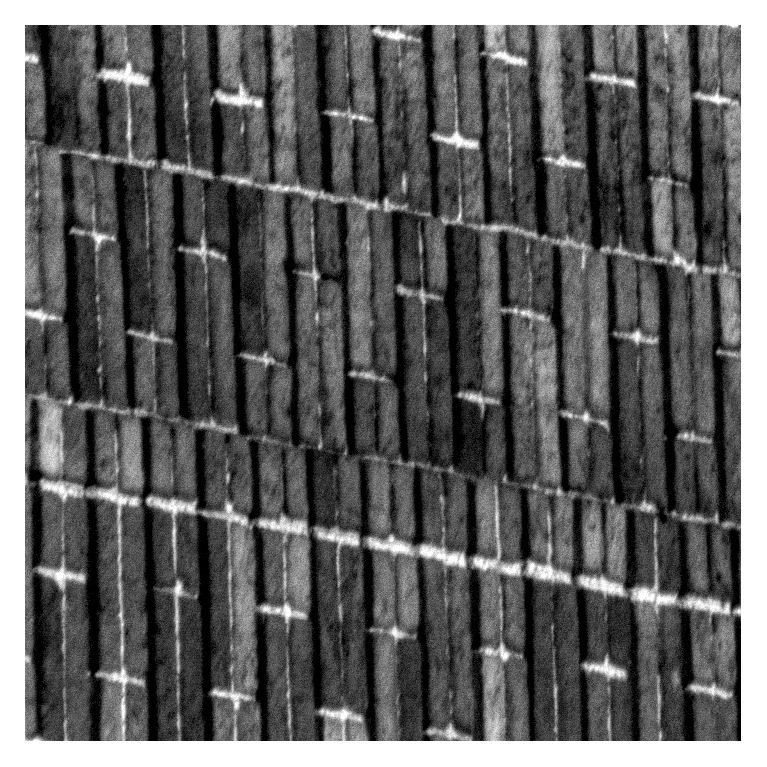
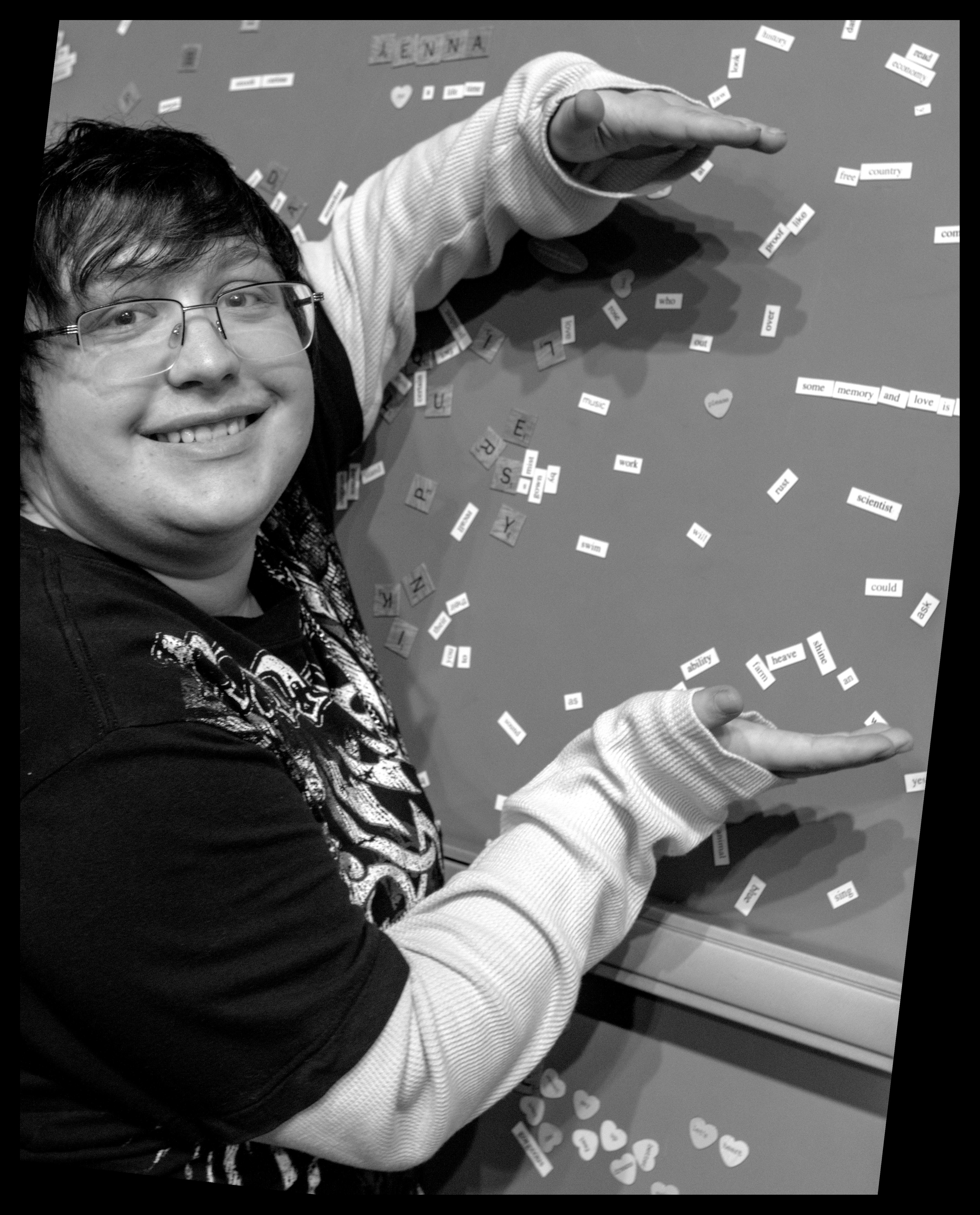
edit: last image shows a pic at 1:1 zoom for an accurate view while editing. reaaaaal small bit of image to go off of on just 1080p x . x
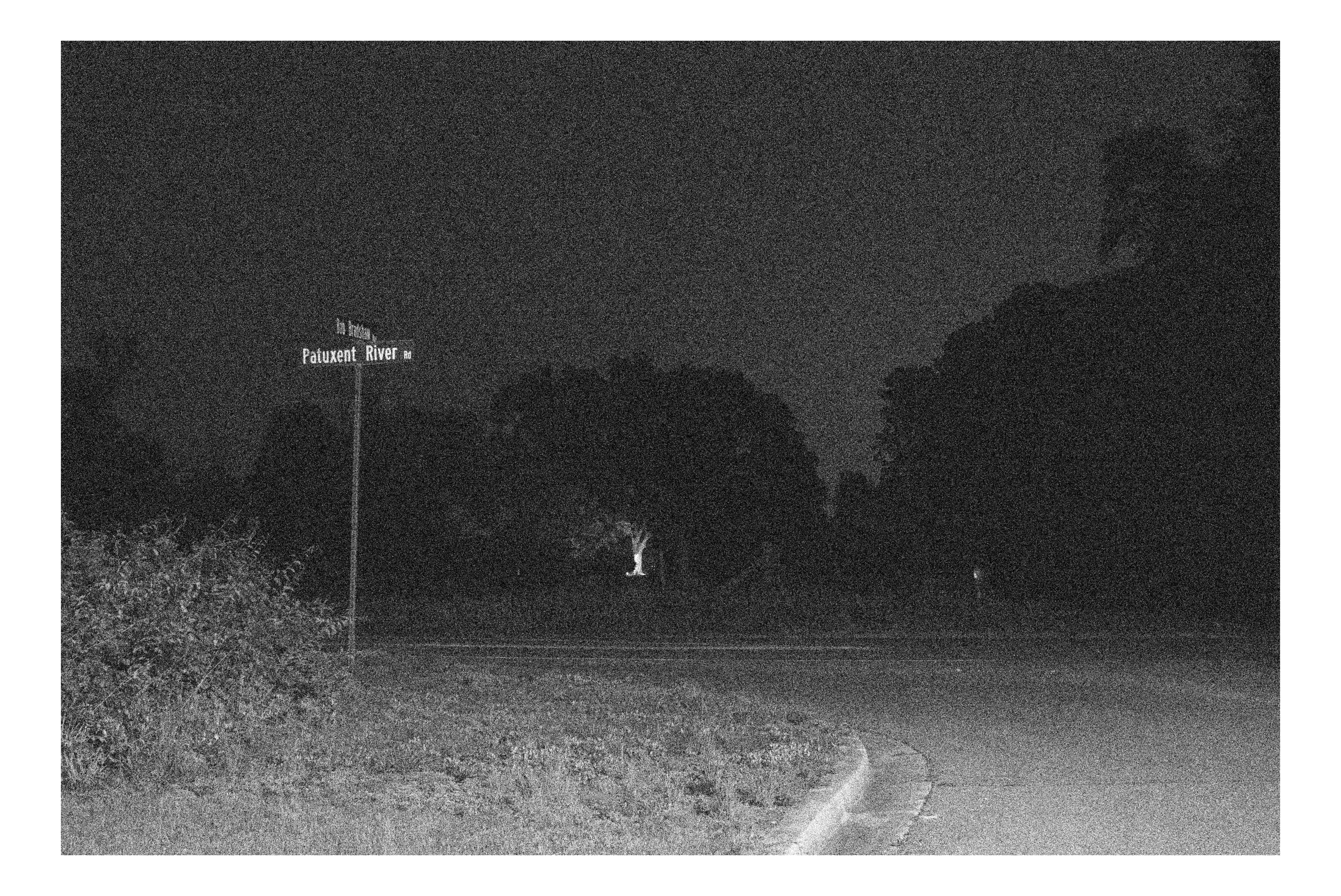
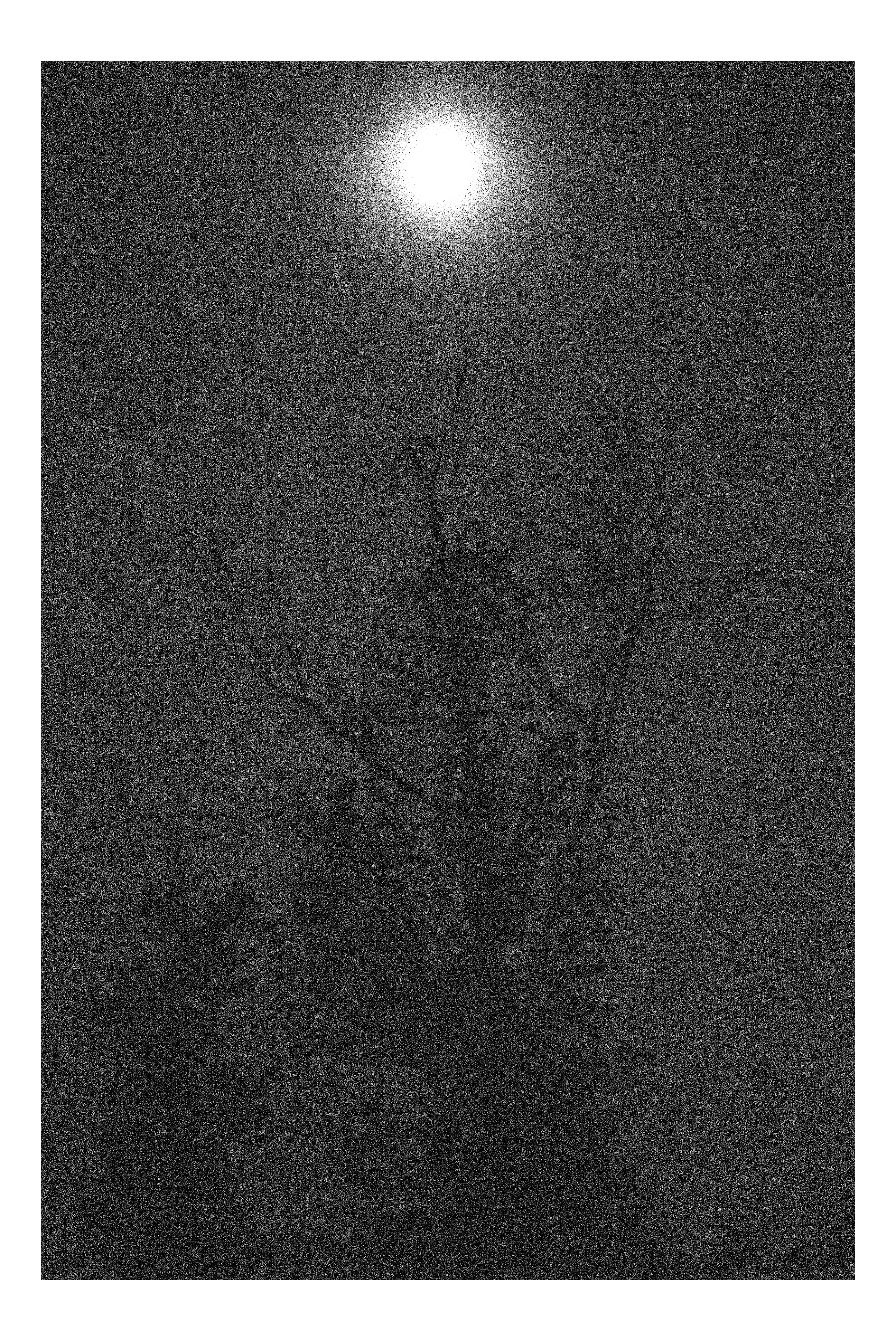
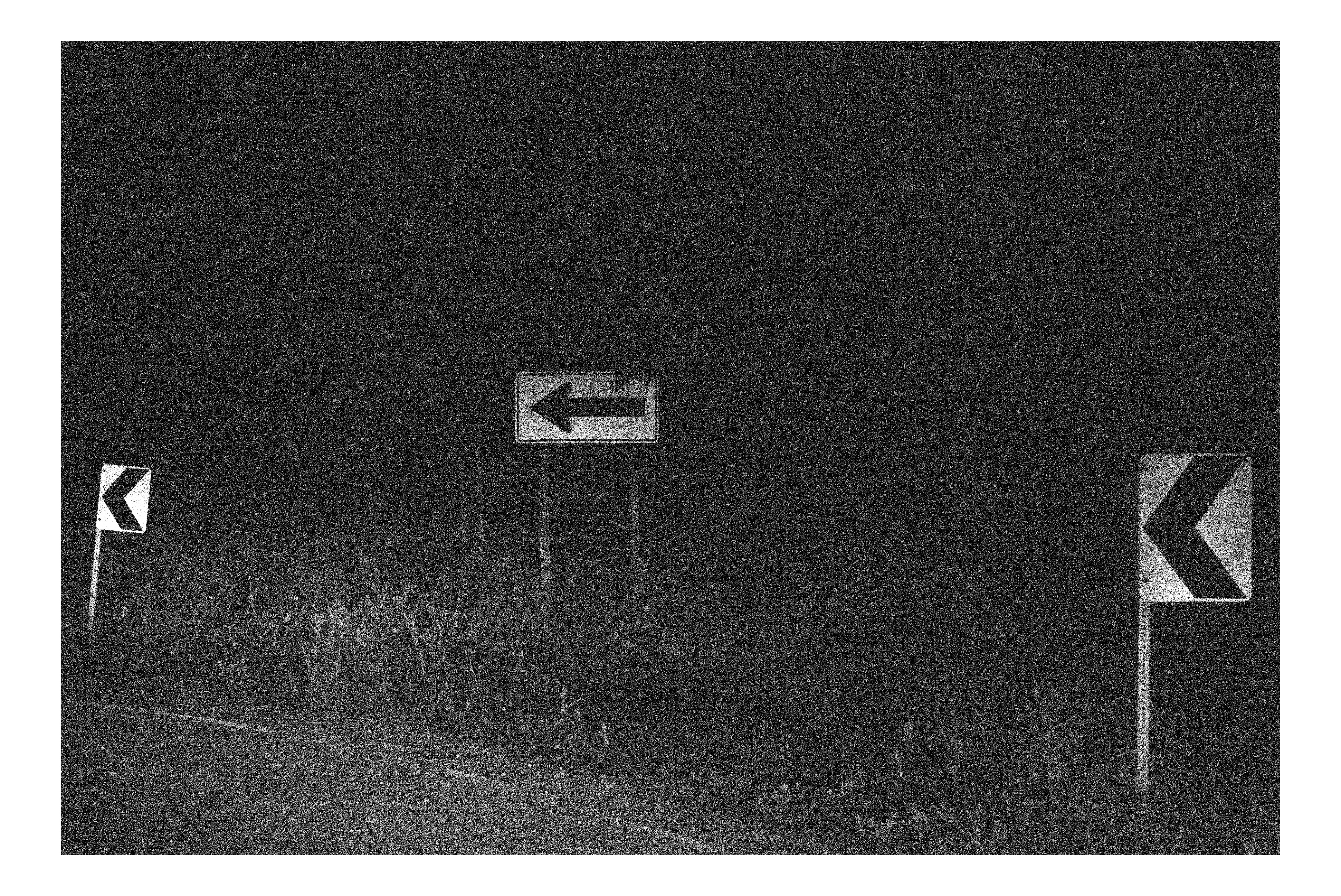
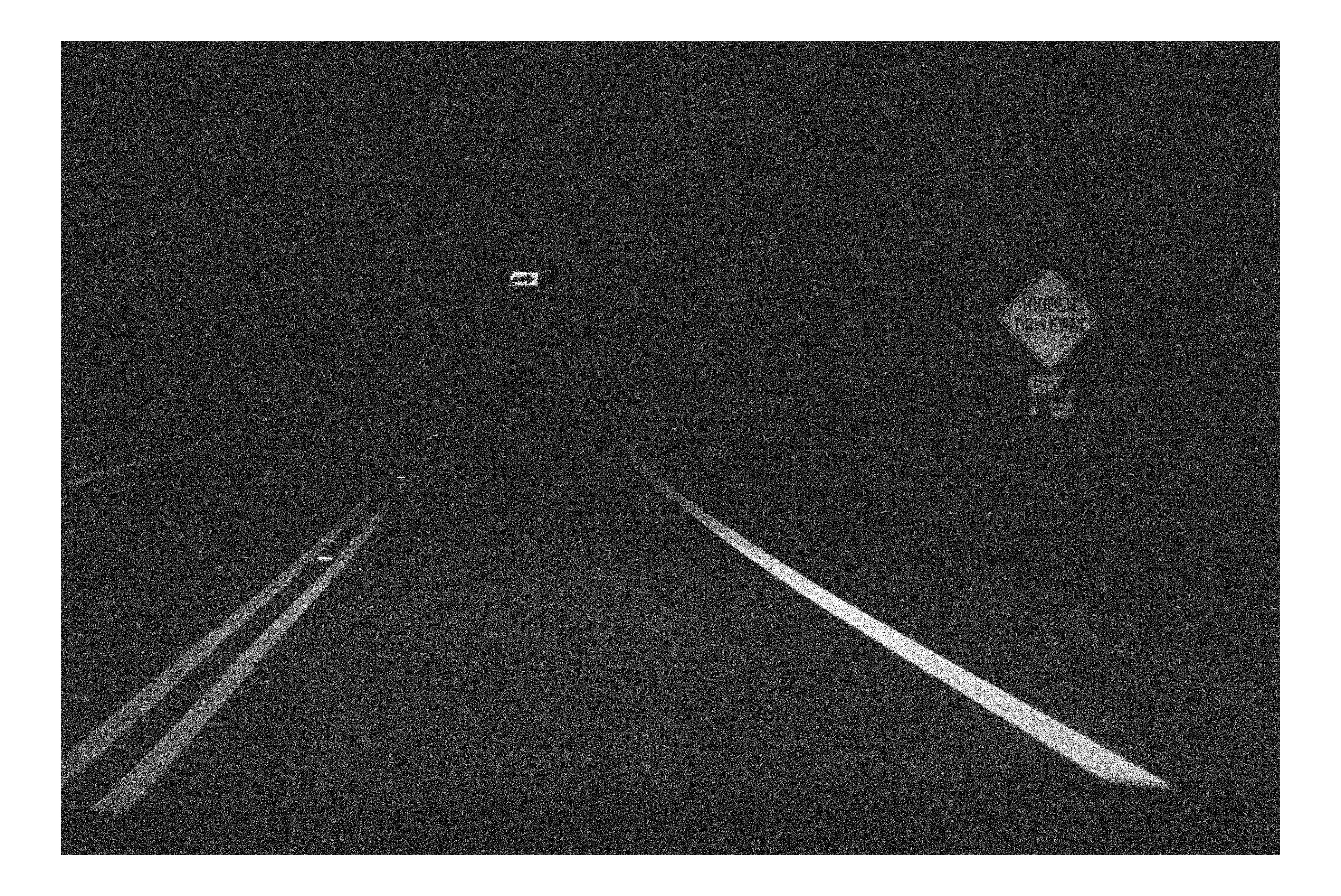
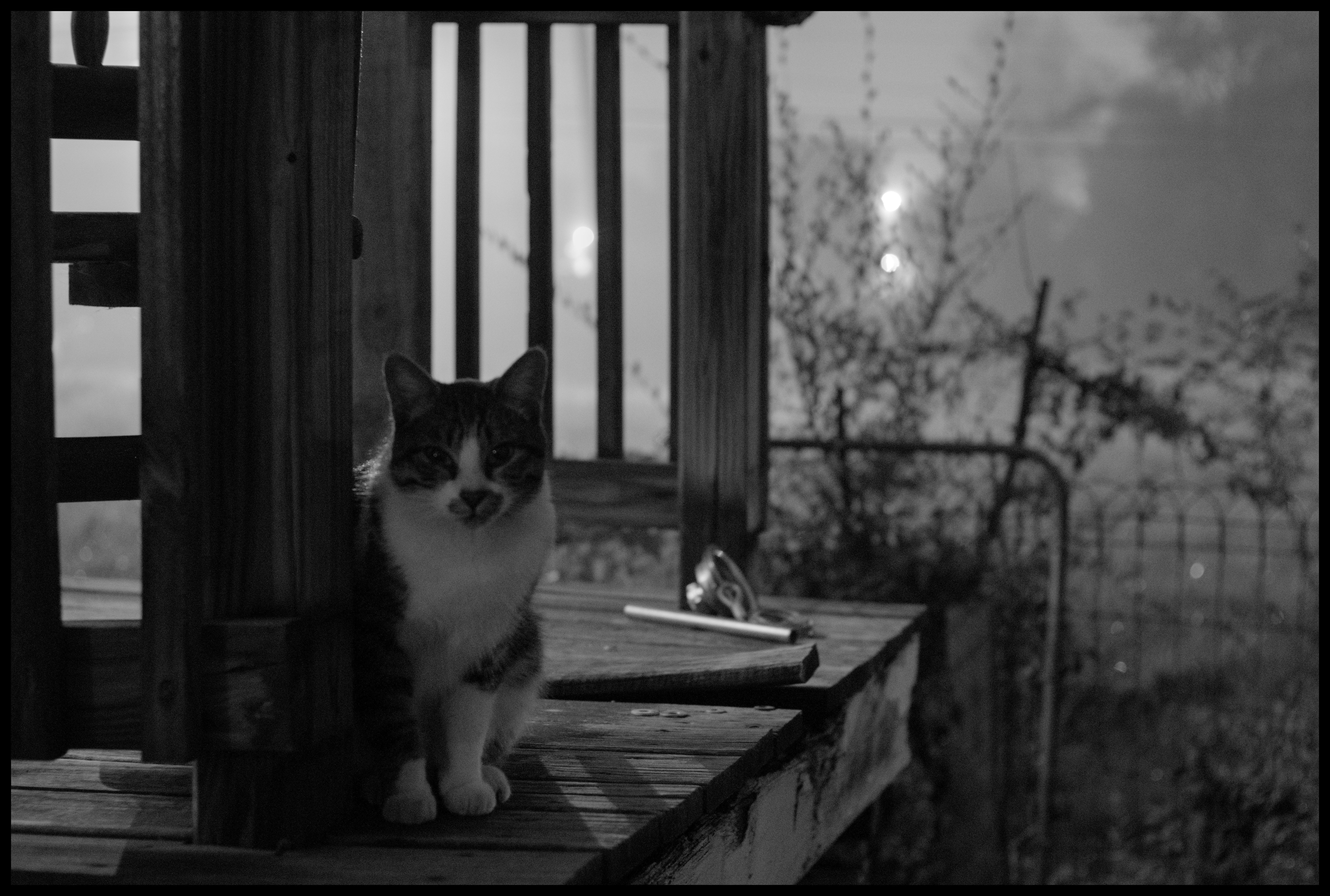
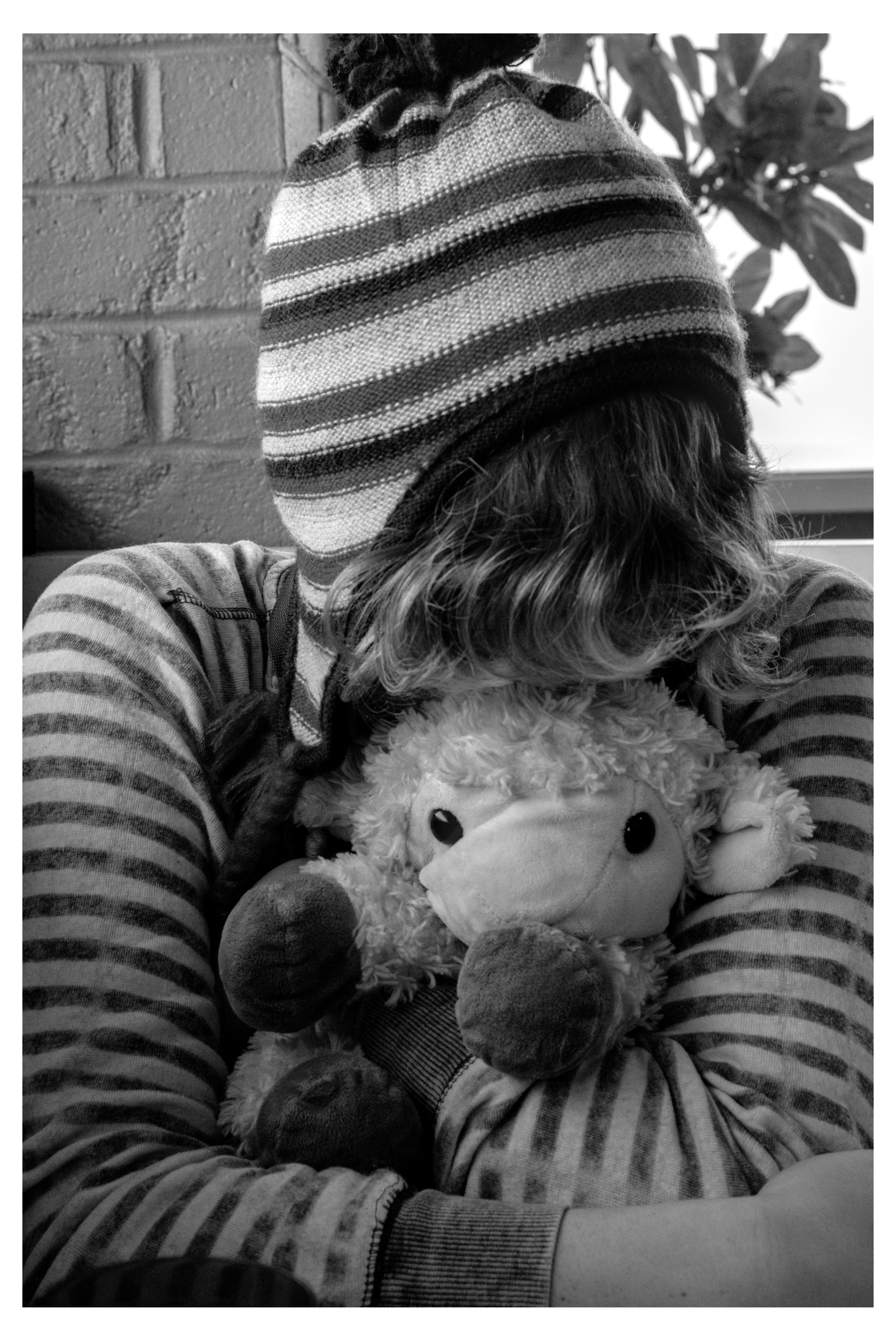
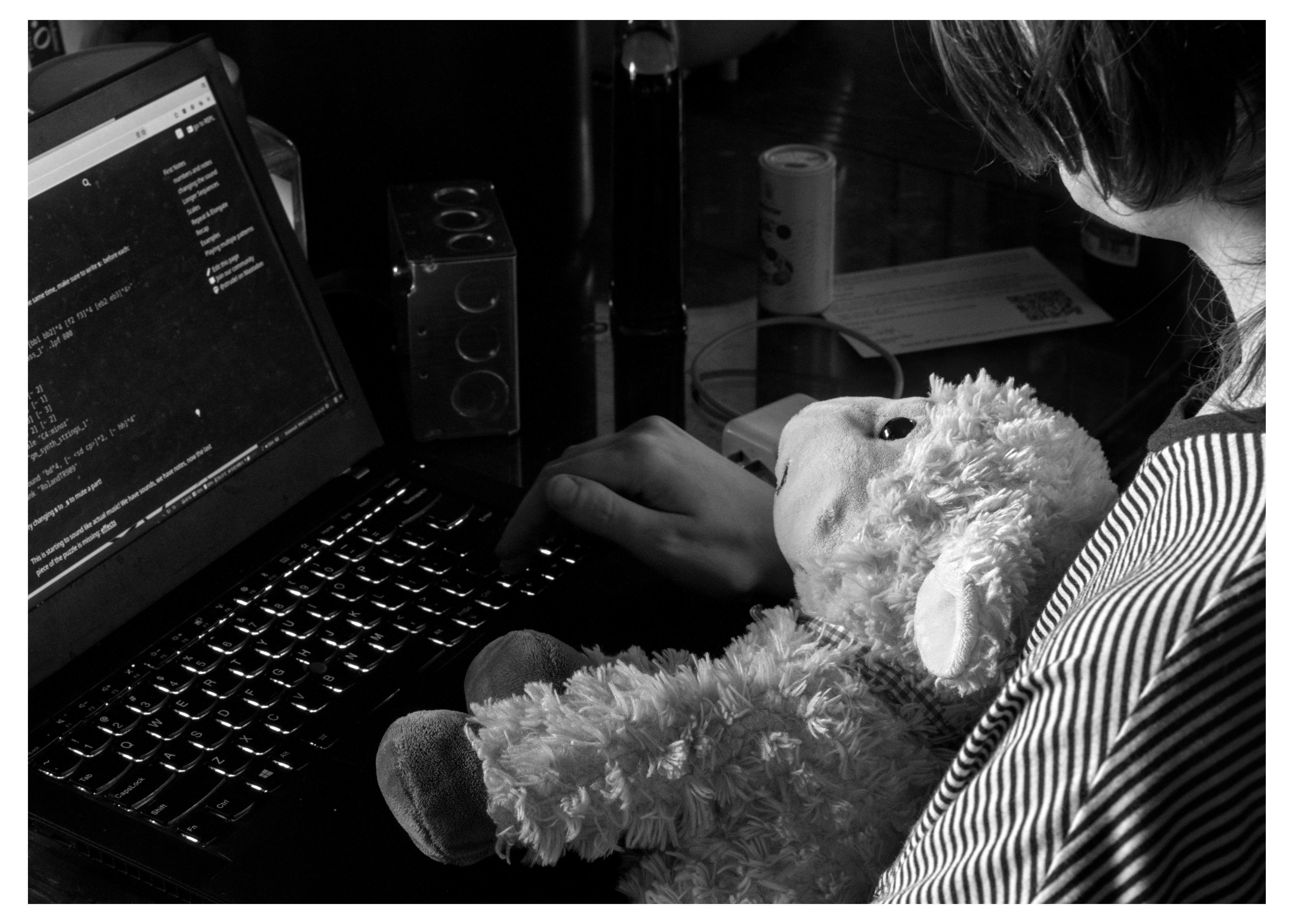
she went to the diner with us because it was important that the waitress there met her
return of subtle toning, this time less subtle (but still subtle)
july '25
all these years and hundreds of miles and i'm still playing videogames with people late into the night where the best move for hot food and snacks is to go down to the local gas station. truly a time honored tradition
you read about the usa 100 years ago and you go "damn it sounds like getting attacked by wild dogs was like a coming of age thing- a sort of tragedy that befell the old masters, that necessitated a whole profession around catching and preventing the formation of roving dog packs, what happened to us as a country? why don't i ever get attacked by wild dogs like the artists whose work so inspires me?" and then it happens to you and you go "Ohhhhhhhhhhhhhh I See"
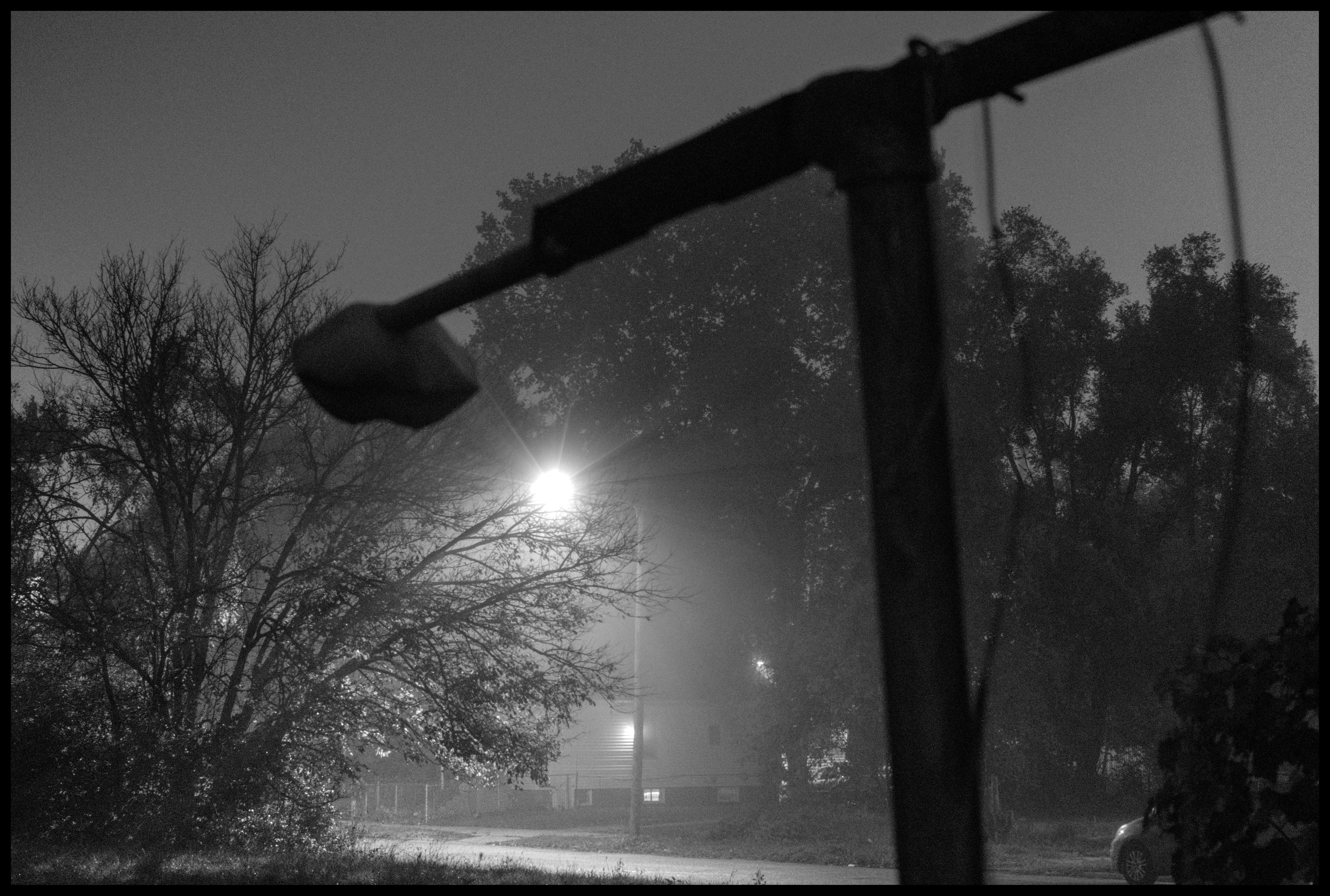
wet fall my beloved
pwyc all ages punk continues to be where it's at, also the bookstore it was at is quite cool



Post a comment
@(: alas i am stuck with just 1080p monitors for now, but good point about the zoom, 1:1 does look much more like (a small slice of) the final product (see this posts edit for a screenshot)
at the very least they should be easy to print! in rawtherapee you need to be at 100% scale minimum to see the processing results accurately (and i’d assume its the same in darktable for obvious performance reasons). having a decent 2k or 4k screen helps a lot on pictures >20mpx, but 100% is still a v small portion of the image