i found a dedicated scanner! controlled via usb! works right out of the box with xsane!
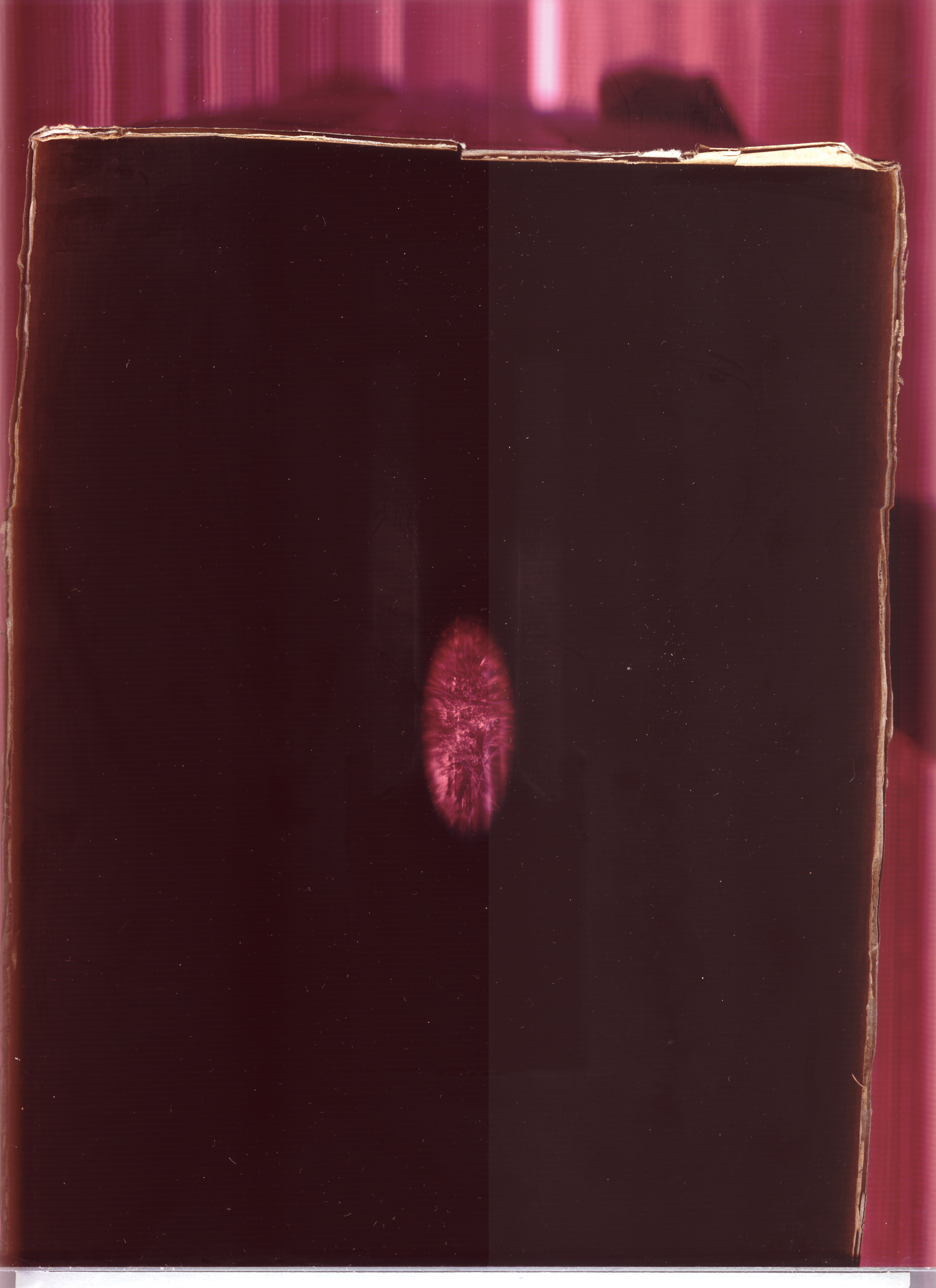
but uhhhh... it sees differently.
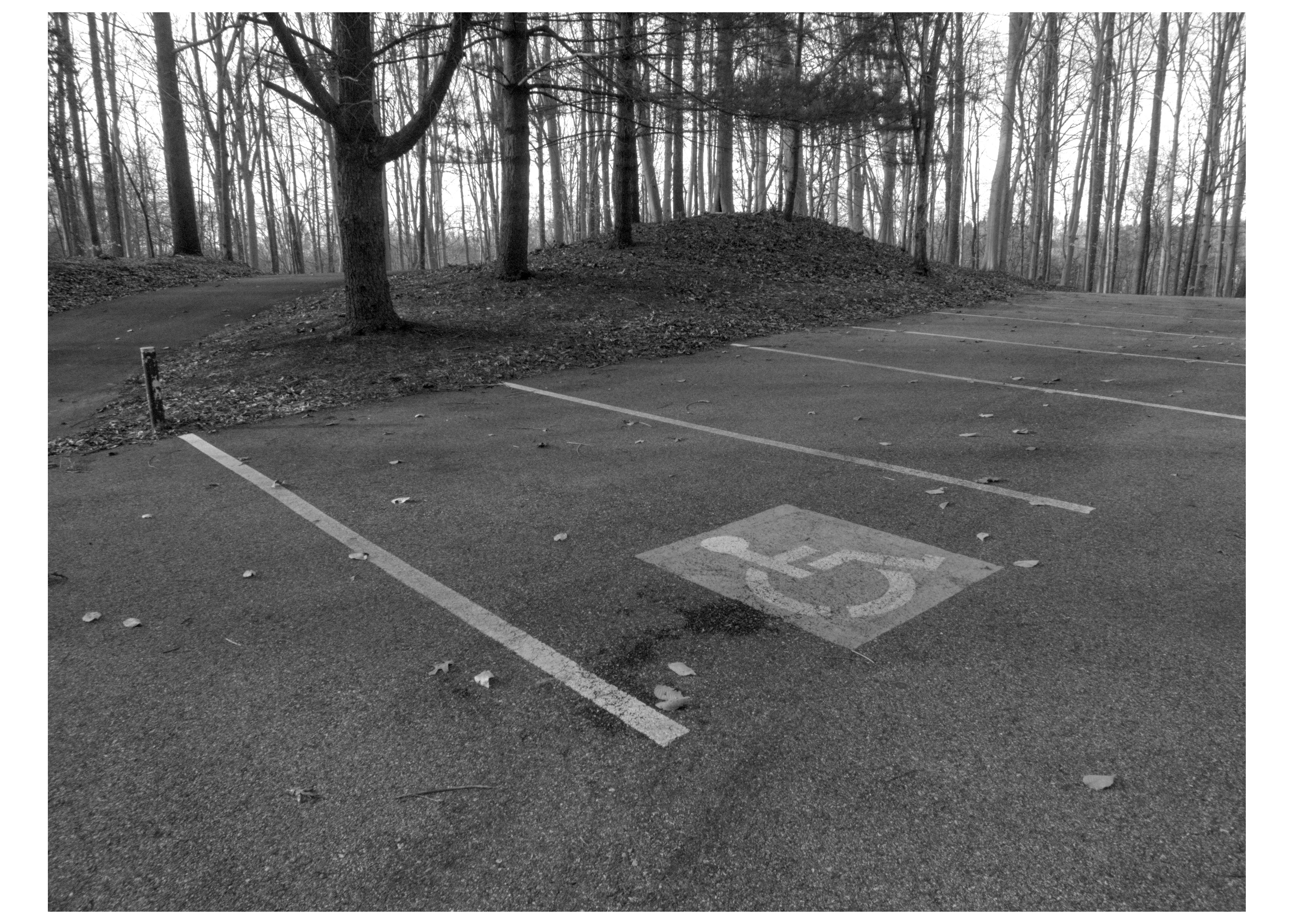
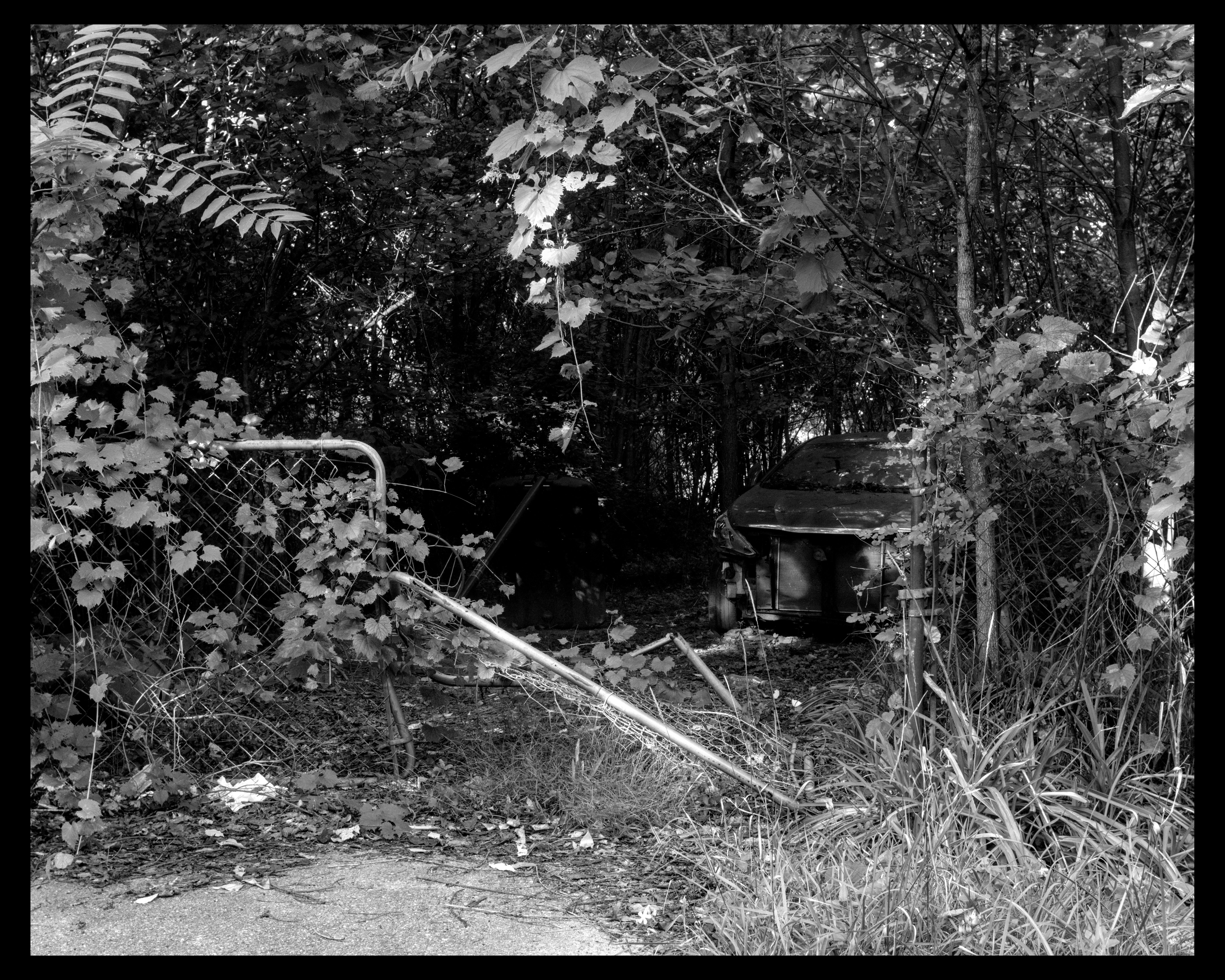
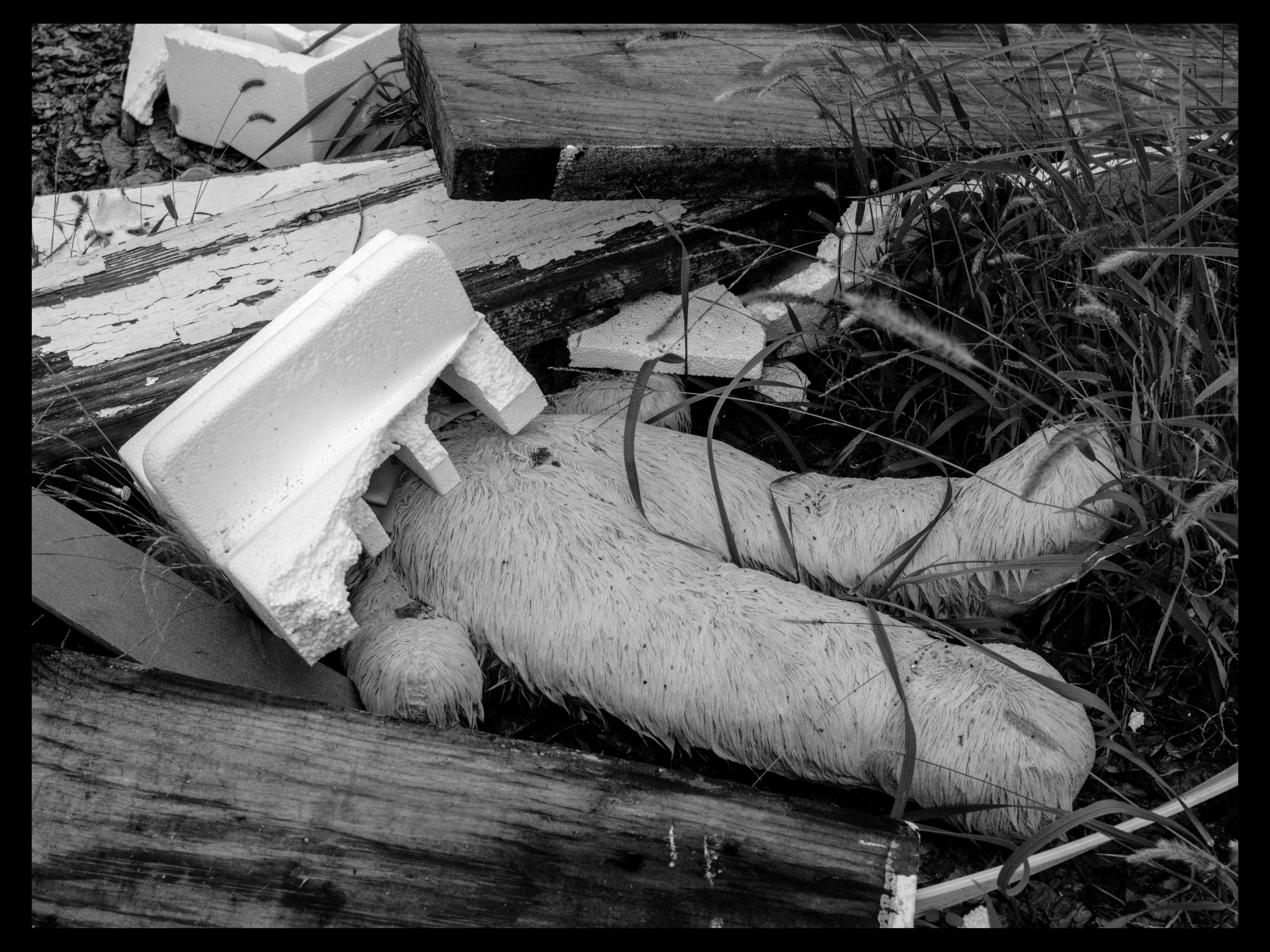
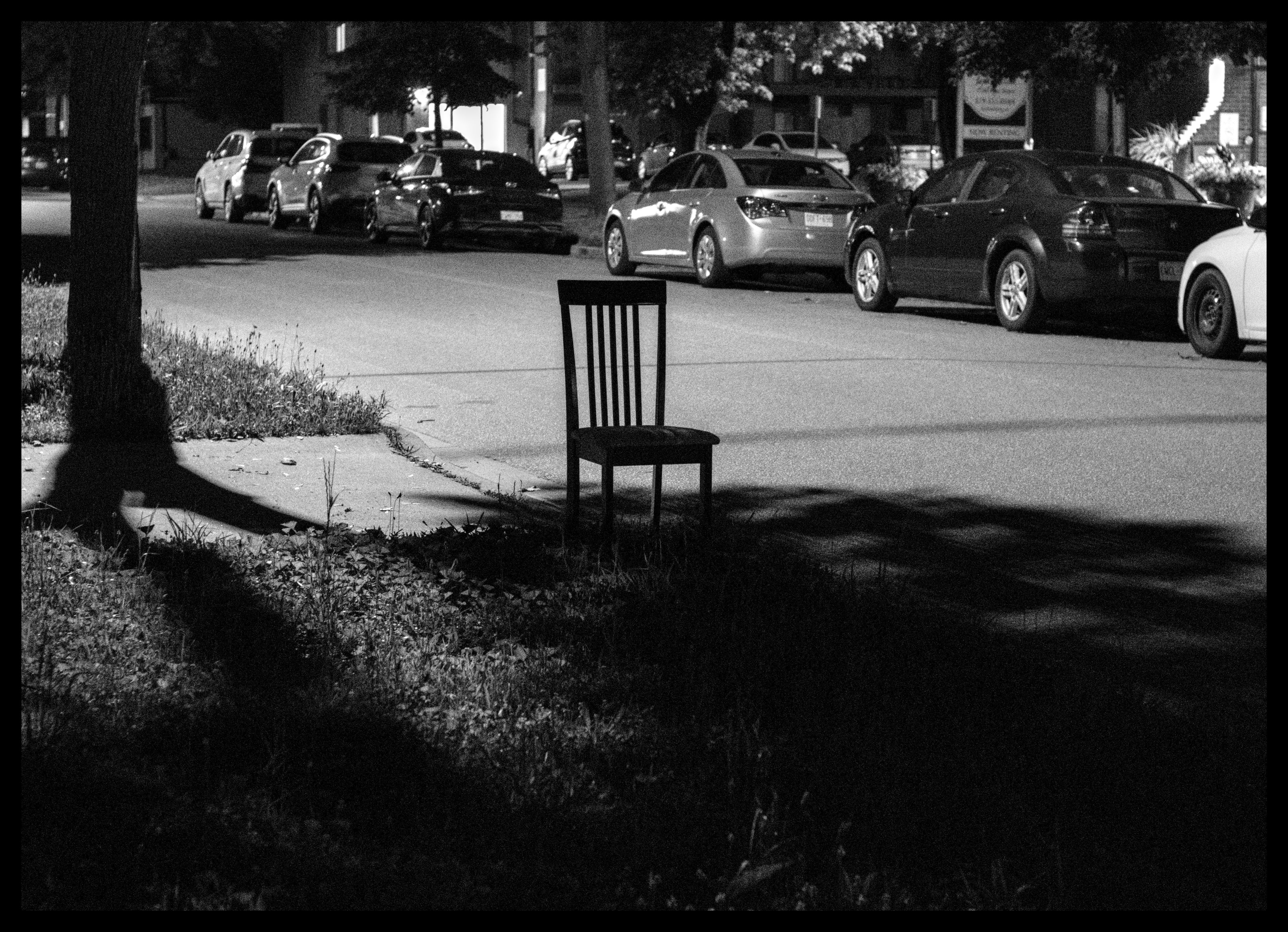
in the first image, you can see the wild depth of field that it's capable of
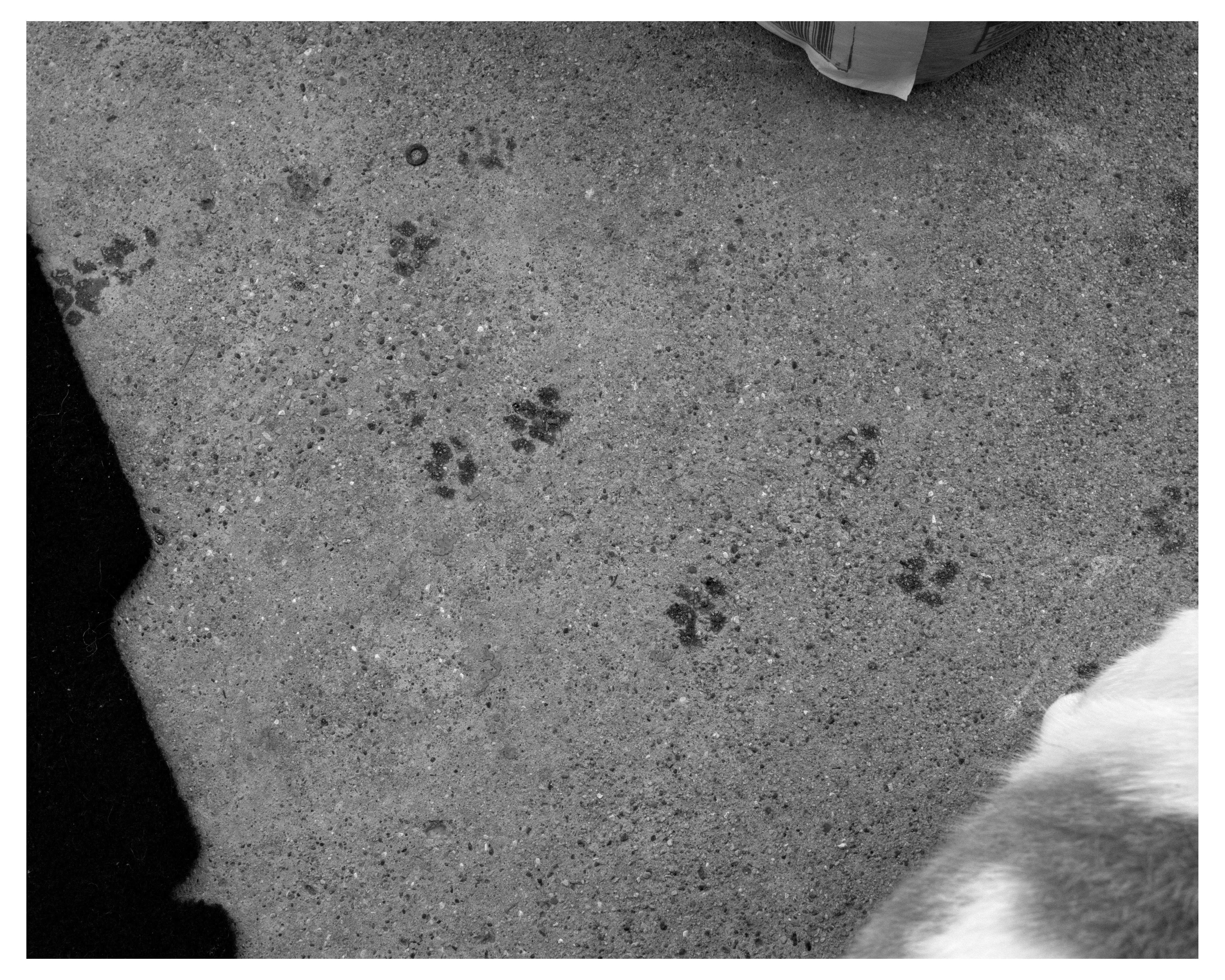
and in the second you can see that it sees through a lens... how my eye would. or how another lens would perceive it.
it's not scanning the projected image from the lens like the epson does. it's... taking a photo much more how a camera with a lens mounted to it already would. and i have NO idea why. i guess it's a different type of scanner? maybe i can mod it to behave the way i want? is this why i see people mention needing a ground glass in the setup? if so then why doesn't the epson need it? sooo many questions.

or, where i learn that i'm apparently quite adept at securing a fairly niche submission when grappling
butt
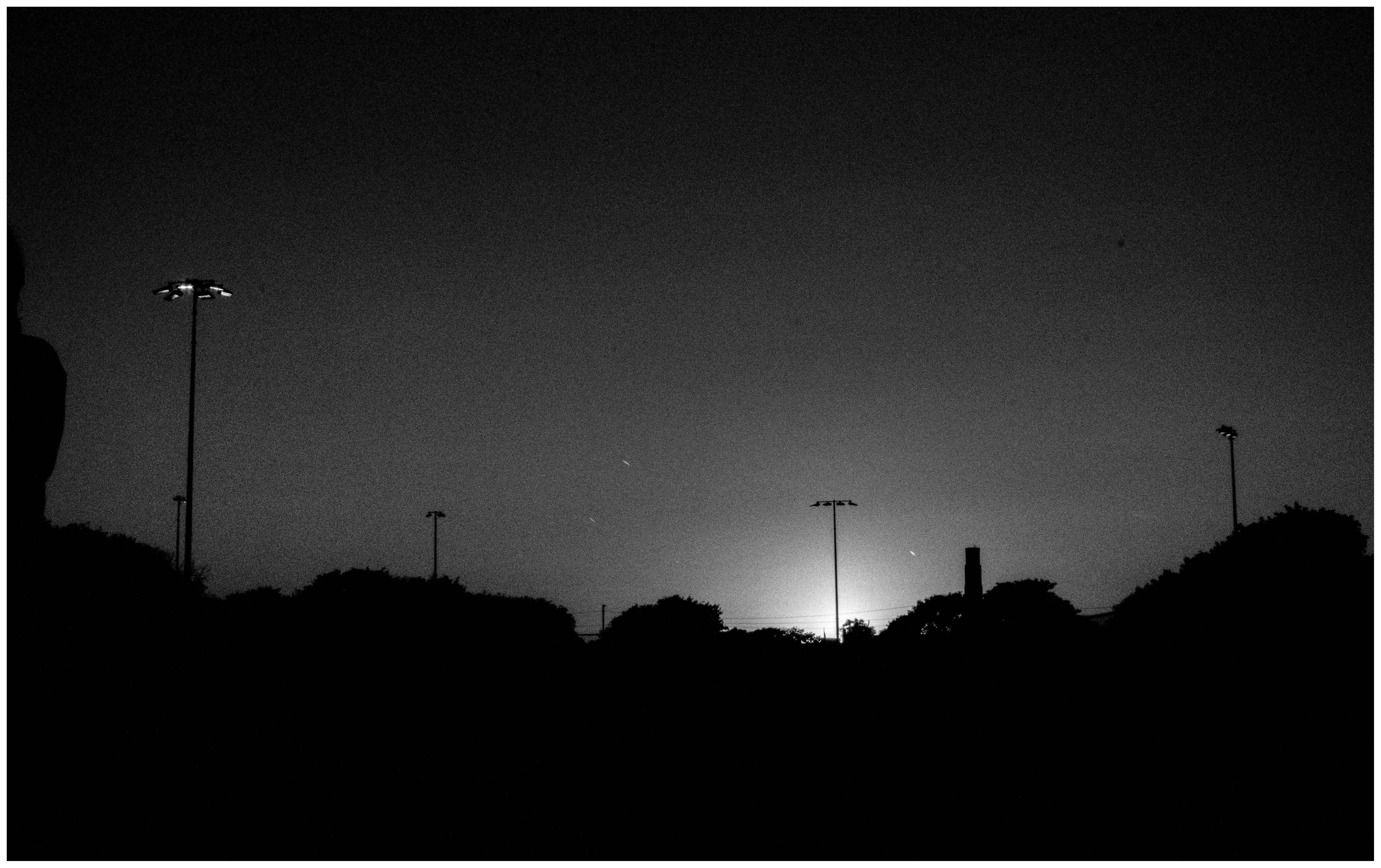
finished that one! (took way too many shots :p [my curse] )
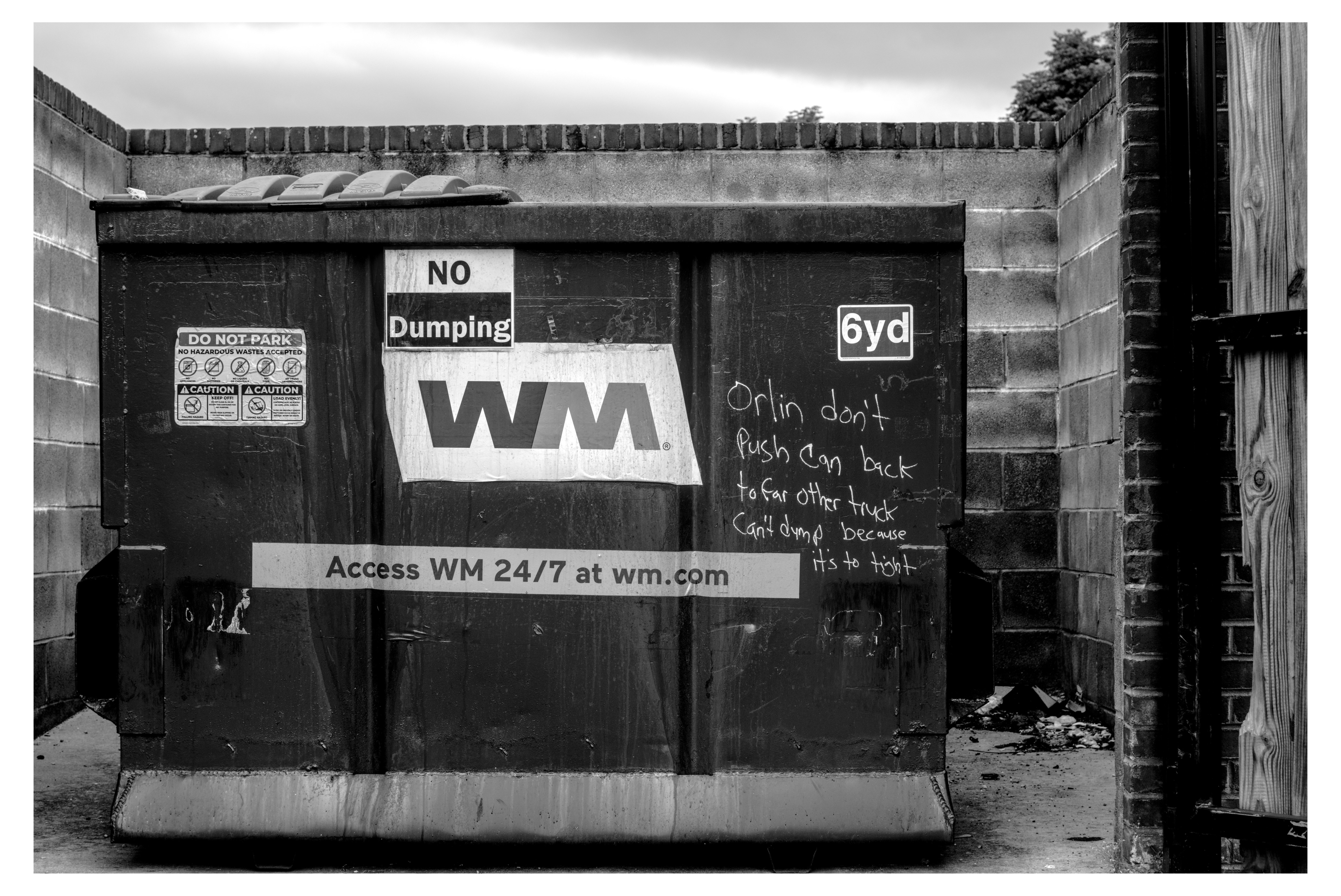
here, have an entire dumpsterful : )
(lol 45 photo edits in the last 24 hours [a pace which if i keep up my backlog will be gone in a mere month :3 )
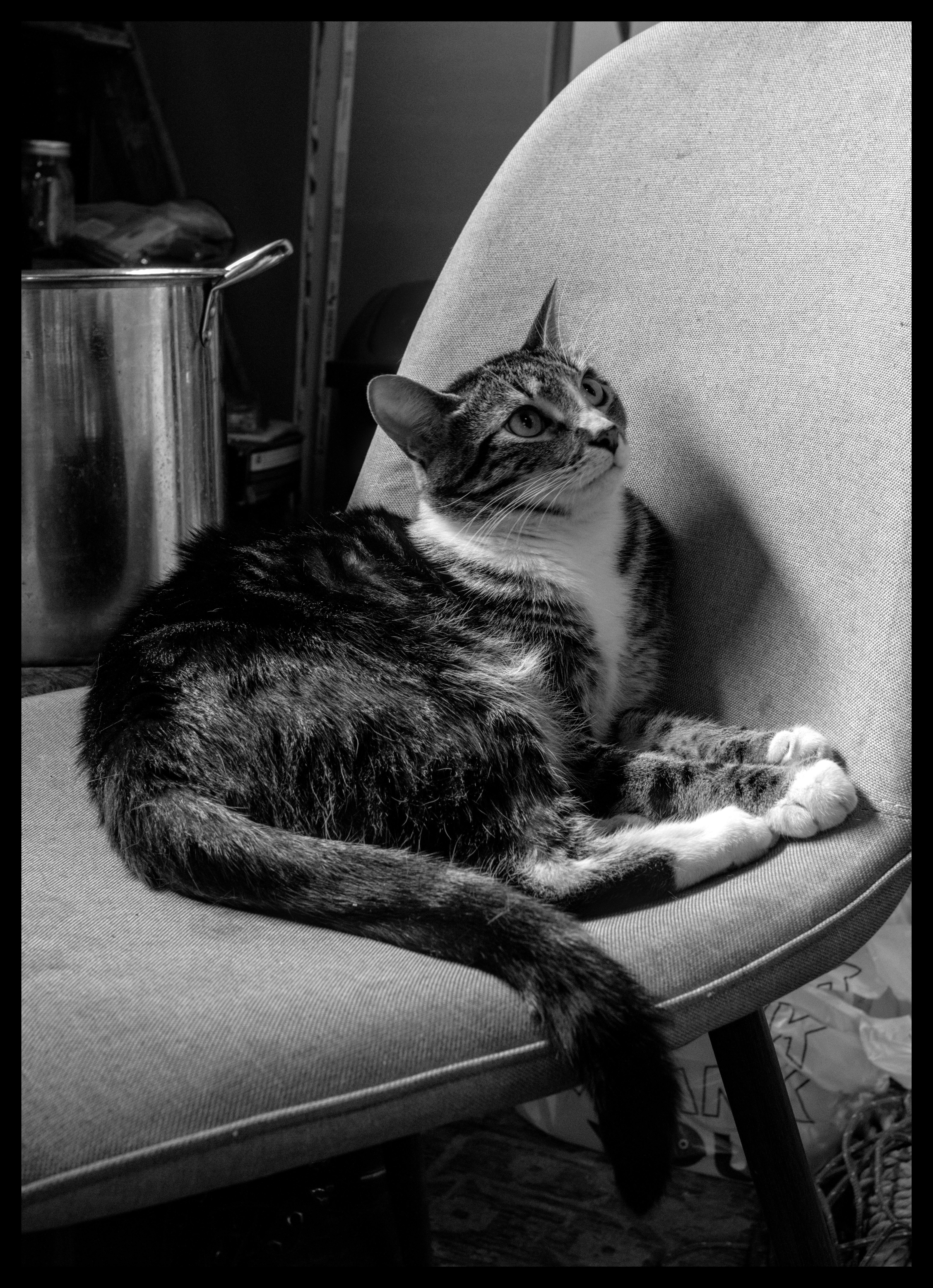
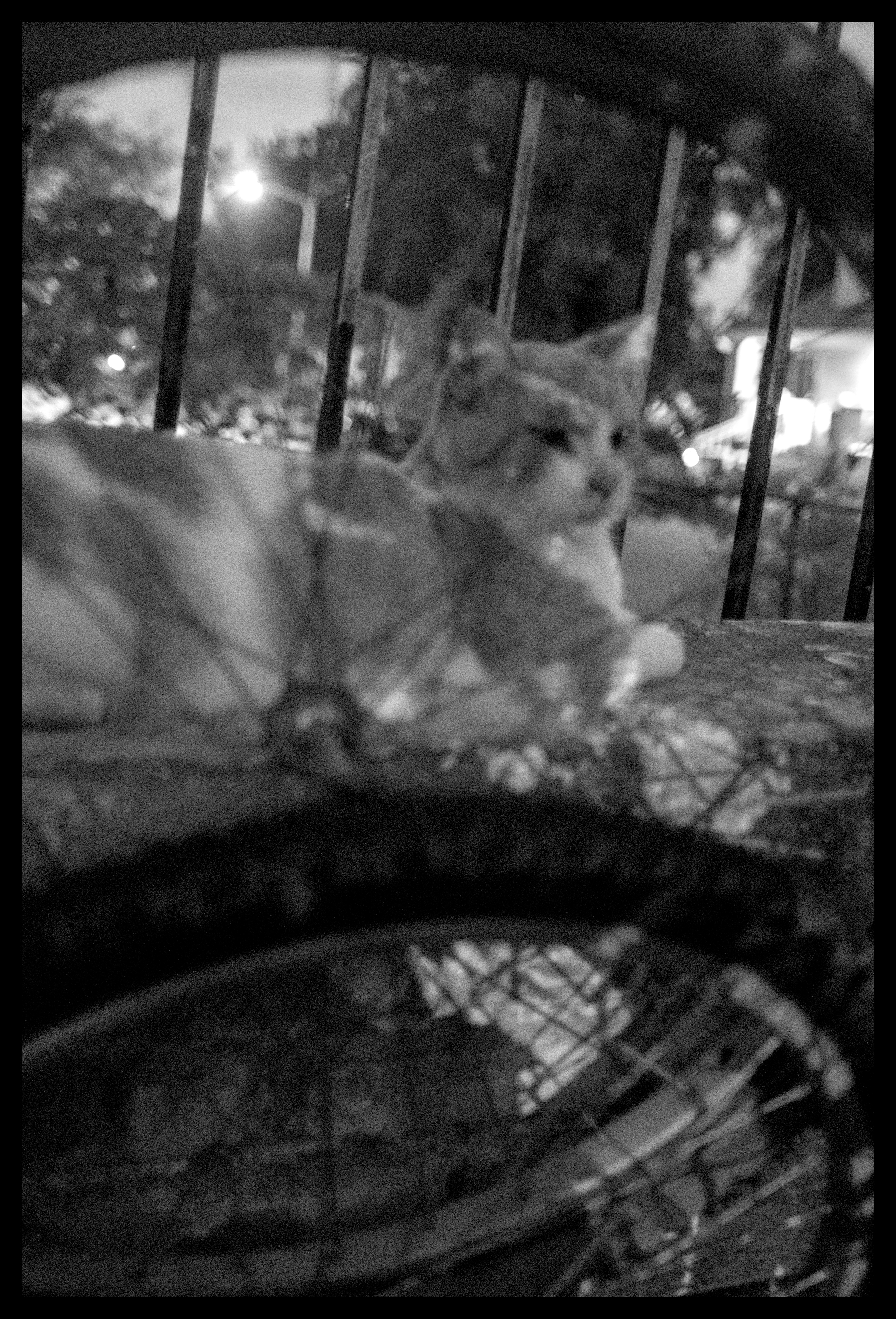
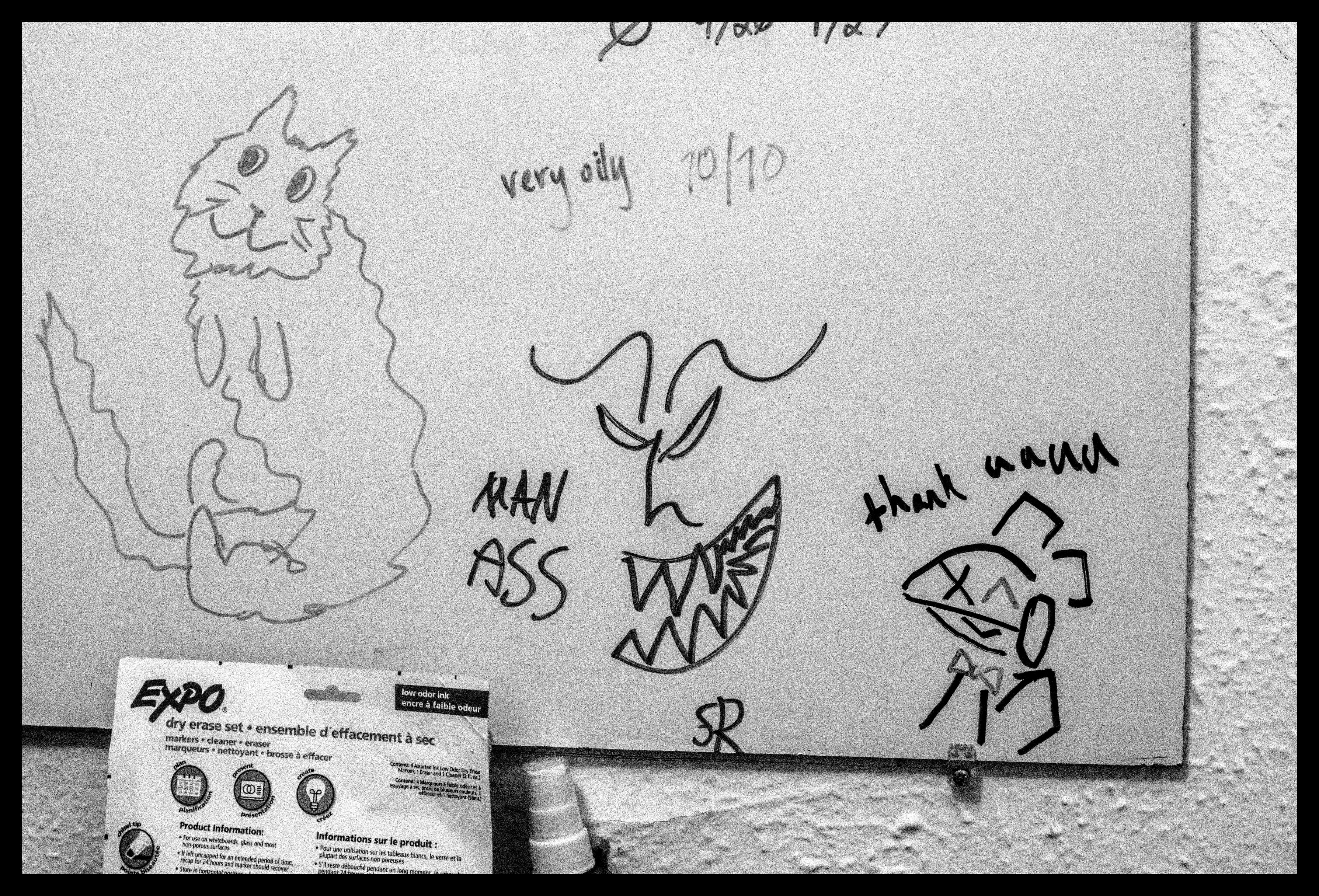
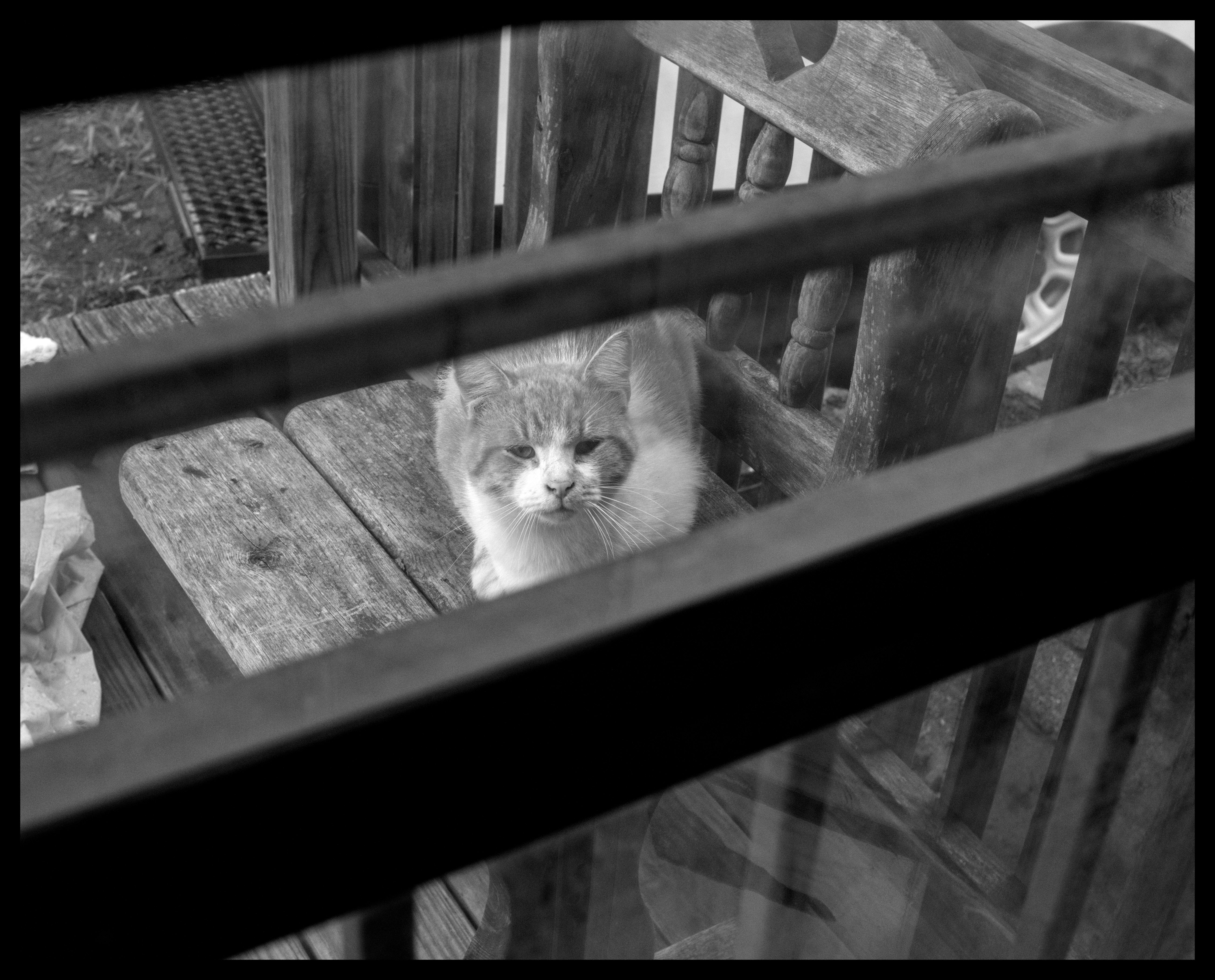
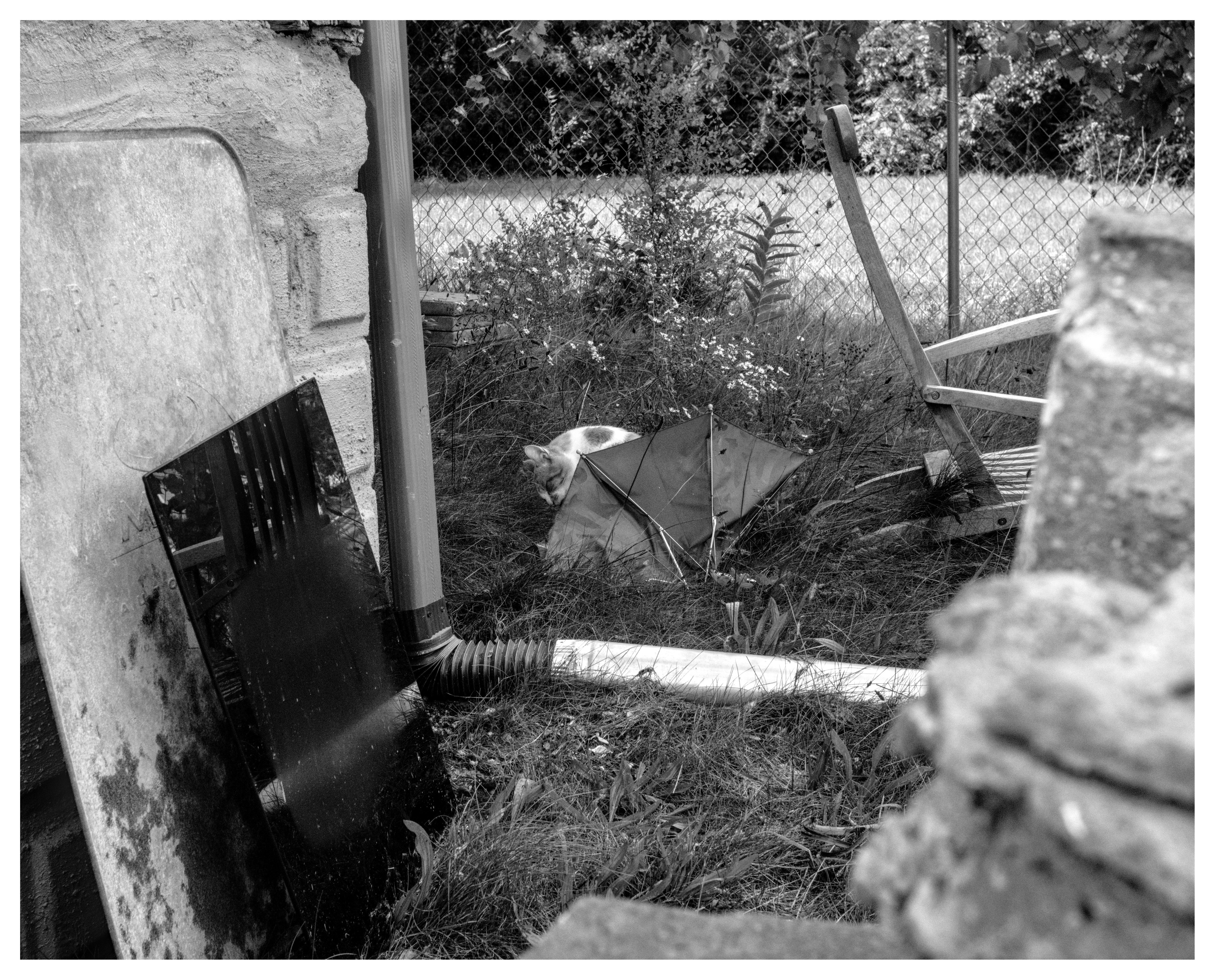
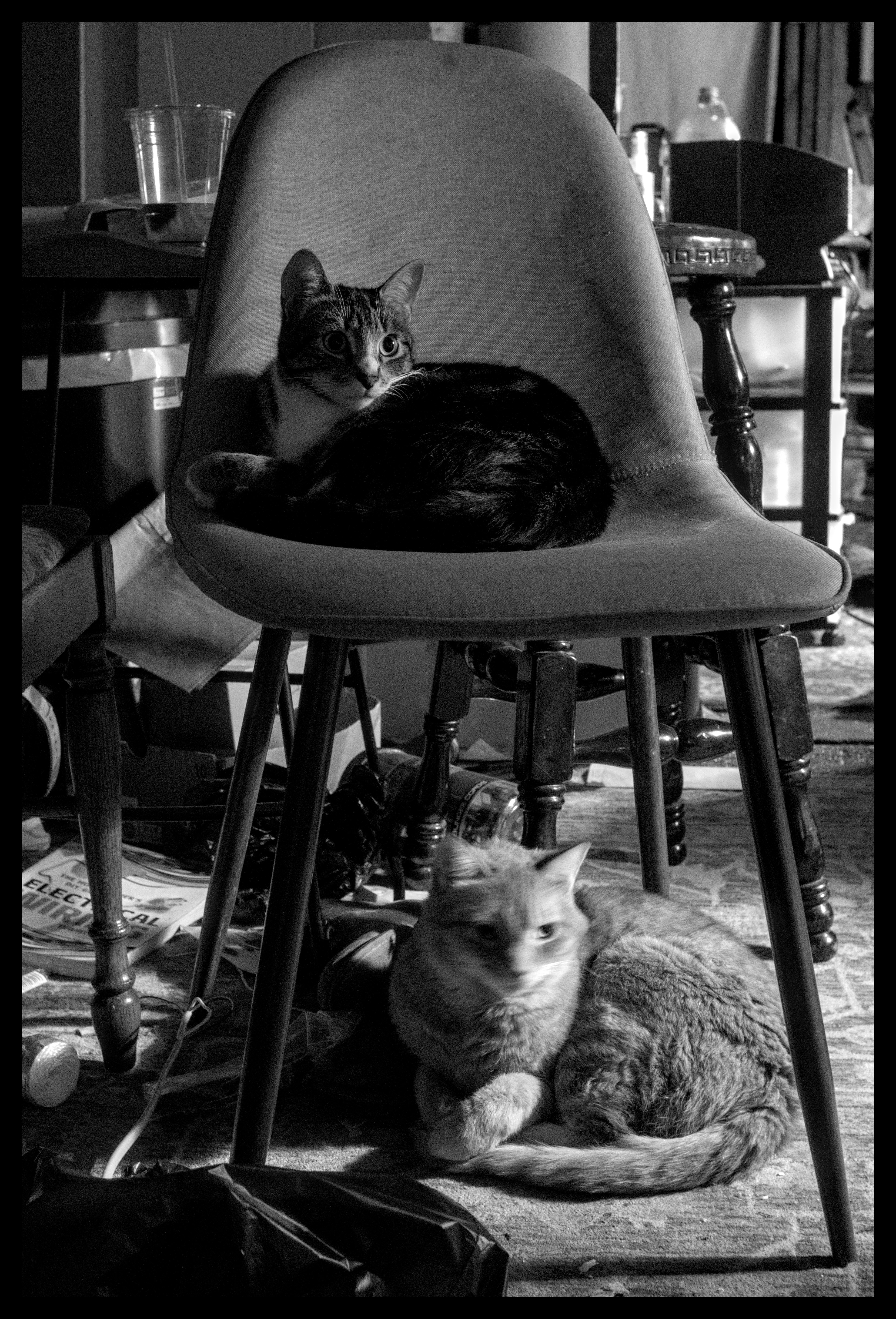
ella the catgirl, alley cat with unknown outdoor cat, spinach, orange creamsicle, a statue, a drawing, squimbleshanks, and topaz
so young
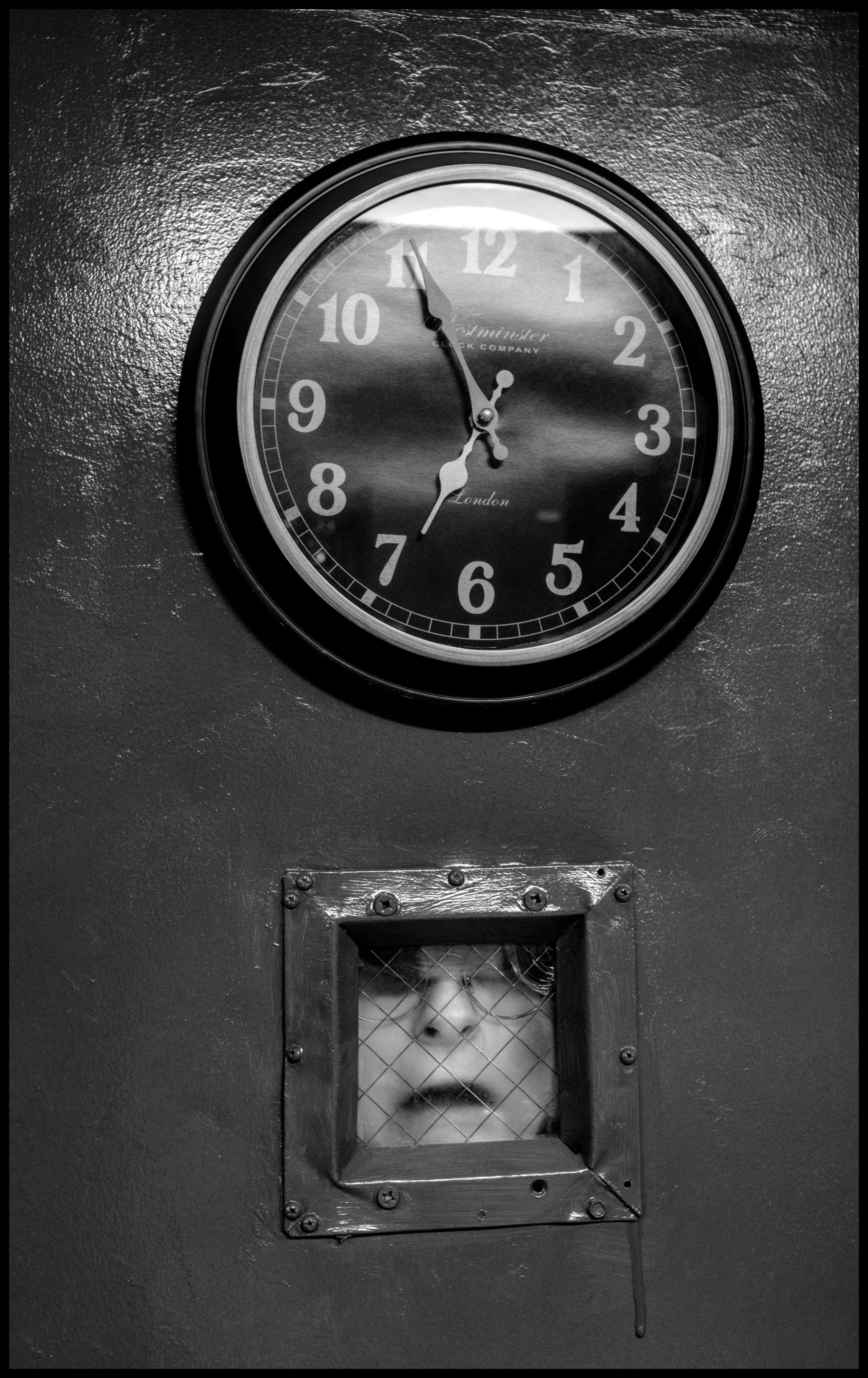
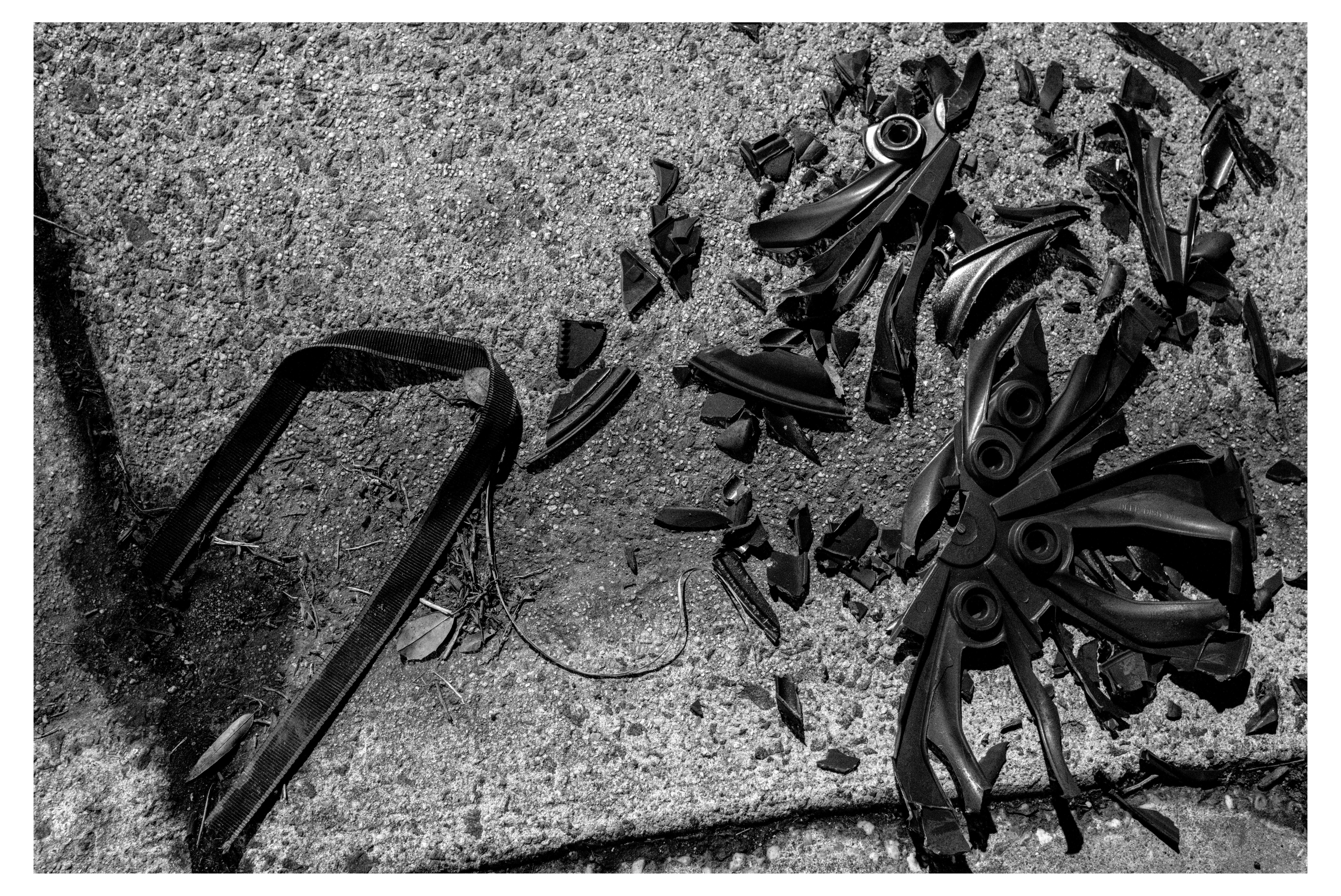
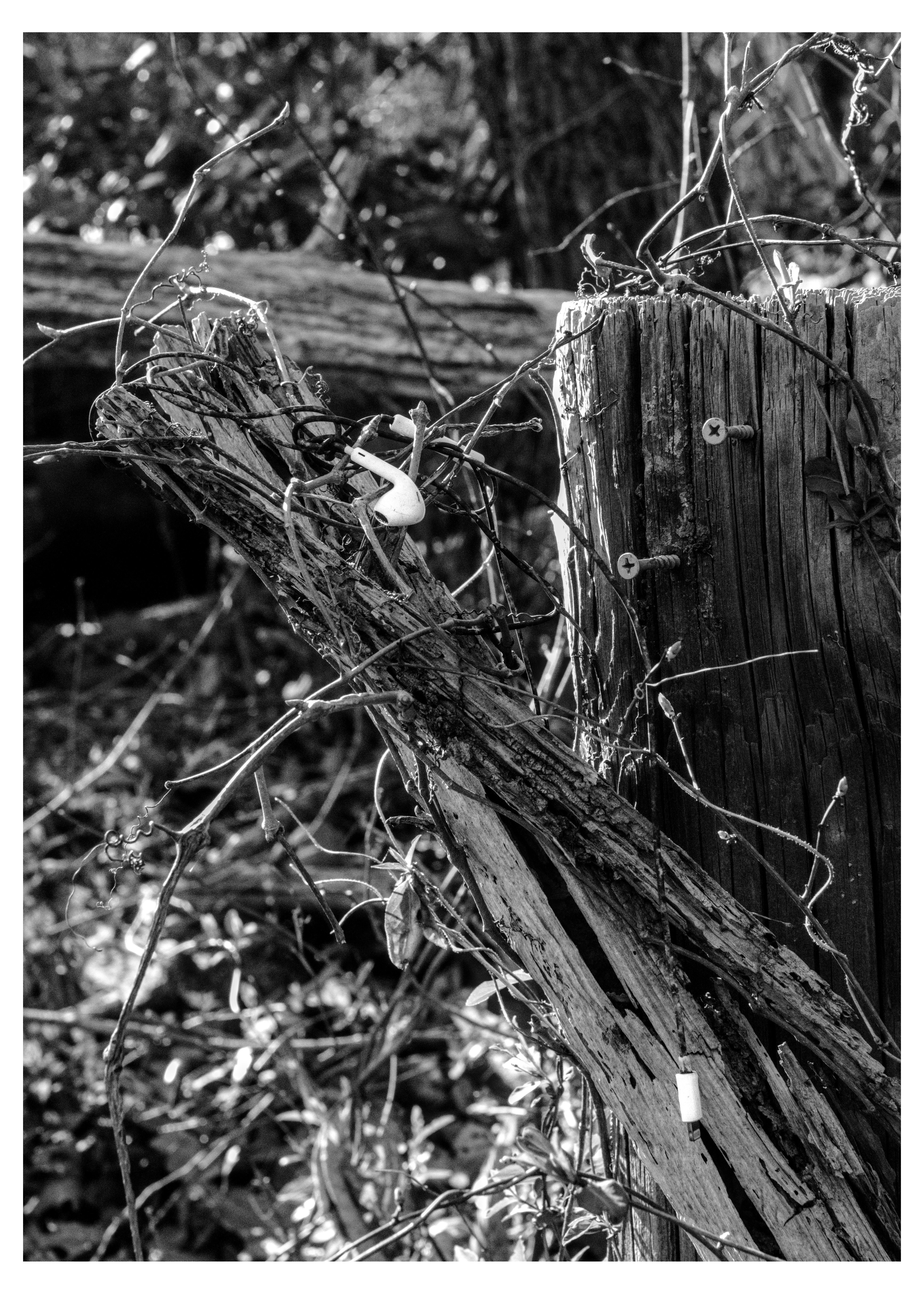
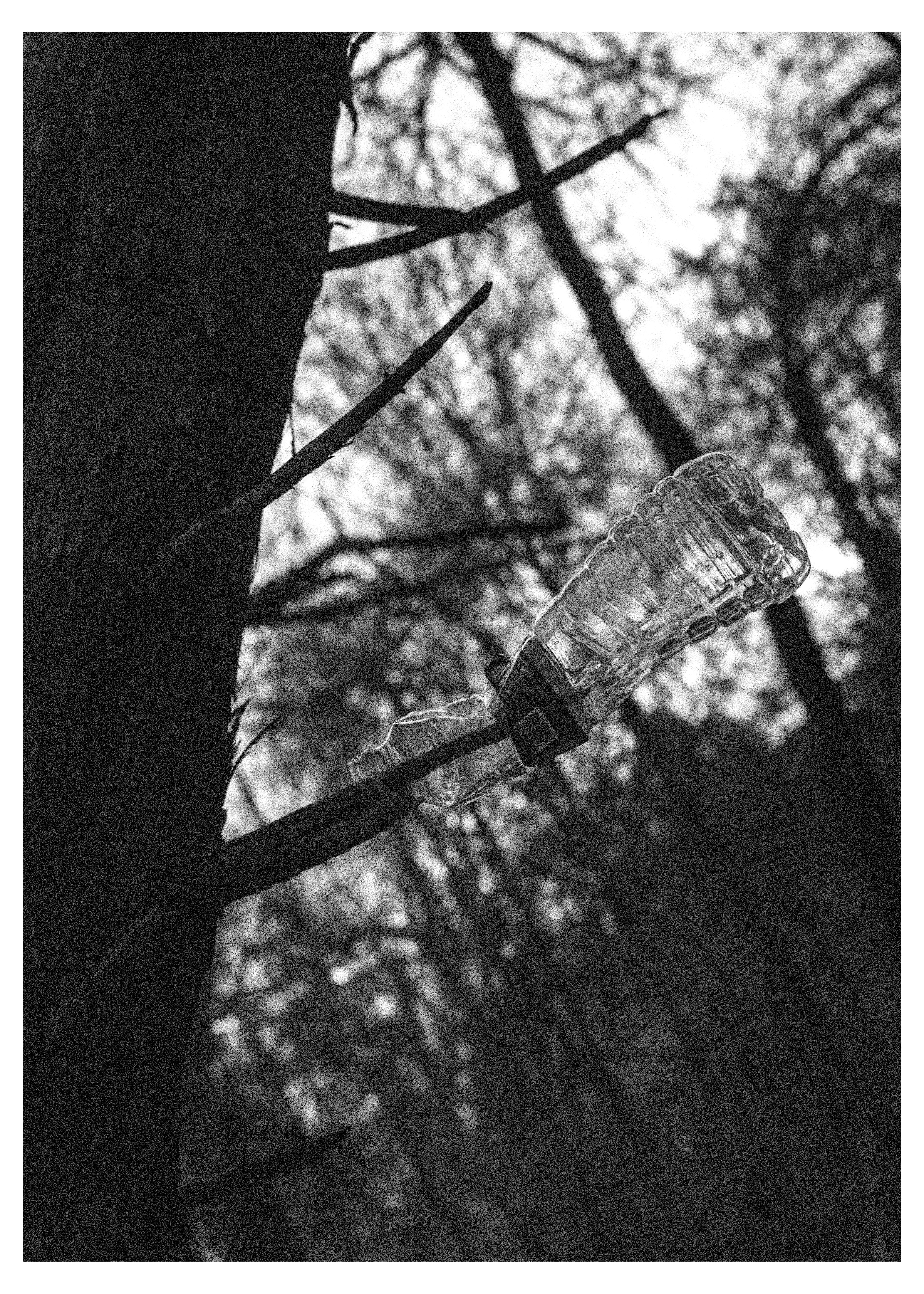
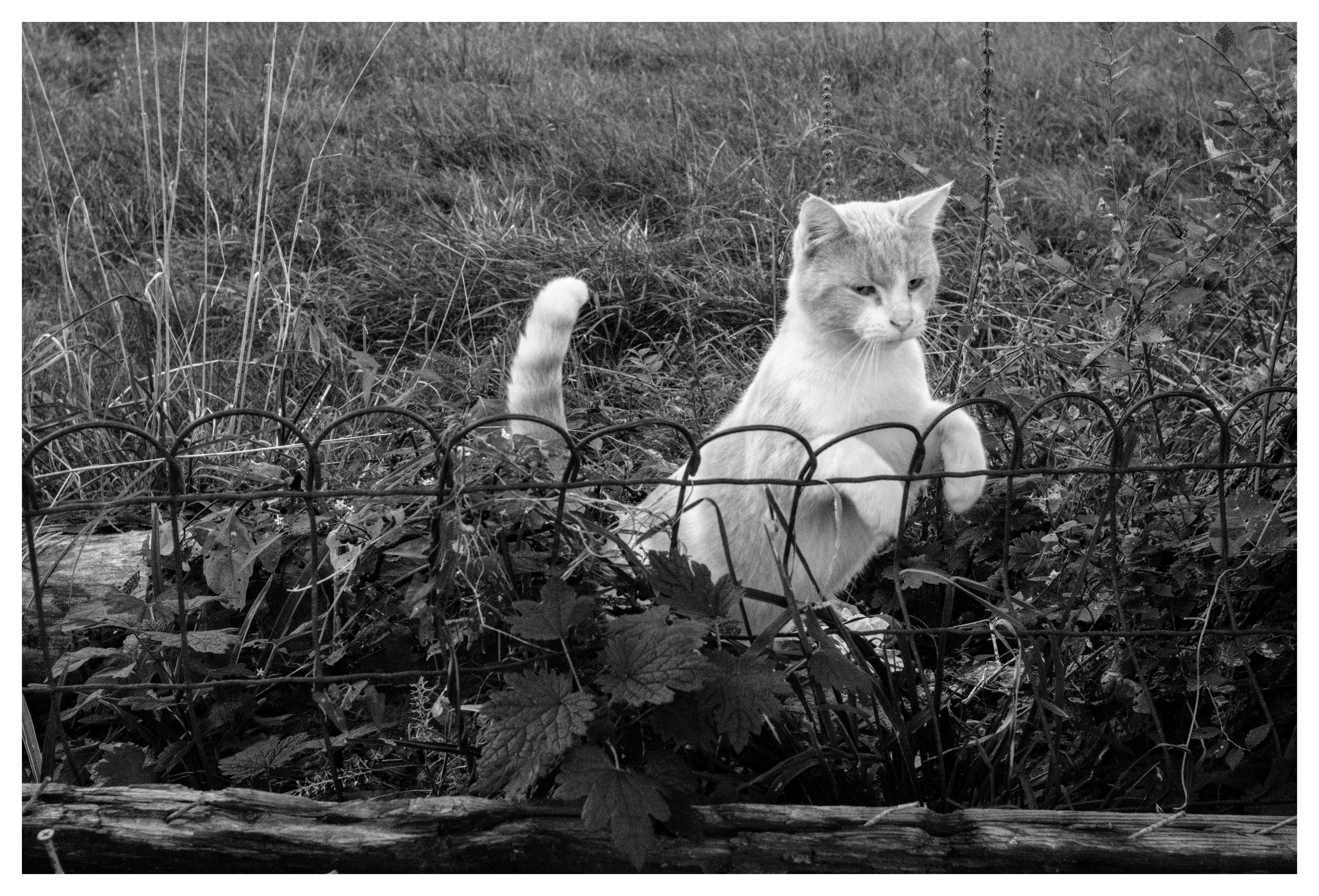
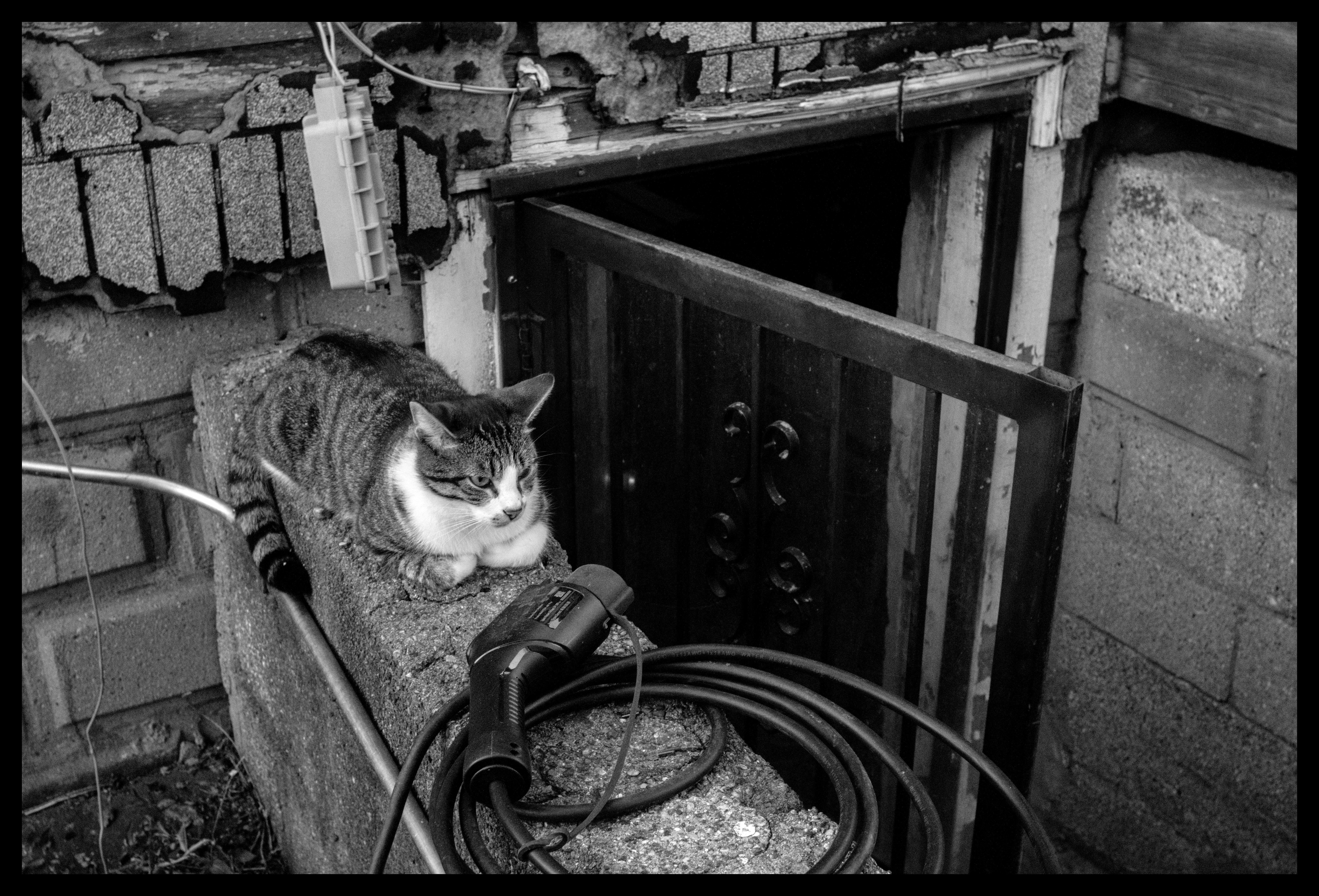
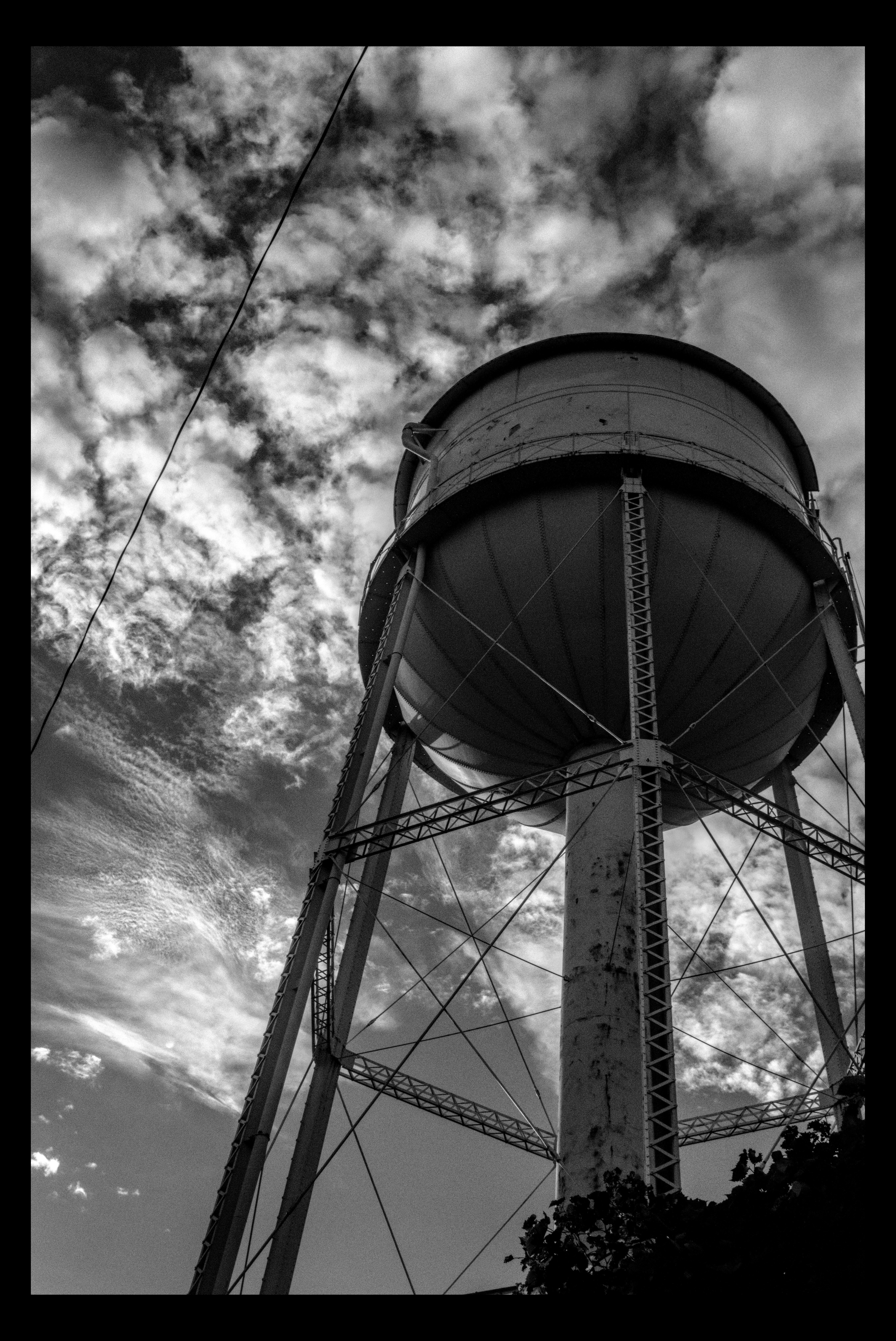
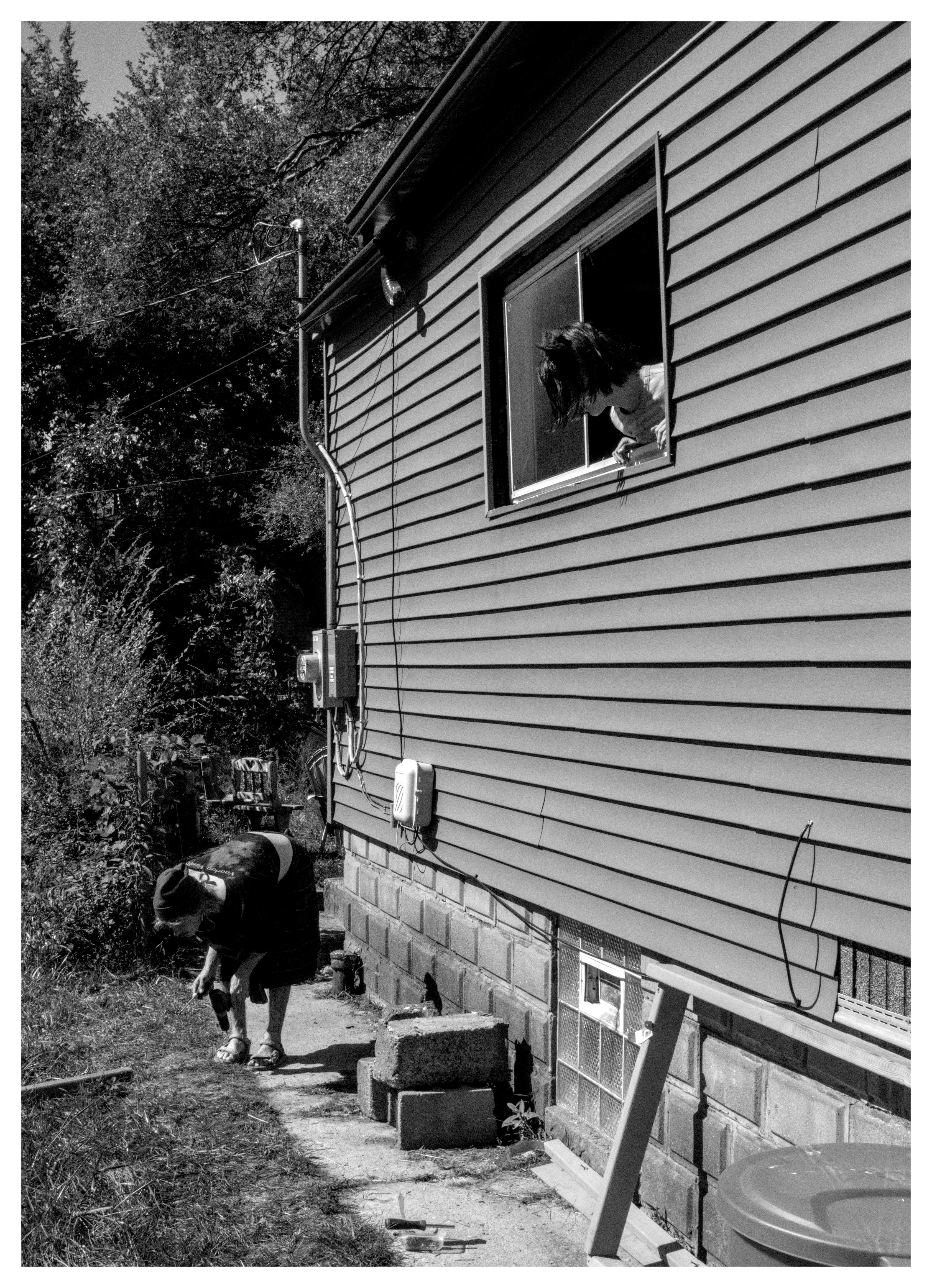
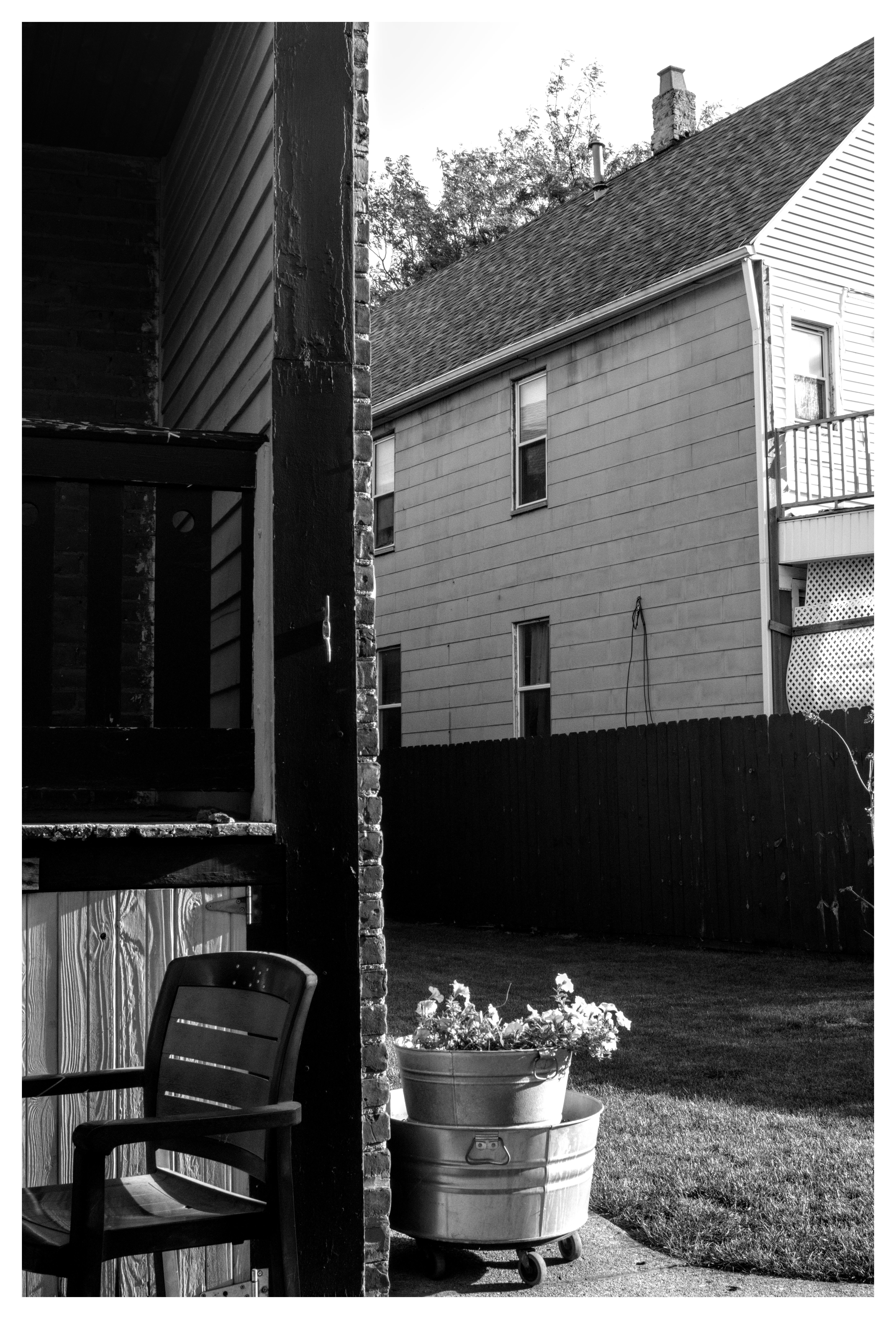
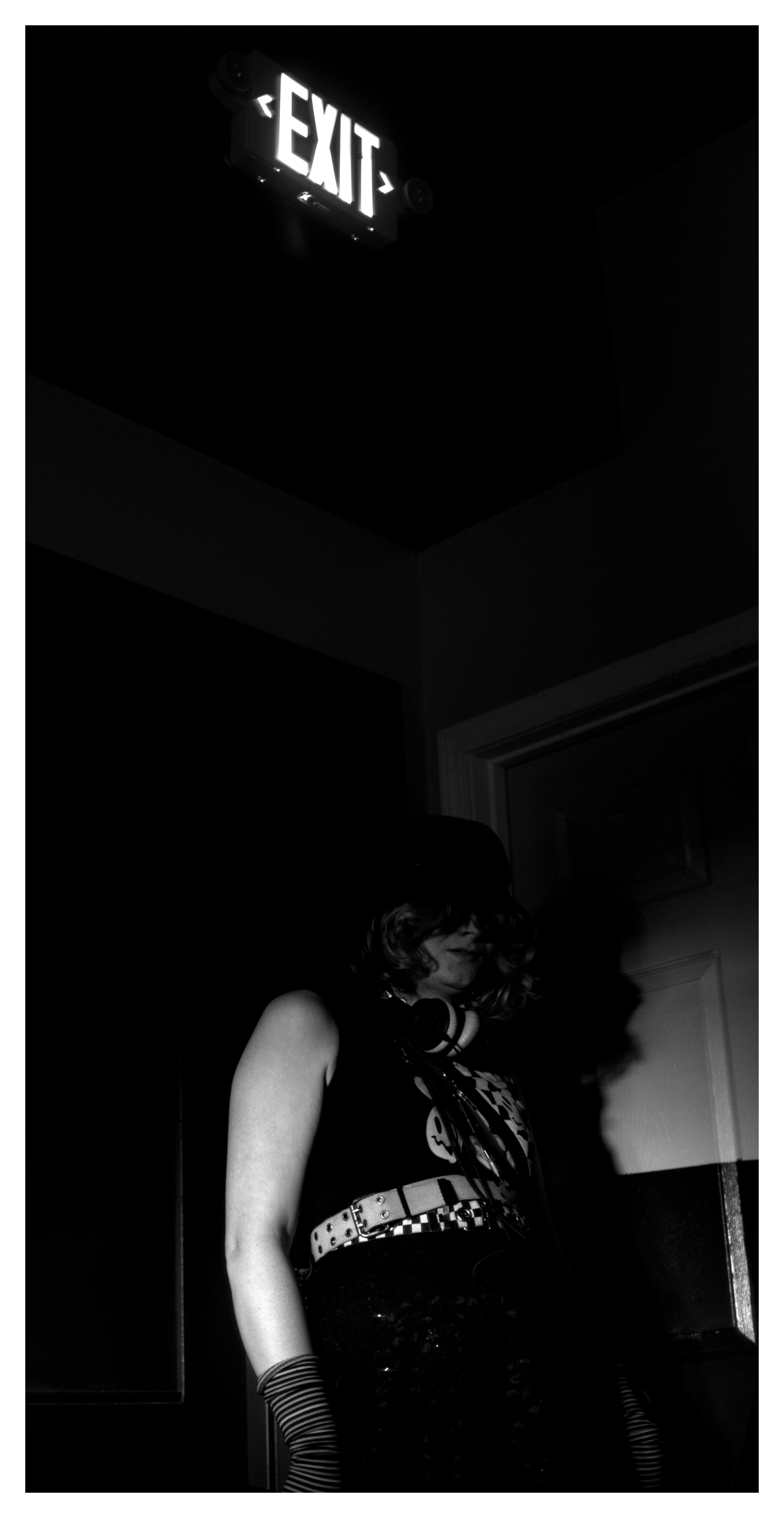
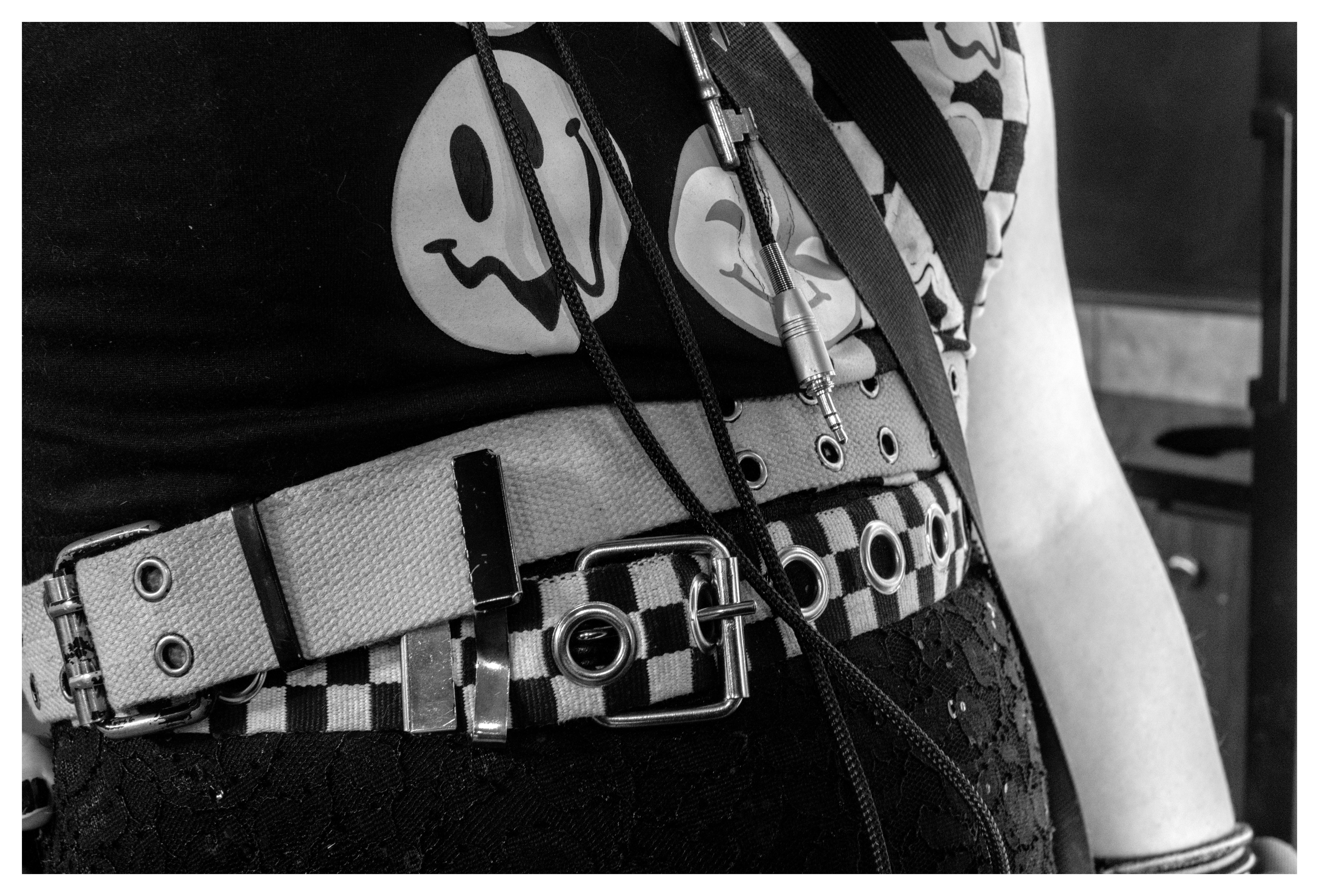
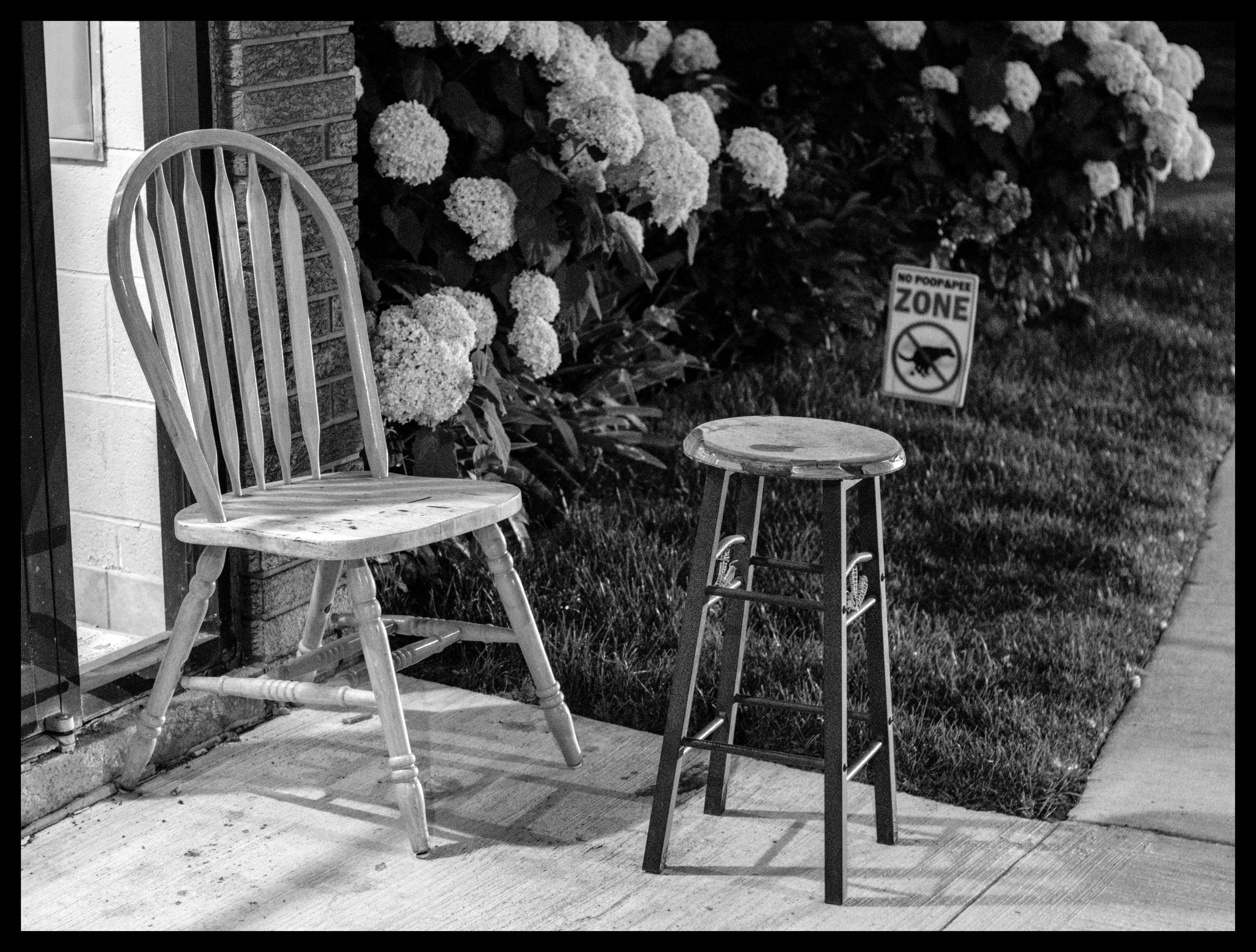
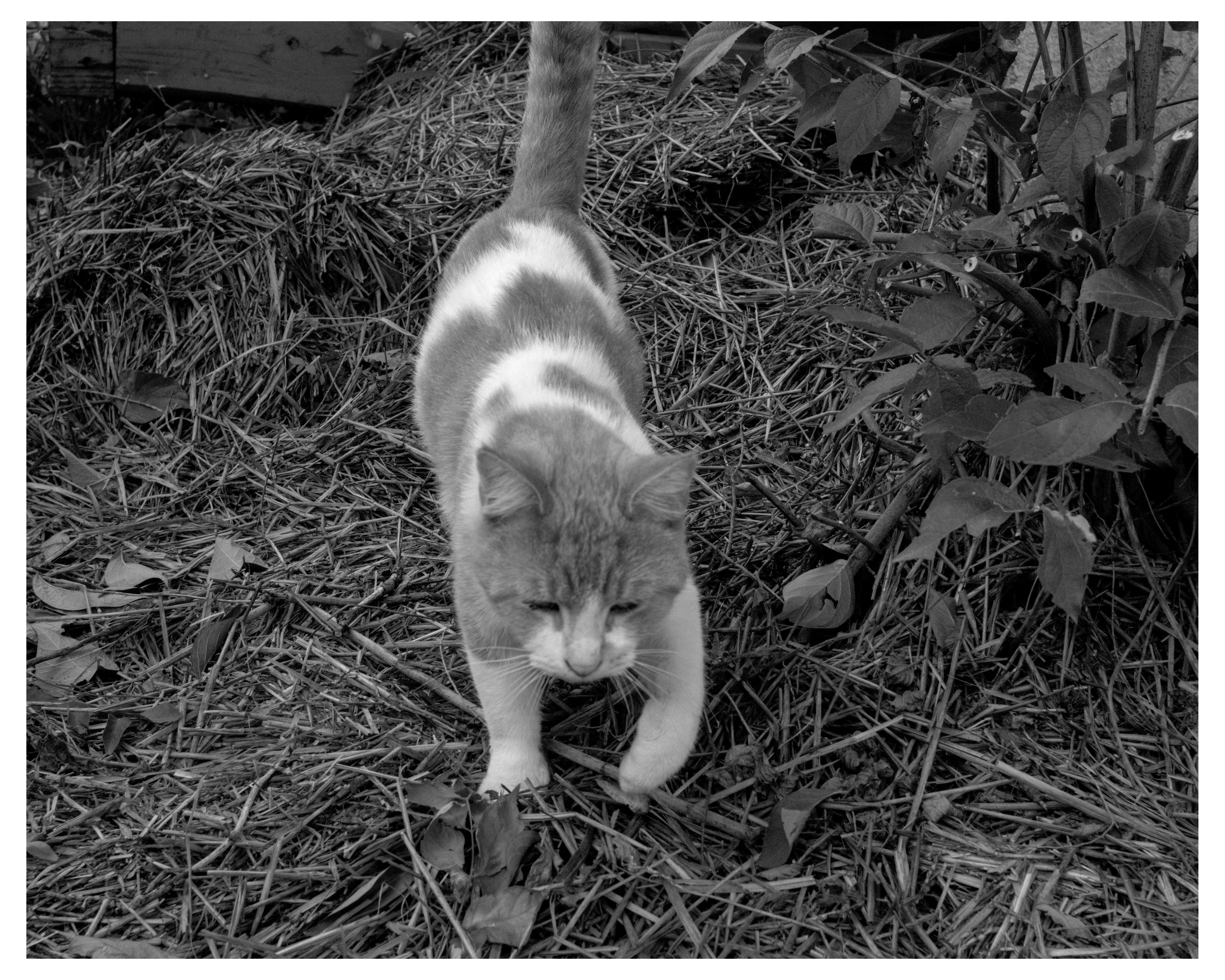
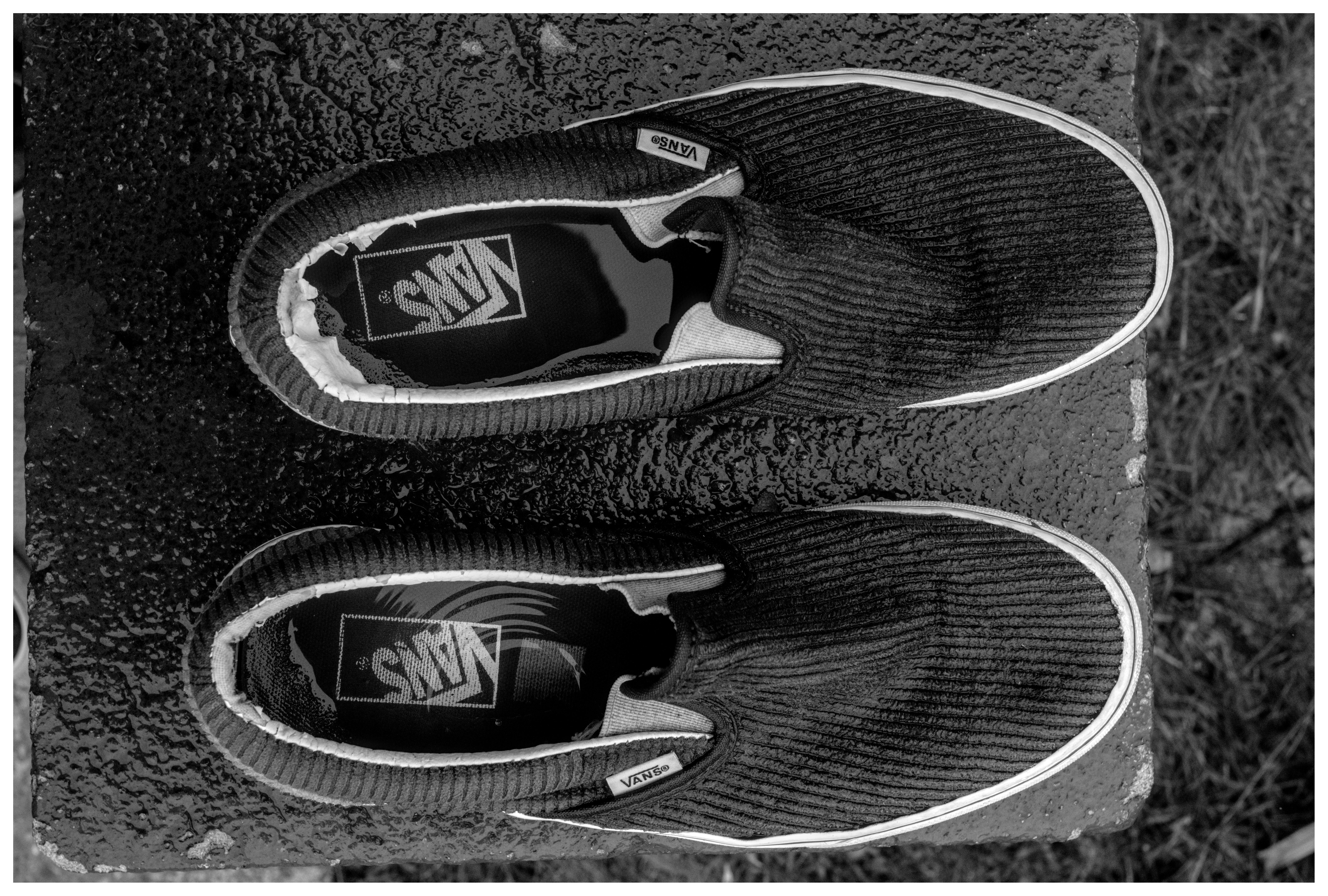
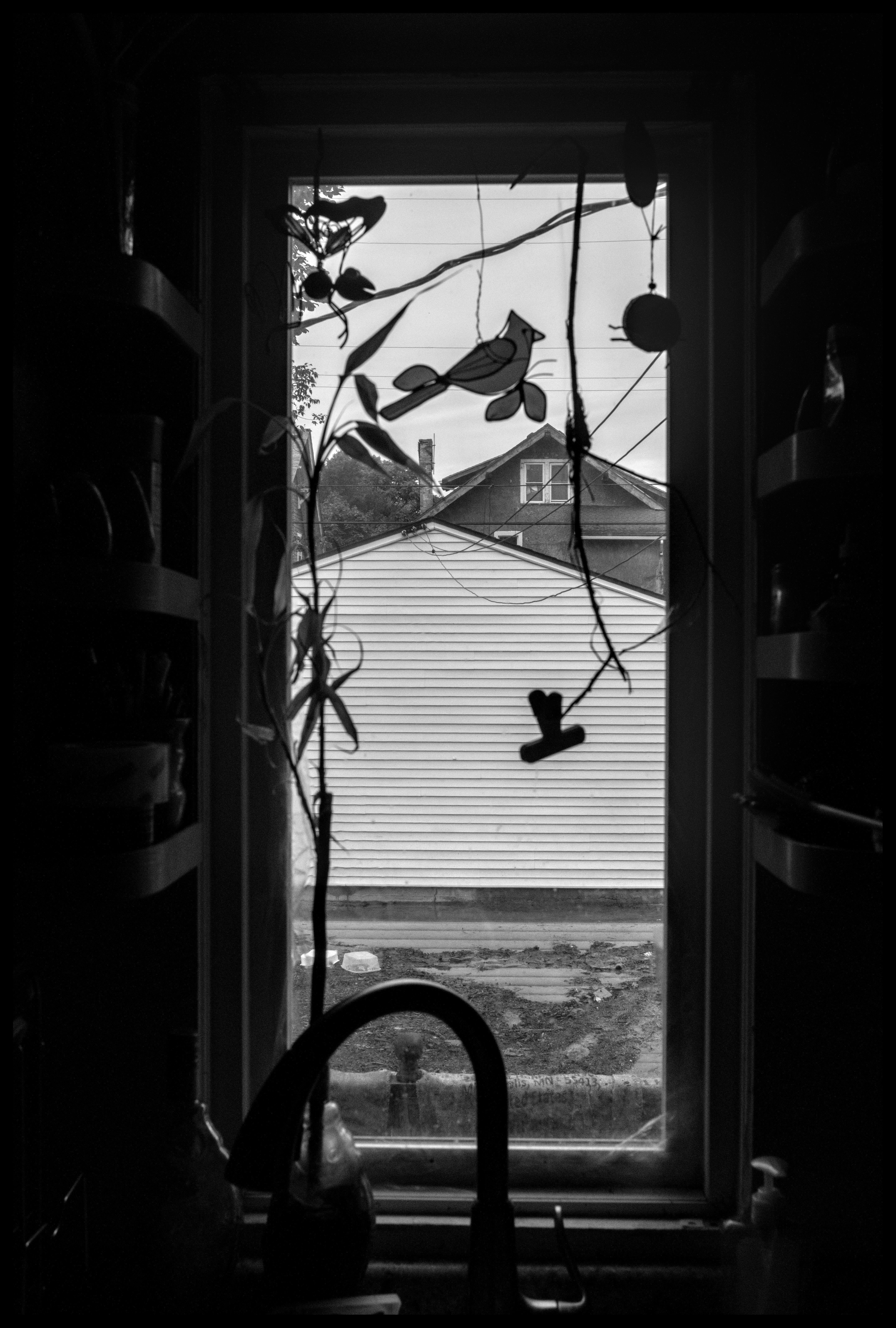
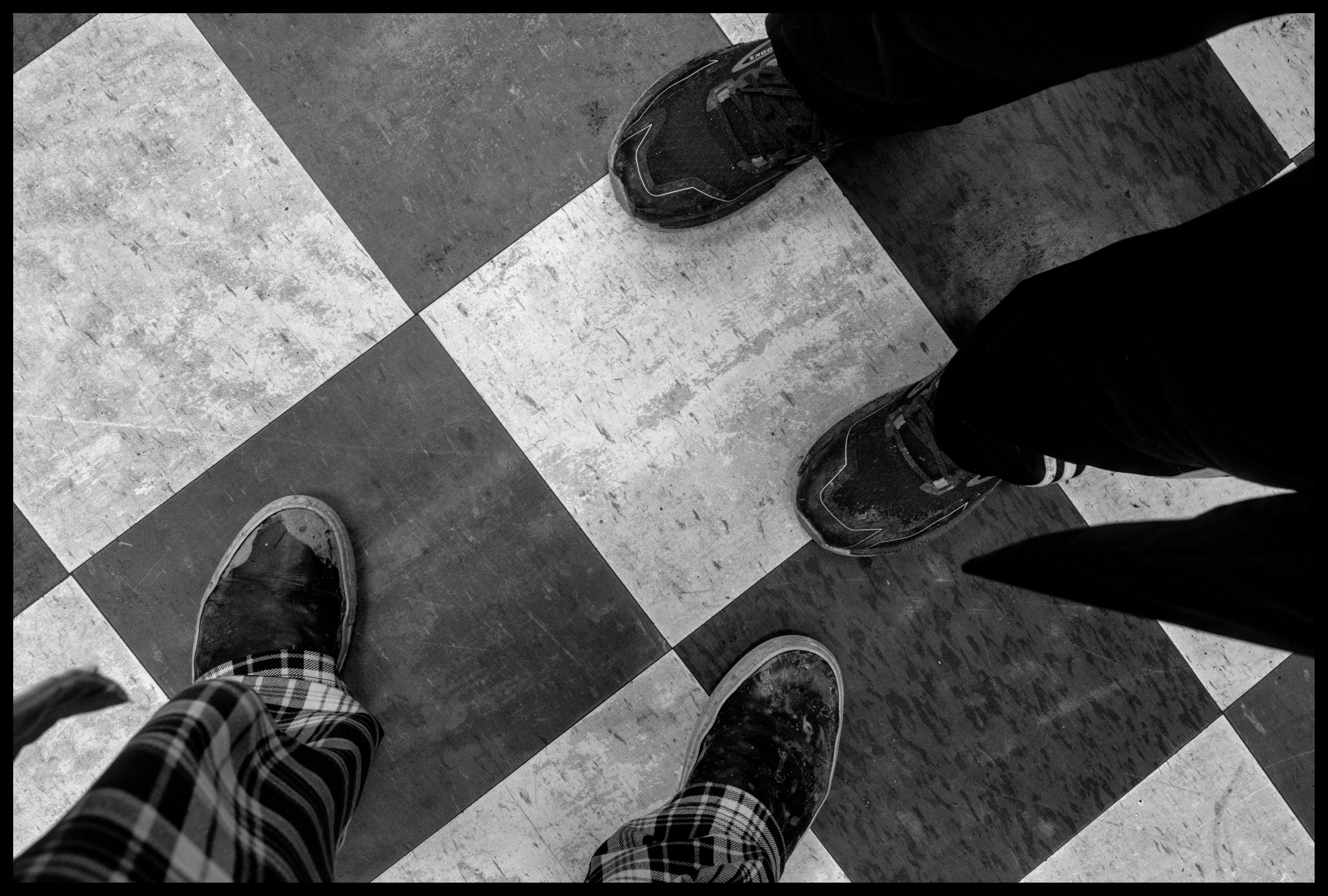
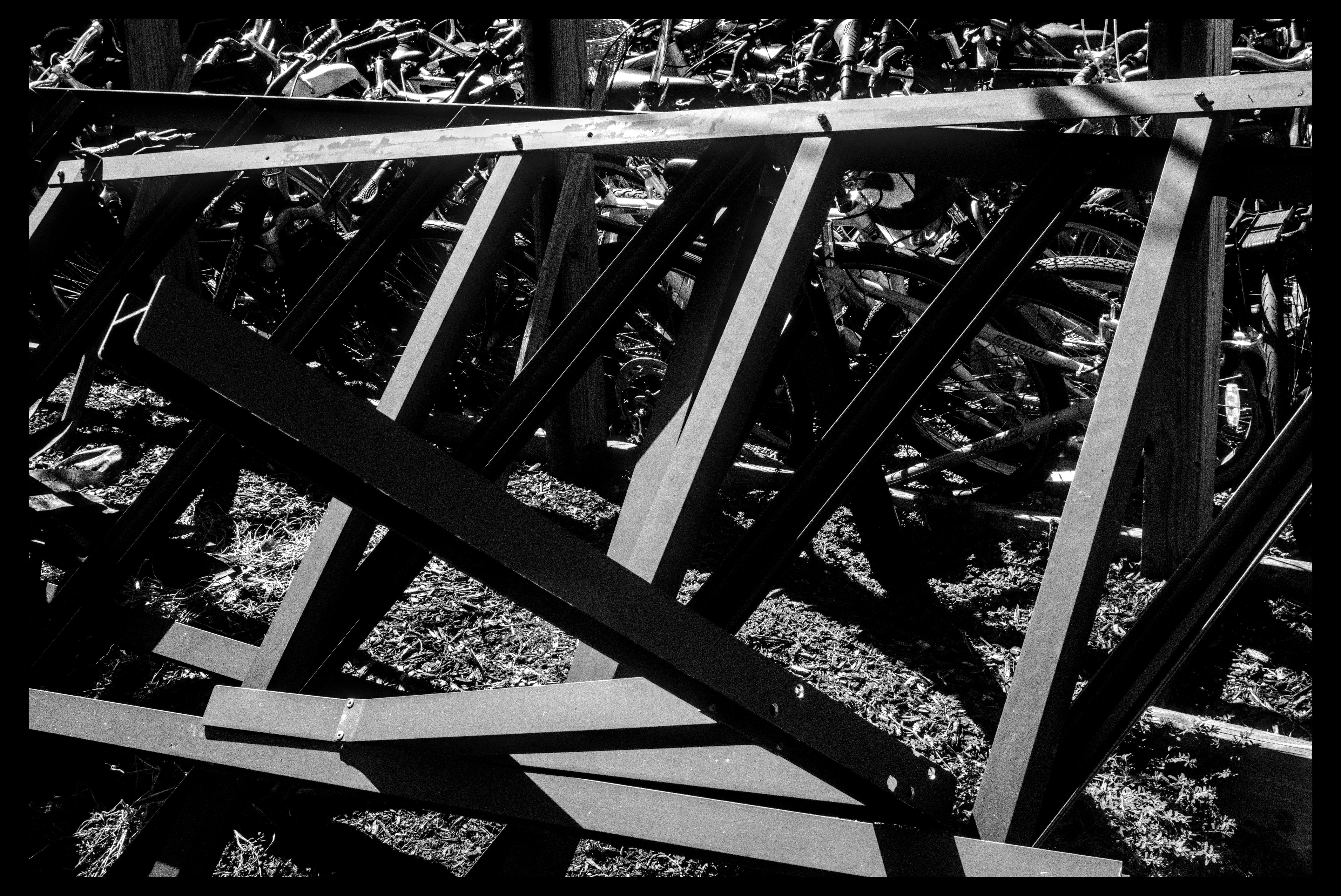
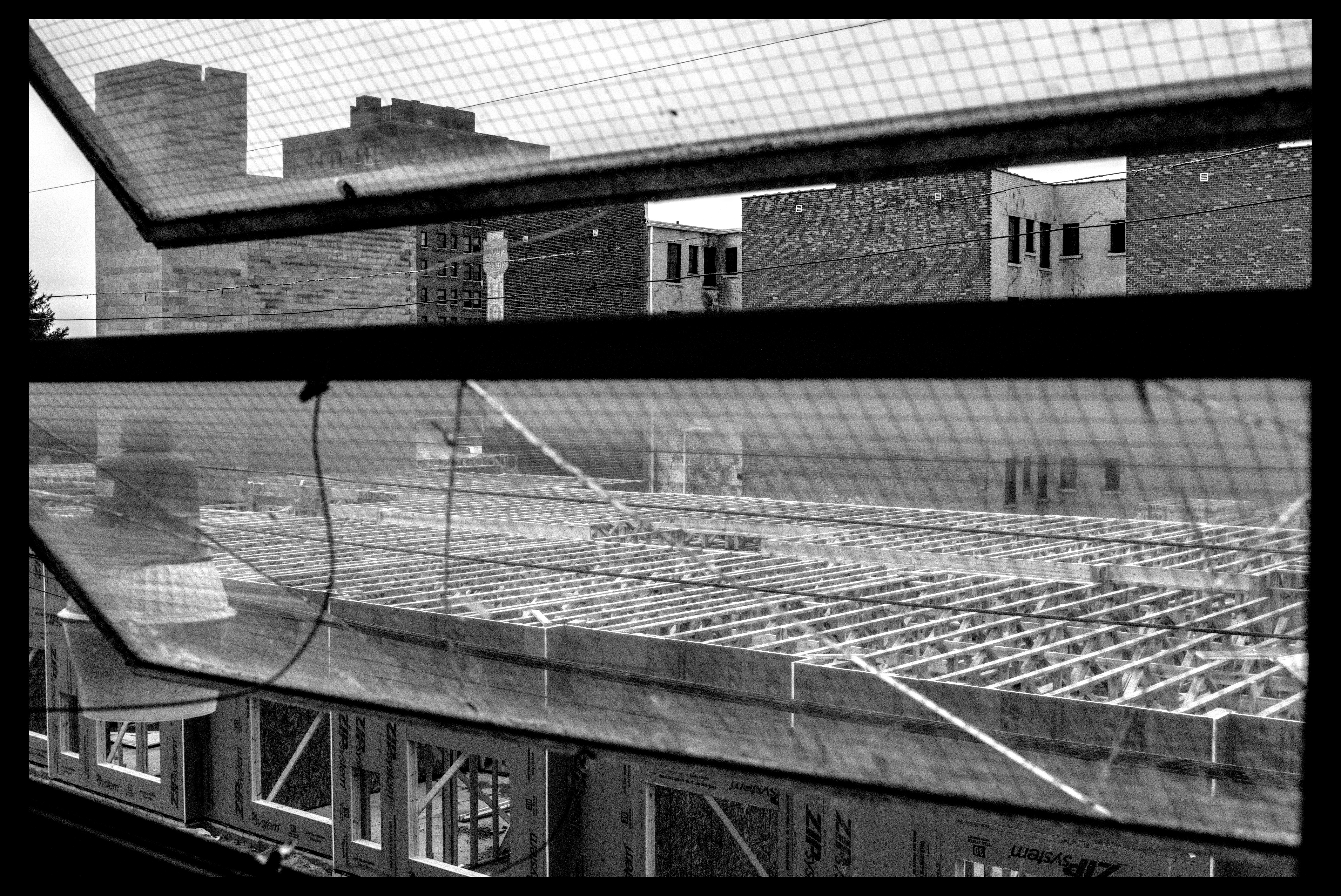
some fun shots between all these event things
















































































Post a comment