jpg has 8 bits per channel meaning it can display only 256 distinct shades of gray.
camera raws tend to have lots more bits than that. is there a way to fit more of these grays into the evil format we call jpg?
perhaps we can dither the higher bit depth data into the jpg? darktable has a dither option but im not surrrrrrre if its doing what im talking about here. i think this is something i need to play around with in gimp.
my other idea for fitting that higher tonal data into a jpg is to use false colors to represent more gray tones, producing a fun gradient of colors from light to dark??
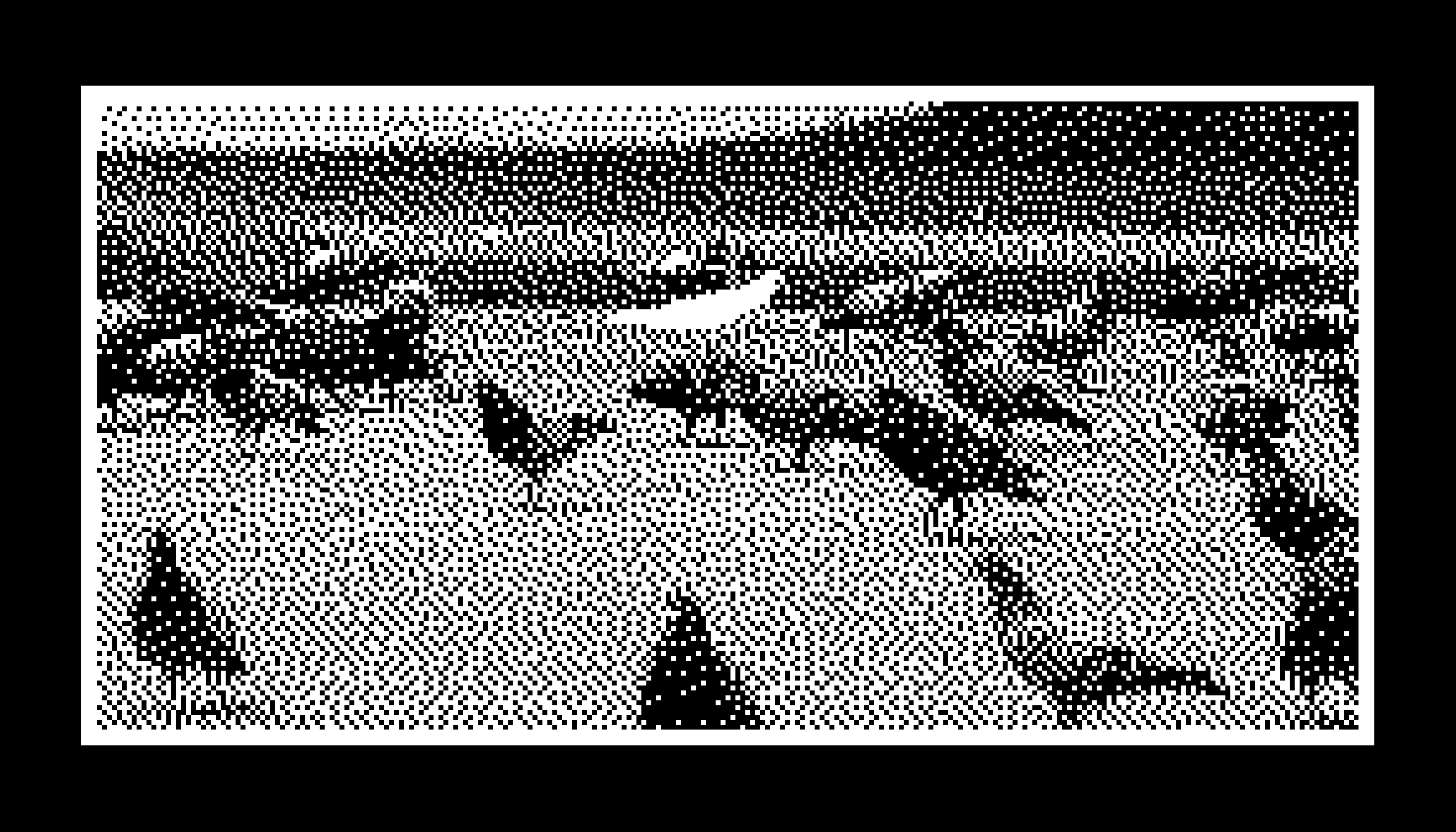
anyway whatever heres a picture with the darktable dither on auto and with it on 1 bit for fun.
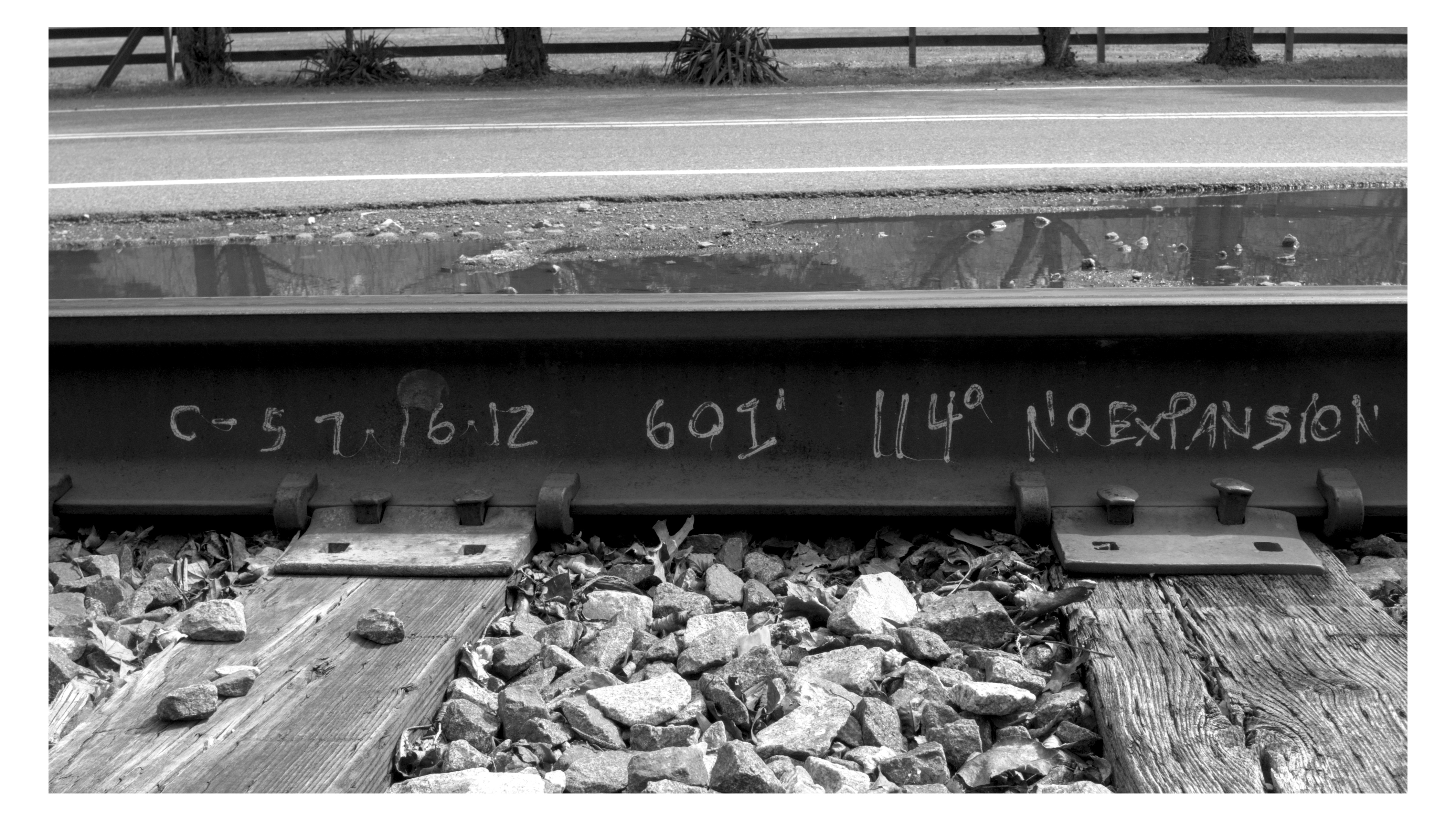
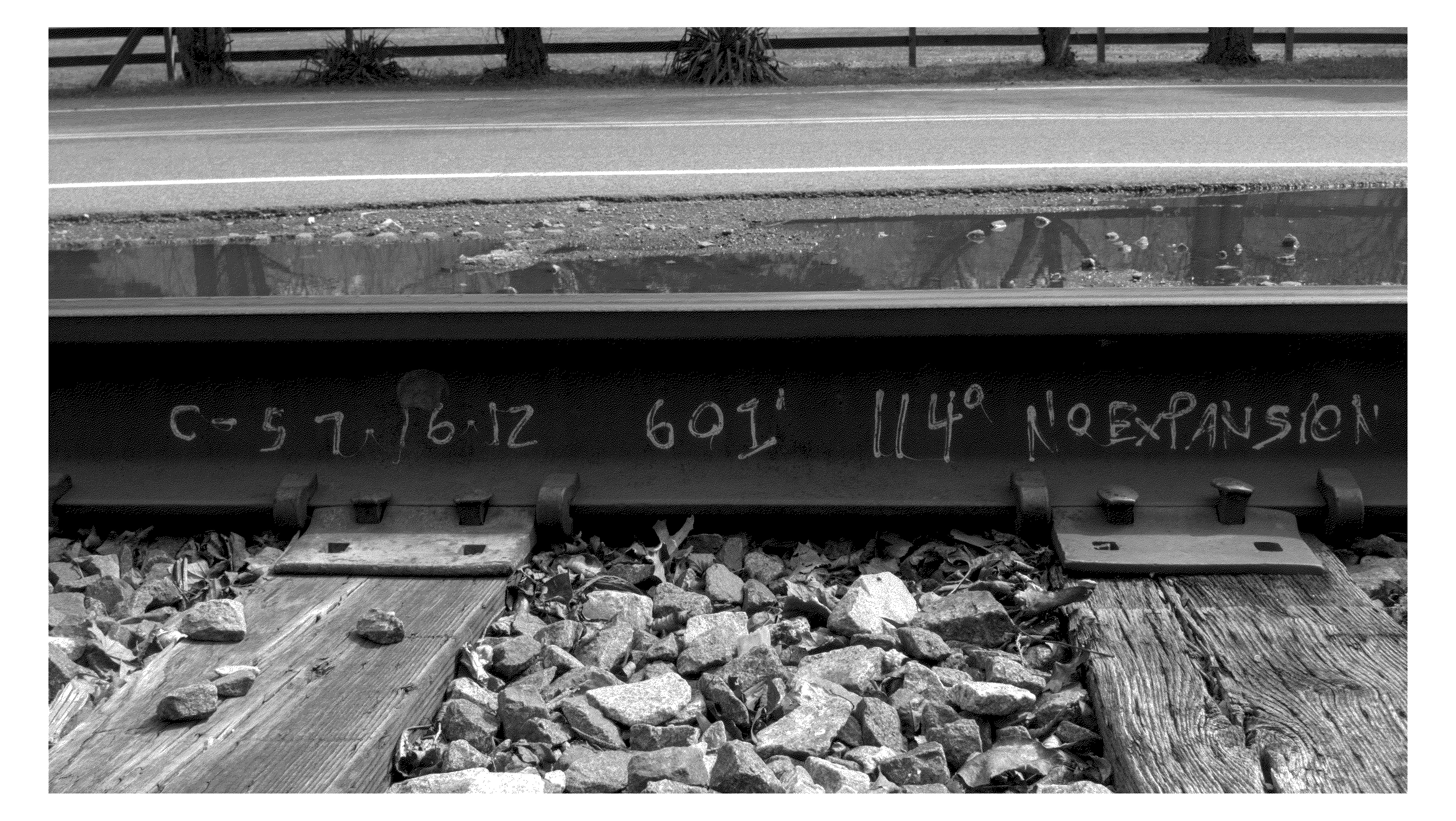
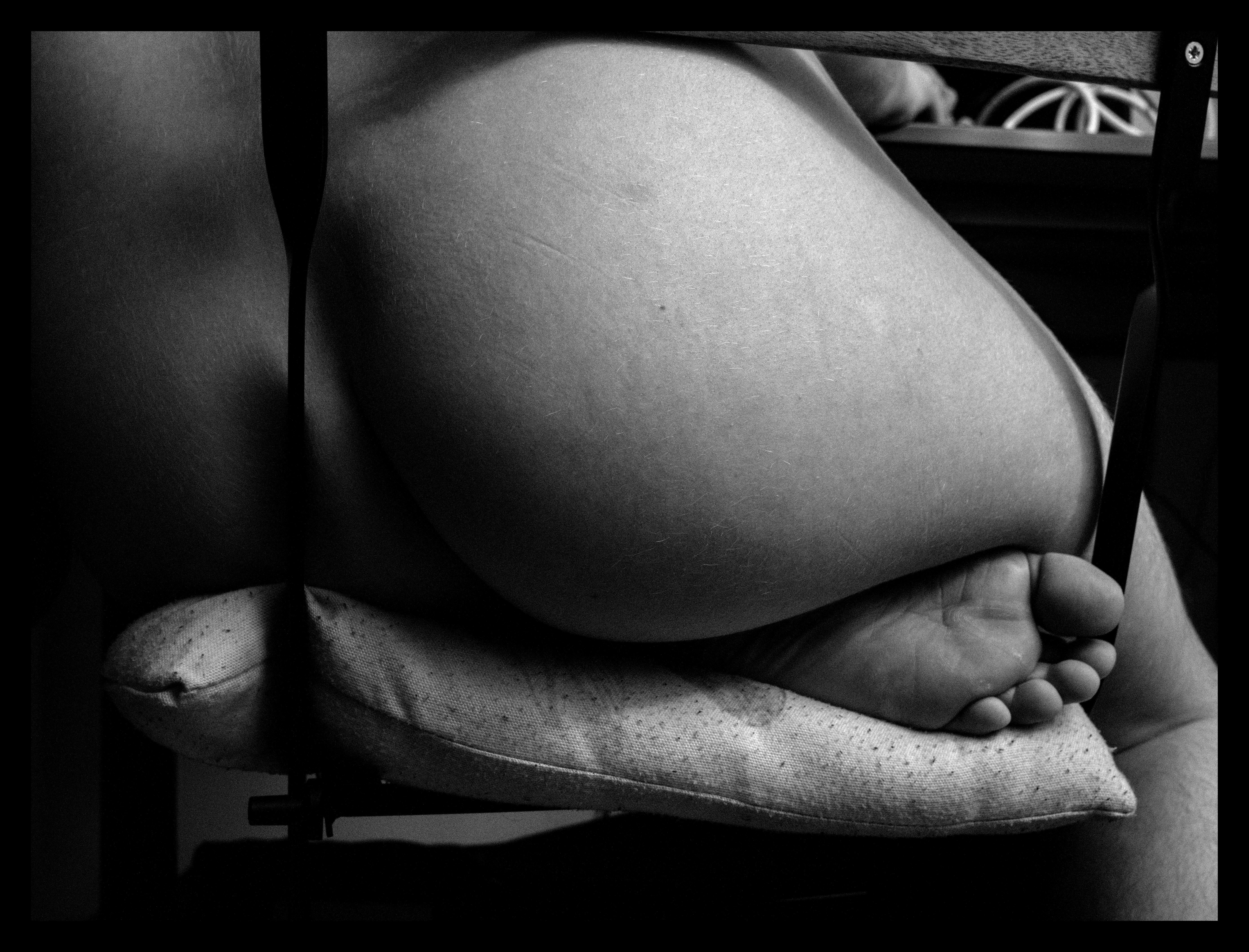
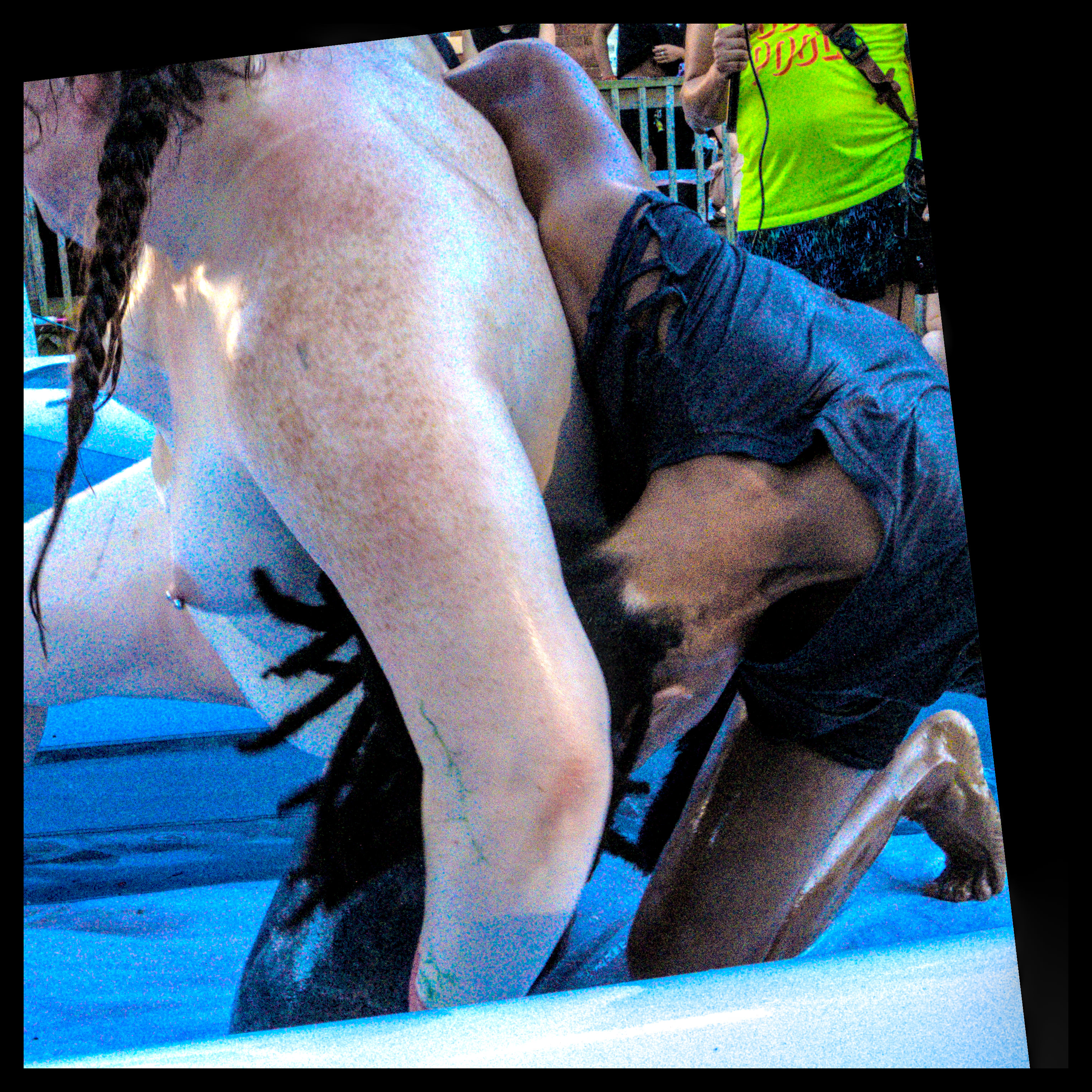
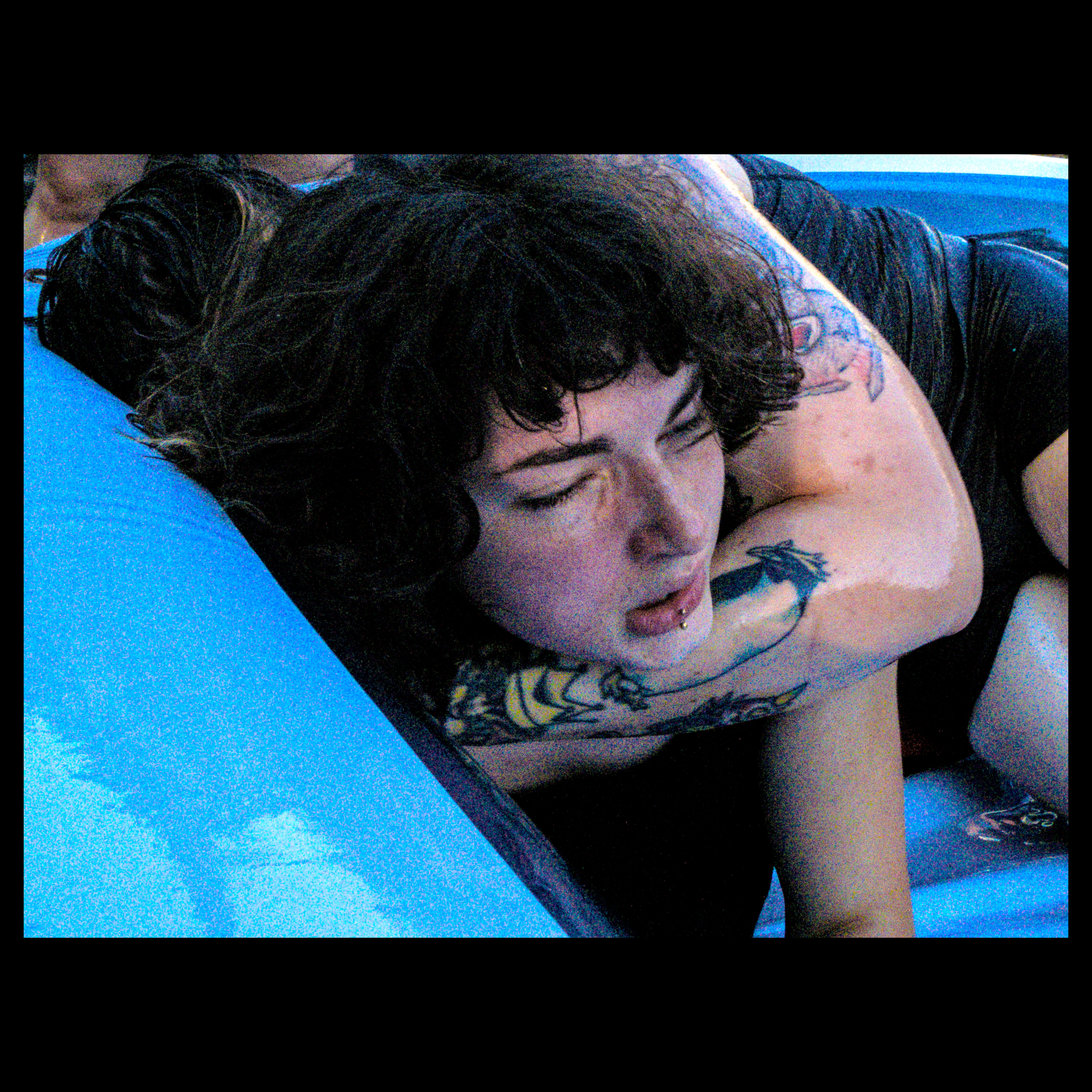
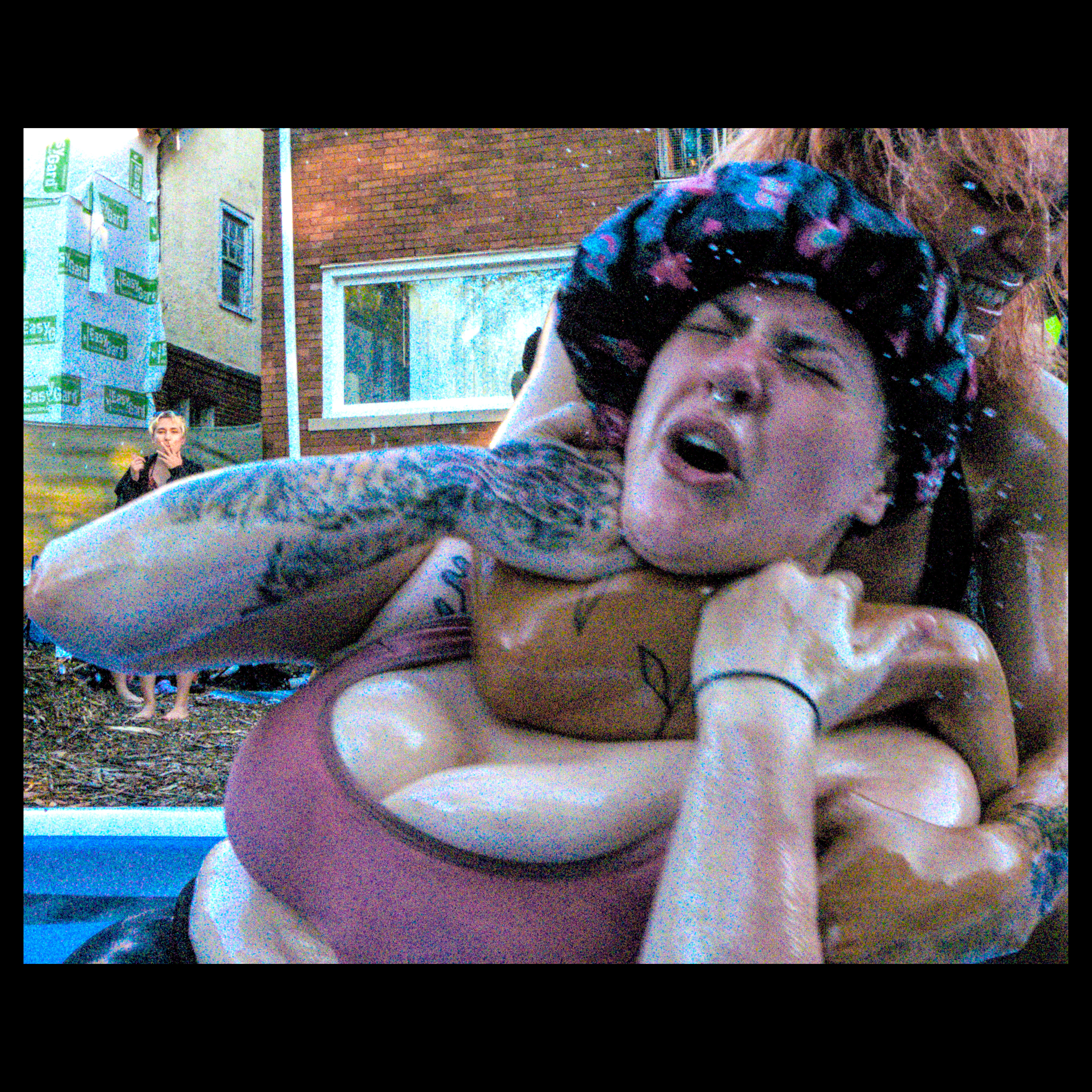
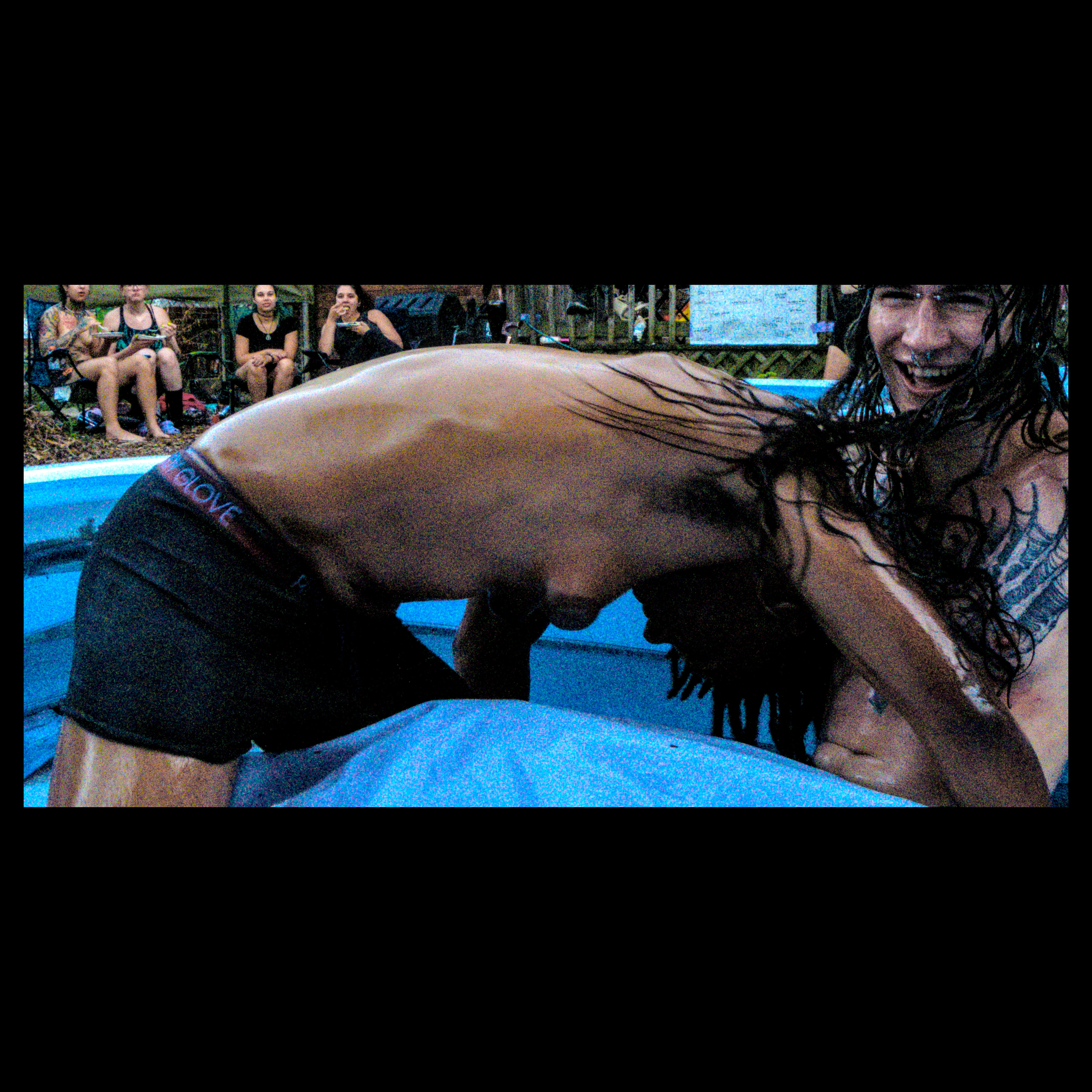
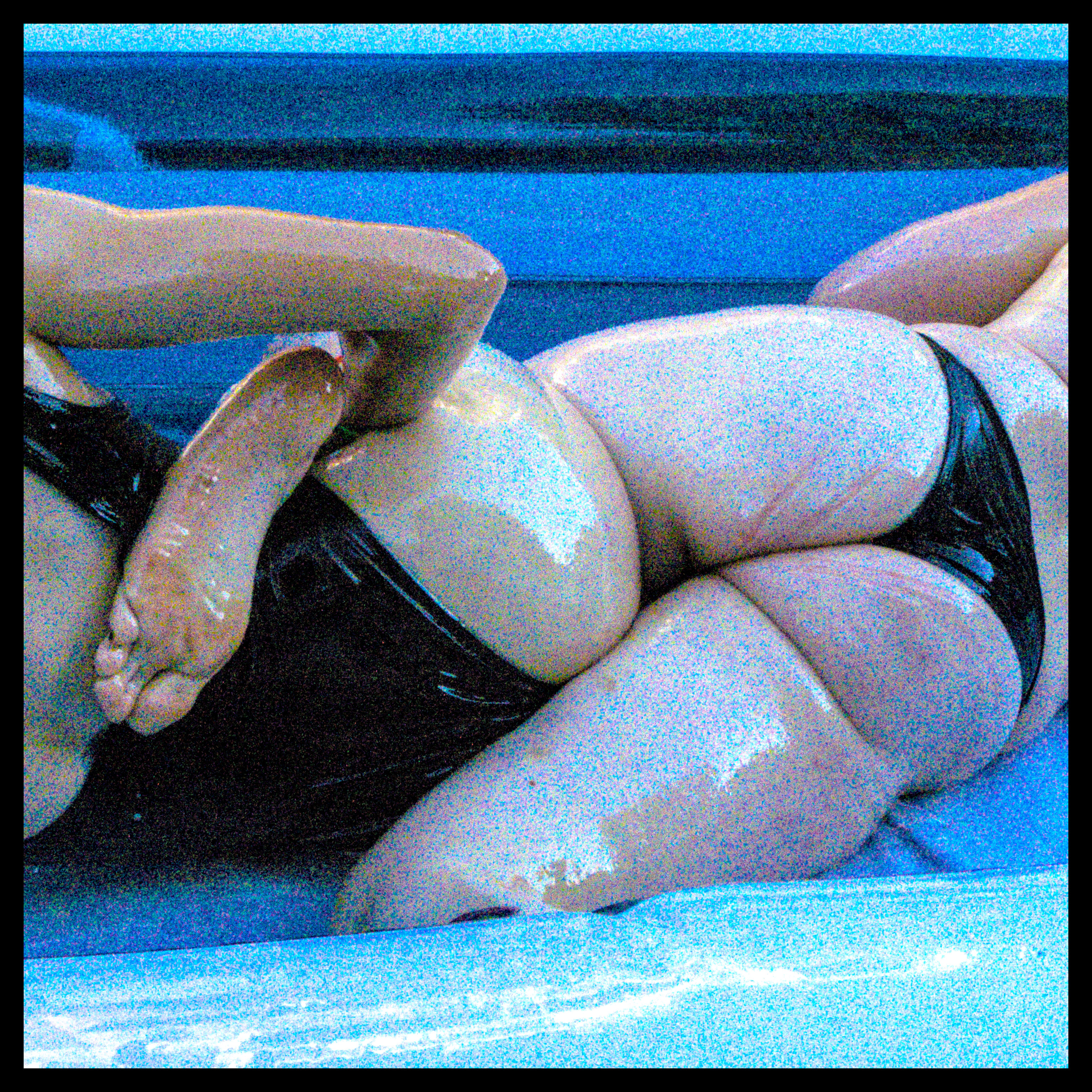
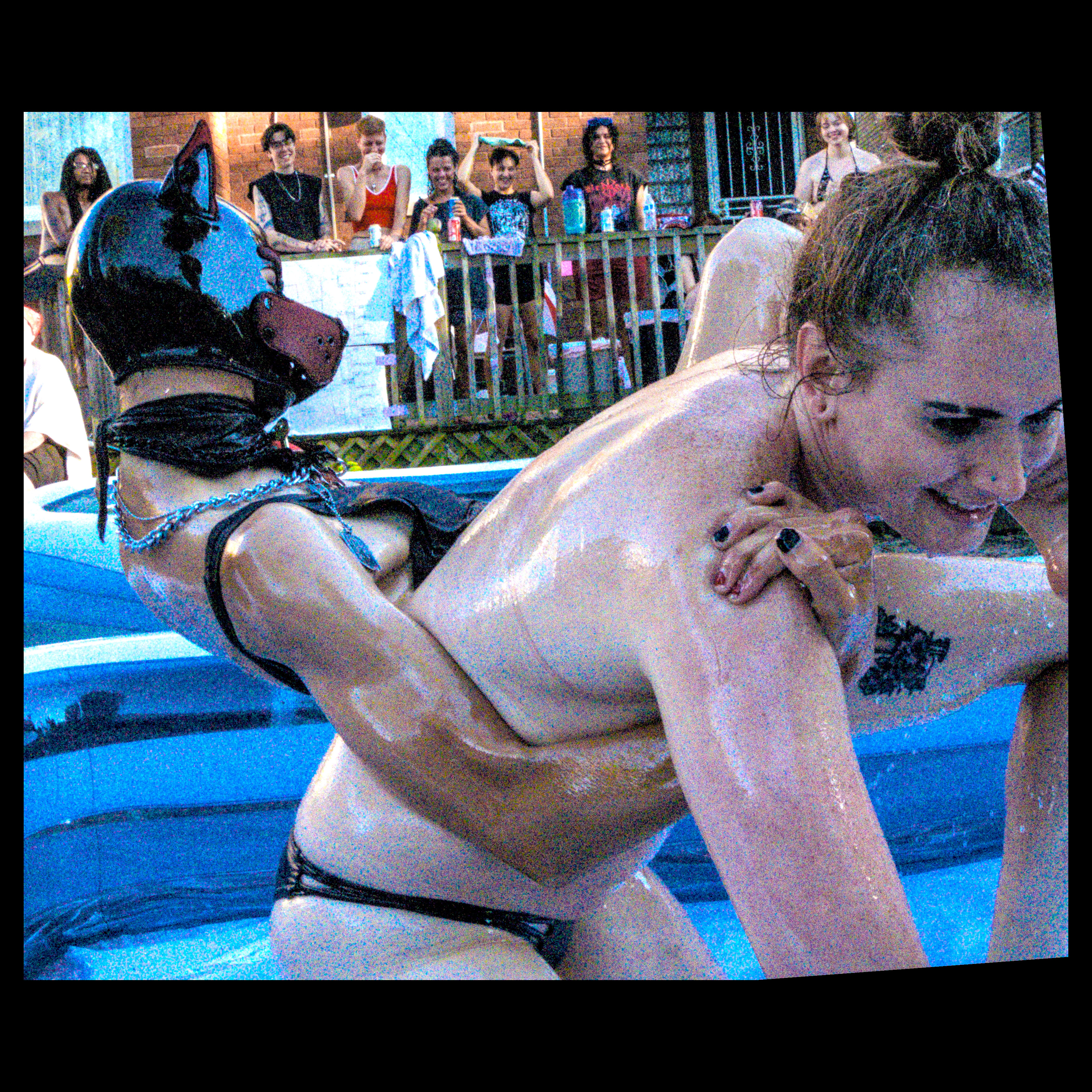
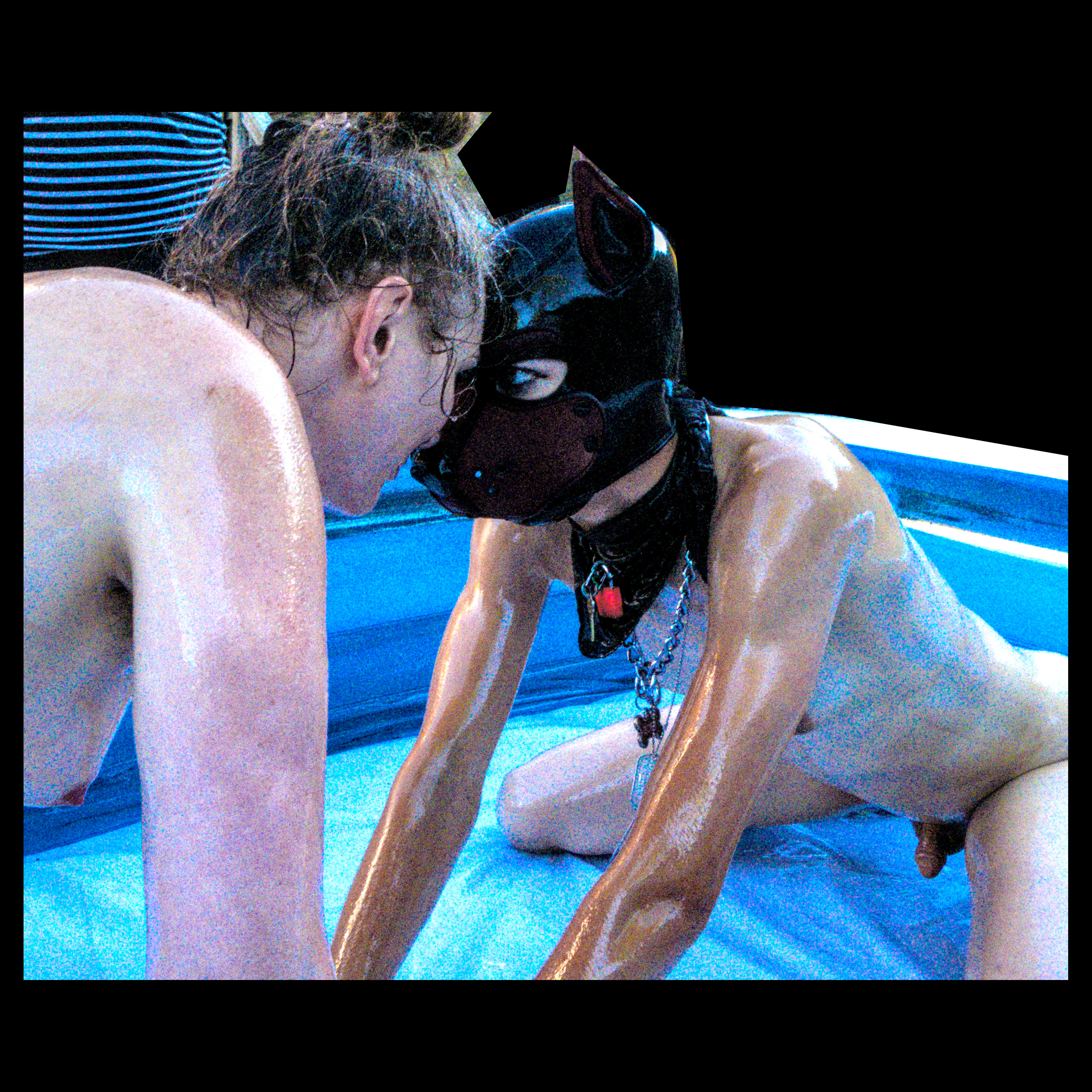
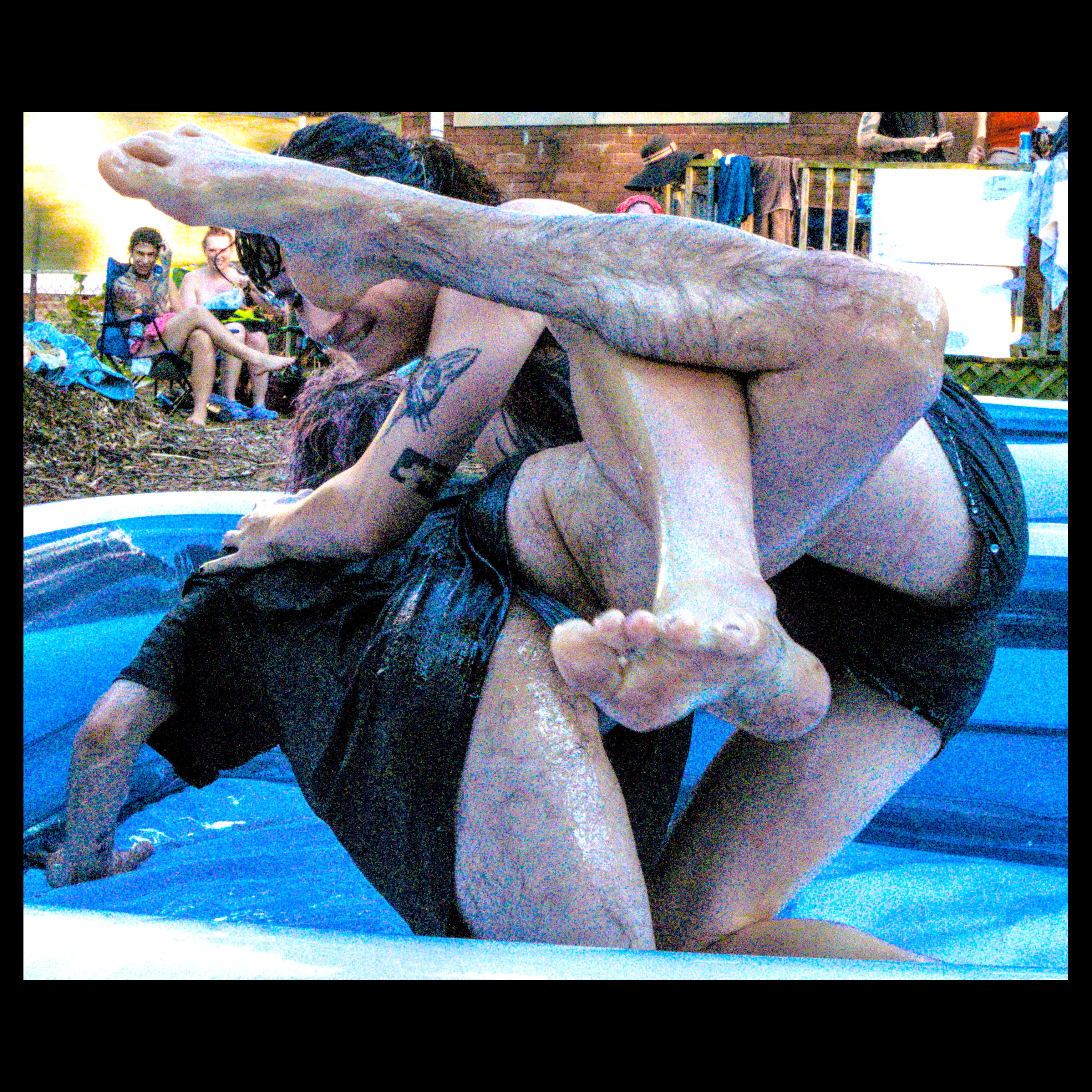
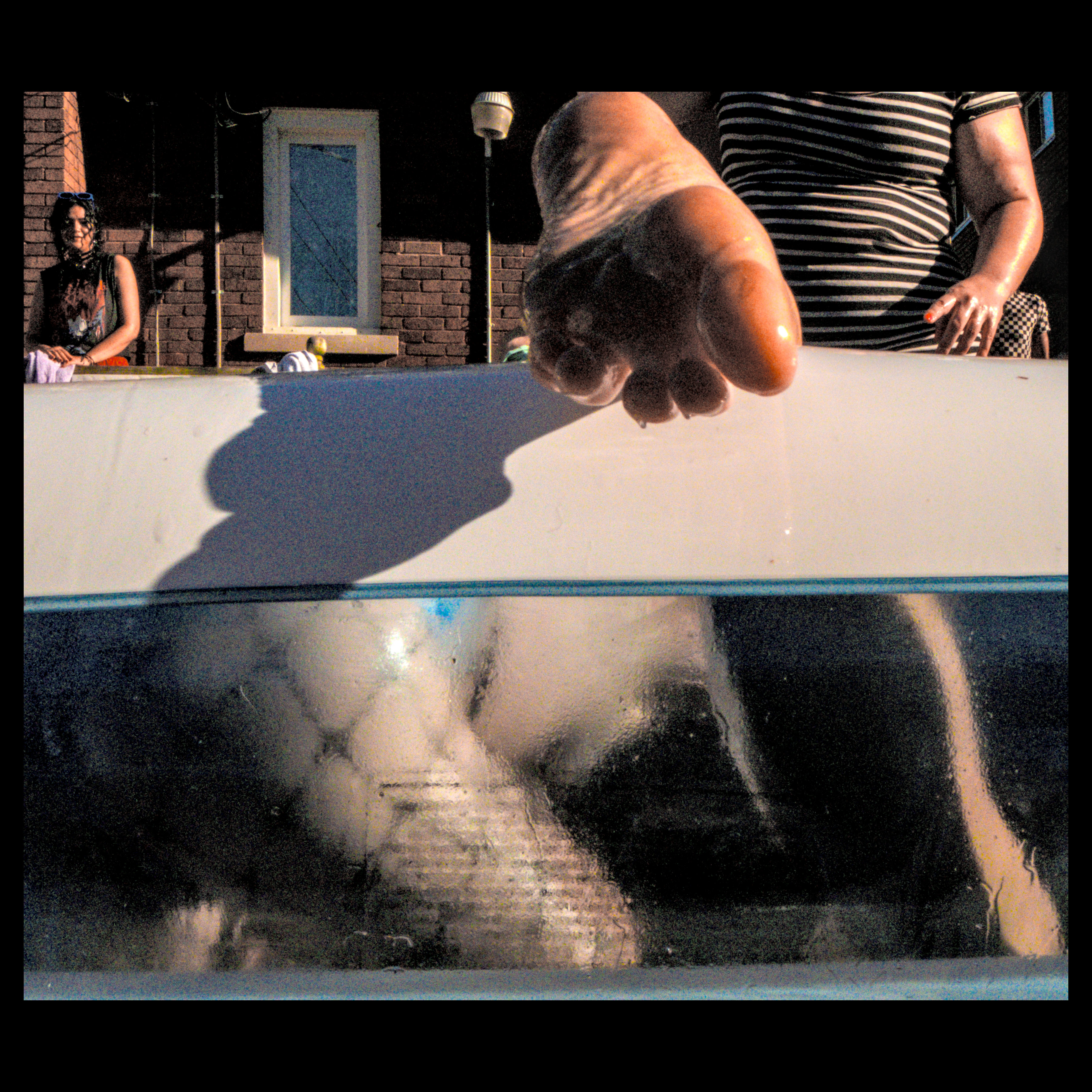
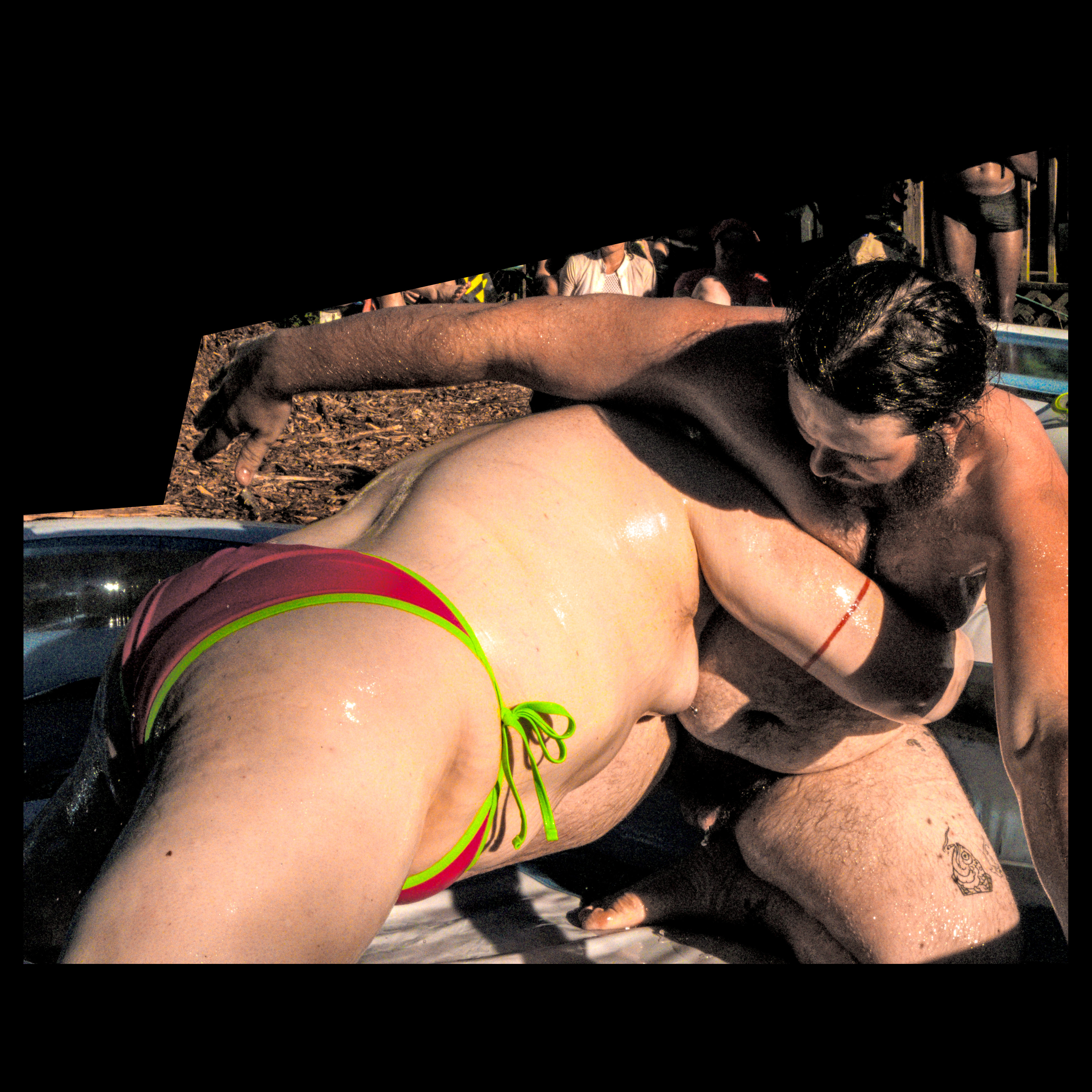
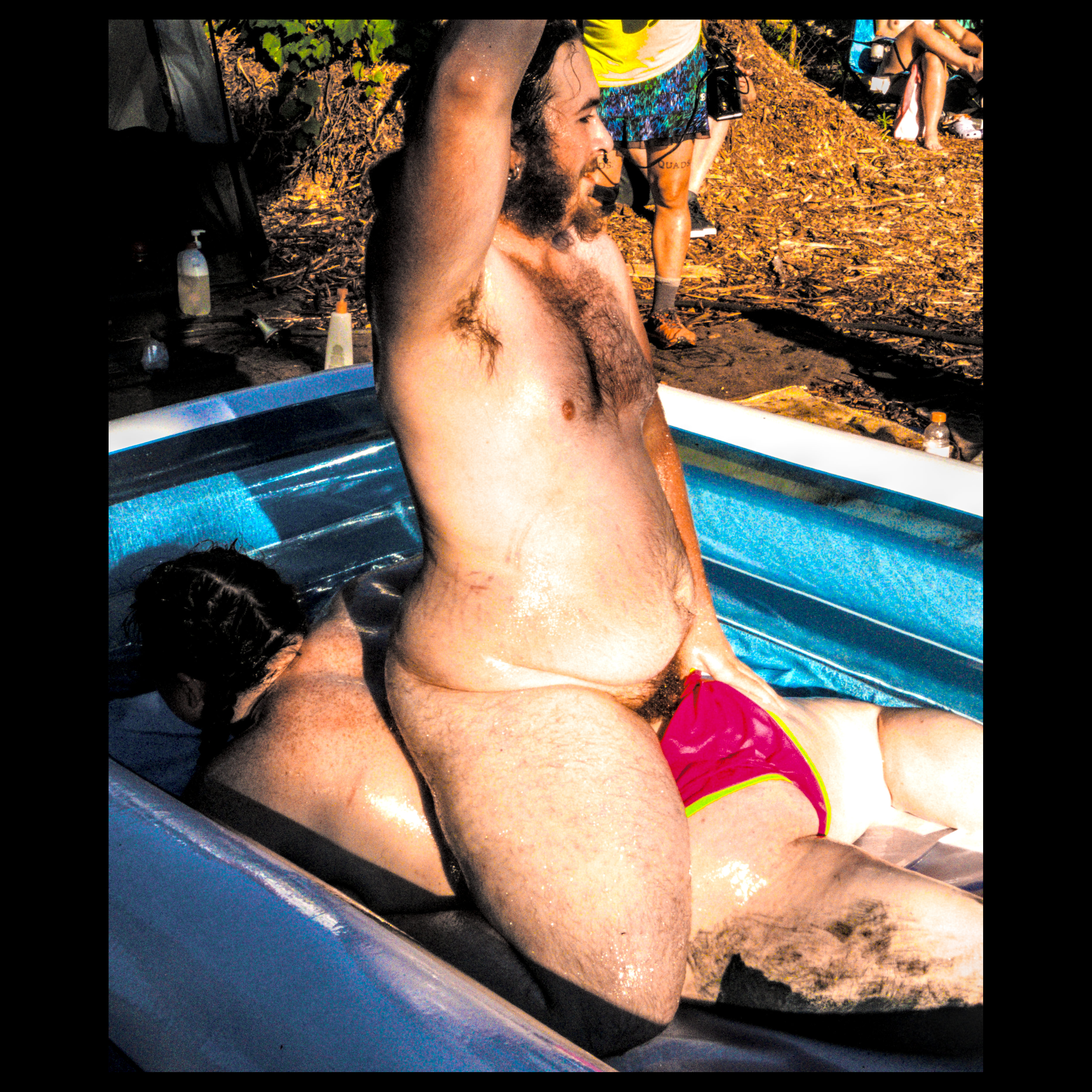
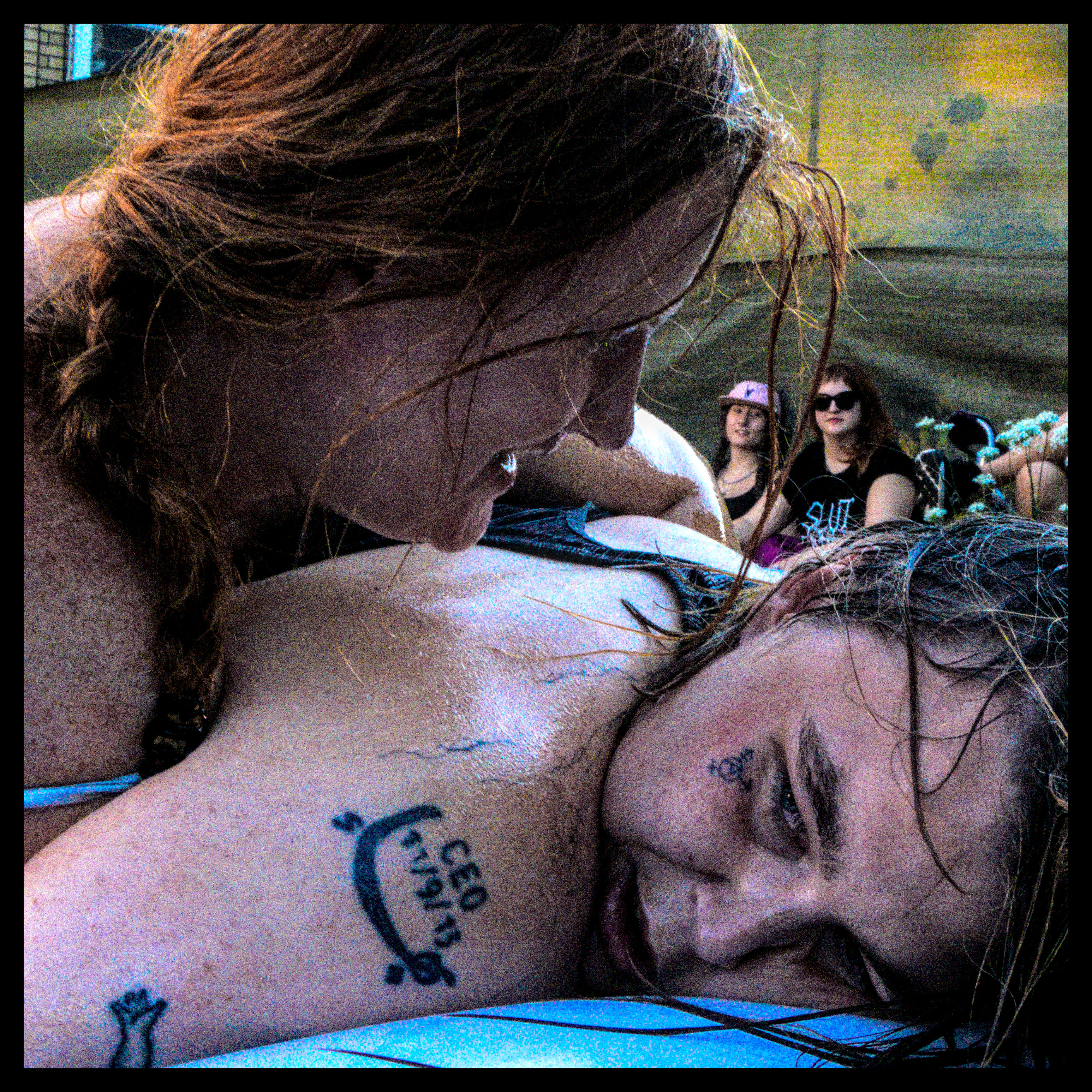
or, where i learn that i'm apparently quite adept at securing a fairly niche submission when grappling
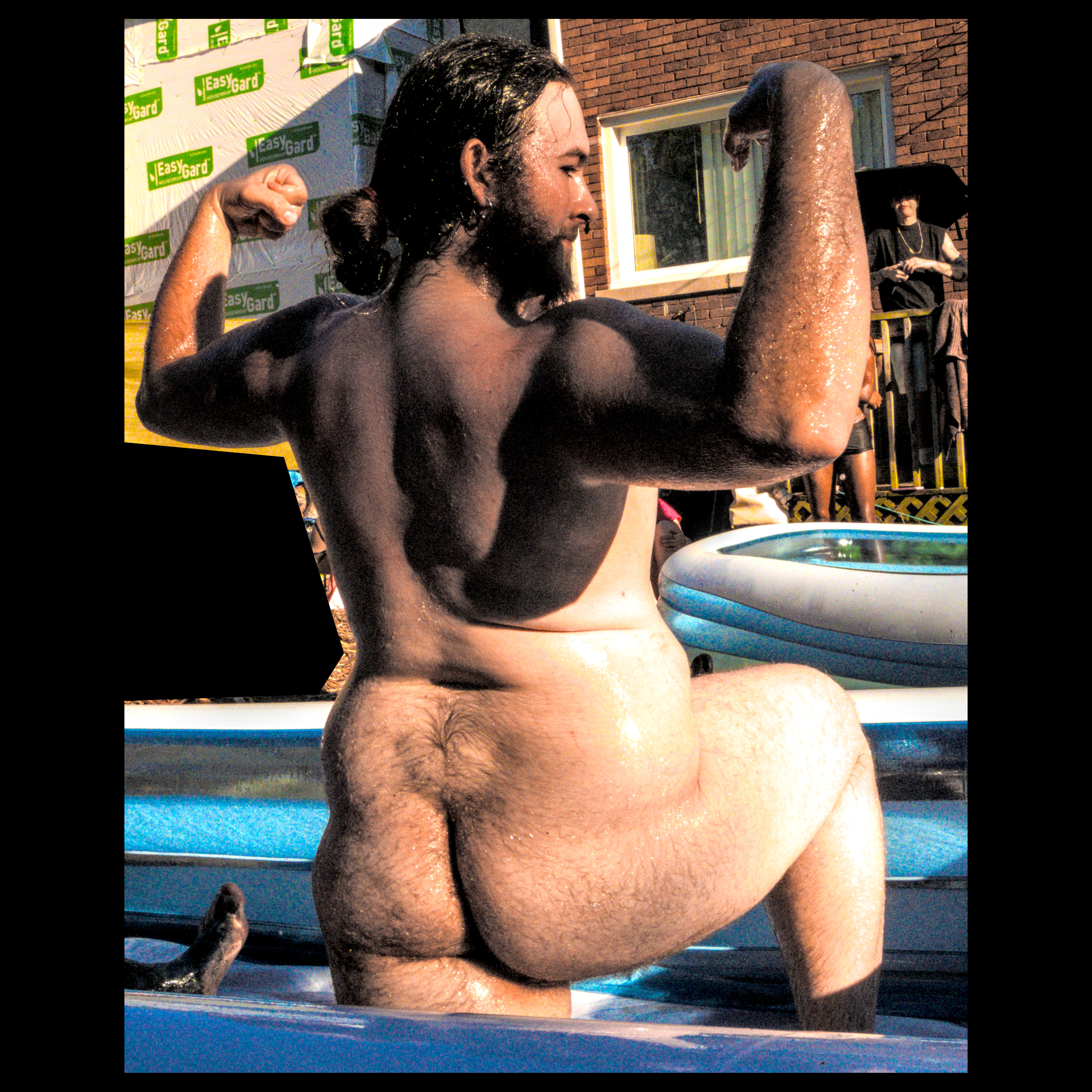
butt
finished that one! (took way too many shots :p [my curse] )
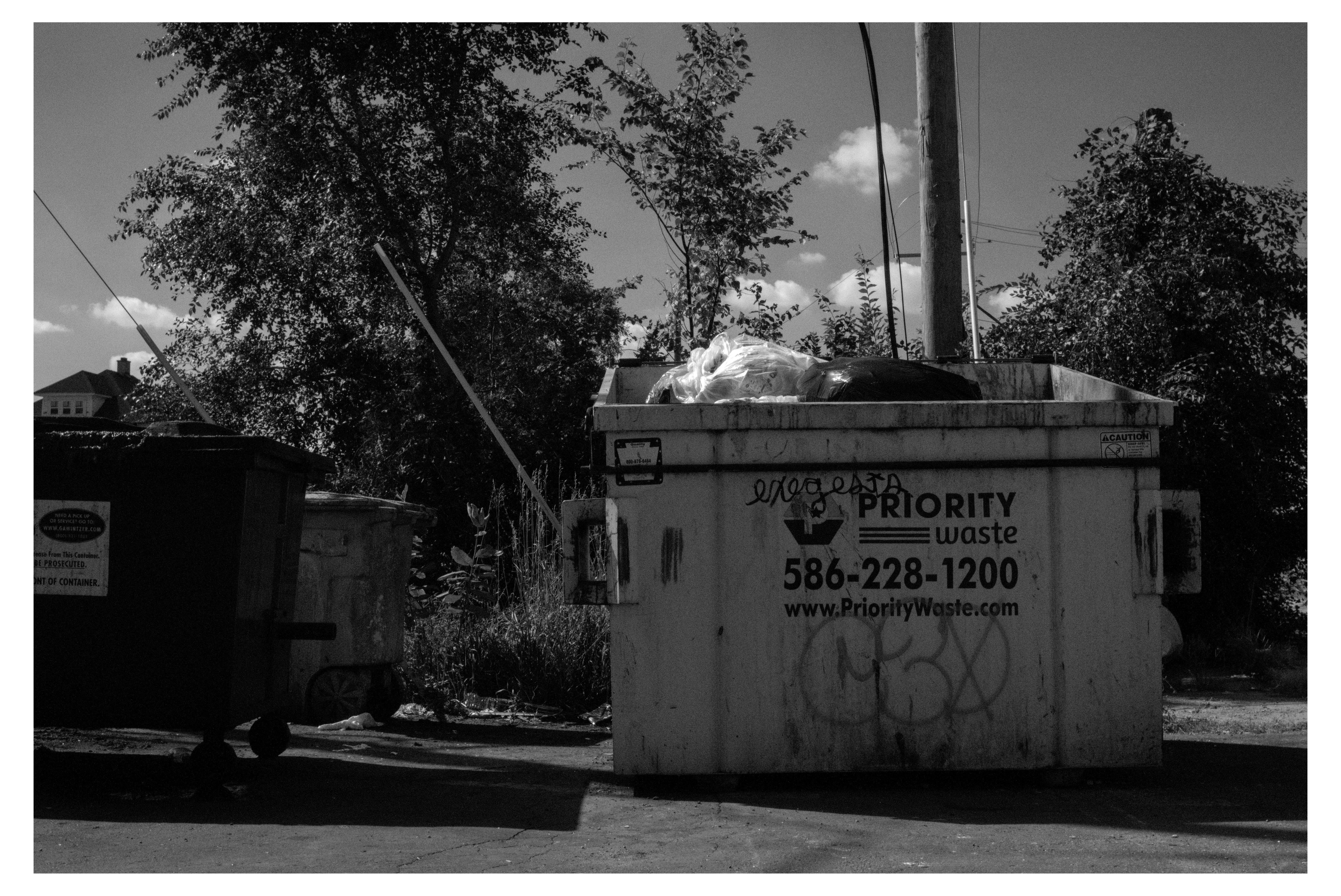
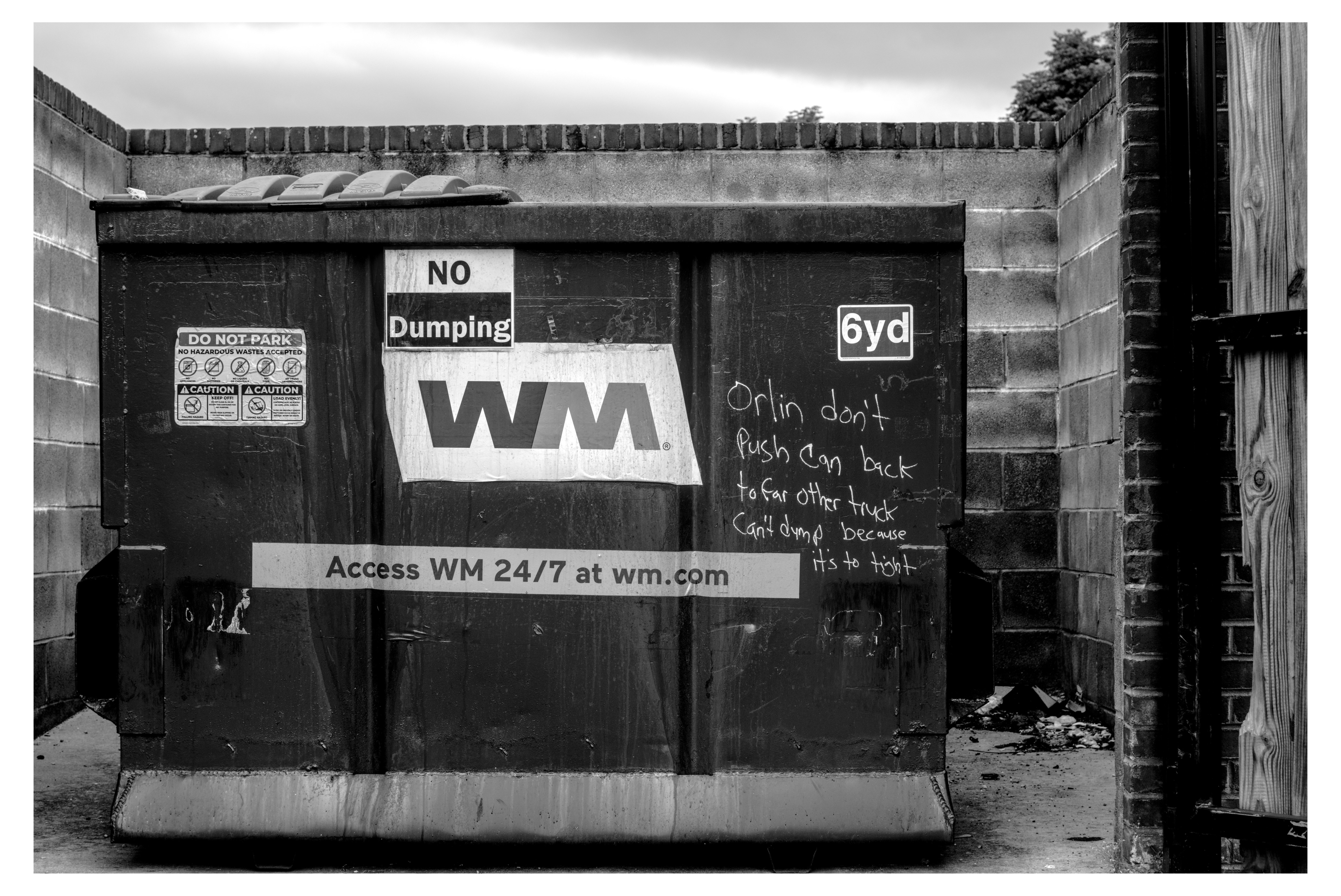
here, have an entire dumpsterful : )
(lol 45 photo edits in the last 24 hours [a pace which if i keep up my backlog will be gone in a mere month :3 )
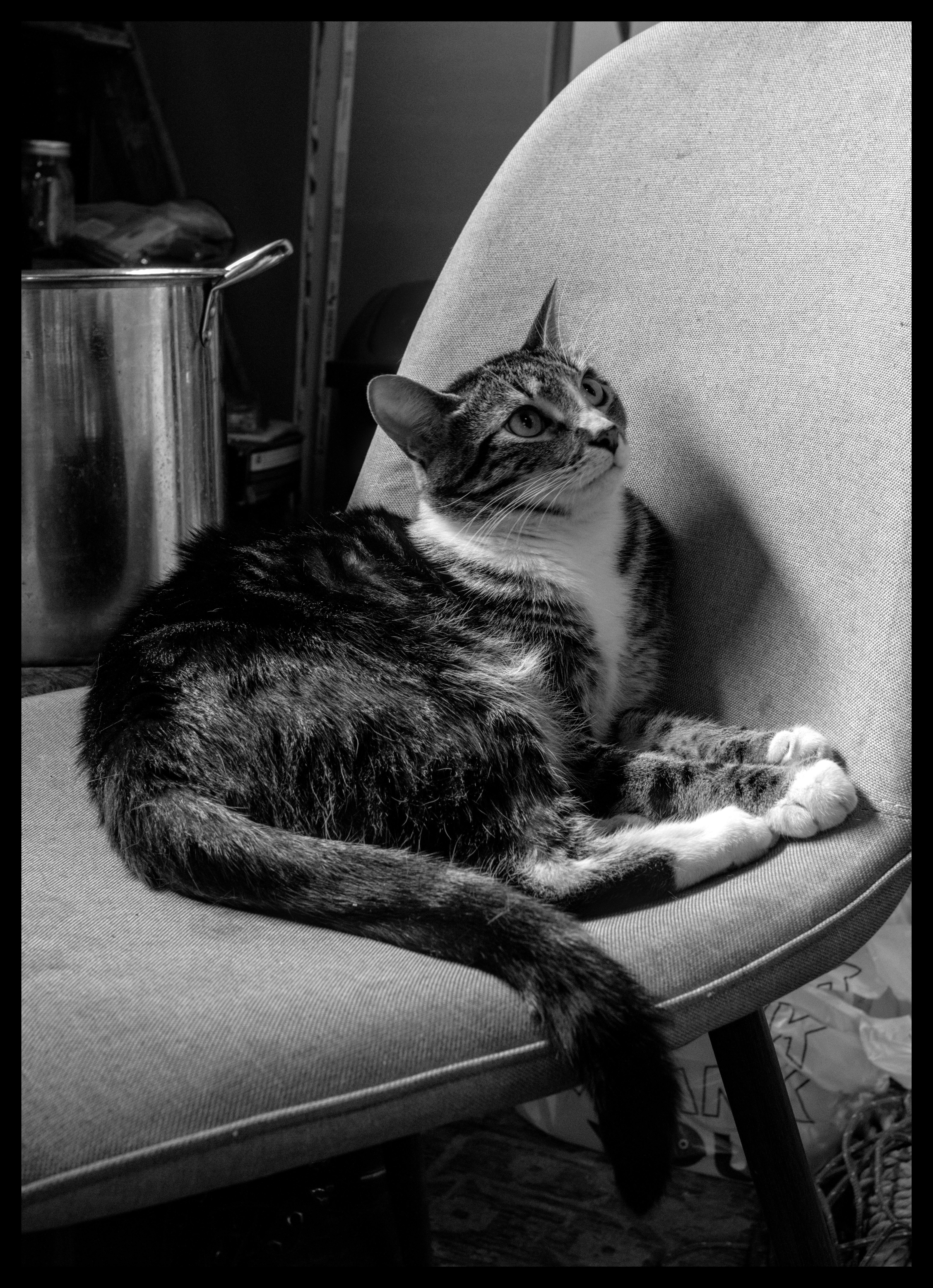
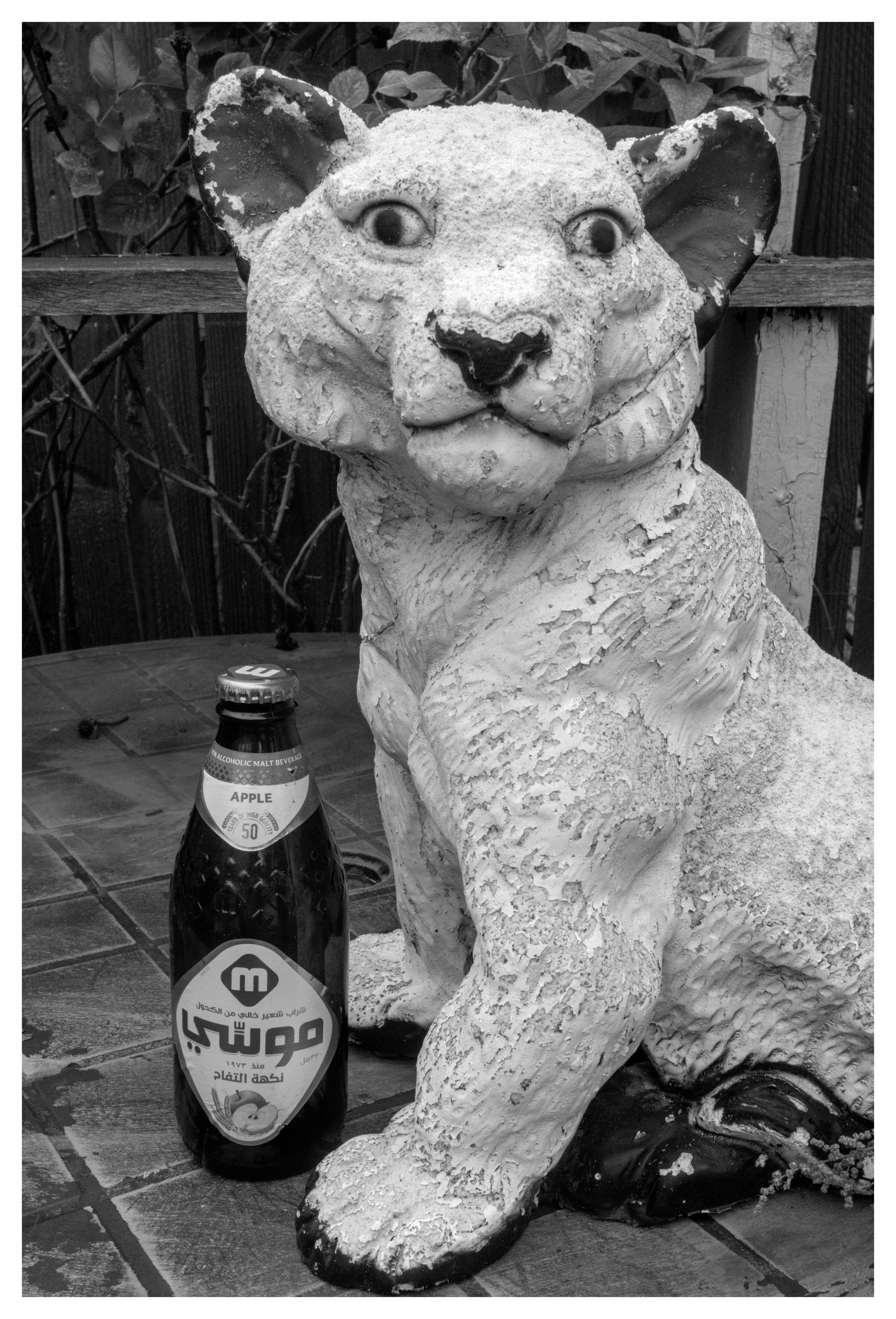
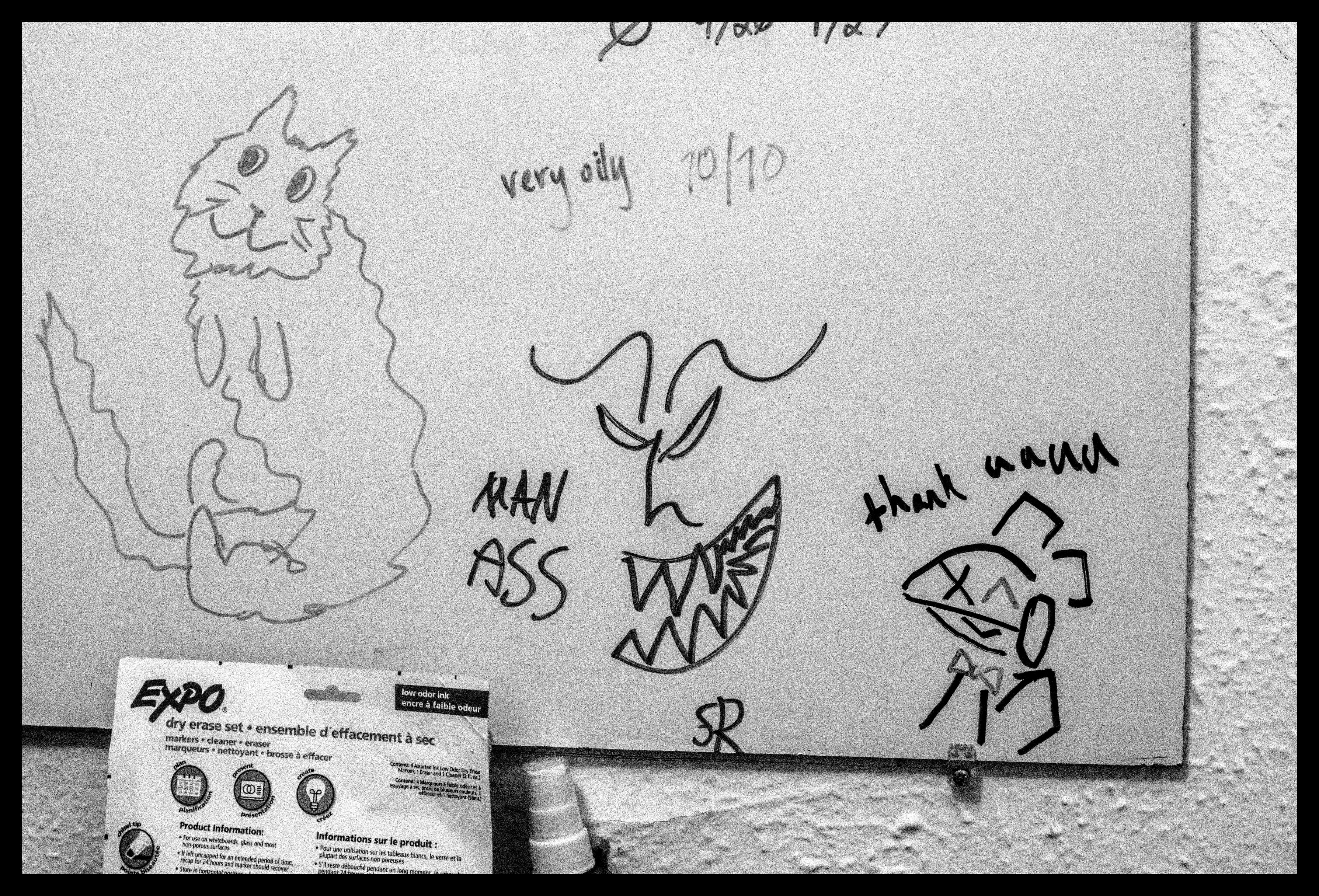
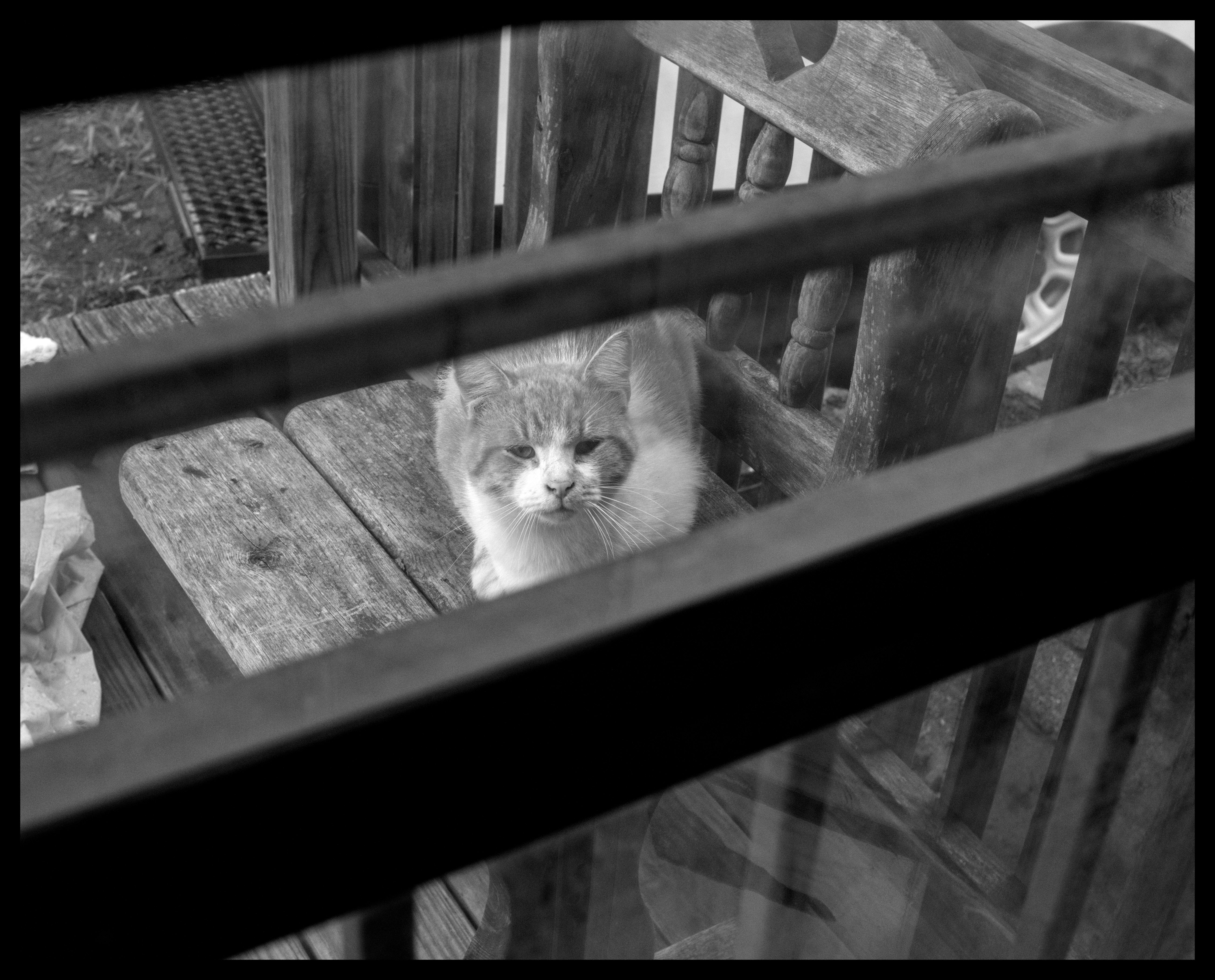
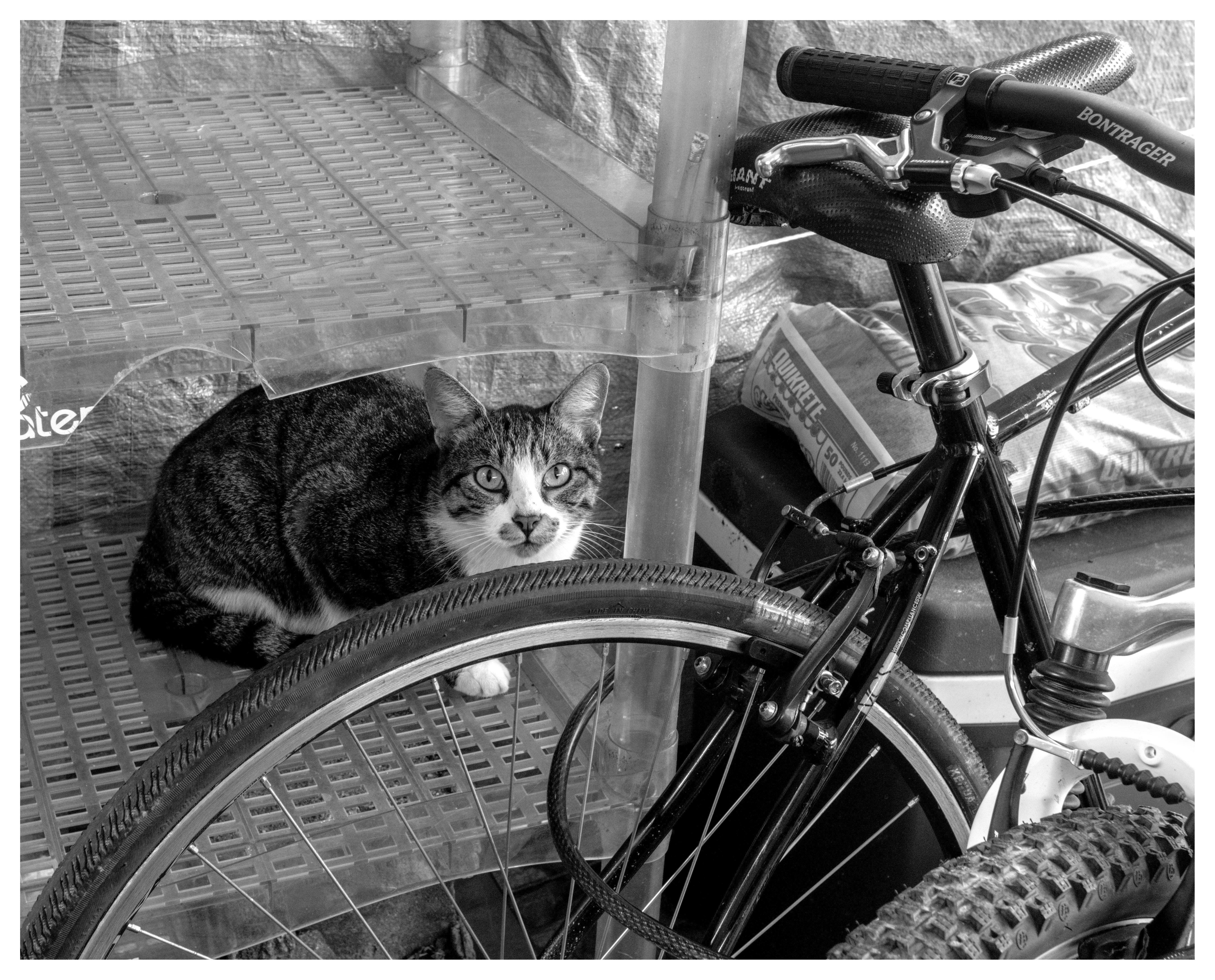
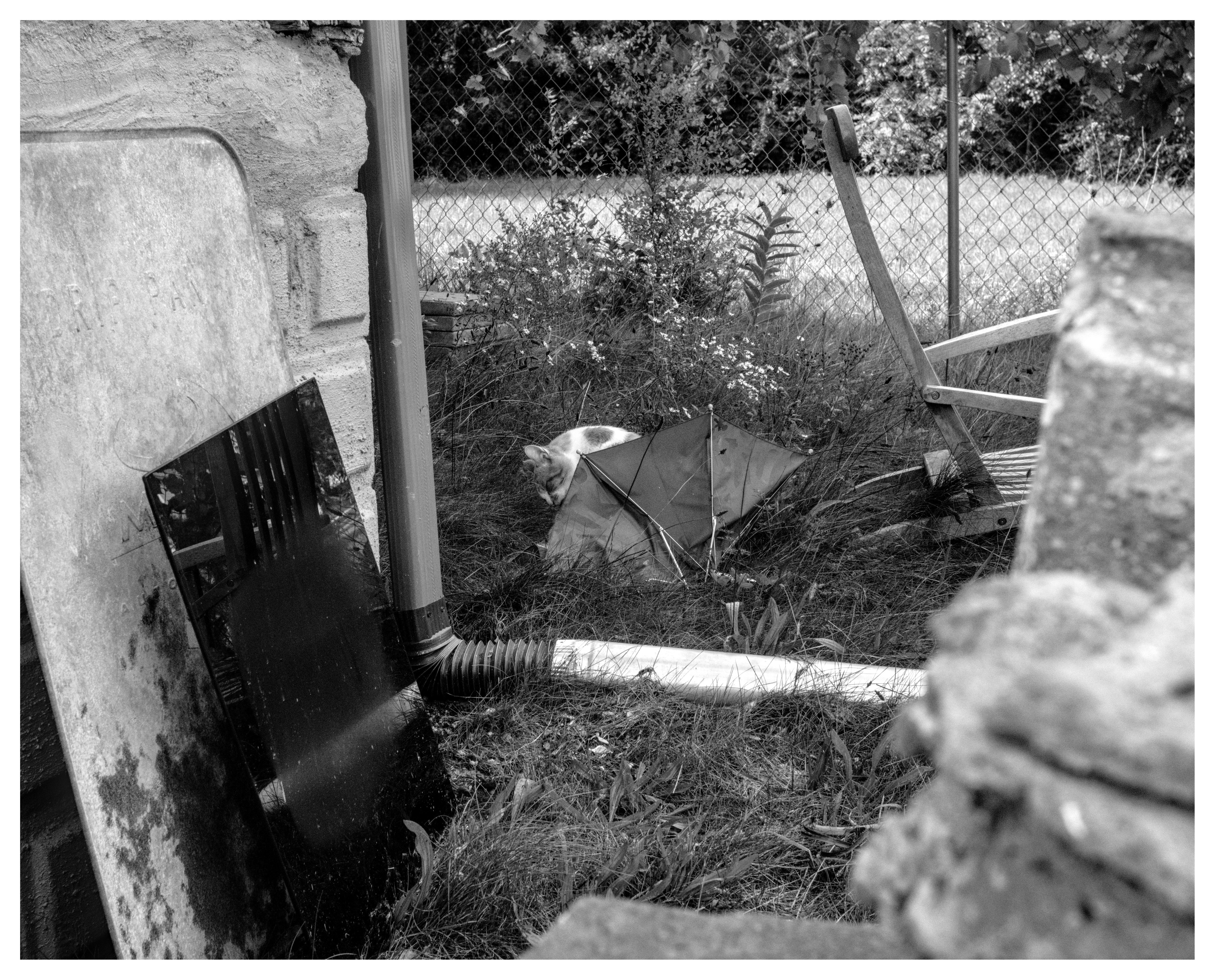
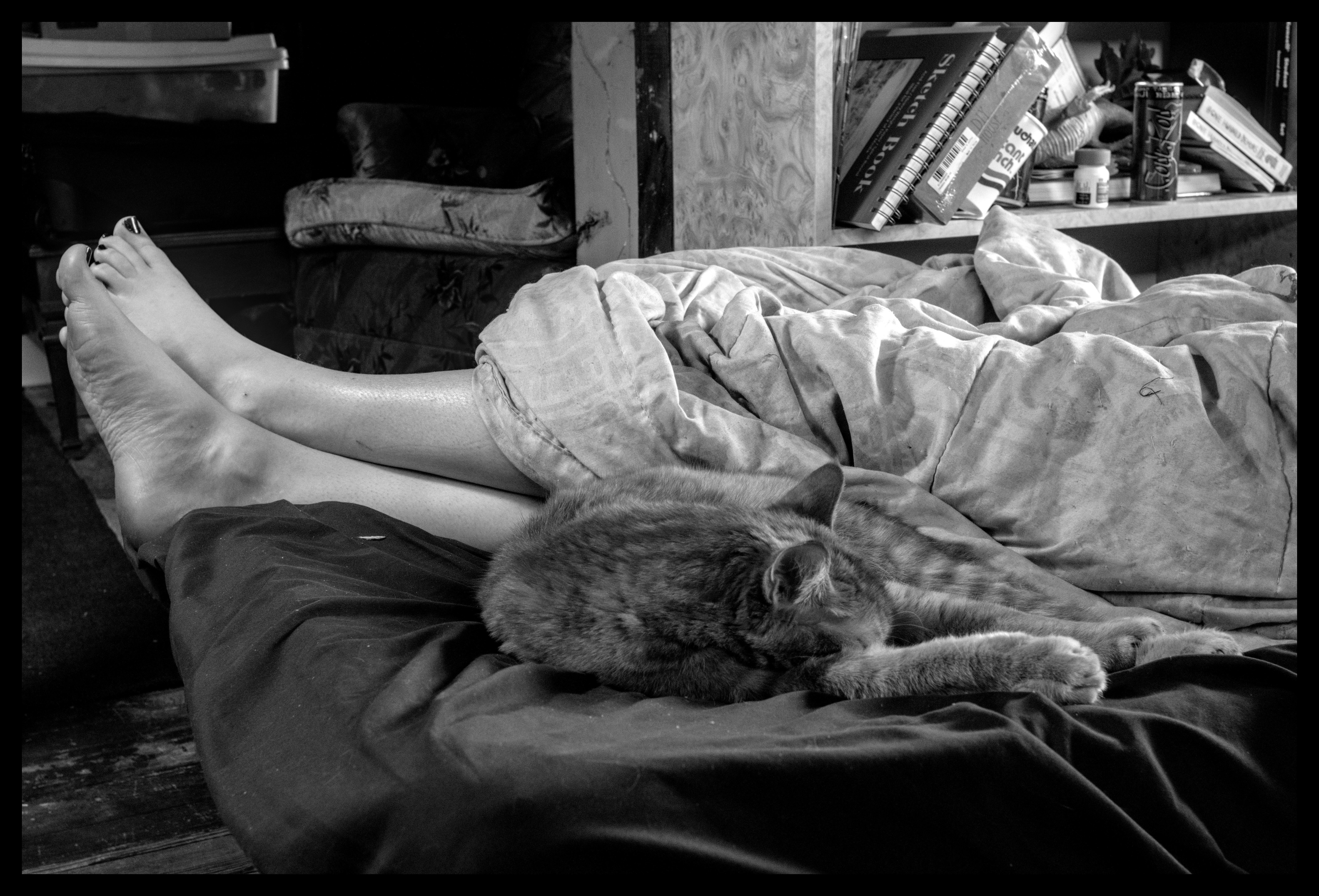
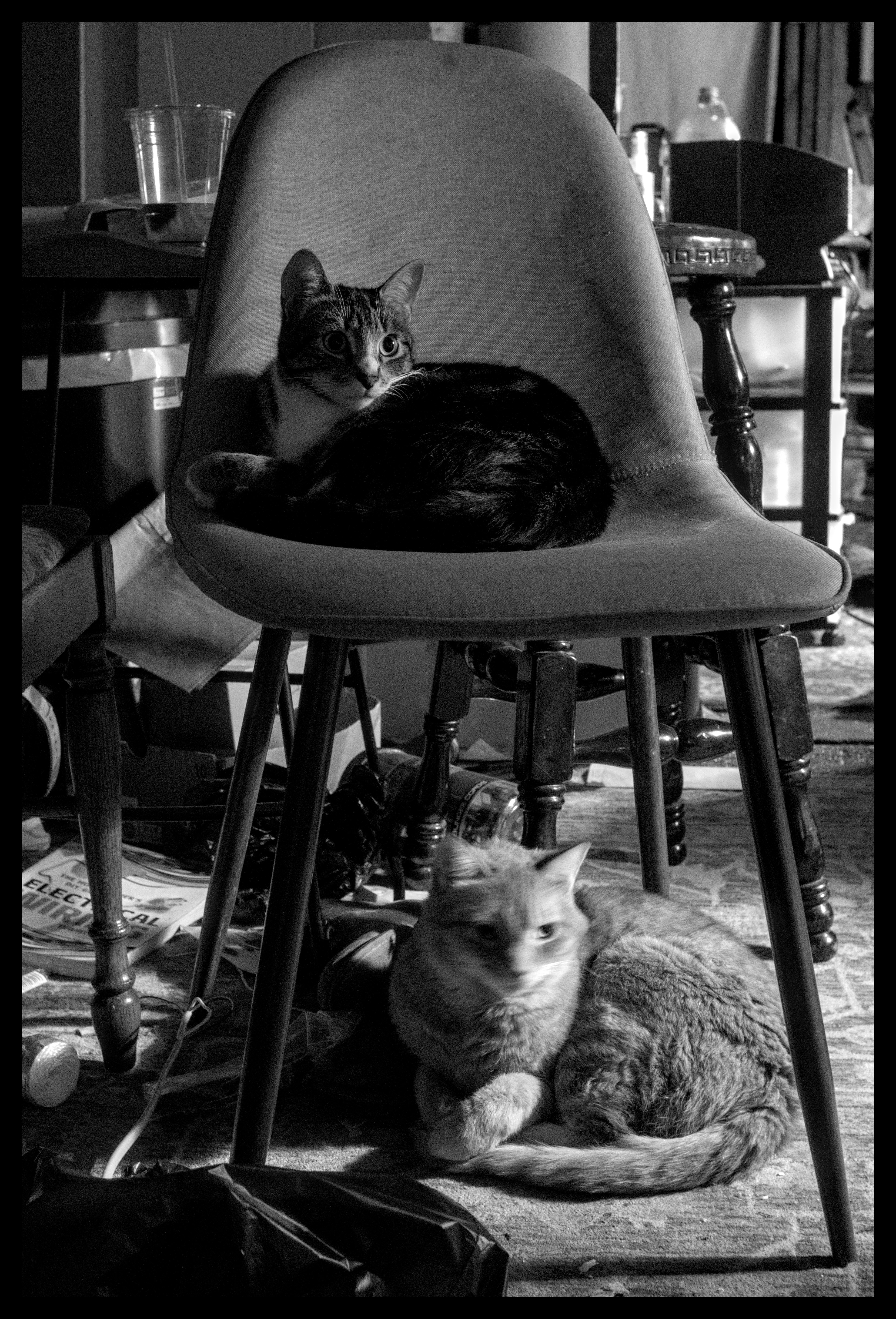
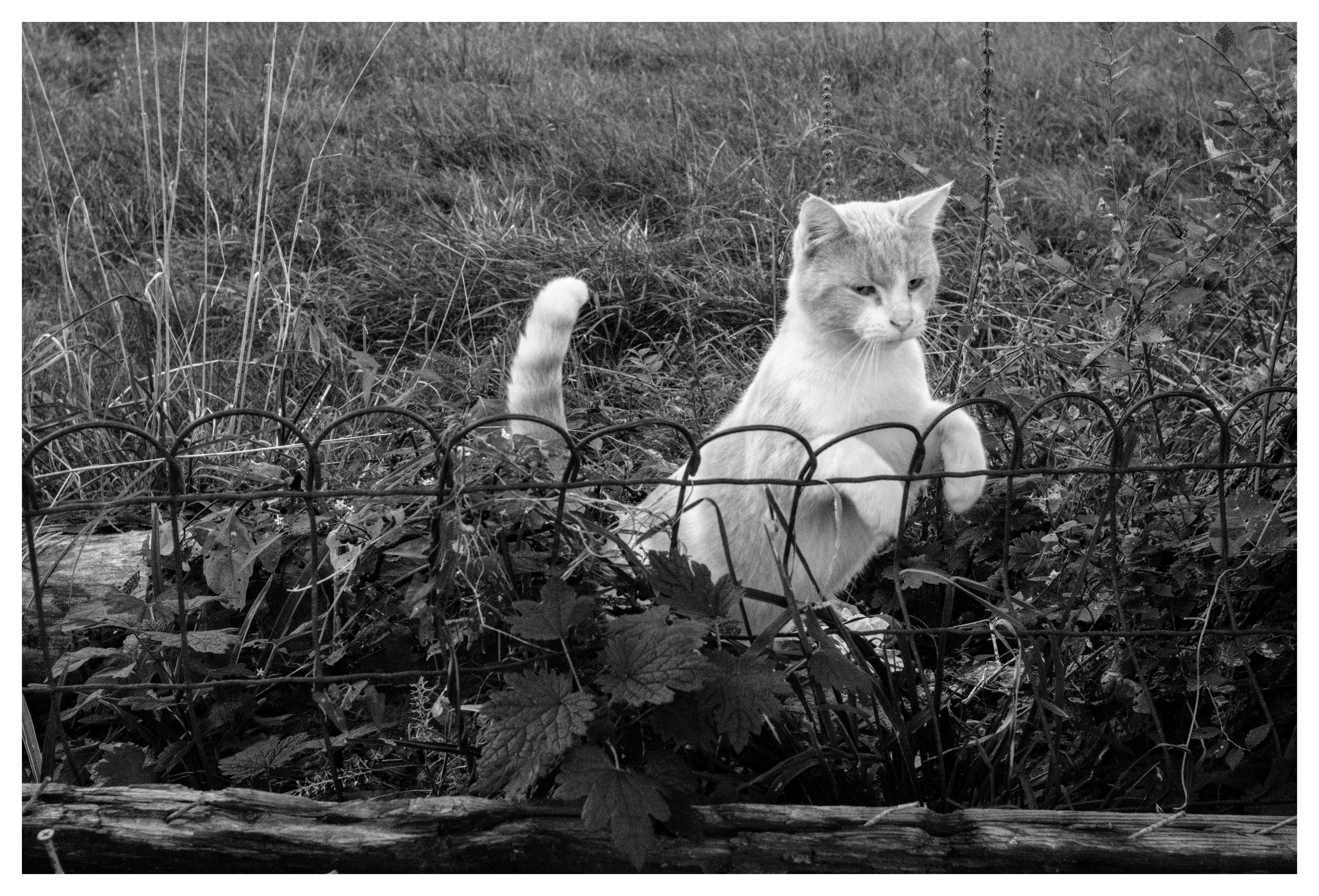
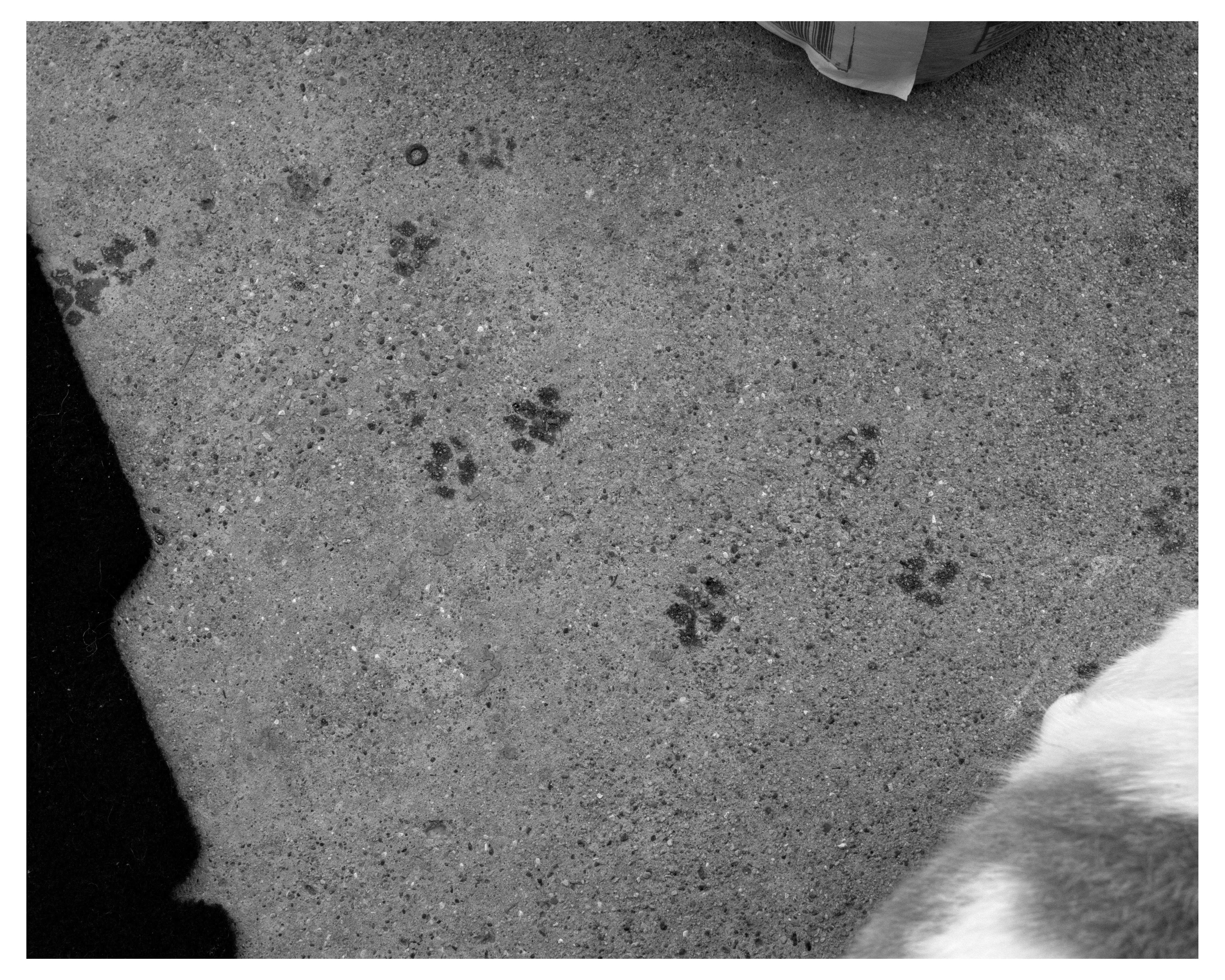
ella the catgirl, alley cat with unknown outdoor cat, spinach, orange creamsicle, a statue, a drawing, squimbleshanks, and topaz
so young
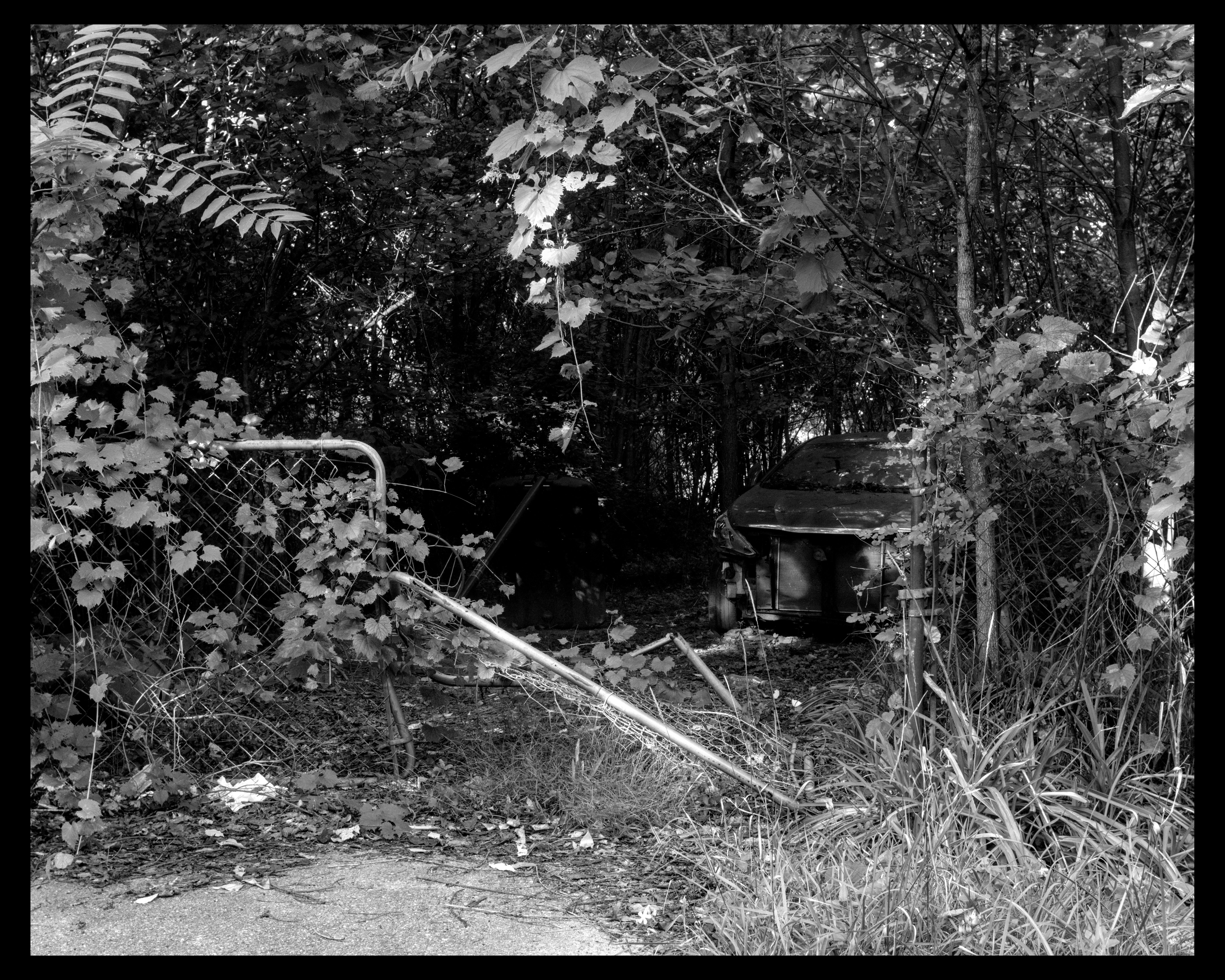
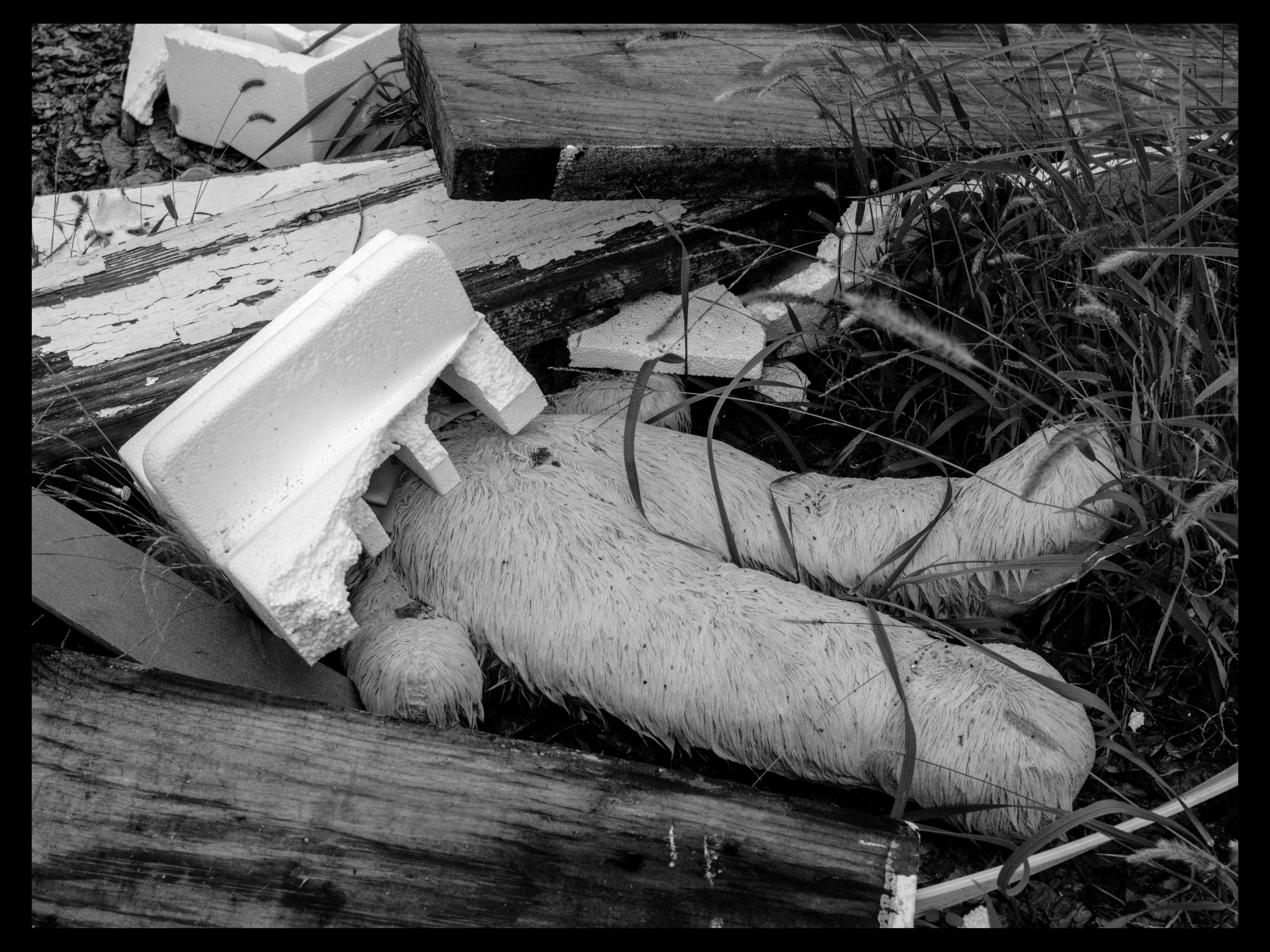
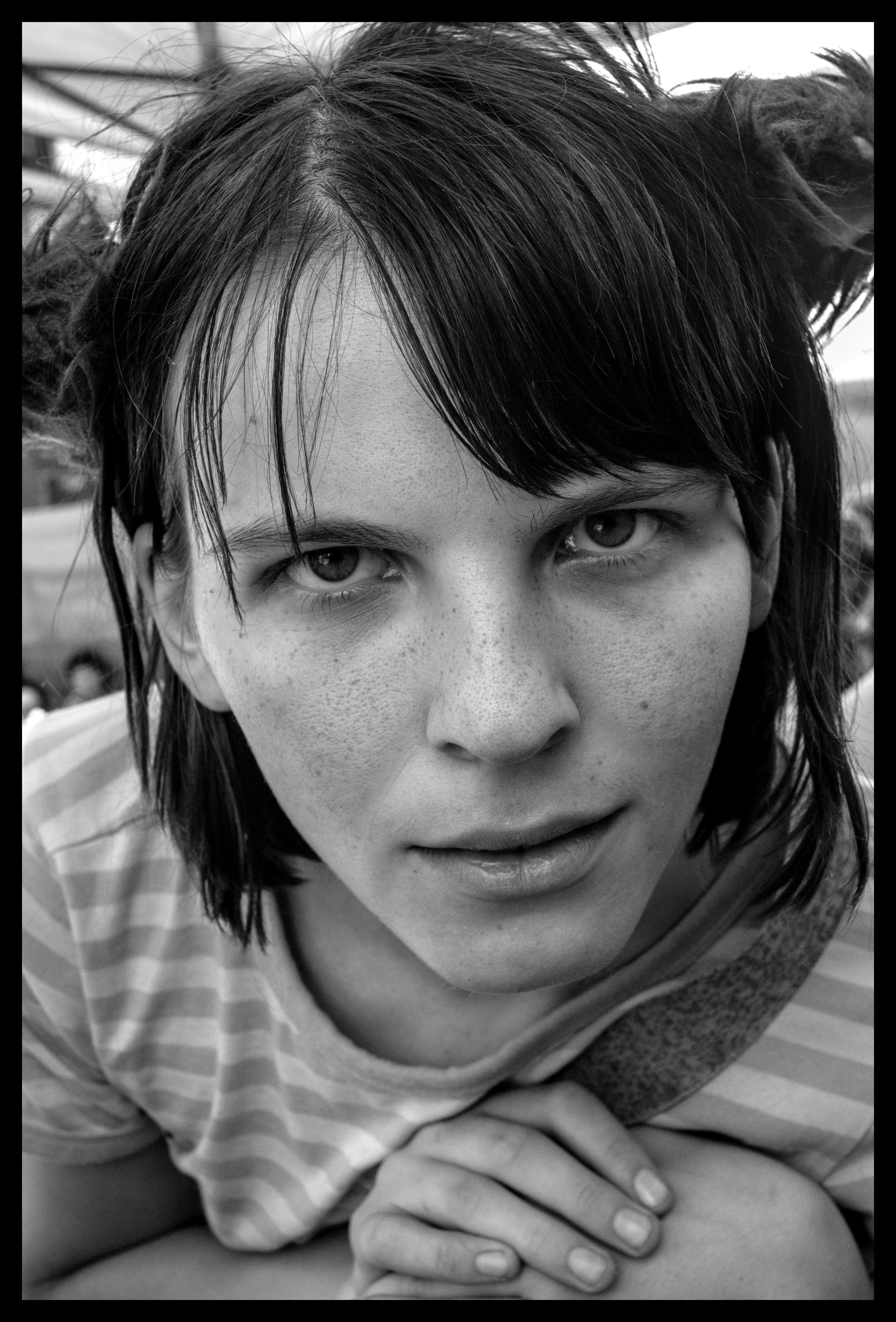
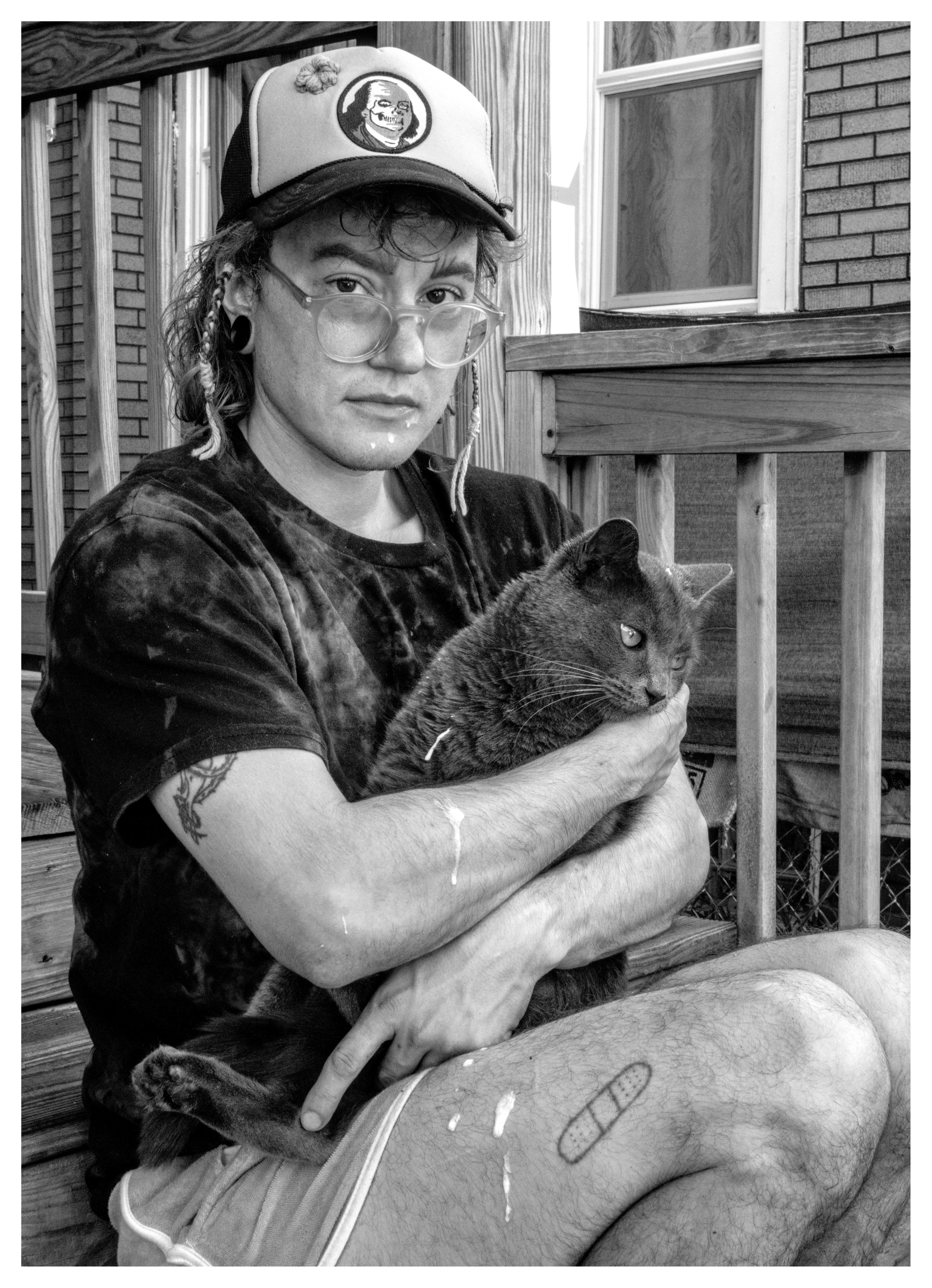
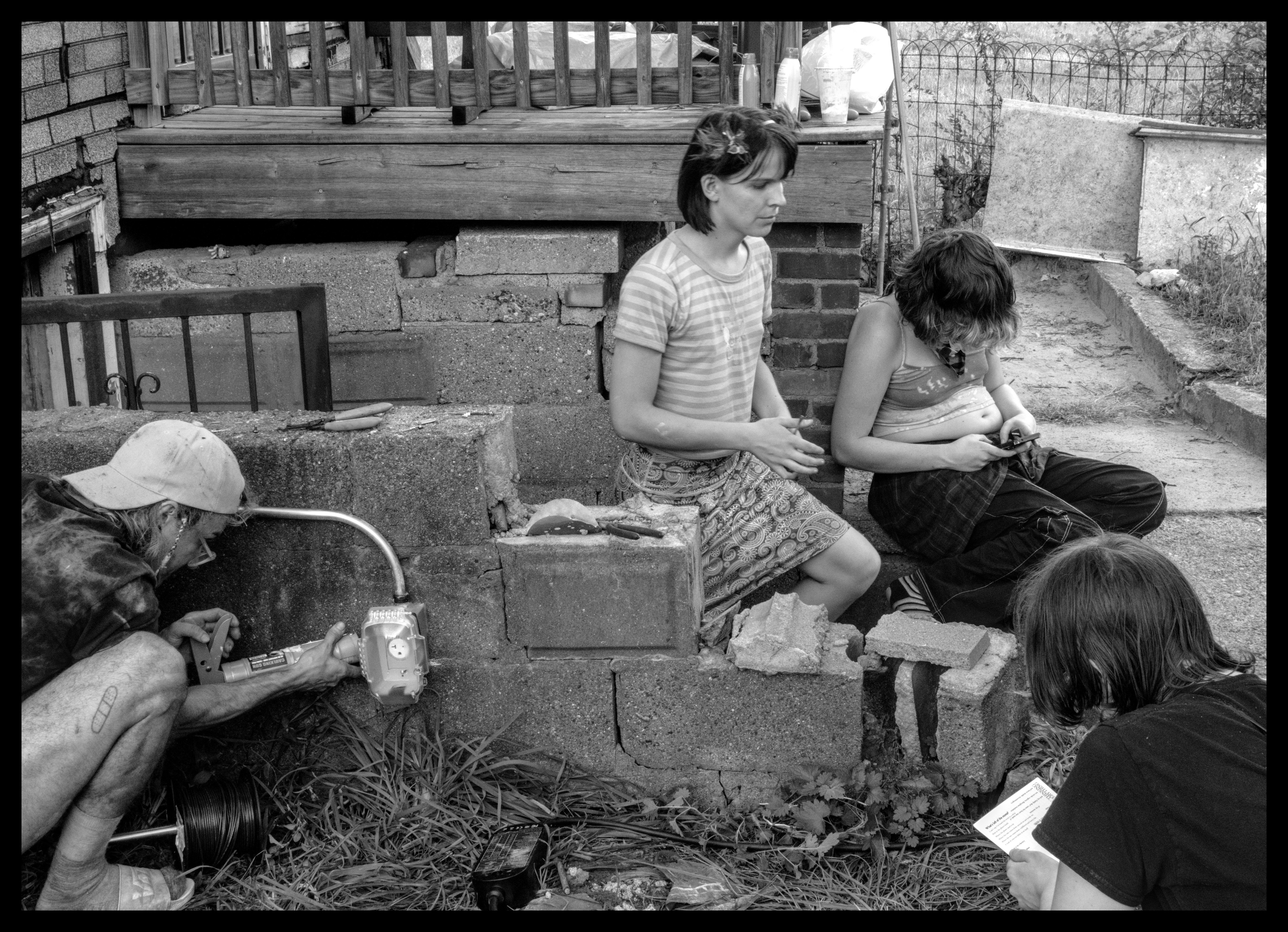
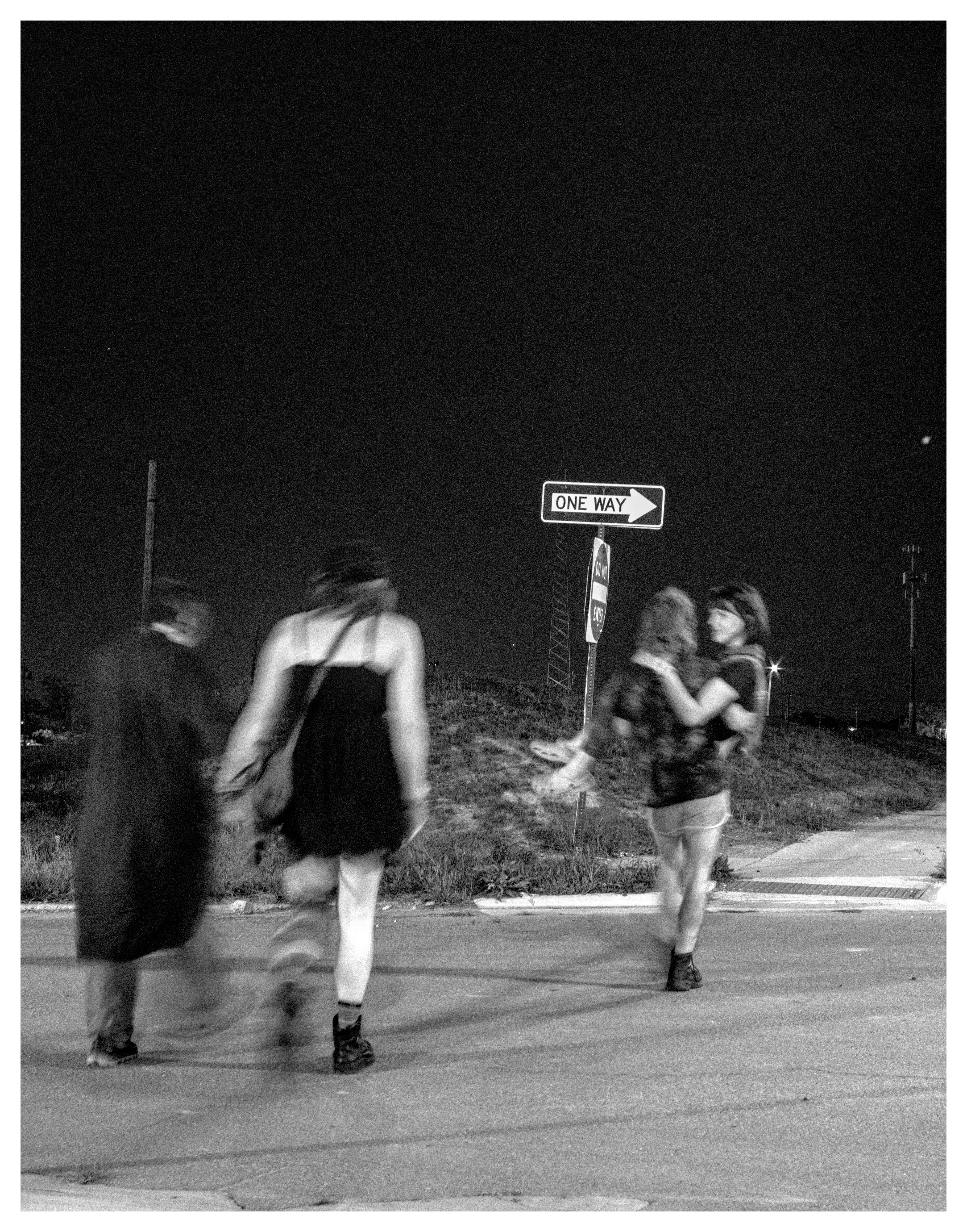
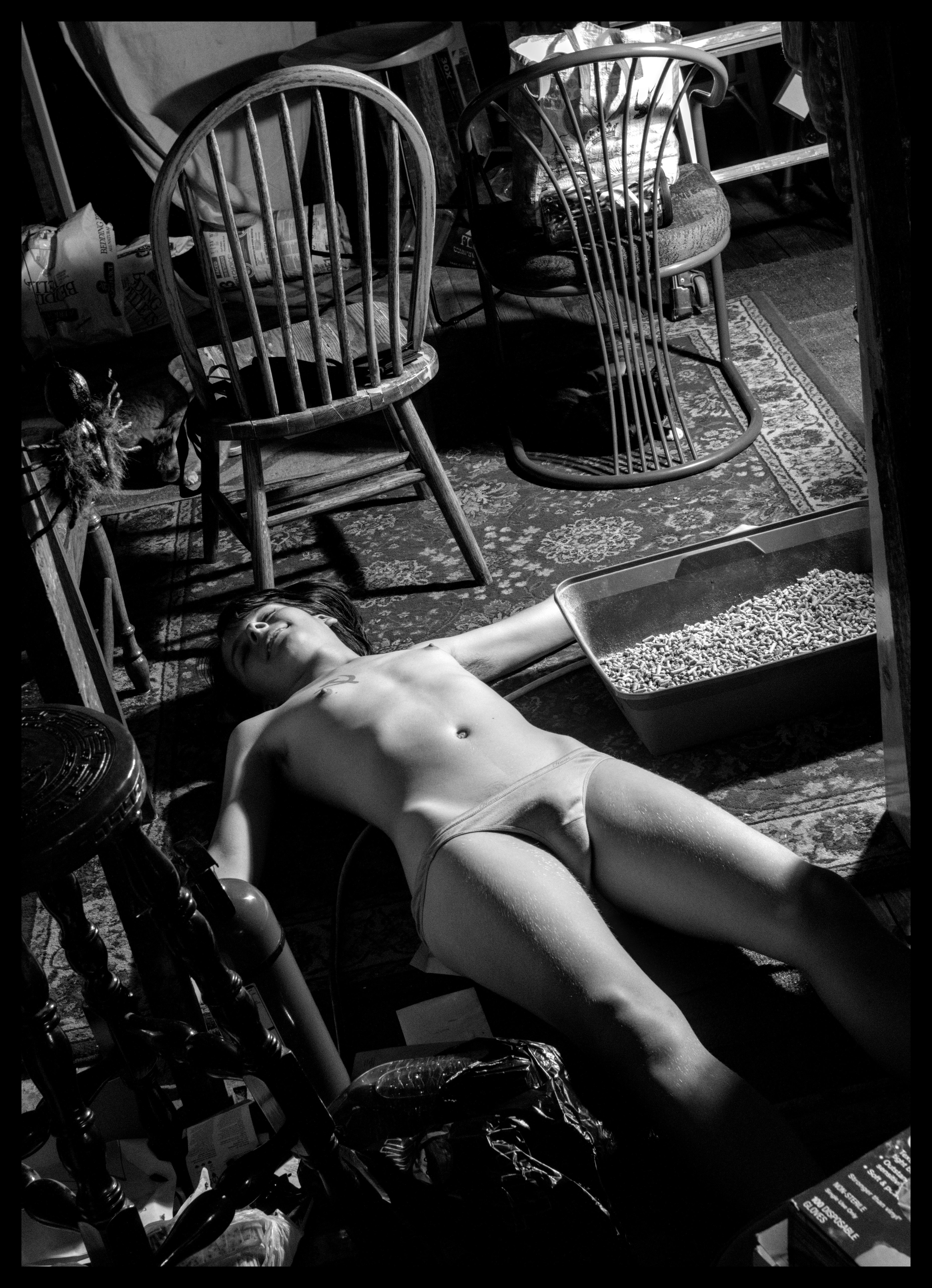
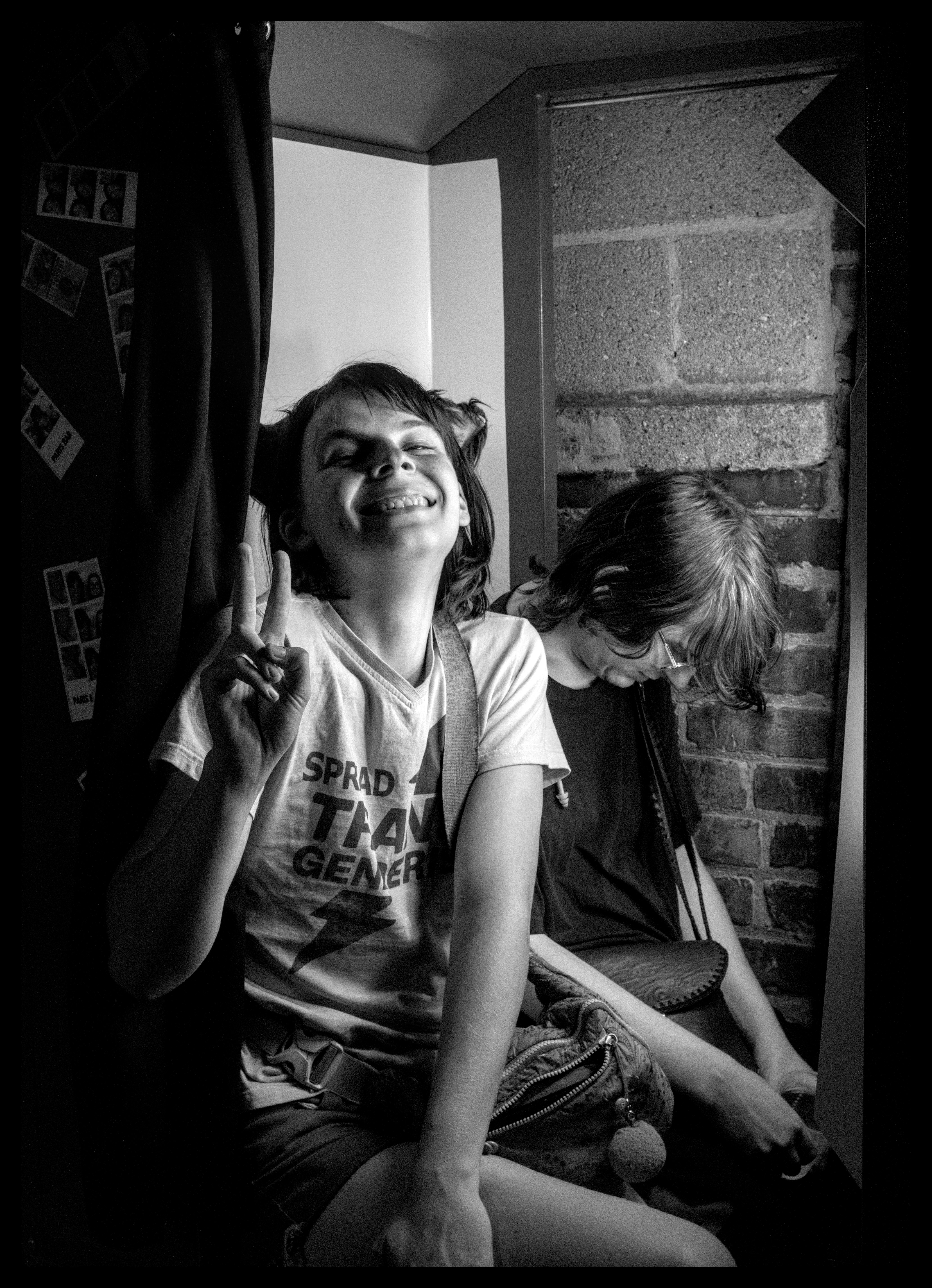
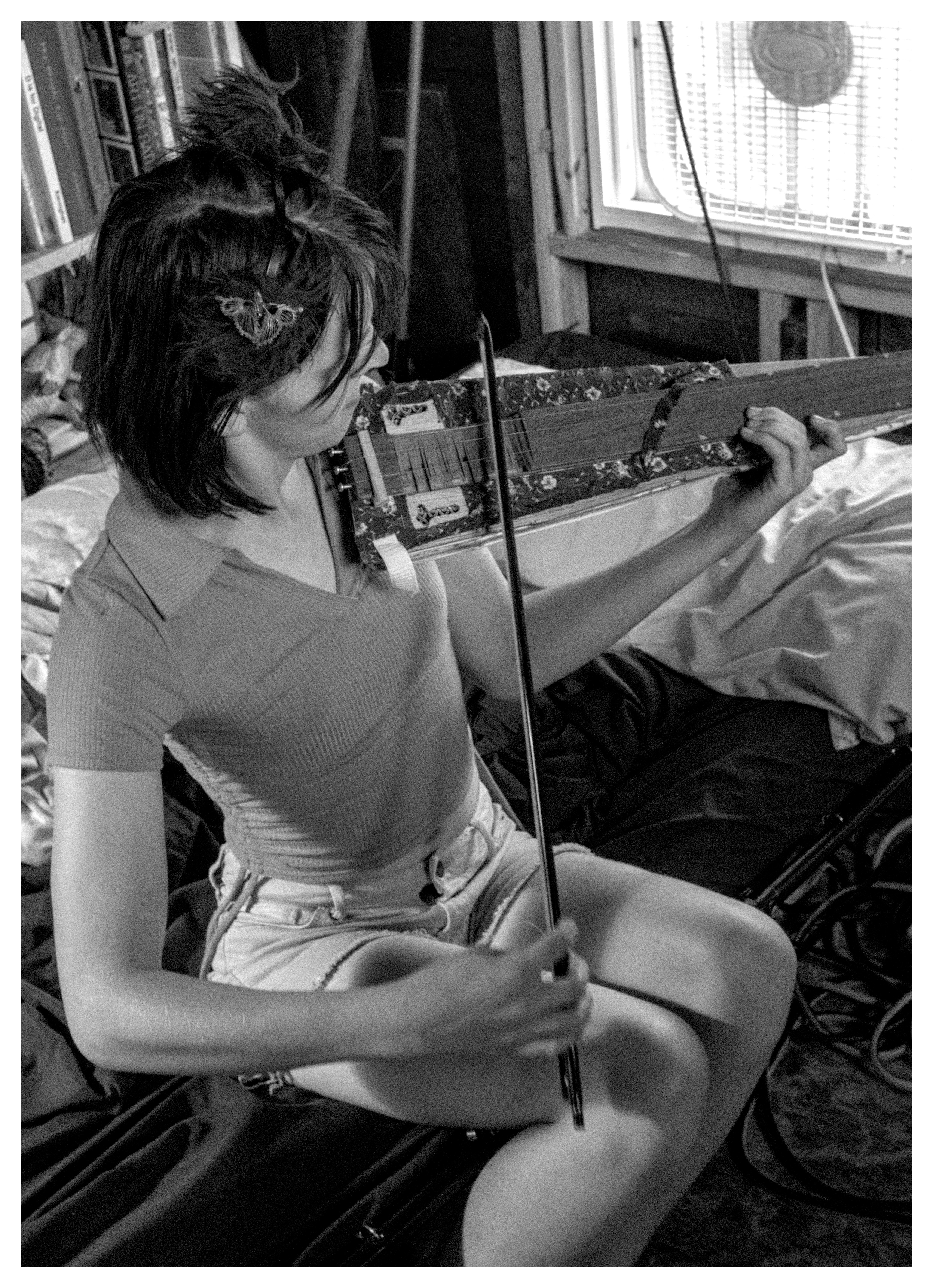
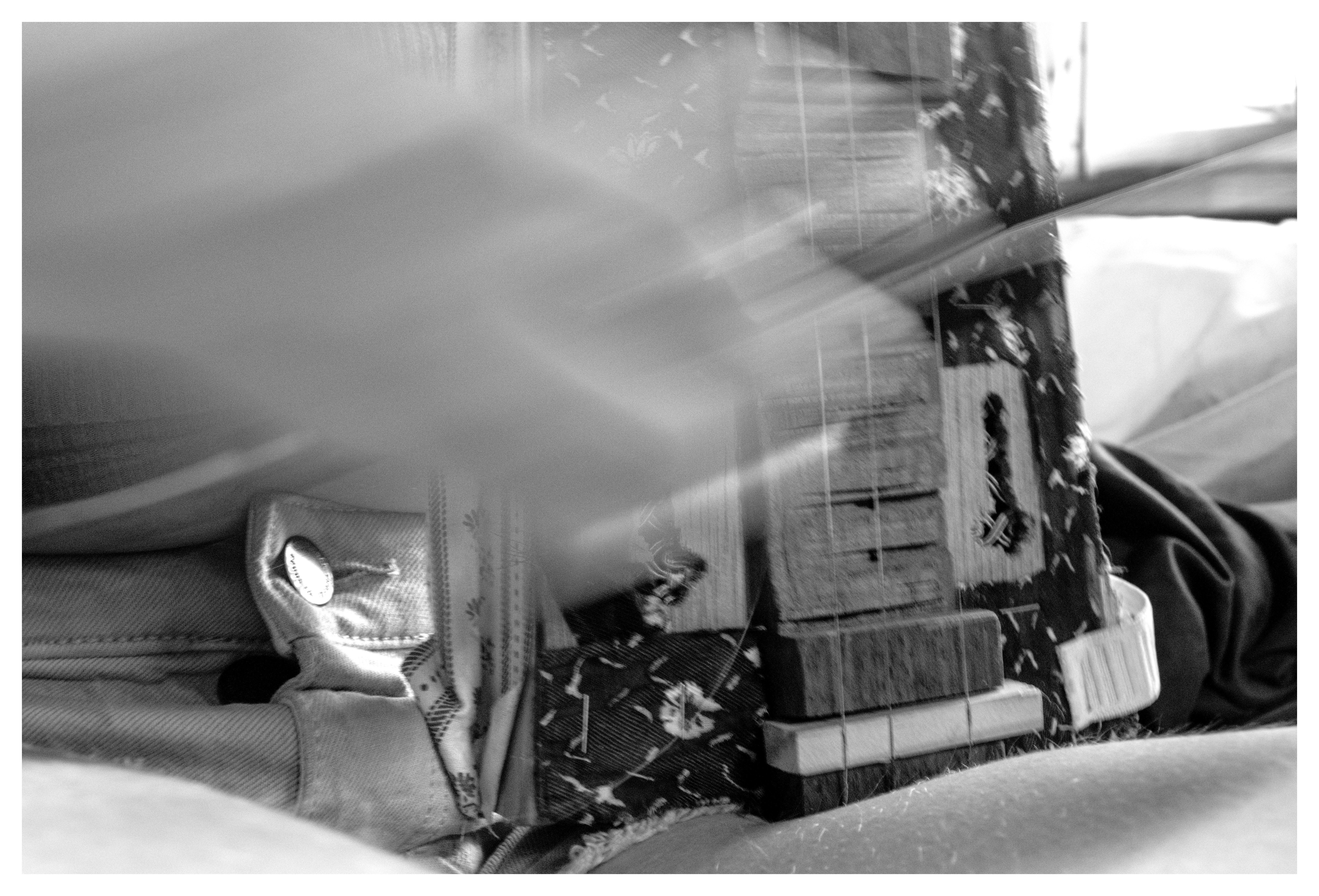
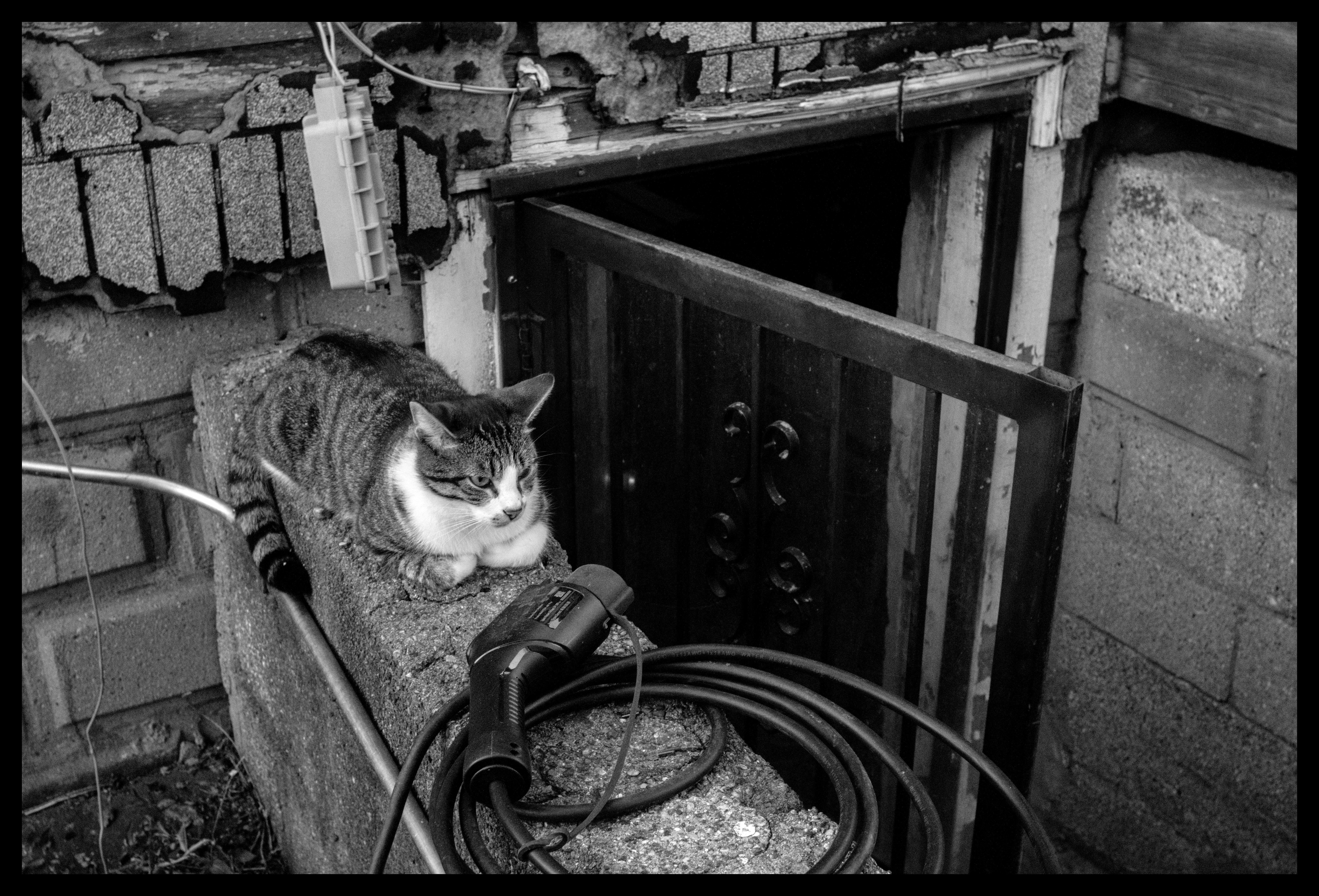
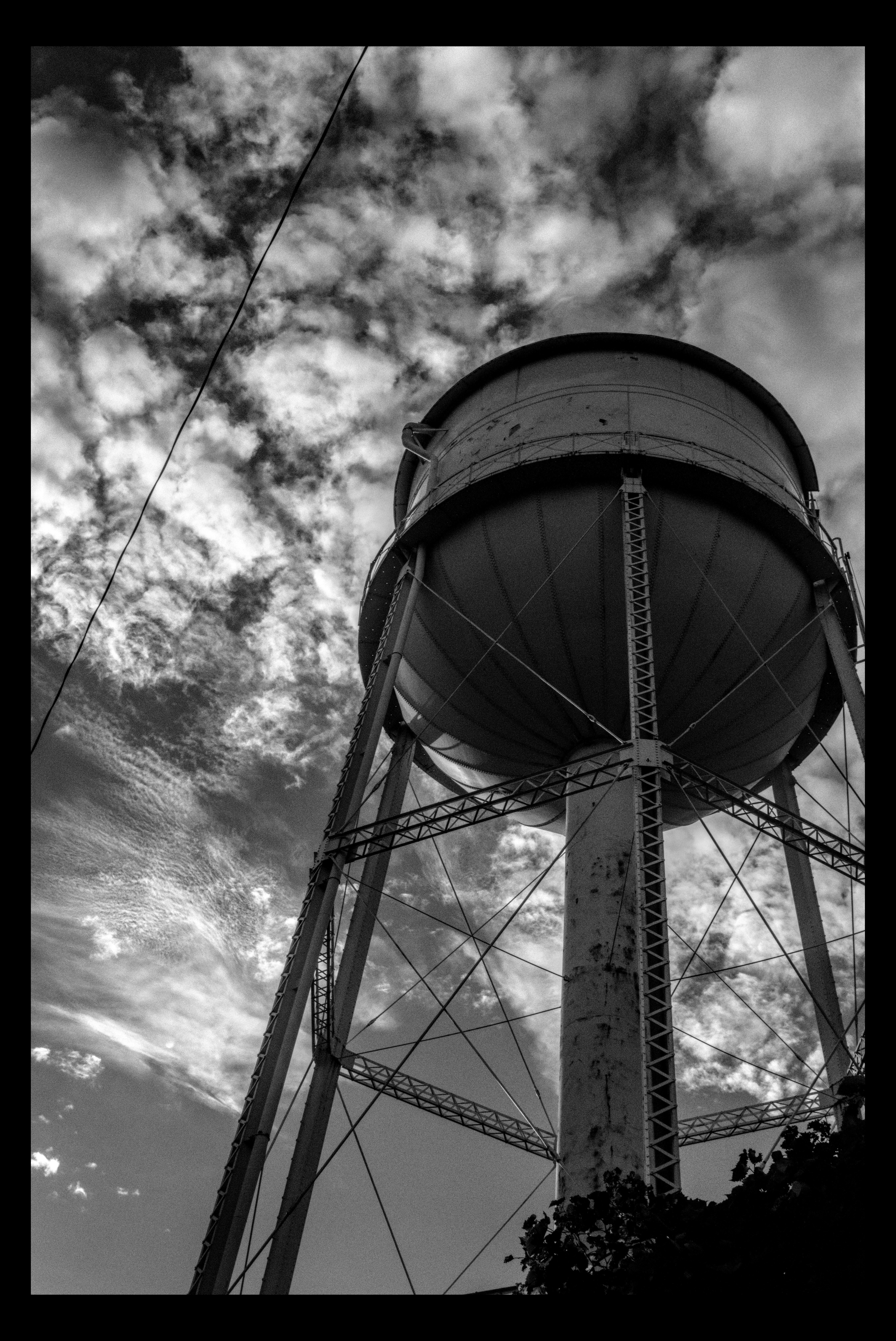
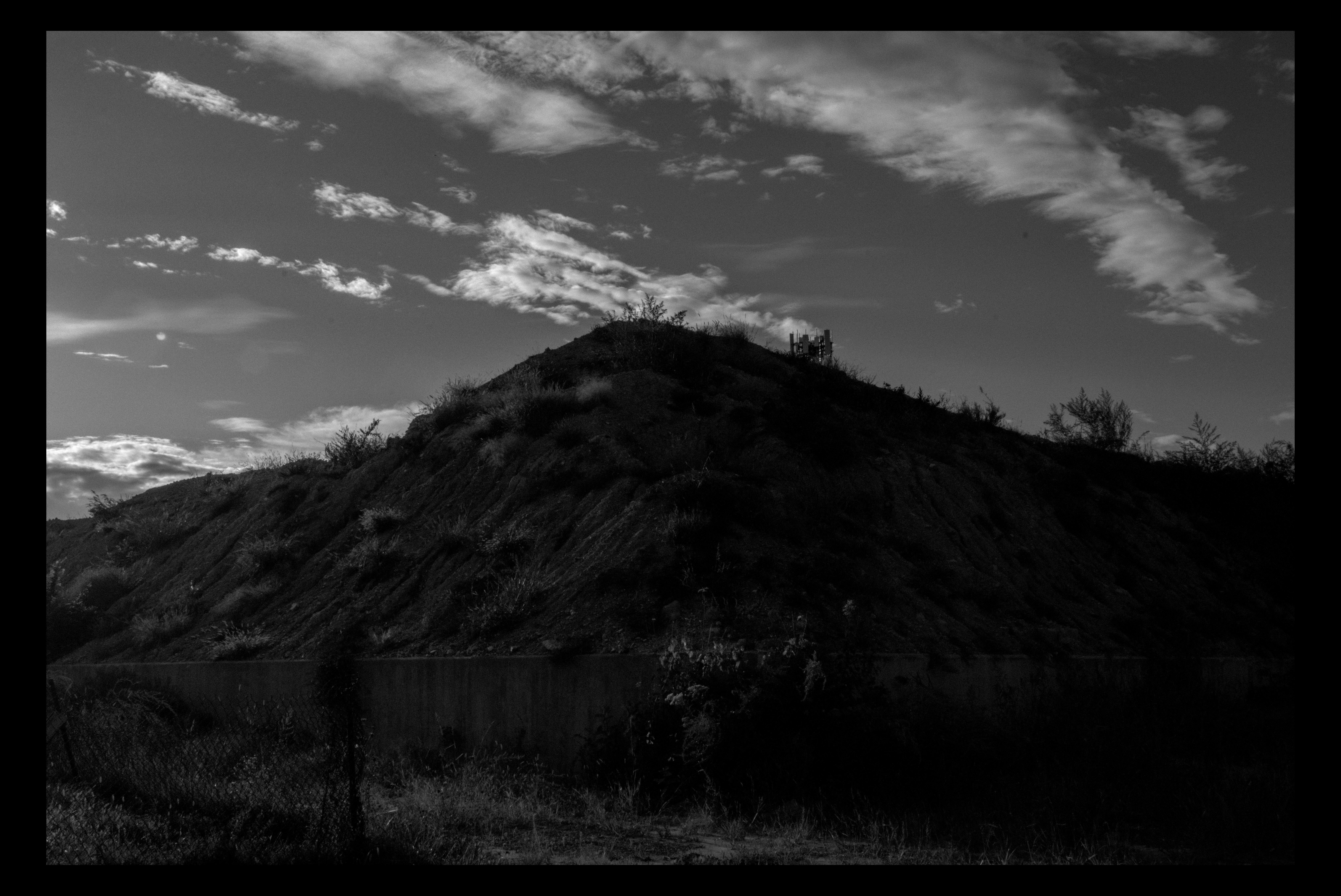
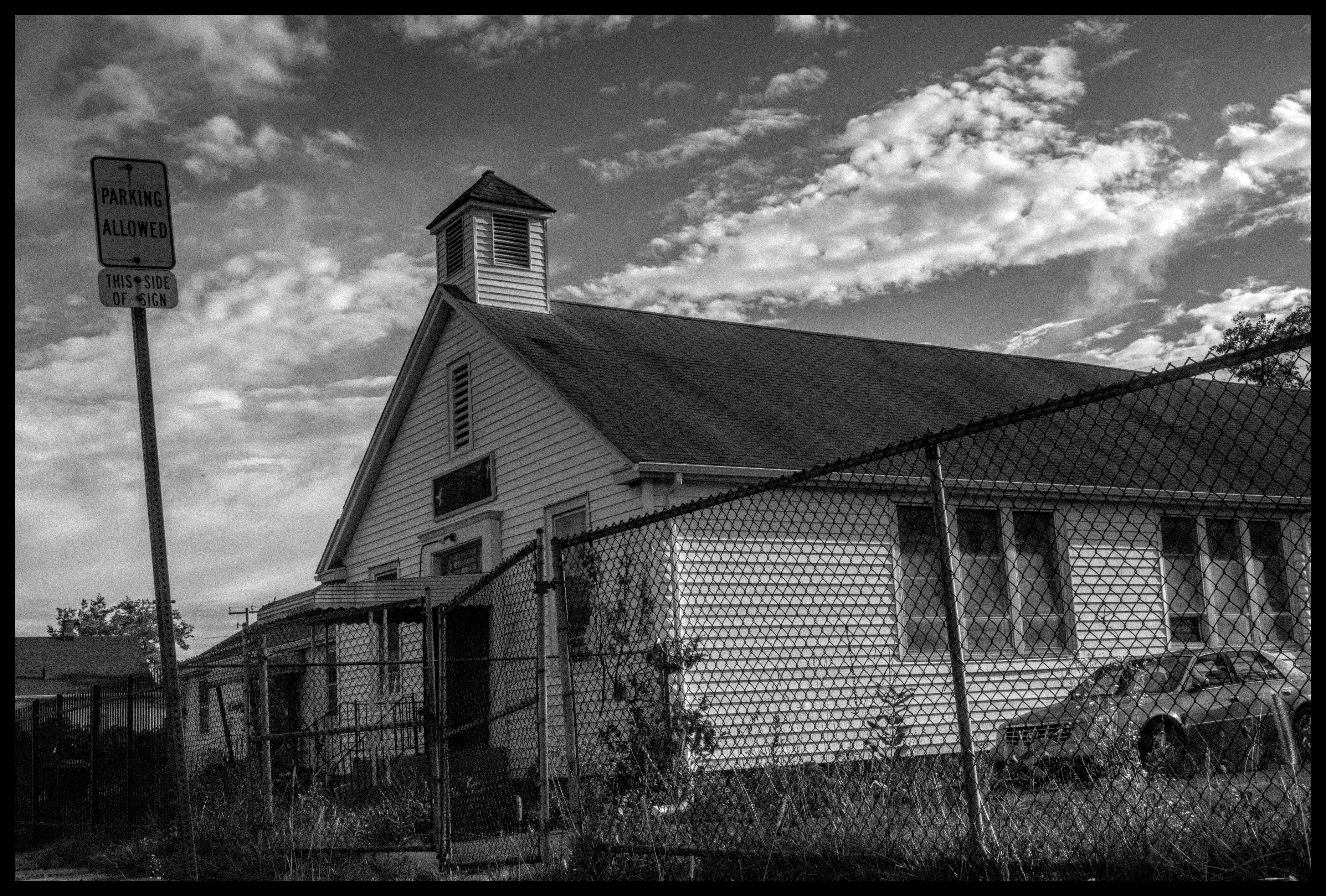
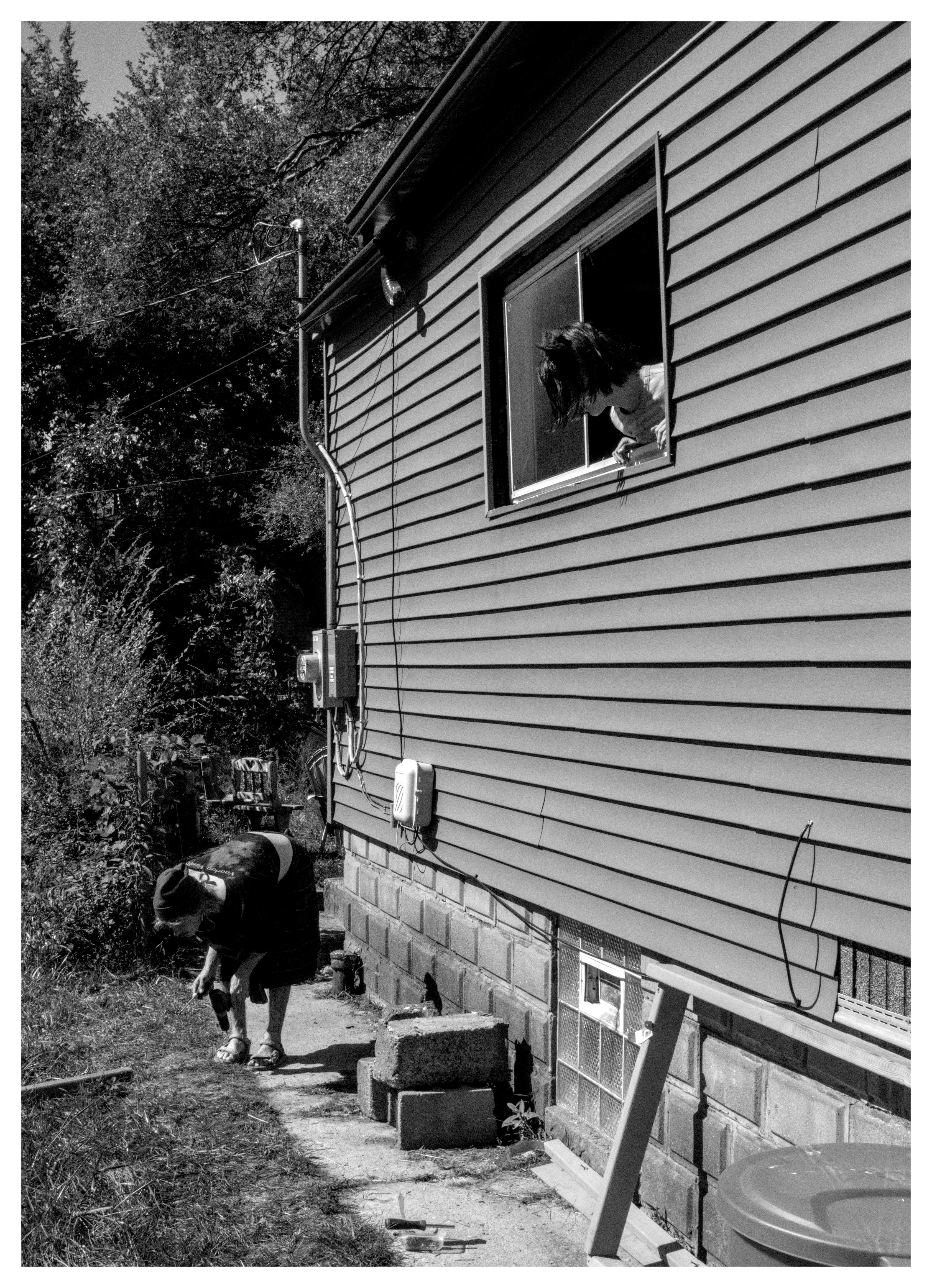
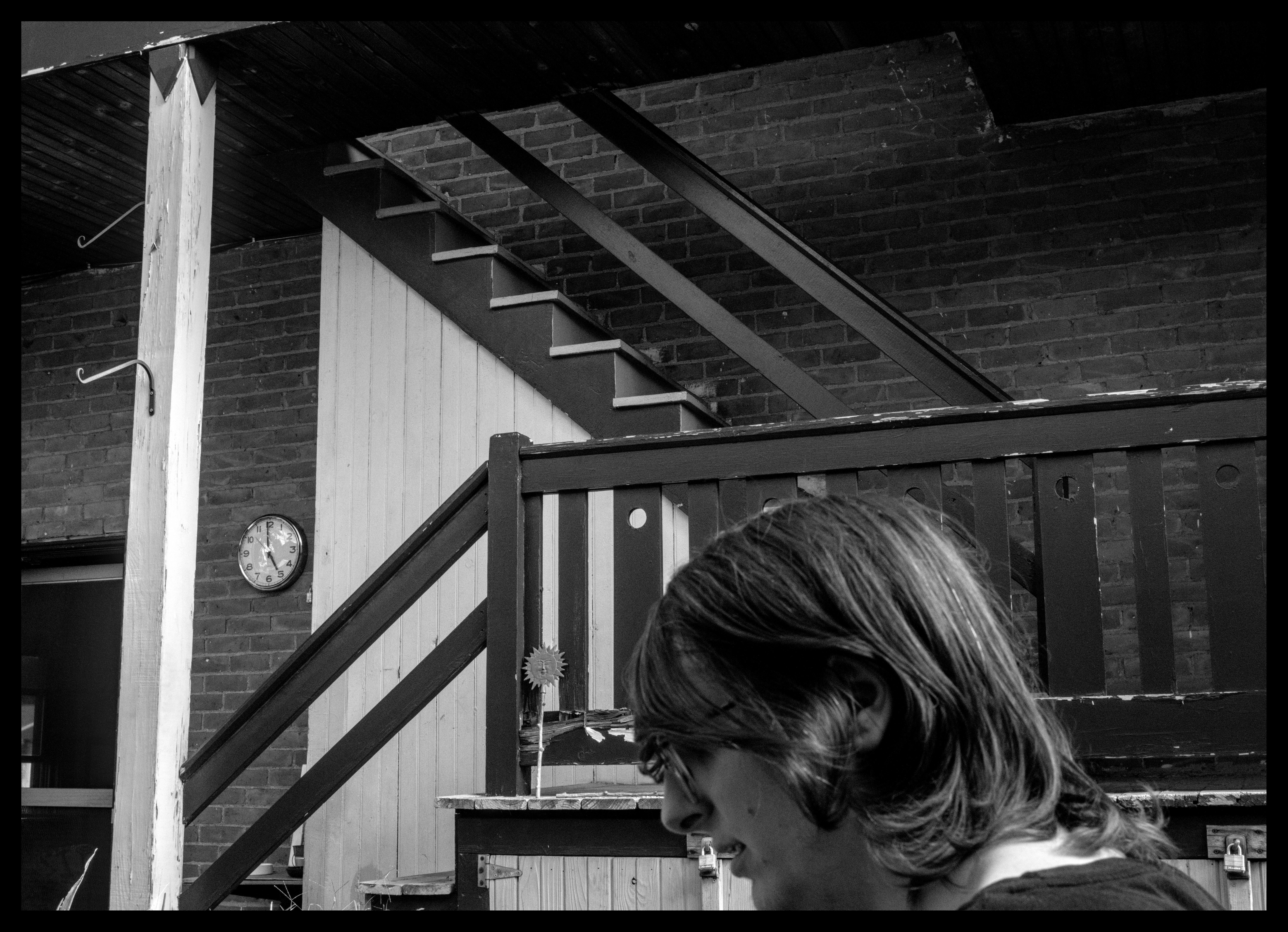
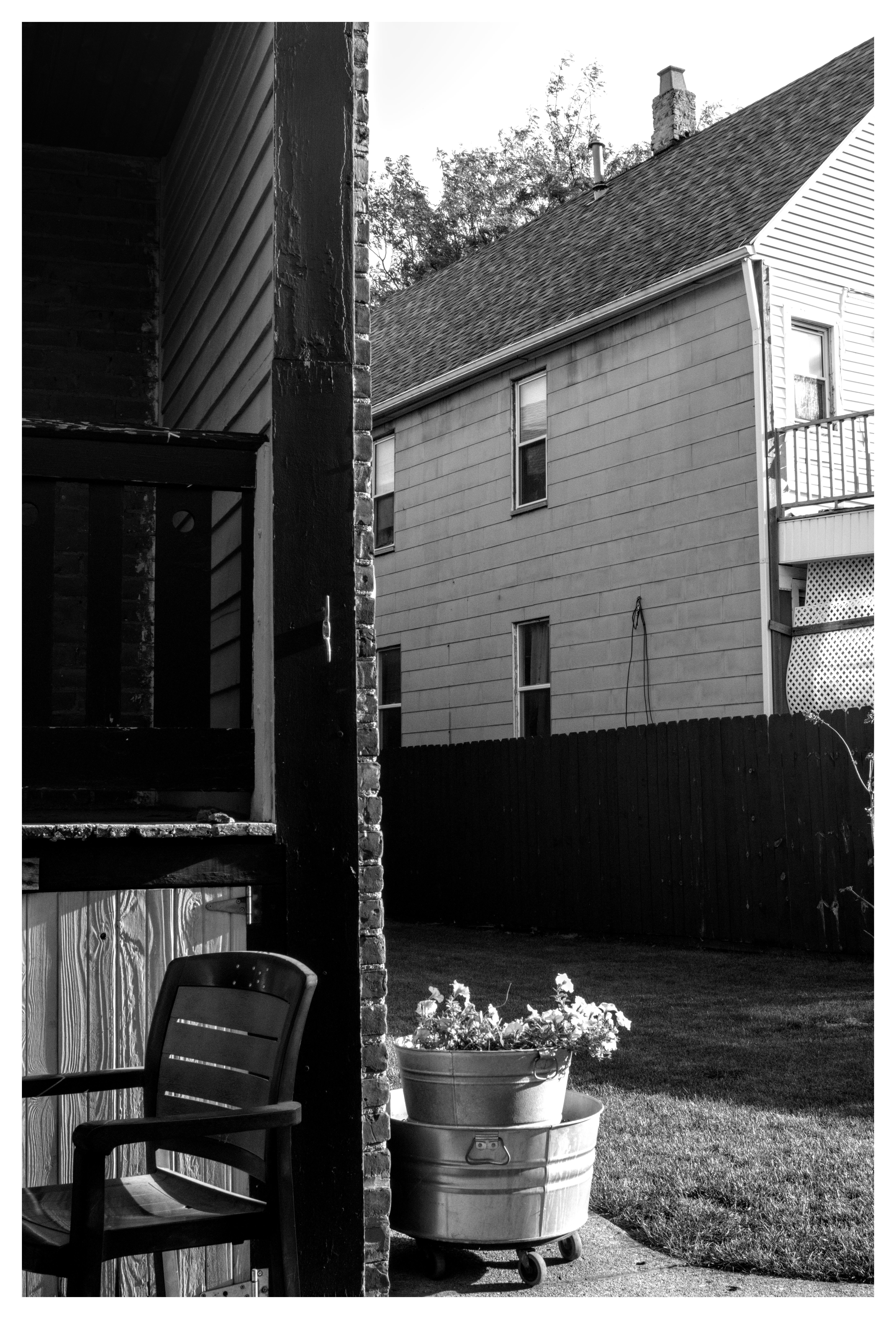
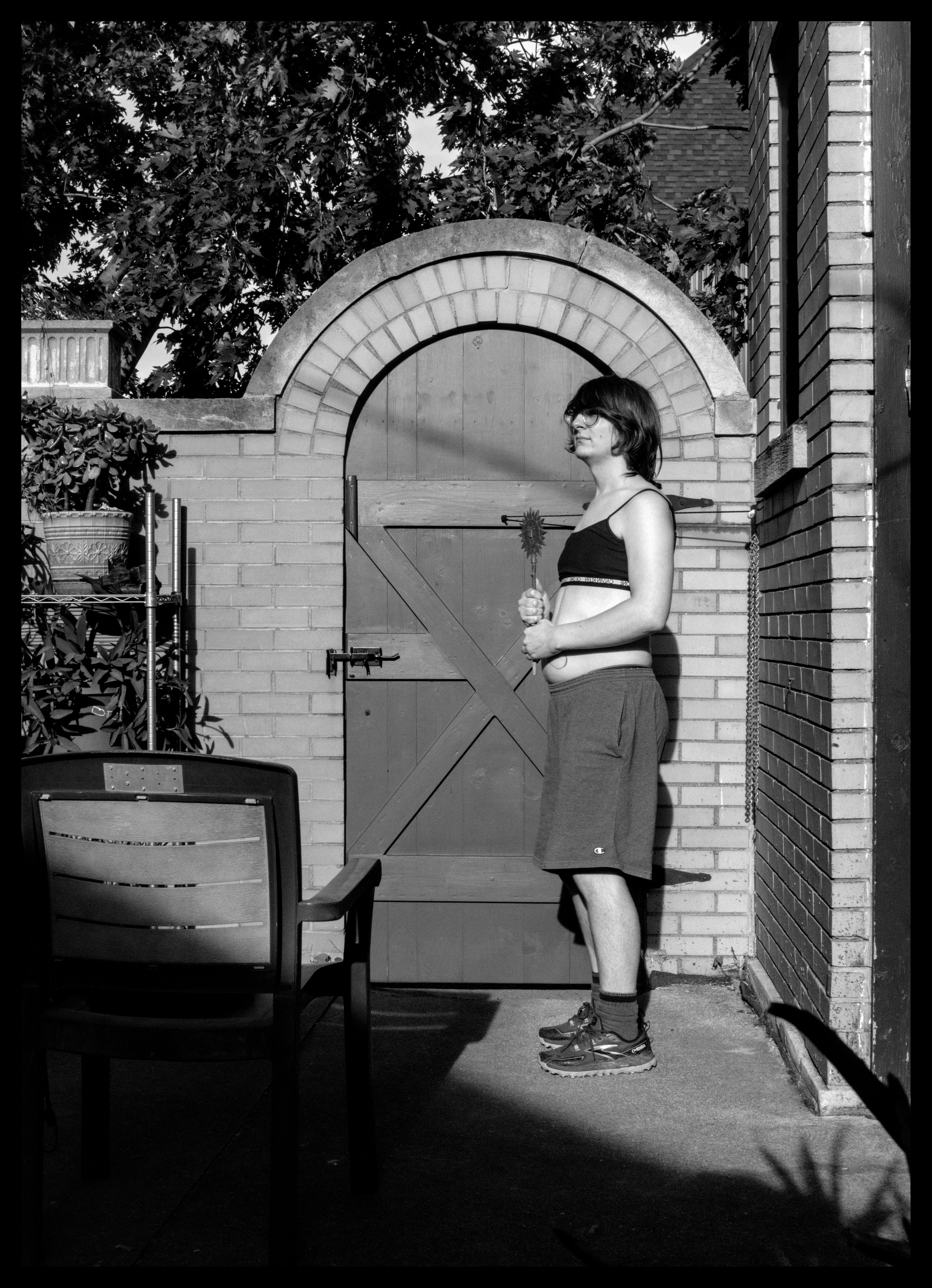
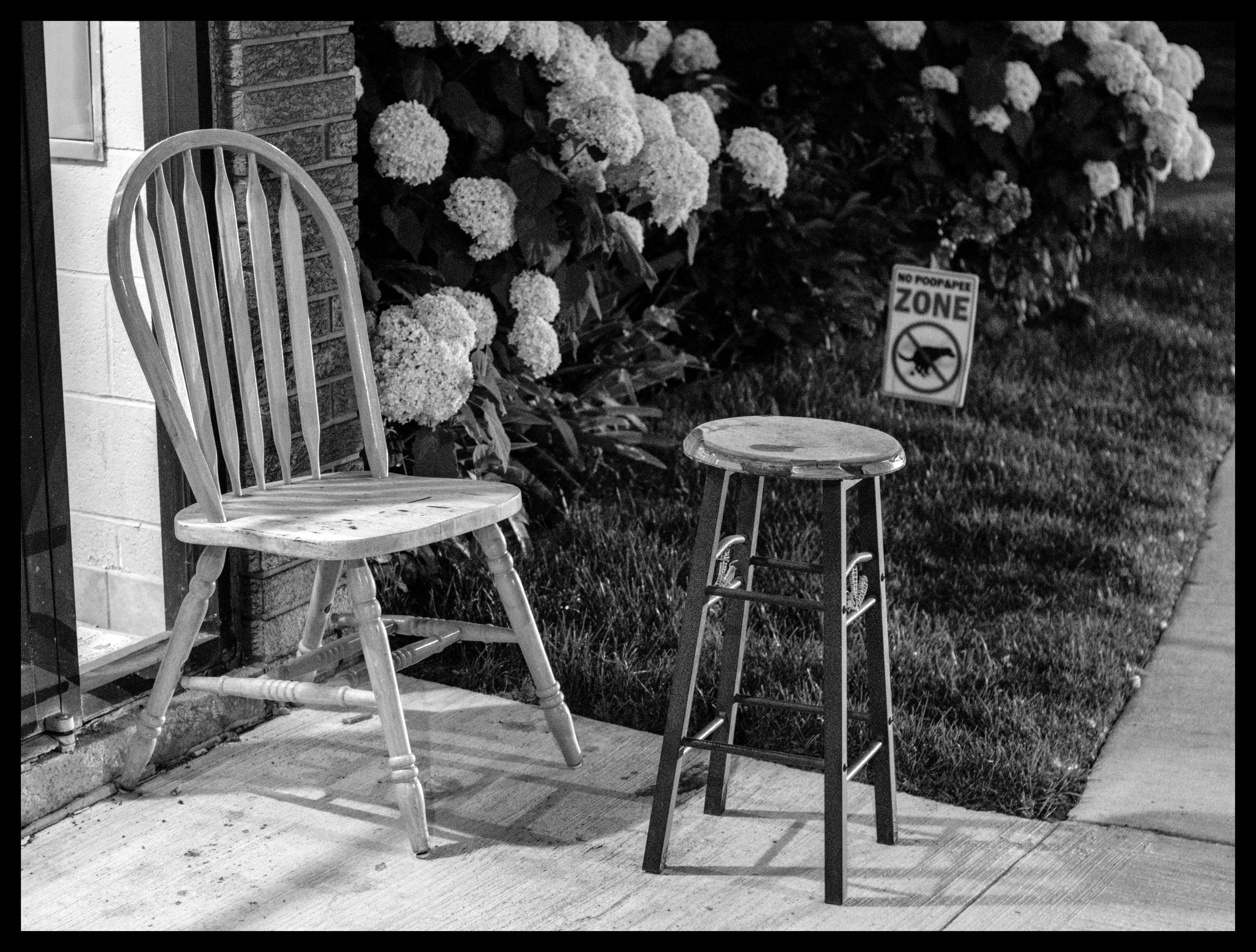
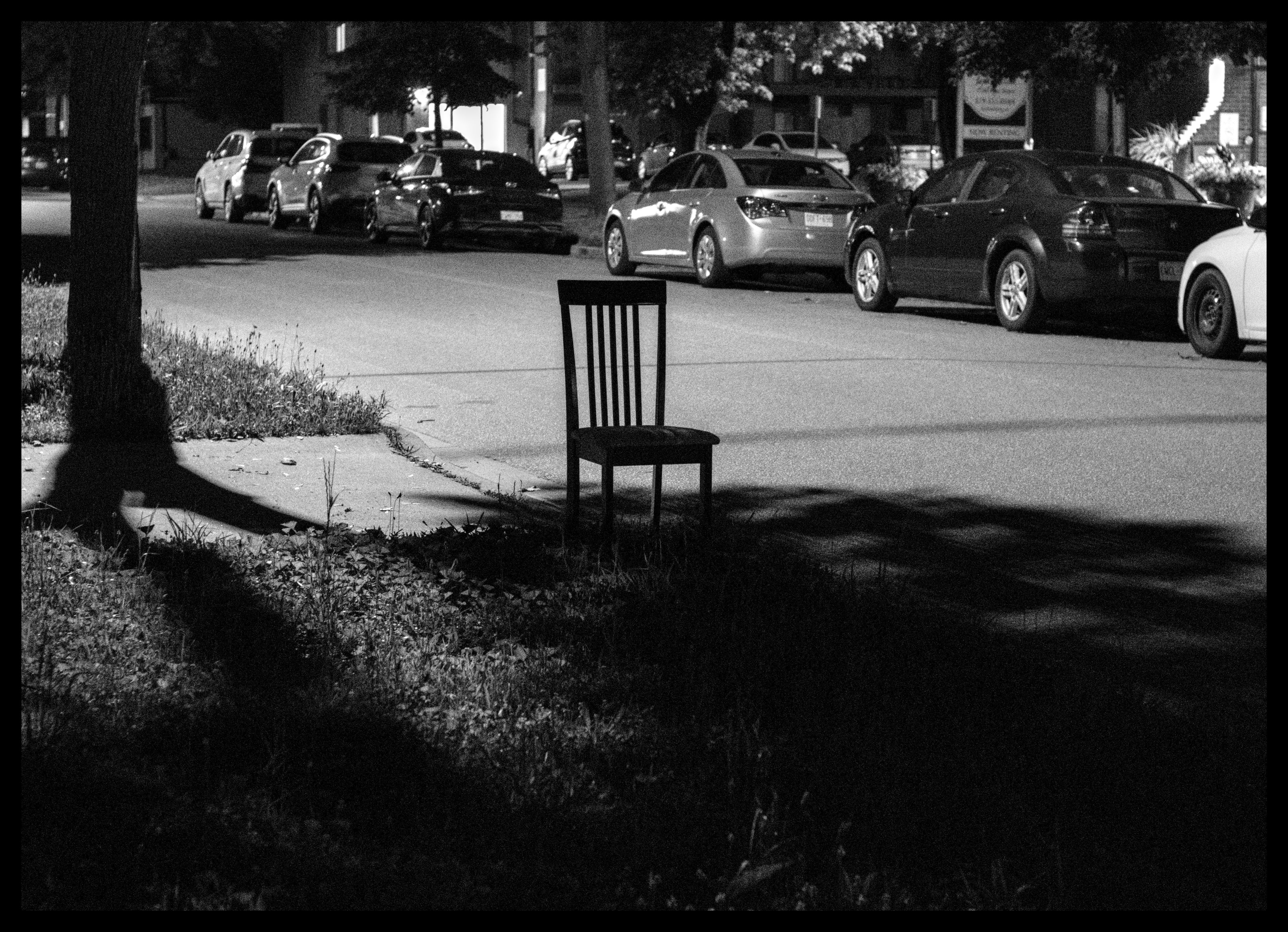
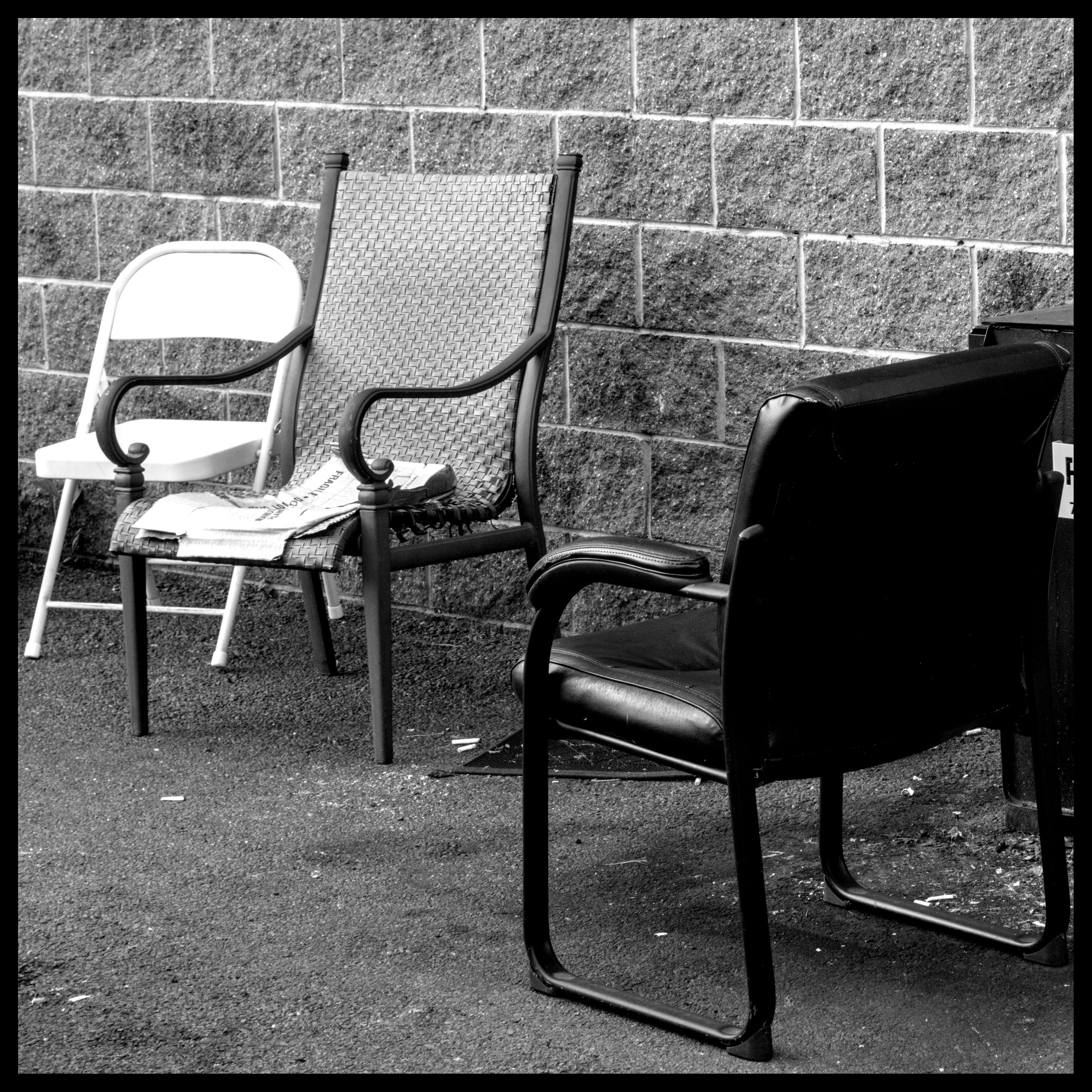
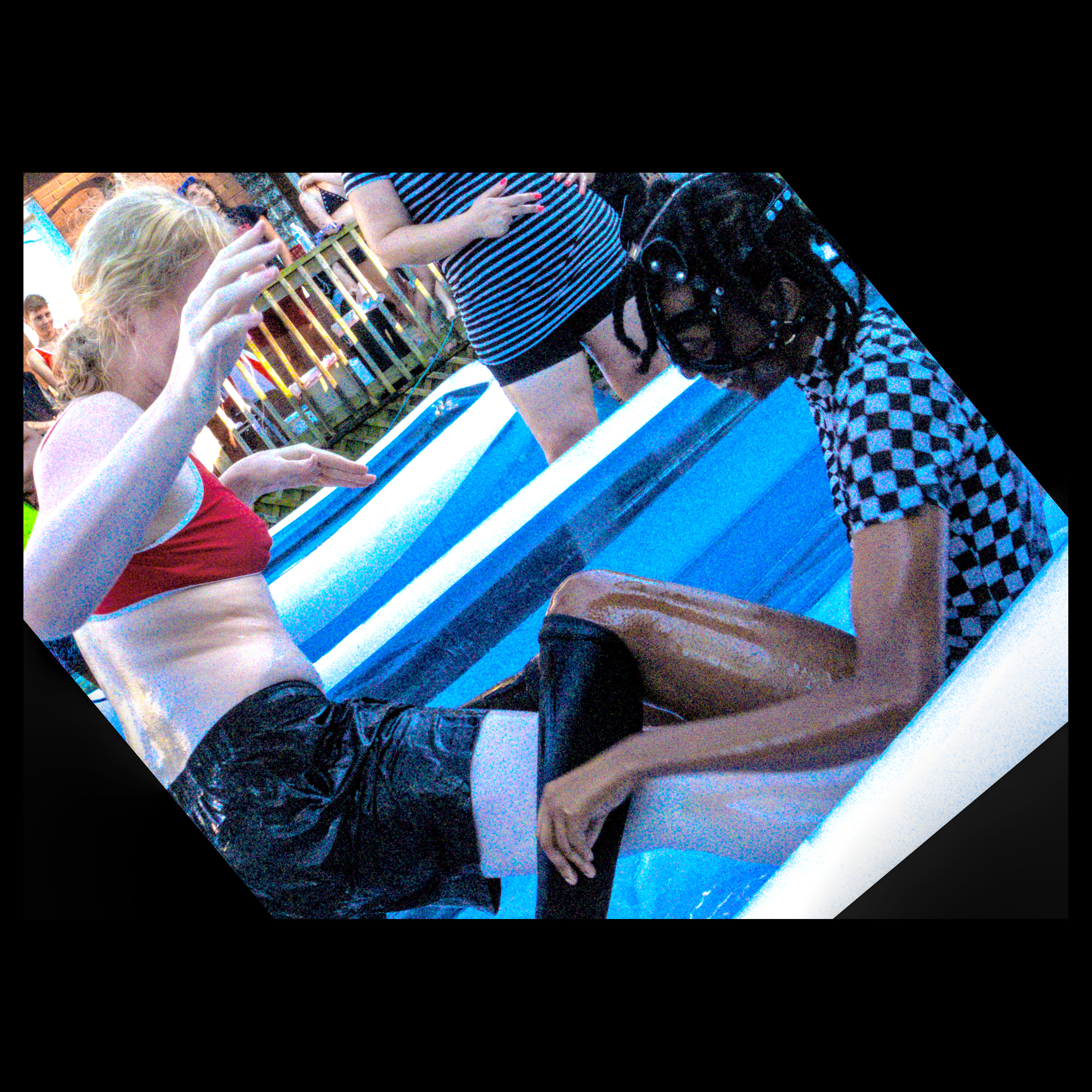
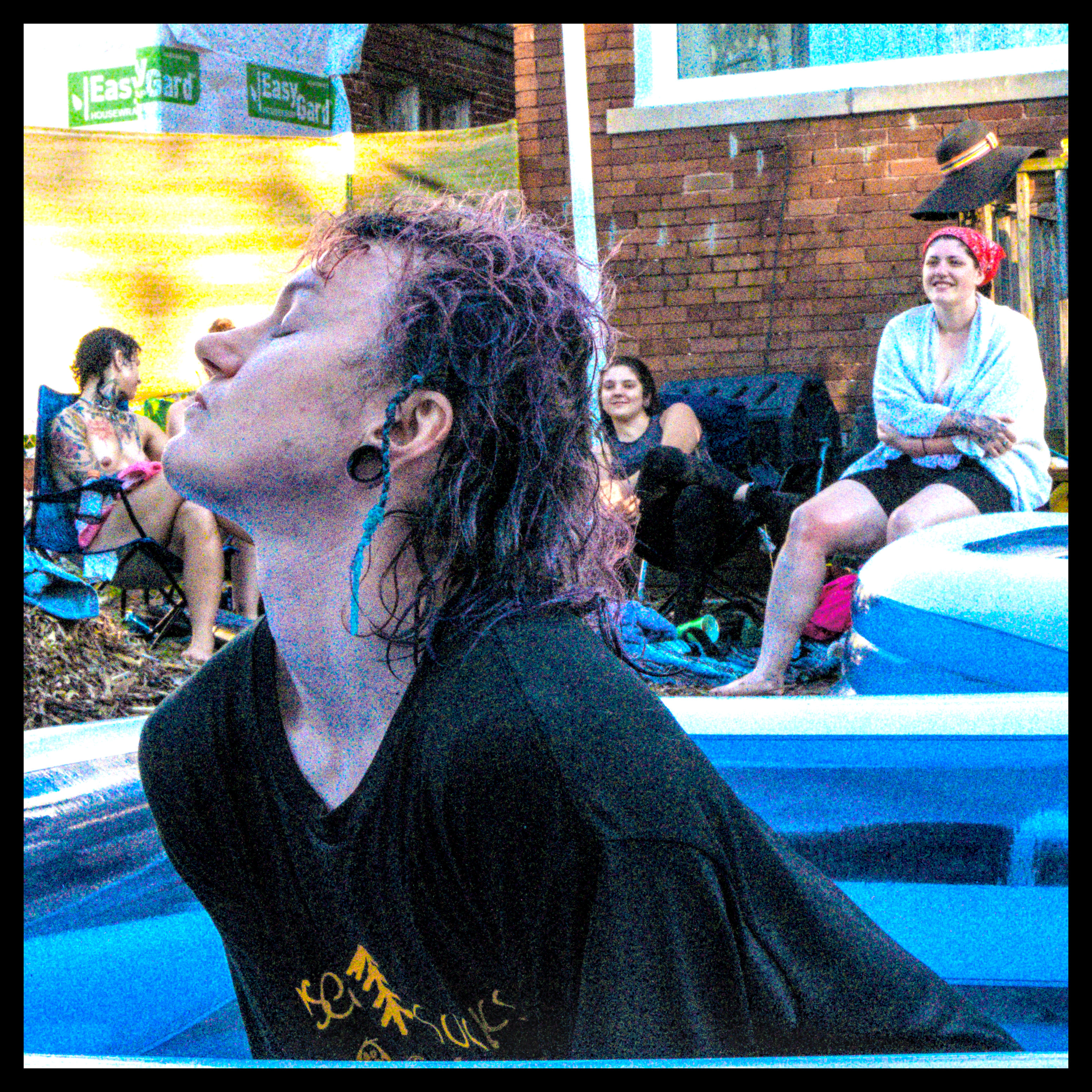
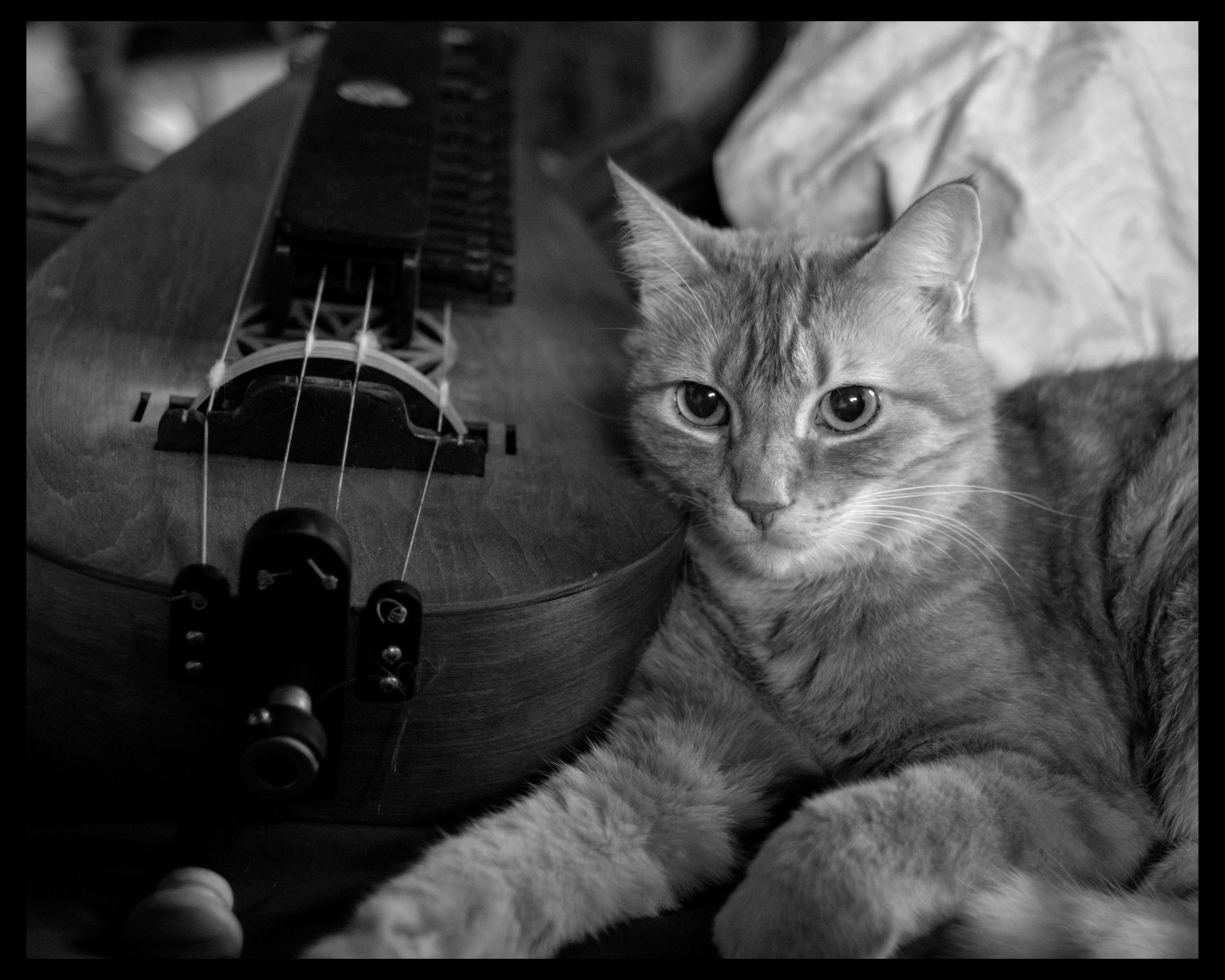
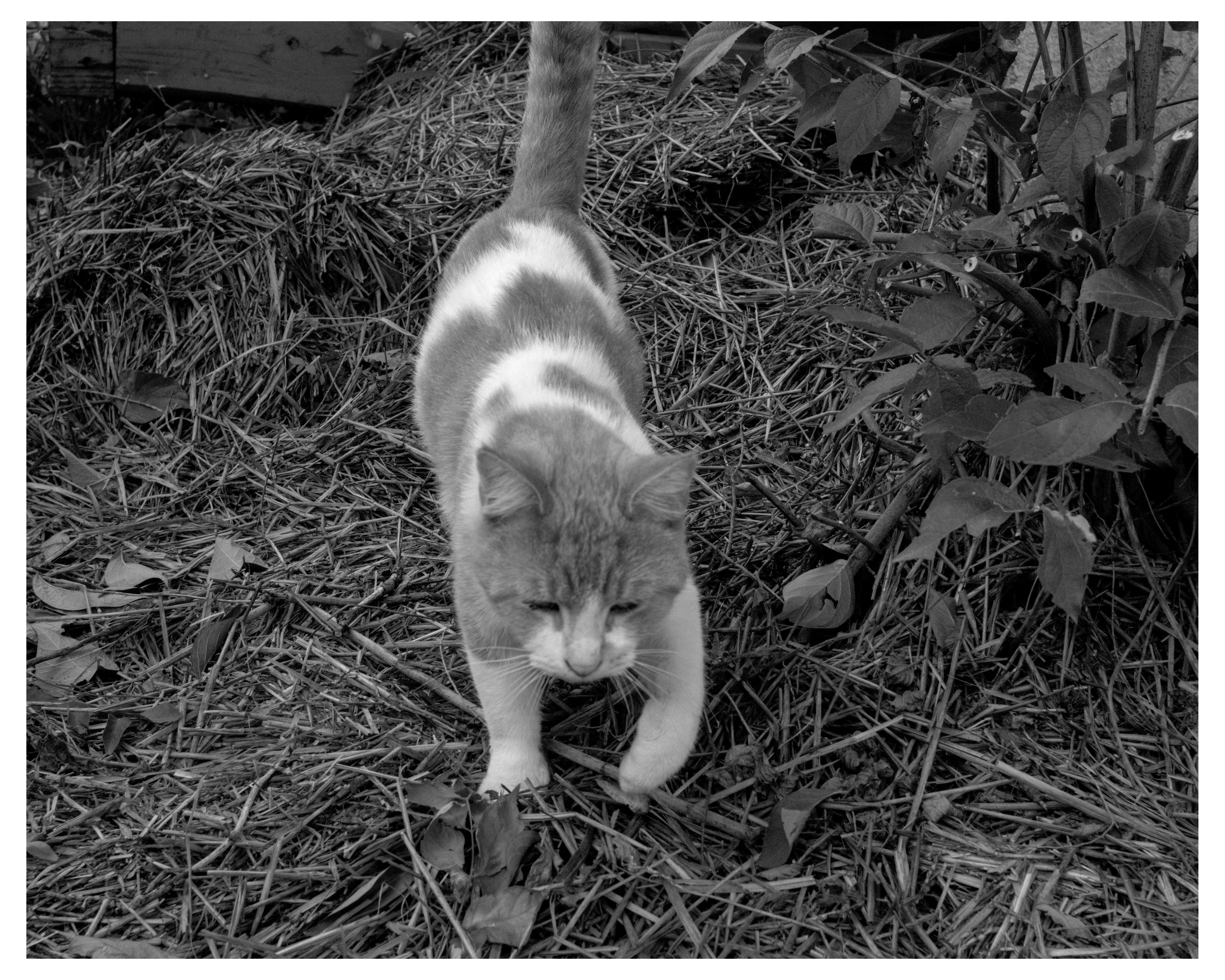
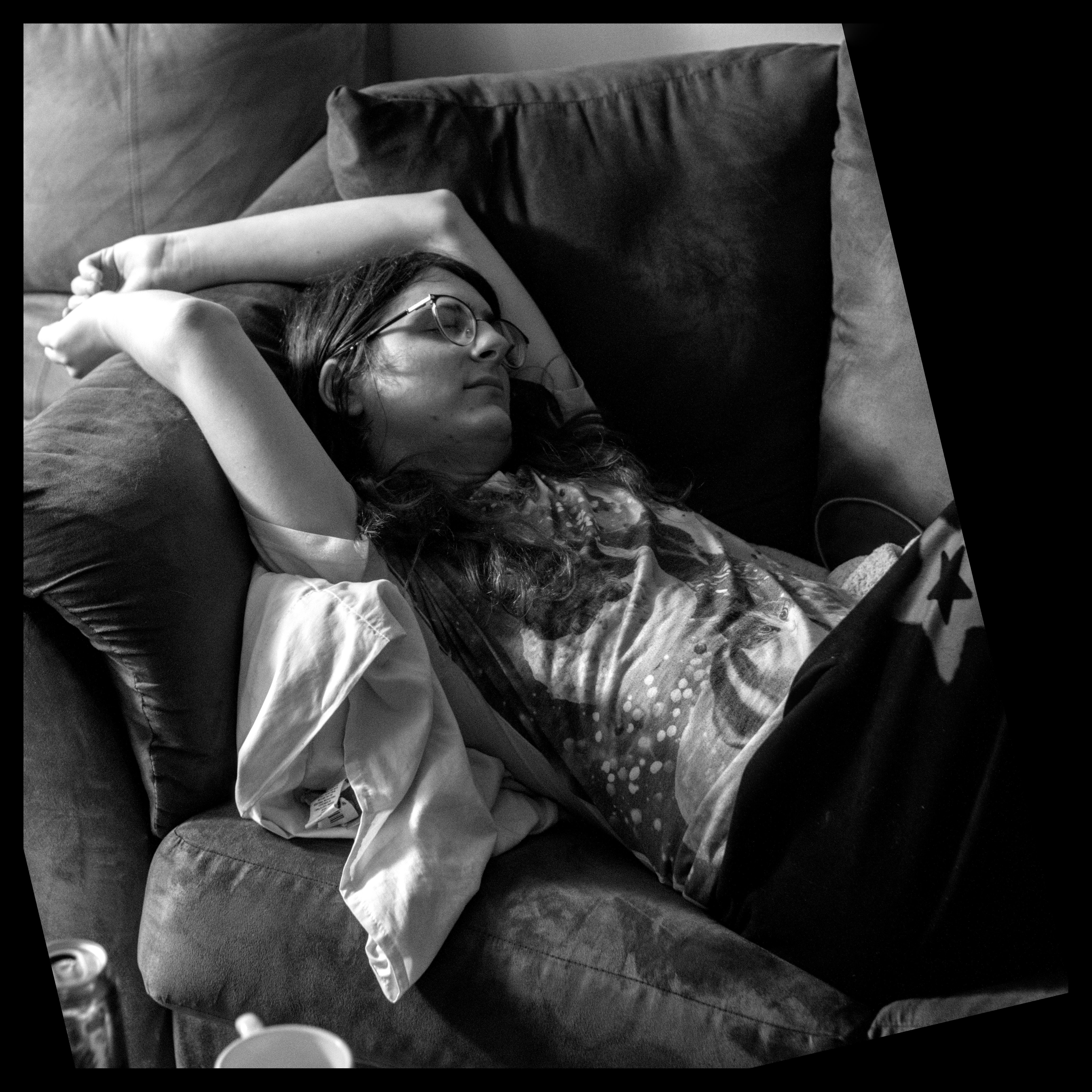
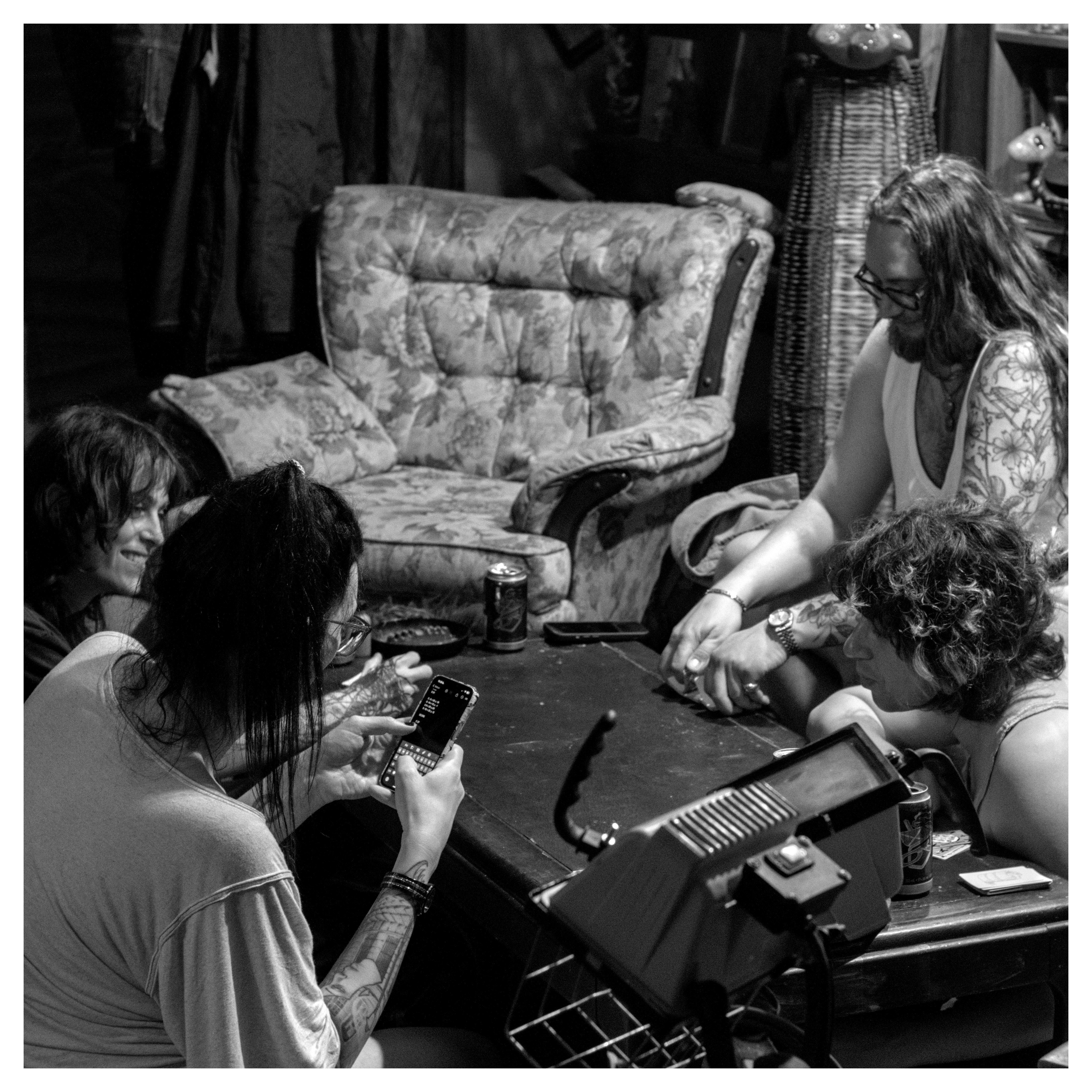
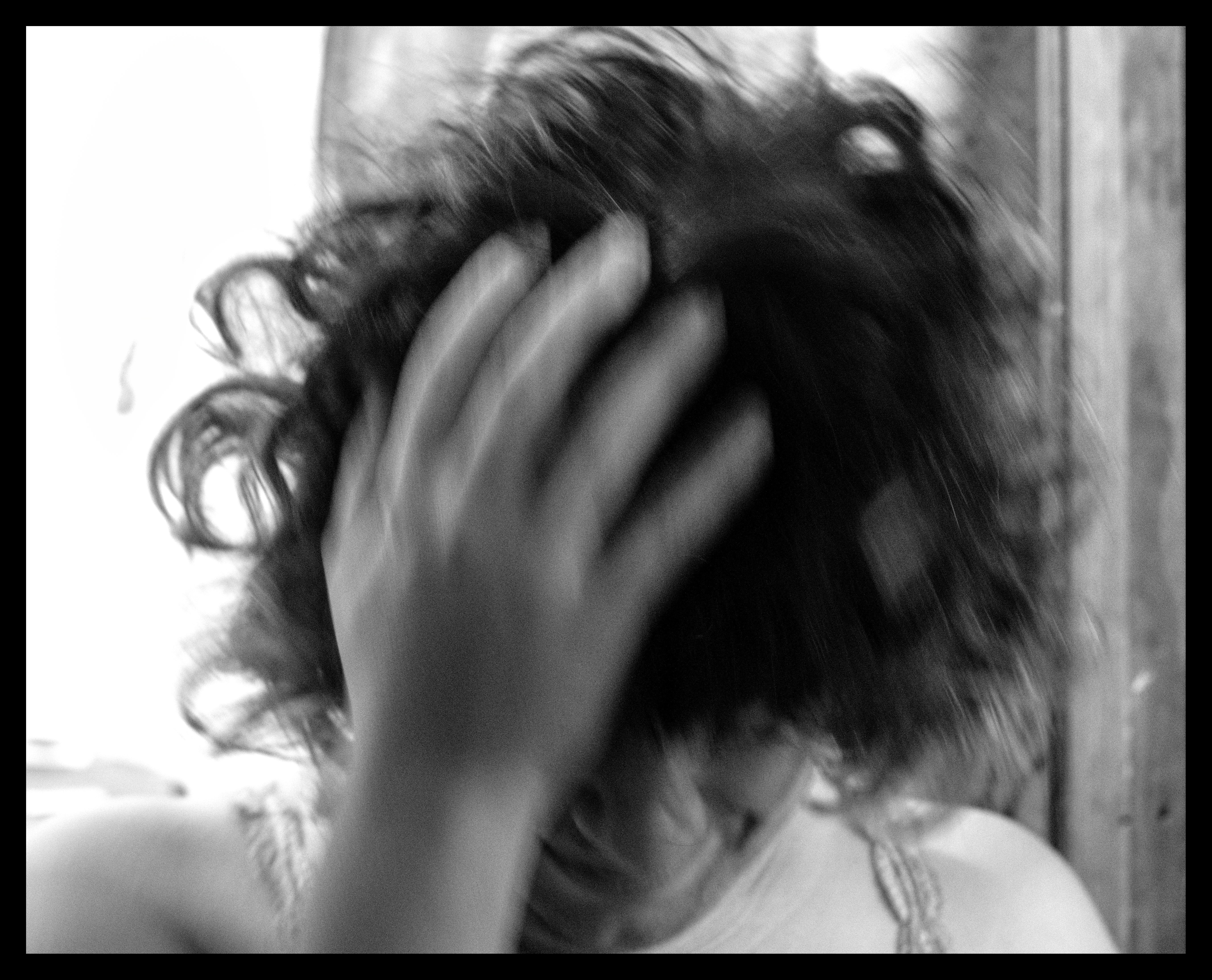
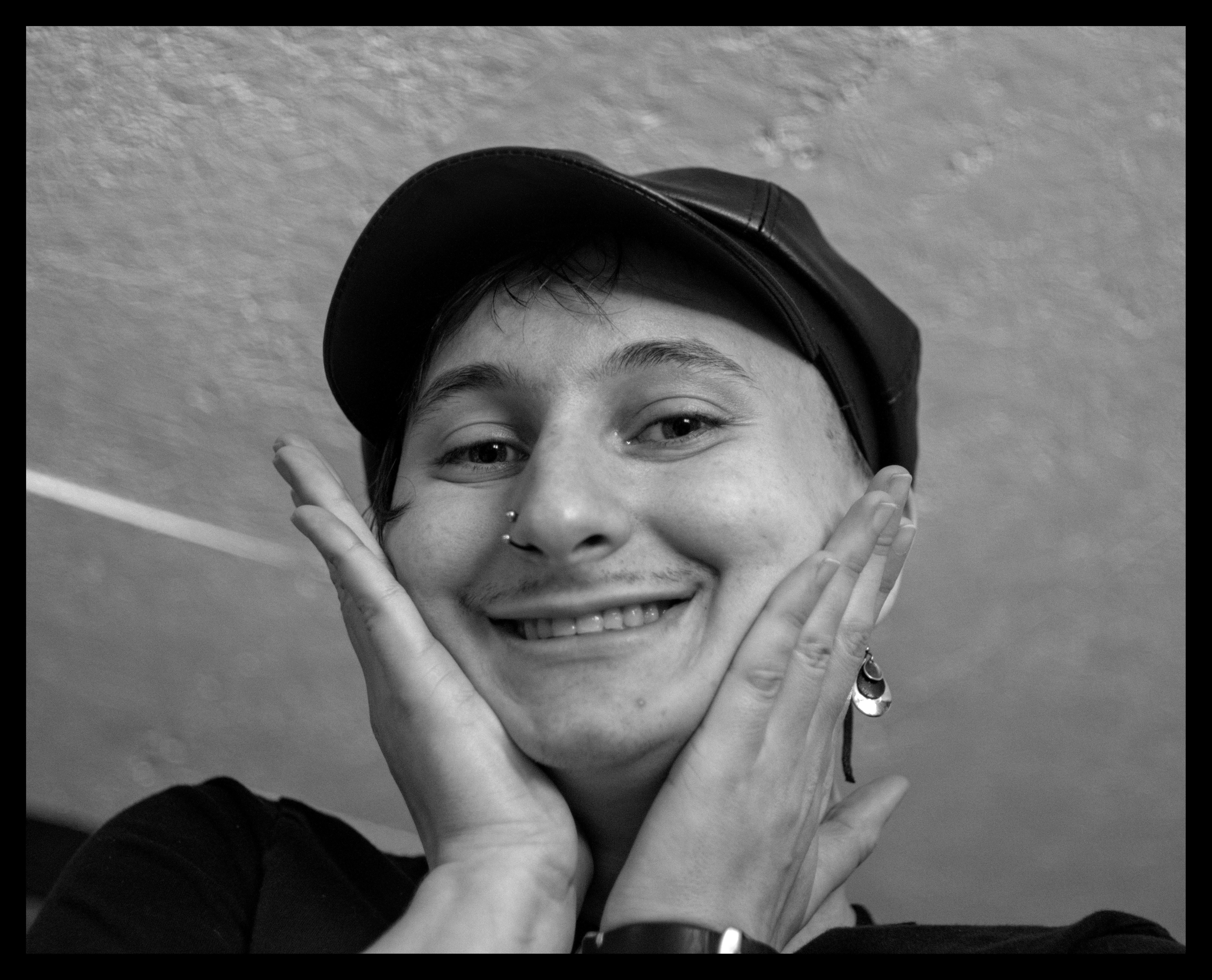
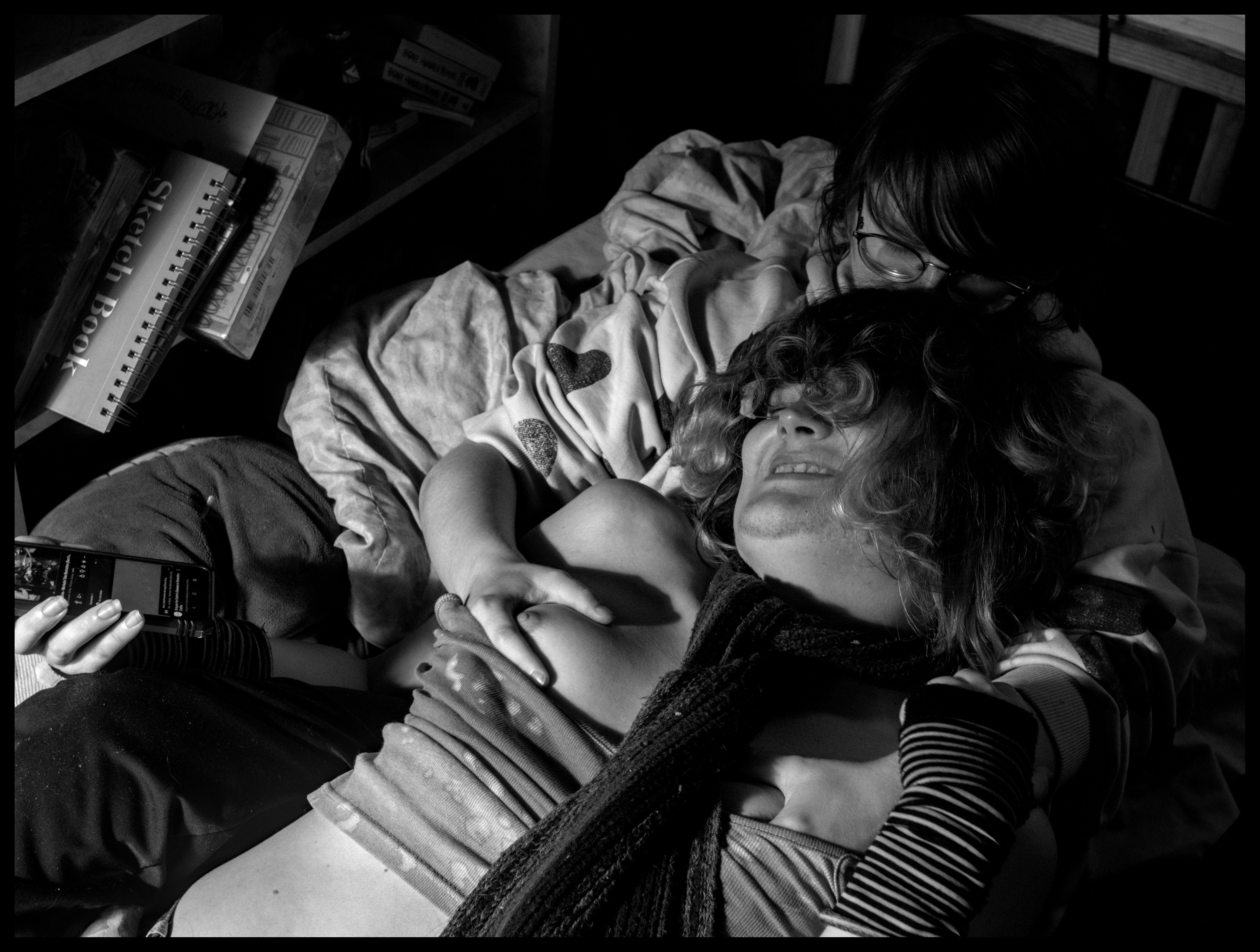
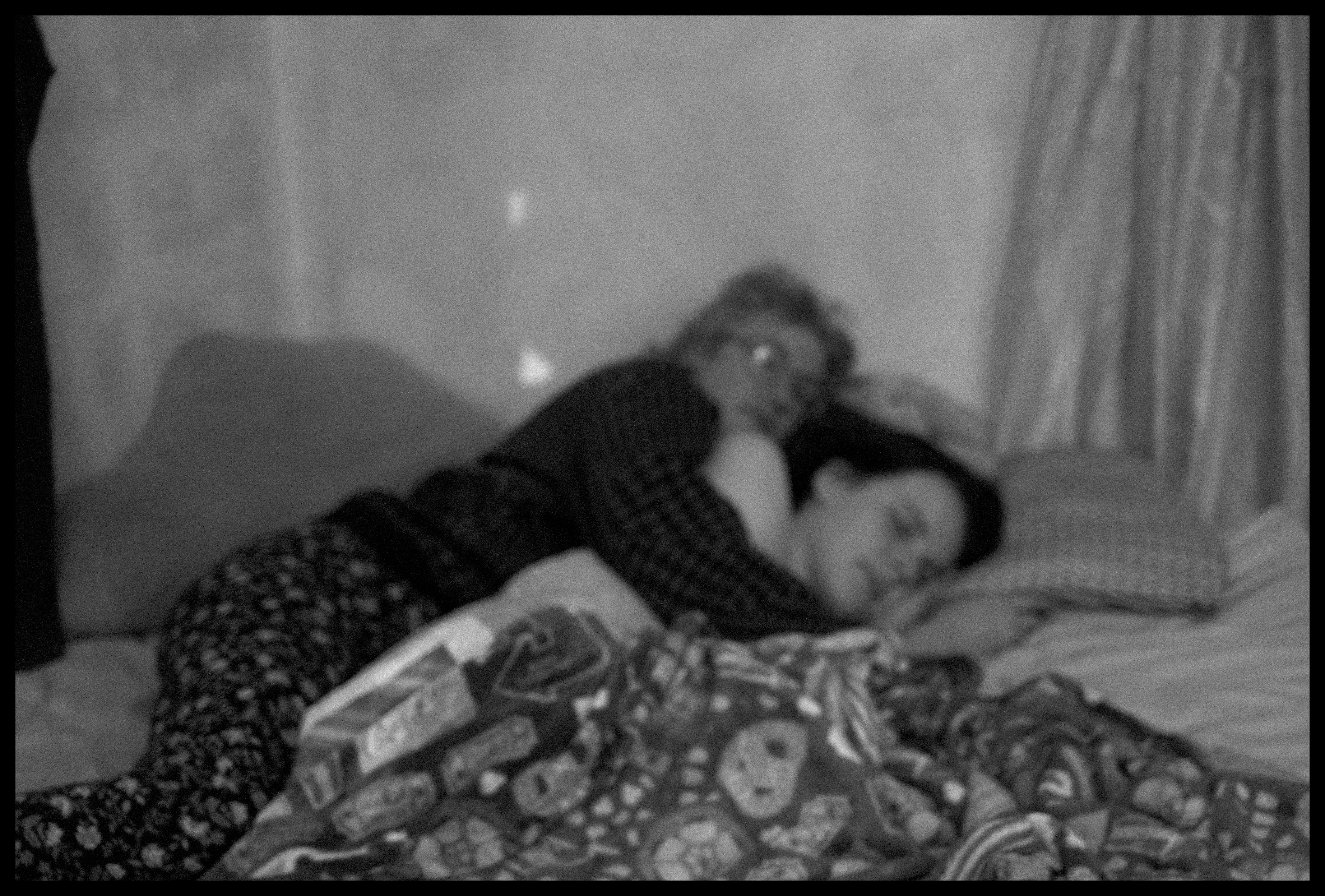
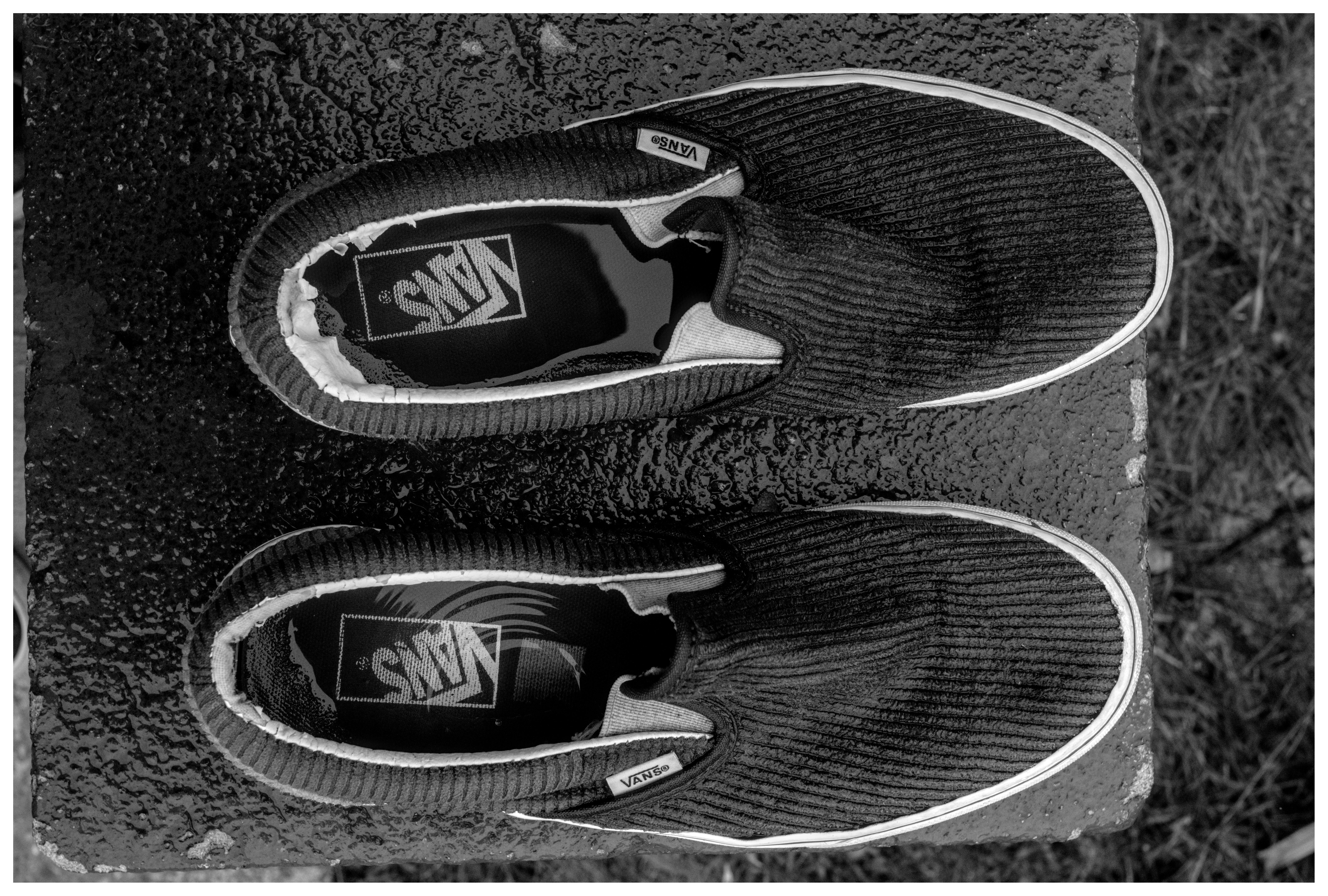
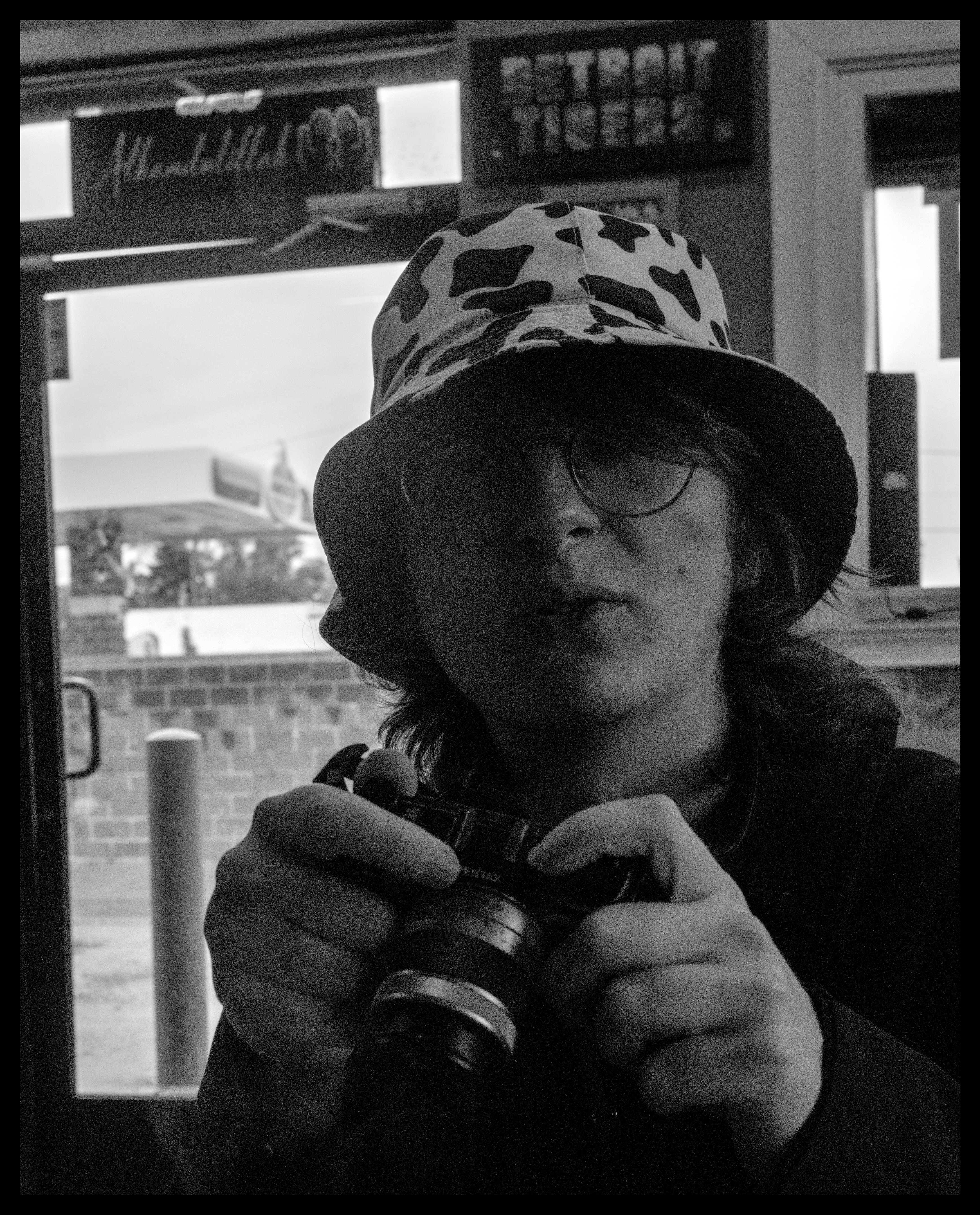
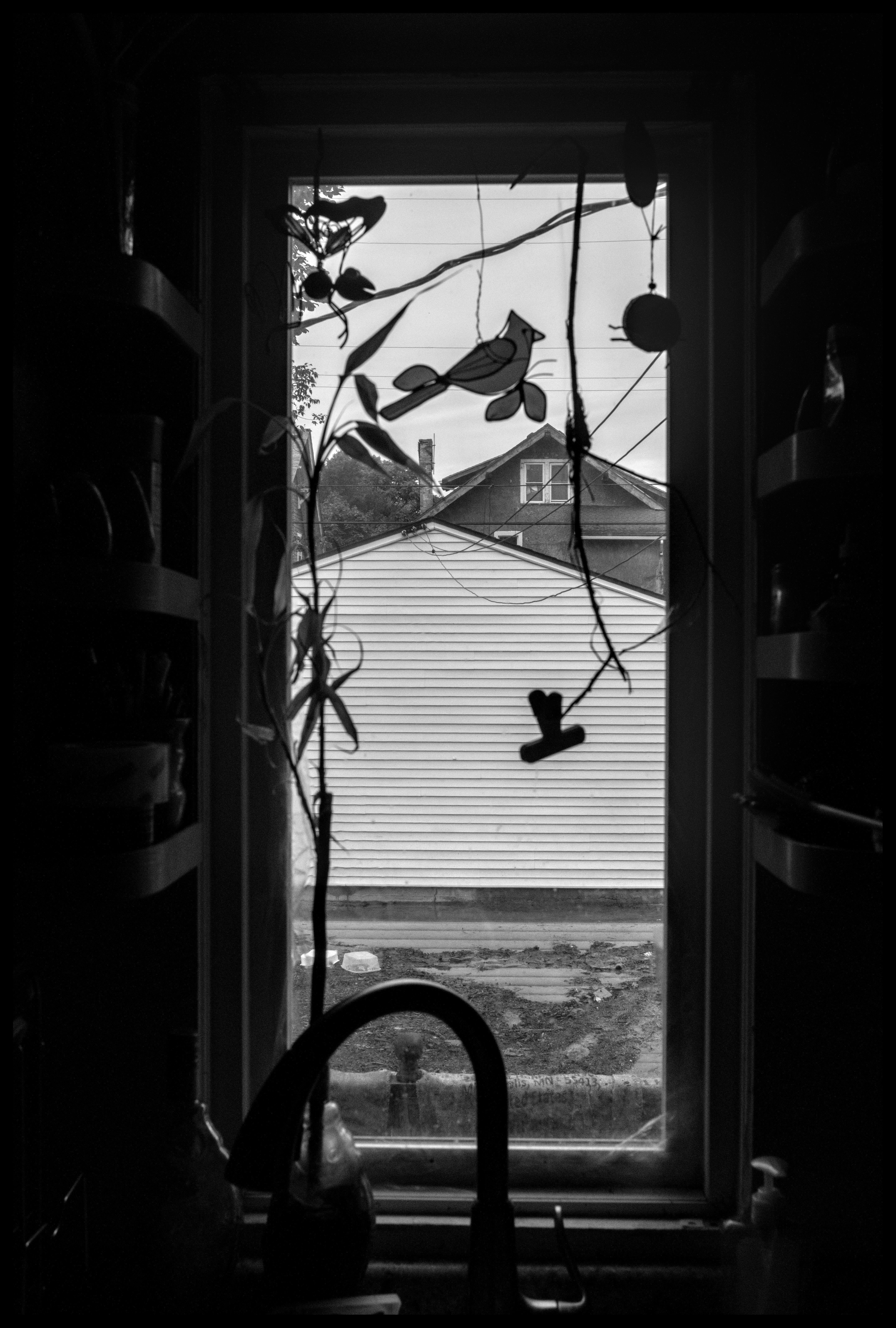
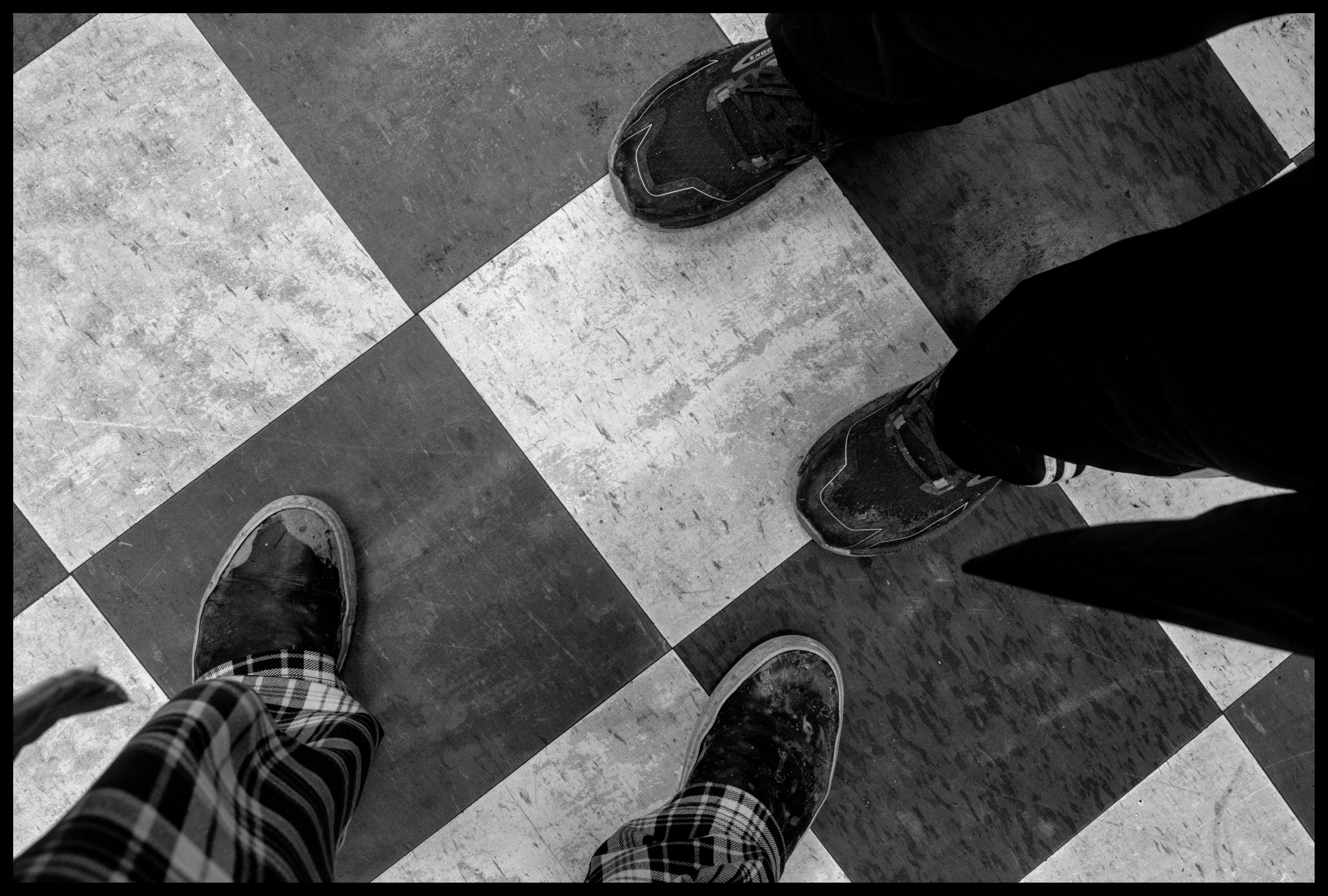
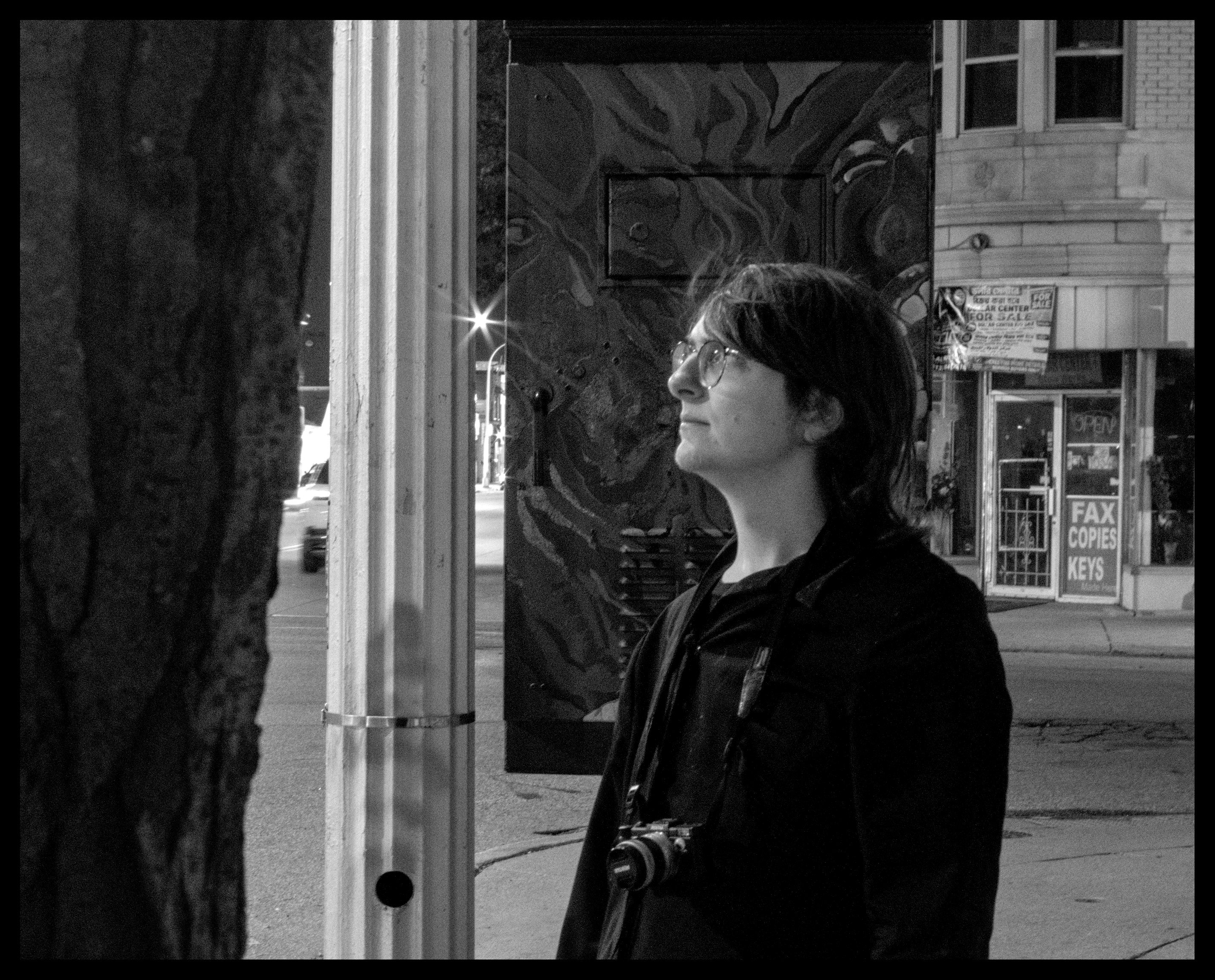
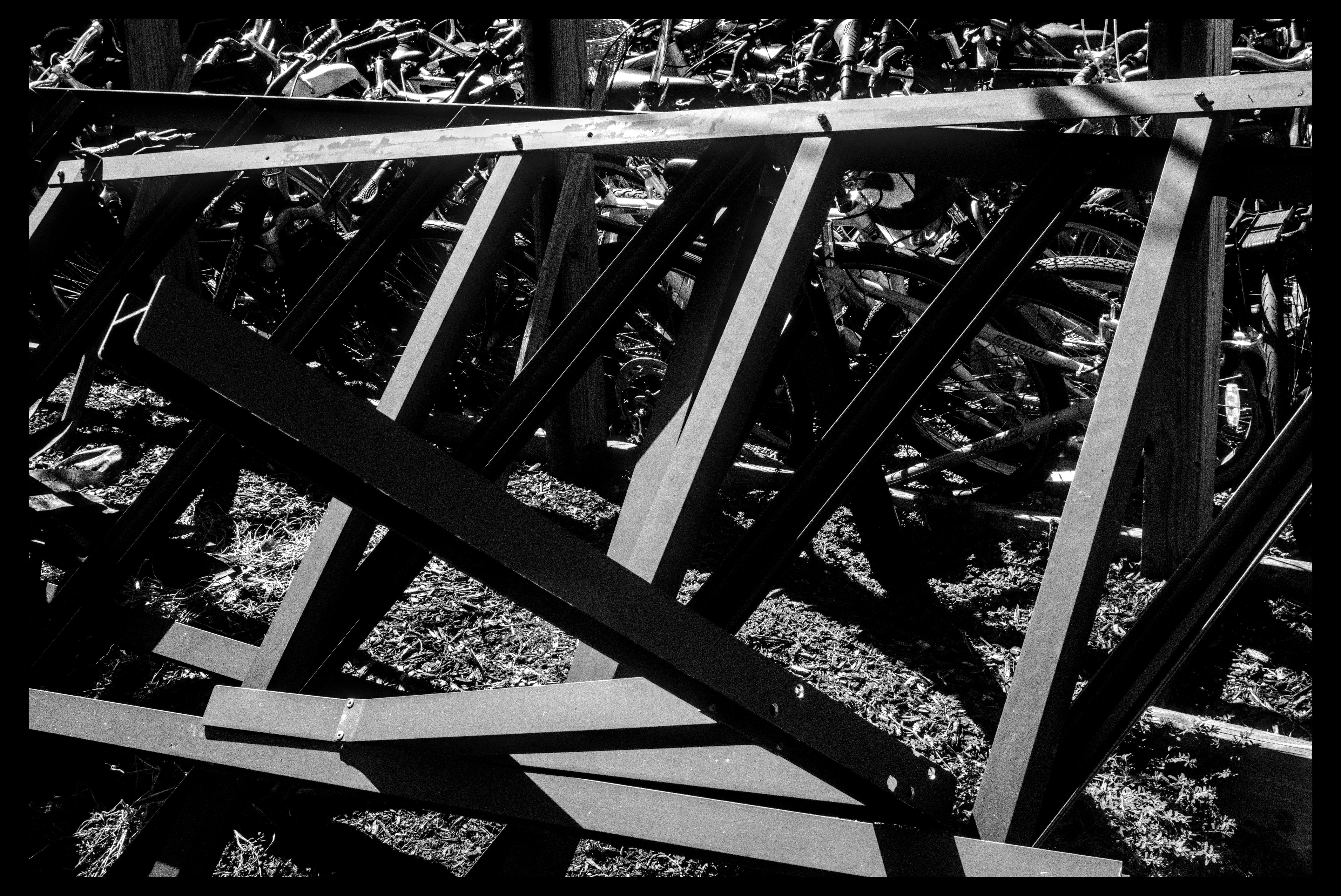
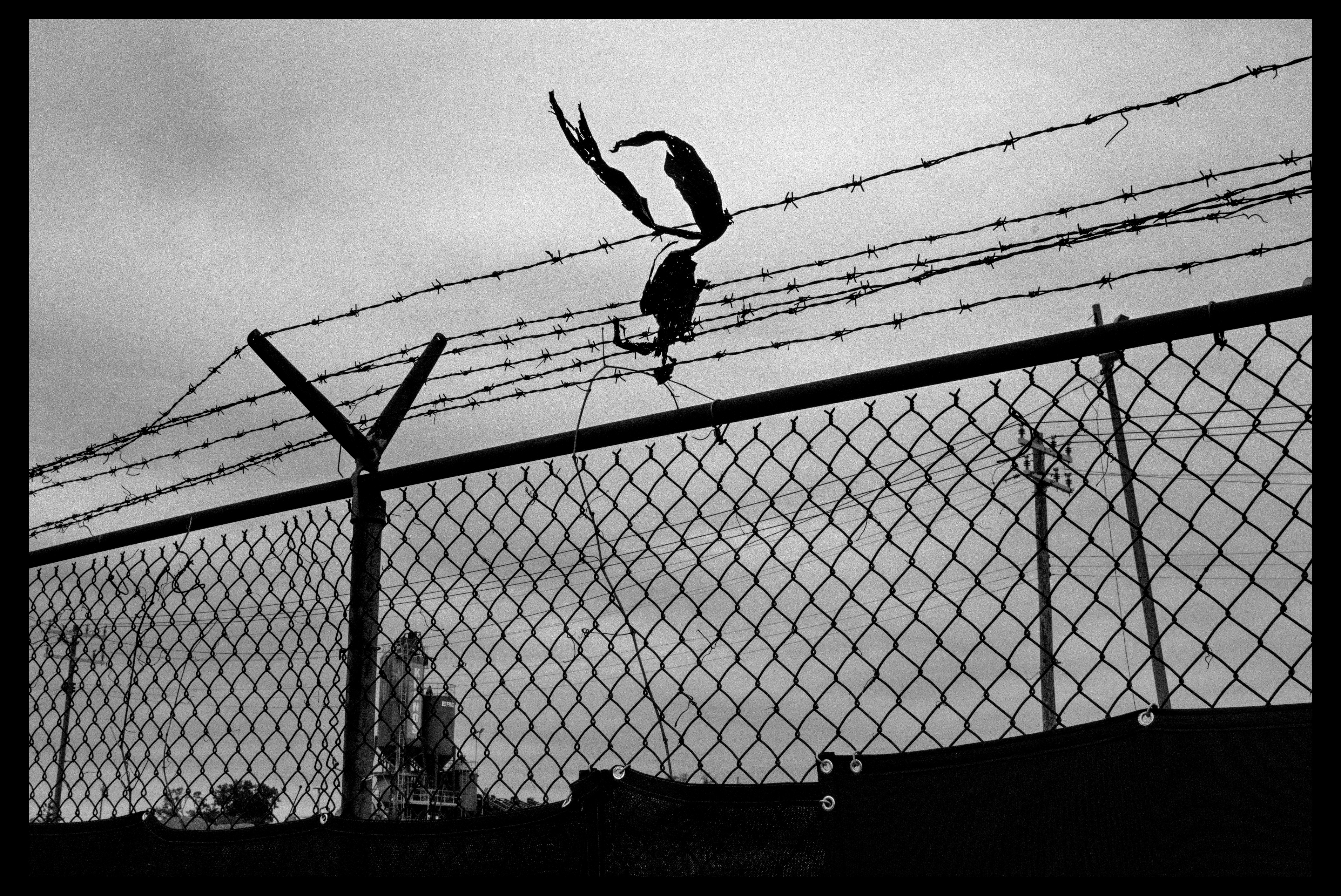
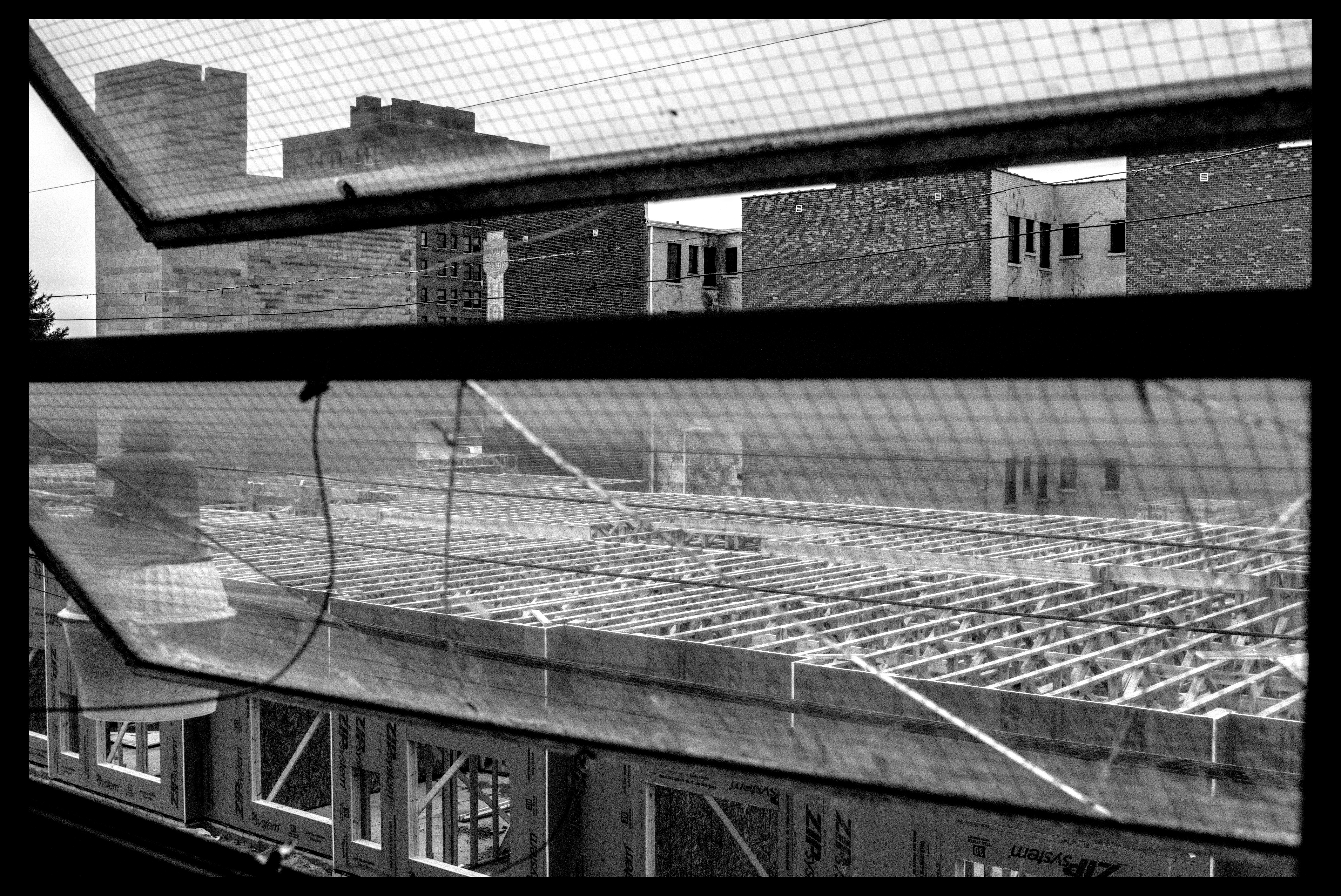
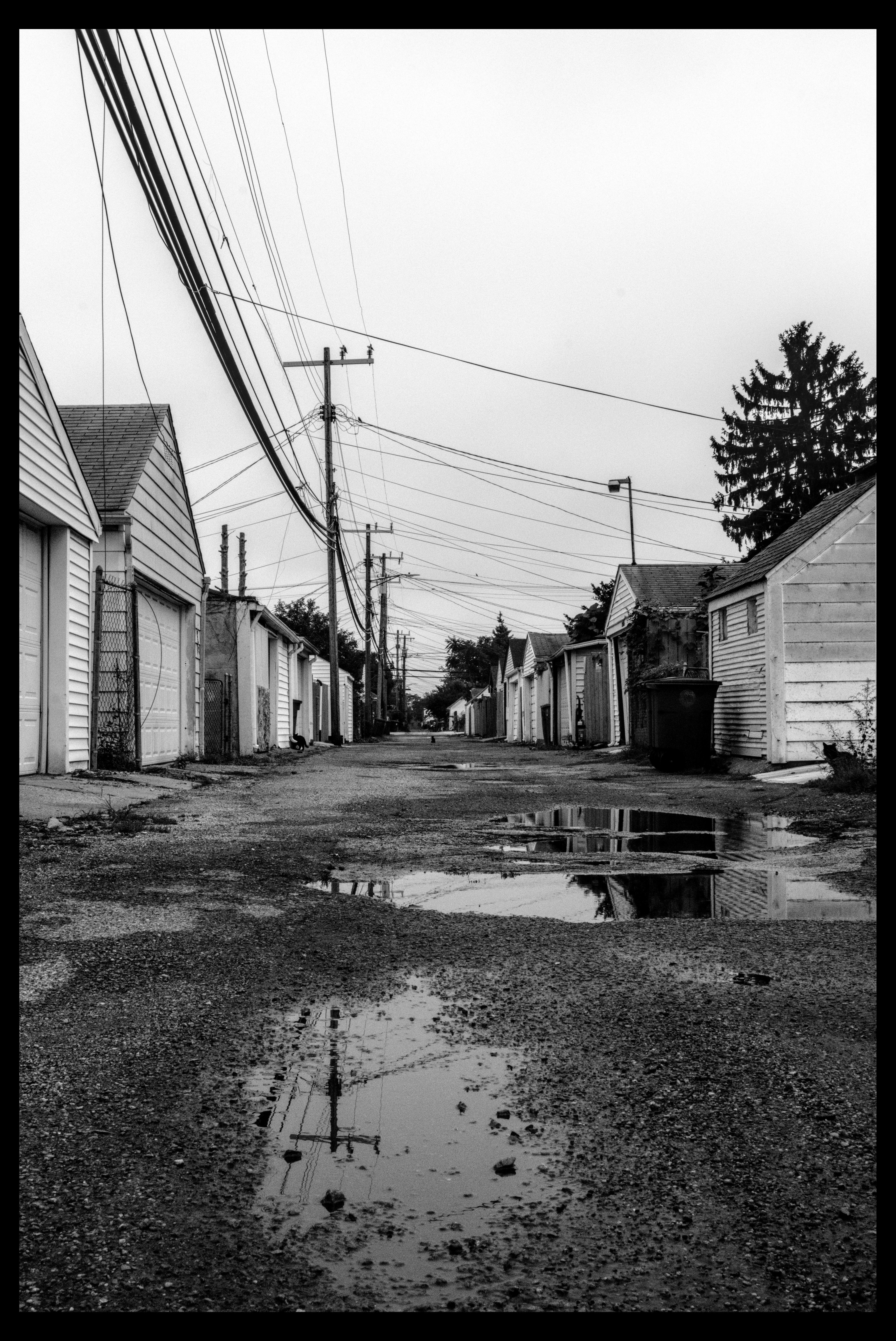
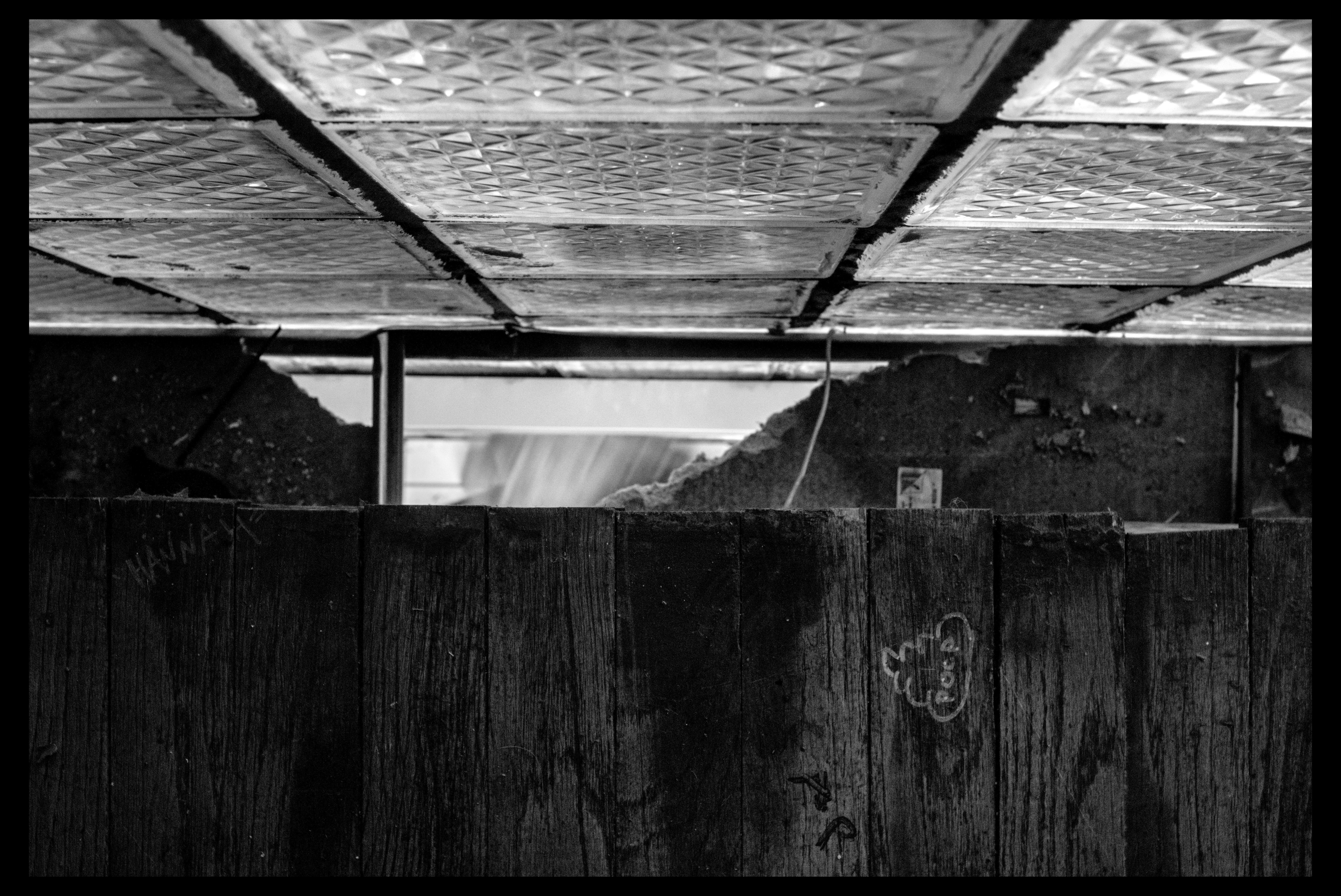
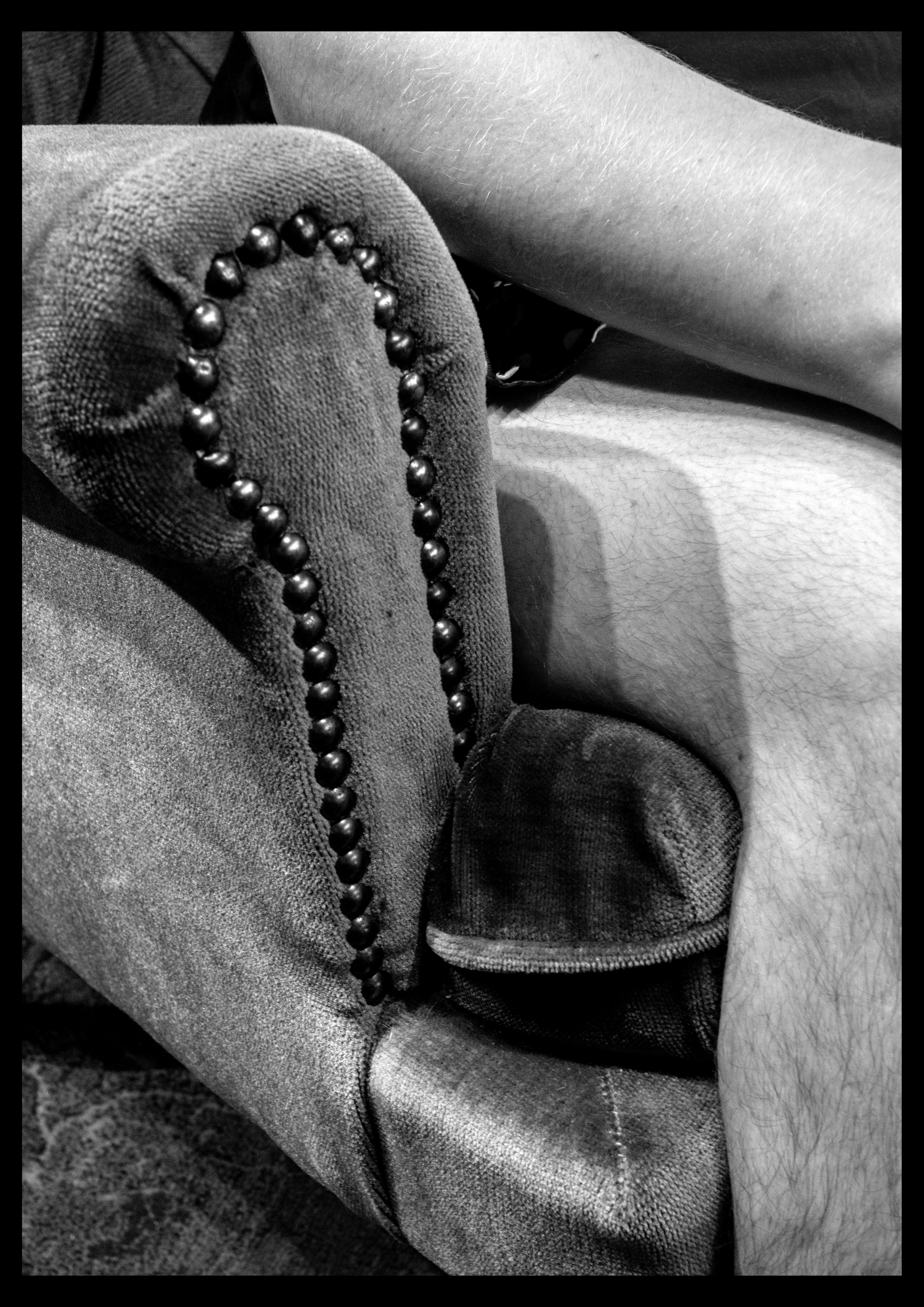
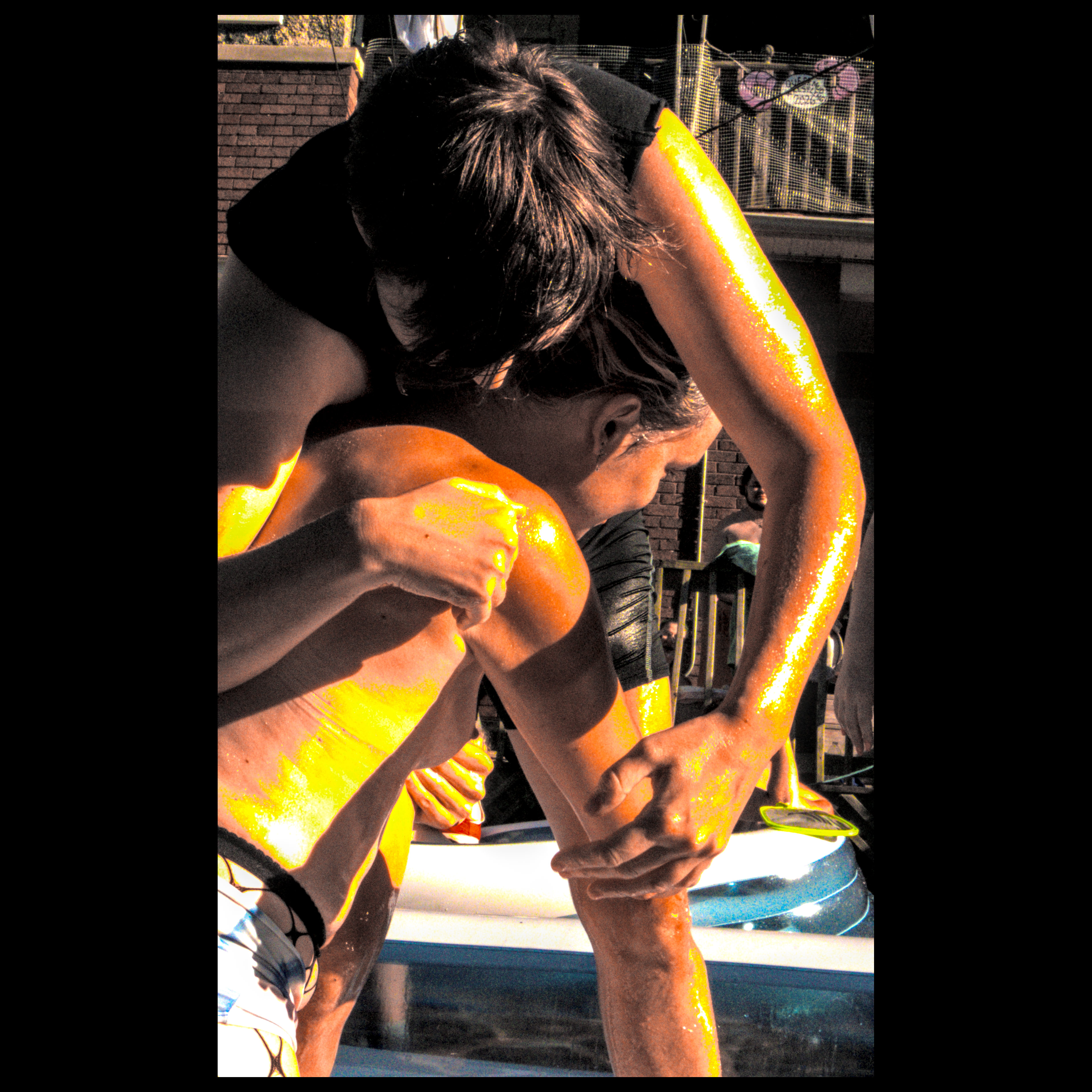
some fun shots between all these event things








Post a comment