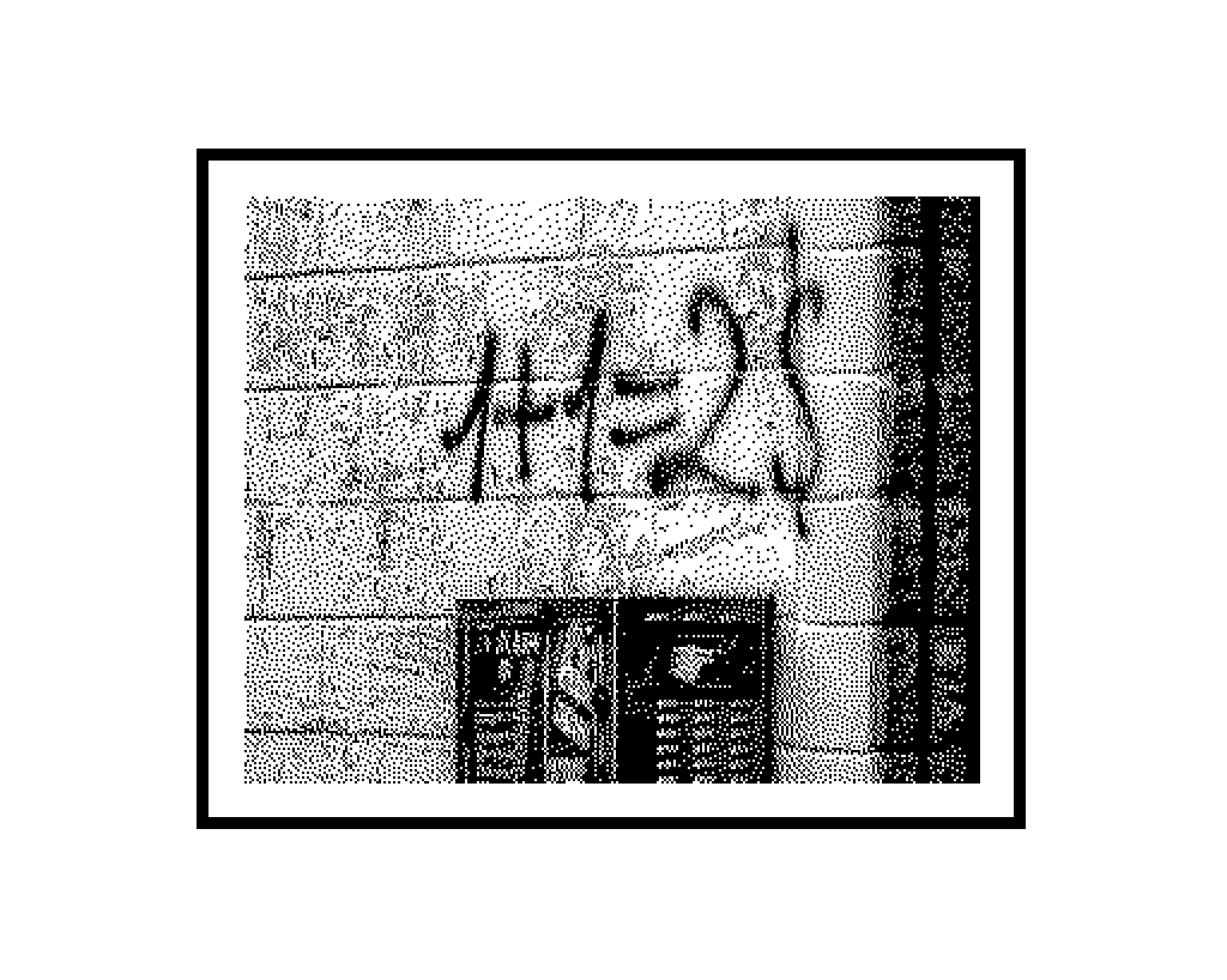
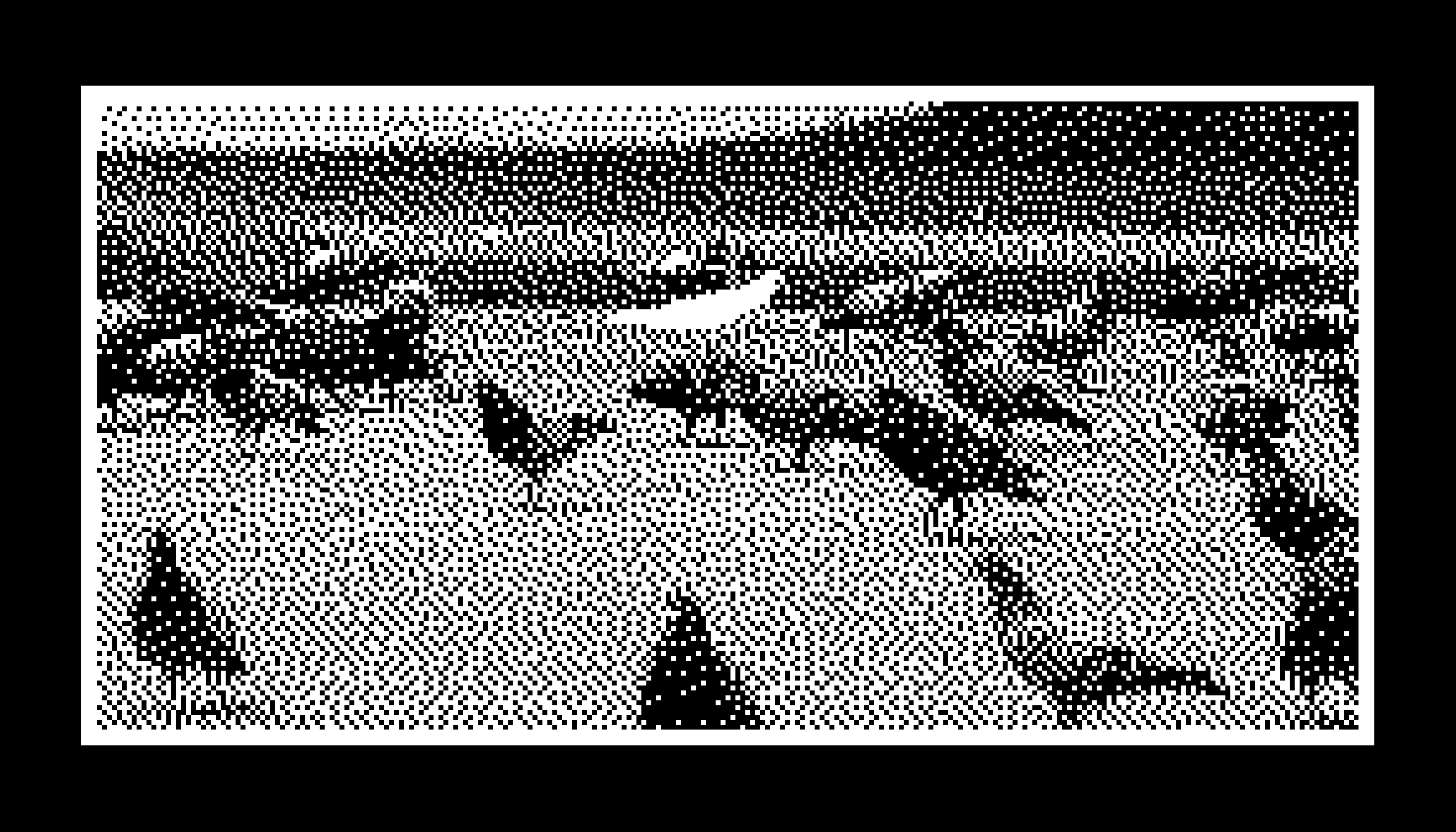
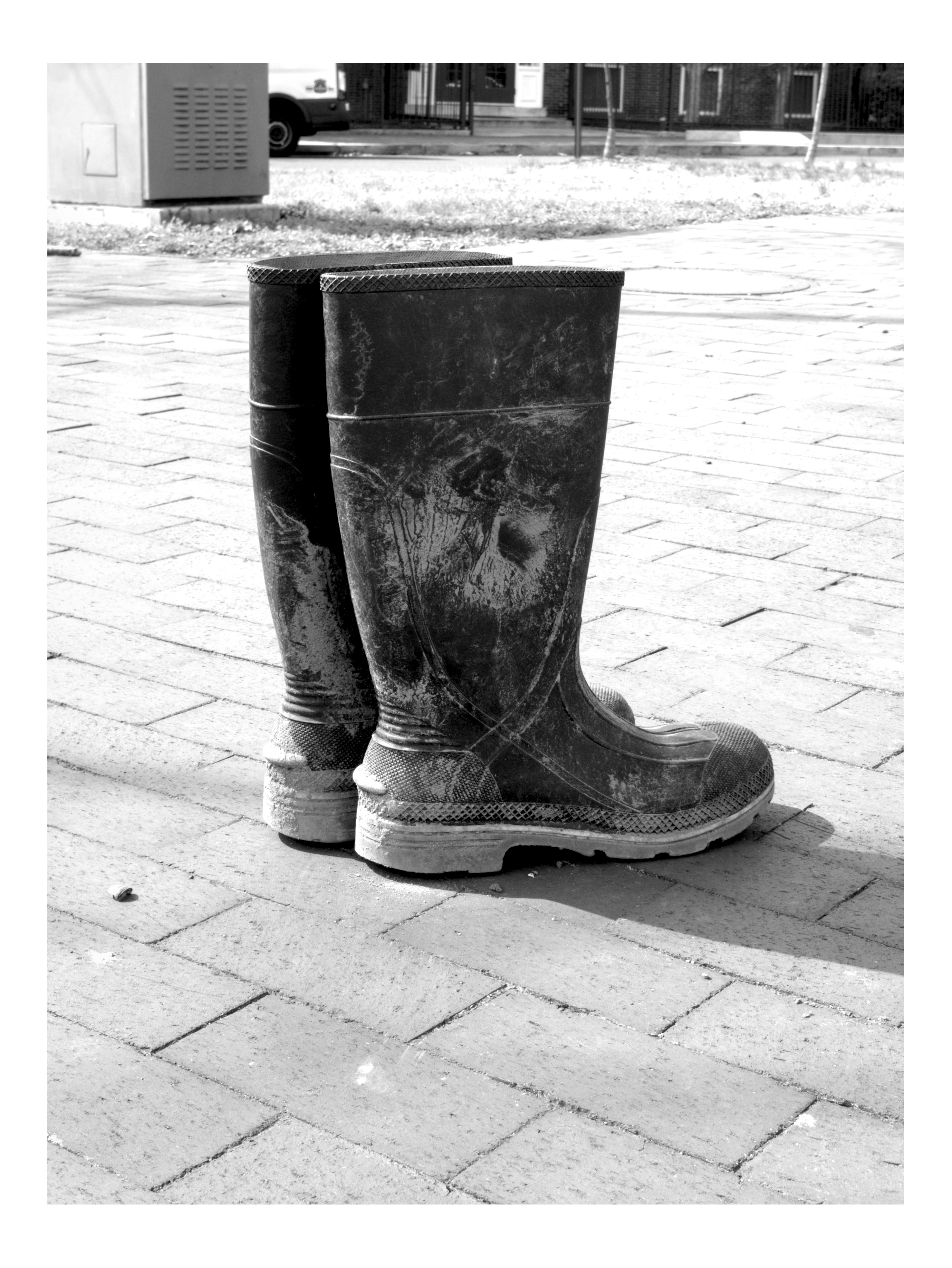
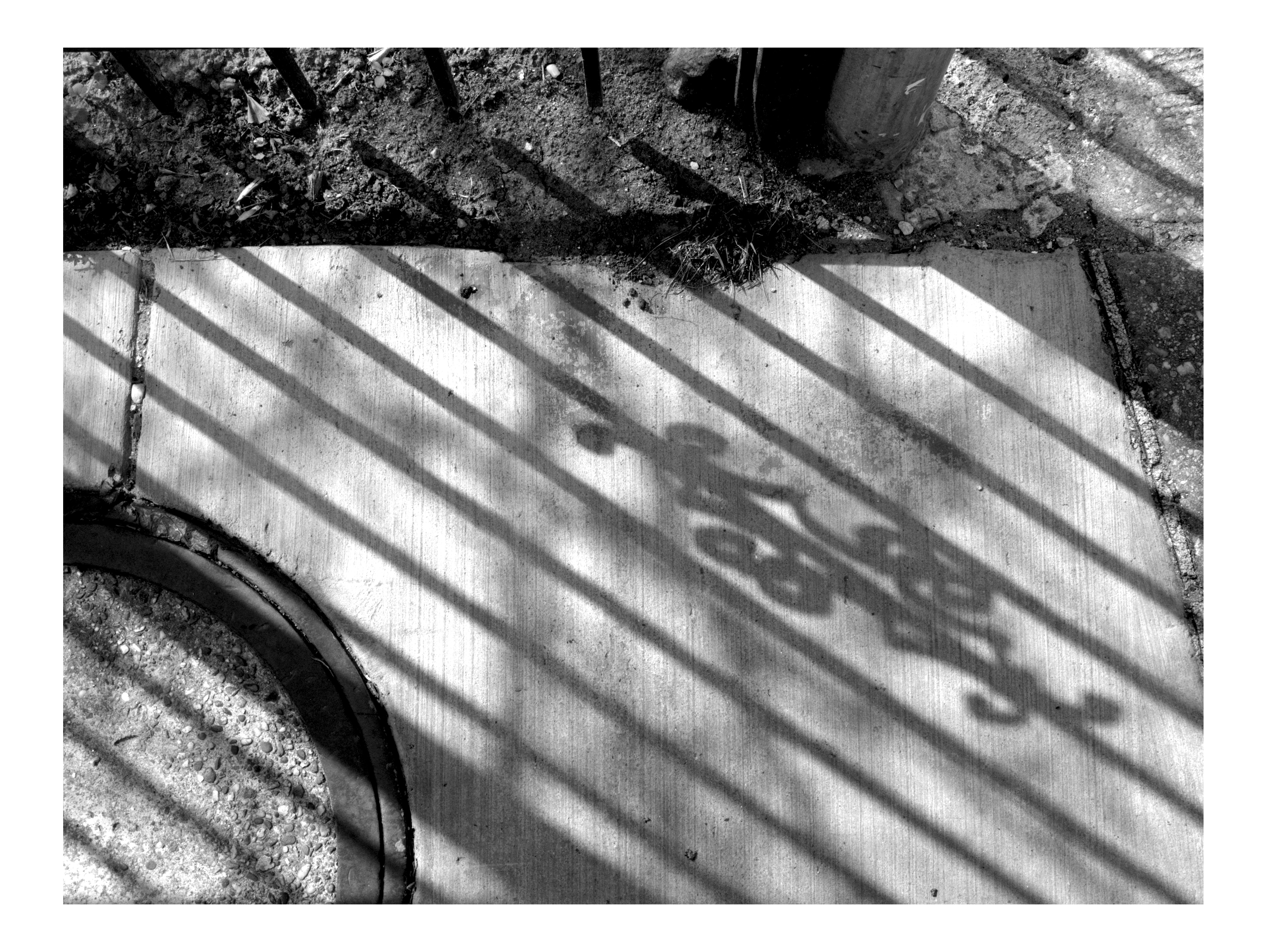
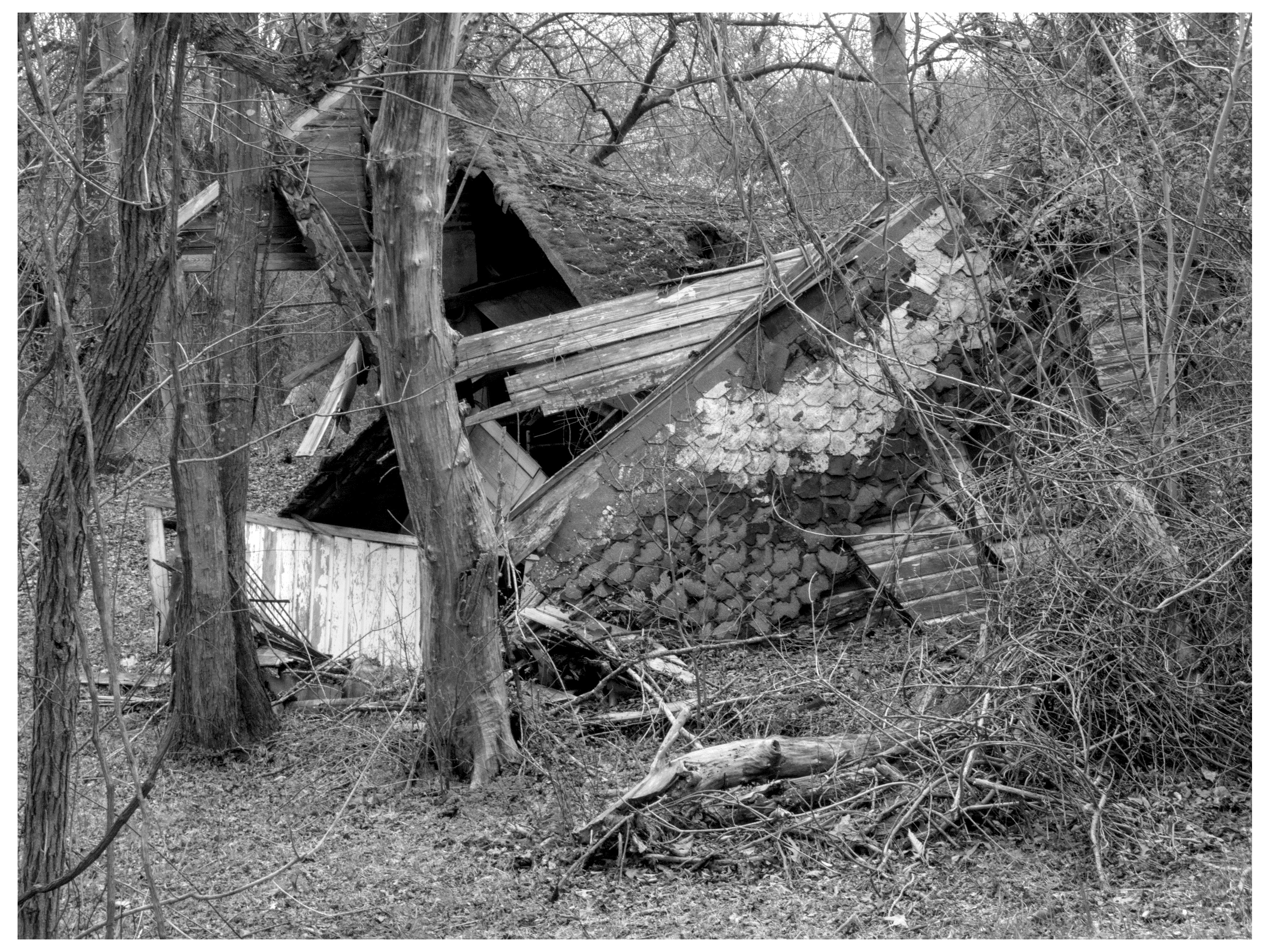
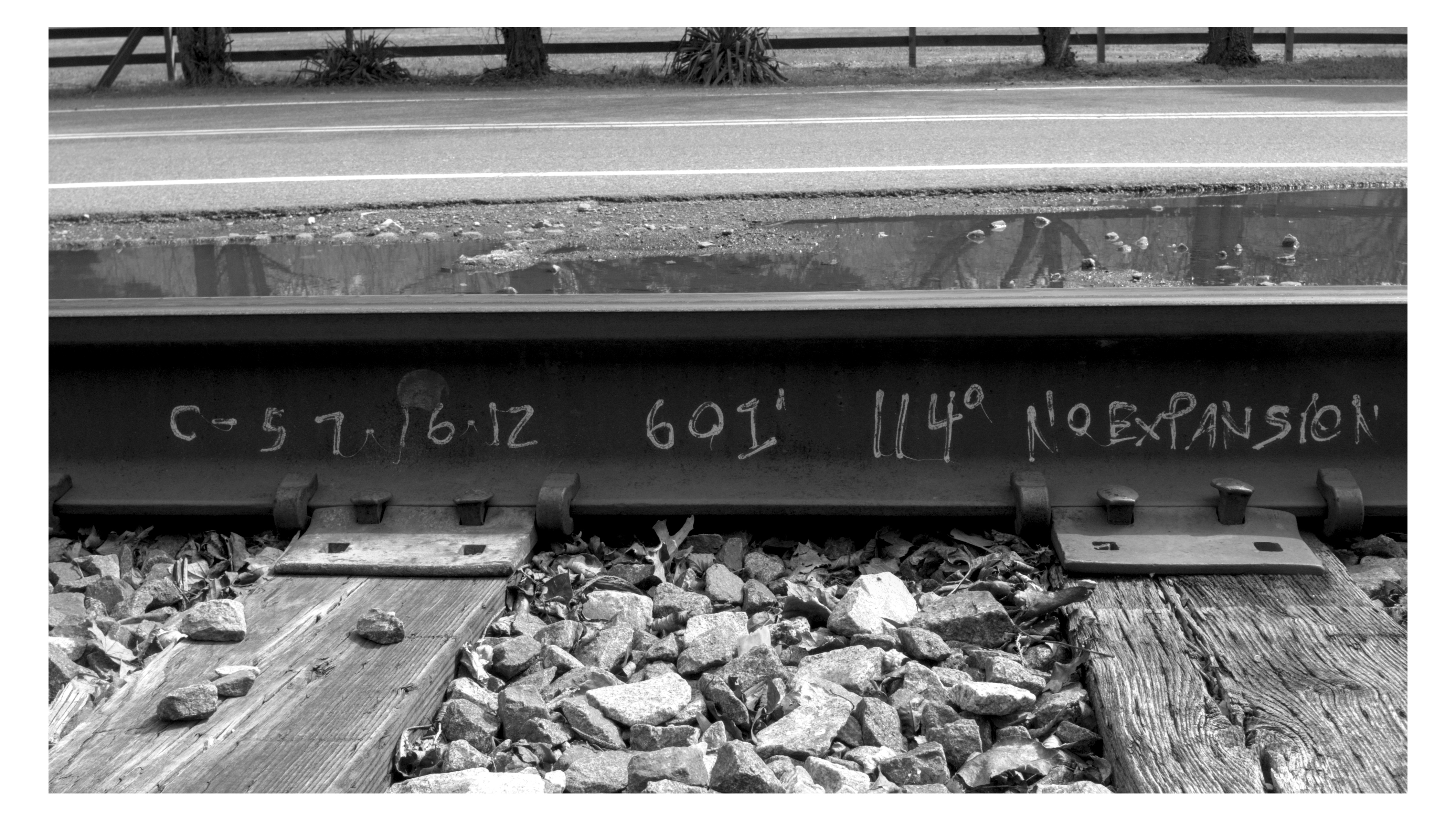
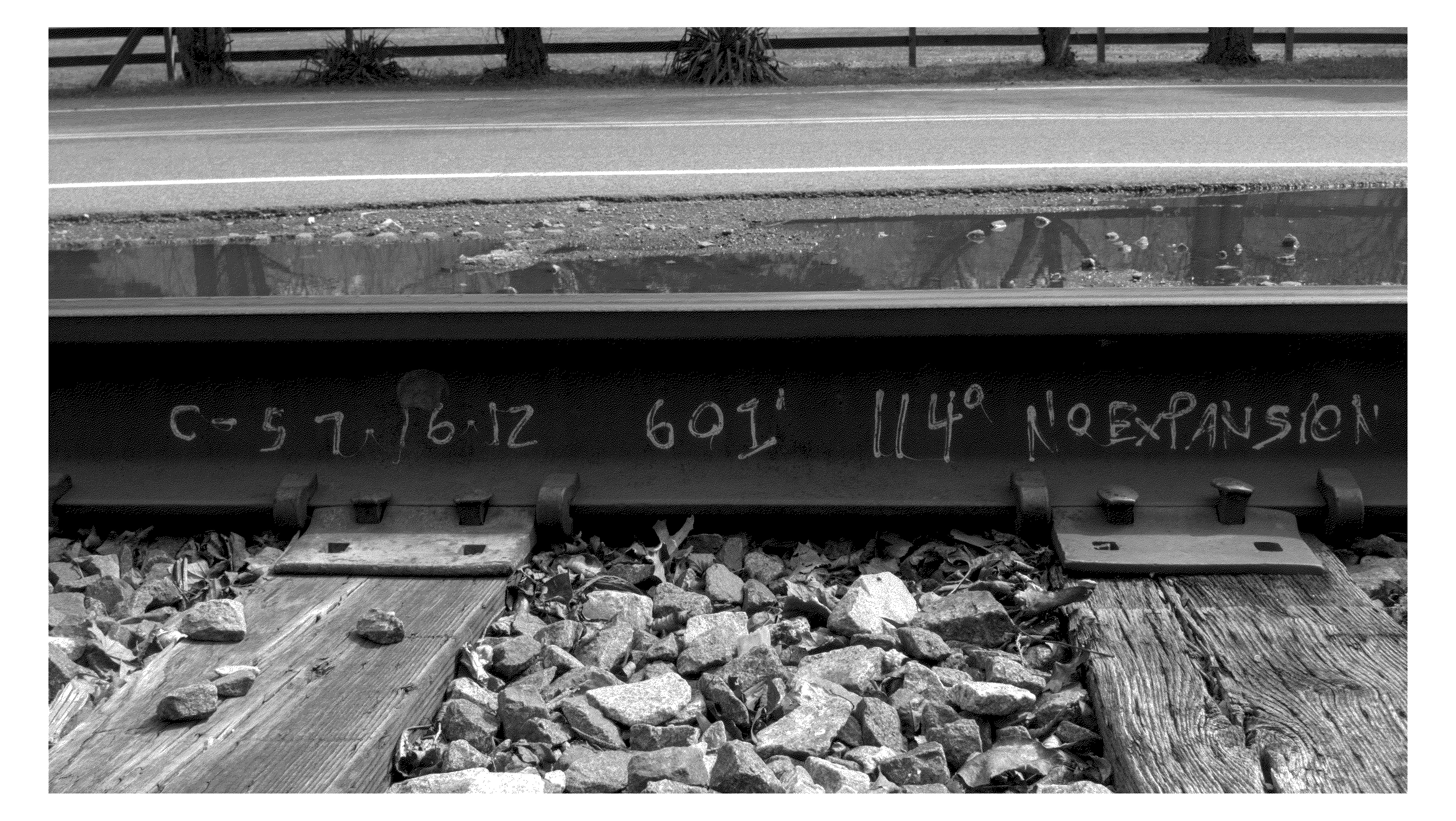
shot at f22, 1/8000.
dithered to 1bit because it's not like any individual pixels had any meaningful data on their own. filesize as very lossily compressed jpg? 20mb+. filesize as a lovely lossless gif? 4mb. lol.
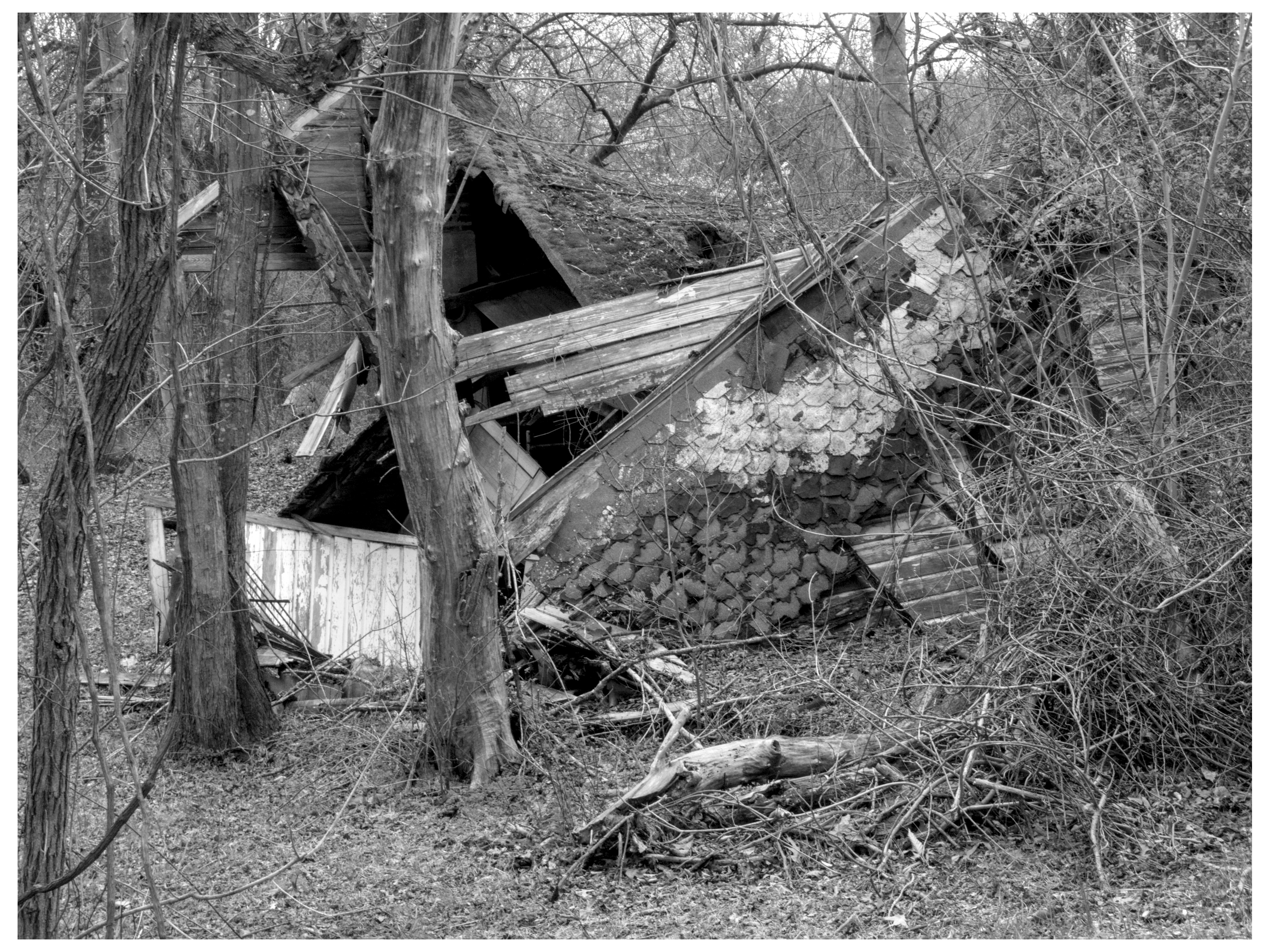
I wanna try this out with some abandoned architecture in good light like this. should look quite nice.
pic i took for big ol news thru a huge magnifying glass then shrank and 1 bit dithered
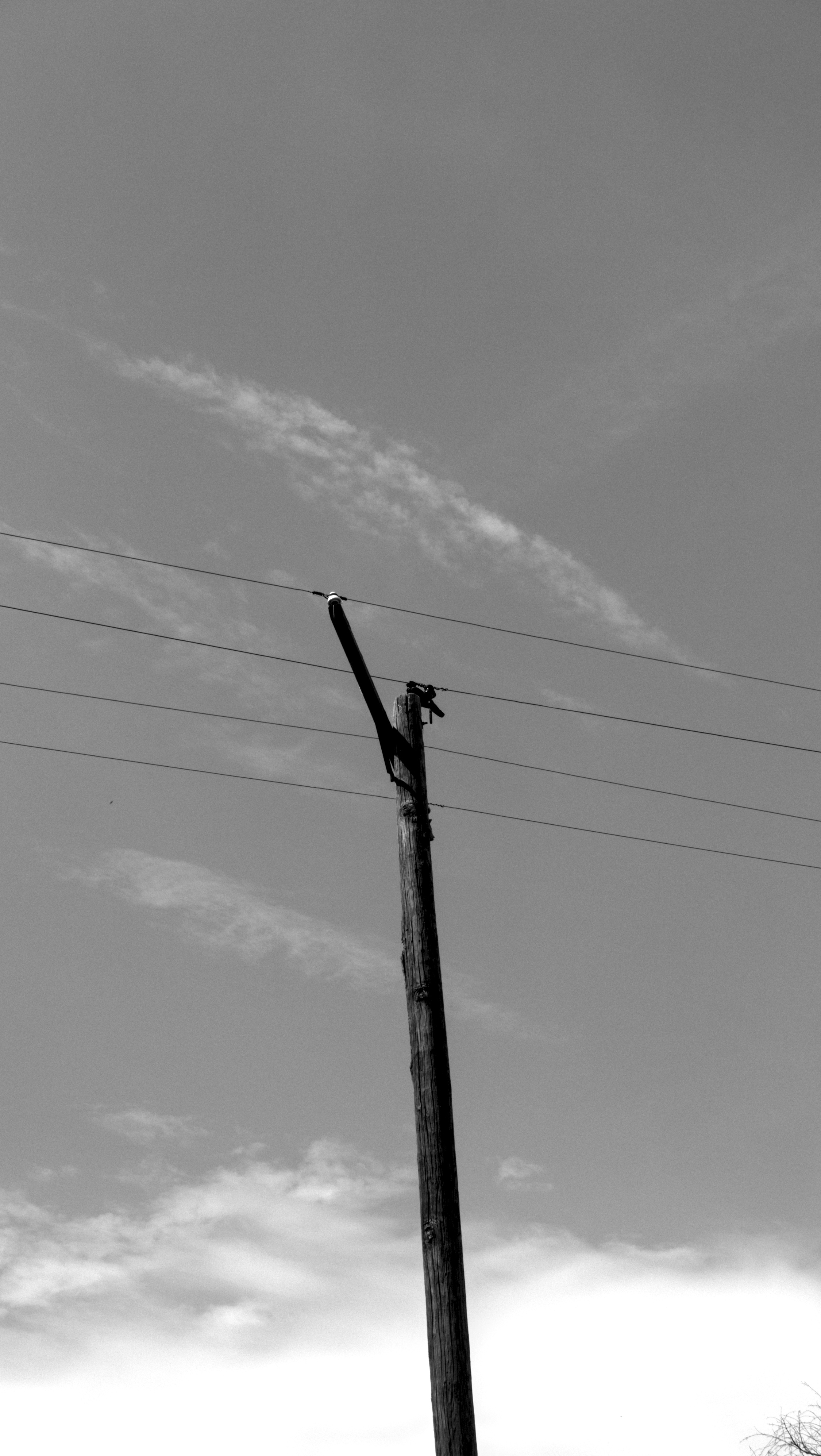
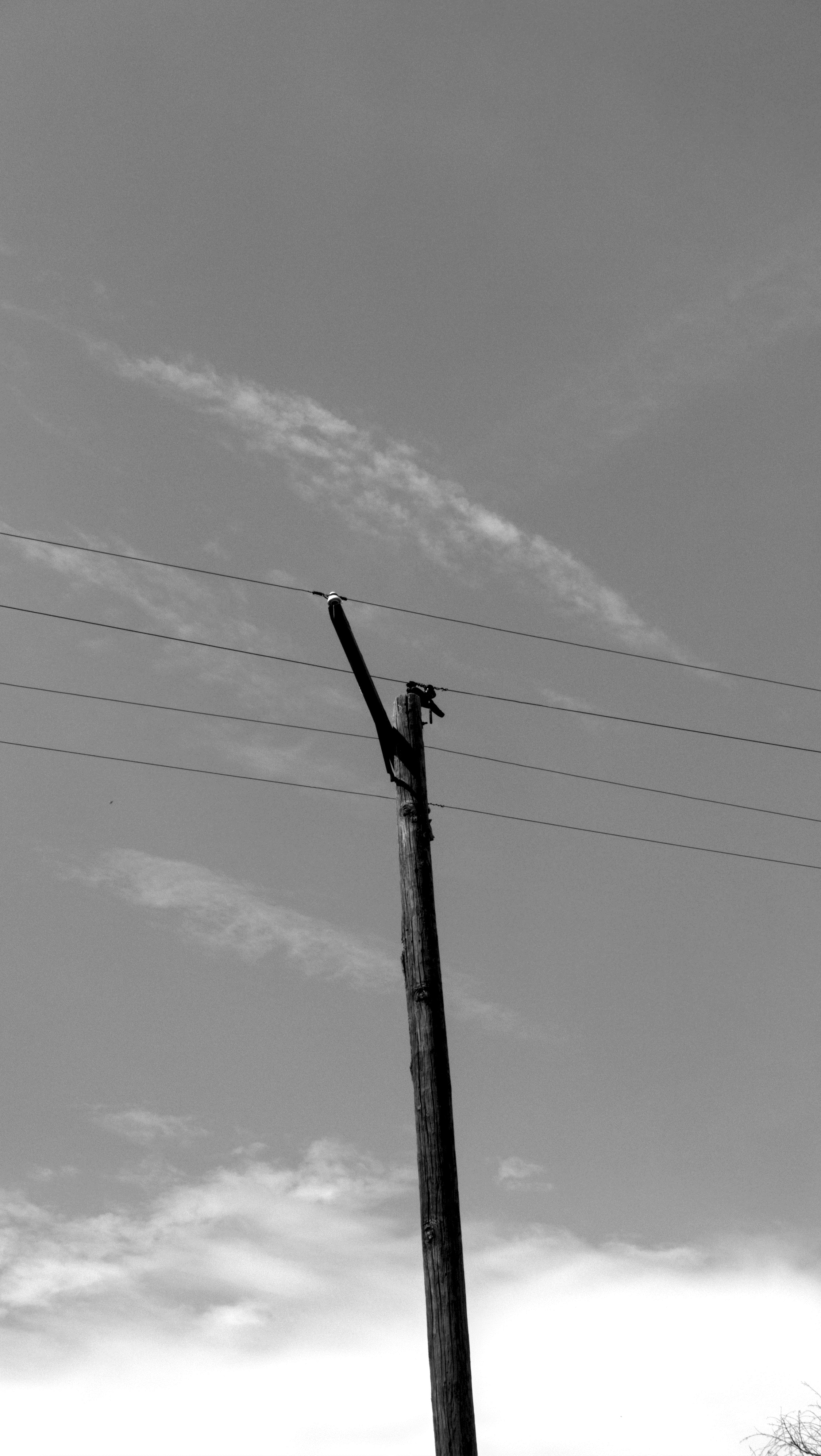
realized the correct way to execute this is to dither to 16 bits? i think? first sky image is no dither second is with. the difference between the two is fucking minuscule and i cant be certain that im not just tricking myself. as you can see my technique is very scientific.
both images processed in darktable, first exported to jpg, the other exported to 16bit tif, imported to gnu imp, dithered to 8 bits, then exported as jpg.
viewed at 1:1 zoom from a distance far enough that the dither artifacts become invisible the second image should theoretically appear to have more gray tones? i'm not really seeing it though. maybe the lx3 takes low bit depth images, maybe its my monitor, maybe this is just a bad image for it (the effect would be most obvious in gradients). actually, the dithered image appears to lose detail in the darkest shadows so ??? perhaps this is a dead end for now
jpg has 8 bits per channel meaning it can display only 256 distinct shades of gray.
camera raws tend to have lots more bits than that. is there a way to fit more of these grays into the evil format we call jpg?
perhaps we can dither the higher bit depth data into the jpg? darktable has a dither option but im not surrrrrrre if its doing what im talking about here. i think this is something i need to play around with in gimp.
my other idea for fitting that higher tonal data into a jpg is to use false colors to represent more gray tones, producing a fun gradient of colors from light to dark??
anyway whatever heres a picture with the darktable dither on auto and with it on 1 bit for fun.