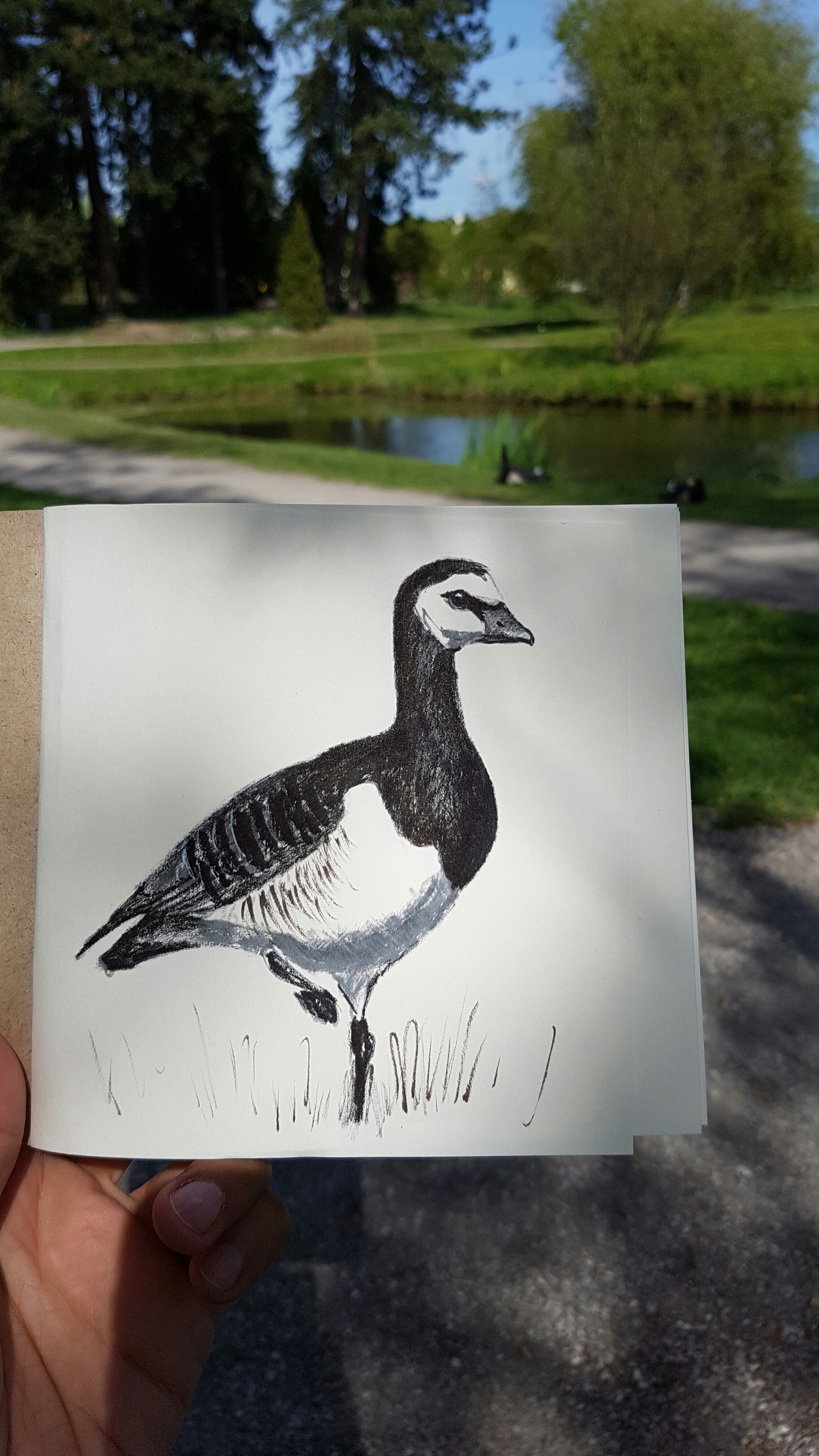
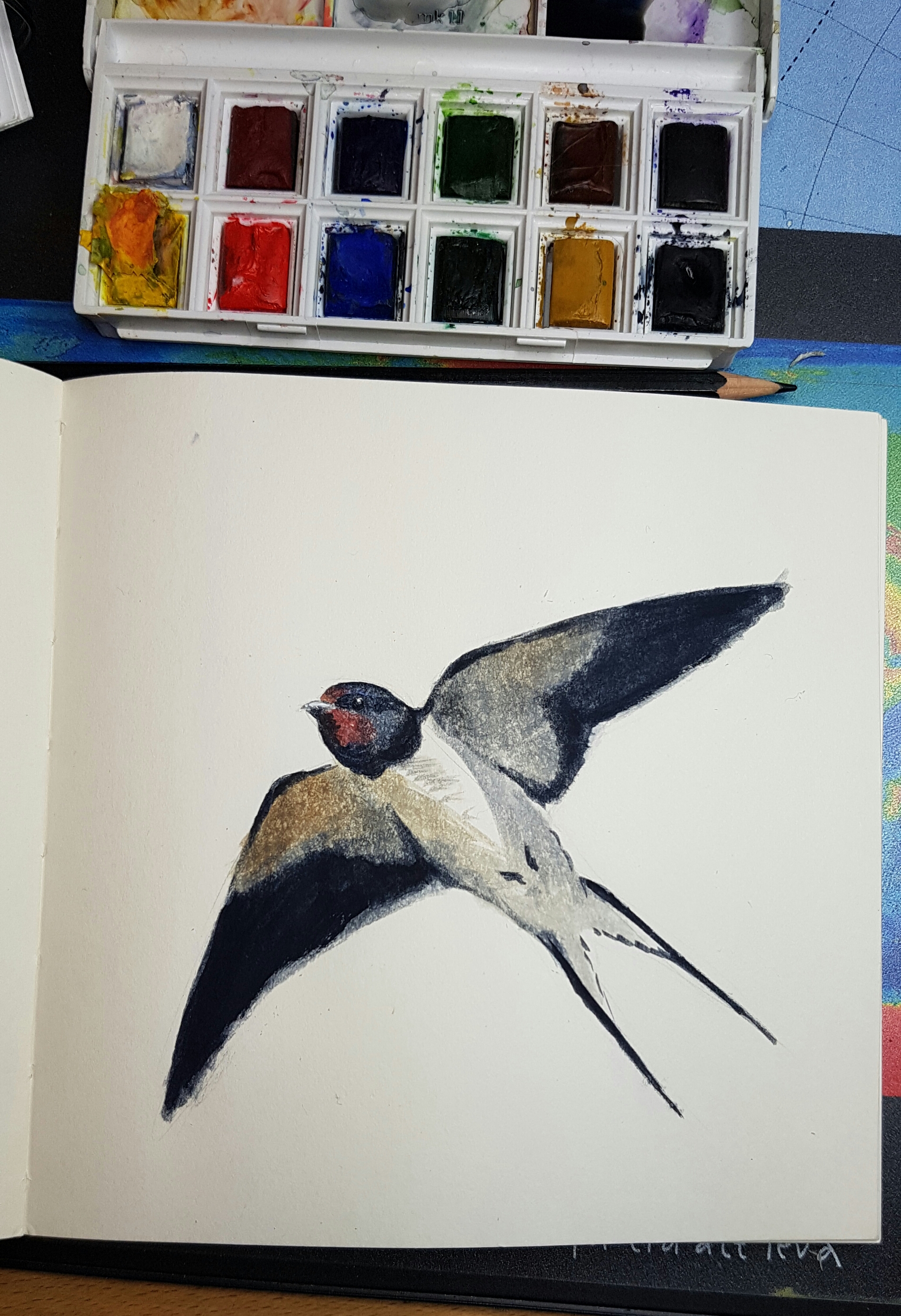
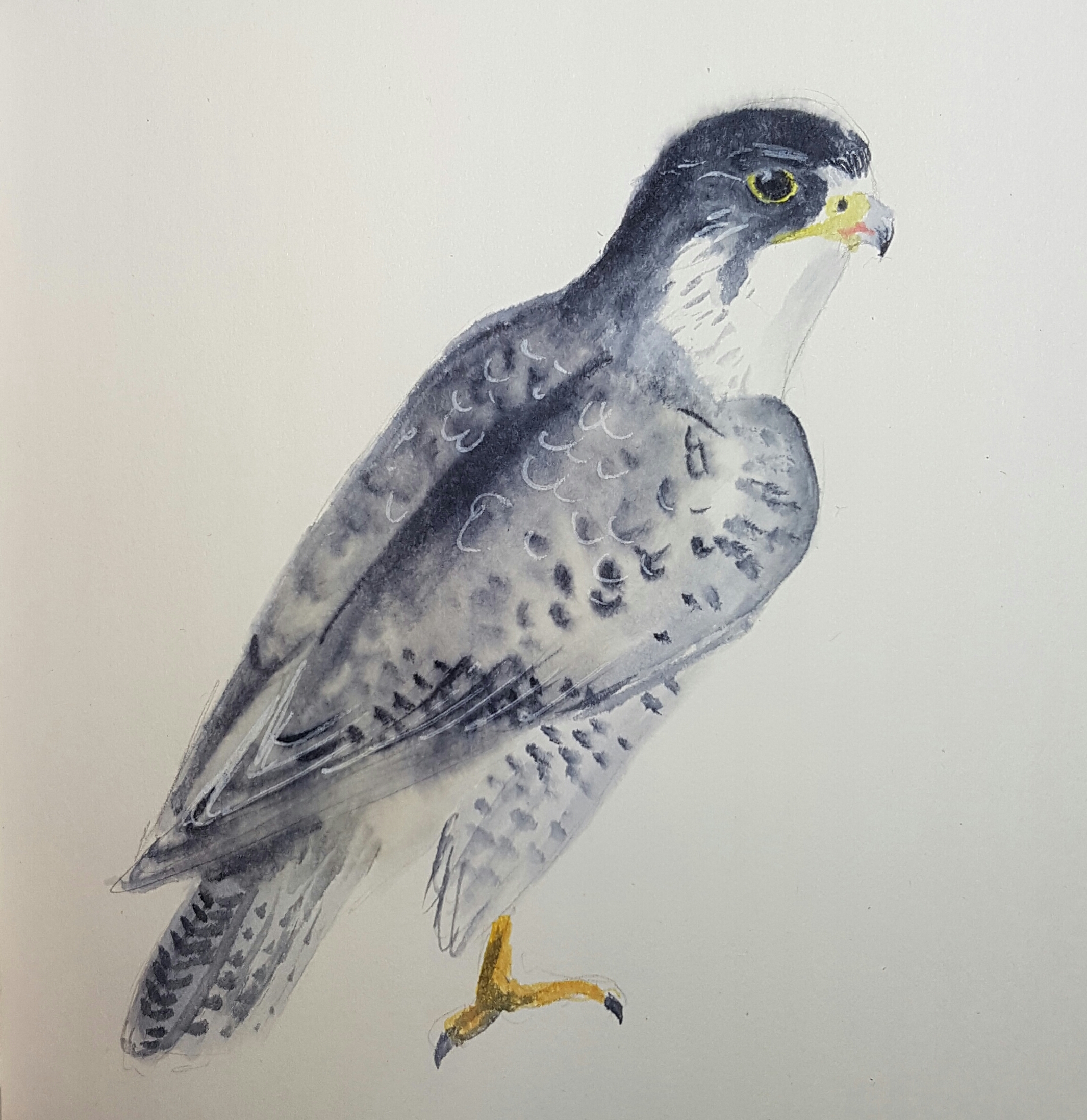
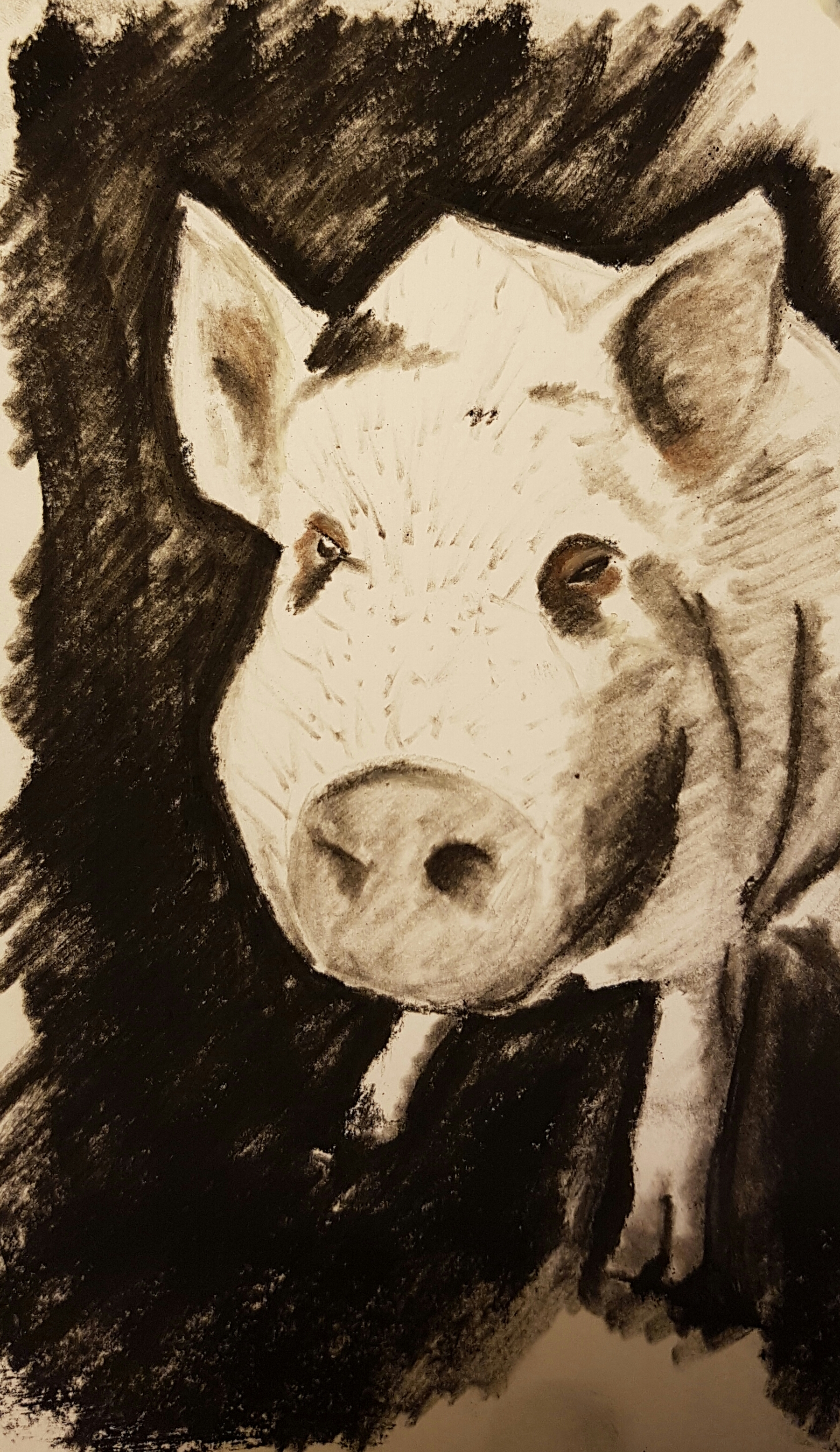
I don't know what phone you used to take that pic (or if it's a phone at all!), but on my iphone, if I go into the edit menu -> rotate menu -> rotate a little then back to 0 -> done, it uploads untilted. Which is a trick I wished I'd figured out sooner, because it's way quicker than using my computer!









Post a comment
Nice!
@Ashly thanks for the tip! It's actually an android, but rotating back and forth and saving again did the trick indeed :-)
I don't know what phone you used to take that pic (or if it's a phone at all!), but on my iphone, if I go into the edit menu -> rotate menu -> rotate a little then back to 0 -> done, it uploads untilted. Which is a trick I wished I'd figured out sooner, because it's way quicker than using my computer!
And the upload is tilted *grunt* -_- I'll try to fix it later from my home computer